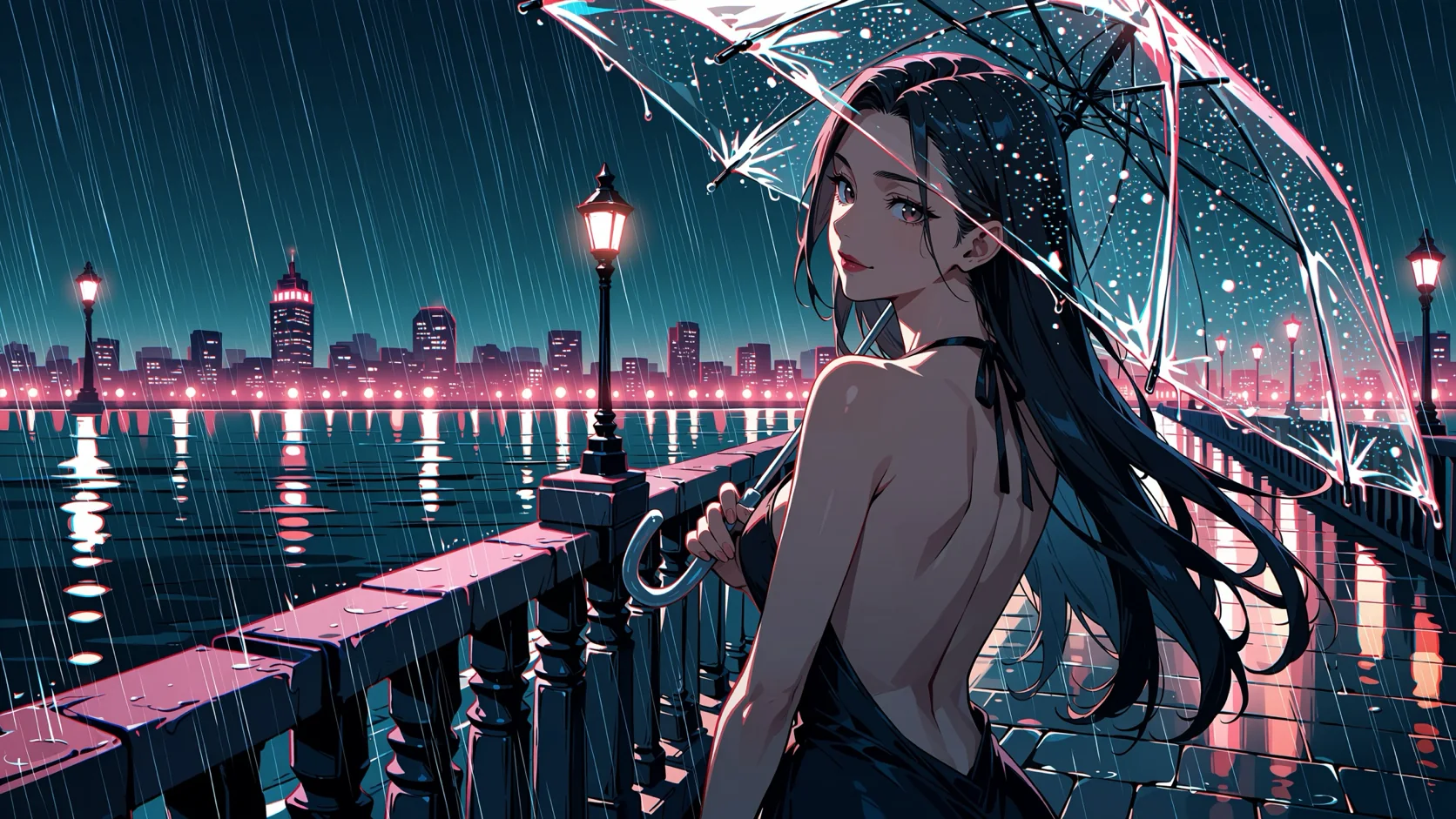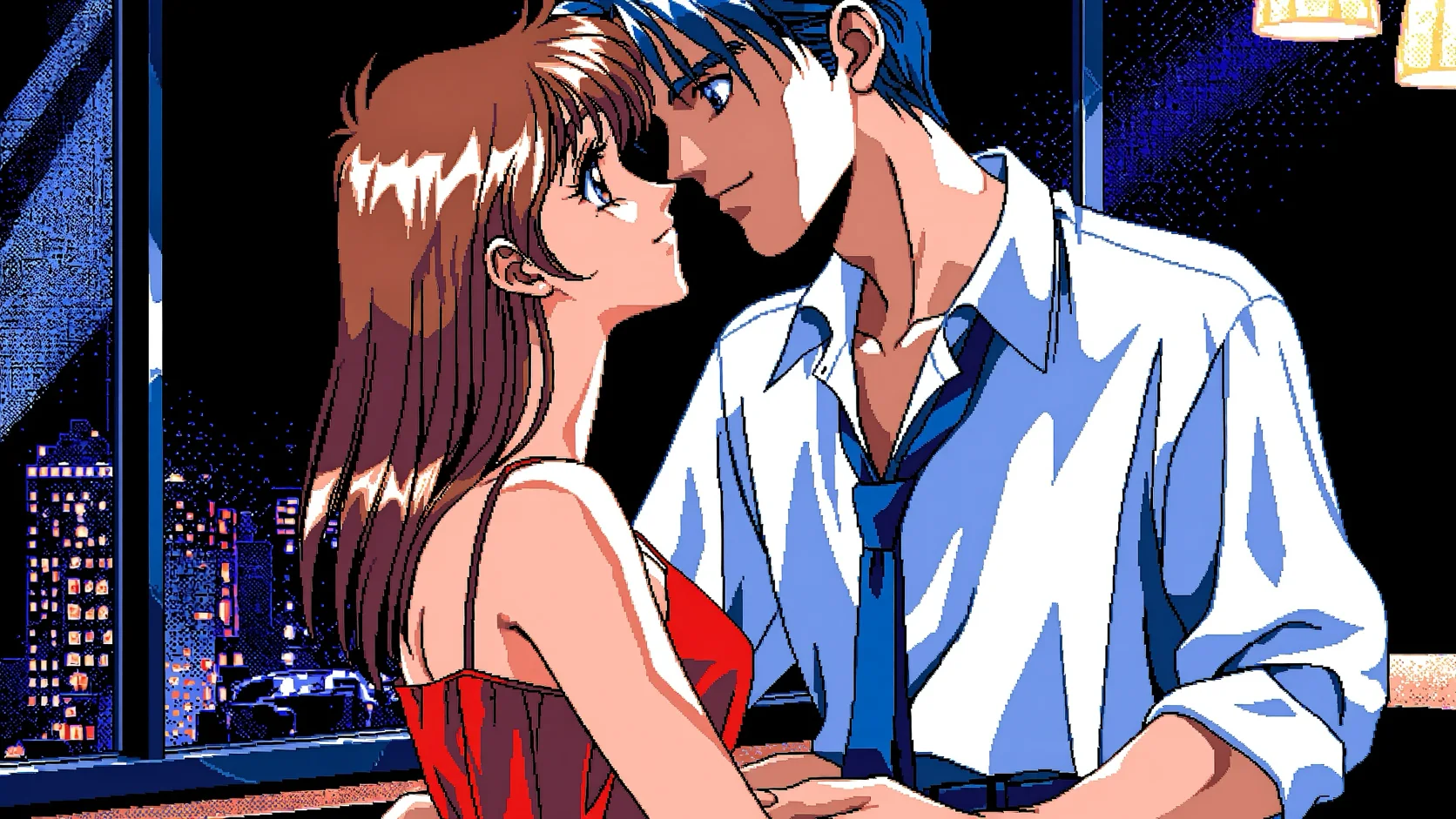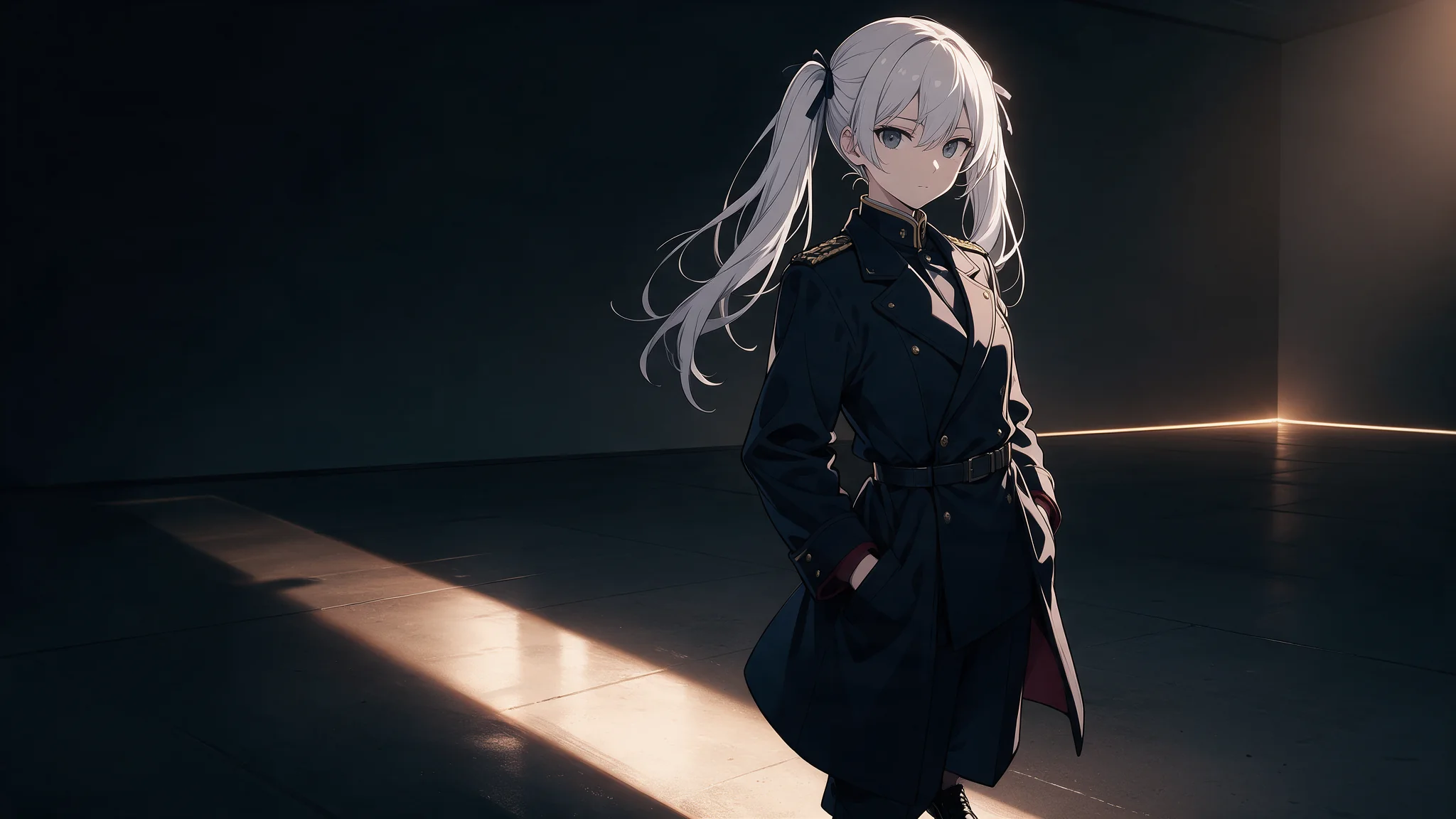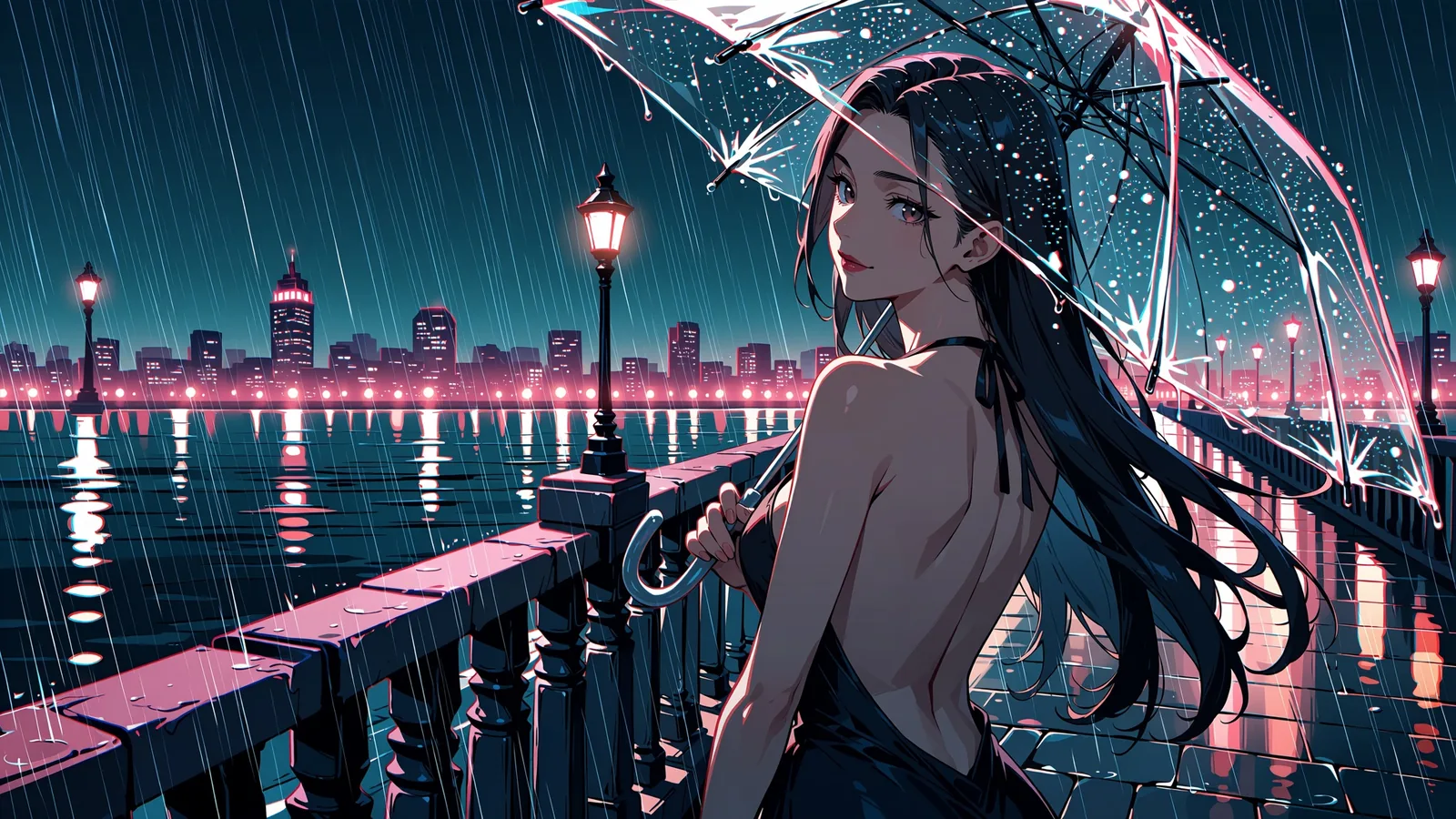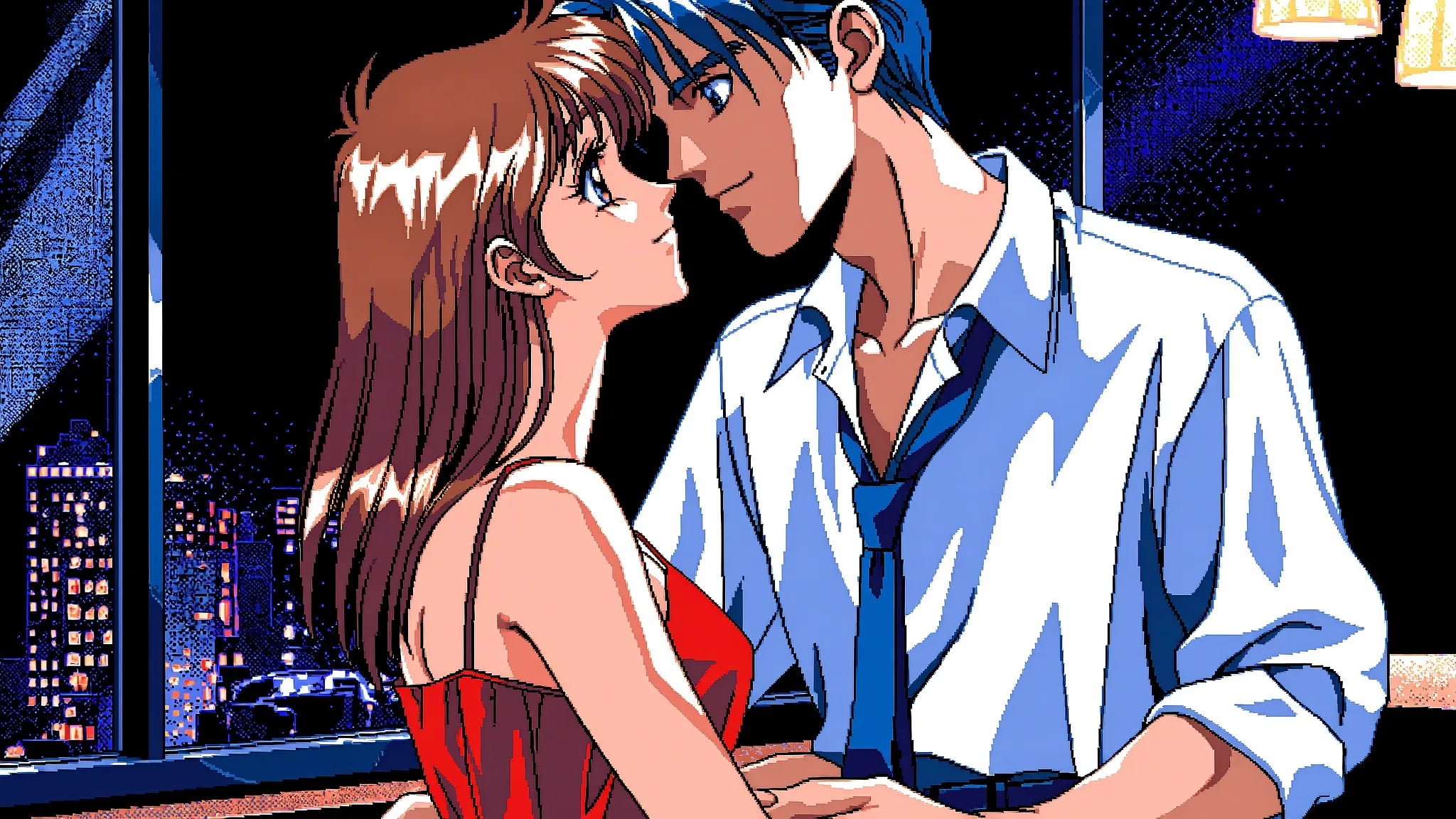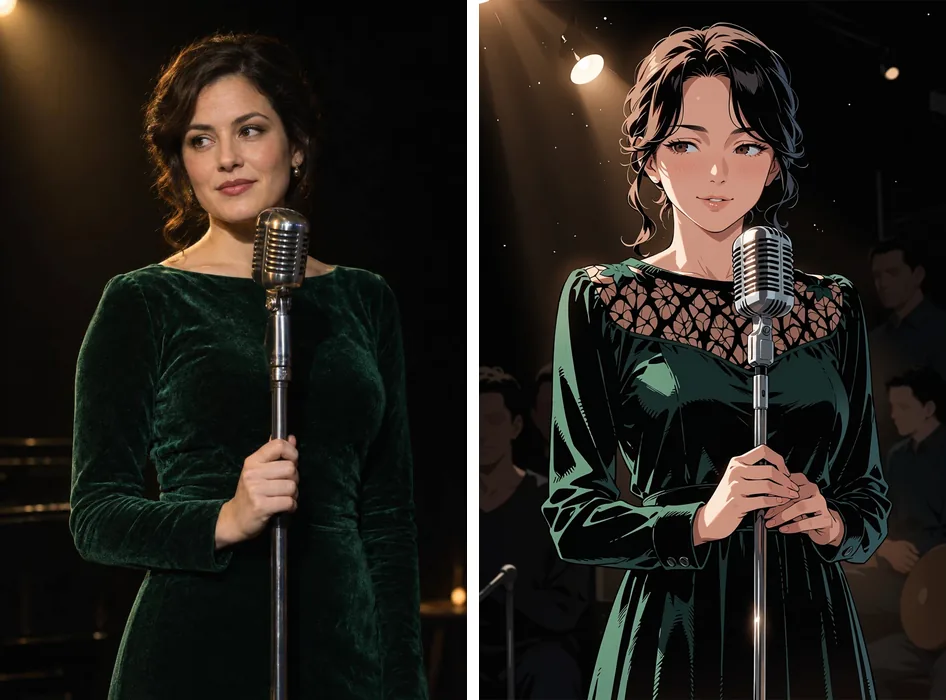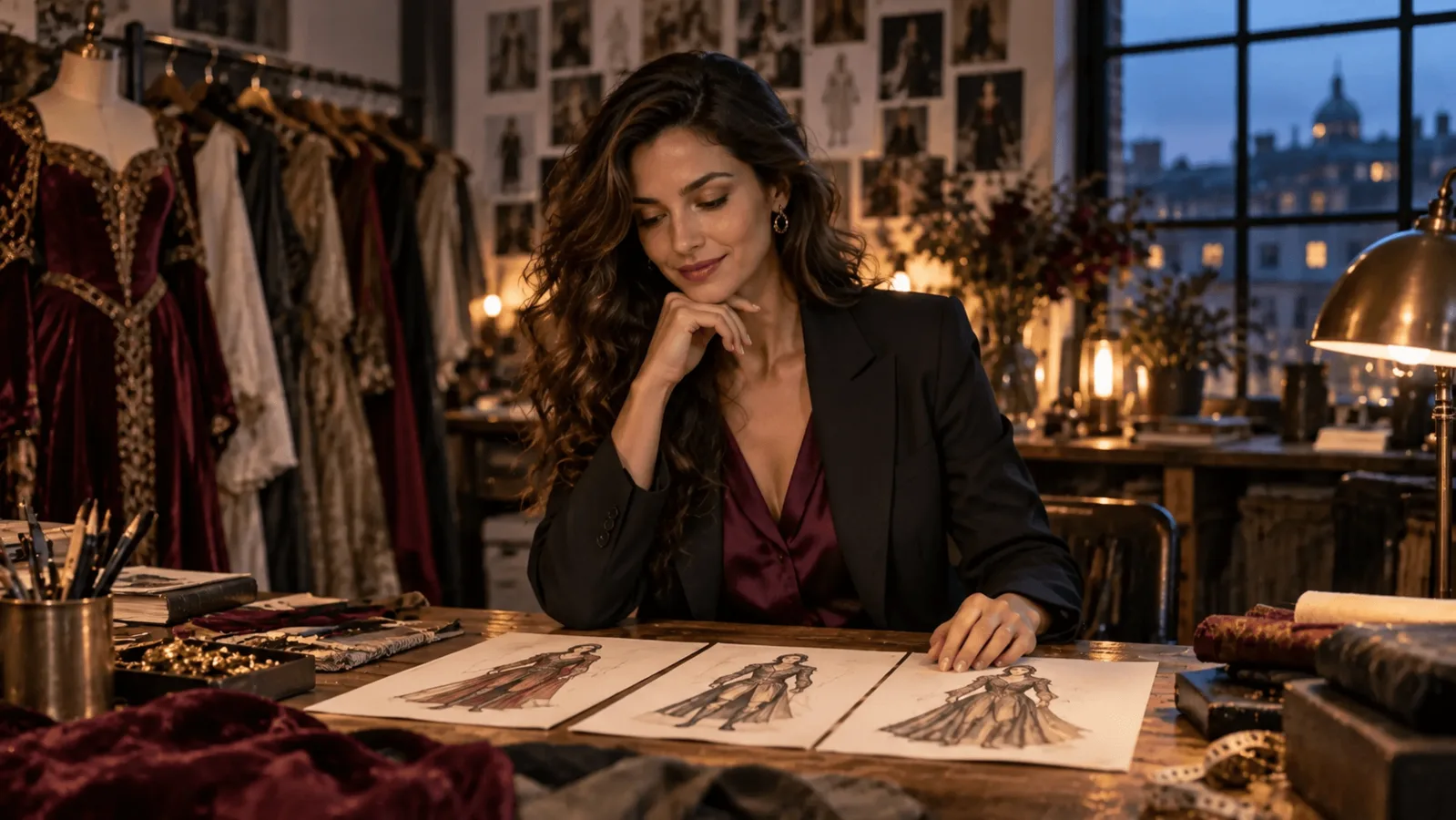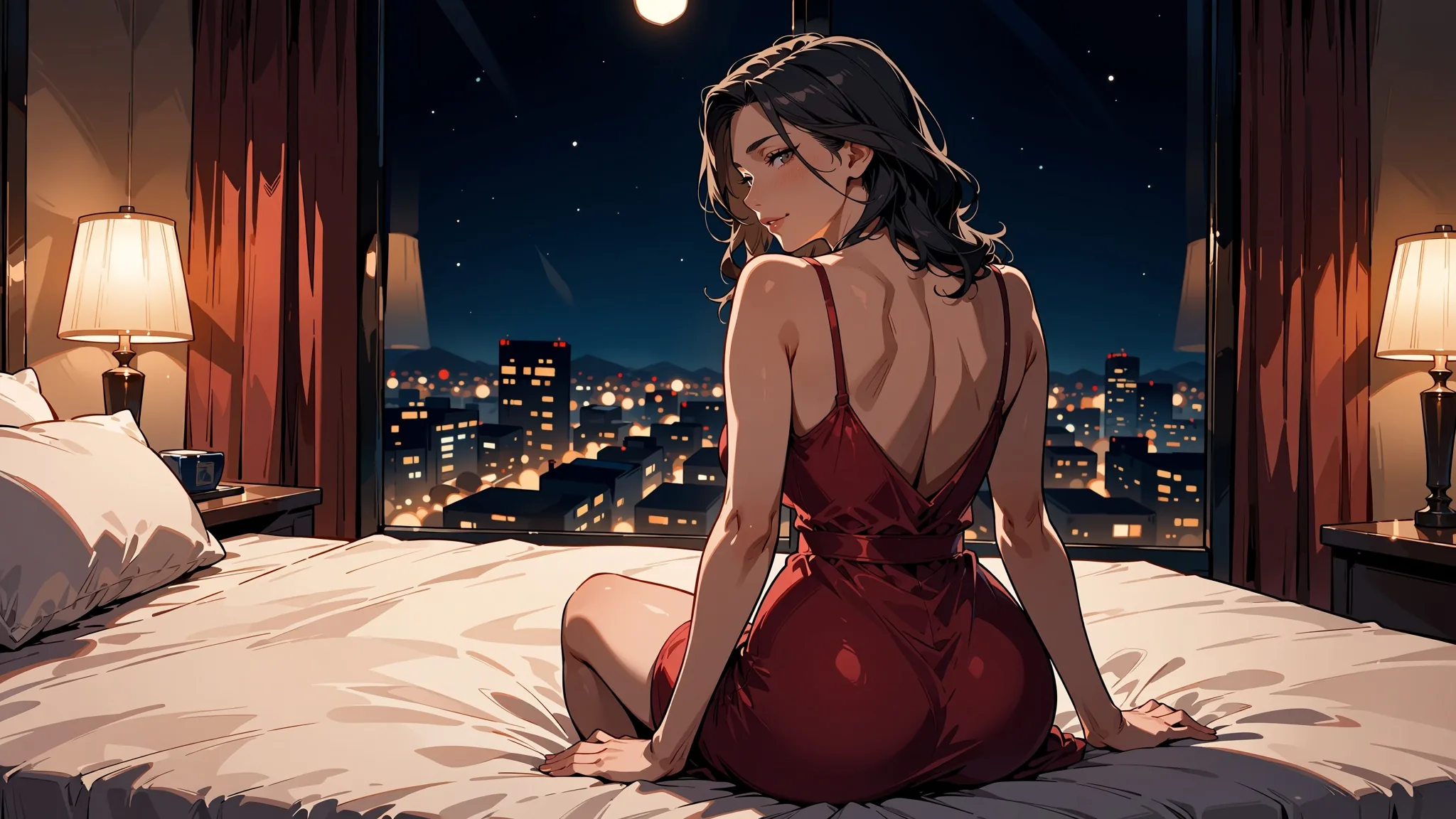
Anima Turbo, text to image, 16:9 at the 1.5k tier. The rating tag was sensitive; the prompt describes a clothed adult in a hotel room.
Short answer: yes, Anima Turbo is uncensored. On SpicyAPI there is no content filter in front of it, and in our tests of 25 requests across four levels, from suggestive lingerie up to an intimate scene between two adults, we got zero refusals and zero substitutions. Image to image and adult-friendly LoRAs behaved the same way. What the model will not do is photorealism, which for this kind of work is a feature: everything it draws reads as illustration.
This guide covers what we tested, how the rating tags change the tone, how to keep one adult character recognisable across scenes, how to add a style with a LoRA, how to write couple scenes, and where the model still lets you down. Every example prompt here is a clothed, suggestive-at-most scene; the platform does not write or publish prompts for adult scenes, and you will not need one to follow along.
At a glance
| Question | Answer from our tests (5 October 2026) |
|---|---|
| Does it refuse? | No. 25 requests, zero refusals, zero substitutions |
| Levels tried | L1 to L4 (we did not run L5 on Anima) |
| Also tested | Image to image, with and without LoRAs, female and male subjects, two seeds for the top levels, 1k and 1.5k tiers |
| Tone control | Rating tags: safe, sensitive, nsfw and one stronger tag |
| Style | Anime and illustration only; no photorealism |
| Custom styles | Up to 3 LoRAs on the LoRA family |
| Typical speed | 2 to 16 seconds per image in our 60-run speed test |
| Not available | Negative prompt, steps, CFG, masks, several images per request |
Is Anima Turbo uncensored?
Yes: in our tests nothing was refused, blurred or toned down. We ran the model up our content ladder, which uses neutral level names:
| Level | What it means | Anima result |
|---|---|---|
| L1 Suggestive | Lingerie, a strap slipping off the shoulder | Rendered as written |
| L2 Partial | A partly revealing look | Rendered as written |
| L3 Strong | A much more revealing look | Rendered as written |
| L4 Intense | An intimate scene between two adults | Rendered as written on the first try |
| L5 Extreme | Consensual restraint between adults, or cinematic gore | Not run on Anima |
The 25 requests mixed text to image and image to image, with and without LoRAs, female and male subjects, two seeds each for L3 and L4, and both resolution tiers. The image-to-image runs started from a clothed source image, and when we asked for L3 or L4 at a strength of 0.8 to 0.9 the model followed. A separate batch of 60 aspect-ratio runs used an L2-level prompt, and all 60 delivered. We saw no content flag, no blur and no softening.
"Refusal-free" is not the same as "every image is perfect". Anatomy and hands still need seed rerolls, like any image model, and we cover that in the limits section.
How other models handled the same ladder
For context, we ran the same ladder on two general-purpose image models through a third-party hosted API: FLUX 3 text to image and Ideogram v4.5. Both delivered a bikini beach scene and a neutral lingerie catalogue photo. FLUX 3 refused 10 of its 12 requests and Ideogram refused 11 of its 13, including a classical figure-study painting and a euphemistic prompt with no flagged words. Refusals came back in about two seconds, before any image was made, with the message "Content flagged as potentially sensitive. Please try different prompts or images." Refused requests were not charged. Because the euphemistic prompt was refused too, the filter looks semantic rather than a keyword list. We cannot tell whether that filter belongs to the model makers' own APIs or to the host, so read it as a statement about those routes, not about the models alone.
How do rating tags steer tone?
Rating tags set how much restraint the model applies, and with a clothed description safe and sensitive give nearly the same picture. Anima knows safe, sensitive and nsfw, and the publisher, CircleStone Labs, documents one more, stronger tag. The publisher describes nsfw and that stronger tag as the ones that remove restraint. Because there is no negative prompt, the rating tag is the main way to set the tone, so it is worth choosing deliberately.
We tested the first two with one lounge prompt (an adult woman in a black evening dress with thin straps at a hotel bar) and one seed, changing only the tag.
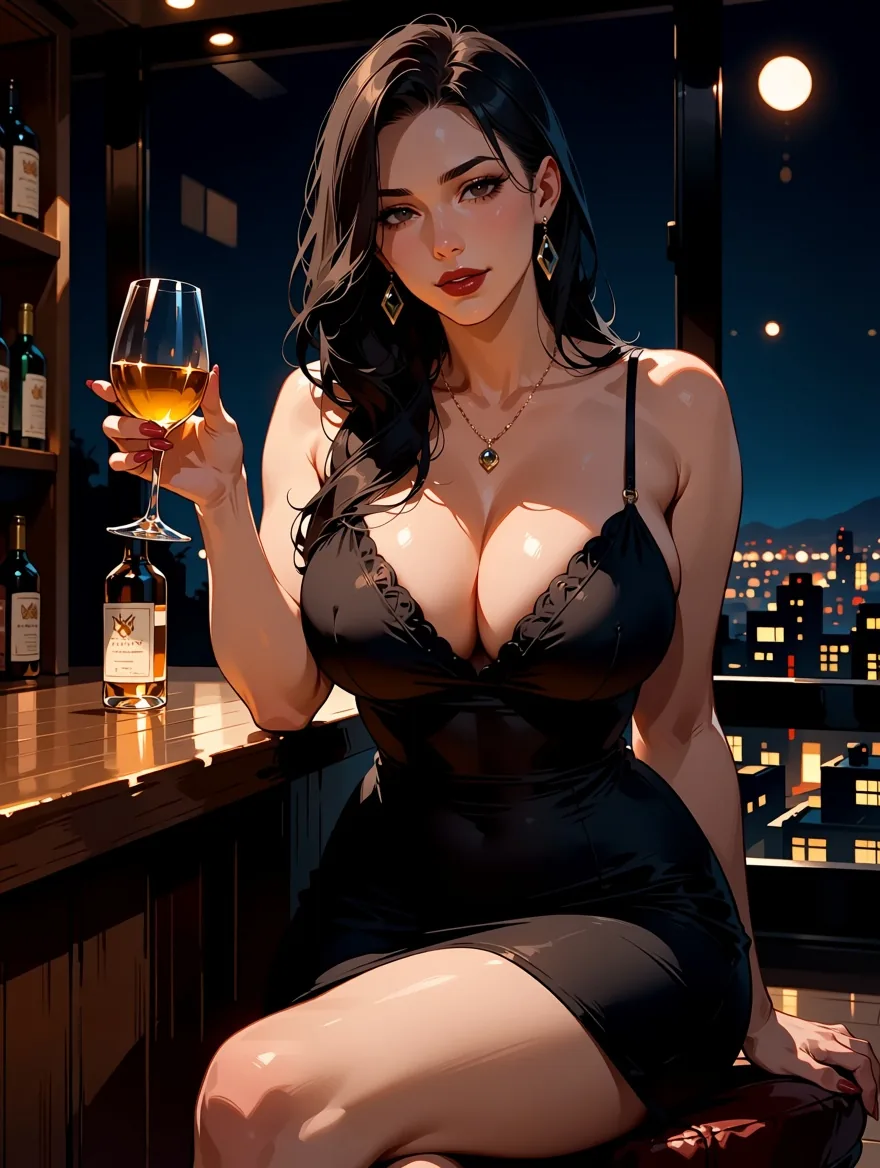
Same prompt and seed, safe.
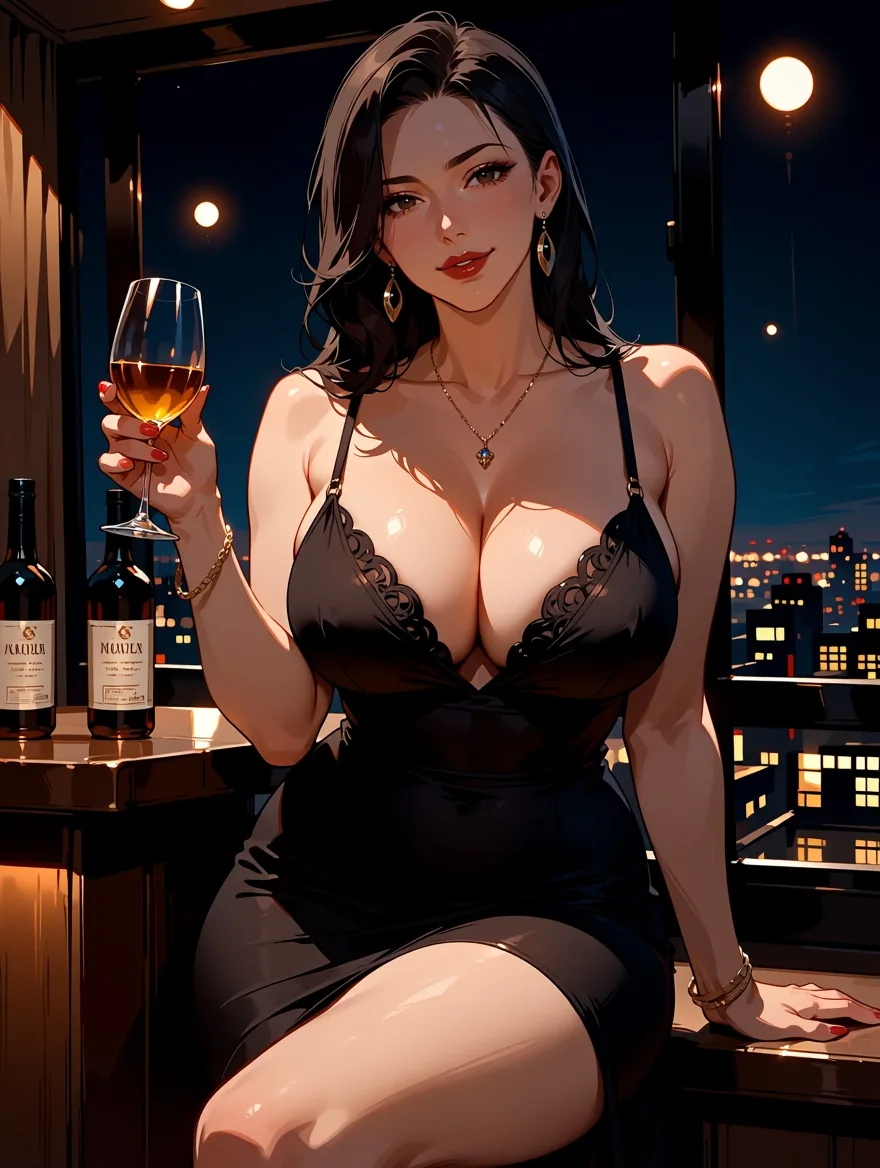
Same prompt and seed, sensitive.
The composition, pose and mood match; small details such as the jewellery and the bottles changed. Treat safe and sensitive as a light nudge for clothed scenes, and expect the bigger shift from the stronger tags. We are not printing any prompt that uses those, and neither does the platform's documentation; they are there if you choose to use them, and the responsible-use section below applies to every one of them.
A few tag conventions from the publisher that help in any scene: write tags in lowercase with spaces instead of underscores, start with quality and rating tags, then head count (1girl, 1boy), then character, series, artist and general tags. A good opening is masterpiece, best quality, optionally score_7. Our own tests also worked with full sentences and with mixes of tags and sentences; the publisher recommends at least two sentences when you write in natural language. Our broader prompt tests are in Anima Turbo Tested: Tags, Sentences and Style Tags.
How do you keep one adult character consistent across scenes?
Fix the seed, keep the character description word for word, and change only the outfit and the place. There is no reference-image or character-lock feature, so consistency comes from the prompt. We wrote one adult character as a block of tags and reused it three times:
masterpiece, best quality, score_7, safe, 1girl, solo, adult woman, mature female,
short silver bob, golden eyes, beauty mark under the left eye,
black turtleneck, standing in an art gallery, looking at viewer
For the second and third scenes we kept everything up to beauty mark under the left eye, switched the rating tag to sensitive, and changed only the clothes and the setting: a red silk slip dress on a night balcony, then an oversized white shirt on a windowsill in the morning. All three used seed 31 on the 1k tier at 3:4.
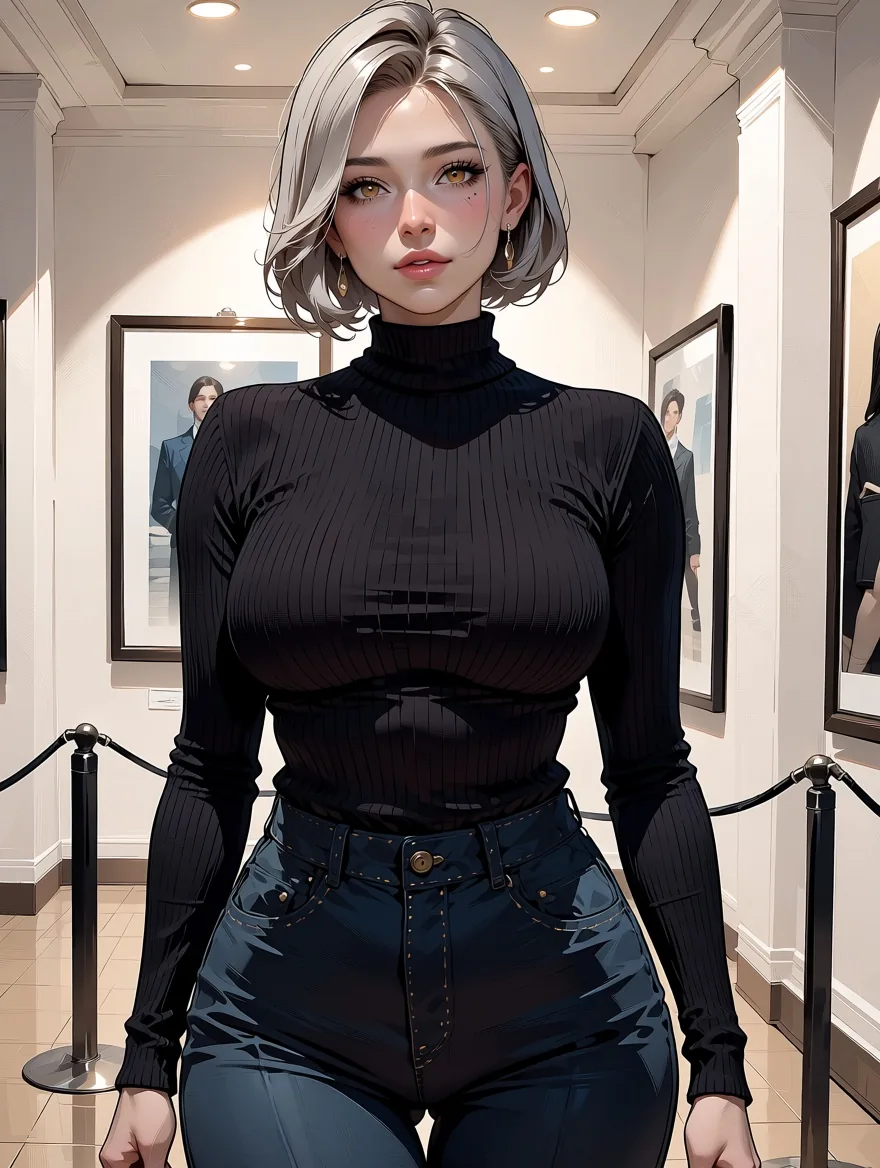
Scene 1: turtleneck, gallery.
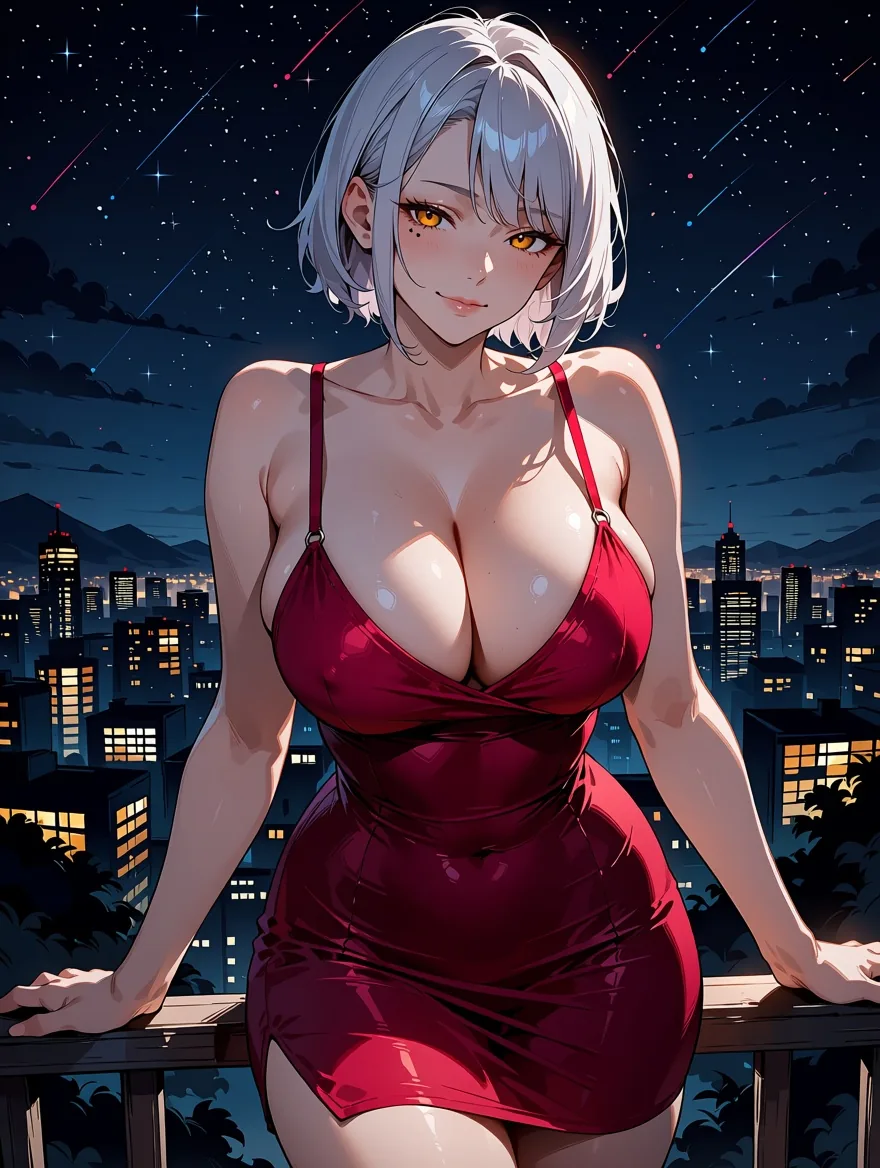
Scene 2: red slip dress, balcony.
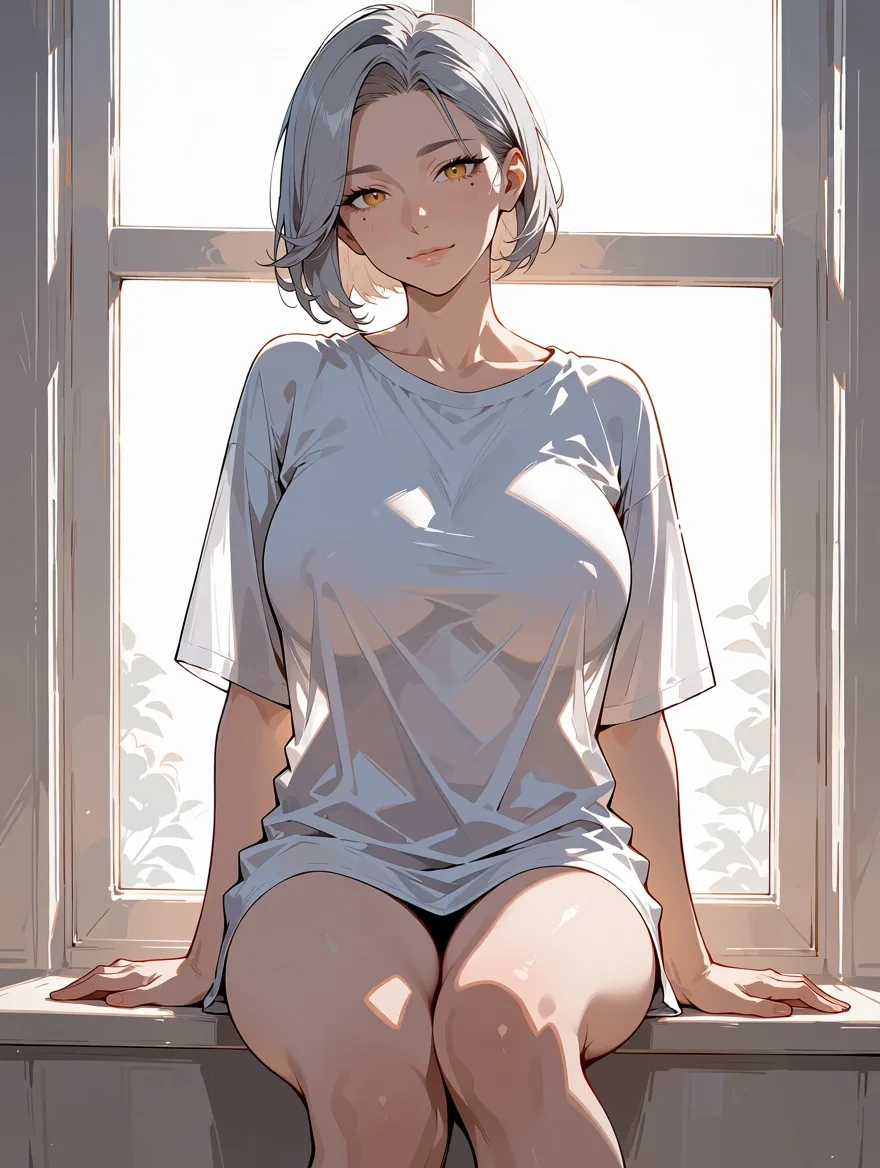
Scene 3: oversized white shirt, windowsill.
The silver bob, the golden eyes and the beauty mark carried across all three, and the face stays recognisably the same character. The rendering style drifts a little between scenes (the gallery picture is more painterly than the other two), which is the normal cost of changing the whole scene around a fixed seed. Two habits make this work better:
- Describe the character with concrete, countable features: hair length and colour, eye colour, one distinctive mark. Vague words ("pretty", "elegant") add nothing to recognisability.
- Change one thing at a time when you want to compare. If the outfit, the place and the lighting all change, you cannot tell which one broke the likeness.
A fixed seed makes runs comparable, but it does not guarantee identical pixels: the same request and seed gave us slightly different renderings at different times. Plan to pick the best of a few tries.
How do you add a style with an adult-friendly LoRA?
Use the LoRA family, paste a direct link to a .safetensors file, and keep the scale between about 0.5 and 1.2. The Anima Turbo LoRA page takes up to three LoRAs per request, each as a {path, scale} pair. Loading LoRAs adds no separate charge, and the platform adds no filter to them. Hugging Face listed 129 Anima LoRA adapters on 5 October 2026. A LoRA trained for a different base model loads without an error and changes nothing, so check that the one you pick was trained for Anima.
We used two public LoRAs. The first is the PC-98 era game look, Melon-Bread/anima-pc98-gal-style-v0.2, with the trigger word pc98gal_style.
pc98gal_style, dithering, limited color palette, flat cel shading, thin linework,
sensitive, 1girl, solo, adult woman, mature female, long purple hair, black slip dress,
leaning on a balcony at night, city lights, sultry smile, looking at viewer,
retro anime aesthetic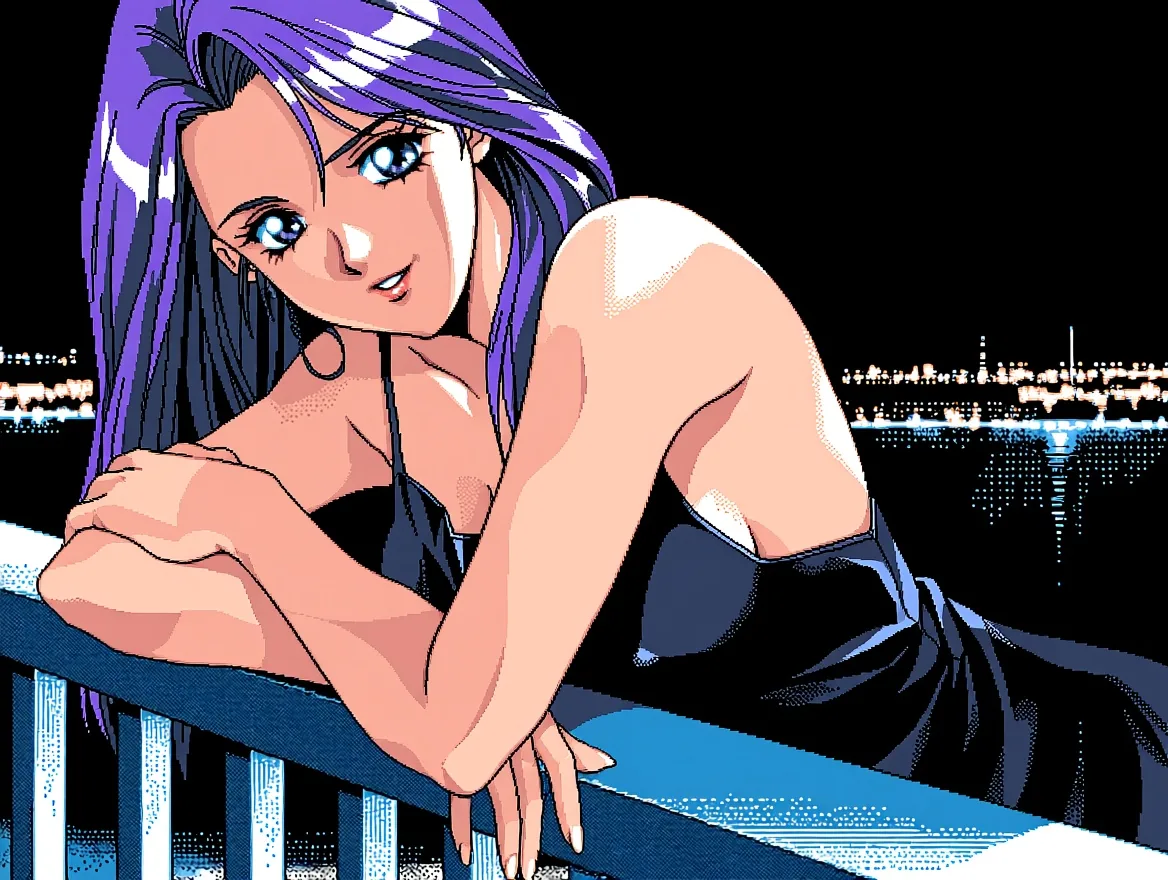
Anima Turbo LoRA, PC-98 LoRA at scale 1, 4:3, 1k tier.
The second is a manga-ink look, notverriegod/monochrome-grayscale_style. It needed monochrome, greyscale in the prompt: without those words our run stayed in colour. Here an adult woman in a kimono sits by a paper lantern, with sensitive as the rating tag.
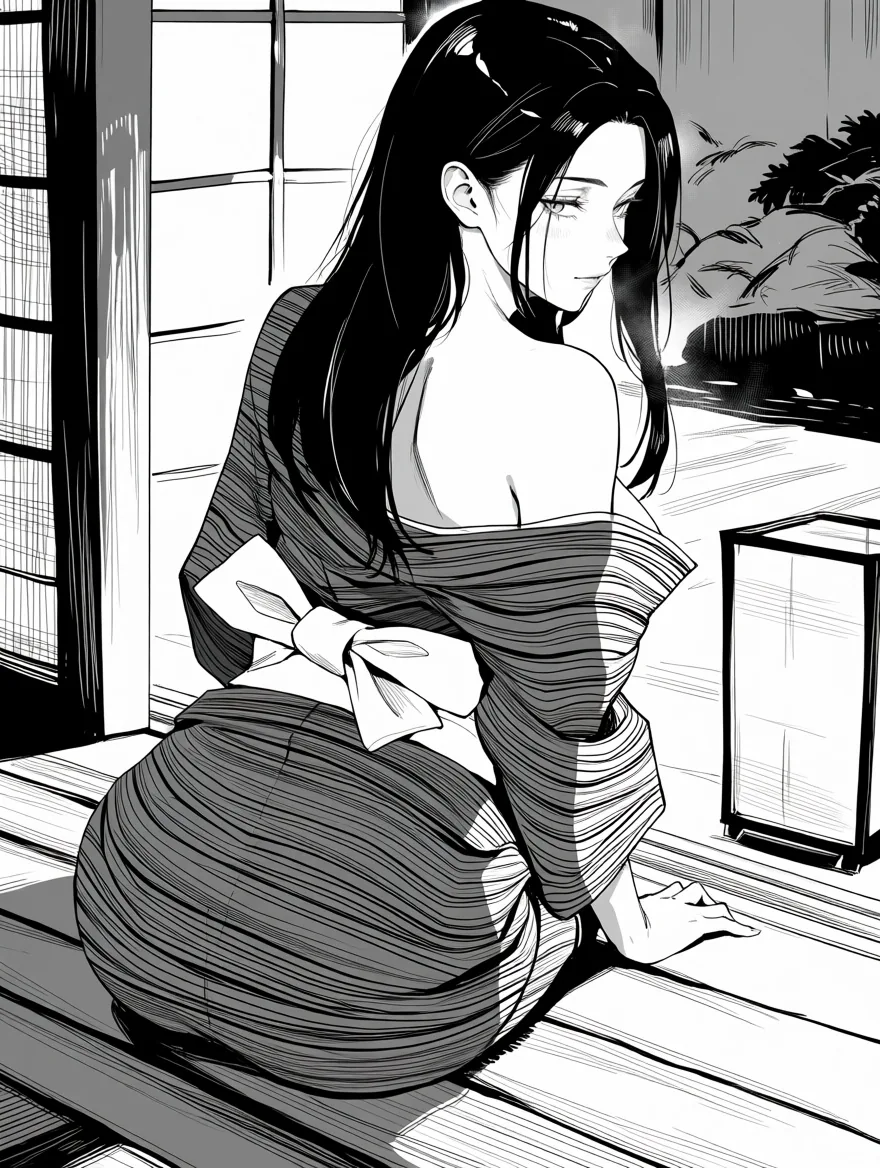
Anima Turbo LoRA, monochrome LoRA at scale 1, 3:4, 1k tier.
What to know about scale, from our scale ladder: 0 is identical to no LoRA, 0.5 is a light touch, 1 is the full style, 1.5 pushes the style harder, and 4 broke the image apart into abstract shapes. Three LoRAs stacked at 1, 0.6 and 0.25 worked, with the main style still reading clearly; more than three is rejected. The first request with a new LoRA can take longer while the file is fetched (one of ours took almost three minutes). If a link is gated (it needs a login) the request fails with an HTTP 401 message, and if you paste a repository page instead of the file you are asked for the direct download link; neither is charged. More on stacking and trigger words is in Anima Turbo LoRA: Styles, Scale and Stacking.
Can you write suggestive couple scenes?
Yes: write both characters as adults, set the mood with light and posture, and let the rating tag do the rest. This slow dance in a jazz bar is a good template:
masterpiece, best quality, score_7, sensitive, 1girl, 1boy, hetero, adult couple,
mature female, mature male, slow dancing close together in a dim jazz bar,
she wears a green satin dress, he wears a dark suit with loosened tie,
foreheads touching, his hand on her waist, warm lamp light, intimate mood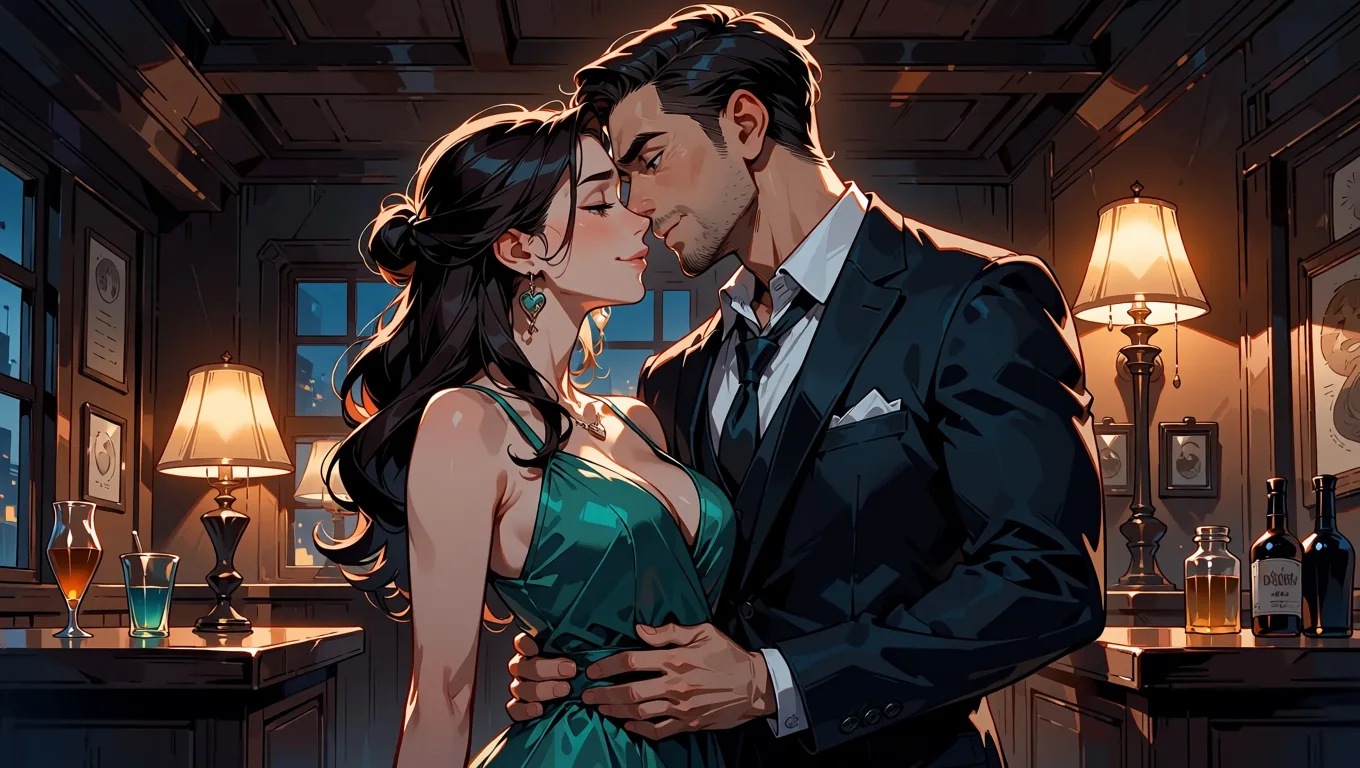
Anima Turbo, 16:9, 1k tier, sensitive.
The model follows the group tags (1girl, 1boy, 2boys, 2girls) well. We also ran two more couples, one of two men and one of two women, using the same structure with 2boys and 2girls and the adult tags for each person.
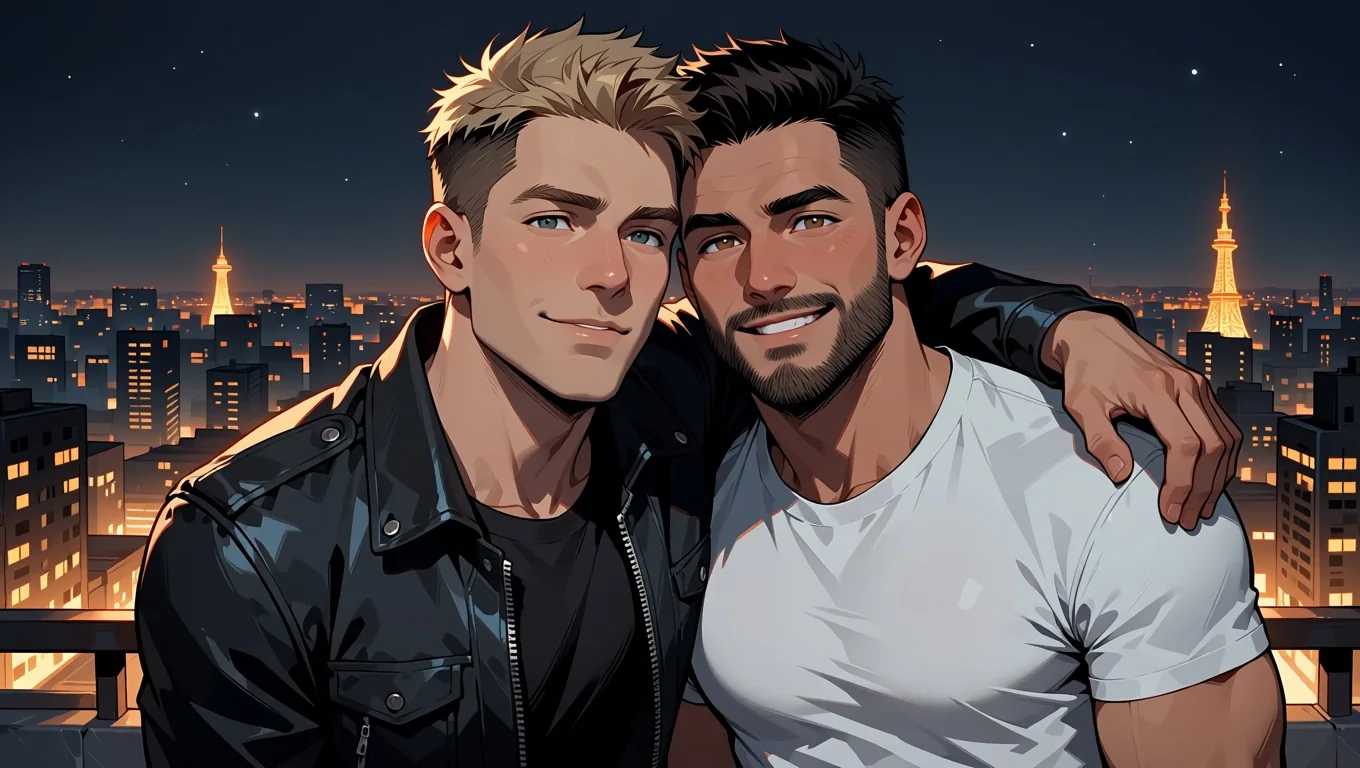
Two adult men on a rooftop at night, 2boys, sensitive.
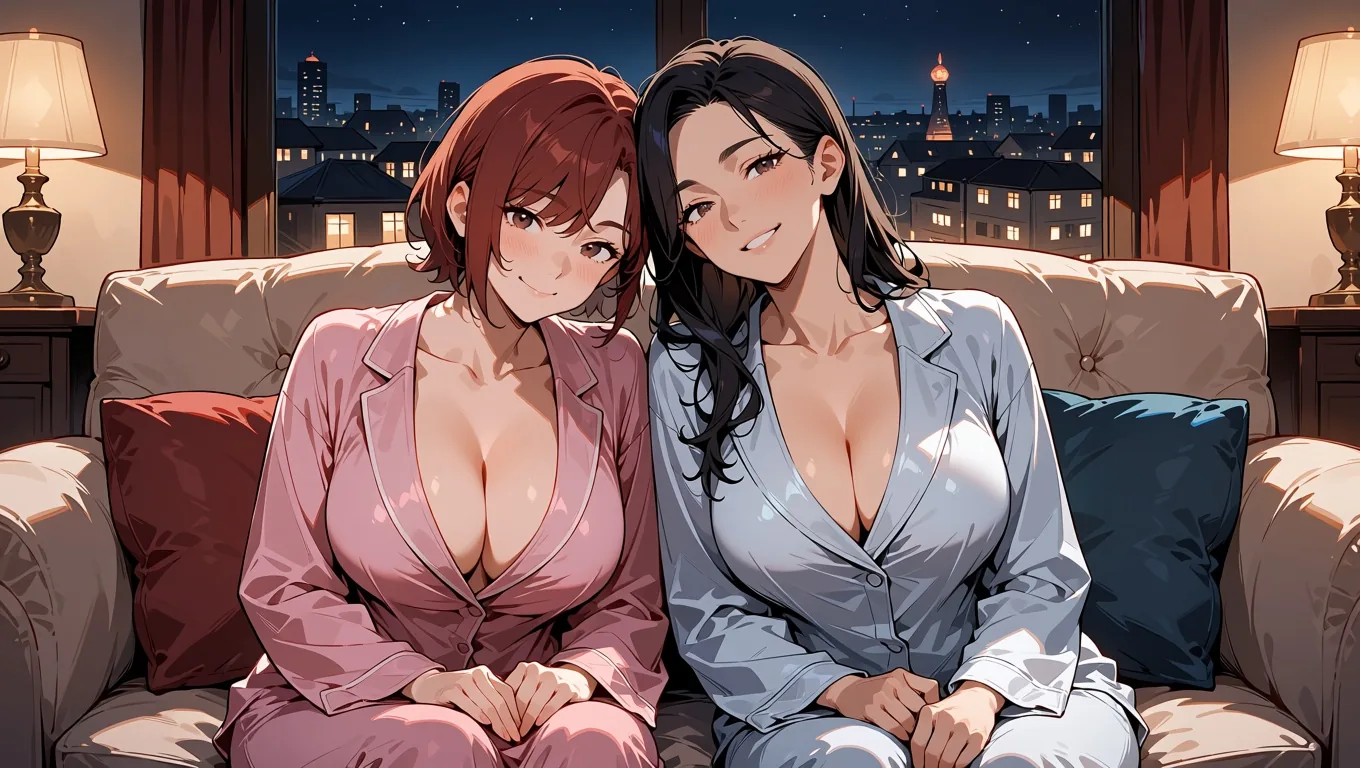
Two adult women on a sofa in silk pajamas, 2girls, sensitive.
Two things we noticed. First, the model reads mature male and mature female as an instruction about the faces, so keep those words in; they also state clearly in the prompt that every character is an adult. Second, solo scenes are the most reliable. For a single adult man the same recipe works: an unbuttoned white shirt in a bedroom doorway in morning light came out as intended on the first seed, and a woman in a bathrobe slipping off one shoulder by a dawn window did too.
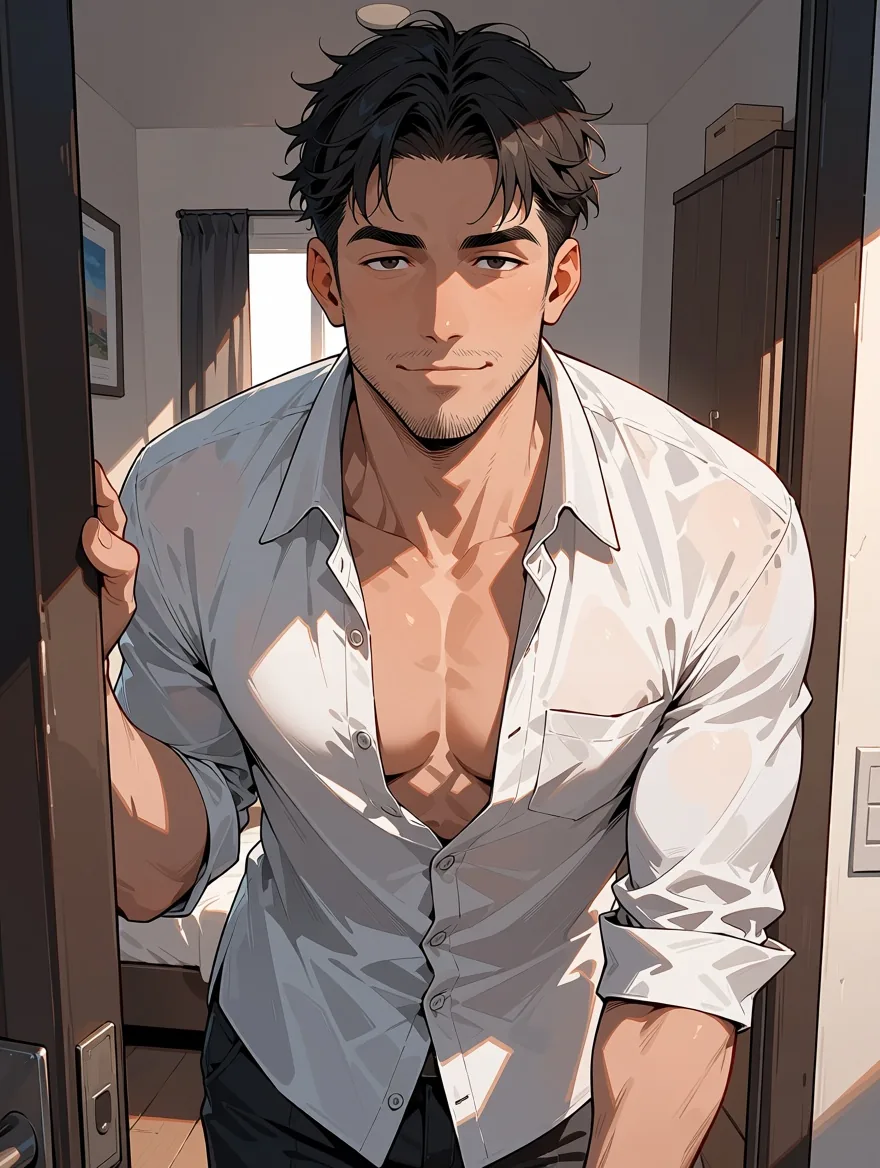
Solo adult male, 3:4, sensitive.
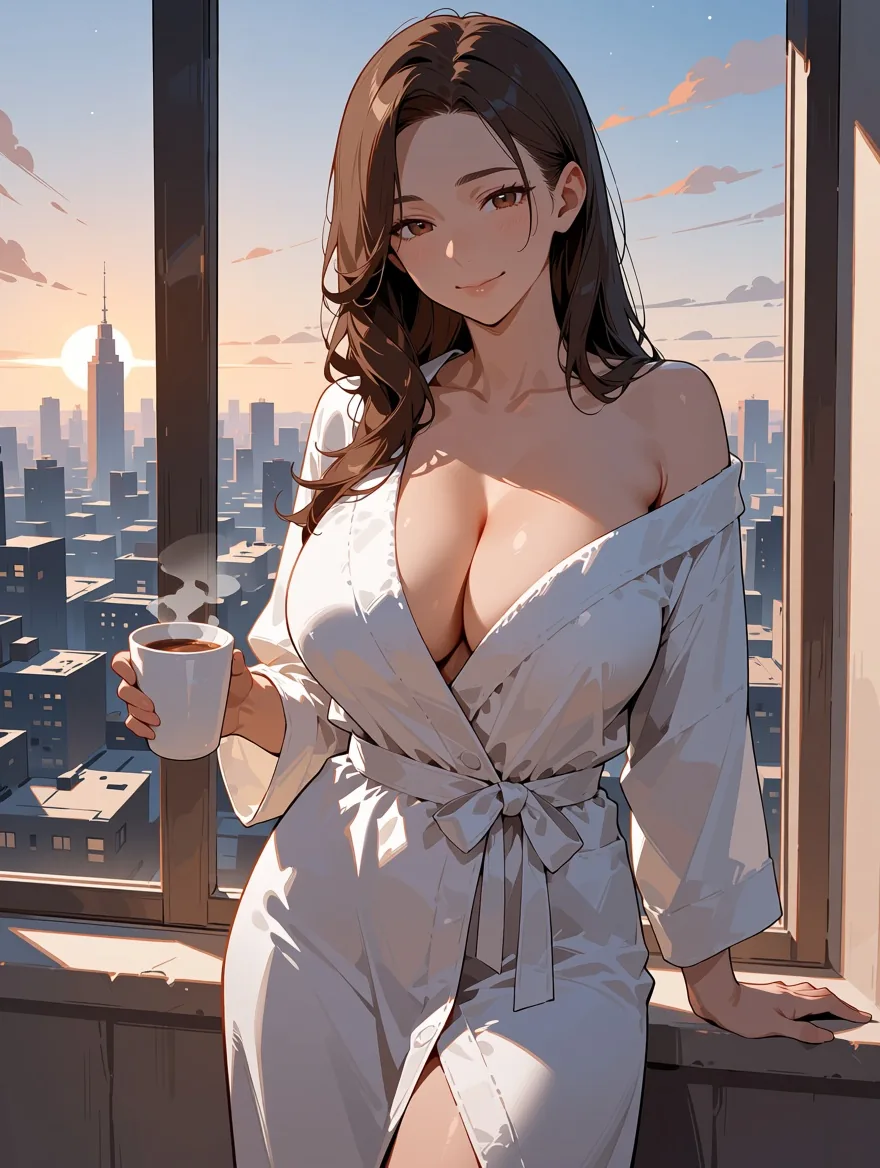
Solo adult female, 3:4, sensitive.
What are the limits?
It is an anime model: no photorealism, a habit of drawing signature-like scribbles, and the usual trouble with hands. In our tests:
- No photorealism. The base model is trained on anime and illustration data; the publisher lists several million anime images plus about 800,000 other artistic images. It will not produce photographs. For adult content this has a useful side effect: outputs read as illustration and never as photographs of real people.
- The signature quirk. The model sometimes draws a signature-like scribble or a line of pseudo-text in a corner, a habit learned from artwork. We saw it in roughly one image in five. There is no negative prompt to suppress it, so change the seed or crop the corner.
- Hands and anatomy. Refusal-free does not mean flawless. Hands and anatomy need rerolls, as with any image model.
- Text. It renders only a word or two of text.
- Image to image restyles; it does not follow edit instructions. With a photo as the source, strength 0.6 already reads as an illustration with the same details, and 0.75 gives clean anime with the same composition. Asking an existing illustration for a new outfit or to go from day to night changed very little at 0.6 to 0.8. Strength is explained in Photo to Anime With Anima Turbo: Choosing the Right Strength. The image-to-image page keeps the source's shape, since it has no aspect-ratio field.
- Missing controls. No negative prompt, steps, CFG, sampler, output format (always JPEG), masks or several images per request.
Which Anima family should you choose?
Start with Anima Turbo; move to the LoRA family when you want a style the base model does not give you. Both tiers cost the same per resolution tier, image to image costs the same as text to image, and the aspect ratio does not change the price. Live prices are on the model pages, and failed requests are not charged.
| You want | Pick | Why |
|---|---|---|
| Clean anime from tags or sentences, text to image or image to image | Anima Turbo | Fastest start; L3 and L4 rendered in our tests |
| A specific look (PC-98, manga ink) or your own adult-friendly LoRA | Anima Turbo LoRA | Up to 3 LoRAs with a scale from 0 to 4; L3 and L4 rendered |
| A community anime checkpoint of the Pony XL lineage, text to image only | Prefect Pony XL | Seven native SDXL sizes; three probe levels up to L4 rendered in our internal run on 18 September 2026 |
| A photoreal base that turns anime with an anime LoRA | Z-Image Turbo LoRA | Photoreal by default; L3 and L4 rendered in text to image |
Tier choice: 1k is about one megapixel and 1.5k about 2.4 megapixels, generated natively rather than upscaled. In our 60-run speed test model time was 2 to 16 seconds per image, 52 of 60 under ten seconds, so rerolling is cheap. The text-to-image page has the 15 aspect ratios. For a broader look at prompt wording and adult anime styles, see Adult Anime AI Image Style Guide.
Responsible use
You are responsible for what you generate and publish. Make every character an adult and say so in the prompt (adult woman, mature male, "in her thirties"). Do not use real people or real people's likenesses without consent. Keep your own outputs private unless you are sure you may share them, and respect the rules of any site you post to. The platform does not review your content and does not write adult prompts for you; the examples in this guide are deliberately clothed. If a request is not appropriate for your situation, do not make it.
FAQ
Is Anima Turbo really uncensored?
Yes. On SpicyAPI there is no content filter in front of it, and in our tests of 25 requests across four levels we saw zero refusals and zero substitutions, with and without LoRAs and in image to image. Refusal-free does not mean every image is perfect; anatomy and hands still need rerolls.
Does the nsfw rating tag matter?
Yes, it changes the tone. Anima knows safe, sensitive, nsfw and one stronger tag, and the publisher describes nsfw and the stronger tag as the ones that remove restraint. With a clothed description we found safe and sensitive almost identical, so pick the tag that matches the mood you want.
Will the pictures look like real people?
No. The base model does not do photorealism, so every output reads as illustration rather than a photograph. That does not make real-person likenesses acceptable: do not prompt for them without consent.
Can I keep the same character across several images?
Mostly. Reuse the character block word for word, fix the seed and change only the outfit and place. The silver-haired character in our three-scene set stayed recognisable, though the rendering style drifted a little. A fixed seed does not guarantee identical pixels.
Do adult LoRAs work, and is there an extra charge?
Yes on both. The LoRA family takes up to three LoRAs trained for Anima, and loading them adds no separate charge. A LoRA trained for another base model loads without an error and changes nothing. Keep the scale between about 0.5 and 1.2; at 4 the image broke apart.
Can I turn my own illustration or photo into something stronger?
Image to image restyles; it does not follow edit instructions. With a clothed source image, asking for L3 or L4 at strength 0.8 to 0.9 was followed in our tests. A photo at 0.75 becomes clean anime with the same composition, and at 1.0 the source is ignored.
Why do some images have a scribble in the corner?
The model learned a habit from artwork of drawing a signature-like scribble or a line of pseudo-text. We saw it in roughly one image in five. There is no negative prompt, so change the seed or crop the corner.