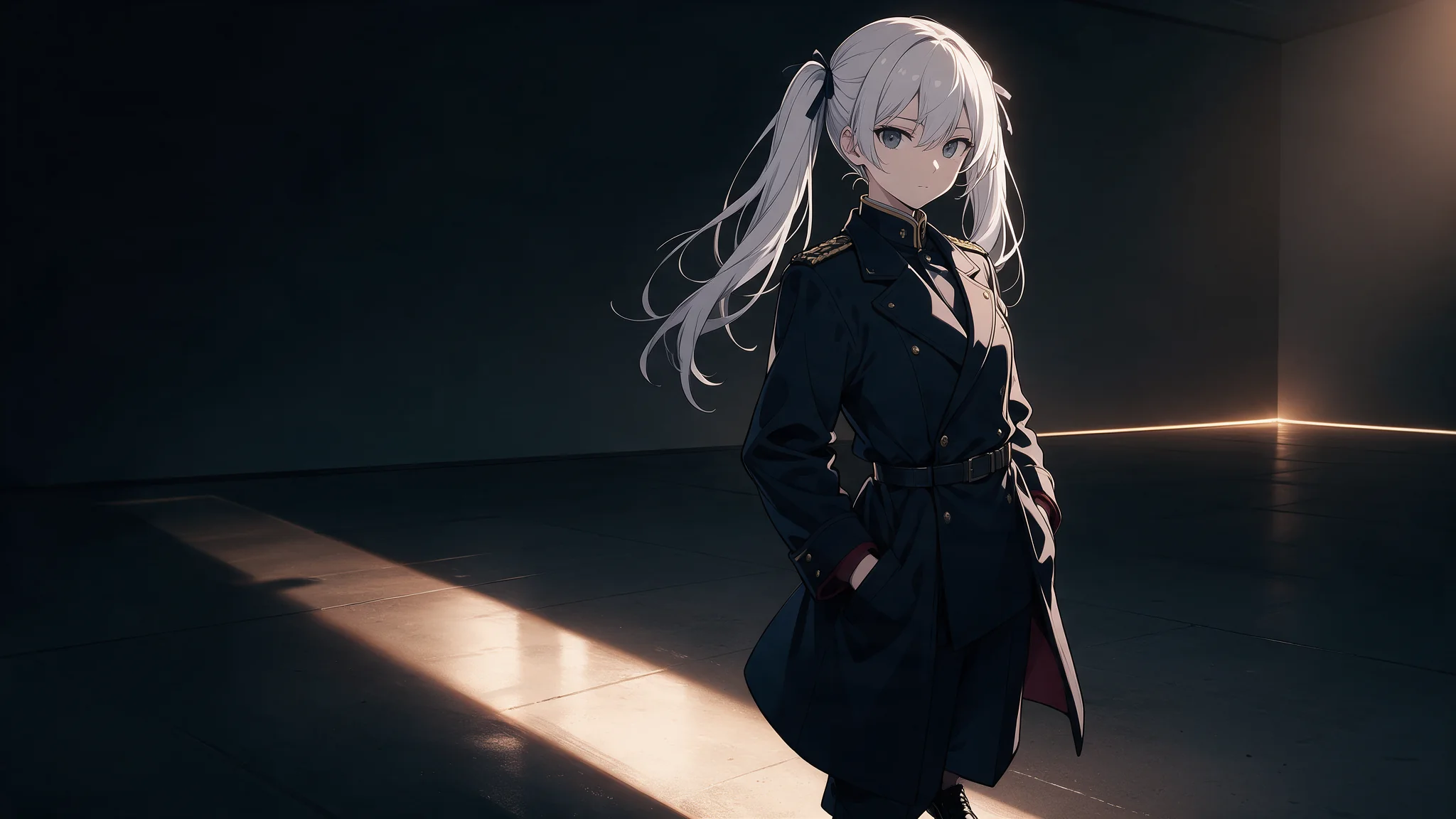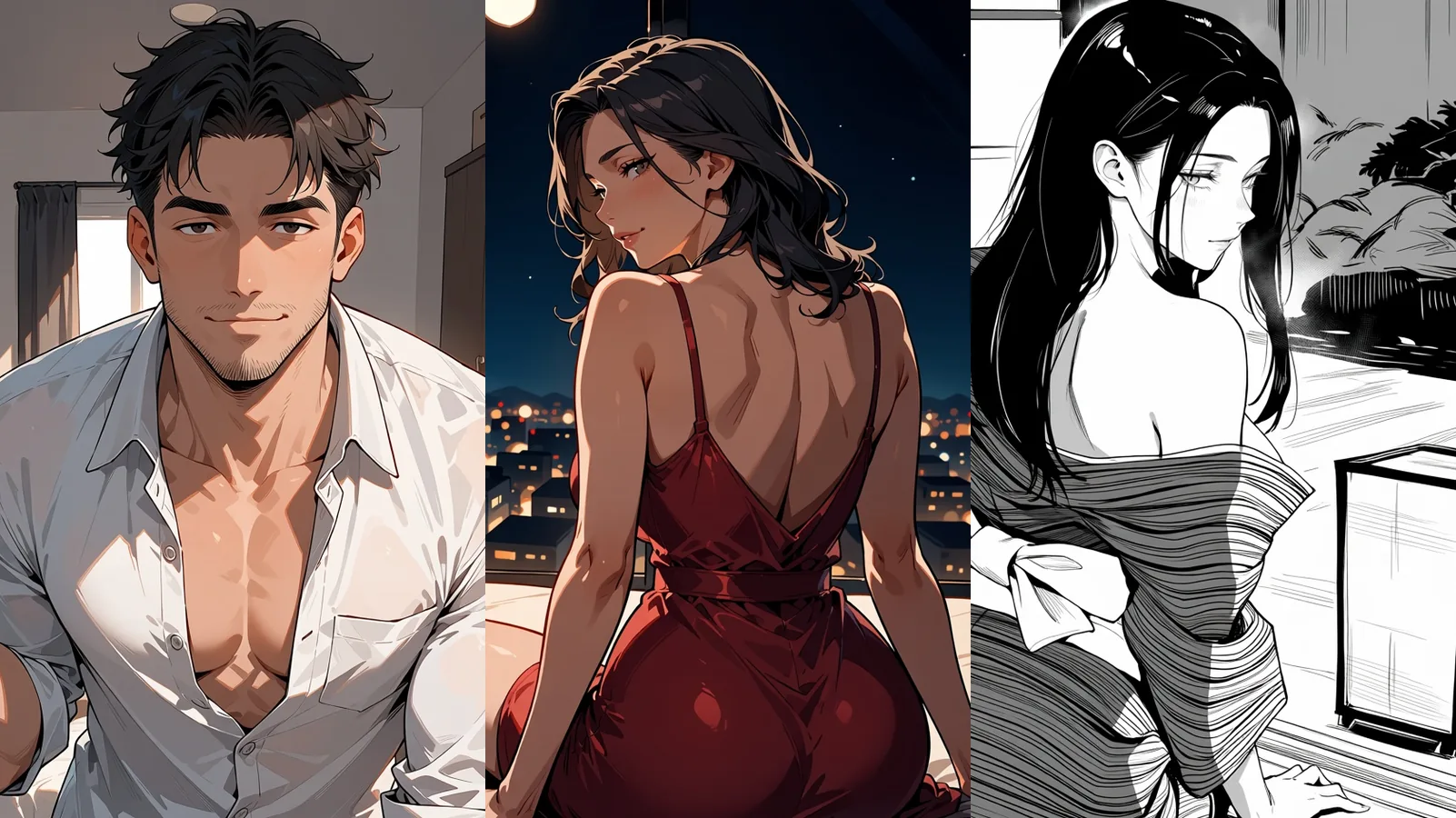
Start with Prefect Pony XL for original adult anime characters. It costs $0.015 per image, takes a tag-style prompt, a size and a seed, and needs no LoRA. Use Qwen Image 2512 LoRA if you already have a style adapter trained for Qwen-Image-2512, or FLUX.1 Dev LoRA if your adapter was trained for FLUX.1 Dev. Those two are adapter hosts, not anime specialists; the style comes from your file.
Every prompt below is a fully clothed fictional adult.
Pick the model
| Starting situation | Model and price | Controls to use | Not available |
|---|---|---|---|
| Original character, no custom file | Prefect Pony XL, $0.015/image | Tag prompt (up to 5,000 characters), size: "832*1216", output_format: "png", seed | LoRA, negative prompt, steps, guidance, image input |
| Qwen-Image-2512 style LoRA in hand | Qwen Image 2512 LoRA, $0.03/image | aspect_ratio: "3:4", loras, PNG | Steps, guidance |
| FLUX.1 Dev illustration LoRA in hand | FLUX.1 Dev LoRA, $0.018/image | aspect_ratio: "3:4", steps: 28, guidance_scale: 3.5, loras | Adapters must be trained for FLUX.1 Dev |
Pony is an SDXL/Pony-lineage checkpoint built for anime and illustration, so it is the default. Qwen and FLUX only matter if you already hold an adapter trained for that base; pick the one that matches your file. For photographic realism, see the ranking of NSFW image generators.
Cost. Price is per image and does not change with seed or format. Three styles with three attempts each is nine images: $0.135 on Pony, $0.27 on Qwen, $0.162 on FLUX (adapter cost excluded).
Try it in the Playground
- Open Prefect Pony XL text-to-image with Mira's cel-shaded prompt already filled in, and sign in with a funded account to run.
- Under Output size choose
832*1216, and set Output format to PNG. - Type a number into Seed (for example
12481) so you can reproduce the frame, then run the model. - To change the style, swap only the ending sentence in Prompt for the painterly or semi-realistic one below and keep the same seed.
Then the API
Once the prompt works, send the same request from code. Fields and results are in the API reference.
{
  "model": "prefect/pony-xl/text-to-image",
  "input": {
    "prompt": "score_9, score_8_up, score_7_up, source_anime, 1girl, solo, adult woman, 38 years old, costume designer, long mature face, shoulder-length dark hair, teal high-collared coat, fully clothed, standing, three-quarter view, simple warm grey studio background, crisp anime line art, flat colors, two shadow values, clean silhouette",
    "size": "832*1216",
    "output_format": "png",
    "seed": 12481
  }
}
Or let an Agent run it. An assistant can make the same call through the CLI (npx @spicyapi/cli tasks create --model prefect/pony-xl/text-to-image --input-file input.json --wait), the MCP server (npx --yes --package=@spicyapi/mcp spicyapi-mcp) or the Agent Skill (npx skills add spicyapi-ai/spicy-skill). CLI and MCP show the price and ask you to confirm before a task is created.
Adult content range
Based on our September 2026 tests, Pony completed advanced NSFW imagery and higher-intensity adult requests without a rejection, though a finished image did not always follow the whole instruction. Qwen 2512 without a LoRA rendered advanced NSFW imagery but softened higher-intensity requests. FLUX without a LoRA softened both. With an adapter, results belong to that adapter, not the base model.
For an adult anime collection that makes Pony the more direct start: anime positioning and adult-content results in one model, no adapter hunt.
How Pony prompts are written
Pony is prompted with short comma-separated tags, not sentences; prose steers the result less.
- Quality tags first: the Pony V6 card's full ladder is
score_9, score_8_up, score_7_up, score_6_up, score_5_up, score_4_up, in that order;score_9, score_8_up, score_7_upis the common short form, andscore_9alone is much weaker. These are Pony tags; they do nothing useful on Qwen or FLUX. - Source tag:
source_animeis the Pony-lineage tag for an anime look. Add it right after the score tags if the result drifts toward other illustration styles. - Subject count and subject:
1girl, solo,1boy, solo,2girls,1girl, 1boy. - Looks and wardrobe, then pose, then background and light, then the style ending.
- Exclusions are positive tags. There is no negative-prompt field. Write
simple background, single character, fully clothedinstead of "no crowd".
A long chain of adjectives dilutes the tags that matter.
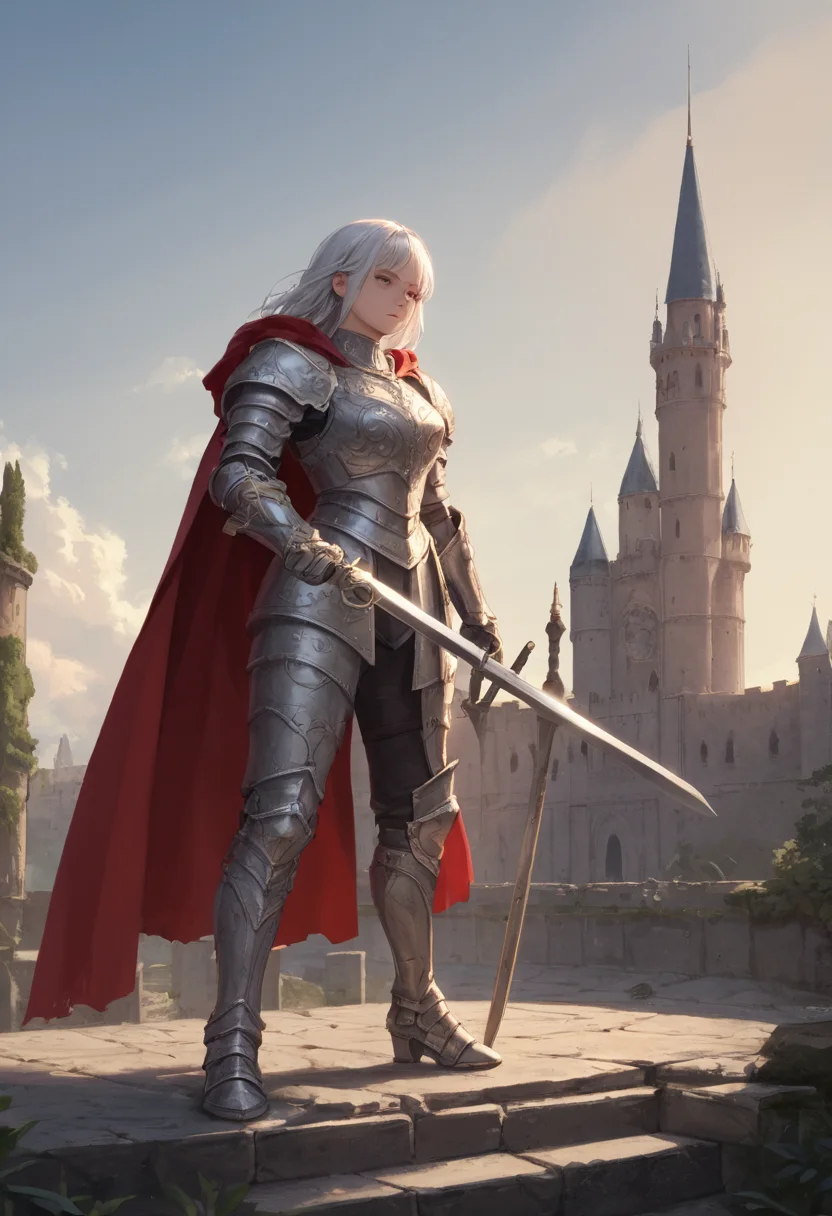
*Prefect Pony XL output (832*1216).*
One adult character, three rendering languages
The example is Mira, a fictional 38-year-old costume designer: shoulder-length dark hair, long face, visible smile lines, teal high-collared coat, copper fastenings, dark trousers. The age shows in proportions and facial treatment, not only as a number.
Common subject prompt for Pony:
score9, score8up, score7up, sourceanime, 1girl, solo, adult woman, 38 years old, costume designer, long mature face, subtle smile lines, shoulder-length dark hair, normal adult head-to-body proportions, teal high-collared coat, copper metal fastenings, dark trousers, fully clothed, standing, three-quarter view, holding rolled paper pattern, other hand at side, simple warm grey studio background
Use 832*1216 for a full-length portrait and 1024*1024 for a waist-up card. Write sizes with an asterisk, not an "x". Other accepted sizes: 896*1152, 1152*896, 1216*832, 768*1344 and 1344*768.
Append one ending per run. "Flat cel shading" and "photographic skin shading" pull the surface in opposite directions.
Cel-shaded: clear line, two shadow levels
crisp anime line art, flat colors, two shadow values, clean silhouette, restrained highlights, simple background, readable coat folds
Best for repeated character cards, costume sheets and comics that must read at small size.
- Result looks like a soft painting: drop "cinematic", "volumetric", "realistic skin" and "painterly", and use "hard-edged shadows, flat colors".
- Every fold becomes an outlined stripe: replace "detailed elaborate fabric" with "three broad coat folds".
Painterly: broad strokes before texture
painted illustration, visible broad brushwork, soft transitions inside the face, firm silhouette at coat edge, teal and burnt orange palette, simple background, detailed eyes, detailed coat fastenings
Best for a single cover illustration where texture and colour atmosphere matter more than clean lines. Keep the coat edge legible.
- Face turns muddy: add "detailed eyes, defined mouth" and keep "loose brushwork" tied to the coat and background.
- Result looks like a photograph: remove camera and lens terms.
Semi-realistic: stylised proportions, believable light
semi-realistic anime illustration, mature facial proportions, stylised eyes, dimensional facial shading, soft window light, woven coat fabric, painted finish, restrained skin highlights
Best for a dimensional adult character that should not become a photograph. Keep the stylisation in the eyes, line simplification and colour; do not combine huge eyes, a tiny nose and a photographic mature face.
If Mira reads too young, first remove "cute", "doll-like", "youthful" or "school uniform" wherever they appear, then add the booru-style cue mature female and reinforce the long face, ordinary adult proportions and smile lines. Add age cues rather than making the outfit more revealing.
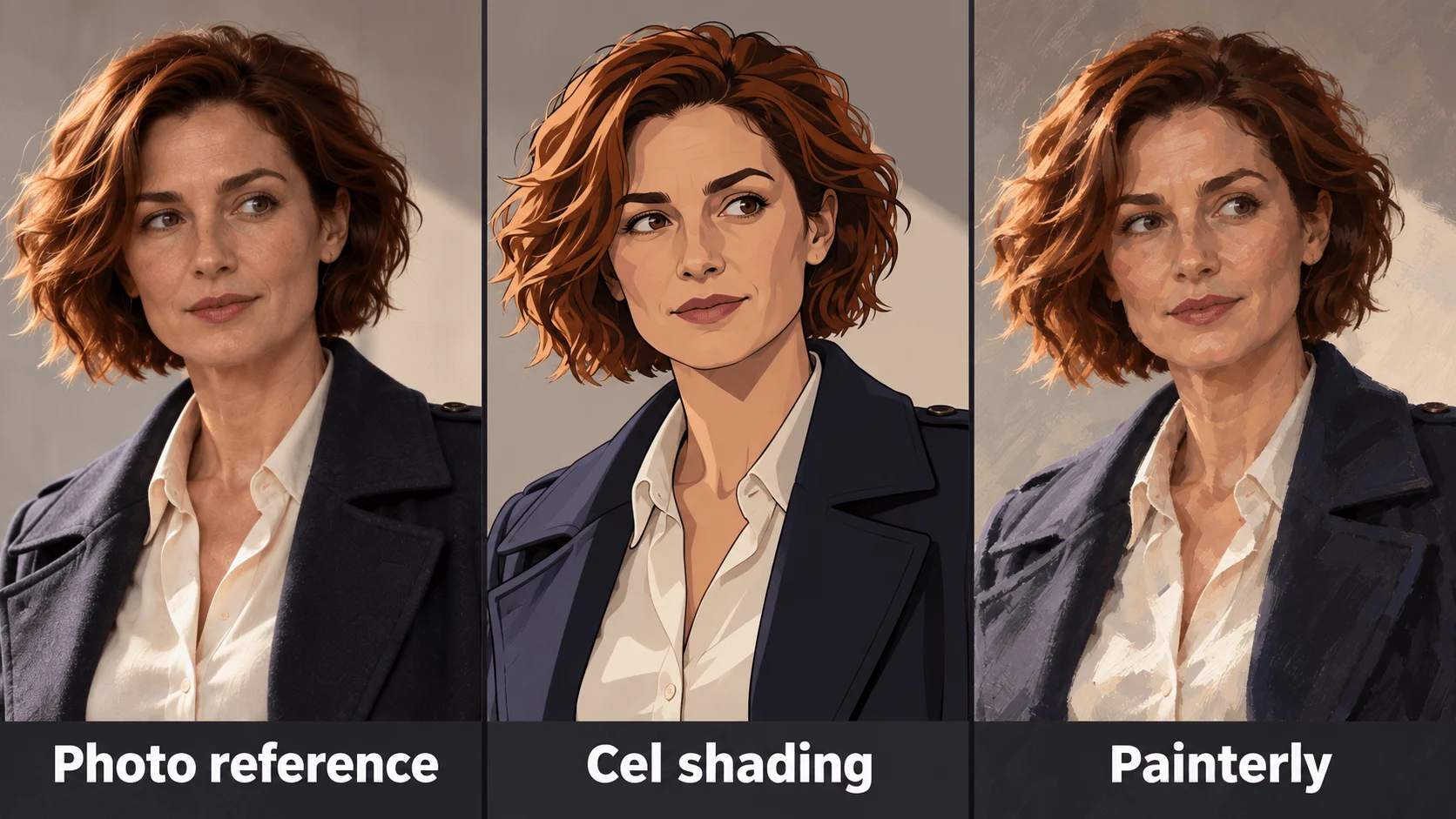
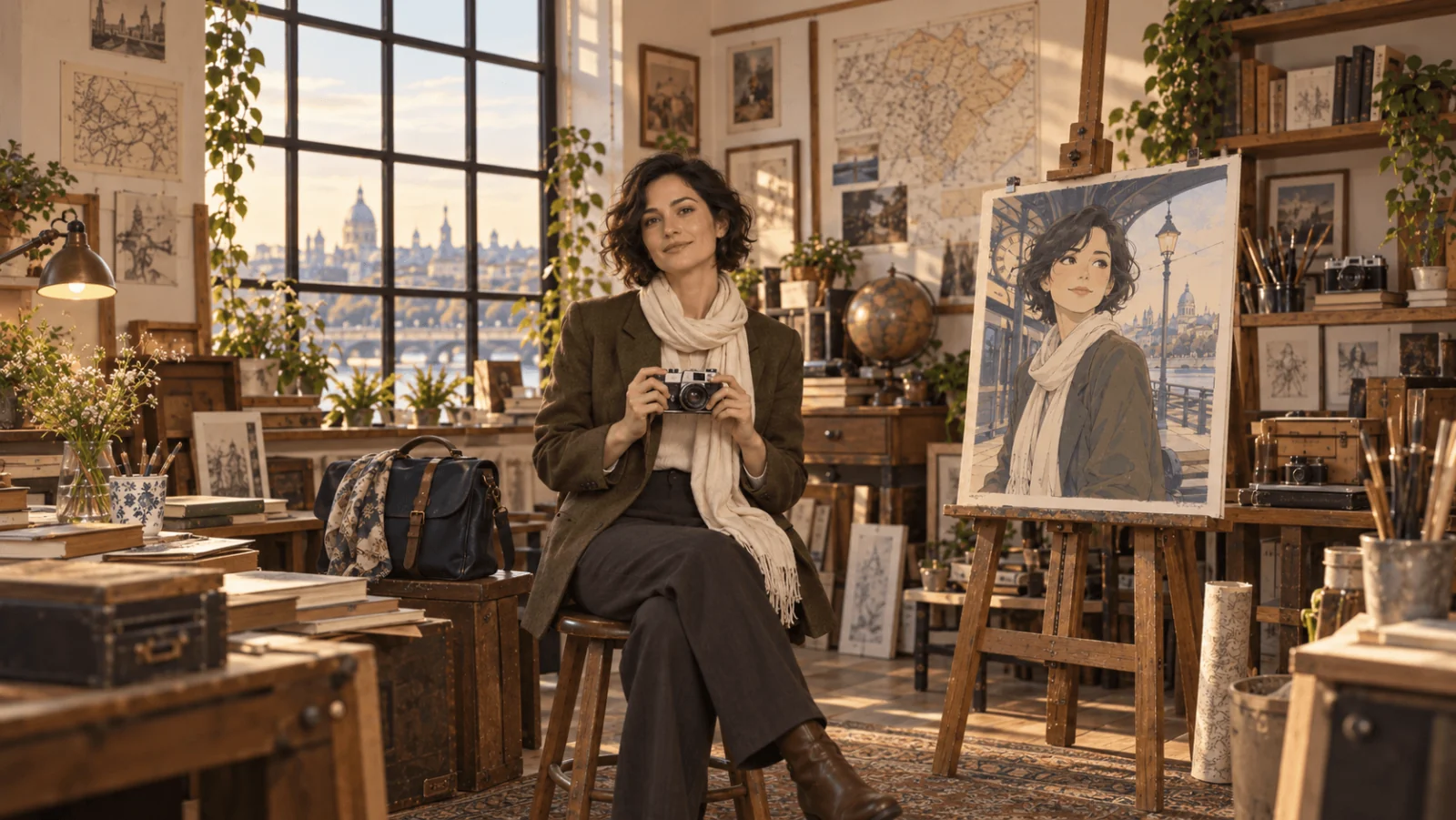
Illustration of the photo, cel-shaded and painterly finishes on one adult face; not Pony output.
The hosted task has no sampler, negative prompt or clip skip; copy only the tags. If you need a custom adapter, use the Qwen or FLUX route.
Variants and series: use the seed
- Choose an explicit integer seed, such as
12481, and record it before generating. Try a different seed for each new composition until one frame is worth keeping. - Store the chosen seed with the complete prompt and size. The same prompt, size and seed reproduce the frame exactly; changing a tag creates a variation rather than locking the character’s identity.
- Change one tag per run (coat colour, pose, light) while the seed stays pinned.
- Keep the size fixed: changing it re-composes the picture even on the same seed.
Pony has no image input or reference field. Continuity comes from repeating the exact wording that defines the character and keeping seed and size. If you need to restyle or edit an approved image instead, use the image-to-anime guide.
More than one character. State the count and describe each figure: 1girl, 1boy, 2girls. A wide size such as 1344*768 suits a two-figure scene. Pony can return two men for a man-and-woman brief, so name each character's gender and wardrobe separately and check the first frame before iterating.
Adding a style LoRA
Add an adapter when you need one repeatable style, not after a single disappointing image. Check that its documentation names the base family, trigger words and strength. An SDXL/Pony file is not a FLUX file, and a Qwen-Image-2512 text adapter is not a Qwen-Image-Edit-2511 editing adapter. The LoRA hosting guide covers loading your own files; use a direct file URL, since a file behind a login fails to load.
Qwen and FLUX text routes take up to three adapters, each scale from 0 to 4 with a default of 1. Start with one adapter at its documented setting, or 1 if none is given. Keep Mira's description and one style ending, and add only the adapter's trigger. If the style overrides her age or redesigns the coat, drop the scale in a separate run (for example 1 to 0.7) with the character prompt unchanged.
On FLUX, hold steps: 28 and guidance_scale: 3.5 first and change one value per run. Qwen text generation has neither steps nor guidance. Write Qwen and FLUX prompts as descriptive prose plus the trigger; do not carry Pony's score tags over.
Fix style problems without replacing the character
| Visible problem | Next change |
|---|---|
| Cel image looks airbrushed | Remove photographic lighting language; use "hard-edged shadows, flat colors" |
| Painted image has no readable silhouette | Simplify the background; add "firm silhouette at coat edge" |
| Semi-realistic image becomes a photograph | Replace lens and camera terms with "painted illustration, stylised eyes, simplified facial planes" |
| A sleeve hides the paper-pattern hand | Move the roll away from the torso and show the hand at waist height; avoid crossed arms |
| Copper fastenings turn into yellow fabric | Write "small copper metal fastenings, teal fabric coat" |
| Costume changes between cards | Repeat the identical character tags and pin seed and size; Pony cannot take the earlier image as input |
| Tags ignored or output looks noisy | Shorten the prompt, put the score tags first, remove stray prose |
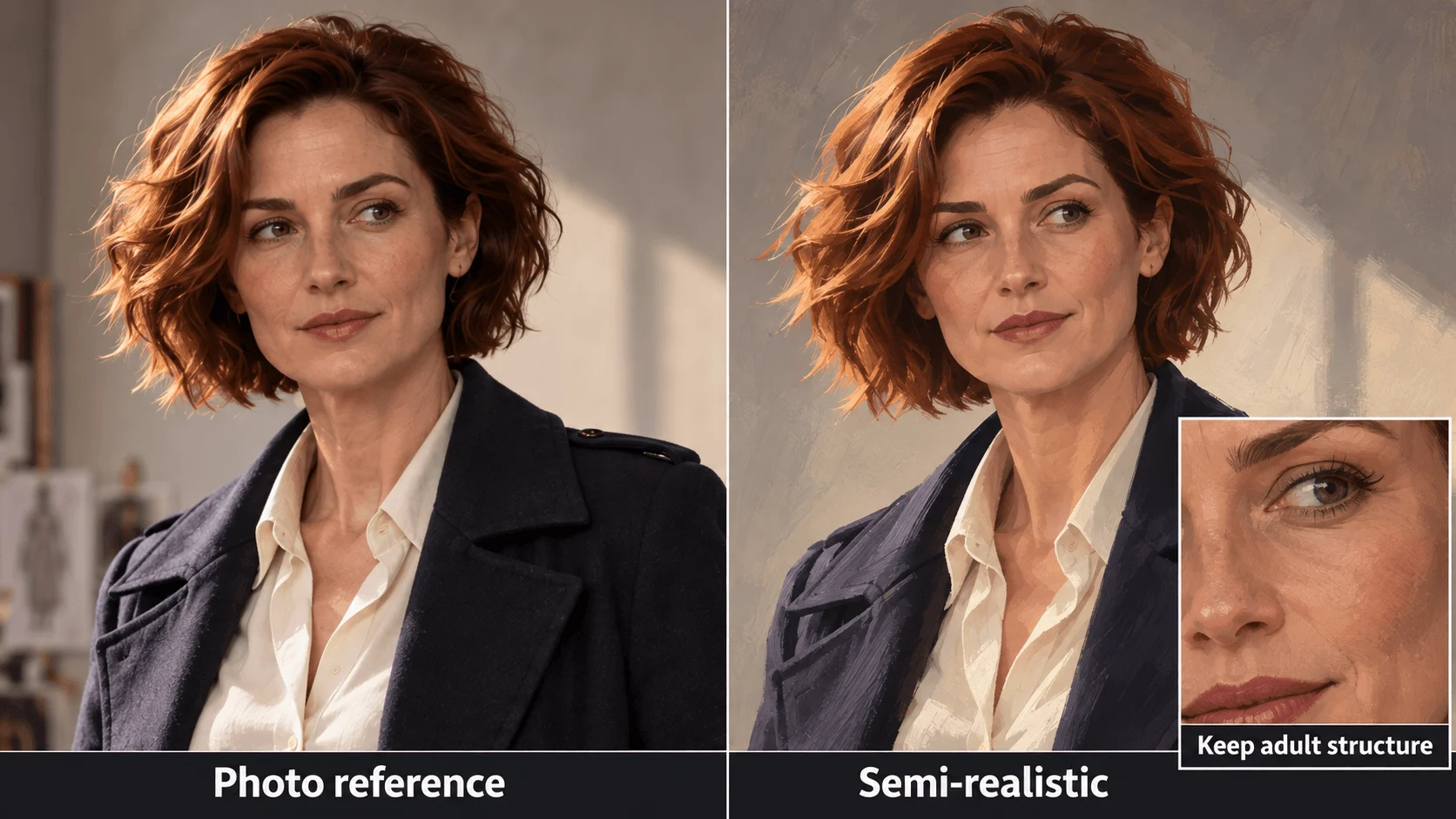
Illustration: mature facial cues kept across a photograph and a semi-realistic painting.
For a series, pick one finish and keep its ending word for word; change only pose and scene. Switching models per image breaks consistency.
Questions
Can I add a negative prompt on Pony? No. Write the opposite as a positive tag (simple background instead of "no clutter").
Is Pony the best anime model here? It is the dedicated anime starting point in this shortlist when you want to use tags without finding a custom adapter. A Qwen or FLUX adapter trained for the right base can be the better fit when its examples match the finish you want.