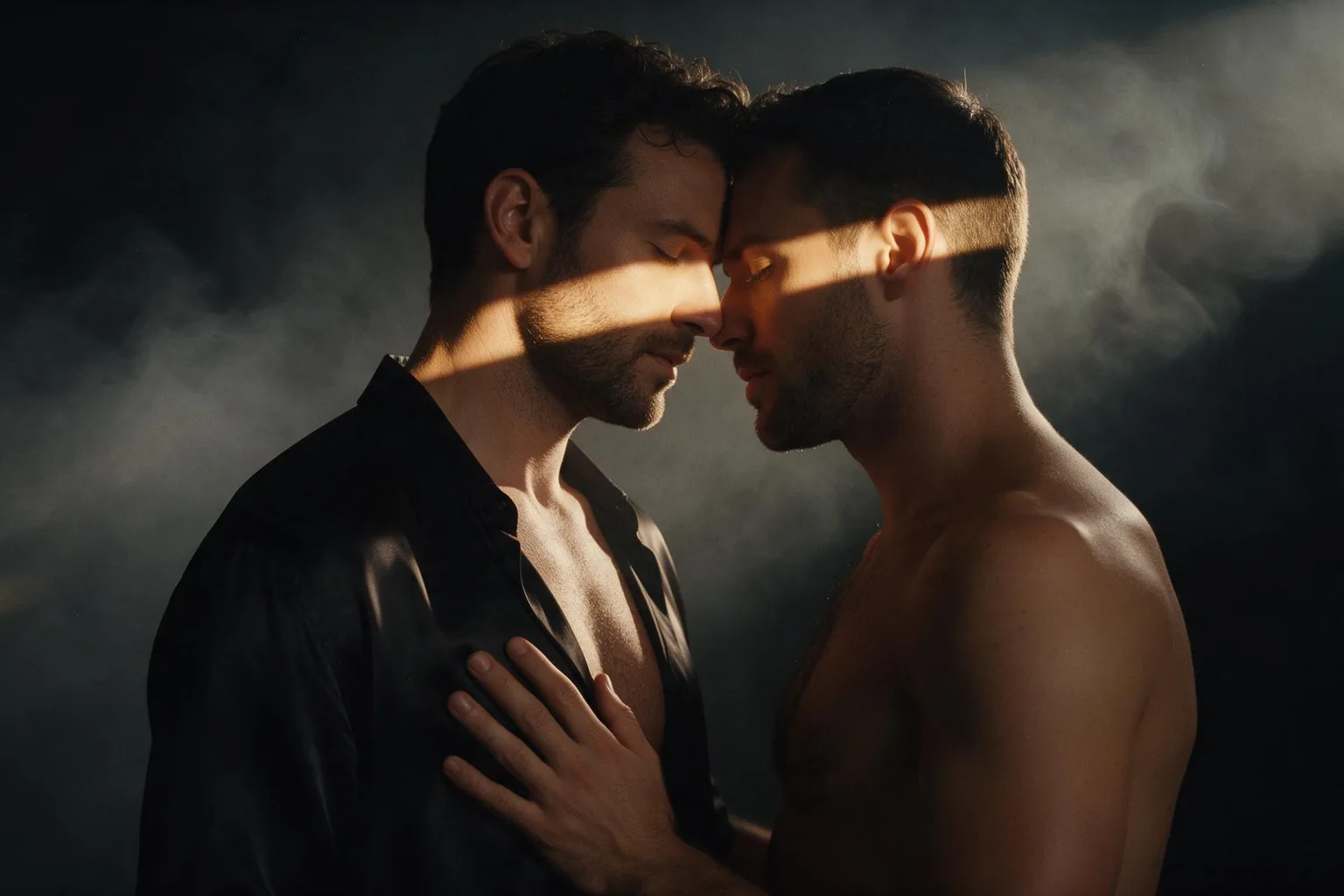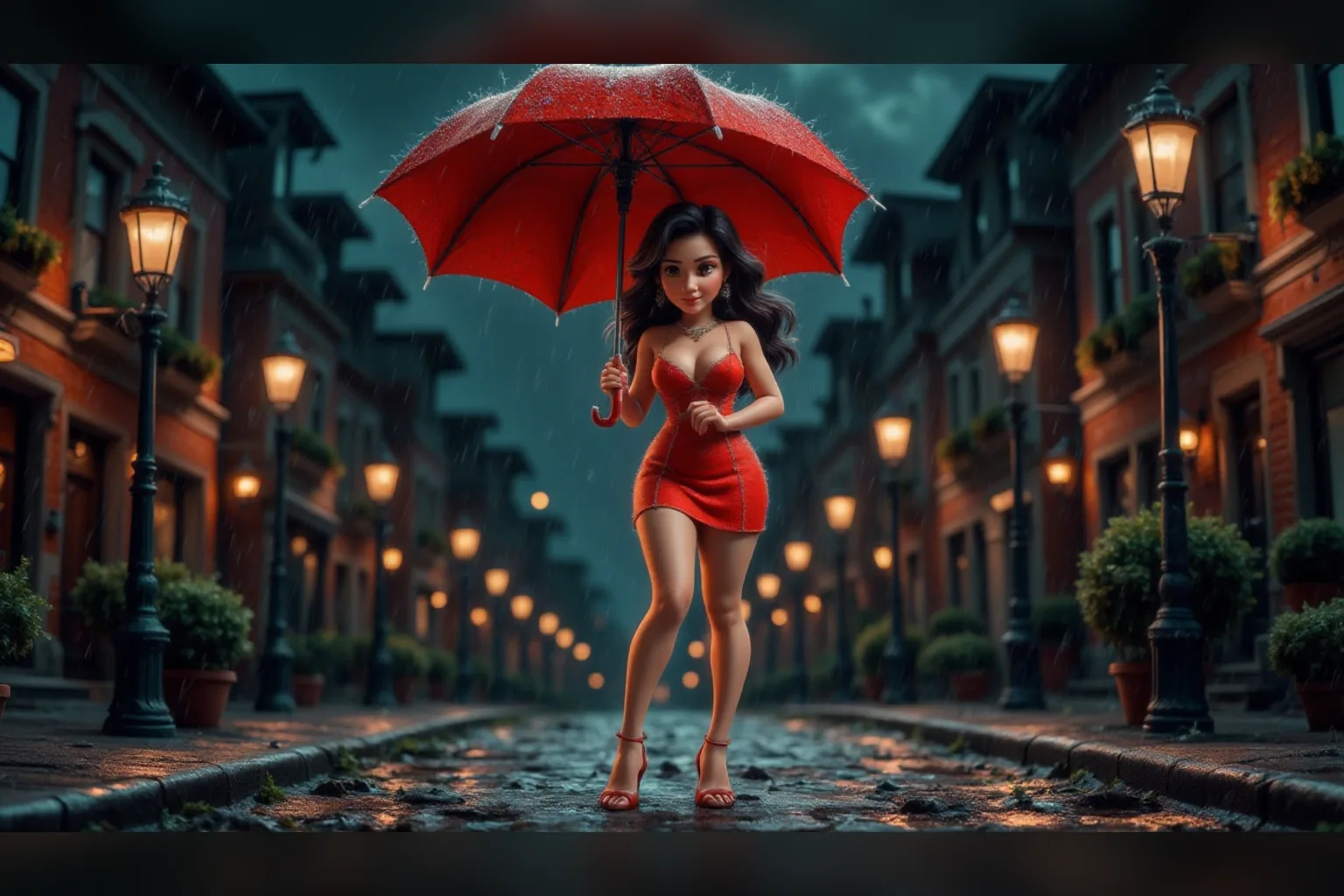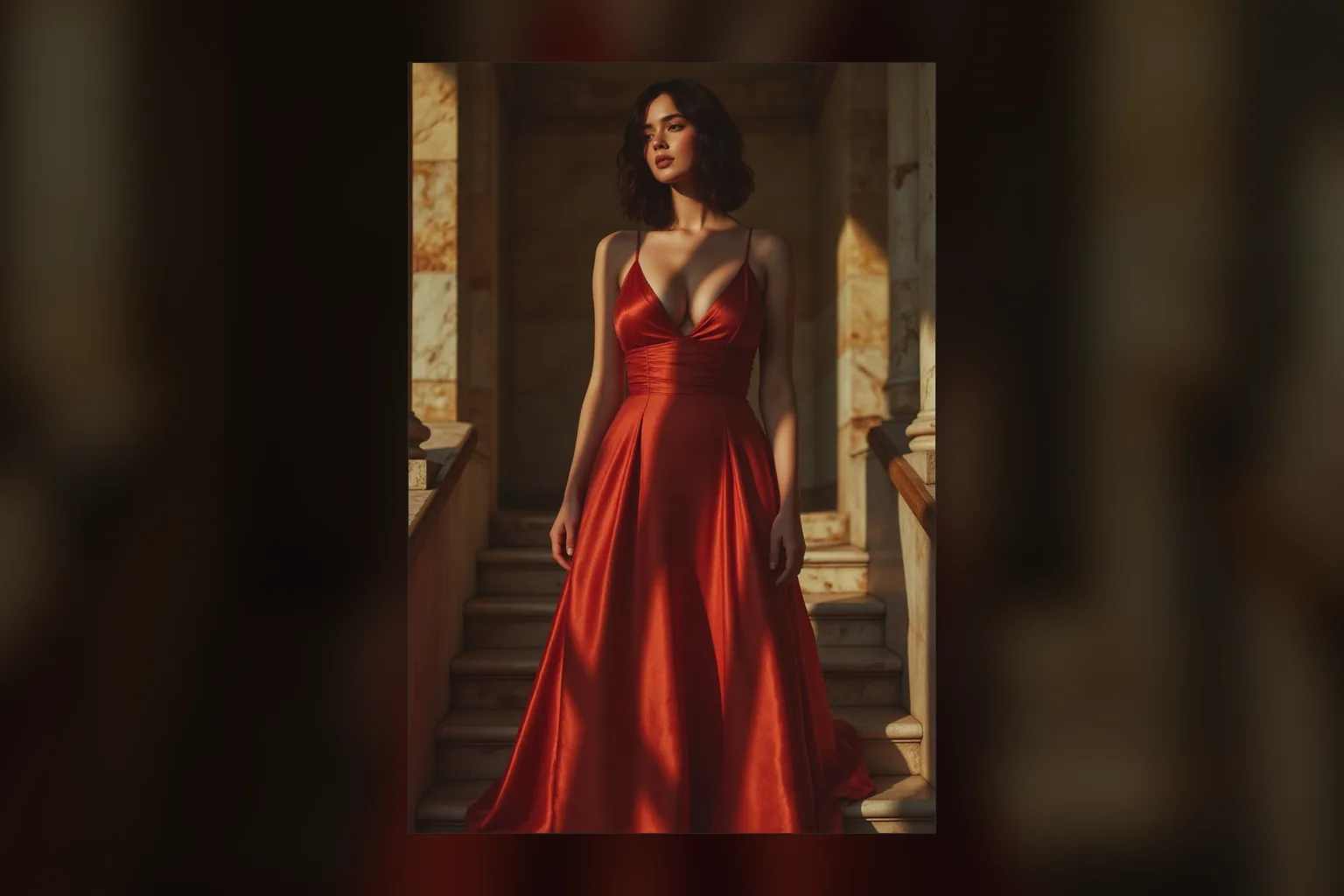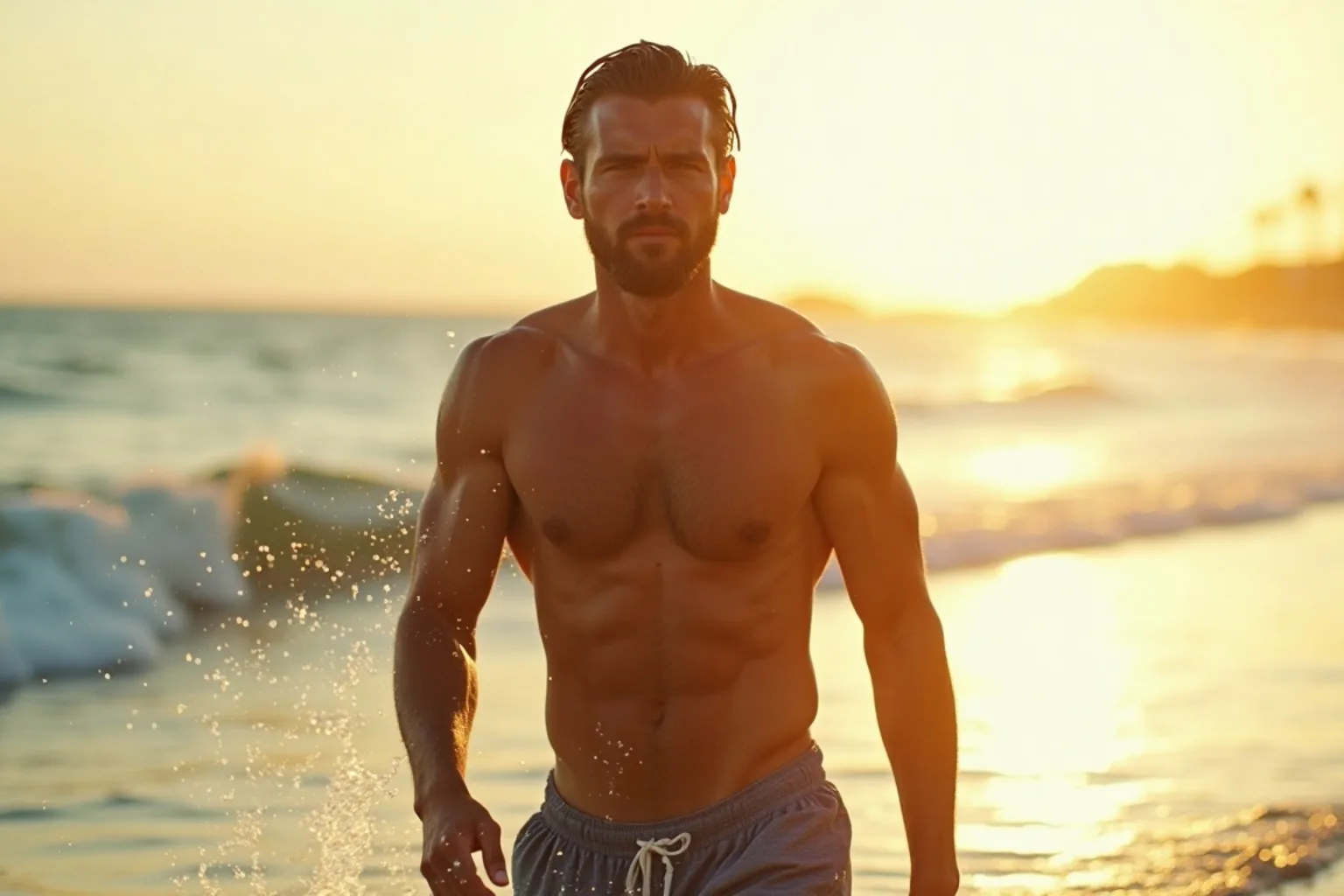
Introduction
FLUX.1 Dev LoRA Text to image makes one image from a written prompt on Black Forest Labs' FLUX.1 [dev], a 12-billion-parameter rectified flow transformer, with up to three of your own LoRA files loaded. Pick any of nine aspect ratios at about one megapixel, set guidance, and get back JPEG, PNG or WebP at one flat price. The platform adds no content filter to the prompt, the weights or the image.
Choose a mode by starting material
| What you have | Mode |
|---|---|
| a written description and a FLUX LoRA | FLUX.1 Dev LoRA Text to image |
| a picture to restyle | FLUX.1 Dev LoRA Image editing |
Key features & highlights
The biggest LoRA library in open image models
Hugging Face lists more than a thousand LoRAs built on FLUX.1 [dev]: realism, fashion, film stocks, cartoons, characters and unfiltered styles. If you found a look you like, it is very likely a FLUX LoRA, and it runs here as a plain API call.
Guidance you can adjust
Guidance sets how strictly the image follows the prompt, from 0 to 20. The default 3.5 suits most LoRAs, and realism LoRAs often look more natural a little lower.
Uncensored with custom weights
The weights are never reviewed and the output is never filtered. In our tests unfiltered LoRAs rendered, though at the strongest level we tested the model held back part of the scene in all three tries.
Request parameters
| Parameter | Required | Description |
|---|---|---|
prompt | Yes | Start with the LoRA's trigger phrase, then describe subject, setting and light in full sentences. FLUX follows long, specific prompts well. at least 1 characters · at most 5000 characters |
aspect_ratio | No | Nine options from 21:9 to 9:21, all about one megapixel and all the same price. |
loras | No | Up to three {path, scale} entries trained for FLUX.1 [dev]; scale 0 to 4, 1 is neutral. Strong style LoRAs may need a little more than 1. Default: |
guidance_scale | No | How strictly to follow the prompt, 0 to 20. The default 3.5 suits most LoRAs; realism LoRAs often look better slightly lower. |
steps | No | Denoising steps, 1 to 50 (default 28). More steps take longer to generate. |
output_format | No | JPEG by default, PNG or WebP if you need them. Does not change the price. |
seed | No | Keeps a set of images comparable while you adjust guidance or one LoRA scale. |
Pricing
$0.018 / image
Billed per image at one flat price for every aspect ratio. Loading LoRAs adds no separate charge.
Use cases
Run a LoRA you found
Paste the download link, set the scale, add the trigger phrase to your prompt. No training, no hosting and no GPU: the LoRA you saw on a model hub becomes a plain API call.
Editorial and fashion stills
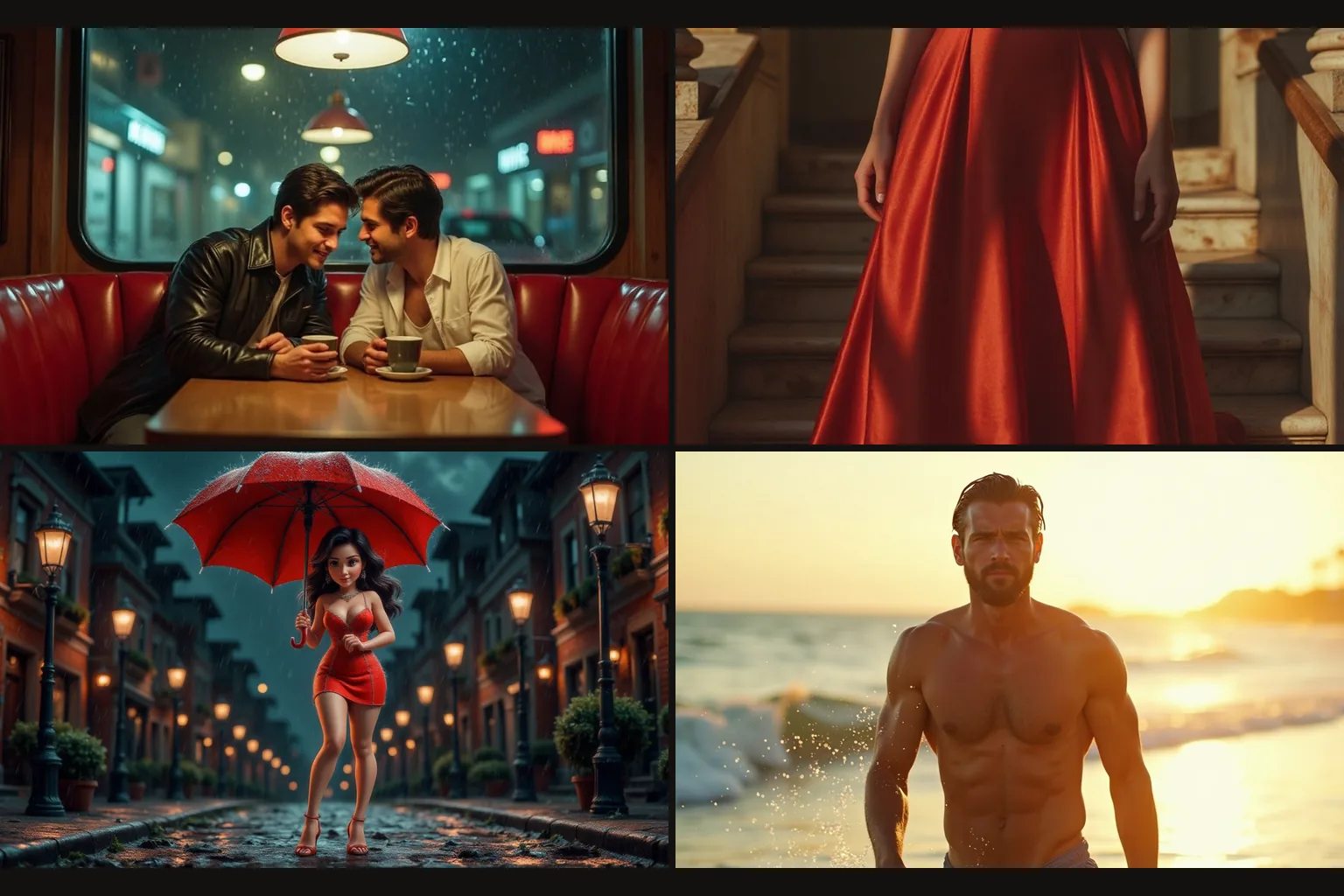
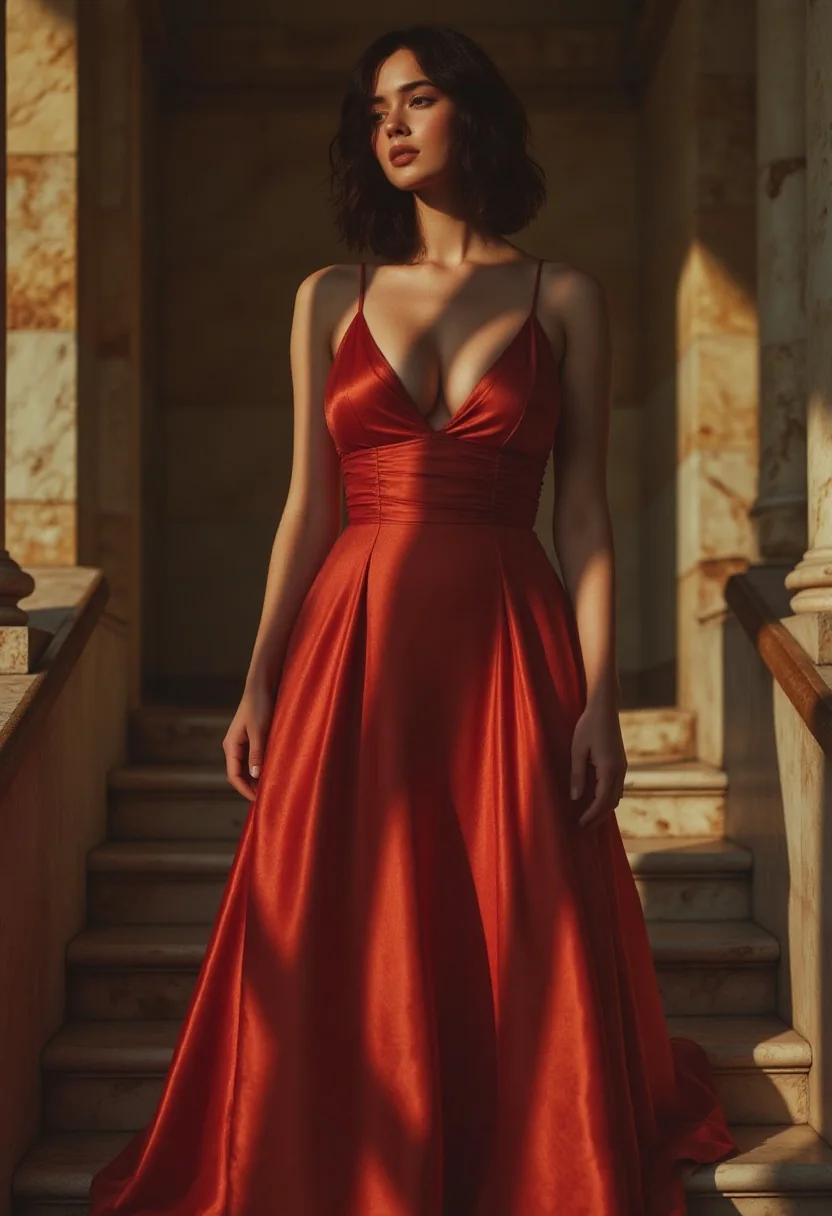
Realism and magazine LoRAs give believable light, fabric and skin for gowns, portraits and night scenes, ready for mood boards and campaign drafts.
Stylised series
Cartoon and illustration LoRAs keep a whole set in one look across nine aspect ratios, from square posts to wide banners.
Prompt guide & pro tips
Trigger first, then full sentences
FLUX reads long prompts well. Start with the trigger phrase from the LoRA's model card, then describe subject, setting, clothing and light in complete sentences rather than a list of tags.
Lower guidance for realism
If a realism LoRA looks waxy or over-sharpened, drop guidance from 3.5 towards 2.5 and compare with the same seed. Higher guidance follows the prompt more literally but costs natural texture.
Raise weak styles one step at a time
When a style barely shows, raise its scale by 0.2. Our cartoon example needed 1.2. At high scales, check faces and hands closely; they are the first things to distort.
Keep text out of signs
FLUX tends to write words on any sign or screen in the frame, and they are often misspelled. Leave signs out of the prompt unless the exact wording matters.
API quick start
# Generate the idempotency key once; reuse it when retrying after a lost response.
export SPICY_IDEMPOTENCY_KEY="${SPICY_IDEMPOTENCY_KEY:-$(uuidgen)}"
curl -X POST https://api.spicyapi.ai/api/v1/jobs/createTask \
  -H "Authorization: Bearer $SPICY_API_KEY" \
  -H "Content-Type: application/json" \
  -H "Idempotency-Key: $SPICY_IDEMPOTENCY_KEY" \
  -d '{
  "model": "black-forest-labs/flux-1-dev-lora/text-to-image",
  "input": {
    "aspect_ratio": "1:1",
    "output_format": "jpeg",
    "prompt": "A ceramic teapot on a linen cloth, soft window light, muted palette"
  }
}'

# Copy data.taskId from the response into TASK_ID, then poll the status.
TASK_ID="TASK_ID_FROM_RESPONSE"
curl "https://api.spicyapi.ai/api/v1/jobs/recordInfo?taskId=$TASK_ID" \
  -H "Authorization: Bearer $SPICY_API_KEY"
See the API reference for authentication, the complete schema, polling, and error handling.