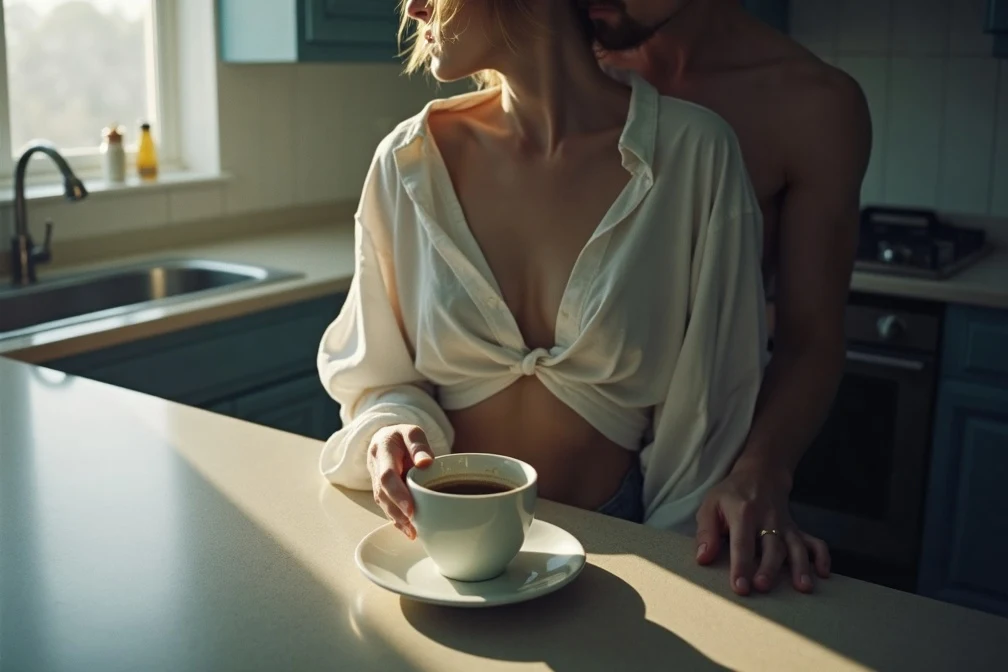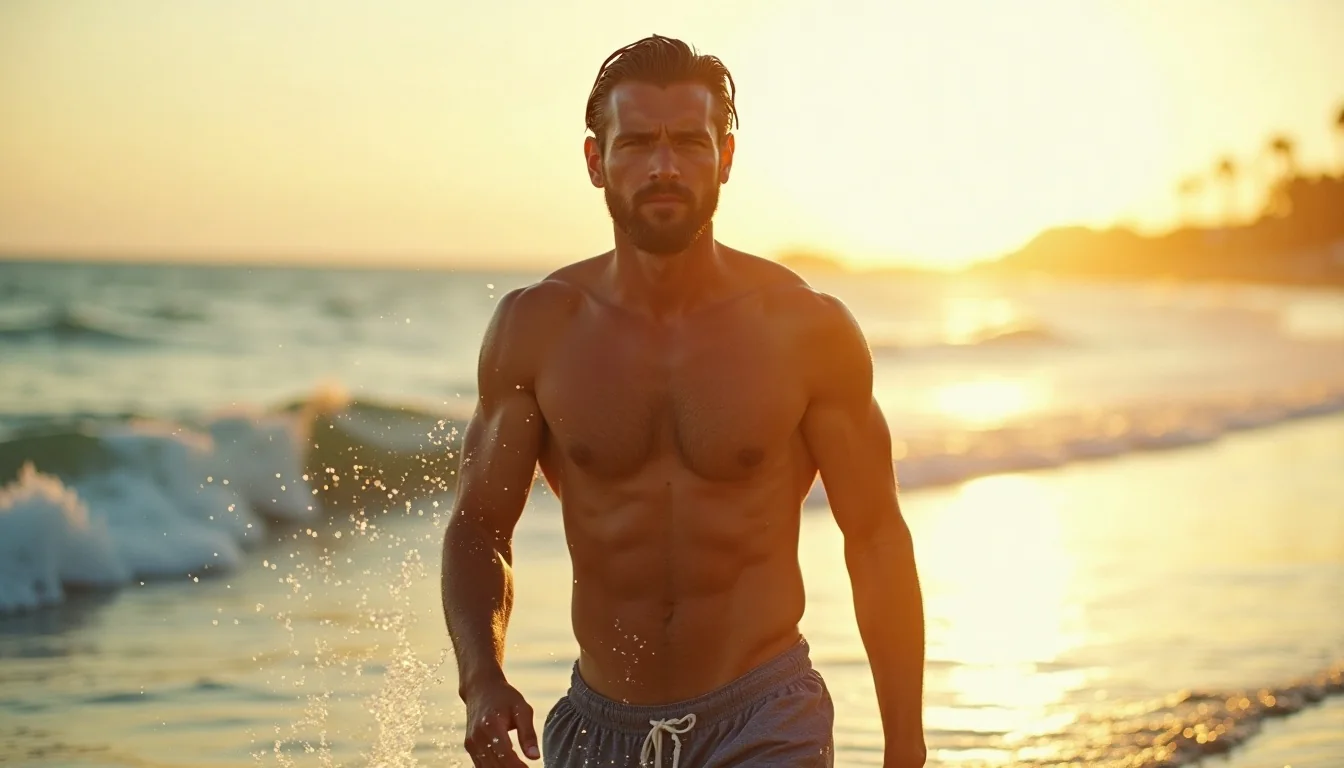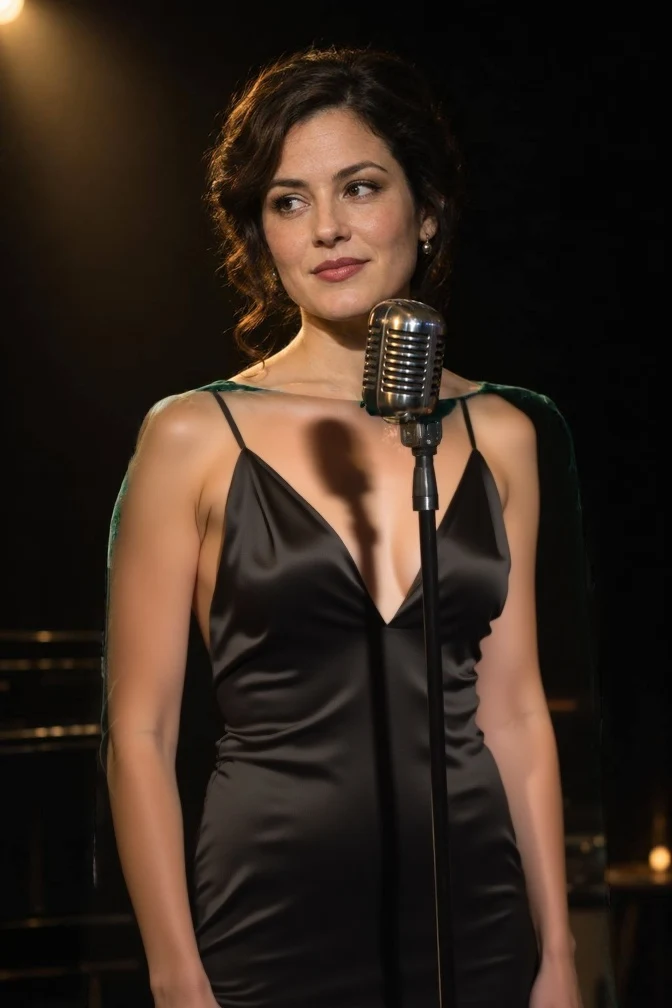
Introduction
FLUX.1 Dev LoRA Image editing changes one source image on Black Forest Labs' FLUX.1 [dev], guided by your prompt and up to three of your own LoRA files. Without a mask it restyles the whole frame, and a strength value from 0 to 1 decides how far it moves from the source. With a black-and-white mask it redraws only the white area and keeps the rest. The result comes back as JPEG, PNG or WebP at one flat price, and nothing is filtered.
Choose a mode by starting material
| What you have | Mode |
|---|---|
| a picture to change, whole or in part | FLUX.1 Dev LoRA Image editing |
| a written description only | FLUX.1 Dev LoRA Text to image |
Key features & highlights
Masked inpainting
Paint the area to change white and everything else black. In our tests a mask over the upper body of a studio portrait changed only that area while the face, the hair and the trousers stayed as they were.
Strength you can reason about
The default 0.8 keeps pose and layout; 0.95 lets the model redraw nearly everything, the face included. With a mask, 0.9 to 1 makes sure the white area really changes.
Uncensored with custom weights
The source, the prompt, the weights and the result are never filtered. At strength 0.95 a studio portrait was edited as our strongest test asked, with and without an unfiltered LoRA.
Request parameters
| Parameter | Required | Description |
|---|---|---|
prompt | Yes | Describe the whole image you want back. With a mask, describe what should appear in the white area. at least 1 characters · at most 5000 characters |
image_url | Yes | The picture to edit. The result keeps its shape at about 0.7 megapixels: in our tests a 1024 x 1536 source came back as 672 x 1008. |
mask_url | No | Optional. A black-and-white image the same size as the source: white areas are redrawn from the prompt, black areas are kept as they are. |
strength | No | How far to move from the source, 0 to 1 (default 0.8). With a mask, use 0.9 to 1 so the white area really changes. |
loras | No | Up to three {path, scale} entries trained for FLUX.1 [dev]; scale 0 to 4, 1 is neutral. Use a public direct link to the .safetensors file. Default: |
guidance_scale | No | How closely the result follows the prompt, 0 to 20 (default 3.5). Realism LoRAs often look more natural a little lower. |
steps | No | Denoising steps, 1 to 50 (default 28). More steps take longer to generate. |
output_format | No | JPEG by default, PNG or WebP if you need them. Does not change the price. |
seed | No | Keeps results comparable while you adjust strength or the mask; the same seed does not promise an identical image. |
Pricing
$0.018 / image
Billed per image at one flat price. The mask, strength, steps and LoRAs add no separate charge.
Use cases
Change one part of a photo
Swap an outfit, a background or an object and keep the rest of the picture untouched, for product variants, wardrobe tests or portrait retouching.
Restyle with a community LoRA
Run a photo through one of the thousand-plus FLUX LoRAs to turn it into film stock, editorial gloss or illustration while the composition stays.
Prompt guide & pro tips
Describe the result, not the instruction
Write what the final image should contain. With a mask, describe only what belongs in the white area, such as "a black velvet top, soft studio light".
Feather hard mask edges
A hard rectangle leaves a visible seam where it meets the kept pixels. Soften the edge of the mask or follow the outline of the object you want to replace.
Start at 0.8, then move in steps of 0.05
If the source bleeds through, raise strength; if the face drifts, lower it. Keep the seed fixed while you compare so that strength is the only thing changing.
API quick start
# Generate the idempotency key once; reuse it when retrying after a lost response.
export SPICY_IDEMPOTENCY_KEY="${SPICY_IDEMPOTENCY_KEY:-$(uuidgen)}"
curl -X POST https://api.spicyapi.ai/api/v1/jobs/createTask \
  -H "Authorization: Bearer $SPICY_API_KEY" \
  -H "Content-Type: application/json" \
  -H "Idempotency-Key: $SPICY_IDEMPOTENCY_KEY" \
  -d '{
  "model": "black-forest-labs/flux-1-dev-lora/edit",
  "input": {
    "image_url": "https://example.com/reference.png",
    "output_format": "jpeg",
    "prompt": "A ceramic teapot on a linen cloth, soft window light, muted palette"
  }
}'

# Copy data.taskId from the response into TASK_ID, then poll the status.
TASK_ID="TASK_ID_FROM_RESPONSE"
curl "https://api.spicyapi.ai/api/v1/jobs/recordInfo?taskId=$TASK_ID" \
  -H "Authorization: Bearer $SPICY_API_KEY"
See the API reference for authentication, the complete schema, polling, and error handling.