Introduction
FLUX.2 [flex] Edit runs Black Forest Labs' FLUX.2 [flex] on images you already have. It takes one to three sources and an instruction, such as new light, a new scene or added lettering, and returns a 1k result in the source shape or one of nine shapes.
Choose a mode by starting material
| What you have | Mode |
|---|---|
| a written brief | FLUX.2 [flex] Text to image |
| images to change or combine | FLUX.2 [flex] Edit |
Key features & highlights
Relighting with the subject kept
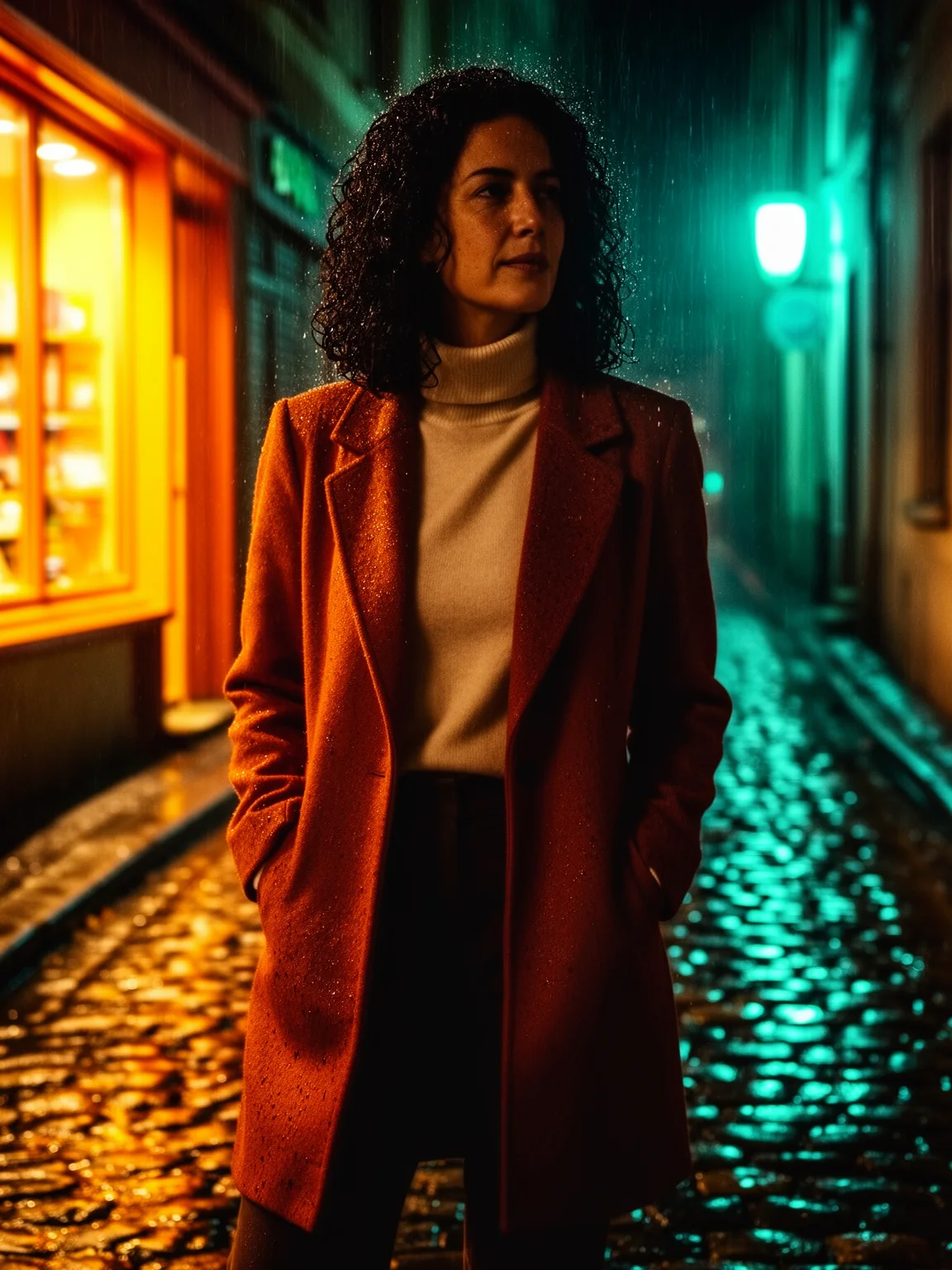
In our test a daytime portrait became a rainy night with wet stones, shop-window light and raindrops, while the woman, her coat and her pose stayed as they were.
Compositing with several sources
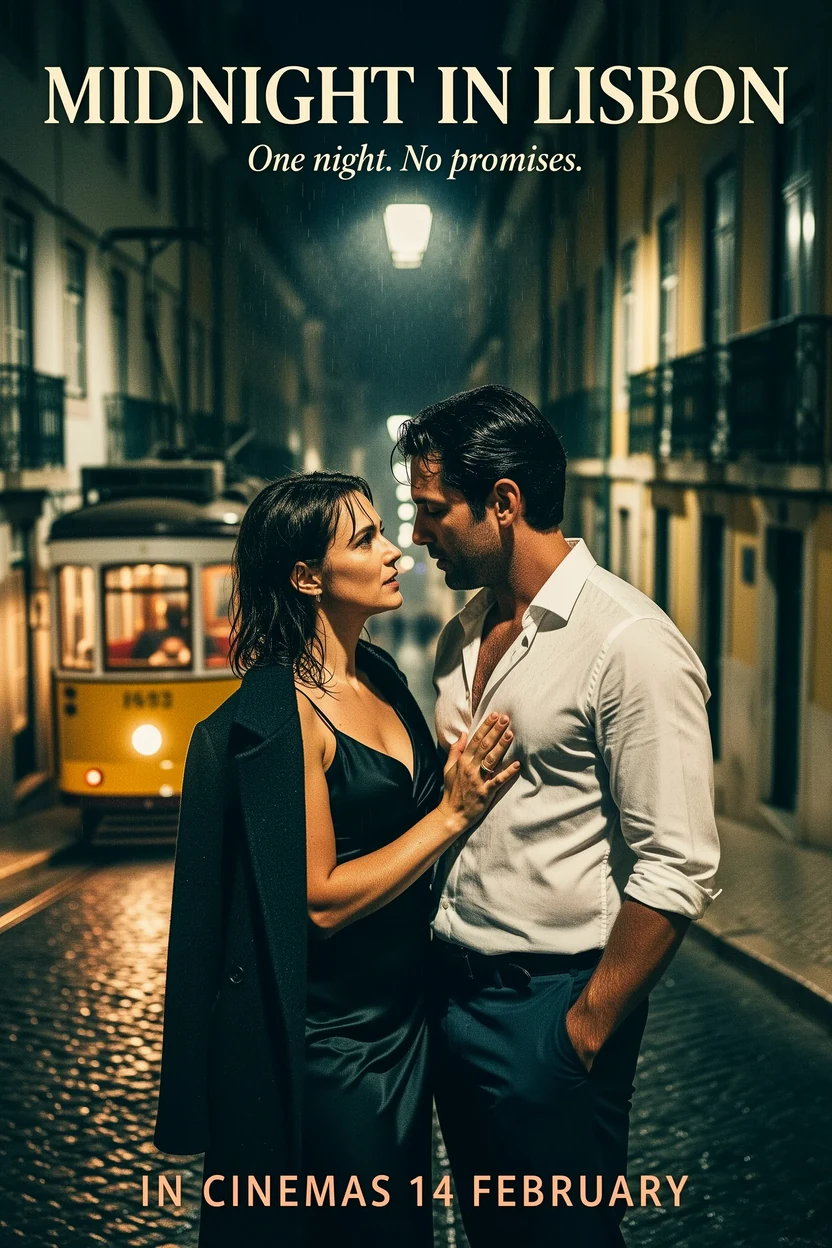
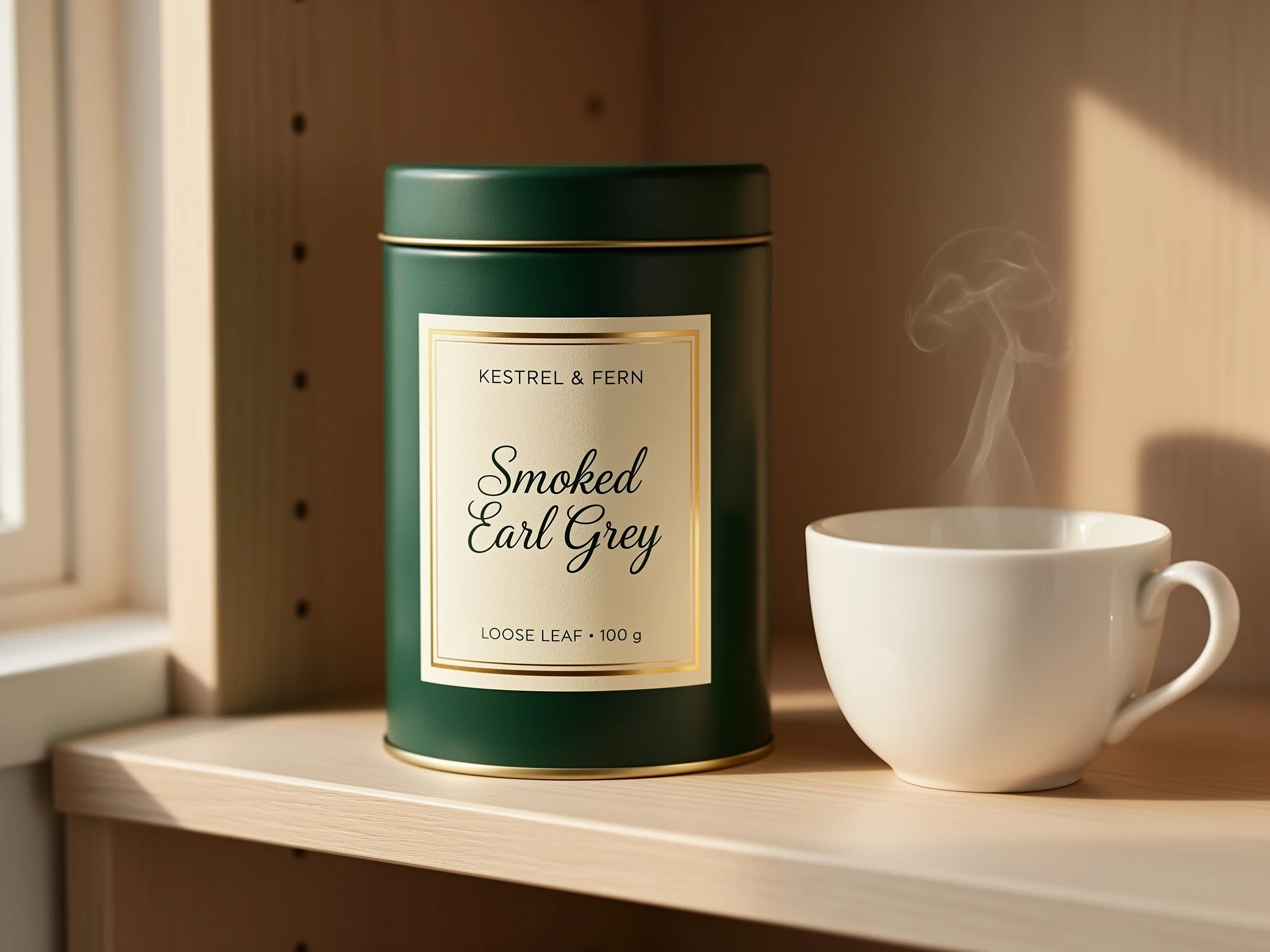
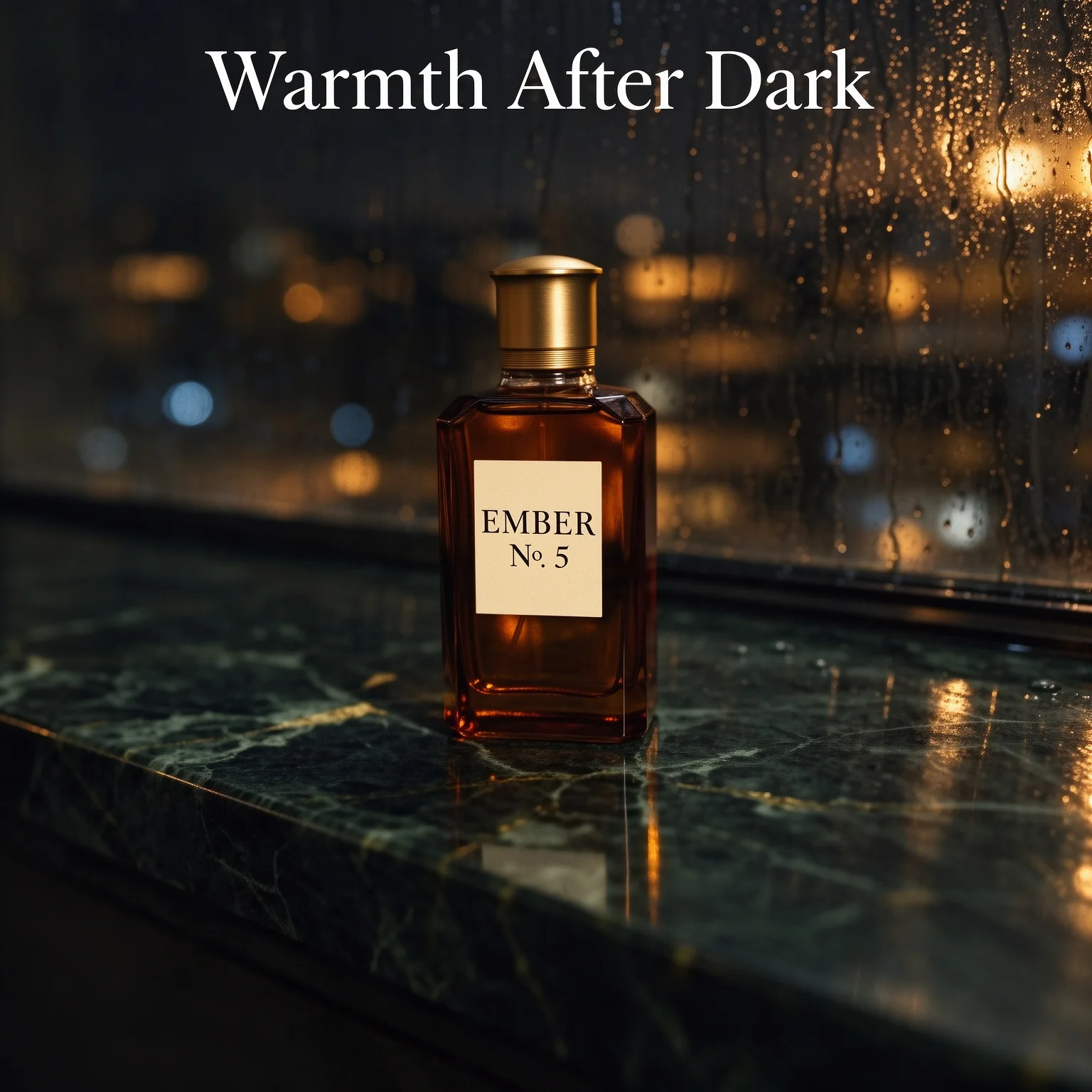
Refer to each source by number and say how they combine. Our perfume test placed a bottle from one photo onto a marble ledge from another and matched the light and reflection.
Text added over the result
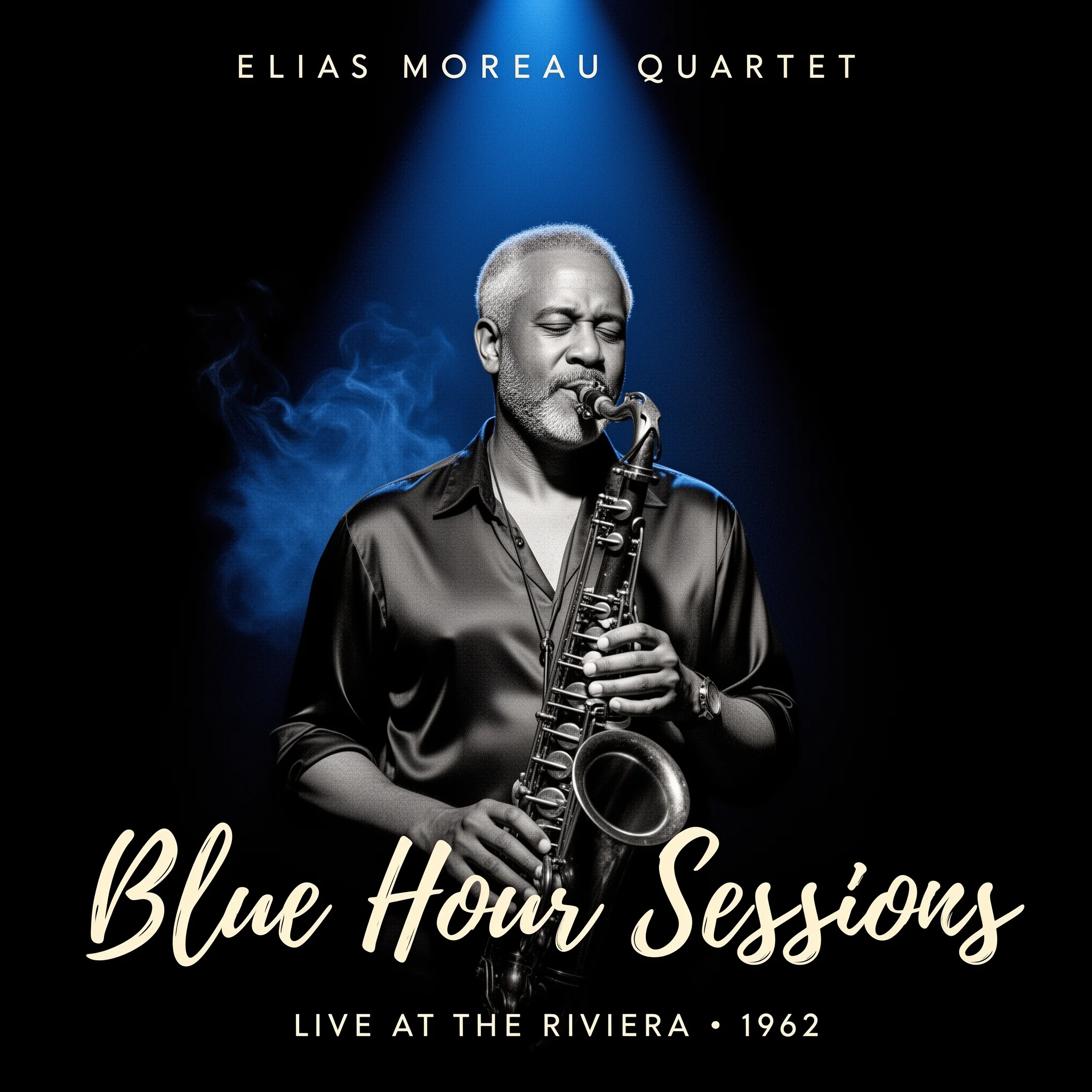
Quote any headline or label you want added. Our composite came back with the headline spelled as written; a "No." in a label can come back as the numero sign.
Request parameters
| Parameter | Required | Description |
|---|---|---|
prompt | Yes | Up to 5,000 characters. Say what to change and what must stay the same, and refer to each source by its position, such as image 1 and image 2. at least 1 characters · at most 5000 characters |
image_urls | Yes | 1 to 3 source images, in the order your prompt refers to them. The price is the same whatever the number of sources. at least 1 items · at most 3 items |
aspect_ratio | No | auto (default) keeps roughly the size and shape of the first source; or pick one of nine shapes from 21:9 to 9:21. The shape does not change the price. |
resolution | No | Only 1k is available for editing. It applies when you choose a fixed aspect ratio; with auto the result follows the size of the first source. |
seed | No | Optional whole number from 0 to 2147483647. Reuse it with the same prompt and sources to compare variations side by side. |
Pricing
$0.115 / image
Billed per image at one flat price: the number of source images and the aspect ratio do not change it. Refused and failed requests are not charged.
Use cases
Product scenes
Move a packshot into a styled setting and add a label or a headline.
Mood and weather variations
Show one portrait at dusk, in rain or under neon for a client choosing a direction.
Scenery and everyday images
Change the time of day, the season or the background of a landscape or street scene.
Prompt guide & pro tips
Say what stays
After the change, list the face, outfit and pose that must remain the same.
Number your sources
Write image 1 and image 2 in the prompt so each source has a clear role.
Keep to safe-for-work material
Editing refuses portraits much more readily than text to image, even at the Mild level, so use it for products, scenery and everyday portraits.
Choose auto to keep the framing
With auto the result follows the size of your first source. Pick a fixed shape only when you want to reframe.
Allow one to two minutes
Edits took 45 to 120 seconds in our tests.
API quick start
# Generate the idempotency key once; reuse it when retrying after a lost response.
export SPICY_IDEMPOTENCY_KEY="${SPICY_IDEMPOTENCY_KEY:-$(uuidgen)}"
curl -X POST https://api.spicyapi.ai/api/v1/jobs/createTask \
  -H "Authorization: Bearer $SPICY_API_KEY" \
  -H "Content-Type: application/json" \
  -H "Idempotency-Key: $SPICY_IDEMPOTENCY_KEY" \
  -d '{
  "model": "black-forest-labs/flux-2-flex/edit",
  "input": {
    "aspect_ratio": "auto",
    "image_urls": [
      "https://example.com/reference.png"
    ],
    "prompt": "A ceramic teapot on a linen cloth, soft window light, muted palette",
    "resolution": "1k"
  }
}'

# Copy data.taskId from the response into TASK_ID, then poll the status.
TASK_ID="TASK_ID_FROM_RESPONSE"
curl "https://api.spicyapi.ai/api/v1/jobs/recordInfo?taskId=$TASK_ID" \
  -H "Authorization: Bearer $SPICY_API_KEY"
See the API reference for authentication, the complete schema, polling, and error handling.