Introduction
FLUX.1 Fill Dev LoRA Inpainting redraws the masked part of one image with FLUX.1 Fill [dev], the 12-billion-parameter fill model from Black Forest Labs, with up to three of your own LoRA files loaded. White in the mask is repainted to match your prompt; black is returned as it was. The platform adds no content filter to the prompt, the weights or the image.
Key features & highlights
The rest of the picture stays
In our tests the unmasked area came back untouched and an all-black mask returned the photo unchanged, so a face, a room or a product shot survives the edit.
Fills that match the light
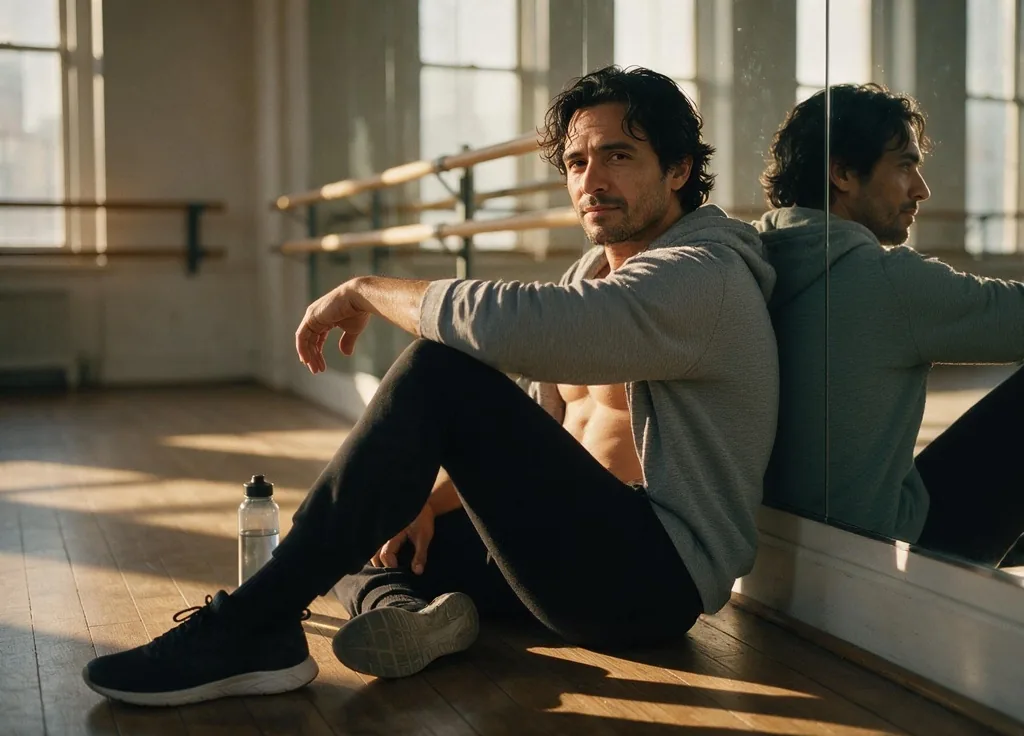
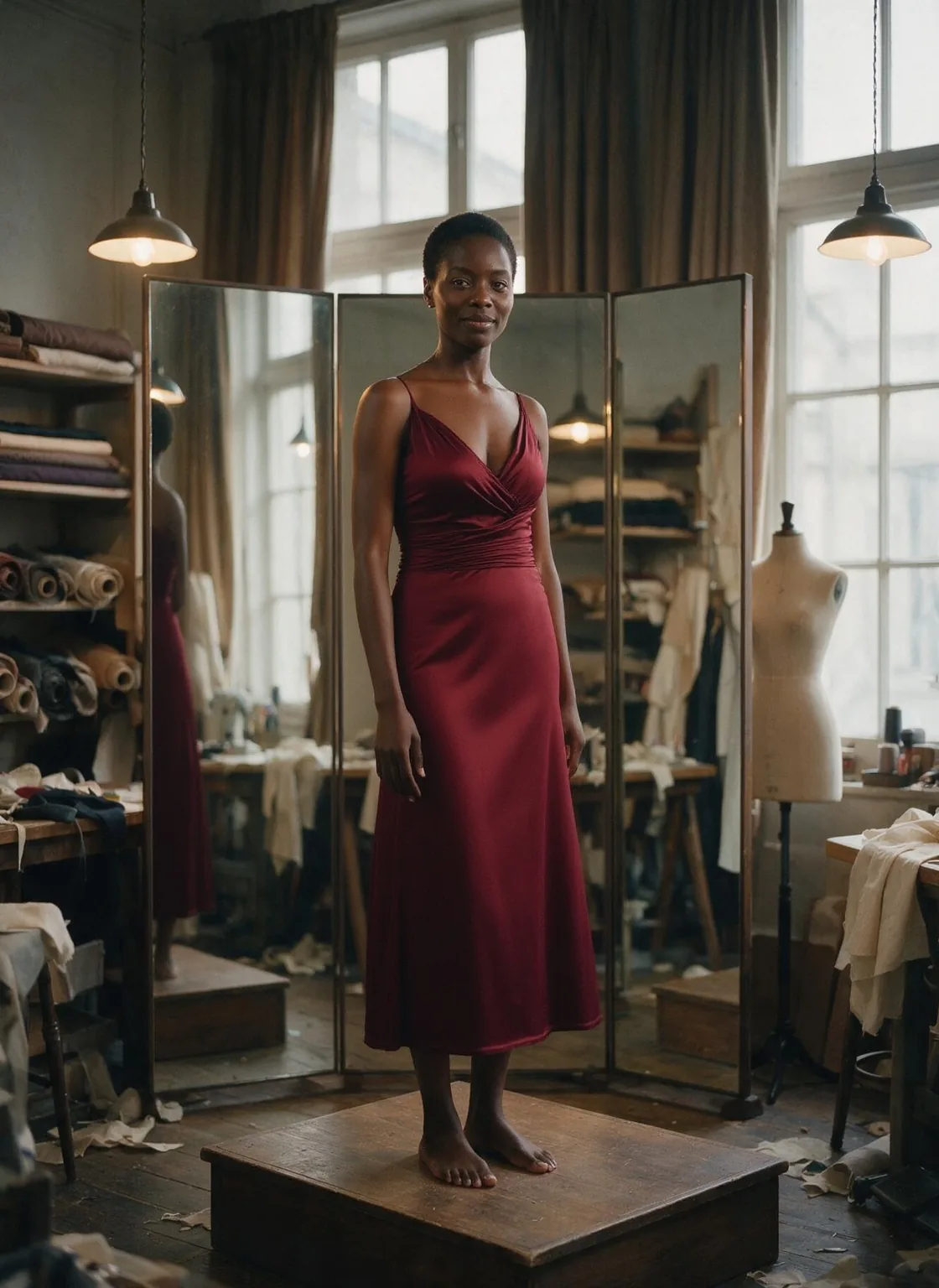
The model was trained to blend into its surroundings: a silk dress picked up the tungsten light of an atelier and a hoodie the low sun of a studio without any extra prompting.
Your own LoRAs inside the mask
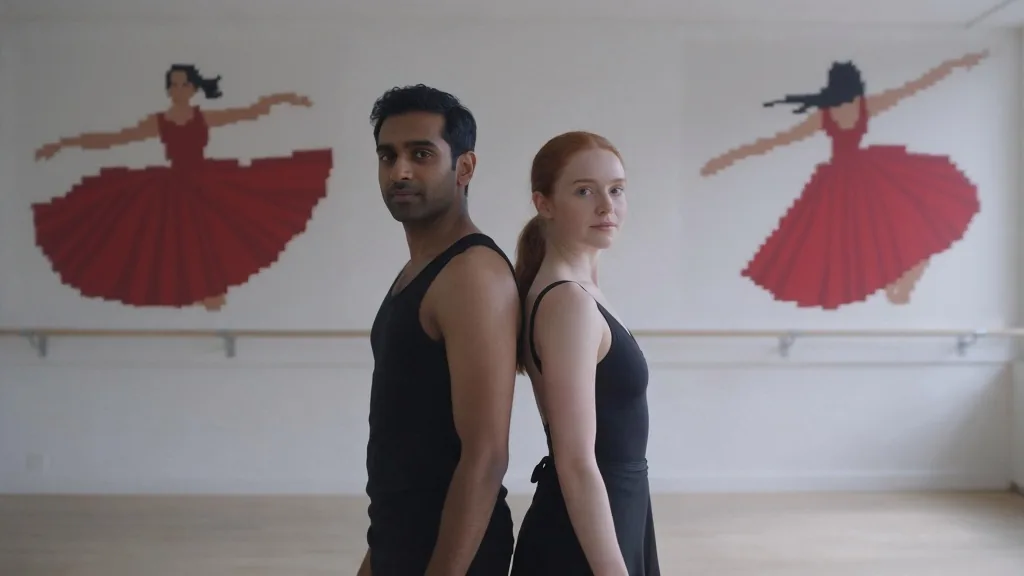
Up to three FLUX.1 dev LoRAs load per request. A pixel-art LoRA turned a masked wall into a mural; an unfiltered LoRA delivered what the base model toned down.
Up to four takes per run
Ask for one to four images on the same mask and pick the best fill, billed per image.
Request parameters
| Parameter | Required | Description |
|---|---|---|
prompt | Yes | Describe what belongs in the white area: the object or garment, its material and the light it sits in. Put a LoRA trigger phrase first. at least 1 characters · at most 5000 characters |
image_url | Yes | The photo to repaint. The result keeps its aspect ratio; the resolution tier sets the long side. |
mask_url | Yes | A black-and-white image the same size as the source: white is redrawn, black is kept. A mask of another size is stretched to fit, so draw it on the source canvas. |
resolution | No | 1k returns a long side of 1,024 pixels and is the default; 1.5k returns 1,536. Sides are rounded down to a multiple of 32. |
num_outputs | No | How many takes on the same mask, 1 to 4; 1 by default. Each image is billed, so four images cost four times one. |
loras | No | Up to three {path, scale} entries trained for FLUX.1 dev; scale 0 to 4, 1 is neutral. Use a public direct link to the .safetensors file. Default: |
guidance_scale | No | How strictly the fill follows the prompt, 28 to 35; 30 by default. Does not change the price. |
steps | No | Denoising steps, 1 to 50; 28 by default. Fewer steps return faster and a little softer. |
seed | No | Keeps fills comparable while you change the prompt or a LoRA. It does not guarantee the exact same pixels on every run. |
Pricing
$0.042 / image
Billed per image: a run of four images costs four times one. The resolution tier and loading LoRAs do not change the price.
Use cases
Fashion and wardrobe changes
Change a garment, a colour or a neckline on a finished photo while the model, pose and set stay exactly as shot.
Retouching
Repaint a hand, remove an object or replace a background element by masking only that region.
Art inside a scene
Mask a wall, a canvas or a sheet of paper and paint a mural or sketch onto it with a style LoRA.
Prompt guide & pro tips
Describe the white area
Write what goes in the mask and how it is lit: "a floor-length crimson silk slip dress with thin straps, catching warm tungsten light". You do not need to re-describe the rest of the photo.
Mask generously
Include straps, collars, hoods and mirror reflections of whatever you change. Whatever is left outside the mask stays in the picture.
Keep the mask on the source canvas
Export the mask at the same size as the photo. A mask of another size is stretched, which moves the white area.
Ask for several takes
Fills vary with the seed. Two to four images per run is the quickest way to a clean edge.
API quick start
# Generate the idempotency key once; reuse it when retrying after a lost response.
export SPICY_IDEMPOTENCY_KEY="${SPICY_IDEMPOTENCY_KEY:-$(uuidgen)}"
curl -X POST https://api.spicyapi.ai/api/v1/jobs/createTask \
  -H "Authorization: Bearer $SPICY_API_KEY" \
  -H "Content-Type: application/json" \
  -H "Idempotency-Key: $SPICY_IDEMPOTENCY_KEY" \
  -d '{
  "model": "black-forest-labs/flux-1-fill-dev-lora/edit",
  "input": {
    "image_url": "https://example.com/reference.png",
    "mask_url": "https://example.com/reference.png",
    "num_outputs": 1,
    "prompt": "A ceramic teapot on a linen cloth, soft window light, muted palette",
    "resolution": "1k"
  }
}'

# Copy data.taskId from the response into TASK_ID, then poll the status.
TASK_ID="TASK_ID_FROM_RESPONSE"
curl "https://api.spicyapi.ai/api/v1/jobs/recordInfo?taskId=$TASK_ID" \
  -H "Authorization: Bearer $SPICY_API_KEY"
See the API reference for authentication, the complete schema, polling, and error handling.