Introduction
FLUX.2 Klein 9B LoRA Image editing changes one to three source images from a written instruction on Black Forest Labs' step-distilled FLUX.2 [klein] 9B, with up to three of your own LoRA files loaded. Keep the source shape with auto or pick one of nine shapes at 1k or 2k. Most edits took about ten seconds of model time, there is no mask or strength control to tune, and nothing is filtered.
Choose a mode by starting material
| What you have | Mode |
|---|---|
| a written description and a LoRA | FLUX.2 Klein 9B LoRA Text to image |
| one to three images to change | FLUX.2 Klein 9B LoRA Image editing |
Key features & highlights
Same person, new scene
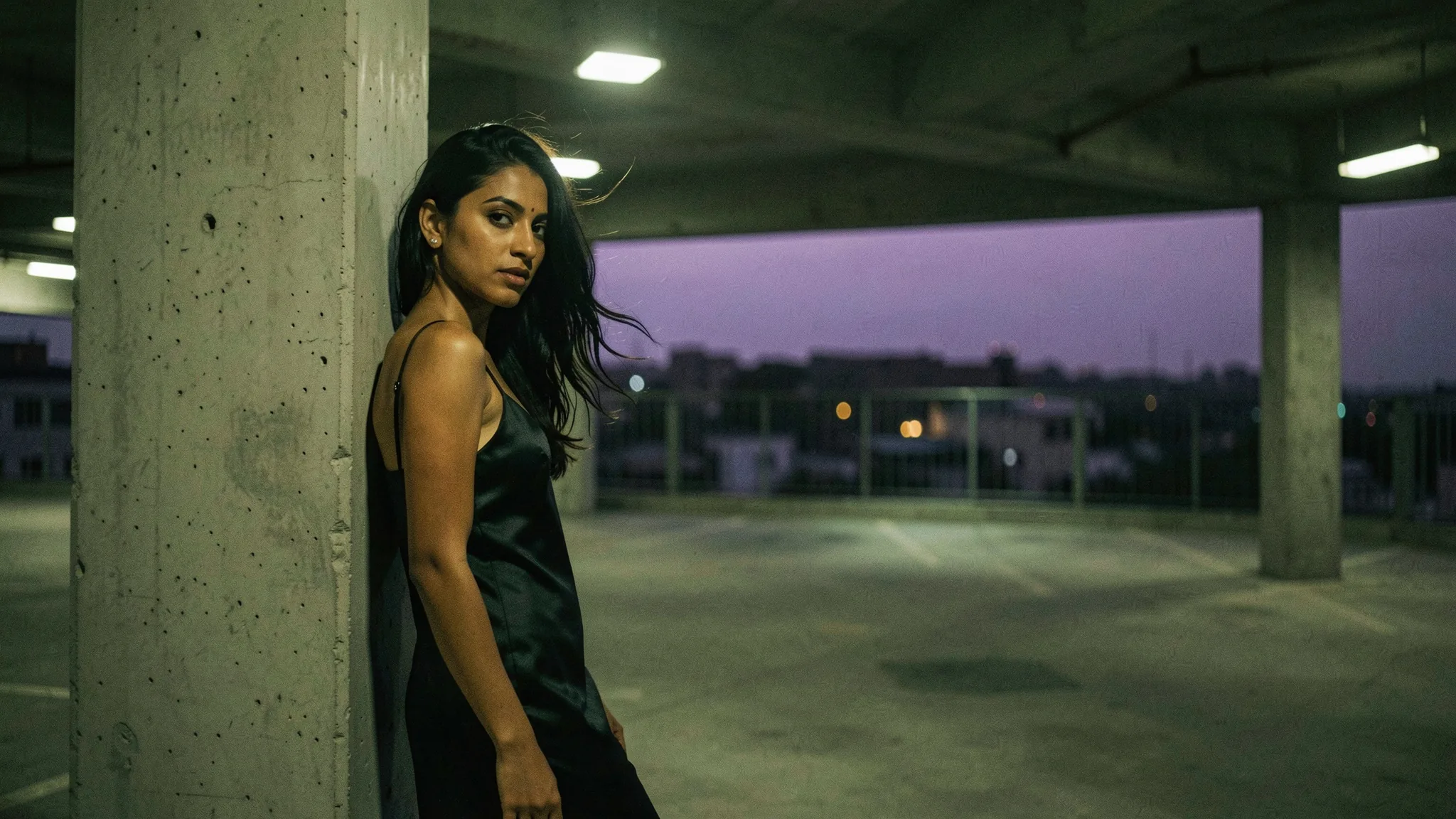
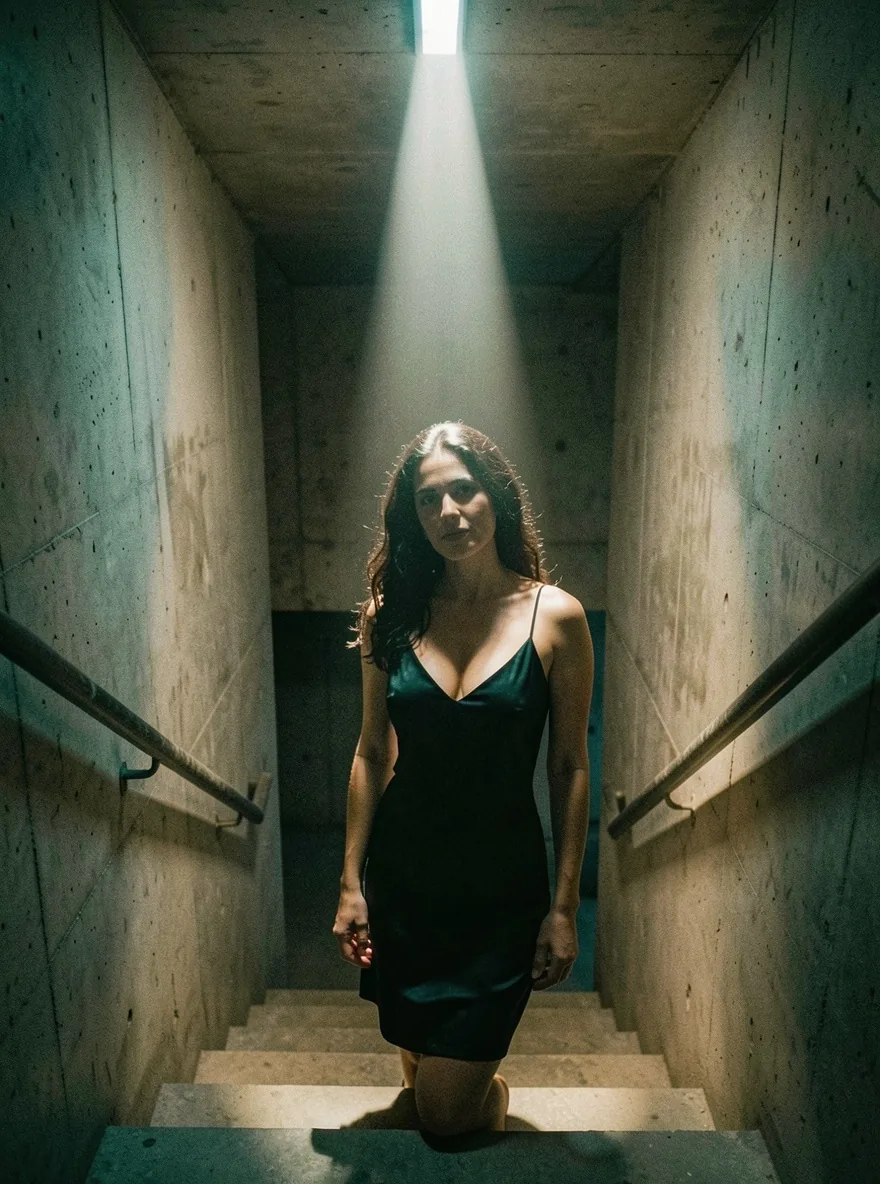
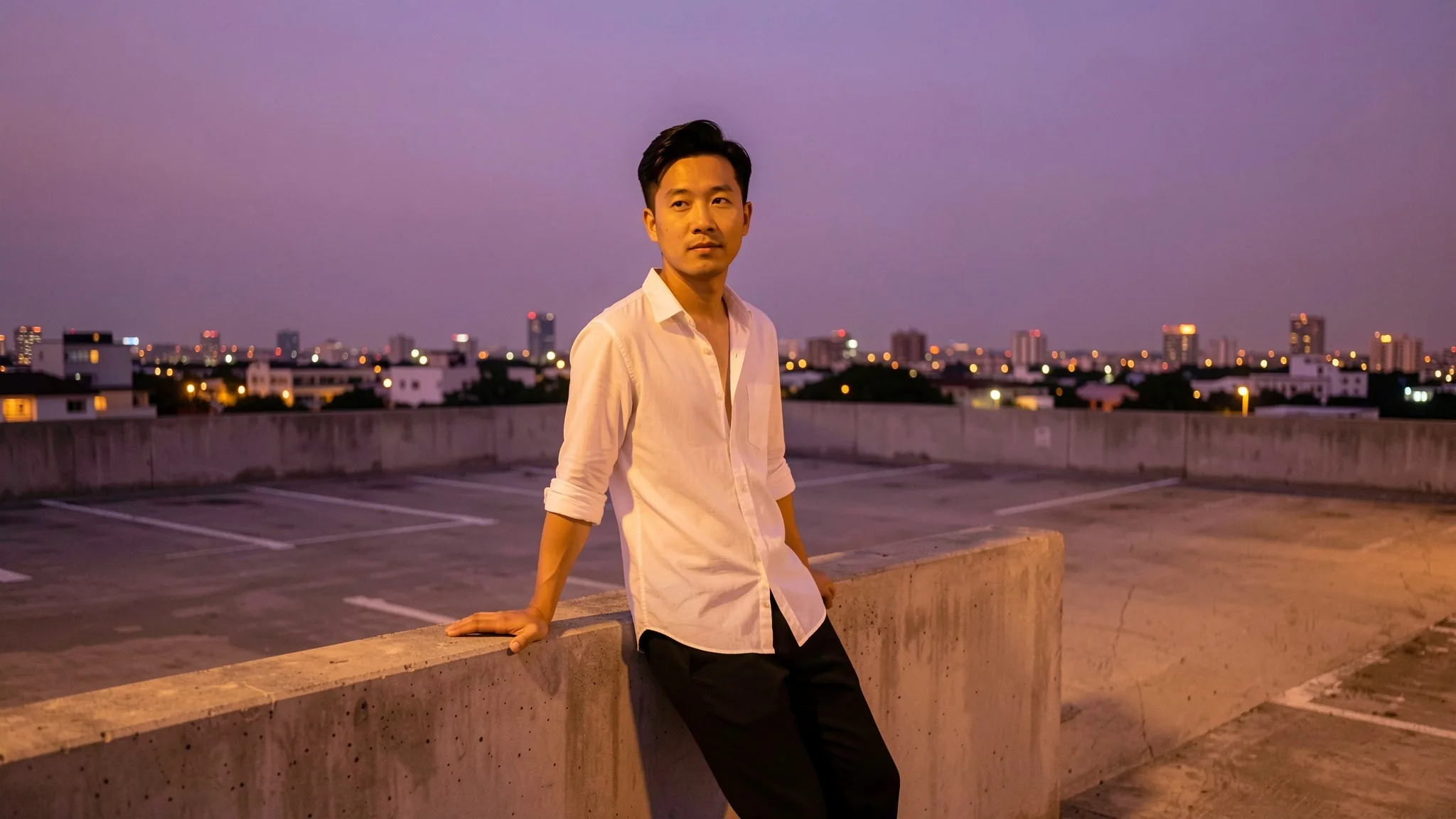
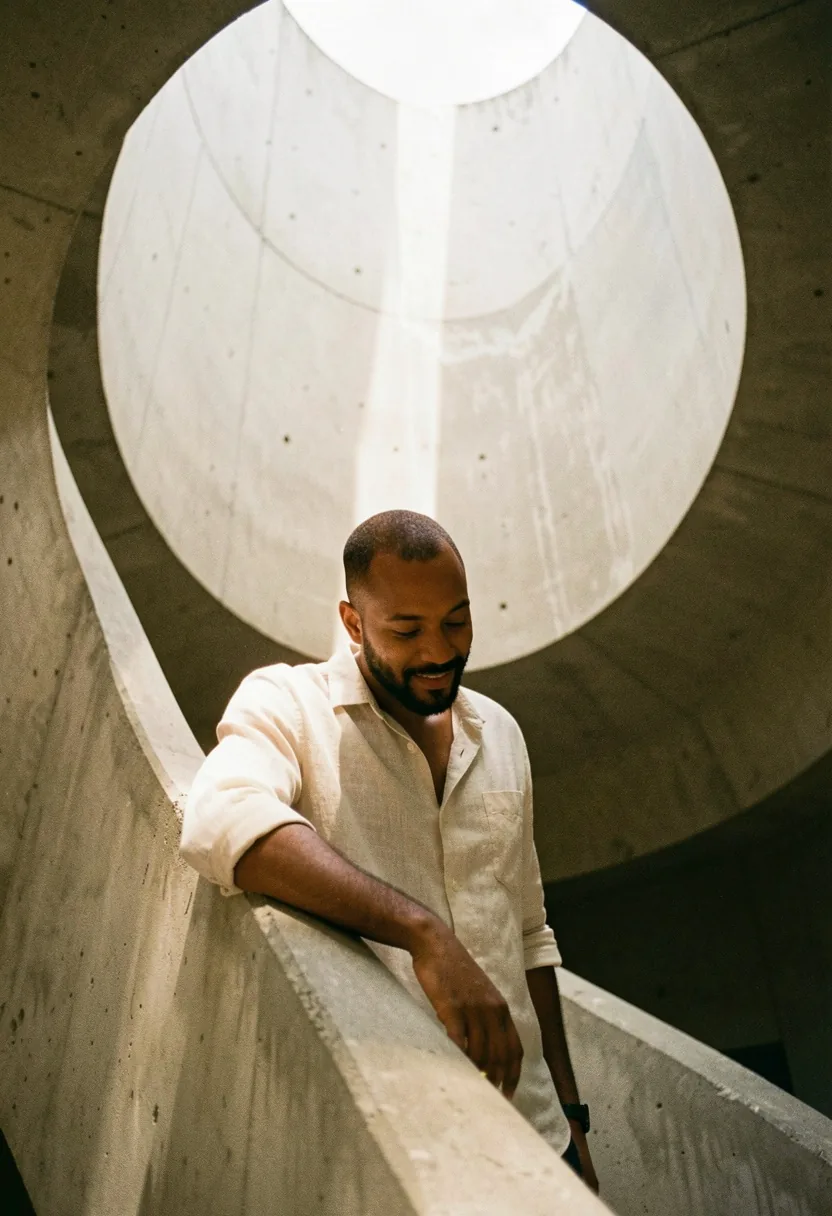
In our tests the face and hair carried through changes of outfit and place: a man on a park bench in a hoodie came back on a car park roof at dusk in an open-collar shirt, still clearly the same person.
Up to three sources
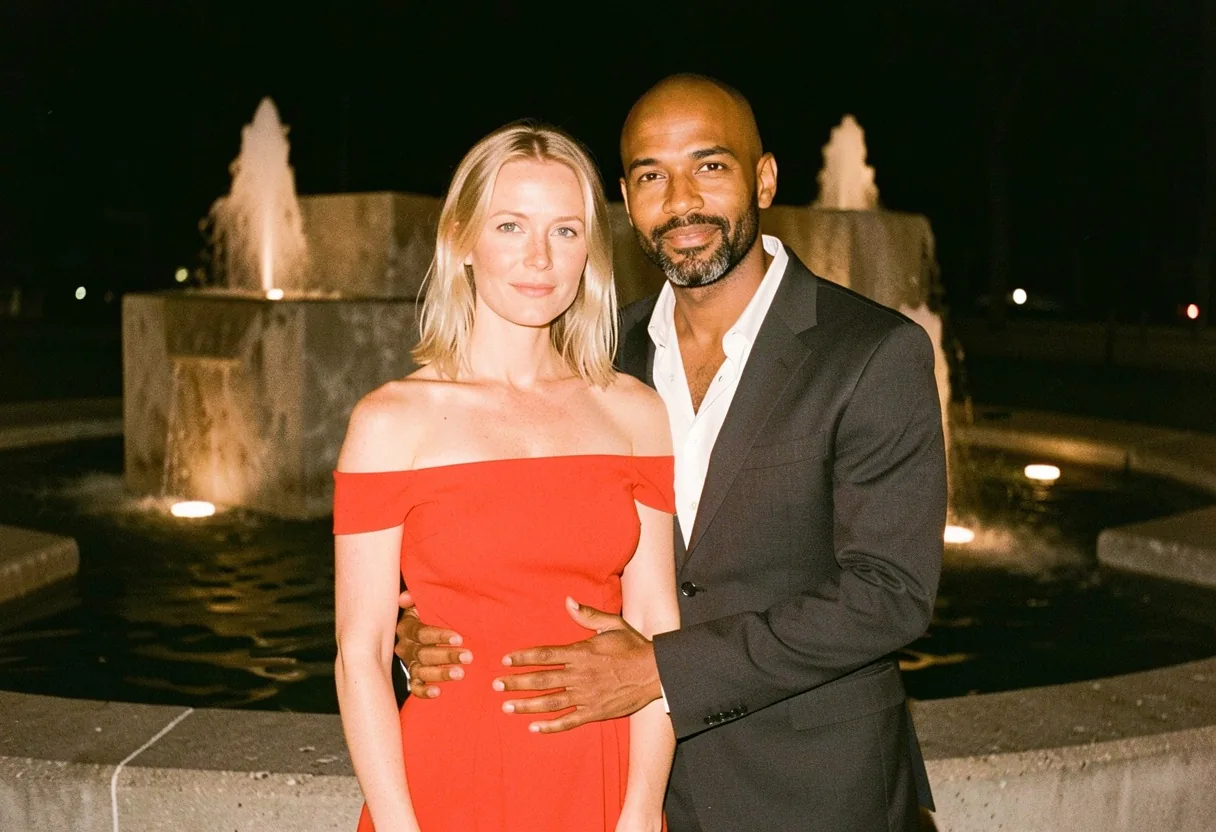
Two head-and-shoulders portraits taken apart became one couple at a lit fountain, each keeping their face. With two or three sources, faces and hair can drift a little, so check each person before you use the result.
LoRAs on edits
A film or analog LoRA sets the grade of the edited picture. Concept LoRAs change what is drawn, and a heavy one can also shift a face or skin tone away from the source; lower its scale when that happens.
Request parameters
| Parameter | Required | Description |
|---|---|---|
prompt | Yes | Required, up to 5,000 characters. Name what must stay (face, hair, pose) and then the change. at least 1 characters · at most 5000 characters |
image_urls | Yes | Required, one to three public image links, up to 10 MB each, in the order your prompt refers to them. A link that does not open or is not an image fails the request. at least 1 items · at most 3 items |
aspect_ratio | No | auto (default) keeps the shape of the first source at about one megapixel: a 1328 x 1776 portrait came back as 880 x 1184. Or choose one of nine shapes from 21:9 to 9:21. |
resolution | No | 1k (default) or 2k, used when you choose an aspect ratio; ignored with auto. Does not change the price. |
loras | No | Up to three {path, scale} entries trained for FLUX.2 [klein] 9B, distilled or Base; scale 0 to 4, 1 by default. Default: |
seed | No | Optional, 0 to 2,147,483,647. Reuse it to compare prompt or LoRA changes; it does not promise an identical image. |
Pricing
$0.025 / image
Billed per image at one flat price. The number of sources, the size tier and loading LoRAs do not change the price.
Use cases
Wardrobe and location changes
Move a person into a new place and outfit in one pass while keeping their likeness, for lookbooks, mood boards and character sheets.
Putting people together
Combine two or three portraits into one scene, then restyle the result with a LoRA so the series matches.
Fast retouch rounds
At about ten seconds per edit you can try several instructions and LoRA strengths on the same photo and keep the best version, instead of settling for the first attempt.
Prompt guide & pro tips
Protect first, then change
Start the instruction with what must stay the same, such as face, hair and expression, then describe the change in concrete terms: the garment, the place and the light. Short, specific instructions held faces better than long lists in our tests.
Give each source a role
With several images, say what each one brings: the woman from the first image, the man from the second, the room from the third. The order in your prompt should match the upload order.
Lower a LoRA that changes faces
If the person stops looking like the source, take the LoRA scale down by 0.2 and run the same seed again. Heavy concept LoRAs are the usual cause; style LoRAs rarely move a face.
API quick start
# Generate the idempotency key once; reuse it when retrying after a lost response.
export SPICY_IDEMPOTENCY_KEY="${SPICY_IDEMPOTENCY_KEY:-$(uuidgen)}"
curl -X POST https://api.spicyapi.ai/api/v1/jobs/createTask \
  -H "Authorization: Bearer $SPICY_API_KEY" \
  -H "Content-Type: application/json" \
  -H "Idempotency-Key: $SPICY_IDEMPOTENCY_KEY" \
  -d '{
  "model": "black-forest-labs/flux-2-klein-9b-lora/edit",
  "input": {
    "aspect_ratio": "auto",
    "image_urls": [
      "https://example.com/reference.png"
    ],
    "prompt": "A ceramic teapot on a linen cloth, soft window light, muted palette",
    "resolution": "1k"
  }
}'

# Copy data.taskId from the response into TASK_ID, then poll the status.
TASK_ID="TASK_ID_FROM_RESPONSE"
curl "https://api.spicyapi.ai/api/v1/jobs/recordInfo?taskId=$TASK_ID" \
  -H "Authorization: Bearer $SPICY_API_KEY"
See the API reference for authentication, the complete schema, polling, and error handling.