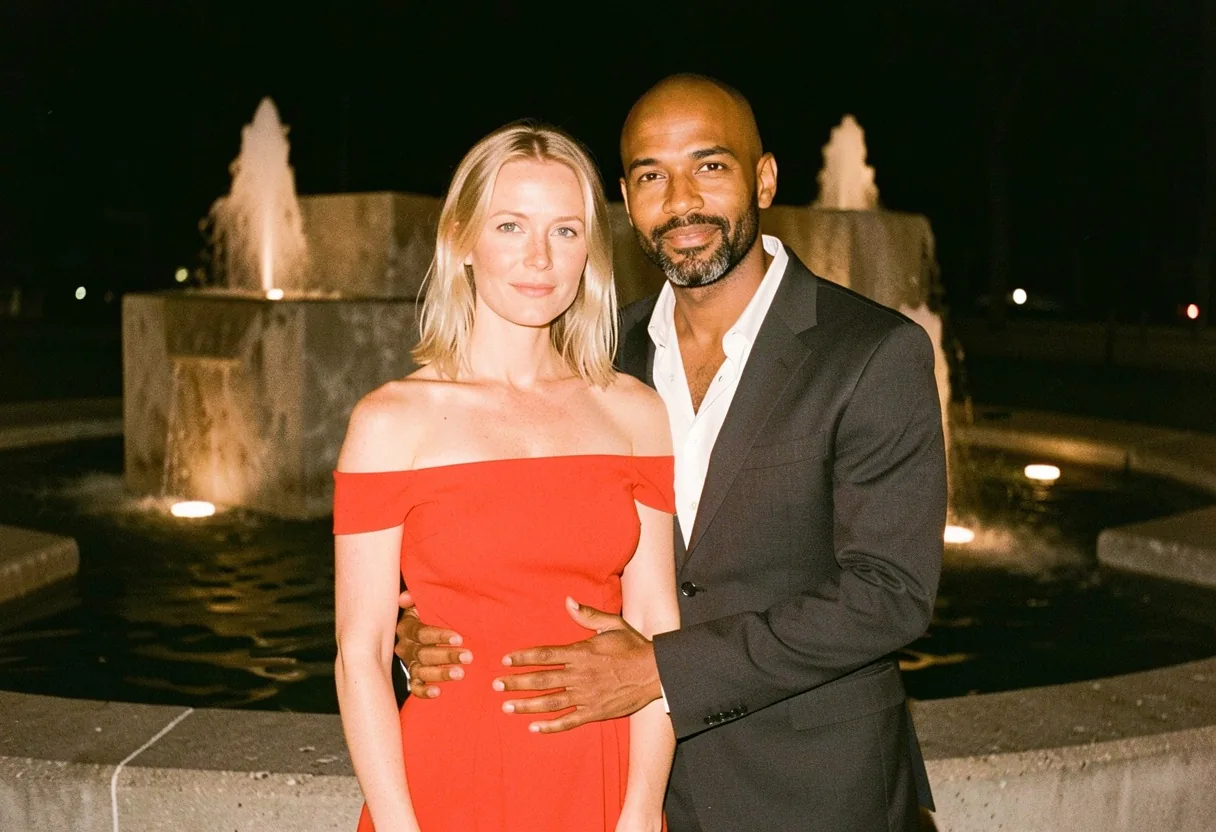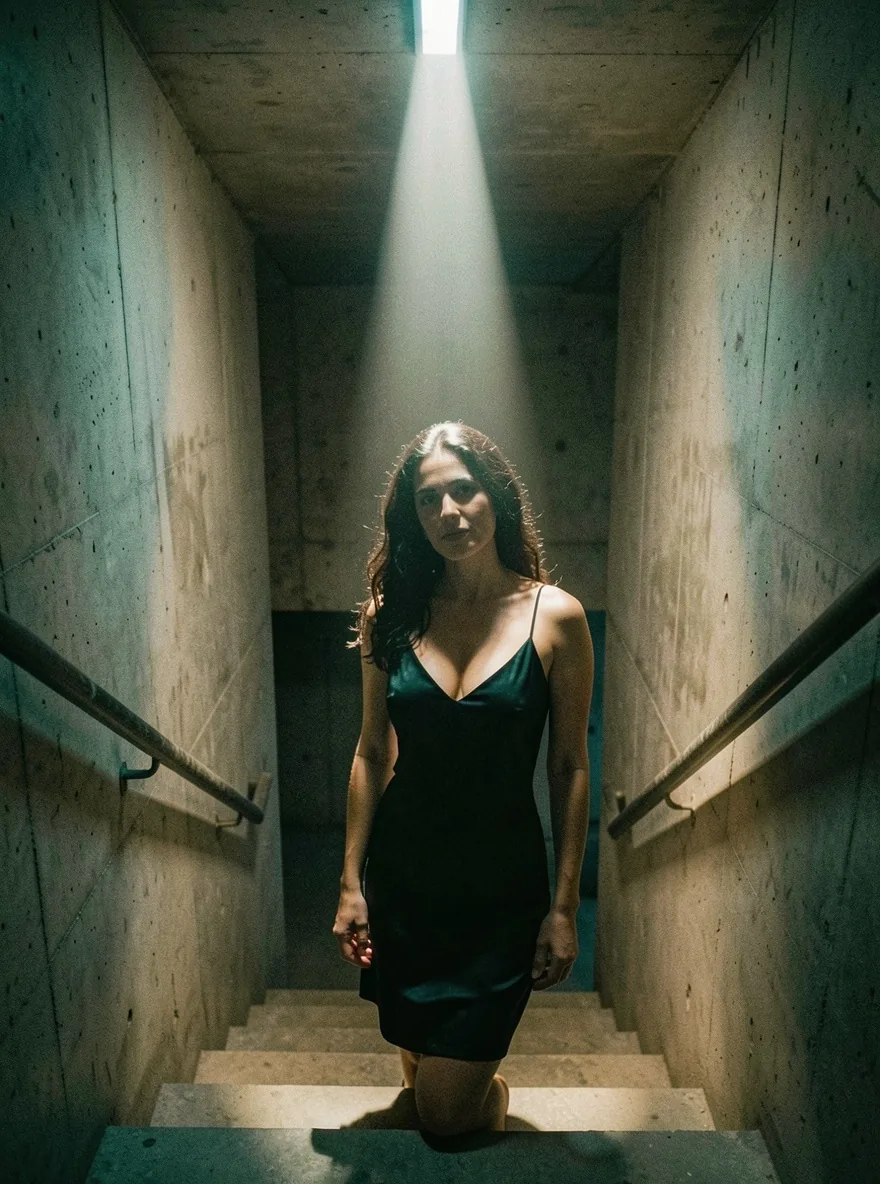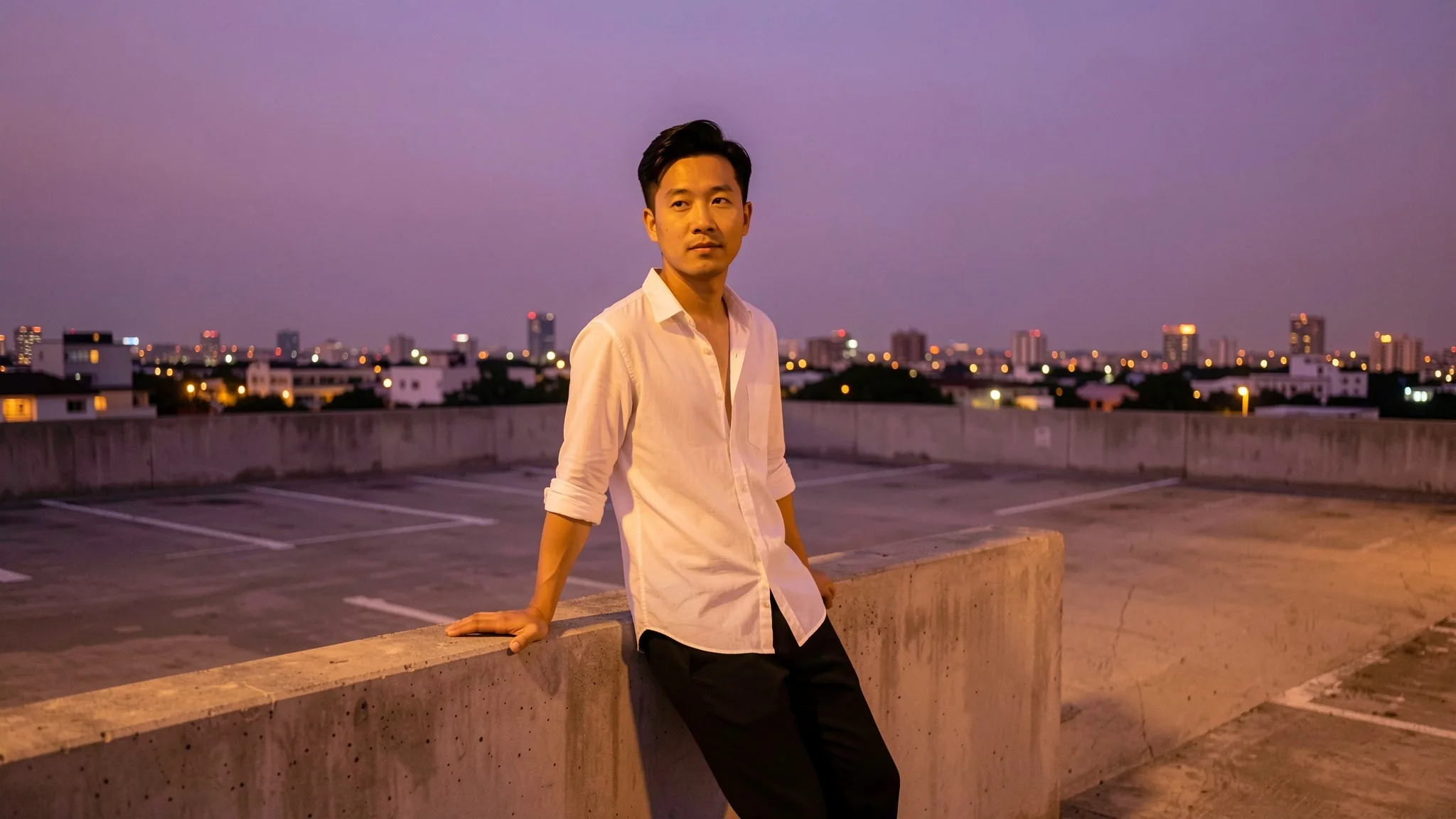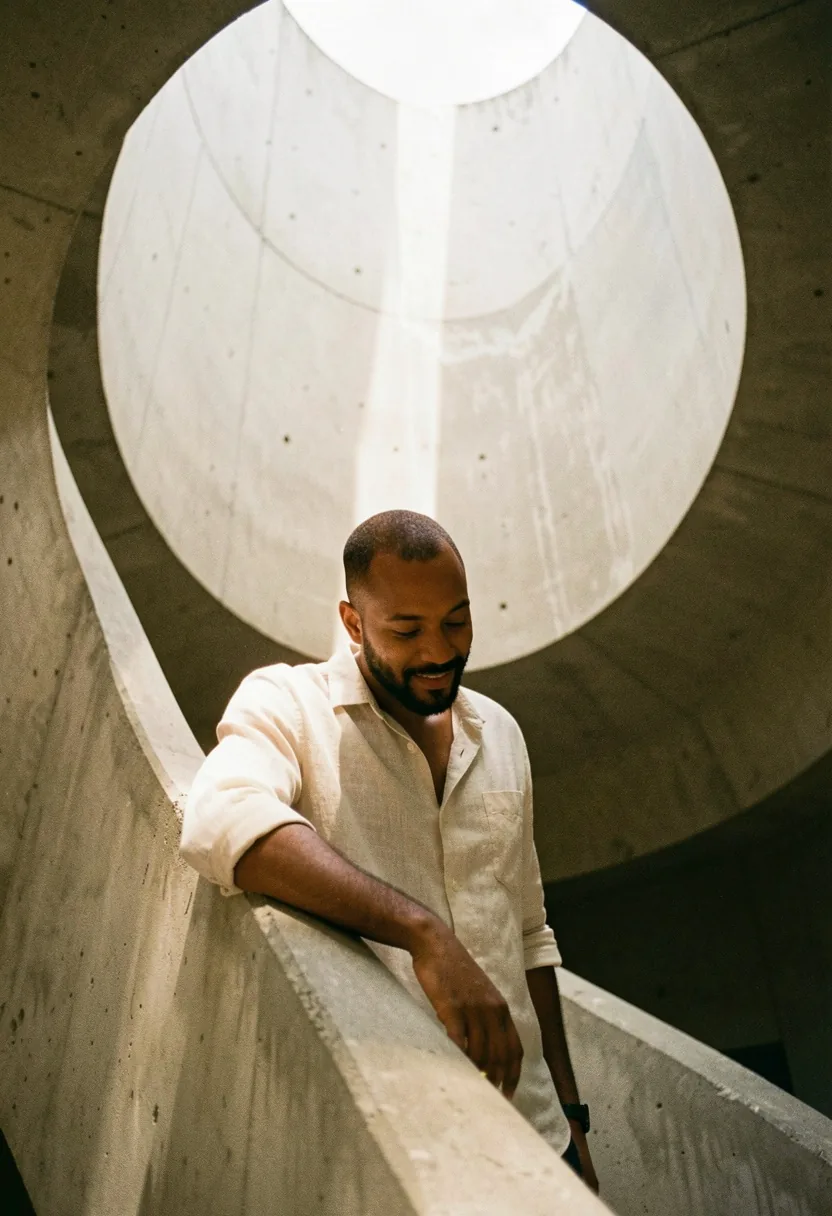
Introduction
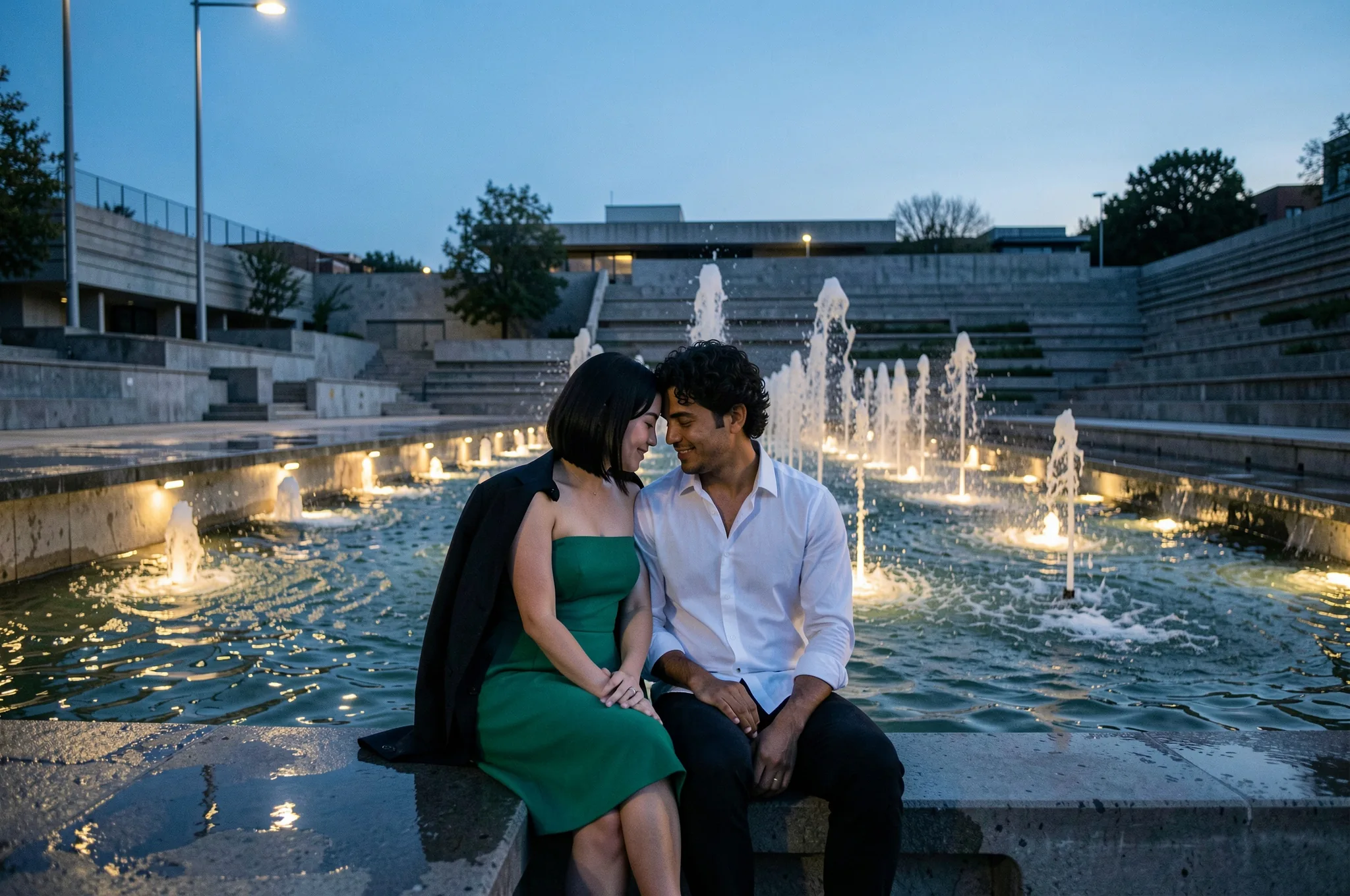
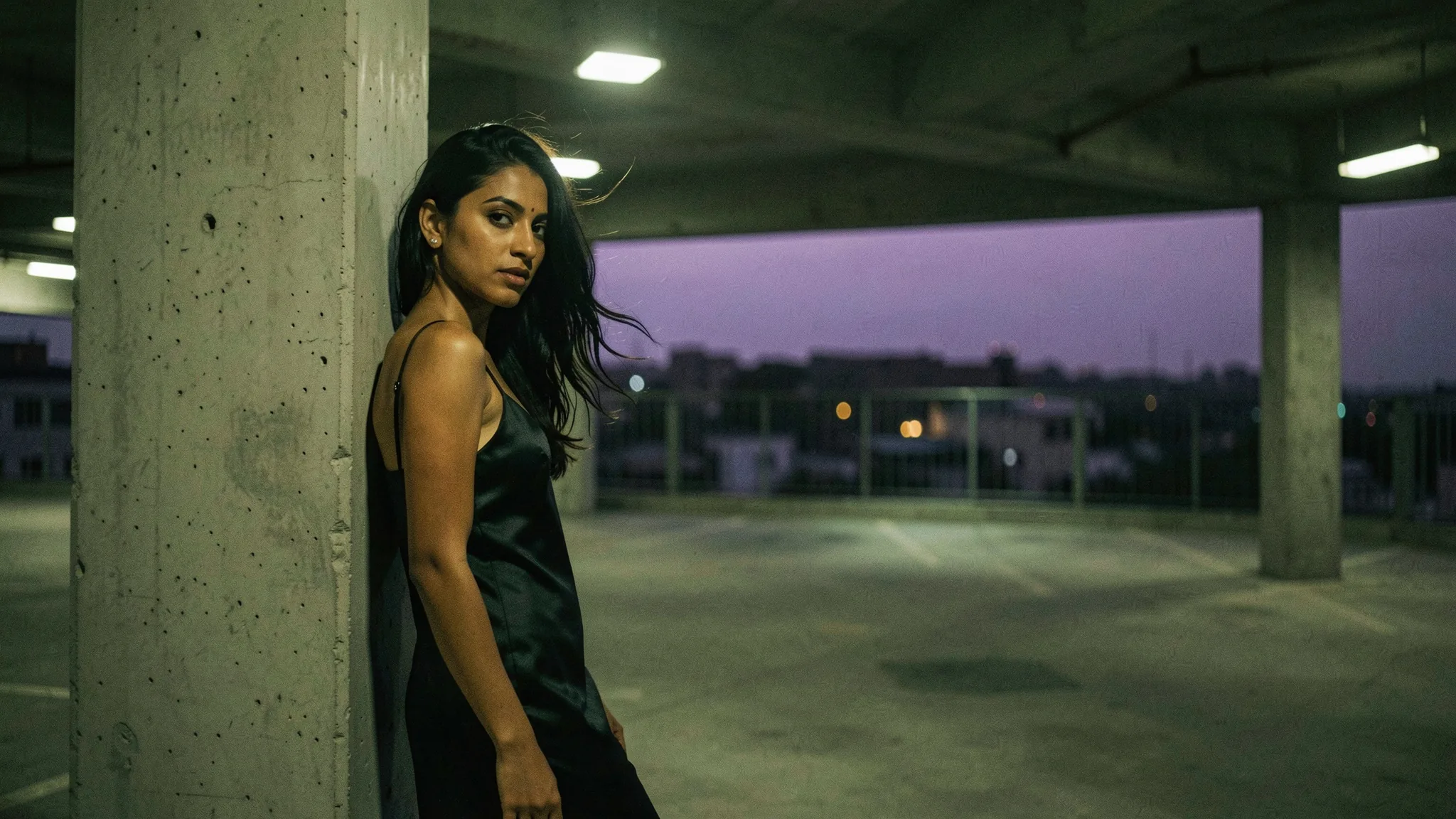
FLUX.2 Klein 9B LoRA Text to image draws one image from a written prompt on Black Forest Labs' FLUX.2 [klein] 9B, the step-distilled 9B model, with up to three of your own LoRA files loaded from direct links. Choose one of nine aspect ratios at 1k or 2k and get a JPEG back, most often in about ten seconds of model time. The platform adds no content filter to the prompt, the weights or the image, and the price per image is flat.
Choose a mode by starting material
| What you have | Mode |
|---|---|
| a written description and a LoRA | FLUX.2 Klein 9B LoRA Text to image |
| one to three images to change | FLUX.2 Klein 9B LoRA Image editing |
Key features & highlights
Your LoRAs, both klein 9B builds
LoRAs trained on the distilled klein 9B and on klein Base 9B both loaded here in our tests. A LoRA trained on Base for the stronger levels changed what the model drew; a film-still LoRA shifted the grade of a whole scene toward teal and amber. FLUX.1 and klein 4B LoRAs, and files saved in diffusers PEFT format, ran without an error and changed nothing, so check the base model on the LoRA's card before you use it.
Fast enough to iterate
Most images took about ten seconds of model time, at 1k and at 2k alike, and 2k costs the same as 1k. That makes it practical to try a LoRA at three strengths and a few seeds in one sitting, then keep the best frame.
No content filter
Prompts and LoRA files are not reviewed. On its own the model holds back at the Strong and Very strong levels; LoRAs trained for that content on klein 9B rendered both in our tests. The Maximum level rendered without any LoRA.
Request parameters
| Parameter | Required | Description |
|---|---|---|
prompt | Yes | Required, up to 5,000 characters. Put the LoRA's trigger phrase first, then describe subject, clothing, place, light and lens in sentences. at least 1 characters · at most 5000 characters |
aspect_ratio | No | Nine shapes from 21:9 to 9:21; 1:1 by default. The shape does not change the price. |
resolution | No | 1k (default) is about one megapixel, for example 1344 x 768 or 1024 x 1024; 2k puts 2048 pixels on the long side, for example 2048 x 1152. Both cost the same. |
loras | No | Up to three {path, scale} entries trained for FLUX.2 [klein] 9B, distilled or Base; scale 0 to 4, 1 by default. In our tests 0.5 was faint and 4 broke the picture. Default: |
seed | No | Optional, 0 to 2,147,483,647. Reuse it to compare one change at a time; in our tests the same seed gave the same or a near-identical picture. |
Pricing
$0.018 / image
Billed per image at one flat price. The aspect ratio, 1k or 2k and loading LoRAs do not change the price.
Use cases
Run a hub LoRA as an API call
Paste a direct .safetensors link from a model hub, set the scale and write the prompt. There is nothing to train, host or keep warm, and up to three LoRAs stack in one request.
Graded stills and styled series
A film or analog LoRA keeps a whole set of images in one grade across nine shapes, from 21:9 banners to 9:16 phone screens, at one flat price per image.
Character work with stacked LoRAs
Load a LoRA for the stronger levels trained for klein 9B with a character or style LoRA beside it, and keep every person an adult.
Prompt guide & pro tips
Trigger first, then sentences
Start with the LoRA's trigger phrase from its model card, then describe subject, clothing, place, light and lens in full sentences. The model follows long, specific prompts well, and there is no negative prompt, so say what you want rather than what to avoid.
Move the scale in small steps
Start at 0.8 to 1. In our tests 0.5 gave a faint version of a style and 4 broke the picture into blocks. Raise or lower by 0.2 and look at faces and hands first; they are the first things to distort.
Check that the LoRA is doing the work
Run the same prompt and seed with and without the file. Style LoRAs often refine a look the words already ask for, such as grain, grade or a pixel grid; LoRAs that teach new content change the picture outright. No visible change usually means the wrong base model.
Describe the look, light and lens
Without a LoRA the model makes its own wardrobe choices. Spend the prompt on the setting, the light and the lens, and keep the outfit description short and plain.
API quick start
# Generate the idempotency key once; reuse it when retrying after a lost response.
export SPICY_IDEMPOTENCY_KEY="${SPICY_IDEMPOTENCY_KEY:-$(uuidgen)}"
curl -X POST https://api.spicyapi.ai/api/v1/jobs/createTask \
  -H "Authorization: Bearer $SPICY_API_KEY" \
  -H "Content-Type: application/json" \
  -H "Idempotency-Key: $SPICY_IDEMPOTENCY_KEY" \
  -d '{
  "model": "black-forest-labs/flux-2-klein-9b-lora/text-to-image",
  "input": {
    "aspect_ratio": "1:1",
    "prompt": "A ceramic teapot on a linen cloth, soft window light, muted palette",
    "resolution": "1k"
  }
}'

# Copy data.taskId from the response into TASK_ID, then poll the status.
TASK_ID="TASK_ID_FROM_RESPONSE"
curl "https://api.spicyapi.ai/api/v1/jobs/recordInfo?taskId=$TASK_ID" \
  -H "Authorization: Bearer $SPICY_API_KEY"
See the API reference for authentication, the complete schema, polling, and error handling.