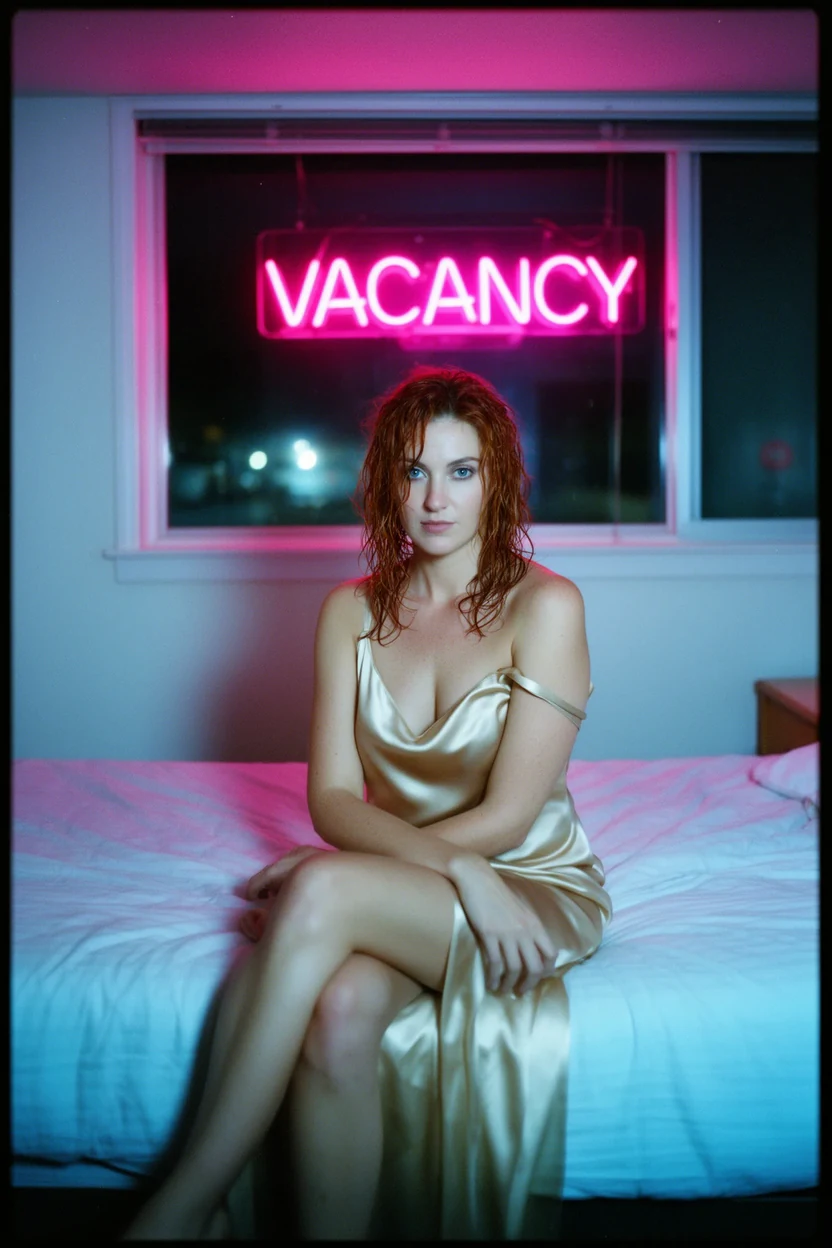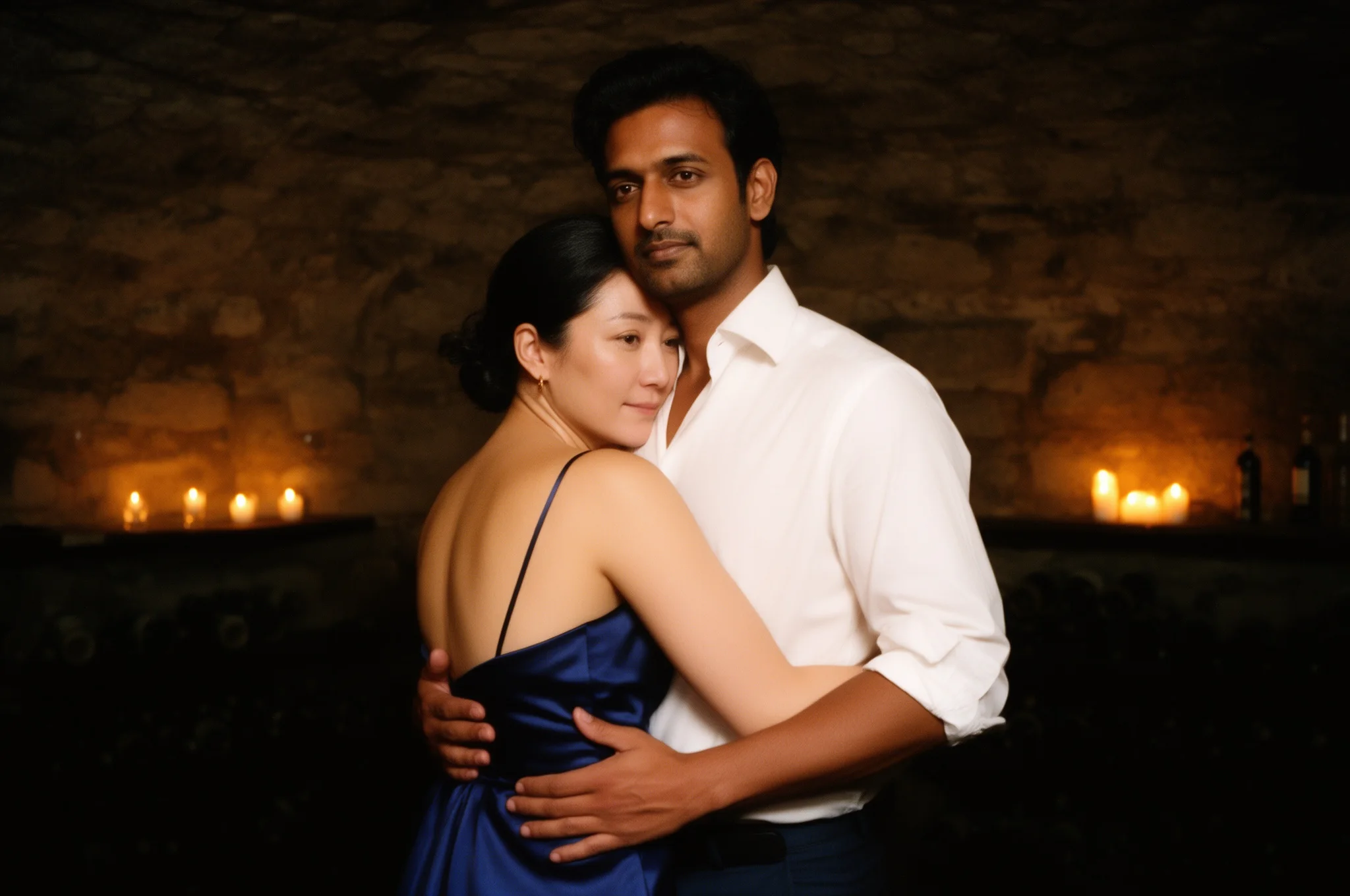
Introduction
FLUX.2 Dev Image Edit changes or combines up to three source images on Black Forest Labs' FLUX.2 [dev], a 32-billion-parameter open-weights model. Describe the new outfit, setting or light, name what must stay, and get one image back. It keeps faces close to the sources, can place people from separate photos in one scene, and applies no filter to the sources, the prompt or the result.
Choose a mode by starting material
| What you have | Mode |
|---|---|
| one to three images to change or combine | FLUX.2 Dev Image Edit |
| a written brief only | FLUX.2 Dev Text to image |
Key features & highlights
Up to three references
List the images in the order your prompt mentions them and refer to them as image 1, image 2 and image 3. In our test a woman from one portrait and a man from another danced together in a new scene with both faces still close to their photos.
Framing that follows the source
With the shape on auto the result keeps the first image's proportions at about one megapixel. Pick a ratio and 2k when you want a different crop or more pixels.
One flat price
The price per image stays the same for one, two or three sources and for 1k or 2k.
Request parameters
| Parameter | Required | Description |
|---|---|---|
prompt | Yes | Up to 5,000 characters. Say what to change and what must stay the same. When you combine photos, name each person by image number and ask to keep their faces. at least 1 characters · at most 5000 characters |
image_urls | Yes | One to three source images, up to 10 MB each, in the order your prompt refers to them ("image 1", "image 2"). Clear, front-facing photos keep faces best. at least 1 items · at most 3 items |
aspect_ratio | No | auto (default) follows the shape of the first source image at about one megapixel. Choose one of nine ratios from 21:9 to 9:21 to recrop. |
resolution | No | 1k (default) or 2k, used only when you choose a specific aspect ratio. With auto the result stays at about one megapixel. |
seed | No | A whole number from 0 to 2,147,483,647. Keep it fixed while you adjust the prompt so results are easy to compare; it does not guarantee an identical image. |
Pricing
$0.023 / image
Billed per image at one flat price, whatever the number of source images or the size tier. Failed requests are not charged.
Use cases
A new outfit and setting for the same person
Move a person from an office to a bar or from a street to a beach, with another outfit and light, while the face stays.
Two people in one scene
Bring people from separate portraits into one frame for a couple shot or a character pair.
Relighting and colour changes
Ask for a new light source with a hex colour and keep the rest of the composition.
Prompt guide & pro tips
Say what stays
Start with "same man, same face and beard", then list what changes. Short, explicit lists work better than long descriptions.
Number your people
When combining photos, write "the woman from image 1 and the man from image 2" and ask to keep both faces exactly as in the photos.
Keep one person per frame when it matters
Add "alone in the frame, no other people" to stop extra figures appearing in the background.
Start with auto
Leave the shape on auto first. Choose a ratio and 2k once you like the content, and keep the seed to compare the larger version.
Use clear sources
Well-lit, front-facing photos carry faces over best. The second and third people are a little less stable than the first.
API quick start
# Generate the idempotency key once; reuse it when retrying after a lost response.
export SPICY_IDEMPOTENCY_KEY="${SPICY_IDEMPOTENCY_KEY:-$(uuidgen)}"
curl -X POST https://api.spicyapi.ai/api/v1/jobs/createTask \
  -H "Authorization: Bearer $SPICY_API_KEY" \
  -H "Content-Type: application/json" \
  -H "Idempotency-Key: $SPICY_IDEMPOTENCY_KEY" \
  -d '{
  "model": "black-forest-labs/flux-2-dev/edit",
  "input": {
    "aspect_ratio": "auto",
    "image_urls": [
      "https://example.com/reference.png"
    ],
    "prompt": "A ceramic teapot on a linen cloth, soft window light, muted palette",
    "resolution": "1k"
  }
}'

# Copy data.taskId from the response into TASK_ID, then poll the status.
TASK_ID="TASK_ID_FROM_RESPONSE"
curl "https://api.spicyapi.ai/api/v1/jobs/recordInfo?taskId=$TASK_ID" \
  -H "Authorization: Bearer $SPICY_API_KEY"
See the API reference for authentication, the complete schema, polling, and error handling.