Introduction
FLUX.2 Dev LoRA Image Edit changes or combines one to three photos on FLUX.2 [dev], Black Forest Labs' 32-billion-parameter open-weights model, with up to three of your own LoRA files loaded. Describe the finished picture, name what must stay, and get one image back. The platform adds no content filter to the sources, the prompt, the weights or the result.
Choose a mode by starting material
| What you have | Mode |
|---|---|
| one to three photos to change or combine | FLUX.2 Dev LoRA Image Edit |
| a written description only | FLUX.2 Dev LoRA Text to image |
Key features & highlights
A LoRA on top of the edit
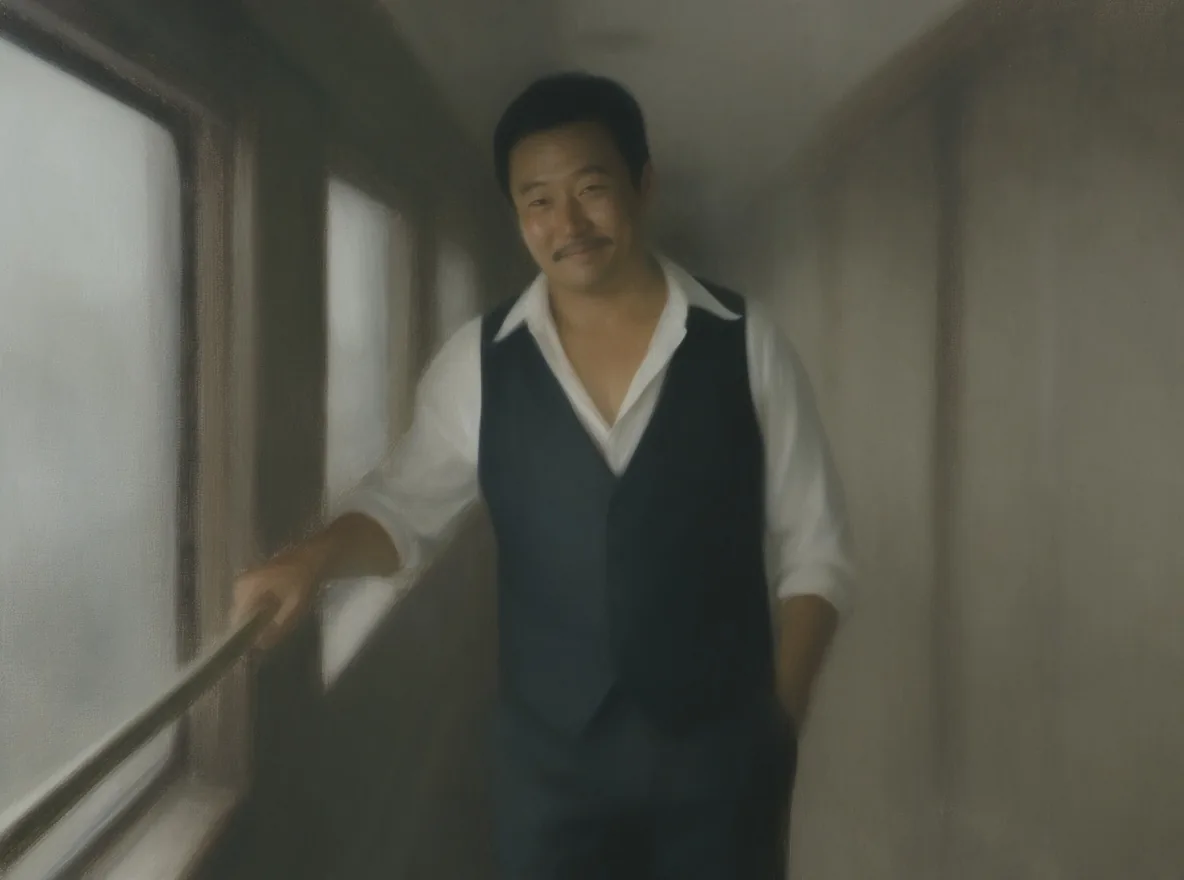
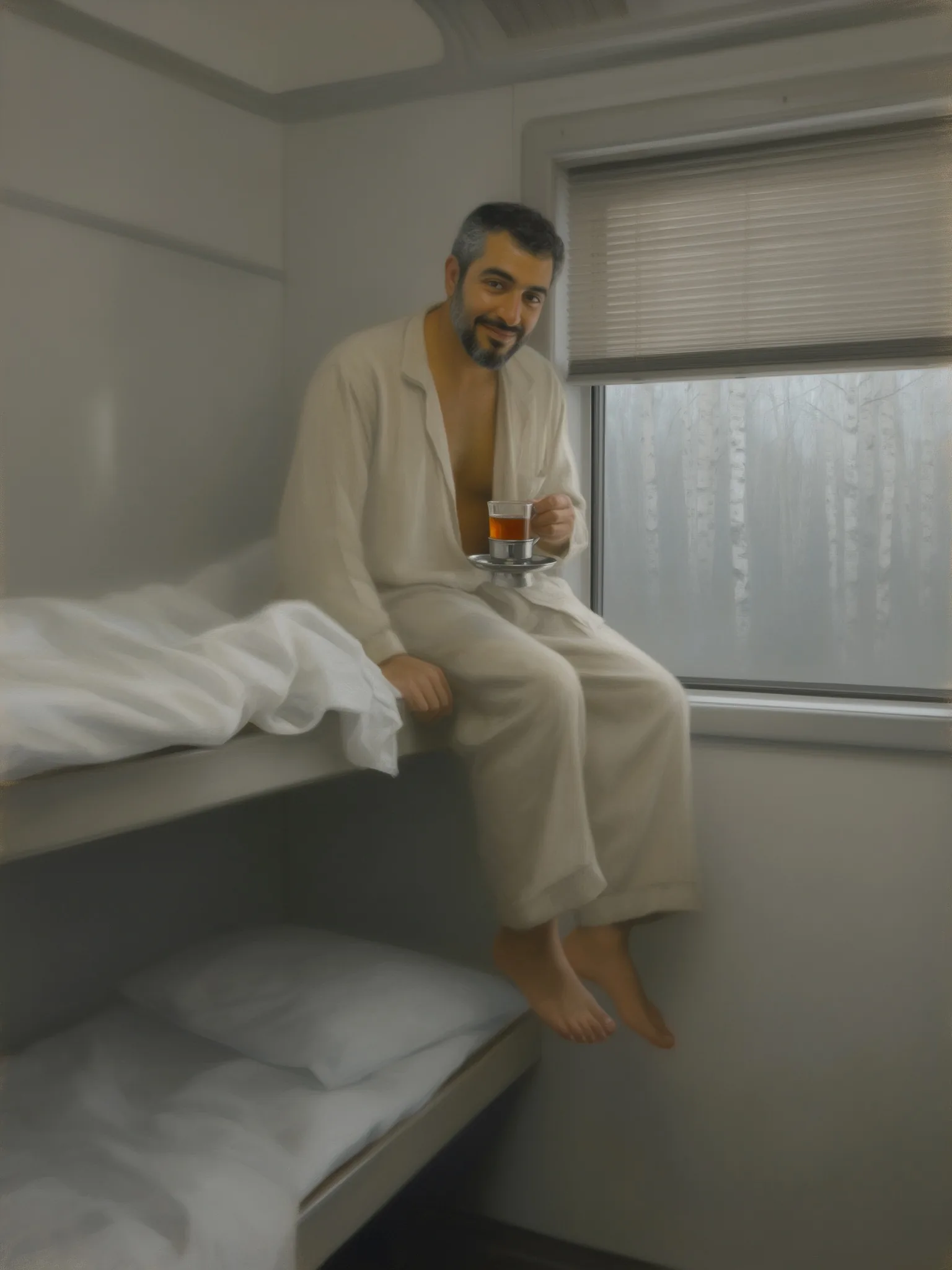
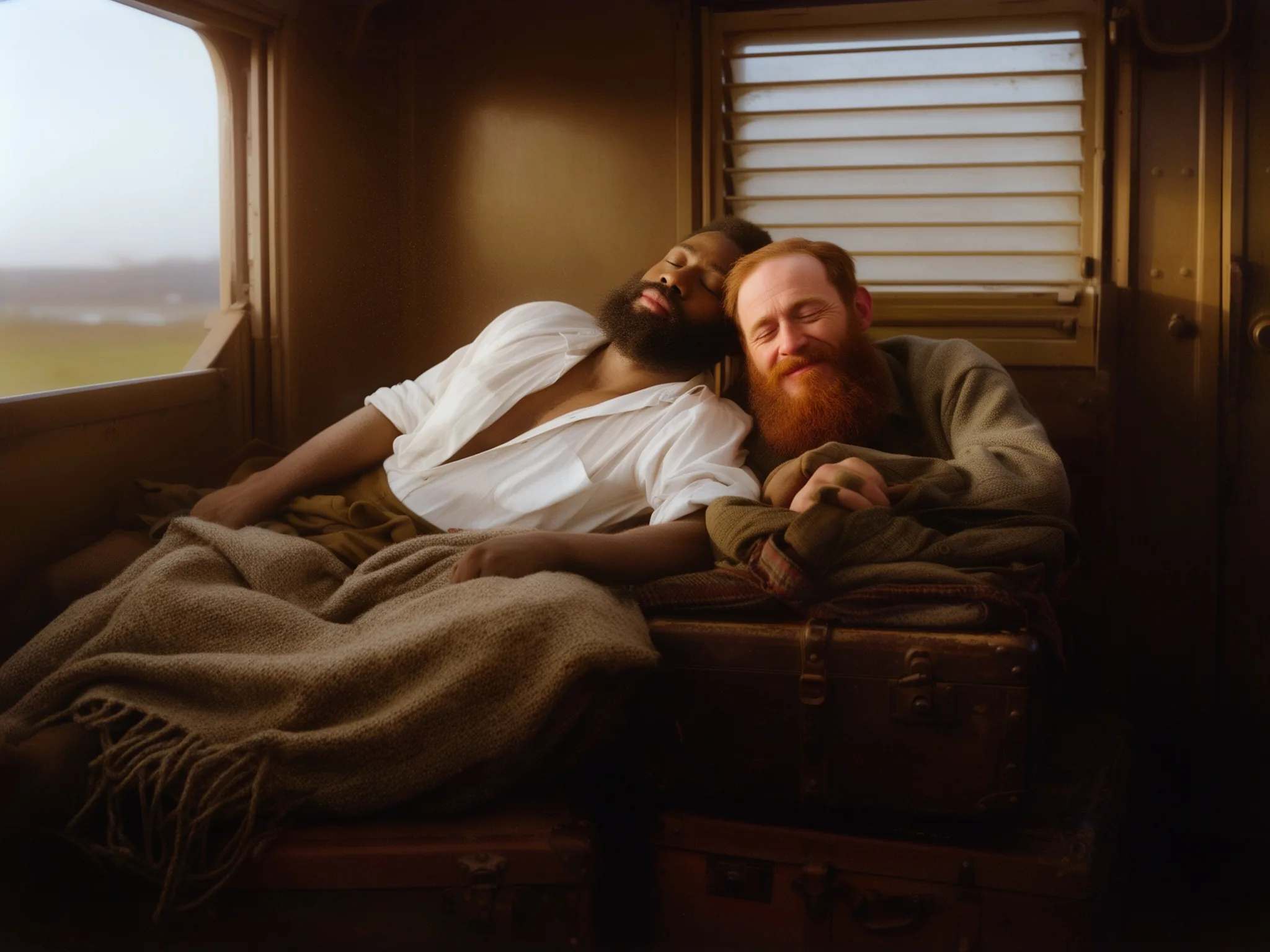
Load a style LoRA and the edit takes its look: in our tests a vintage colour-photo LoRA and a painted-interior LoRA restyled the whole frame while the faces stayed recognisable.
Up to three references
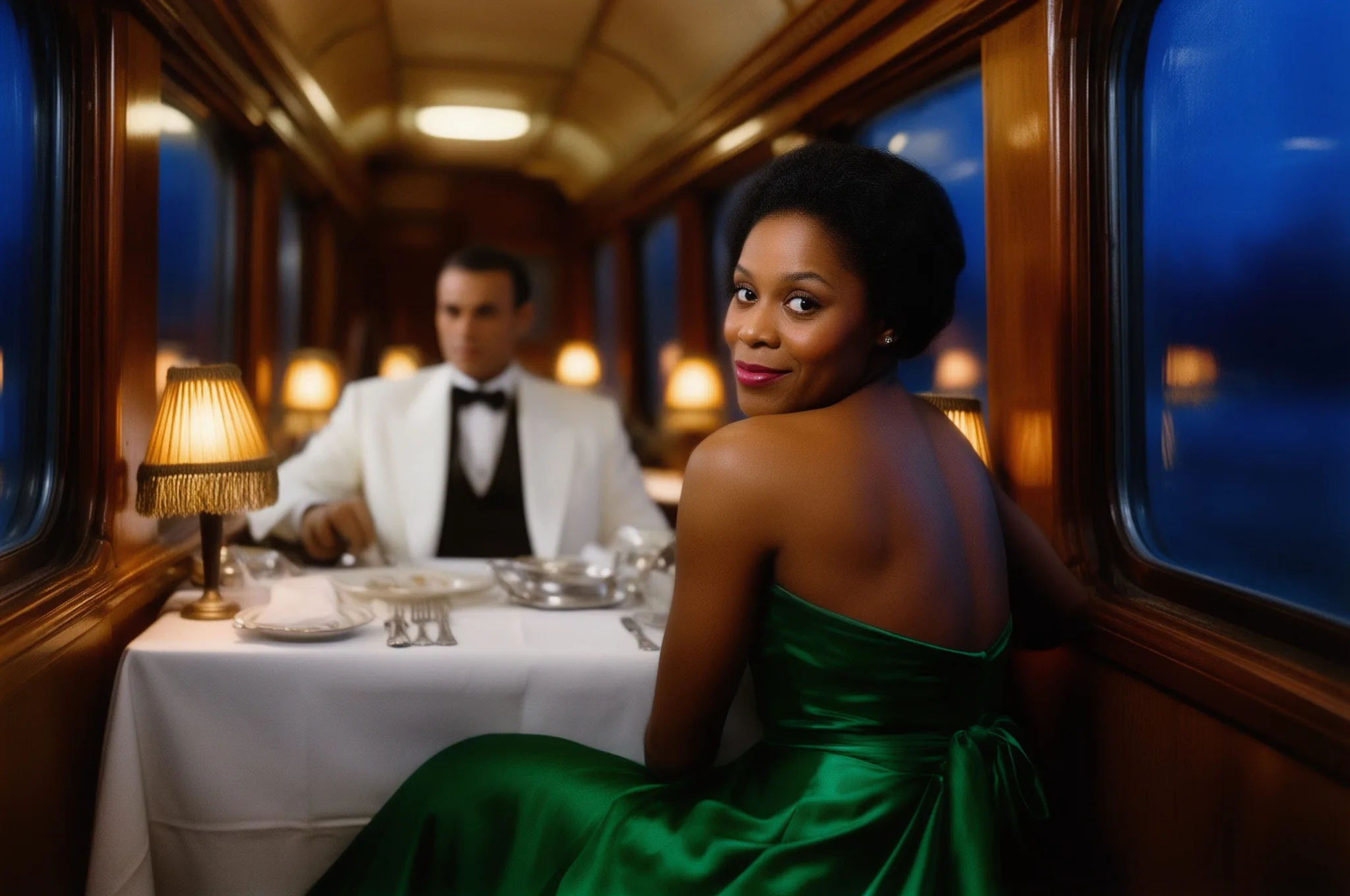
List the photos in the order your prompt mentions them. In our test three travellers from three separate portraits were seated at one dining-car table with all three faces intact.
Framing that follows the source
With the aspect ratio on auto the result keeps the first photo's shape at about one megapixel. Pick a ratio and 2k for a new crop or more pixels; every one of the 18 sizes came back exactly as requested.
No content filter
Sources, prompts and results are not reviewed. Unfiltered edits at the Mild, Moderate, Strong and Maximum levels rendered in our tests; Very strong requests stayed implied.
Request parameters
| Parameter | Required | Description |
|---|---|---|
prompt | Yes | Describe the finished picture and what must stay, up to 5,000 characters. Put a LoRA trigger word first. at least 1 characters · at most 5000 characters |
image_urls | Yes | One to three photos, up to 10 MB each, in the order your prompt refers to them ("image 1", "image 2"). Clear, front-facing faces carry over best. at least 1 items · at most 3 items |
aspect_ratio | No | auto (default) keeps the first photo's shape at about one megapixel. Choose one of nine ratios from 21:9 to 9:21 to recrop. |
resolution | No | 1k (default) or 2k, used only when you choose an aspect ratio. With auto the result stays at about one megapixel. |
loras | No | Up to three {path, scale} entries trained for FLUX.2 [dev]; scale 0 to 4, 1 is the default. A style LoRA restyles the whole frame while faces stay recognisable. Default: |
seed | No | A whole number from 0 to 2,147,483,647. Keep it fixed while you adjust the prompt; it does not guarantee an identical image. |
Pricing
$0.036 / image
Billed per image at one flat price. The number of source photos, the aspect ratio, the 1k or 2k tier and loading LoRAs do not change it.
Use cases
A new outfit, place and light for the same person
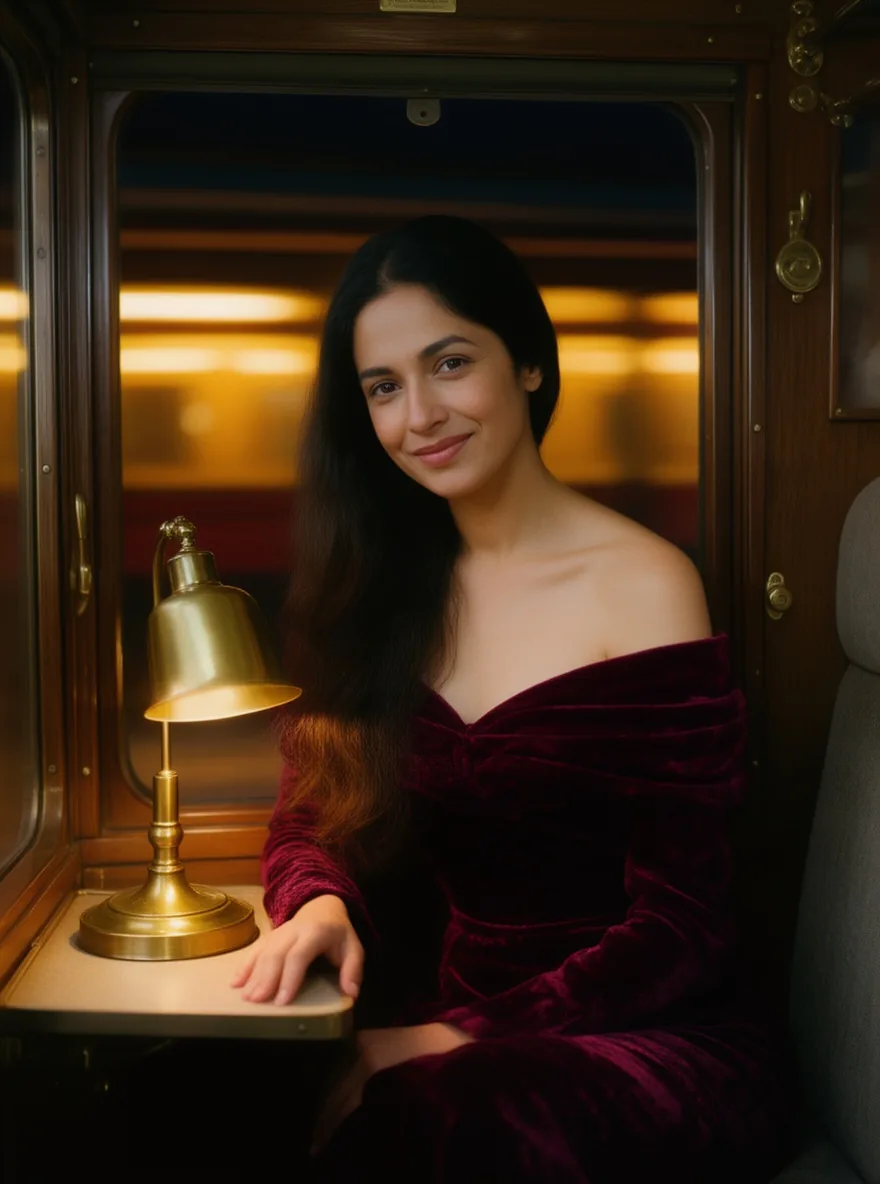
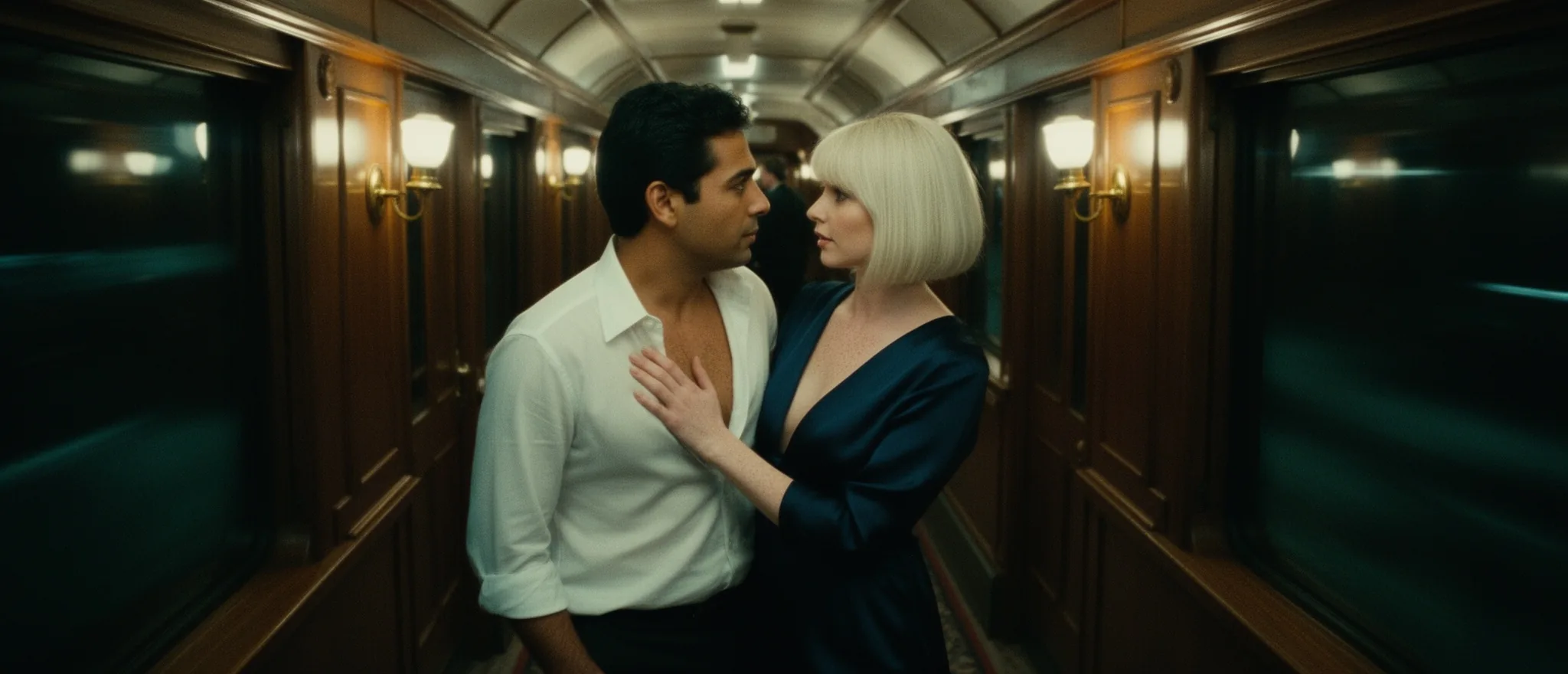
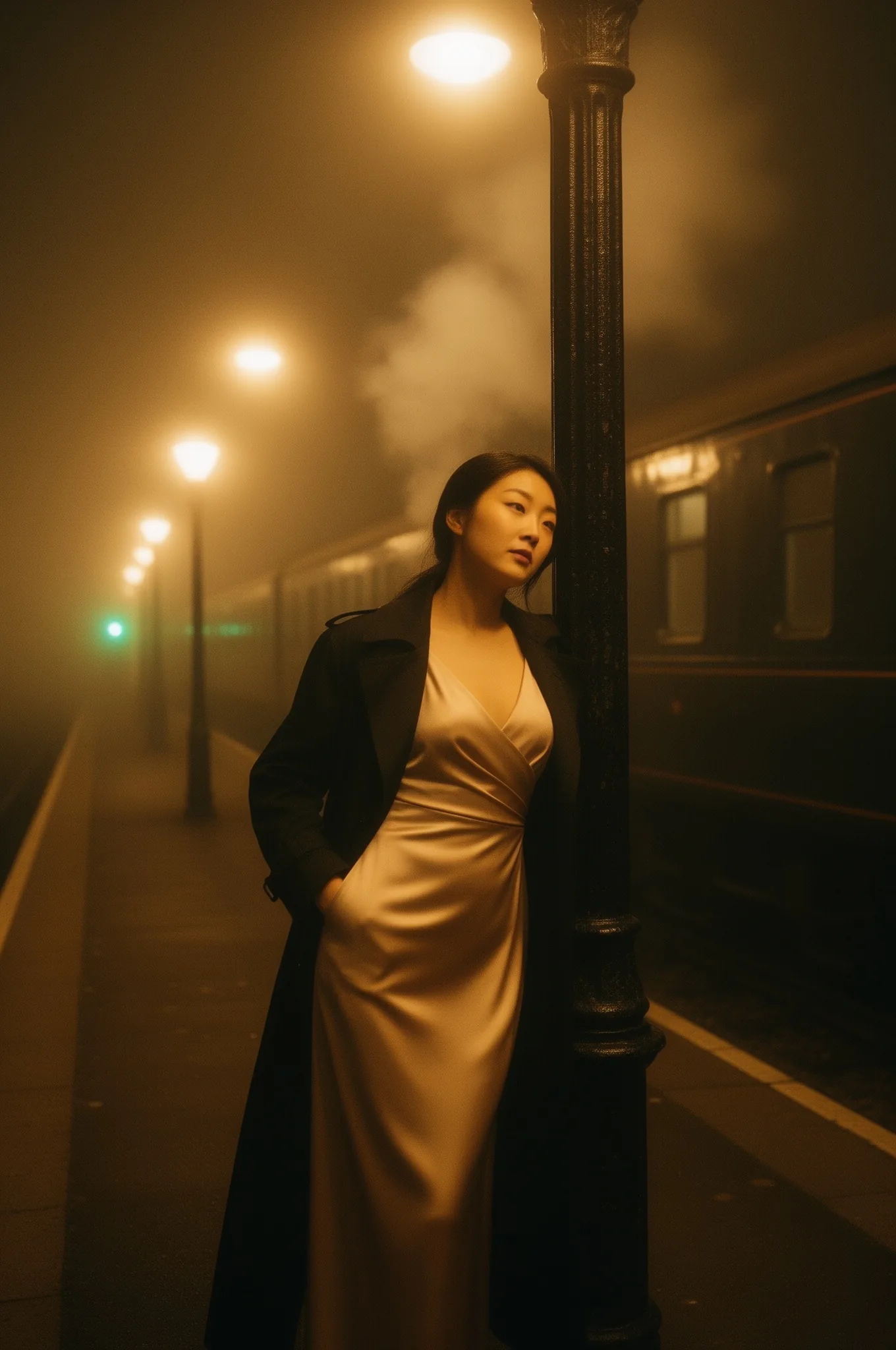
Move a traveller from a foggy platform to a lamplit dining car, swap the coat for an open shirt or a velvet dress, and keep the face for a whole series of shots.
Two or three people in one scene
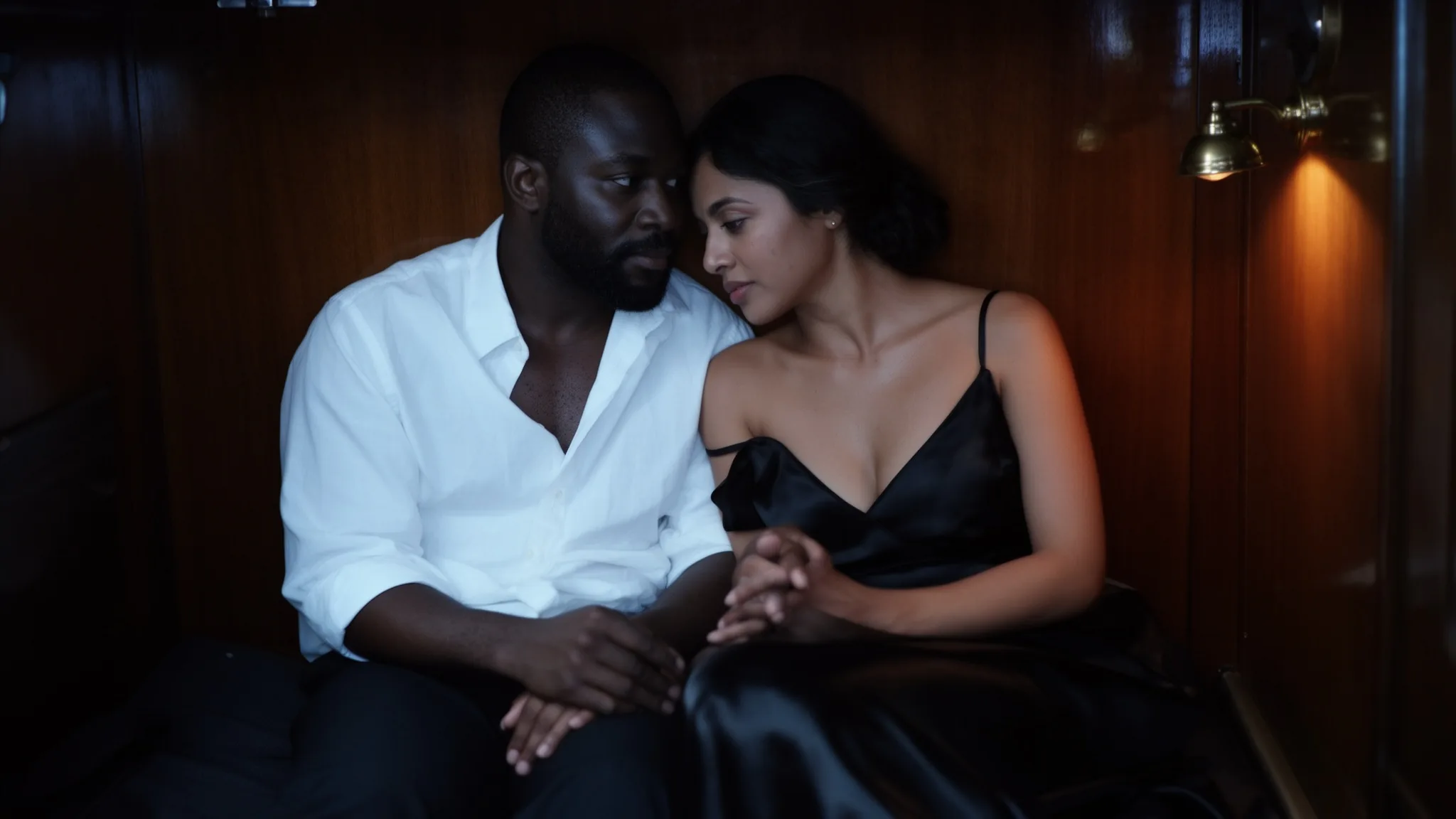
Bring people from separate portraits into one frame for a couple shot or a small cast, then describe where each of them sits and what they wear.
Restyling photos in a custom look
Add a style LoRA to turn a set of photos into vintage colour prints or quiet painted interiors, so every edit in a campaign shares one look.
Prompt guide & pro tips
Describe the result, not the removal
Write "the same woman, now at night in a burgundy velvet dress" rather than "remove her coat". Instruction-only prompts sometimes returned the source almost unchanged in our tests.
Say what stays
End with "keep her face exactly as it is" or "keep both faces". It held faces well in our tests, including with a LoRA loaded.
Number your people
When combining photos, write "the man from image 1 and the woman from image 2" and describe where each of them is.
Start on auto
Leave the aspect ratio on auto first, then choose a ratio and 2k once you like the content. The price stays the same.
API quick start
# Generate the idempotency key once; reuse it when retrying after a lost response.
export SPICY_IDEMPOTENCY_KEY="${SPICY_IDEMPOTENCY_KEY:-$(uuidgen)}"
curl -X POST https://api.spicyapi.ai/api/v1/jobs/createTask \
  -H "Authorization: Bearer $SPICY_API_KEY" \
  -H "Content-Type: application/json" \
  -H "Idempotency-Key: $SPICY_IDEMPOTENCY_KEY" \
  -d '{
  "model": "black-forest-labs/flux-2-dev-lora/edit",
  "input": {
    "aspect_ratio": "auto",
    "image_urls": [
      "https://example.com/reference.png"
    ],
    "prompt": "A ceramic teapot on a linen cloth, soft window light, muted palette",
    "resolution": "1k"
  }
}'

# Copy data.taskId from the response into TASK_ID, then poll the status.
TASK_ID="TASK_ID_FROM_RESPONSE"
curl "https://api.spicyapi.ai/api/v1/jobs/recordInfo?taskId=$TASK_ID" \
  -H "Authorization: Bearer $SPICY_API_KEY"
See the API reference for authentication, the complete schema, polling, and error handling.