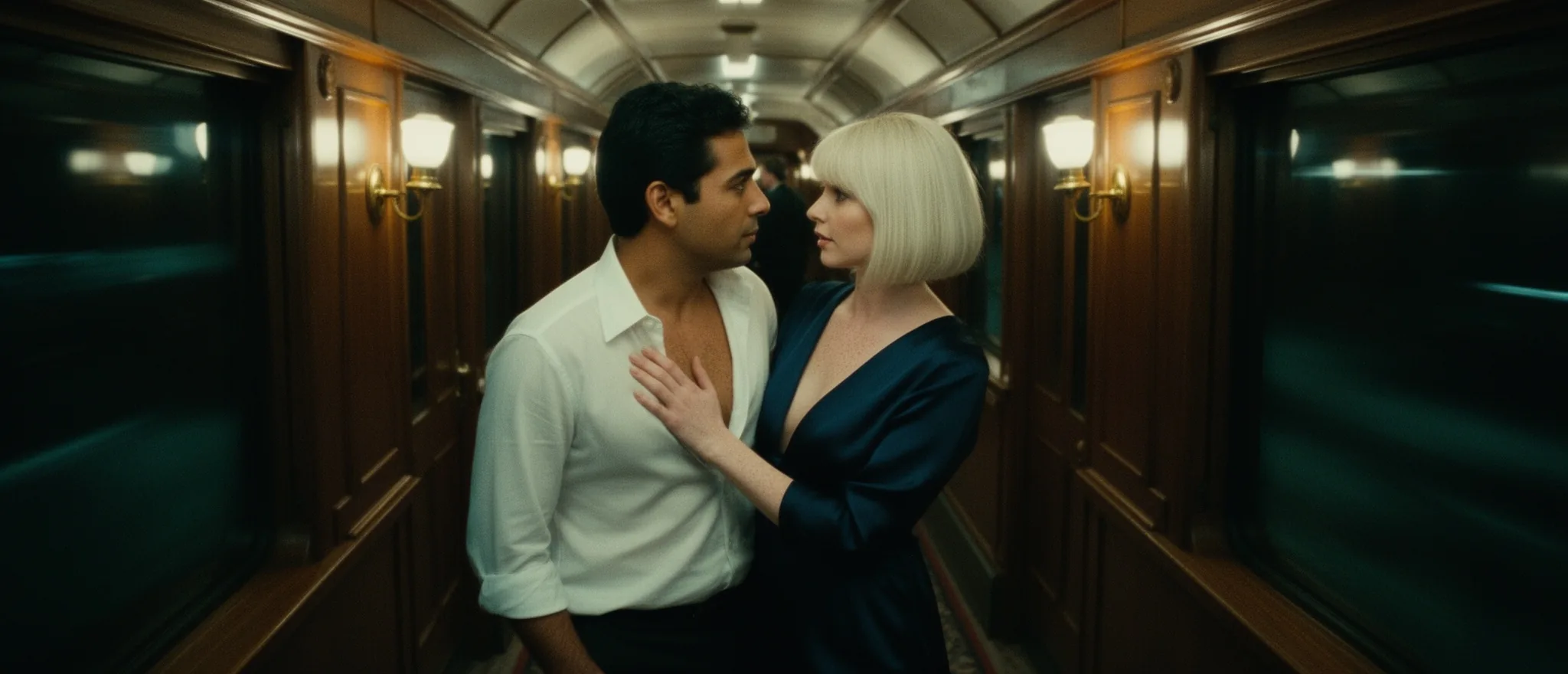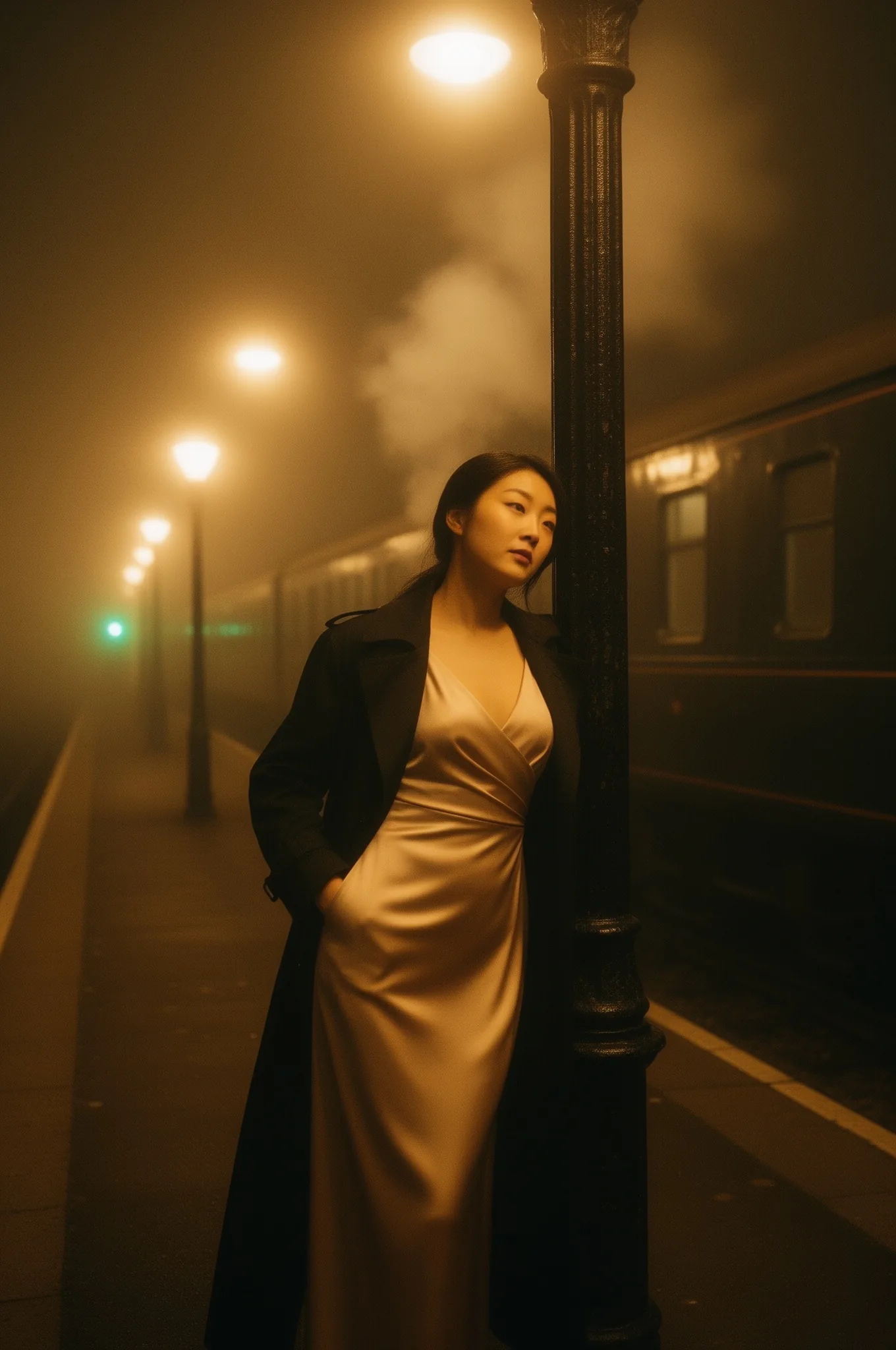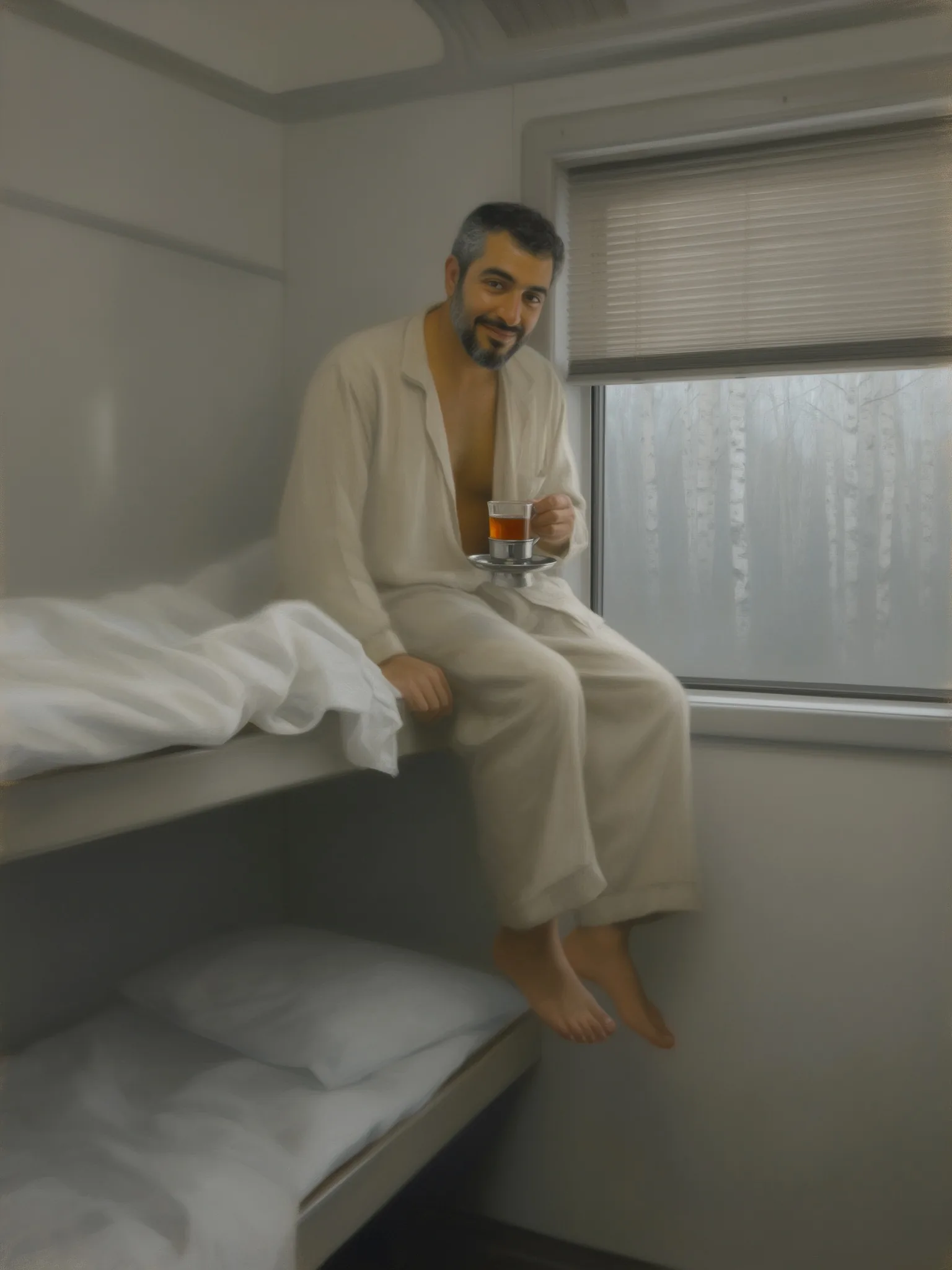
Introduction
FLUX.2 Dev LoRA Text to image draws one image from a written prompt on FLUX.2 [dev], Black Forest Labs' 32-billion-parameter open-weights model, with up to three of your own LoRA files loaded. Pick one of nine aspect ratios and the 1k or 2k tier. The platform adds no content filter to the prompt, the weights or the image.
Choose a mode by starting material
| What you have | Mode |
|---|---|
| a written description | FLUX.2 Dev LoRA Text to image |
| one to three photos to change or combine | FLUX.2 Dev LoRA Image Edit |
Key features & highlights
FLUX.2 LoRAs by direct link
Pass the direct link to a .safetensors file trained for FLUX.2 [dev] and a scale. Hugging Face and Civitai download links both worked in our tests; nothing is uploaded to us in advance and the file is not reviewed.
Three at once
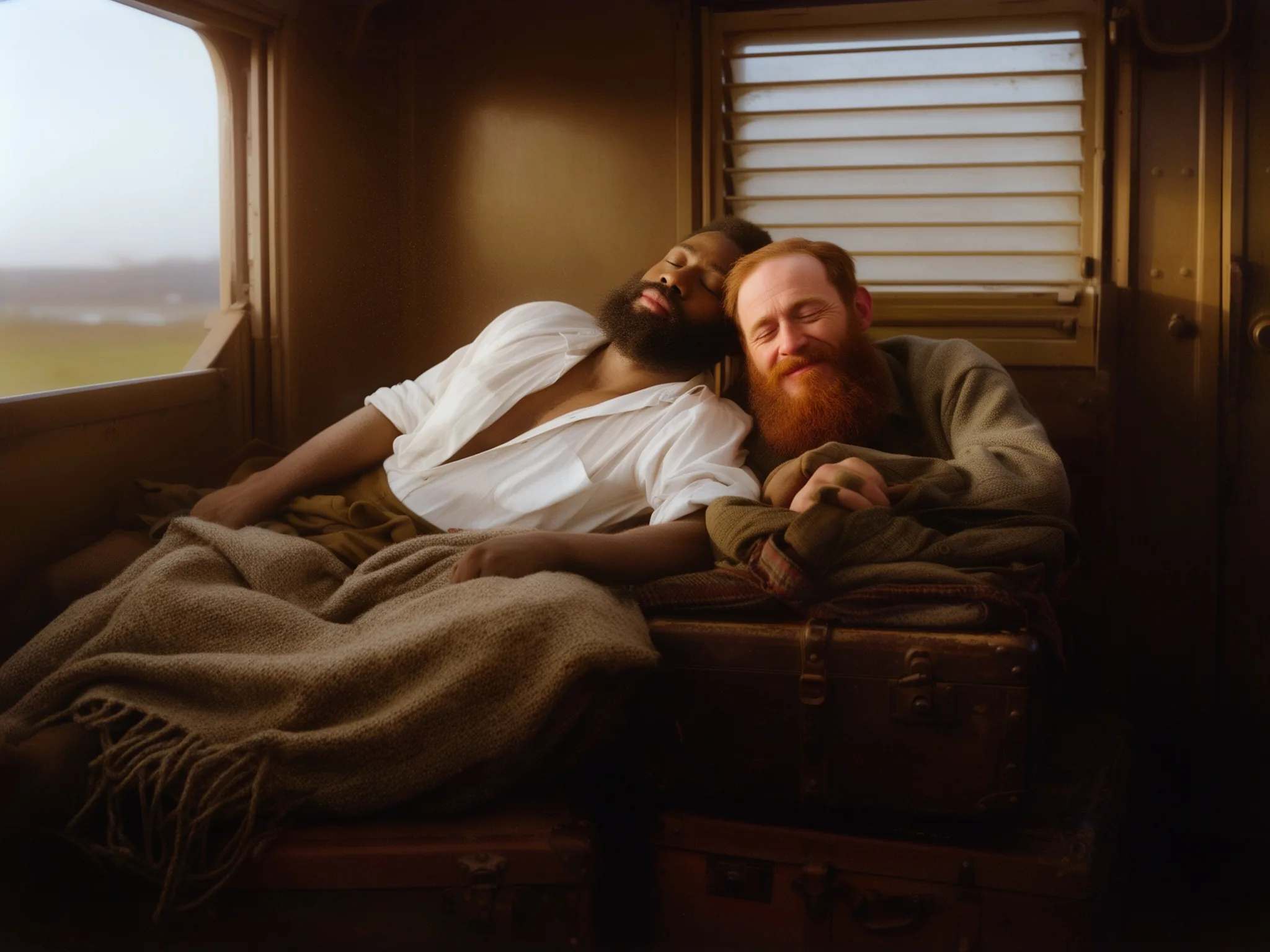
Up to three LoRAs per request, each with its own scale. In our test a painted-interior style at 0.8, a vintage colour-photo style at 0.5 and an impressionist style at 0.4 loaded together without an error.
2k without a surcharge
Nine aspect ratios from 21:9 to 9:21 at 1k (about one megapixel) or 2k (2048 pixels on the long side). Every one of the 18 sizes came back at exactly the requested dimensions, and both tiers cost the same.
No content filter
Every level we test except Very strong rendered without a refusal, Maximum included. Very strong requests came back toned down, also with an unfiltered LoRA loaded.
Request parameters
| Parameter | Required | Description |
|---|---|---|
prompt | Yes | Put the LoRA's trigger word first, then describe subject, place, light and lens in sentences, up to 5,000 characters. There is no negative prompt. at least 1 characters · at most 5000 characters |
aspect_ratio | No | Nine options from 21:9 to 9:21; 1:1 by default. The shape does not change the price. |
resolution | No | 1k (default) is about one megapixel, for example 1024 x 1024 or 1344 x 768. 2k is 2048 pixels on the long side, for example 2048 x 2048 or 2048 x 1152. |
loras | No | Up to three {path, scale} entries trained for FLUX.2 [dev]; scale 0 to 4, 1 is the default and 0.5 to 1.2 the useful range. Use a public direct link to the .safetensors file. Default: |
seed | No | A whole number from 0 to 2,147,483,647. Keep it fixed while you compare LoRAs or scales; it does not guarantee the exact same pixels on every run. |
Pricing
$0.022 / image
Billed per image at one flat price. The aspect ratio, the 1k or 2k tier and loading LoRAs do not change it.
Use cases
A house style for a series
Load one style LoRA, keep its trigger word at the front and run a list of prompts: every image shares the look.
Cinematic stills
Write the lens, light and colour grade and the base model alone returns film-like frames, including 21:9 and 9:21 shapes at 2k.
Testing a LoRA you trained
Run your own FLUX.2 [dev] LoRA at full quality, with up to two more files stacked, without hosting a GPU.
Prompt guide & pro tips
Trigger first, then the shot
Start with the LoRA's trigger word, such as "HST photo" or "hmrsh", then describe subject, wardrobe, place, light and lens in sentences.
Check that the LoRA applied
Run the same prompt and seed with and without the file. A style LoRA should be obvious at a glance; identical images mean the file was trained for another model.
Stay near strength 1
0.5 to 1.2 covered everything useful in our tests. At 2 the image turned soft and smeared, and at 4 it dissolved into blur.
Draft at 1k
Settle the prompt and seed at 1k, then switch to 2k for the final. The price is the same; 2k usually takes about ten seconds longer.
API quick start
# Generate the idempotency key once; reuse it when retrying after a lost response.
export SPICY_IDEMPOTENCY_KEY="${SPICY_IDEMPOTENCY_KEY:-$(uuidgen)}"
curl -X POST https://api.spicyapi.ai/api/v1/jobs/createTask \
  -H "Authorization: Bearer $SPICY_API_KEY" \
  -H "Content-Type: application/json" \
  -H "Idempotency-Key: $SPICY_IDEMPOTENCY_KEY" \
  -d '{
  "model": "black-forest-labs/flux-2-dev-lora/text-to-image",
  "input": {
    "aspect_ratio": "1:1",
    "prompt": "A ceramic teapot on a linen cloth, soft window light, muted palette",
    "resolution": "1k"
  }
}'

# Copy data.taskId from the response into TASK_ID, then poll the status.
TASK_ID="TASK_ID_FROM_RESPONSE"
curl "https://api.spicyapi.ai/api/v1/jobs/recordInfo?taskId=$TASK_ID" \
  -H "Authorization: Bearer $SPICY_API_KEY"
See the API reference for authentication, the complete schema, polling, and error handling.