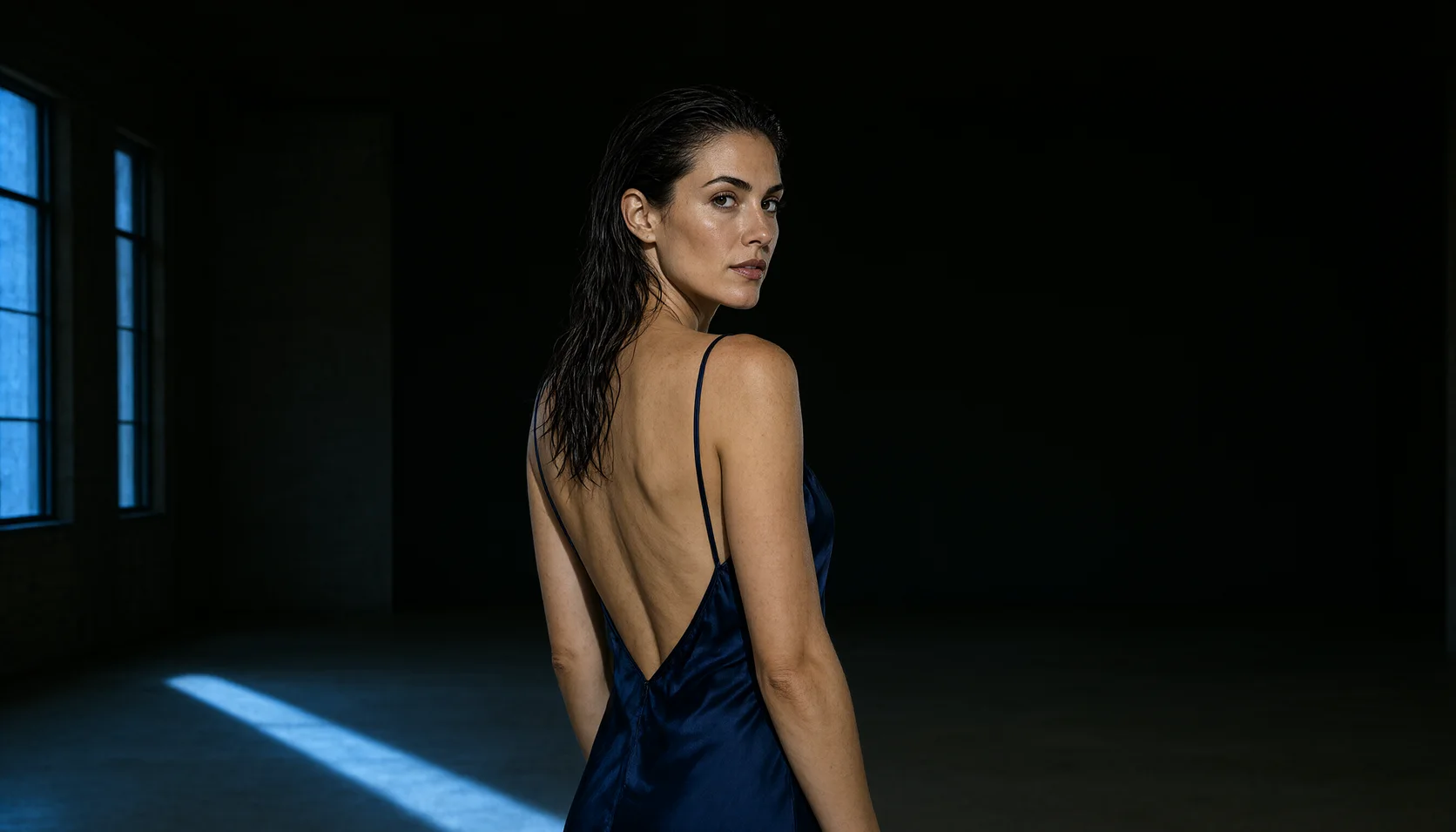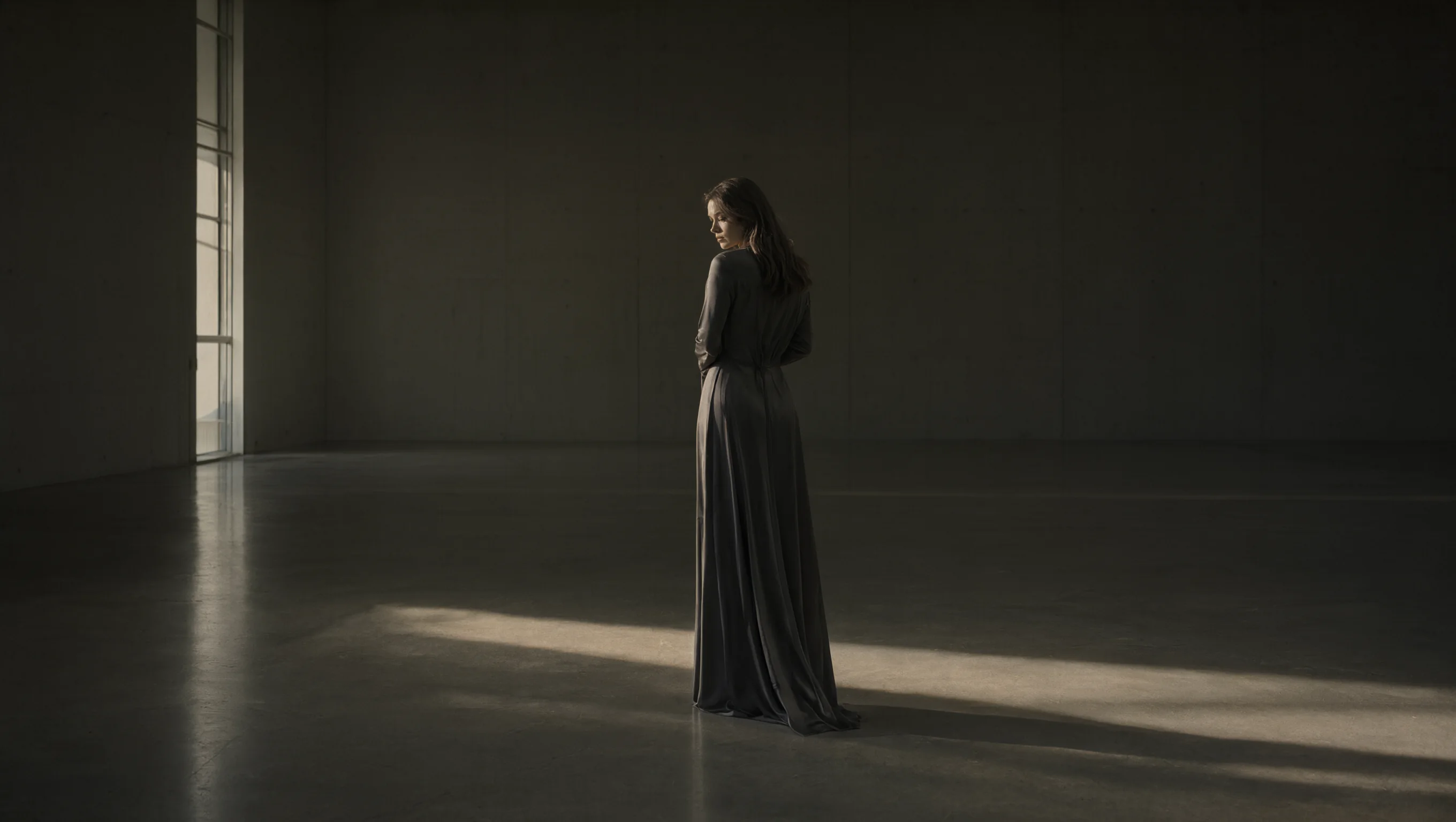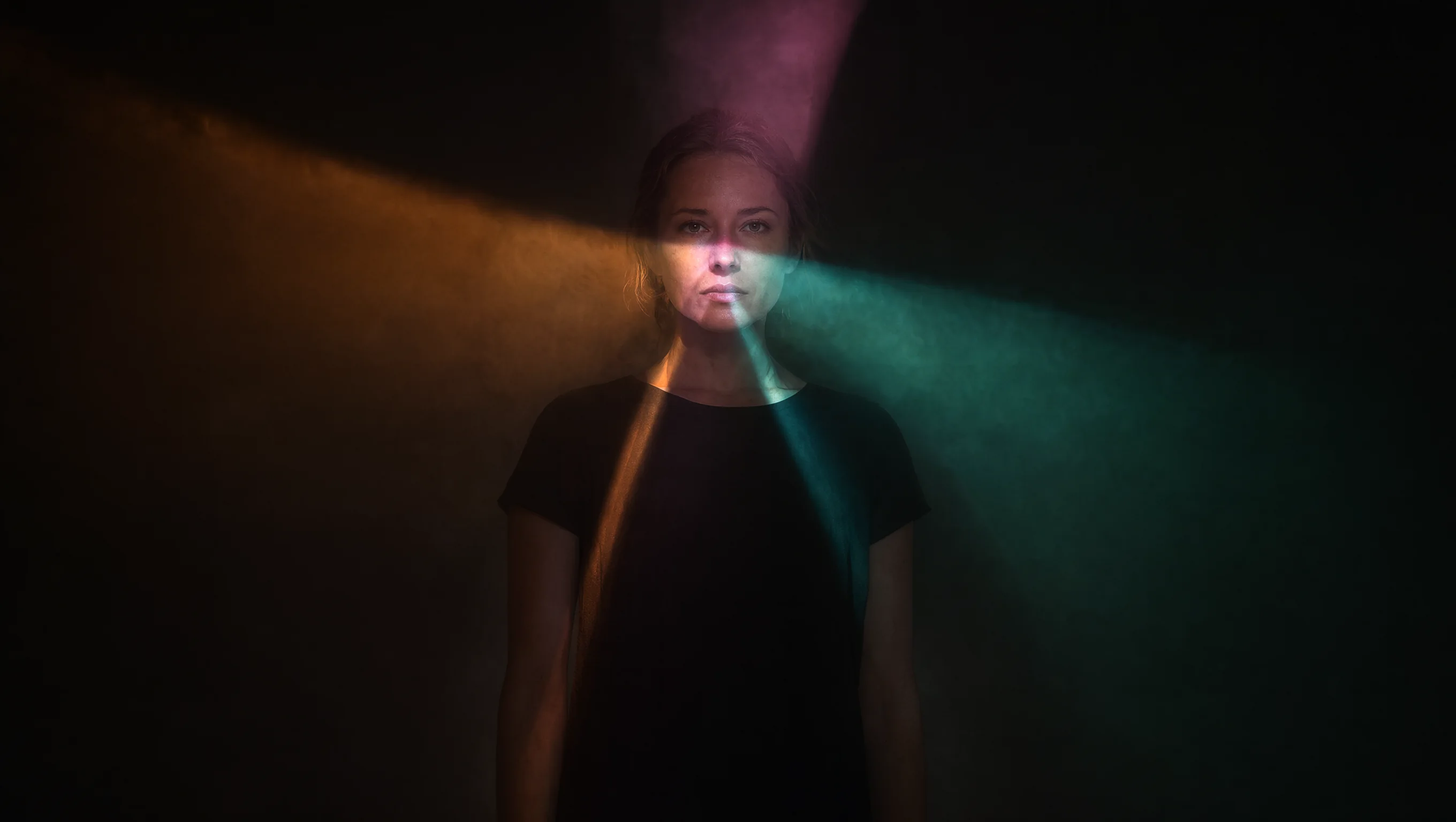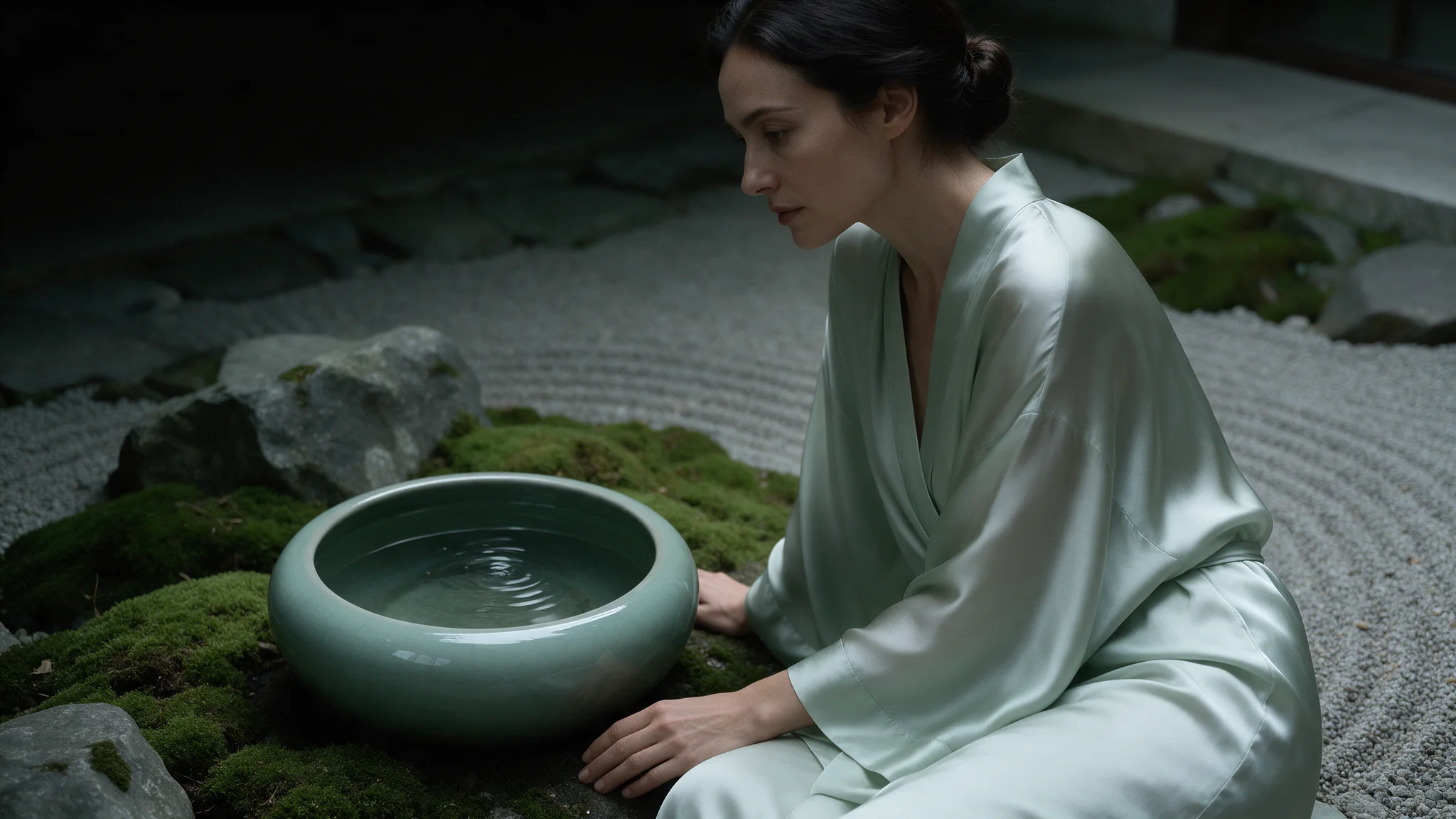
Introduction
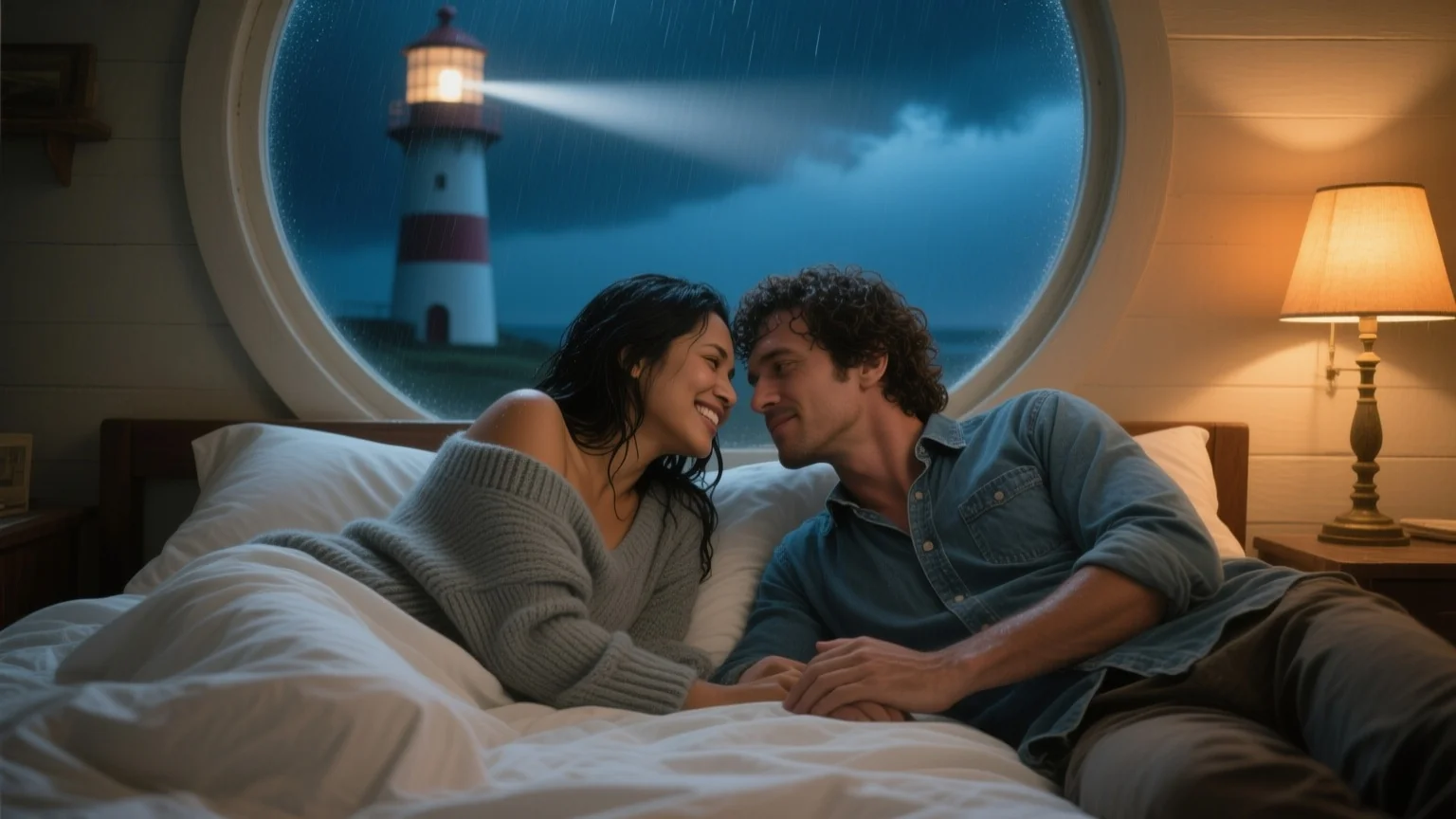
Send one to three source images, say what should change and load up to three LoRA files trained for Qwen-Image-Edit-2511: camera-angle, relighting, photo-realism or unfiltered LoRAs. By default the result follows the first image's shape at about one megapixel, costs one flat price, and is not filtered.
| Field | Value |
|---|---|
| Input | Image |
| Output | Image |
| Endpoints | You can call Qwen Image 2512 LoRA on SpicyAPI for December-checkpoint texture adapters; use the page’s live quote to assess the selected request before submitting it. |
| Base models | Qwen-Image-2512 (text-to-image) and Qwen-Image-Edit-2511 (editing), both open releases from Alibaba |
| LoRA input | Load up to three compatible LoRA files in Qwen Image 2512 LoRA, each with a public path and scale from 0 to 4; test a visible style change before using those weights for December-checkpoint texture adapters. |
| LoRA strength | 0 to 4 on text-to-image, 0 to 2 on editing (1 is the default) |
| Output size | 1328 x 1328 at 1:1, 1536 x 864 at 16:9, 1472 x 1104 at 4:3; editing about one megapixel |
| Aspect ratios | Compose December-checkpoint texture adapters in Qwen Image 2512 LoRA with |
| Edit sources | Supply one to three source images to Qwen Image 2512 LoRA for December-checkpoint texture adapters, and tell the instruction which source provides the person, object or setting instead of leaving those roles implicit. |
| Output formats | JPEG / PNG / WebP |
Key features & highlights
A photograph, not a render
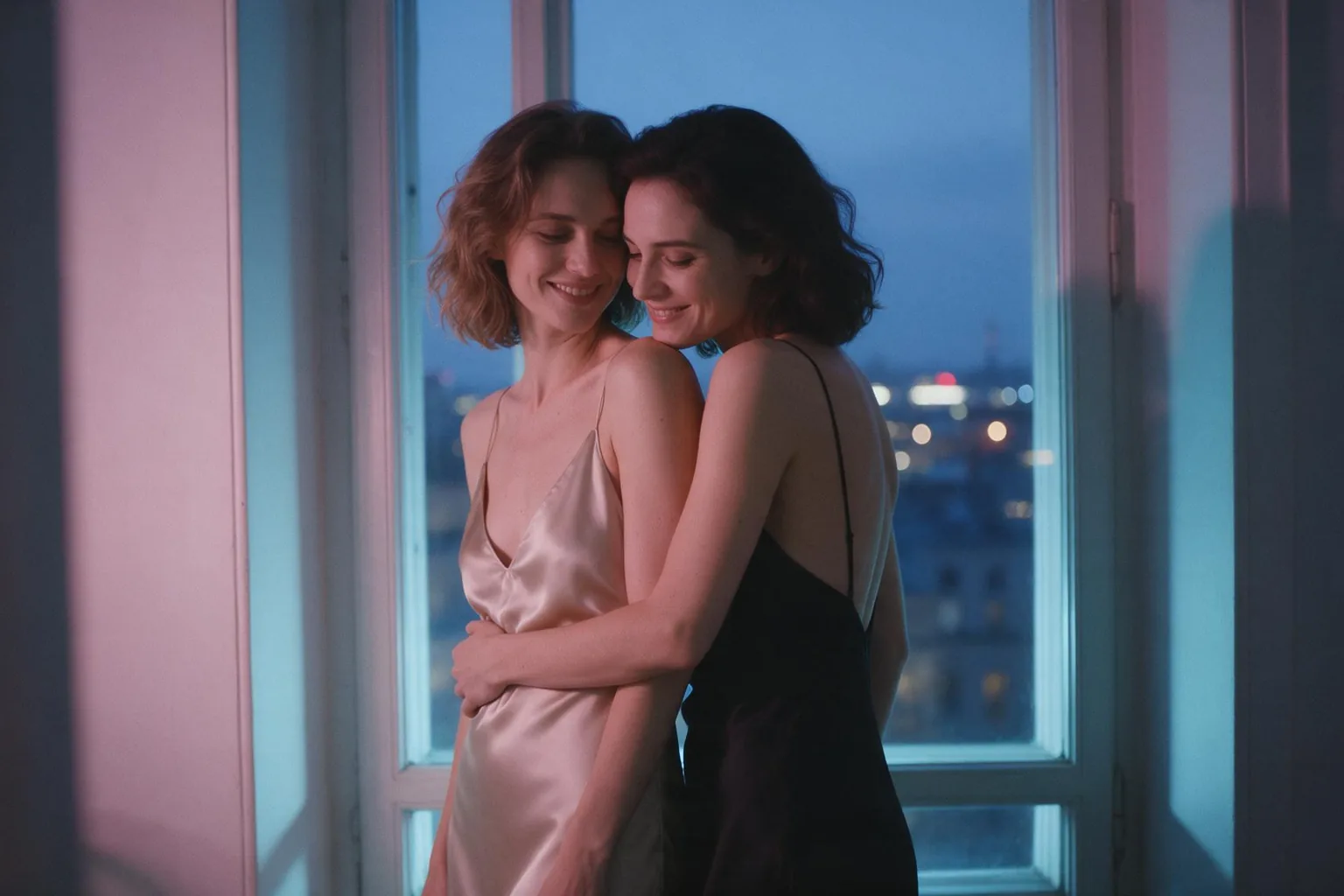
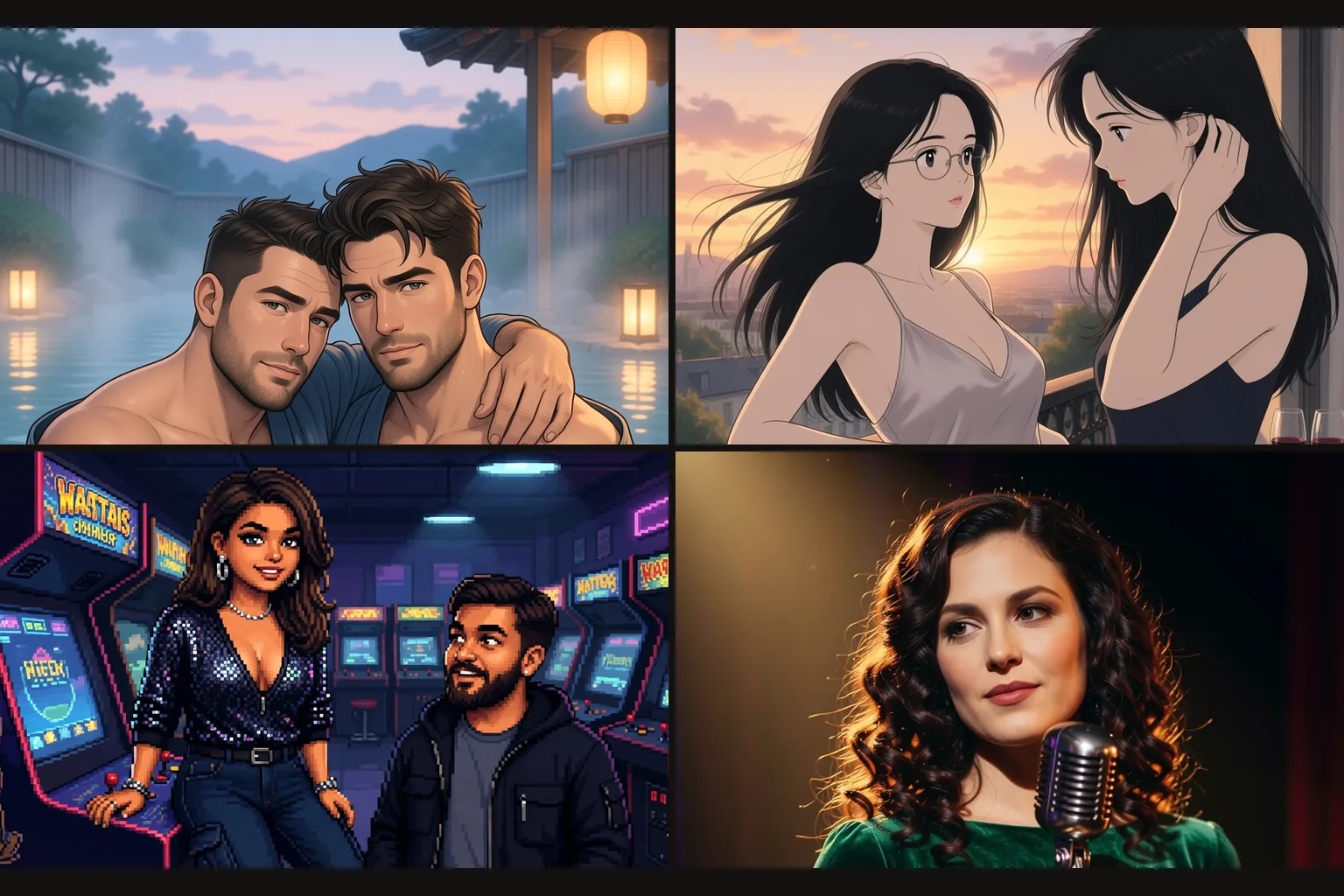
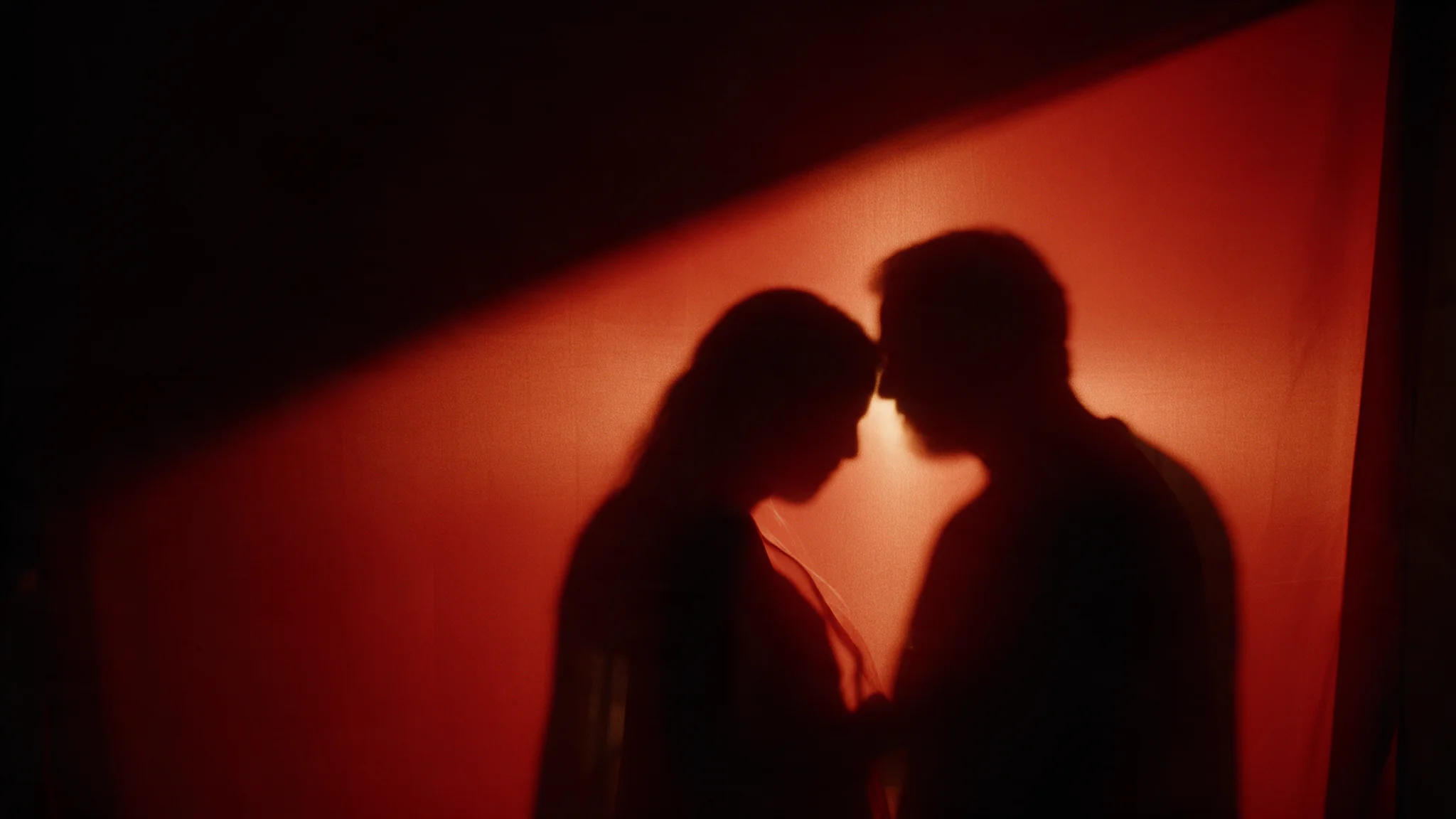
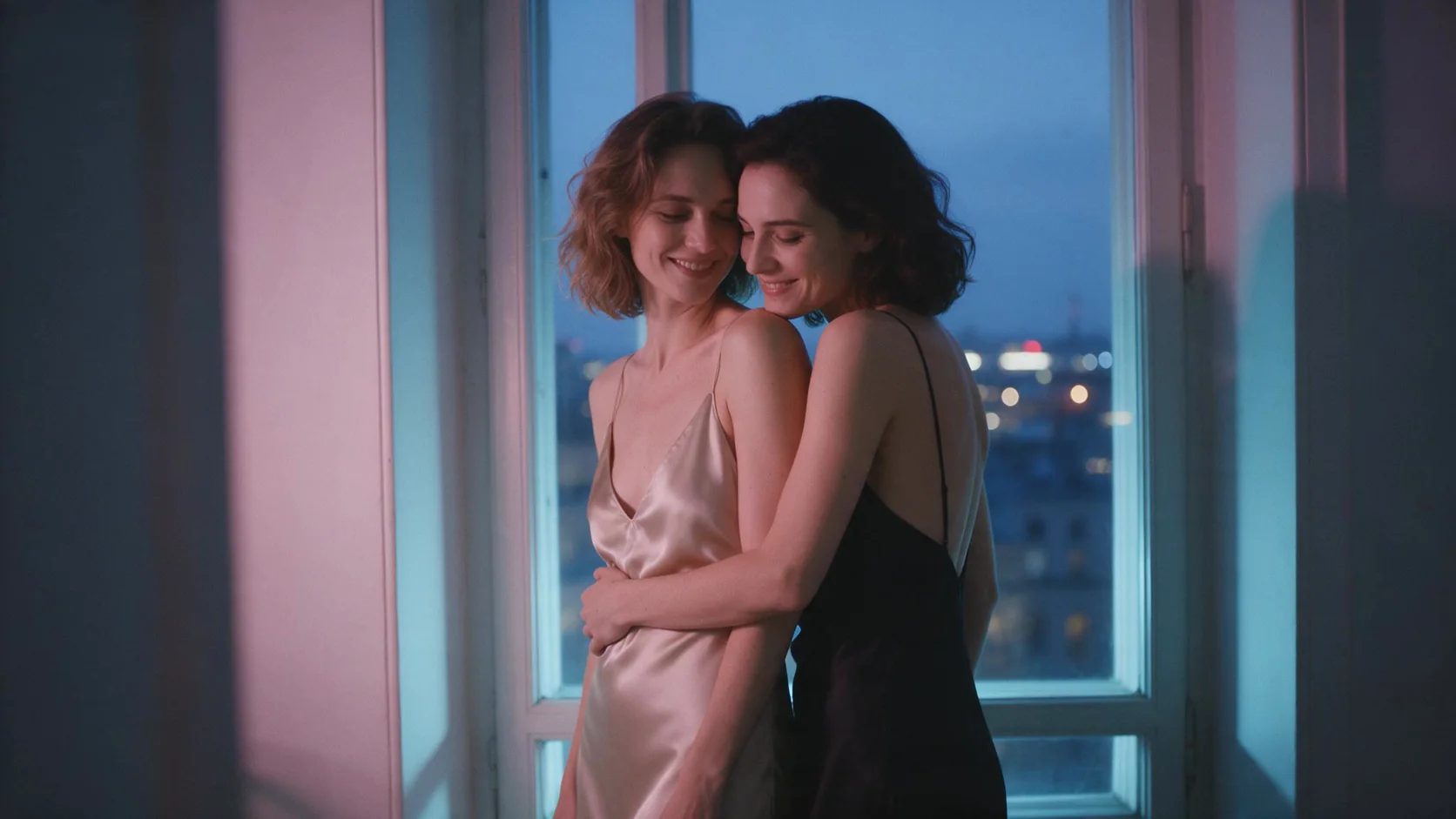
A real-life photo LoRA trained for 2512 and the light written out: blue hour through a tall window, a pink lamp in the corner, two women slow dancing with their foreheads together. Skin, silk and cotton come out unpolished, the way a camera sees them.
Re-shoot a photo from a new side
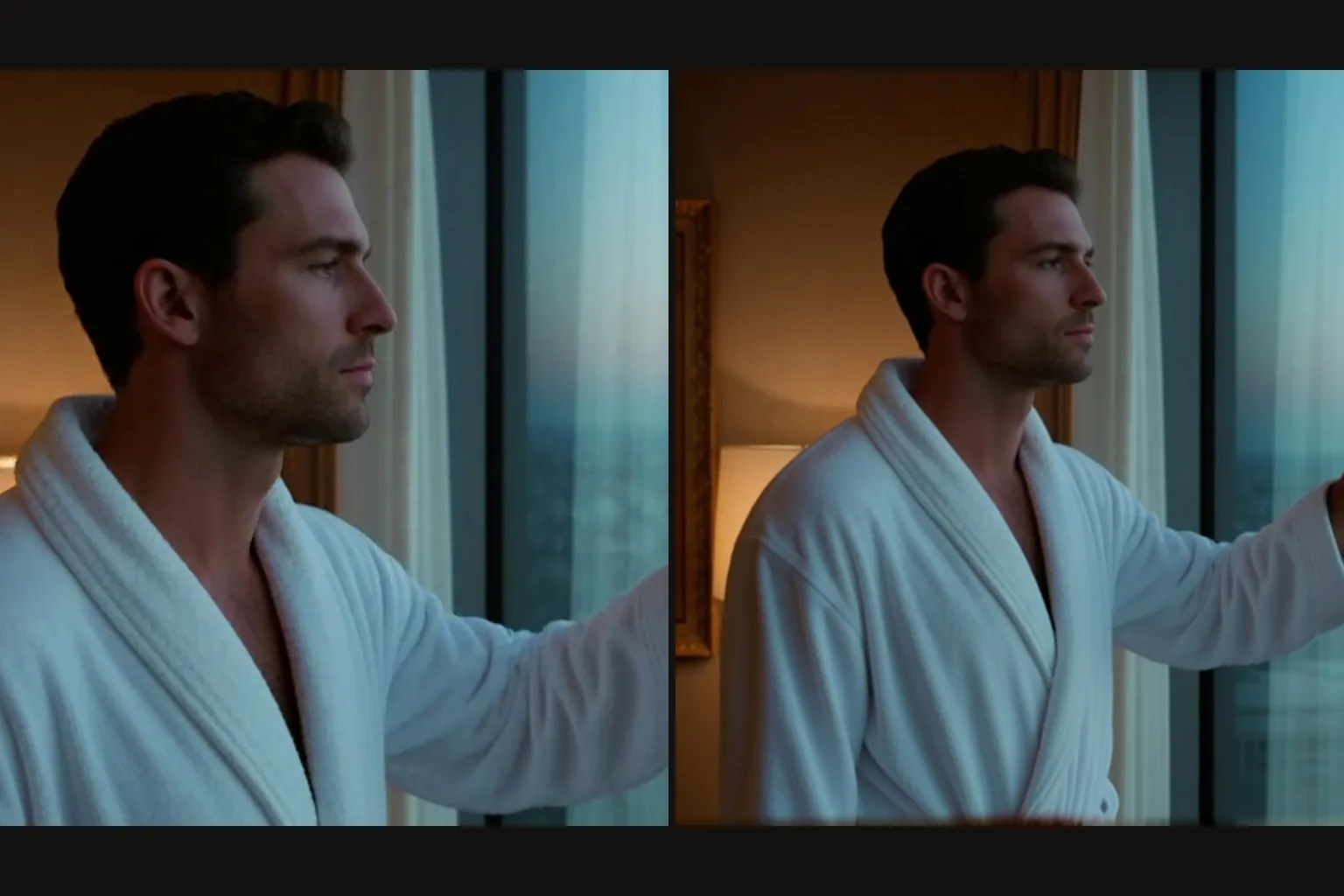
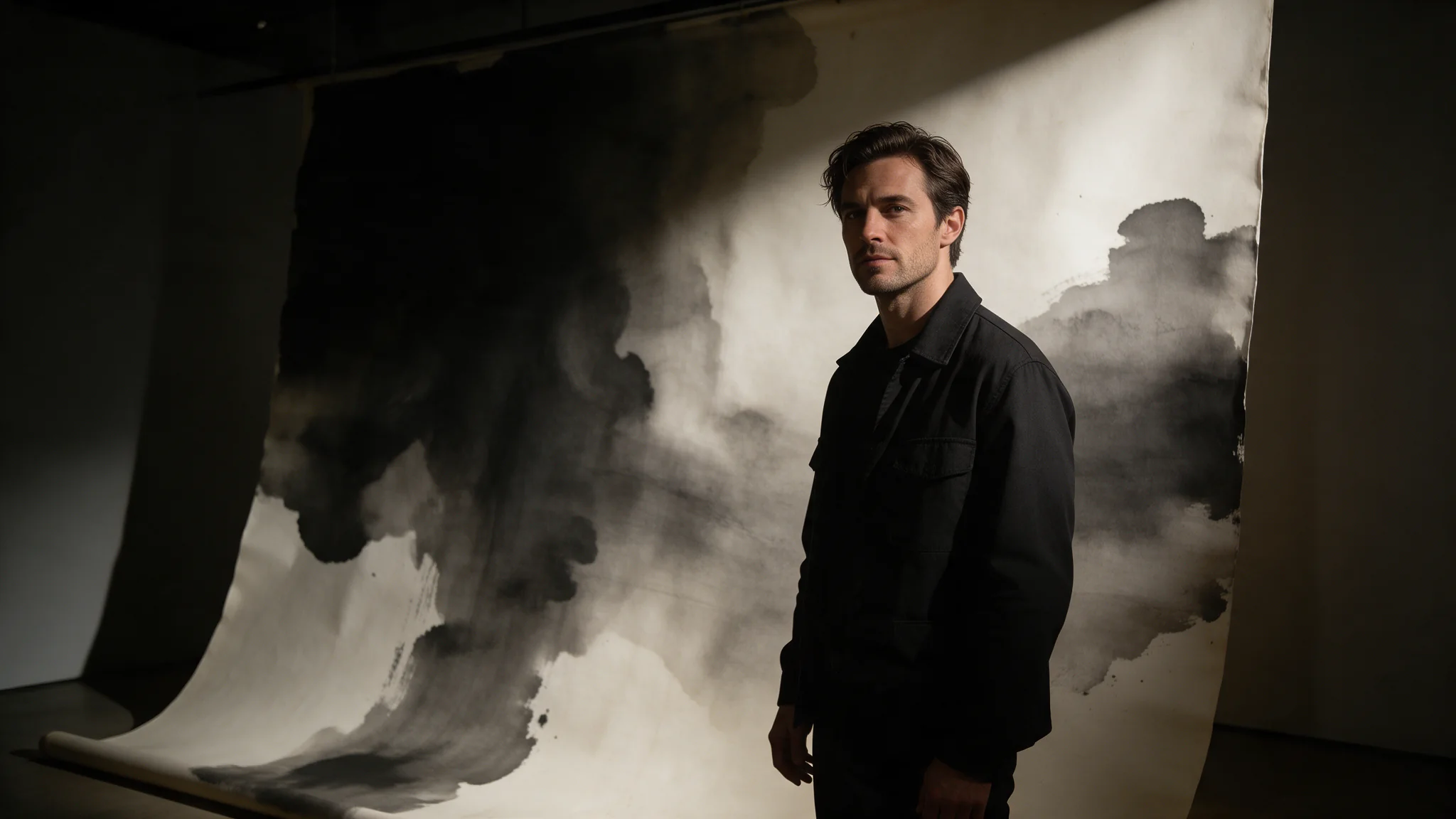
The multiple-angles LoRA on the editing endpoint turned a side view of a man on a hotel balcony into a front-facing close-up: the same face, the same open black shirt and the same skyline, from a single photo.
From drawing to photograph
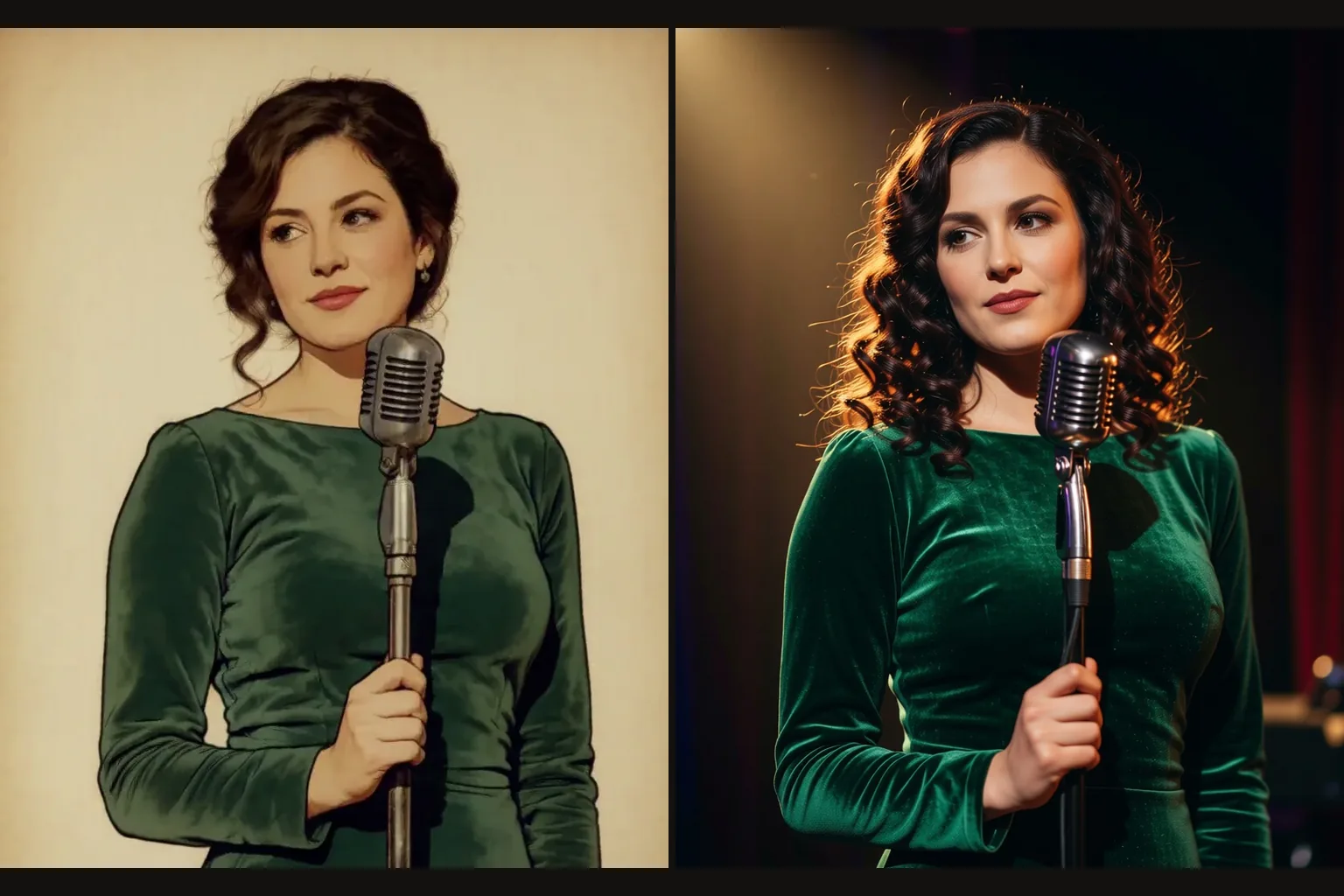
A photo-realism edit LoRA at 0.85 turned an illustrated singer into a photograph: the same curls, the same green velvet, the same vintage microphone.
Request parameters
| Parameter | Required | Description |
|---|---|---|
prompt | Yes | For Qwen Image 2512 LoRA, use the prompt to identify each reference by number and distinguish the requested change from the details to retain; the 5,000-character budget is shar… at least 1 characters · at most 5000 characters |
image_urls | Yes | Supply one to three source images to Qwen Image 2512 LoRA for December-checkpoint texture adapters, and tell the instruction which source provides the person, object or setting… at least 1 items · at most 3 items |
aspect_ratio | No | Optional. Leave it empty and the result follows the first source image at about one megapixel. |
loras | No | Up to three {path, scale} entries trained for Qwen-Image-Edit-2511; scale 0 to 2 on this endpoint. Default: |
output_format | No | For December-checkpoint texture adapters in Qwen Image 2512 LoRA, select JPEG, PNG or WebP as the delivery format; changing the container does not purchase a different generatio… |
seed | No | Keeps edits comparable while you change the instruction. |
Pricing
$0.03 / image
In Qwen Image 2512 LoRA, the charge is per delivered image; reference count and LoRA loading do not add a separate fee LoRAs add no separate charge.
Use cases
Illustration styles with real detail
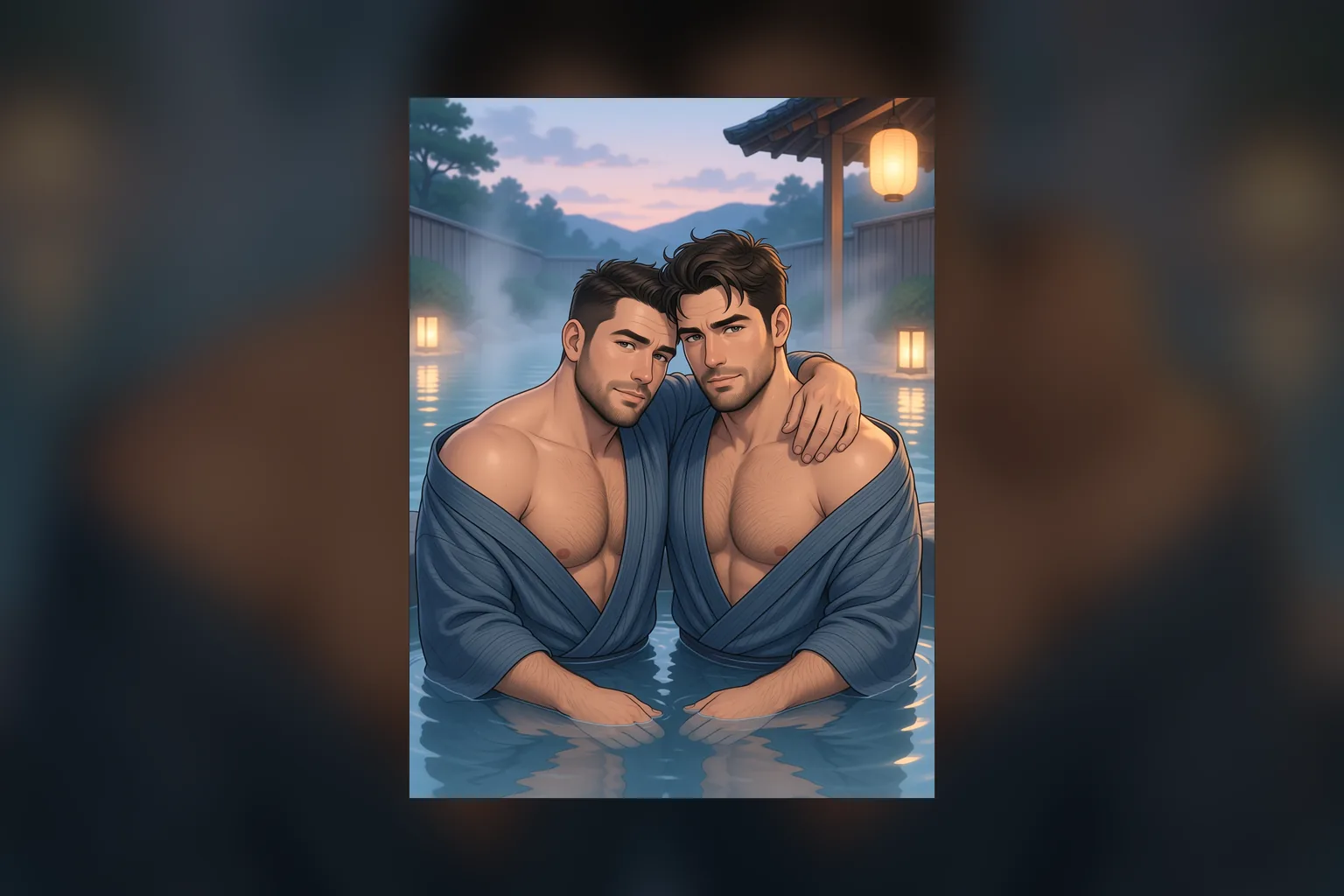
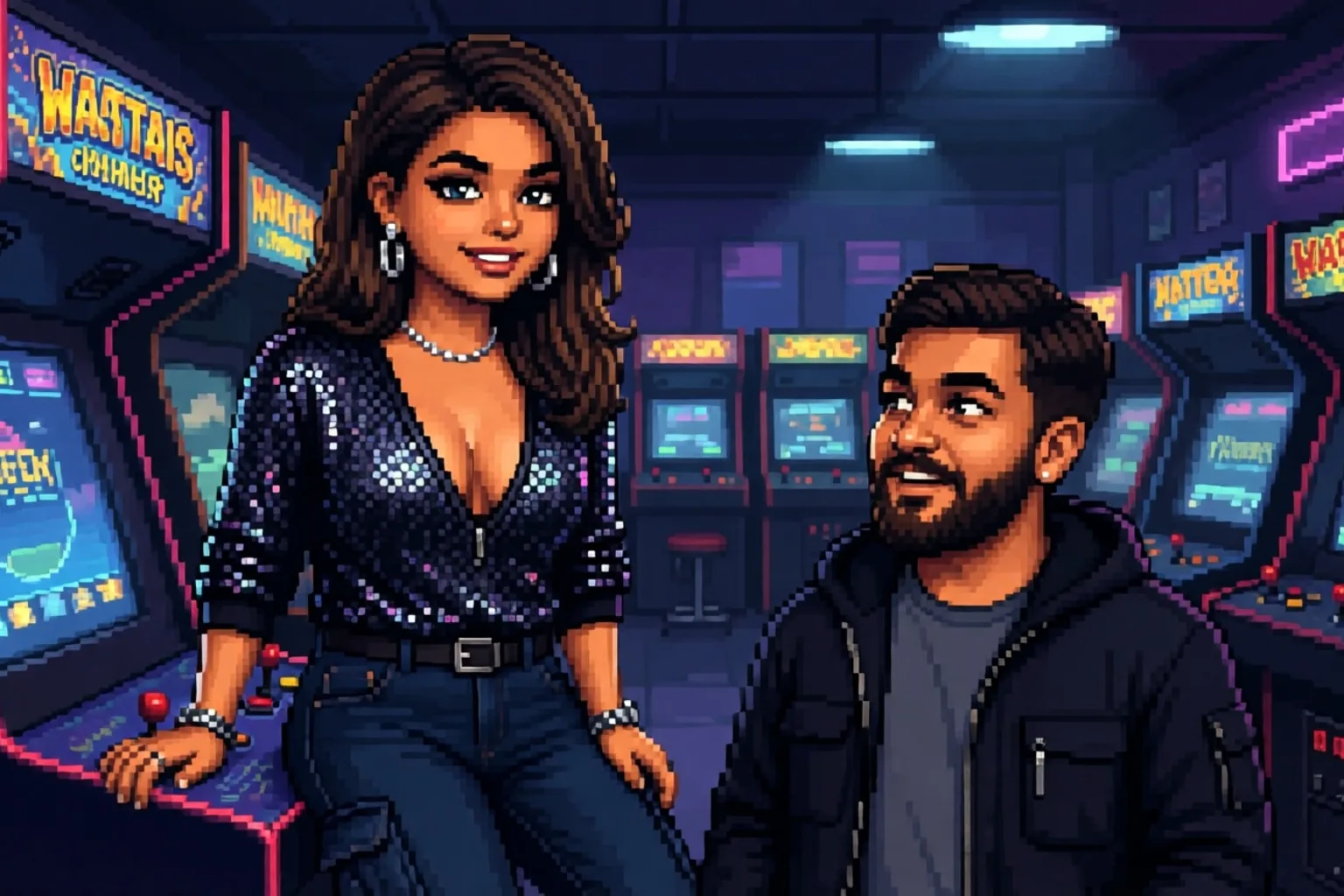
Storybook, watercolour and pixel-art LoRAs on a 20-billion-parameter base give stylised images that still hold faces, hands and small objects together.
New camera angles from one photo
A multiple-angles LoRA on the editing endpoint re-shoots the same person and room from a new viewpoint, useful for product sets and character sheets.
Drawings into photographs
A photo-realism edit LoRA turns an illustration into a believable photograph of the same person, pose and clothing.
Uncensored stills and edits
Unfiltered LoRAs load without review and neither endpoint filters its output; both rendered our strongest content probe as written.
Prompt guide & pro tips
Match the LoRA to the endpoint
Text-to-image runs Qwen-Image-2512 and editing runs Qwen-Image-Edit-2511. LoRAs are trained for one or the other; an edit LoRA on text-to-image, or the reverse, does little.
Keep edit LoRAs at 2 or below
On the editing endpoint each LoRA scale runs from 0 to 2. Most edit LoRAs are made for 1; the camera-angle example ran at 1.
Use the LoRA's own prompt format
Some edit LoRAs expect a fixed phrase. The multiple-angles LoRA wants "" followed by the view, such as "front-left quarter view eye-level shot medium shot".
Name each source when editing
With two or three sources, say what each contributes: Picture 1 is the person, Picture 2 is the room. The result follows the shape of the first image.
Qwen Image 2512 LoRA image editing runs Qwen-Image-Edit-2511 on one to three source images with up to three of your own LoRAs, such as camera-angle or relighting. By default the result follows the first image's shape at about one megapixel.
A photograph, not a render
A real-life photo LoRA trained for 2512 and the light written out: blue hour through a tall window, a pink lamp in the corner, two women slow dancing with their foreheads together. Skin, silk and cotton come out unpolished, the way a camera sees them.
Re-shoot a photo from a new side
The multiple-angles LoRA on the editing endpoint turned a side view of a man on a hotel balcony into a front-facing close-up: the same face, the same open black shirt and the same skyline, from a single photo.
From drawing to photograph
A photo-realism edit LoRA at 0.85 turned an illustrated singer into a photograph: the same curls, the same green velvet, the same vintage microphone.
Illustration styles with real detail
Storybook, watercolour and pixel-art LoRAs on a 20-billion-parameter base give stylised images that still hold faces, hands and small objects together.
New camera angles from one photo
A multiple-angles LoRA on the editing endpoint re-shoots the same person and room from a new viewpoint, useful for product sets and character sheets.
Drawings into photographs
A photo-realism edit LoRA turns an illustration into a believable photograph of the same person, pose and clothing.
Uncensored stills and edits
Unfiltered LoRAs load without review and neither endpoint filters its output; both rendered our strongest content probe as written.
Match the LoRA to the endpoint
Text-to-image runs Qwen-Image-2512 and editing runs Qwen-Image-Edit-2511. LoRAs are trained for one or the other; an edit LoRA on text-to-image, or the reverse, does little.
Keep edit LoRAs at 2 or below
On the editing endpoint each LoRA scale runs from 0 to 2. Most edit LoRAs are made for 1; the camera-angle example ran at 1.
Use the LoRA's own prompt format
Some edit LoRAs expect a fixed phrase. The multiple-angles LoRA wants "" followed by the view, such as "front-left quarter view eye-level shot medium shot".
Name each source when editing
With two or three sources, say what each contributes: Picture 1 is the person, Picture 2 is the room. The result follows the shape of the first image.
Weights should be trained for Qwen-Image-2512 (text-to-image) or Qwen-Image-Edit-2511 (editing). In our tests a LoRA made for the first Qwen-Image release still changed the picture on text-to-image, less predictably; LoRAs for unrelated bases do little. The file is fetched when the request runs, so a link that needs a login fails the request. One image per request.
At most three source images and a LoRA scale of 2. By default the output follows the first image's shape at about one megapixel; set aspect_ratio to reframe it to one of nine ratios.
image_urls
Supply one to three source images to Qwen Image 2512 LoRA for December-checkpoint texture adapters, and tell the instruction which source provides the person, object or setting instead of leaving those roles implicit.
prompt
For Qwen Image 2512 LoRA, use the prompt to identify each reference by number and distinguish the requested change from the details to retain; the 5,000-character budget is shared by the whole editing instruction.
loras
Up to three {path, scale} entries trained for Qwen-Image-Edit-2511; scale 0 to 2 on this endpoint.
output_format
For December-checkpoint texture adapters in Qwen Image 2512 LoRA, select JPEG, PNG or WebP as the delivery format; changing the container does not purchase a different generation tier.
seed
Keeps edits comparable while you change the instruction.
aspect_ratio
Optional. Leave it empty and the result follows the first source image at about one megapixel. Pick one of the nine ratios to reframe the edit instead: 1:1 is 1328 x 1328 and 16:9 is 1536 x 864, the same sizes as text-to-image. Every ratio costs the same.
The multiple-angles LoRA with its fixed "" phrase and the view you want. The face, the shirt and the skyline carry over; only the camera moves.
A photo-realism edit LoRA at 0.85 and a plain instruction. The illustrated singer comes back as a photograph.
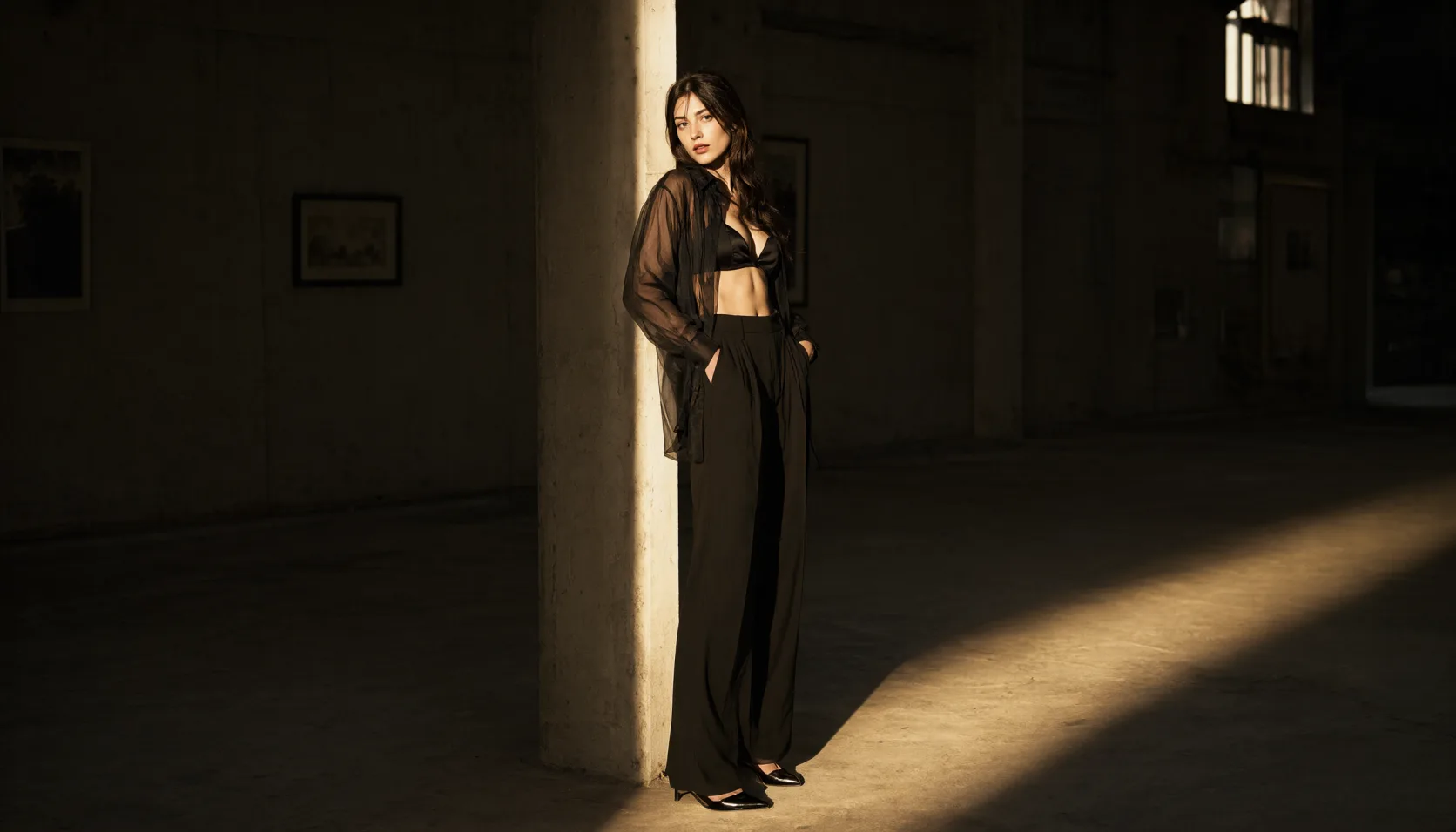
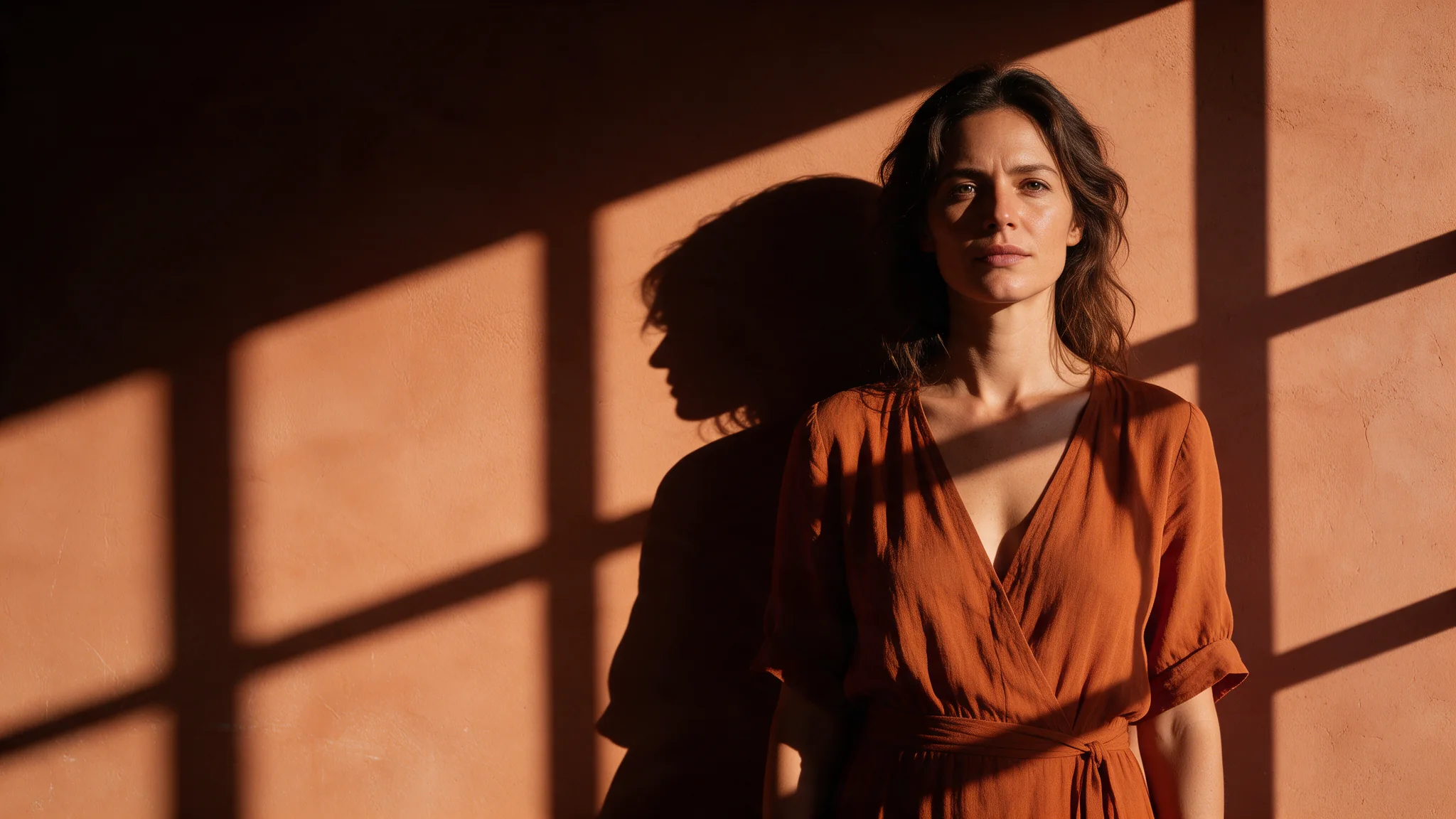
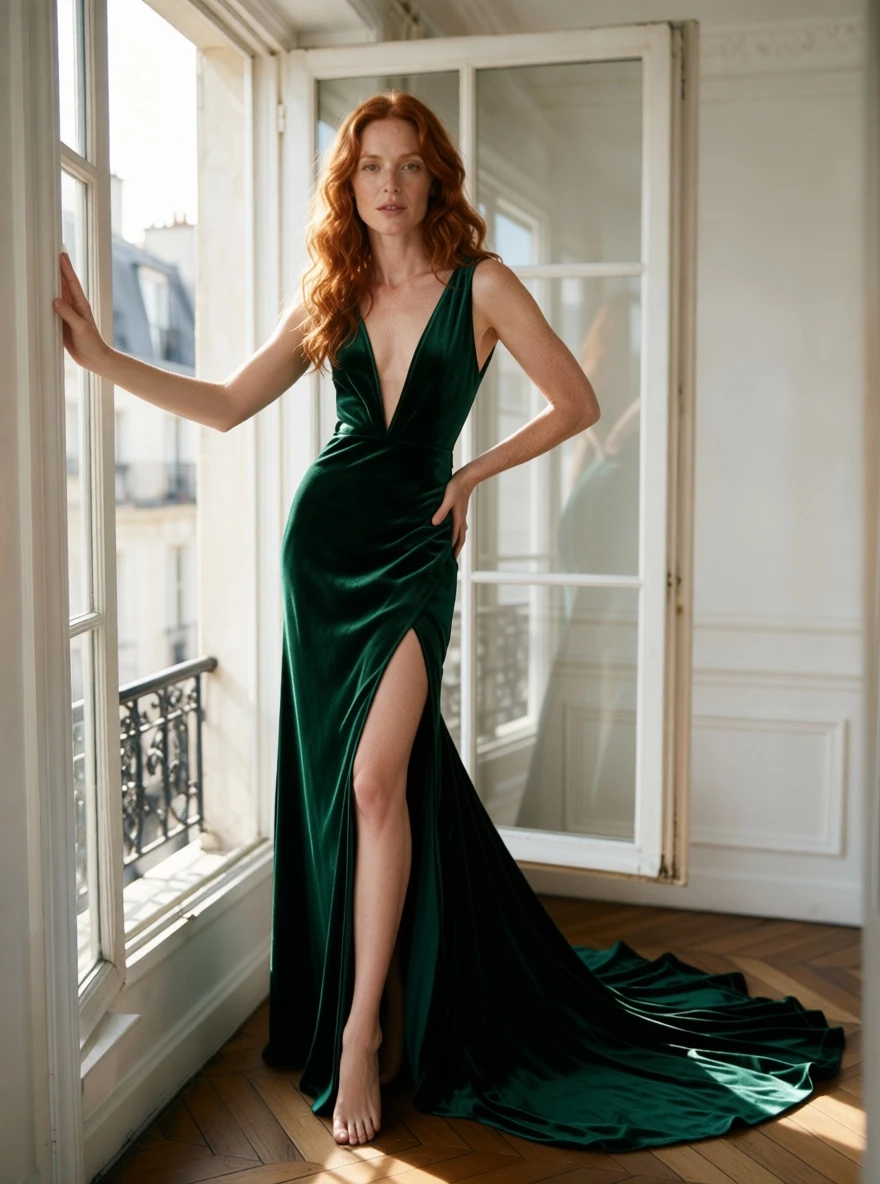
Picture 1 is the woman by her Paris window, Picture 2 a watercolour sketch of an emerald velvet gown. With the Anything2Real LoRA the sketch becomes real fabric on her, deep V and slit included.
API quick start
# Generate the idempotency key once; reuse it when retrying after a lost response.
export SPICY_IDEMPOTENCY_KEY="${SPICY_IDEMPOTENCY_KEY:-$(uuidgen)}"
curl -X POST https://api.spicyapi.ai/api/v1/jobs/createTask \
  -H "Authorization: Bearer $SPICY_API_KEY" \
  -H "Content-Type: application/json" \
  -H "Idempotency-Key: $SPICY_IDEMPOTENCY_KEY" \
  -d '{
  "model": "alibaba/qwen-image-2512-lora/edit",
  "input": {
    "image_urls": [
      "https://example.com/reference.png"
    ],
    "output_format": "jpeg",
    "prompt": "A ceramic teapot on a linen cloth, soft window light, muted palette"
  }
}'

# Copy data.taskId from the response into TASK_ID, then poll the status.
TASK_ID="TASK_ID_FROM_RESPONSE"
curl "https://api.spicyapi.ai/api/v1/jobs/recordInfo?taskId=$TASK_ID" \
  -H "Authorization: Bearer $SPICY_API_KEY"
See the API reference for authentication, the complete schema, polling, and error handling.