“Qwen Image 2512 LoRA” is one model page with two different bases under it. Text-to-image runs Qwen-Image-2512; editing runs Qwen-Image-Edit-2511. Prefer an adapter trained for, or explicitly documented as compatible with, the task's base. A generation adapter is not automatically suitable for editing: the wrong file can have little effect or fail to load. There is no Qwen-Image-Edit-2512: the numbers are release months, so edit LoRAs say 2509 or 2511, and 2511 is the one this page runs.
| Text to image | Image editing | |
|---|---|---|
| Base model | Qwen-Image-2512 | Qwen-Image-Edit-2511 |
| Adapter training or compatibility target | Qwen-Image-2512 | Qwen-Image-Edit-2511 |
| LoRAs per request | up to 3 | up to 3 |
Strength (scale) | 0 to 4, 1 is the usual starting strength | 0 to 2, 1 is the usual starting strength |
| Inputs | prompt | prompt plus 1 to 3 source images |
| Output size | 9 aspect ratios, up to 1536 px on the long side | follows the first source at about one megapixel, or pick one of the 9 ratios |
| Price | $0.03 per image | $0.03 per image |
Both tasks are on the Qwen Image 2512 LoRA model page and carry the Uncensored label. Extra LoRAs or sources cost nothing more.
Which task fits your job
With only a written brief, use text-to-image; with a picture whose person, outfit or framing must survive, use editing. A fashion workflow can be two steps: generate a look with a style or identity LoRA trained for 2512, then edit it with an Edit 2511 LoRA to change the camera angle or light. Use LoRA files documented for each task; do not assume the generation adapter will also control the edit.
Do not choose a LoRA file by the Qwen-Image-2.1 page name alone: its published examples include 2512 generation adapters and Edit 2511/2509 editing adapters. Check the file's stated base and task; the Qwen Image 2.1 LoRA guide covers that family's examples.
Try it in the Playground first
- Open the editing task (the link prefills the prompt from the example below) and stay on the Playground tab, in Form view. For generation, open text-to-image instead. Sign in with a funded account to run.
- Editing only: under Images, add your source with Add a file or Asset URL; up to three, and the first sets the output shape.
- Under Style LoRAs, paste the direct
.safetensorslink into LoRA file and set Strength (1 to start; the cap is 2 on editing, 4 on text-to-image). Add item gives up to three. - Set a Seed, run, then press Remove item and run again with the same prompt and seed to see what the file changed.
The Playground sends the same JSON the API takes, so a setup that works here can be copied into code.
The request
Editing, from the example on the model page (an Edit 2511 camera-angle LoRA with its fixed <sks> phrase):
curl -X POST https://api.spicyapi.ai/api/v1/jobs/createTask \
  -H "Authorization: Bearer $SPICY_API_KEY" -H "Content-Type: application/json" \
  -H "Idempotency-Key: $(uuidgen)" \
  -d '{"model":"alibaba/qwen-image-2512-lora/edit","input":{"image_urls":["https://cdn.spicyapi.ai/models/examples/inputs/33f7ff15be3301c7.webp"],"loras":[{"path":"https://huggingface.co/fal/Qwen-Image-Edit-2511-Multiple-Angles-LoRA/resolve/main/qwen-image-edit-2511-multiple-angles-lora.safetensors","scale":1}],"prompt":"<sks> front view eye-level shot close-up","seed":42}}'
Text-to-image uses alibaba/qwen-image-2512-lora/text-to-image with an aspect_ratio such as "3:4" instead of image_urls, and a 2512 LoRA with its trigger phrase first in the prompt. The full task flow is in the Tasks docs; hosting and link rules are in the run-your-own-LoRA guide.
Let an Agent do it. Save the input object as input.json, then npx @spicyapi/cli tasks create --model alibaba/qwen-image-2512-lora/edit --input-file input.json --wait (CLI); or add the MCP server and ask your assistant to run it (it calls spicyapi_task_create); or install the Agent Skill with npx skills add spicyapi-ai/spicy-skill. CLI and MCP show the price and ask you to confirm before a paid call.
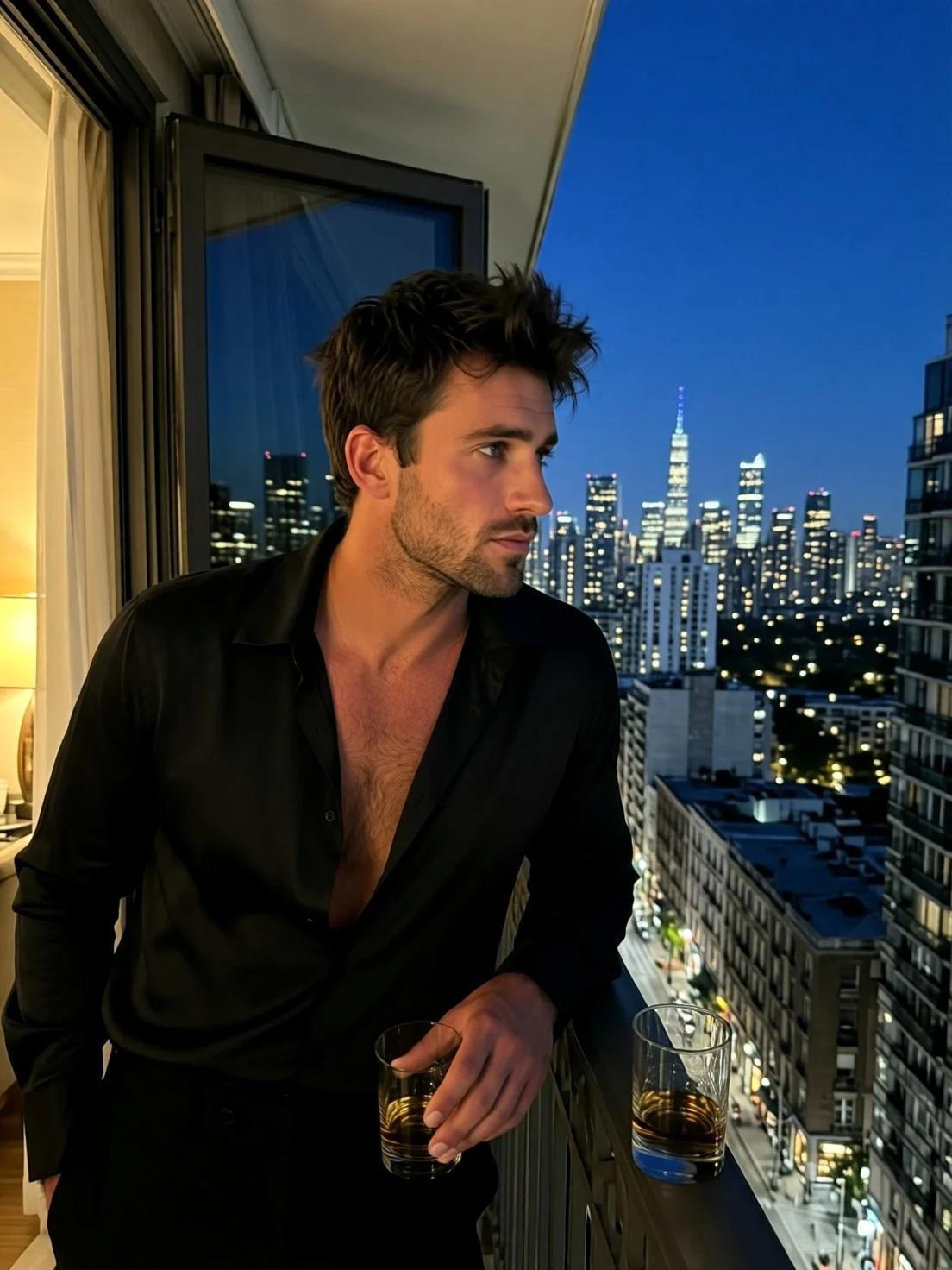
Source image sent with the request above.
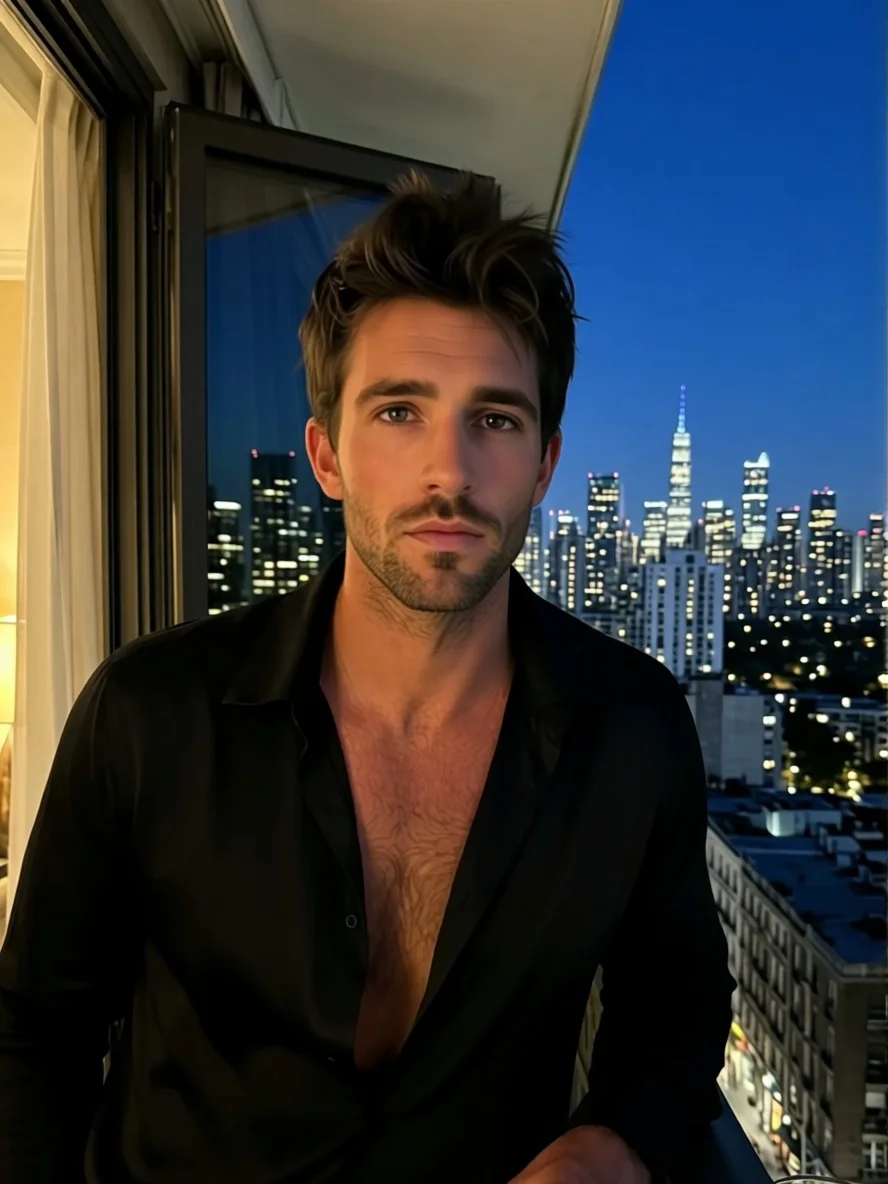
Result: same man, shirt and skyline, front view. Prompt <sks> front view eye-level shot close-up, LoRA scale 1, seed 42.
Check the file before you spend a request
- Find the training base on the card (the Hugging Face model tree or description). Look for "Qwen-Image-2512" for generation or "Qwen-Image-Edit-2511" for editing, or an explicit compatibility note for that task; a card that says only "Qwen" has not told you.
- Copy the trigger phrase exactly. Style LoRAs usually expect a phrase at the start of the prompt; edit LoRAs often expect a fixed command, like
<sks>above. - Use a direct public link to the
.safetensorsfile. A web page, a ZIP or a gated repository (HTTP 401) fails the request, normally unbilled; a free quote (CLIspicyapi tasks quote) rejects page links and gated files before you pay; it cannot tell whether the adapter fits. The file must be a LoRA adapter, not a full checkpoint. - Keep a note per file: base, task, revision-pinned link and the scale that worked.
Did the LoRA do anything?
The response never says whether an adapter was applied, so run the same prompt and seed with and without it and change one thing at a time.
| What you see | Likely cause | Next step |
|---|---|---|
| Request fails, no image | Link needs login, points to a page, or is not an adapter | Fix the URL; normally not billed |
Request rejected on scale | Edit endpoint capped at 2 (text-to-image at 4) | Lower the value |
| Image identical or nearly identical to the no-LoRA run | Wrong base, missing trigger phrase, or strength too low | Check the card's base first, then the phrase, then raise scale |
| Effect appears and grows with scale | Right file, weak at 1 | Text-to-image: try 0.7, 1, 1.3. Editing: raise in steps of 0.25 up to 2 |
| Effect appears but the face or scene drifts | Strength too high, or competing sources | Lower scale; keep one source. Take identity from the source image, not from a style LoRA |
In editing, Qwen-Image-Edit-2511 builds some popular community LoRA effects, such as lighting enhancement, into the base (Qwen's release notes), so a no-LoRA edit may already show part of what a lighting or angle file adds. Judge the file by the specific effect it was trained for.
Sources in editing
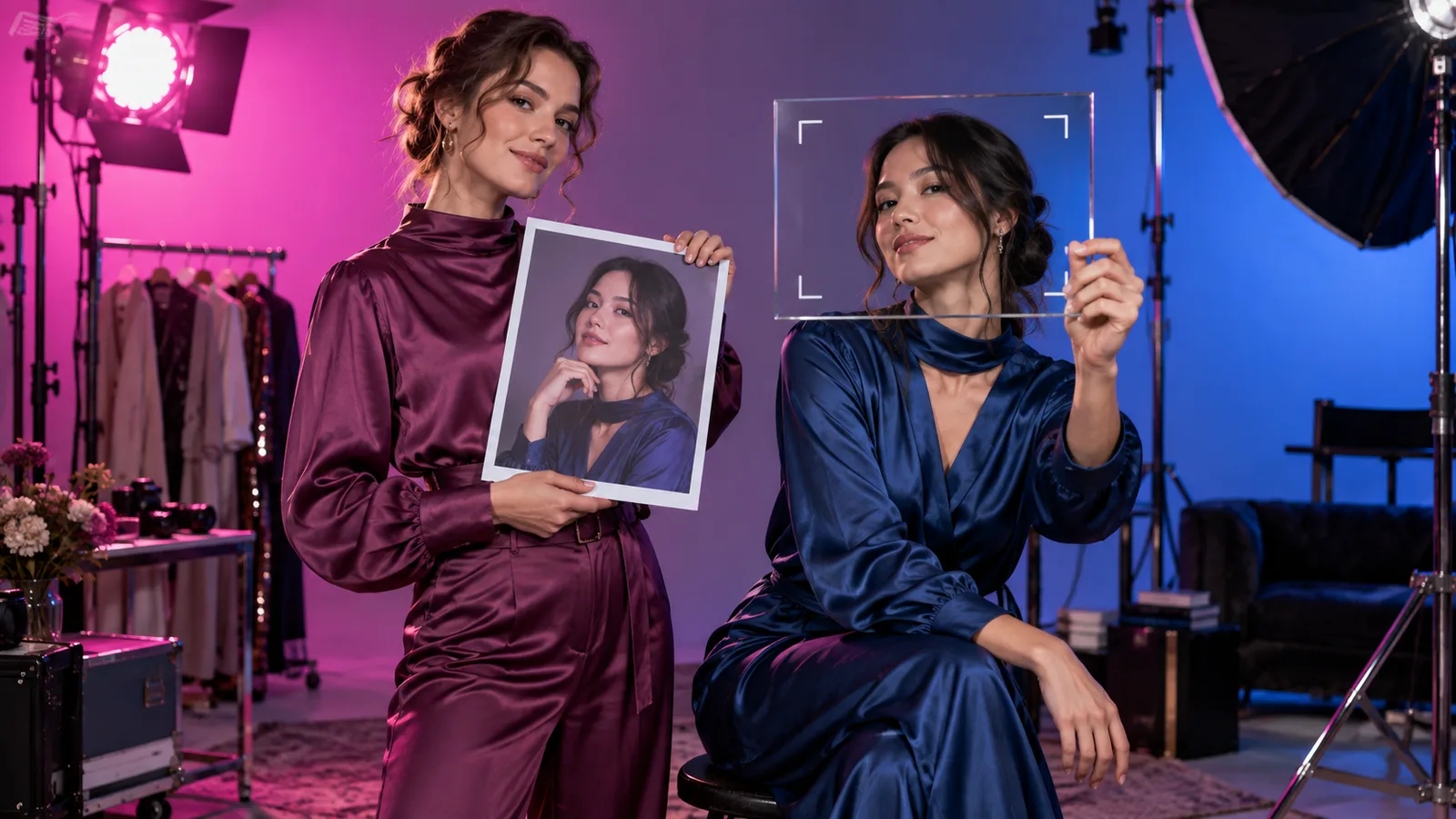
Give each source a job and name it in the instruction: Picture 1 is the person, Picture 2 the outfit, Picture 3 the room. The first source sets the output shape unless you choose an aspect ratio, so put the picture whose framing you want first. Start with one clean source and add others once the first edit works.
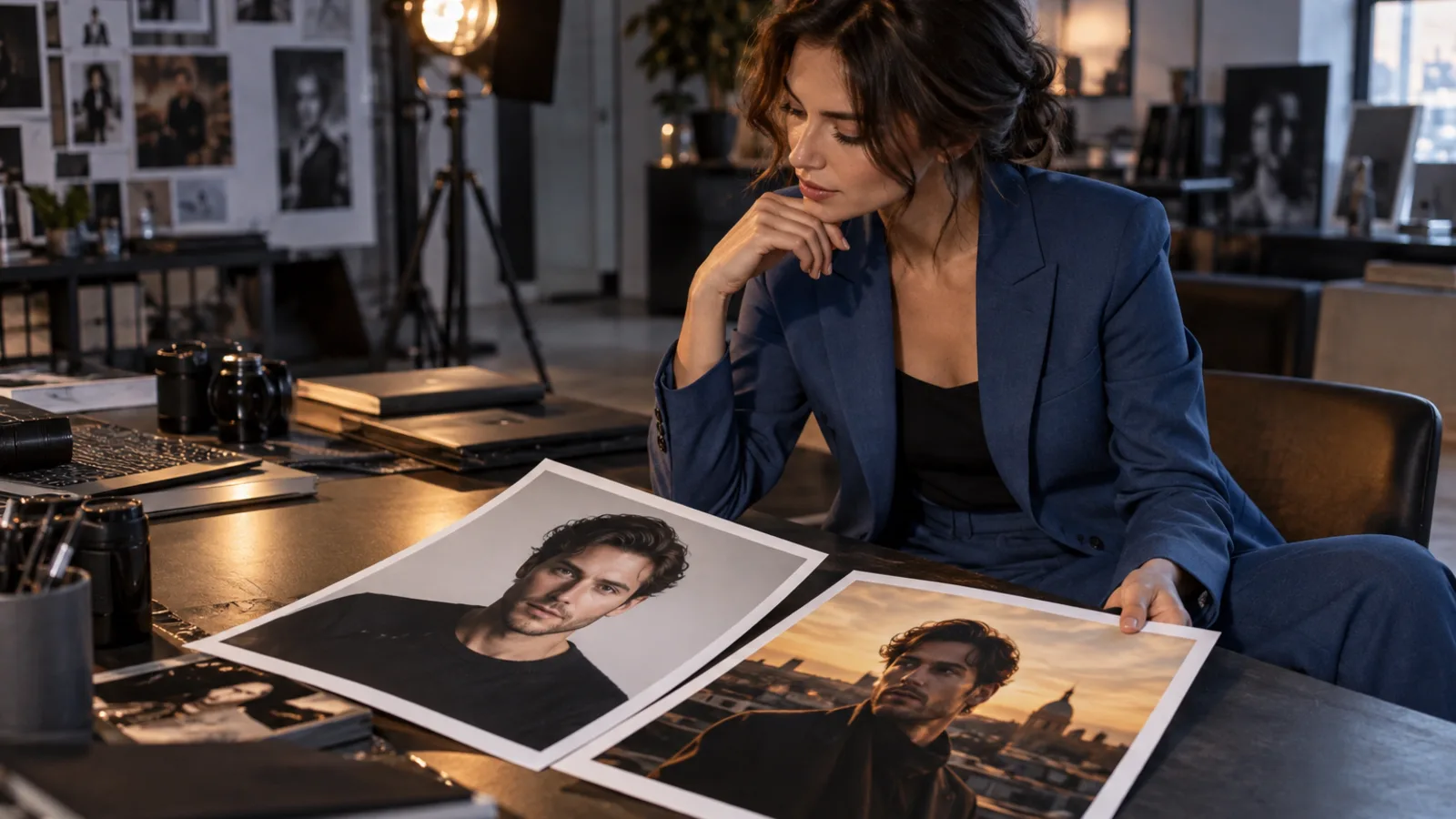
Illustration of a multi-source edit setup; not a Qwen output.
If the edit should be narrow, say what stays: keep her face, keep the dress, keep the window light.
What it does with adult content
Based on our September 2026 tests, both tasks without a LoRA delivered everything except the most intense intimate scene, which came back implied. With a suitable adult LoRA loaded, that scene was delivered on text-to-image and on editing from a clothed reference. For these higher-intensity edits, choose an adult adapter compatible with Edit 2511 rather than assuming a style or identity adapter supplies the same effect. Identity, lighting, style and adult content are different files. Full results are in the Qwen Image 2512 LoRA review; Qwen editing models are compared in the Qwen image edit test.

Published example from the model page.
FAQ
Is there a Qwen Image Edit 2512 LoRA?
No such model exists. 2512 is a December 2025 release of the text-to-image base; its editing counterpart is Edit 2511, and "Edit 2512" in a file name is a mislabel to check against the card.
Can I use a Qwen-Image-2512 LoRA on the editing task?
Use an Edit-2511 adapter unless the creator documents that the particular 2512 file also works with Edit 2511. The different task bases are not a promise of cross-compatibility. You can keep the 2512 adapter on text-to-image and carry its look into editing through your source image.
Why does my edit request reject a scale of 3?
Editing accepts 0 to 2; text-to-image accepts 0 to 4. Start at 1.
Are failed LoRA downloads billed?
Normally not. A completed image is billed at $0.03 even if the adapter has little visible effect. A failed adapter load is a failed task; a successful URL check alone does not distinguish the two.
Which task to open
With no source picture, open Qwen Image 2512 text-to-image and load a file documented as compatible with 2512. If a portrait or composition has to survive, open Qwen Image 2512 LoRA editing with an Edit 2511 file. Whichever you open, make the first run one compatible file against a no-LoRA control with the same seed, before you queue a batch.