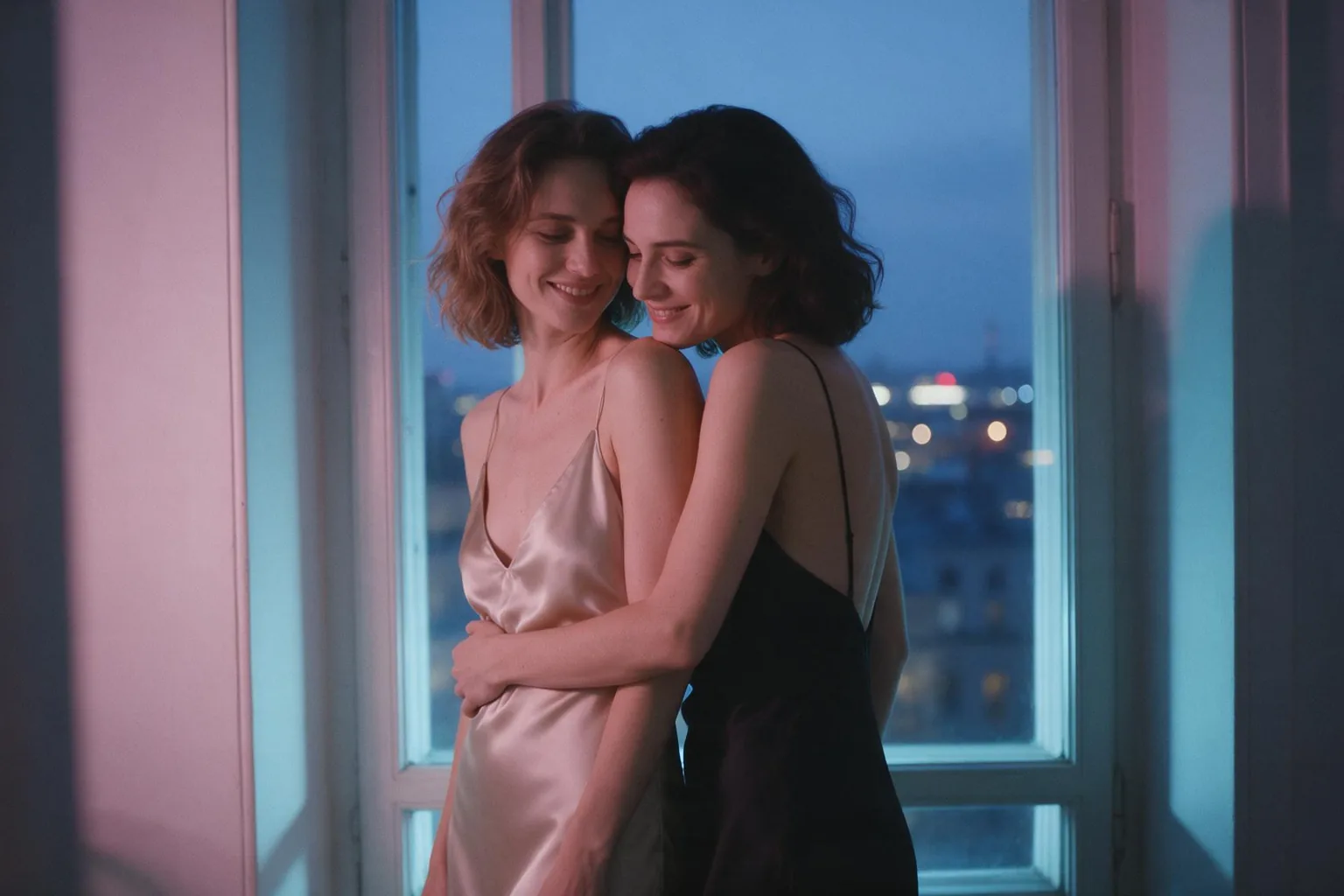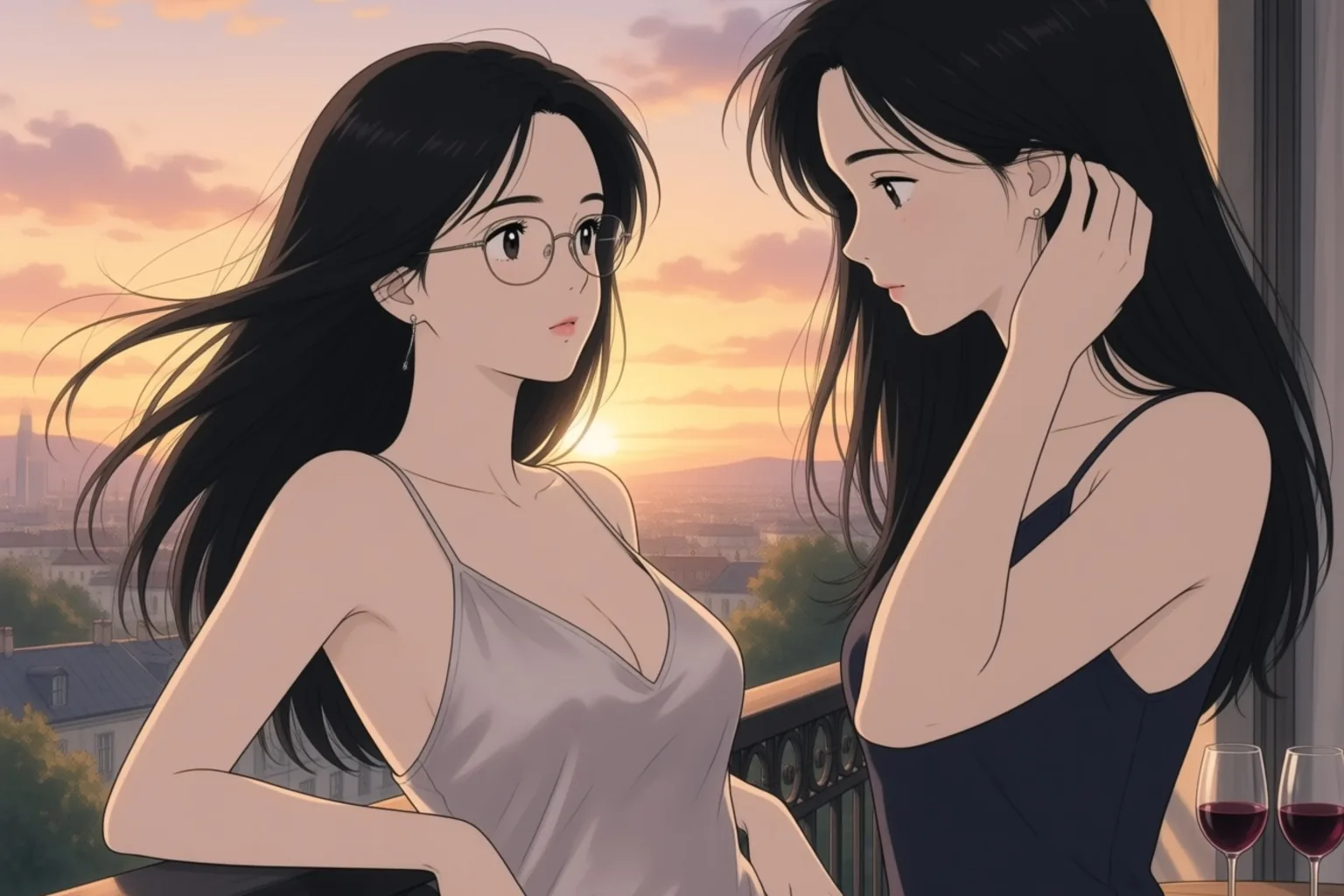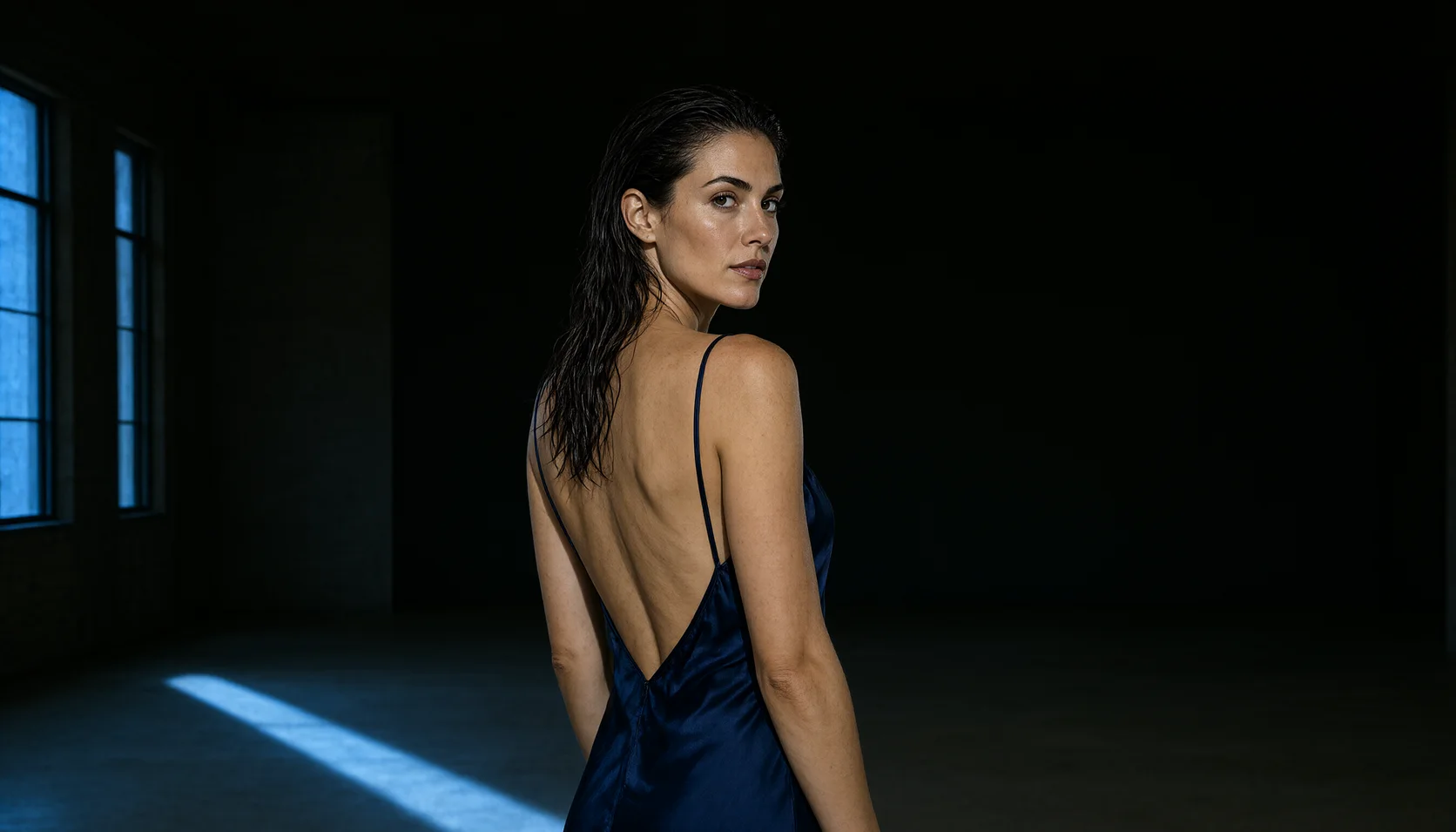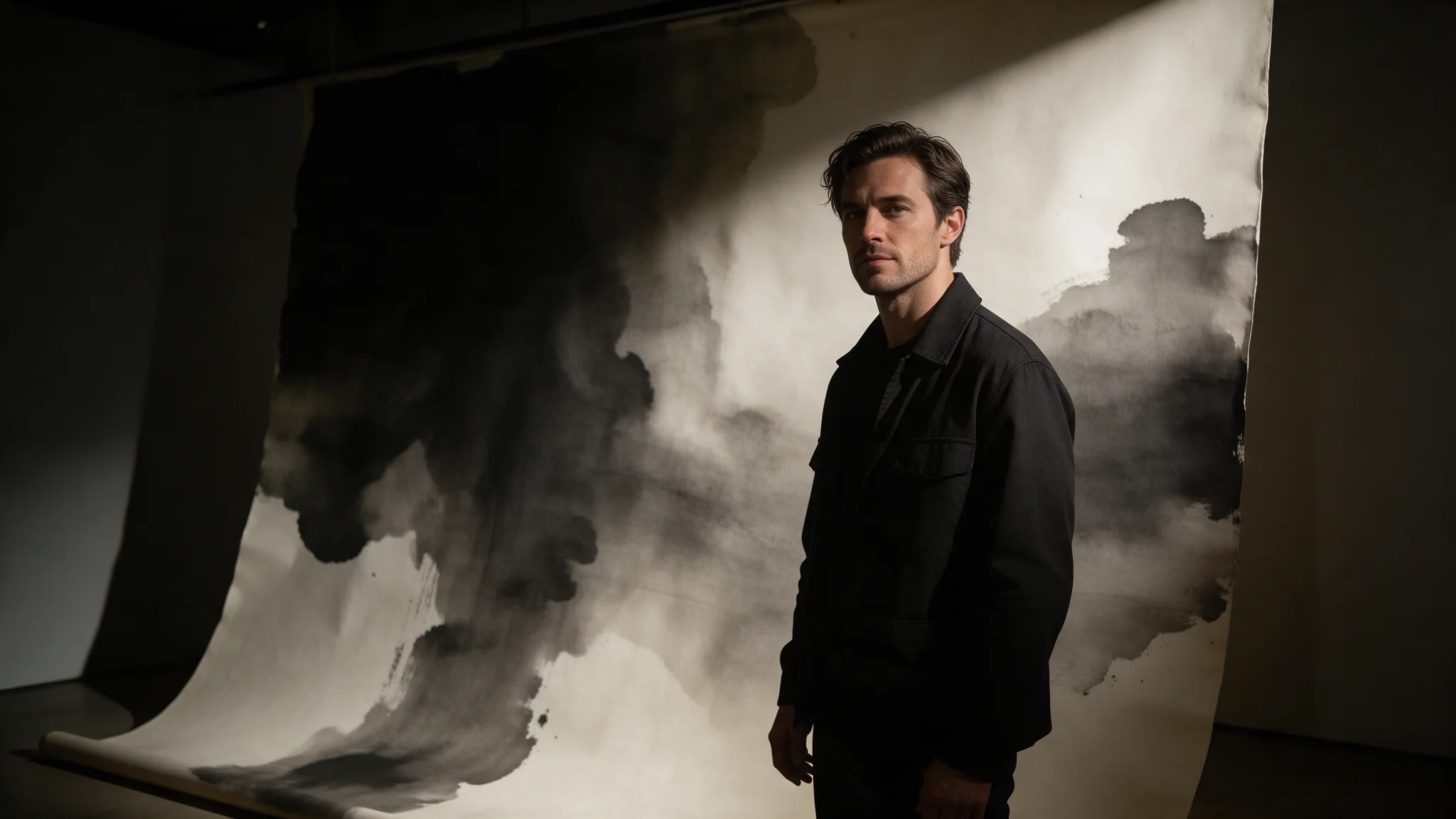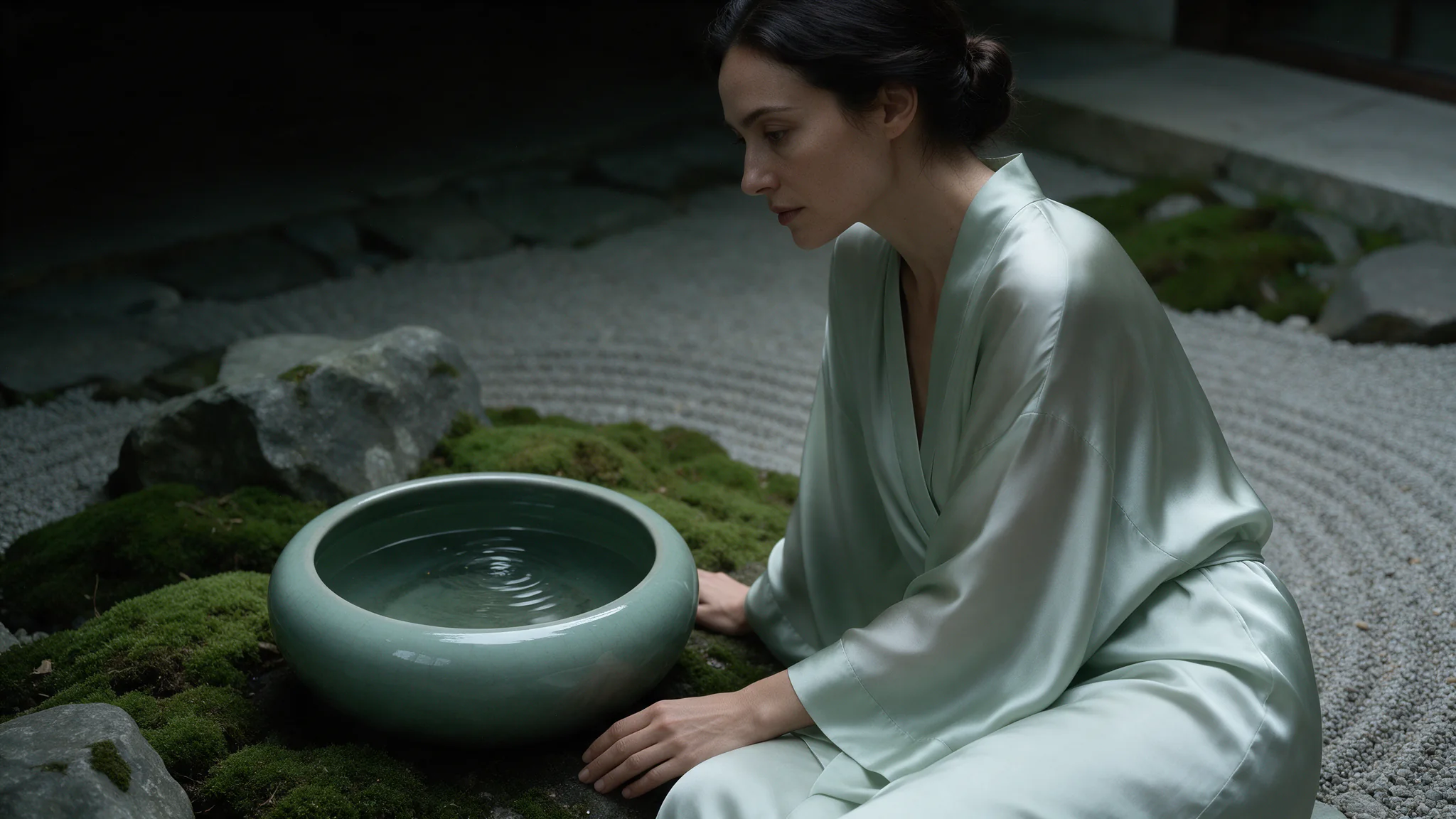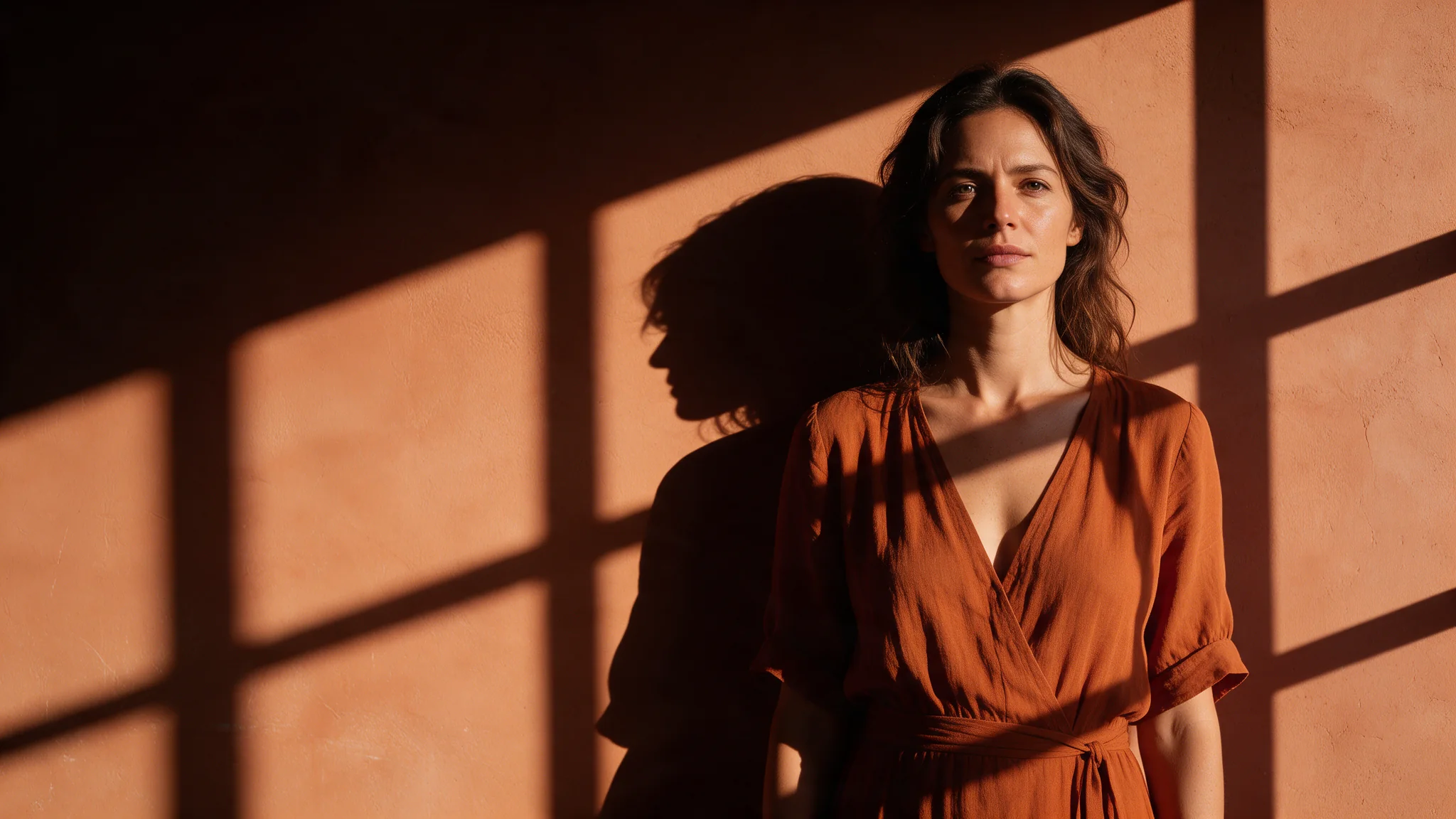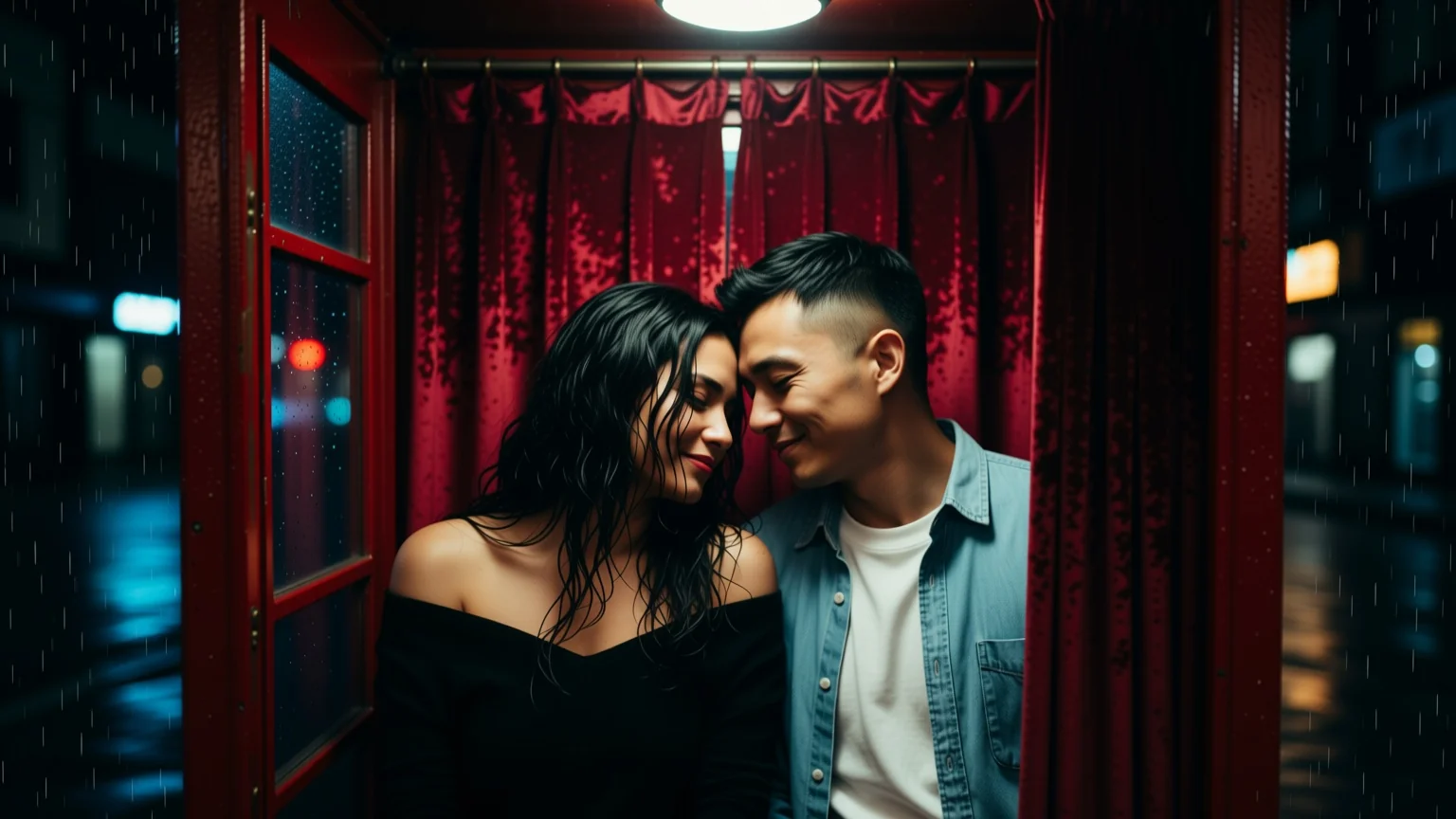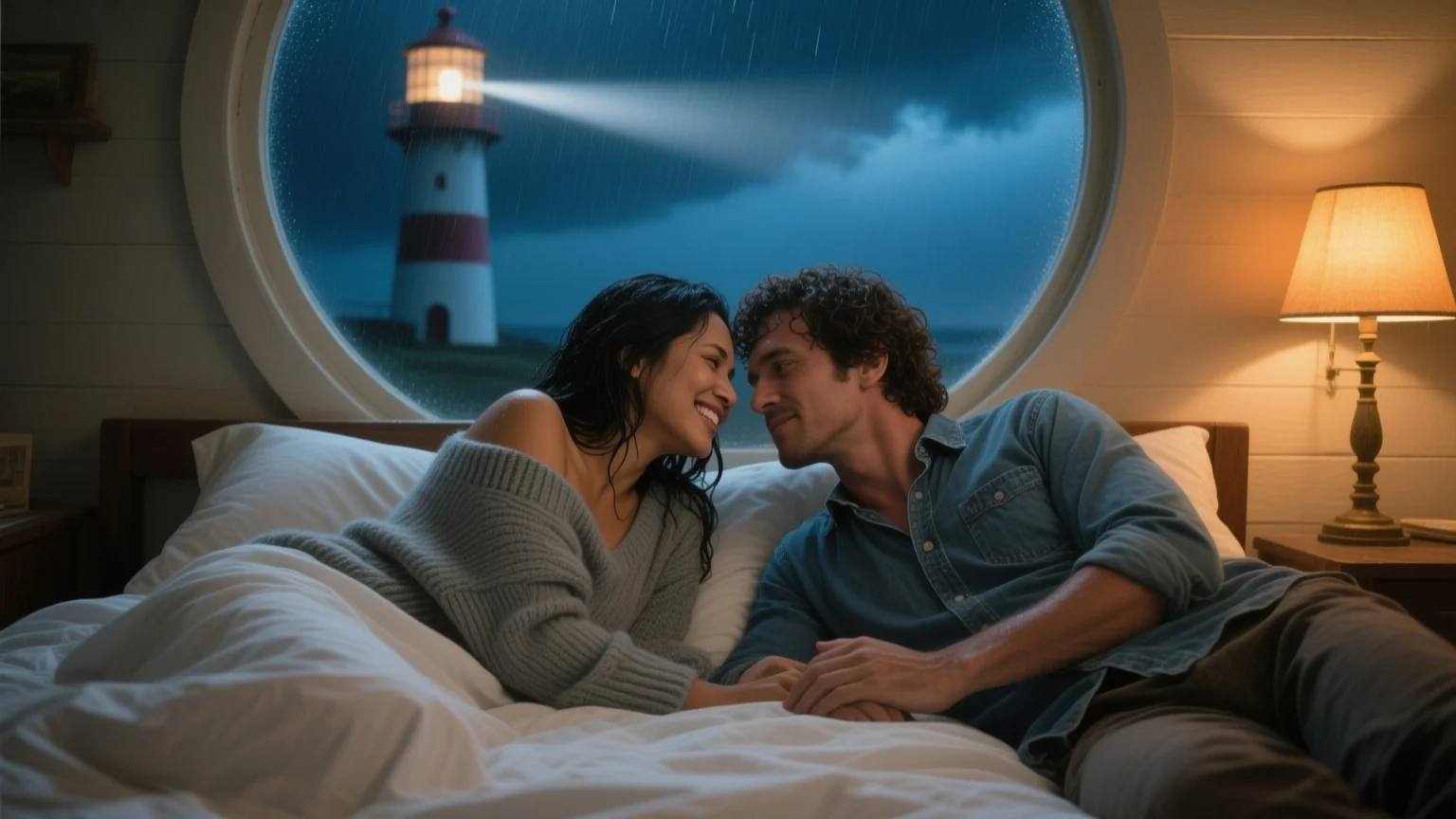
Qwen Image 2512 LoRA image editing runs Qwen-Image-Edit-2511 on one to three source images with up to three of your own LoRAs, such as camera-angle or relighting. By default the result follows the first image's shape at about one megapixel.

From $0.03/image

Workbench

Input

Image editing
420/5000

Reordering updates prompt references. Removing media also removes its references; review your prompt.

Say what each picture contributes and what should change. Some edit LoRAs expect a fixed phrase; the model card gives it. at least 1 characters · at most 5000 characters
2/3

Drop files or media links, paste, or browse · Up to 3 files · Max 10 MB · JPG · PNG · WEBP · GIF

  • Picture 1
  • Picture 2
2 / 3 files
One to three source images, addressed in the prompt as Picture 1, Picture 2 and Picture 3. Without aspect_ratio the result follows the first image's shape. at least 1 items · at most 3 items
Optional. Leave it empty and the result follows the first source image at about one megapixel. Pick one of the nine ratios to reframe the edit instead: 1:1 is 1328 x 1328 and 16:9 is 1536 x 864, the same sizes as text-to-image. Every ratio costs the same.
Style LoRAs1/3

Anything2Real

Up to three {path, scale} entries trained for Qwen-Image-Edit-2511; scale 0 to 2 on this endpoint. at most 3 items
Output format
JPEGPNGWebP
JPEG by default, PNG or WebP if you need them.
Seed
Keeps edits comparable while you change the instruction. no lower than 0 · no higher than 2147483647
Safety checkerOff

SpicyAPI does not run a safety checker on this model. Your prompt and media go to the model as written, and the model itself decides what comes back.

Checking your account before enabling submission and pricing.

Output

Ready for a new run
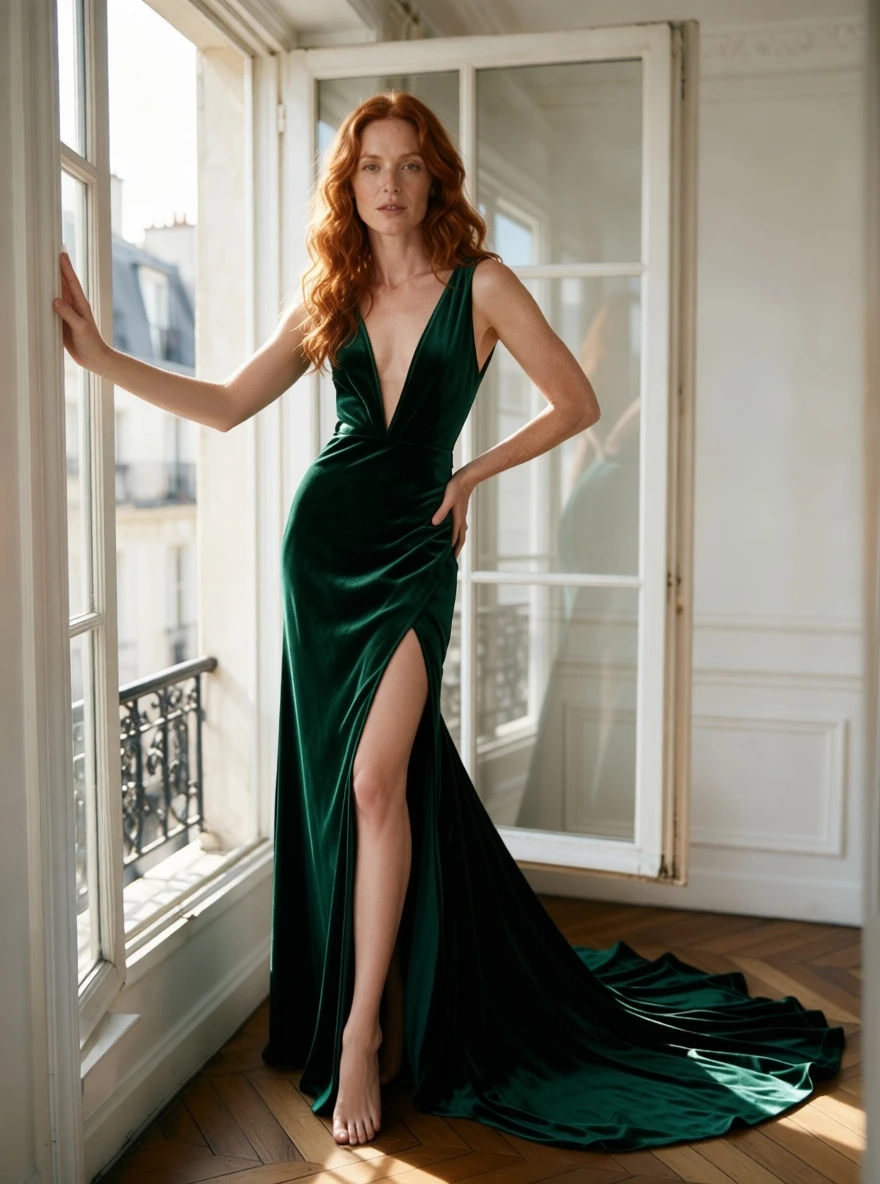
emerald-sketch-to-gownExample result

Related models and next tasks

Missing the model you need?

Tell us what to add and where you would use it. Requests go to the people who decide what gets onboarded next.

Bigger frames for your LoRAs, and edits that can move the camera

Qwen Image 2512 LoRA runs two of Alibaba's open models with up to three of your own LoRA files per request: Qwen-Image-2512 for text-to-image, at up to 1536 pixels on the long side, and Qwen-Image-Edit-2511 for editing, from one to three source pictures. The two take different LoRAs, and getting that right is the first step. On a 20-billion-parameter base, style LoRAs keep faces, hands and small objects together; edit LoRAs can re-shoot a photo from a new angle or turn a drawing into a photograph. Every image costs the same, and nothing is filtered.

Open the playground
Bigger frames for your LoRAs, and edits that can move the camera
Text to image
Qwen-Image-2512, 20B parameters; nine ratios, up to 1536 px on the long side
Editing
Qwen-Image-Edit-2511; 1 to 3 sources, output follows the first at about one megapixel
LoRAs per request
Up to 3, each {path, scale}; scale 0 to 4 on text to image, 0 to 2 on editing
Which LoRAs
Trained for that endpoint's own base; other Qwen-Image versions do little
Price
One flat price per image, whatever the size or the number of sources
Content filter
None; both endpoints rendered our strongest content probe with a LoRA trained for it
Two bases
Match each LoRA to its endpointText-to-image and editing run different models, so every LoRA is trained for one or the other. An edit LoRA on text-to-image, or the reverse, loads and then does little. Keep the two lists apart in your configuration and the most common mistake disappears.
Frame size
More pixels than a one-megapixel frameText-to-image renders 1328 x 1328 at 1:1, 1536 x 864 at 16:9 and 1472 x 1104 at 4:3, at the same price as every other ratio. Editing returns about one megapixel in the shape of the first source.
Limits
Three sources and a scale of 2 when editingThe editing endpoint takes at most three pictures, caps each LoRA scale at 2 and has no aspect ratio choice: the result follows the first image. Weights made for other Qwen-Image versions, including the base behind Qwen Image 2.1 LoRA, do not transfer reliably.

Working with LoRAs on Qwen Image 2512 LoRA

Stylised, with the detail intact

Stylised, with the detail intact

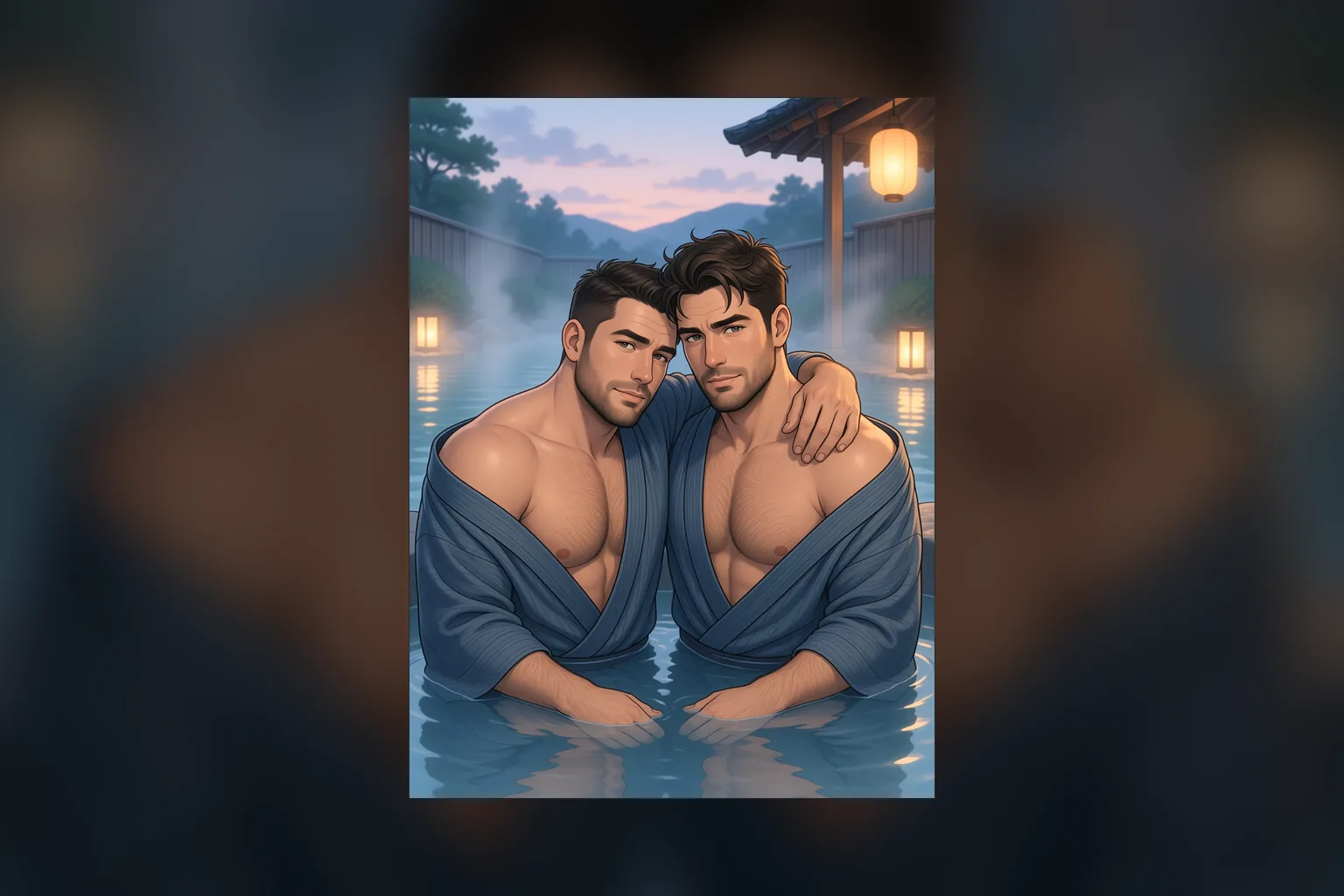
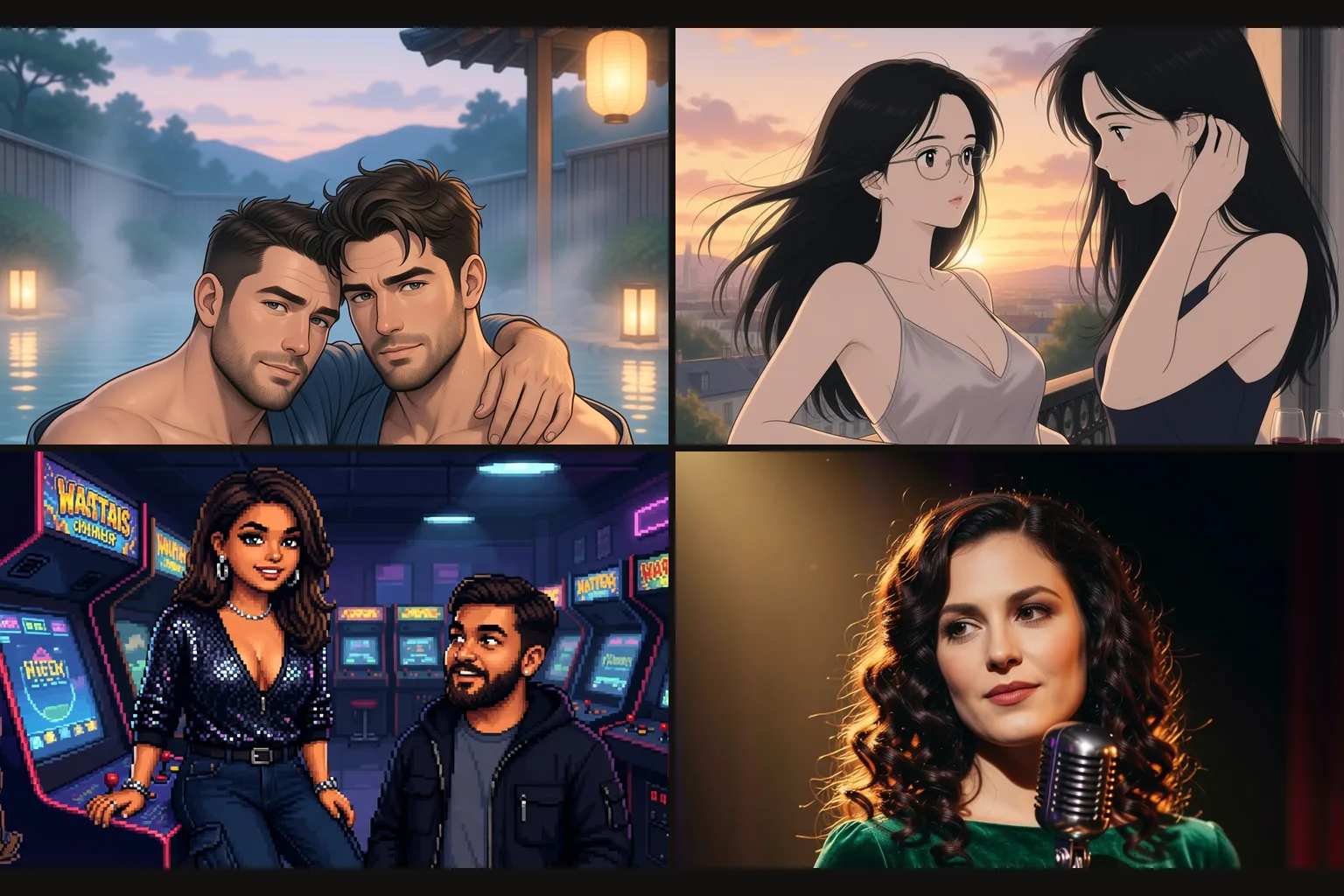
A storybook-anime LoRA and an outdoor hot spring at dusk: two men resting together, steam, lanterns and a soft pastel palette. The style belongs to the LoRA, and faces and hands hold because the base is large. Name the style words the LoRA was trained on and write the scene in full sentences.

Move the camera with an edit LoRA

Move the camera with an edit LoRA

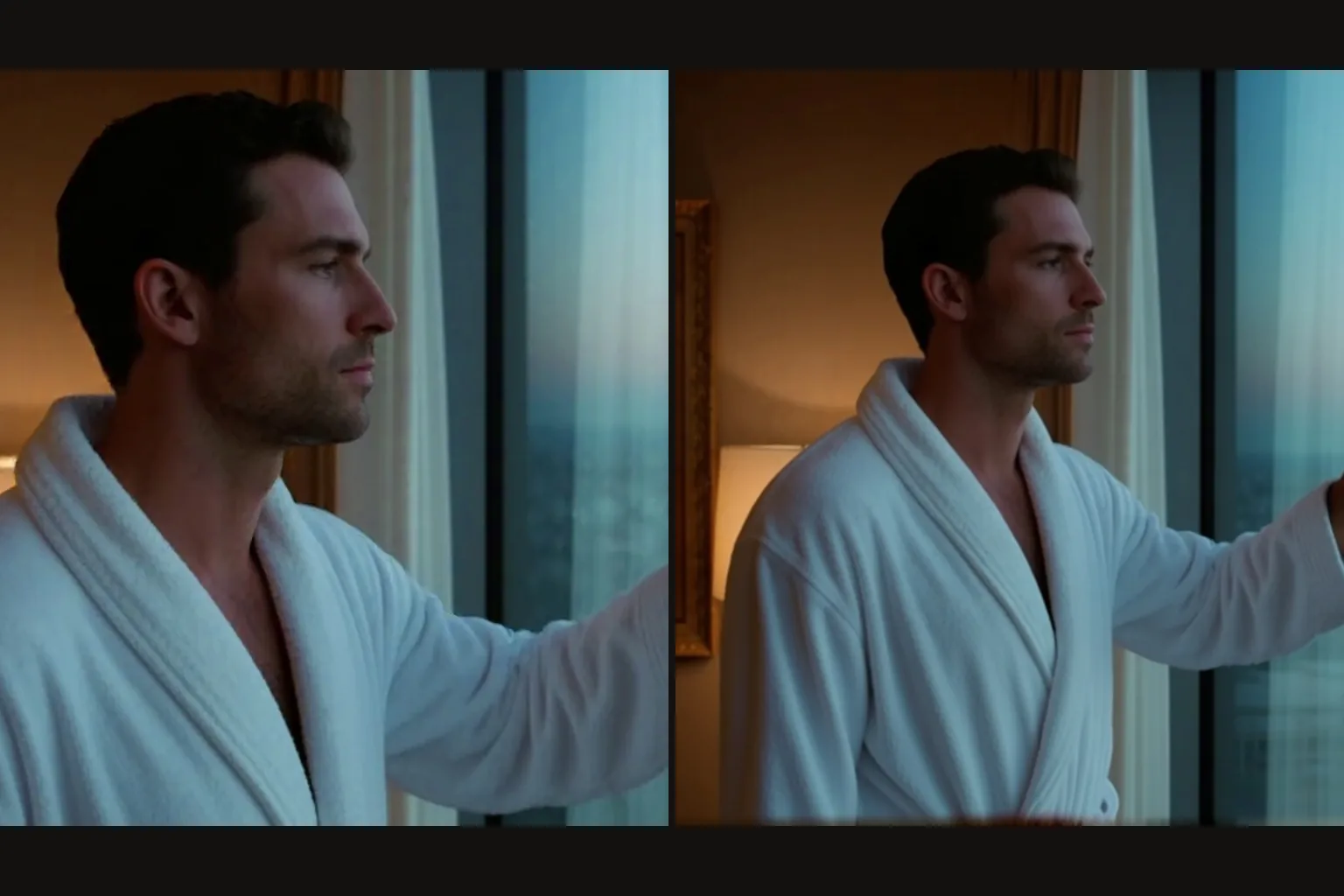
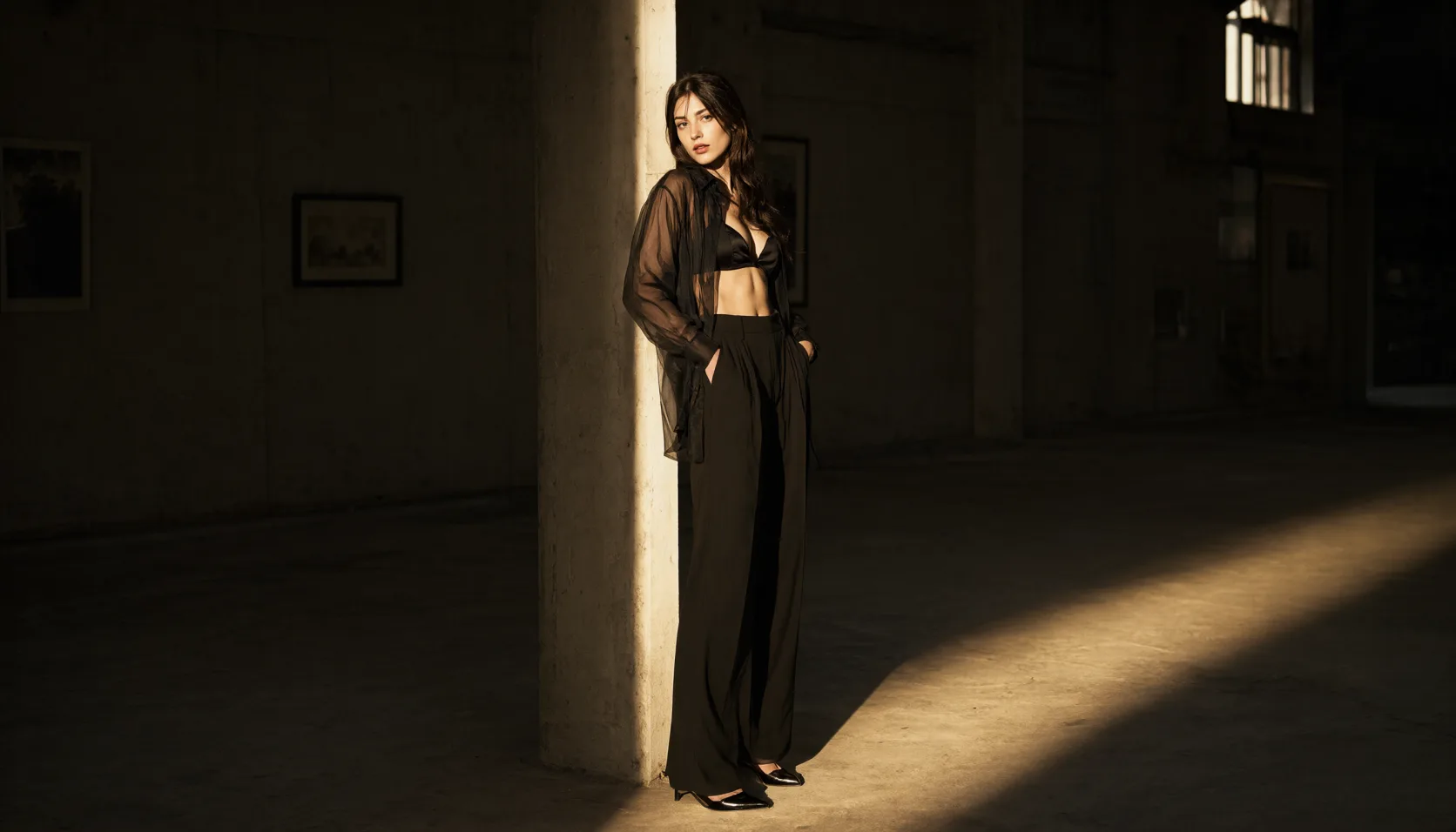
The multiple-angles LoRA on the editing endpoint re-shot one photo from a front-left quarter view: the same man, the same clothes, the same hotel window. It expects its own fixed phrase, "<sks>" followed by the view, which its model card spells out. Most edit LoRAs are made for a scale of 1, and this one ran at 1.

  • Name every source when you send more than one

    With two or three pictures, say what each one contributes: Picture 1 is the person, Picture 2 is the room. The result follows the shape of the first picture, so put the one whose framing you want first. One, two or three sources cost the same.

  • Drawings into photographs

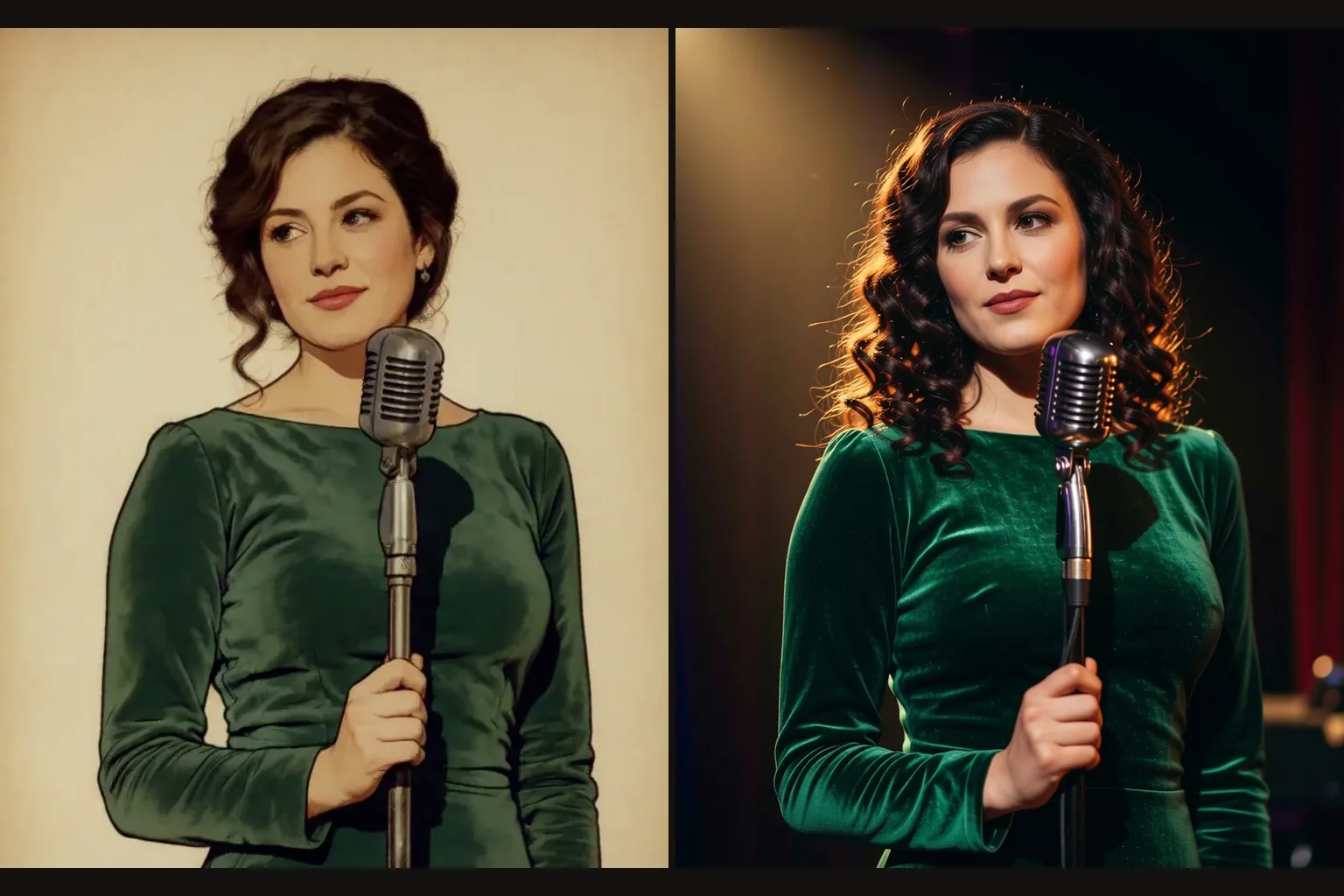
    A photo-realism edit LoRA at 0.85 turned an illustrated singer into a photograph with the same curls, the same green velvet and the same vintage microphone. A plain instruction was enough; the LoRA supplied the realism.

  • Links that download the file

    Each file is fetched when the request runs, so a link that needs a login fails the request, since gated repositories answer with HTTP 401, and so does a link to a web page instead of the file. Use a public URL to the .safetensors file. Failed requests are not charged.

Who uses Qwen Image 2512 LoRA

  • One hand-drawn look at a large size

    Illustrators and story apps

    One hand-drawn look at a large size

    Watercolour, storybook and pixel-art LoRAs give a series one hand-made look, and the frame goes up to 1536 pixels on the long side for covers and banners. Fix the seed per layout and change only the scene.

  • Pixel art with the detail kept

    Game and retro art

    Pixel art with the detail kept

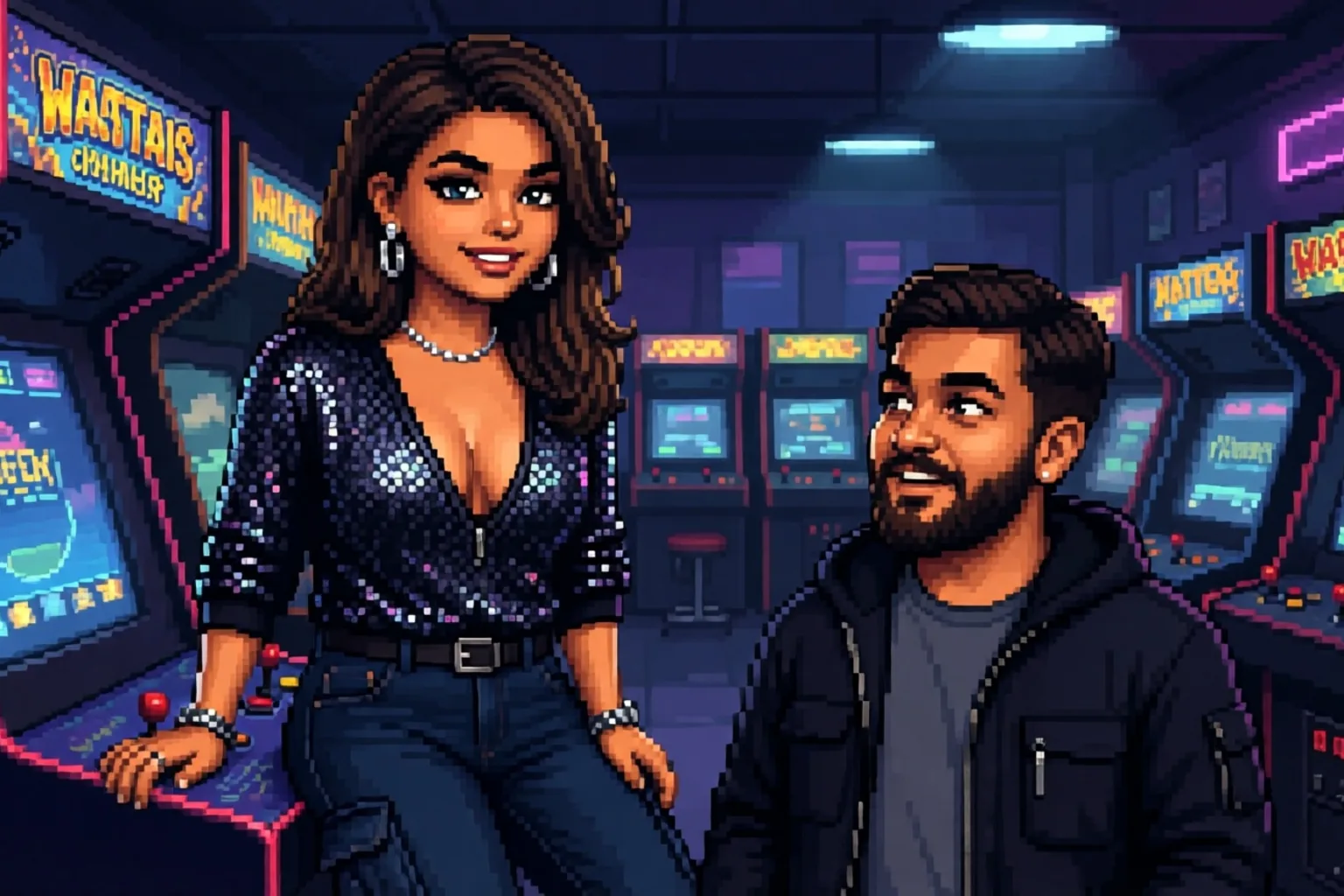
    A pixel-art LoRA triggered by "Pixel Art" at 16:9, where 2512 renders 1536 x 864: a neon arcade, rows of machines, two people mid-conversation. The large base keeps faces and small objects together inside the pixel grid.

  • From drawing to photograph

    Studios and concept artists

    From drawing to photograph

    Send an illustration to editing with a photo-realism LoRA at about 0.85 and a plain instruction. Our illustrated singer came back as a photograph with the same curls, dress and microphone, ready to serve as a reference or a finished frame.

  • Stills and edits, uncensored

    Platforms offering community LoRAs

    Stills and edits, uncensored

    Community LoRAs of every kind load without review and neither endpoint filters its output; both rendered our strongest content probe as written. One flat price per image, whatever the size or the number of sources, keeps the cost of each user request predictable.

From LoRA to finished image with Qwen Image 2512 LoRA

  1. Decide which endpoint the LoRA belongs to

    Its model card names the base: Qwen-Image-2512 LoRAs go to text-to-image, Qwen-Image-Edit-2511 LoRAs go to editing.

  2. Copy the direct file link

    Use a public URL that downloads the .safetensors file. Gated repositories answer with HTTP 401 and the request fails.

  3. Write in the LoRA's own format

    Trigger phrase first for style LoRAs. Some edit LoRAs expect a fixed phrase, such as "<sks>" followed by the view you want.

  4. Keep each scale in range

    Start at 1. Text-to-image accepts up to 4 per LoRA; editing caps each one at 2.

  5. Order your sources

    For edits, put the picture whose framing you want first, name each one in the prompt as Picture 1, 2 or 3, and fix the seed while you adjust the instruction.

Qwen Image 2512 LoRA prompts worth copying

  • A storybook series line

    For a storybook-anime LoRA on text-to-image. The prompt opens with the style words the LoRA was trained on, then the scene.

    storybook anime illustration of two old friends sharing a picnic under a cherry tree at dusk, paper lanterns in the branches, a thermos and two cups on the blanket, soft pastel palette
  • A new camera angle

    On the editing endpoint with the multiple-angles LoRA at scale 1 and one source photo. The phrase is the LoRA's own format; only the view changes.

    <sks> front-left quarter view eye-level shot medium shot
  • Two sources, one instruction

    On the editing endpoint with two pictures. Say what each one contributes; the result takes the shape of Picture 1.

    Picture 1 is the woman. Picture 2 is the room. Place her in the room, seated at the window table in the same grey knit sweater, soft morning light from the left

More Qwen Image 2512 LoRA questions

Two endpoints, two kinds of LoRA

Sort your LoRAs by base before anything else: Qwen-Image-2512 files for text-to-image, Qwen-Image-Edit-2511 files for editing. Put trigger phrases and fixed formats first, keep edit scales at 2 or below, and name every source when you send more than one. Draft text-to-image in the ratio you will publish, since even the largest frame costs the same, and let edit LoRAs do what a prompt cannot, such as moving the camera.