
A creator may want an agent to turn “make a launch video” into a storyboard, images, clips and a final plan. An application developer may already know the exact operation: edit this portrait, animate this approved frame, return the file. Sogni and SpicyAPI can both participate in media creation, but their most useful differences appear in how that work is directed and paid for.
Choose Sogni for an integrated creative workspace and agent-led workflows using its covered models. Choose SpicyAPI for explicit, supported media tasks with a per-task price. The decisive questions are whether you want the agent to choose the work, whether your models are subscription-covered, and whether you are building a multi-user product.
The practical comparison
| Your requirement | Sogni | SpicyAPI | Decision it changes |
|---|---|---|---|
| Turn a broad brief into several media steps | Creative Agent, browser tools and durable workflows | Call selected generation and editing tasks from your application or agent | How much planning and orchestration you build yourself |
| Generate regularly on eligible open models | Fair-use Unlimited subscription | Pay for the selected model task | Subscription coverage versus actual task volume |
| Use Seedance or Wan 3 | Separately billed Premium Spark models | Wan 3.0 Spicy from $0.057/s; base Seedance 2.5 from $0.1234/s at 480p | These models do not become free under Sogni Unlimited |
| Build a multi-user production application | Unlimited fair use excludes multi-user production and continuous 24/7 demand | Explicit task integration and usage-based billing | Whether a creator plan fits the product at all |
| Make a controlled image edit or video | Direct media APIs and model-specific modes are available | Model pages specify inputs, controls and prices | Choose the operation, not just “chat” versus “API” |
Sogni is not a chat-only service. It has SDK and REST access, image editing, video workflows and an installable Creative Agent skill. SpicyAPI is not limited to manually filling a form: its model tasks can also be called by an agent. The distinction is the workflow you buy and the controls your product wants to own.
What Sogni's creative workflow gives you
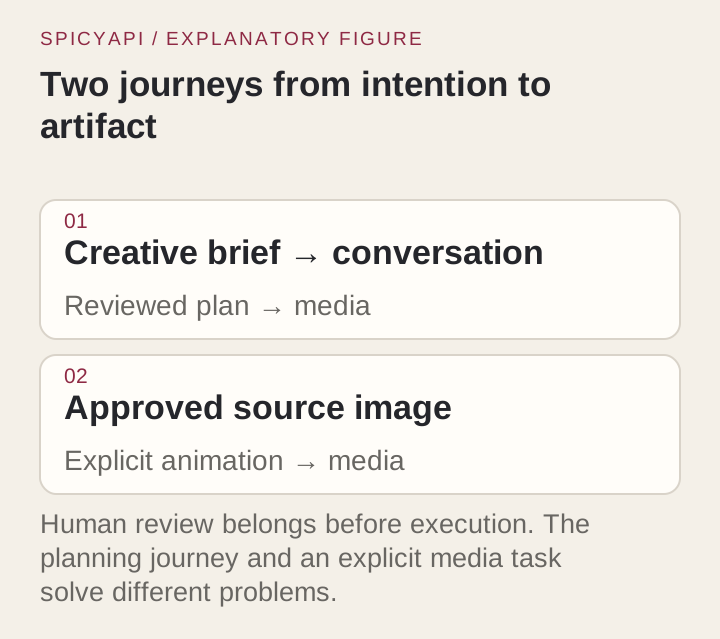
Sogni's Creative Agent can plan a sequence, select tools and generate media from an ordinary-language brief. A useful example is a product launch: start with the product photo, plan several shots, make keyframes, then animate them. That can reduce the manual coordination between separate image and video tasks.
Its durable workflow system also separates planning from execution. A plan can pause for cost approval; a resumed workflow can skip completed steps. This is useful when a creator wants to approve the expensive video stage after seeing the stills instead of rerunning the entire project.
For a studio, the attraction is a connected creative process:
- Brief: describe the audience, format and visual direction.
- Review: choose the storyboard or stills worth taking further.
- Execute: generate the approved media stages.
- Finish: edit timing, titles and other precise layout elements in the finishing tool.
An agent does not remove creative decisions. “Make an ad” still needs a format, duration and a choice of approved visuals. The advantage is carrying those decisions through a workflow; the drawback is that a broad brief can lead to extra steps unless you set a clear boundary on what should be generated.
What an explicit SpicyAPI task gives you
When the product already knows the operation, direct task selection is simpler to reason about. A portrait editor accepts images; an image-to-video task animates an opening frame; a reference-to-video task uses references to construct a shot. Your interface can expose only the choices the user needs.
For example, Qwen Image 2.1 edit supports reference-based changes and a masked-edit mode. MiniMax H3 image-to-video starts from an approved frame, supports an optional closing frame, and produces 4–15 seconds of video. The application chooses the model and mode rather than asking a planning agent to infer them.
- Choose direct tasks when: your customer journey is stable, such as “upload portrait → change background → animate the approved edit.”
- Choose an agent-led workflow when: the user starts with a broad idea and benefits from help assembling the stages.
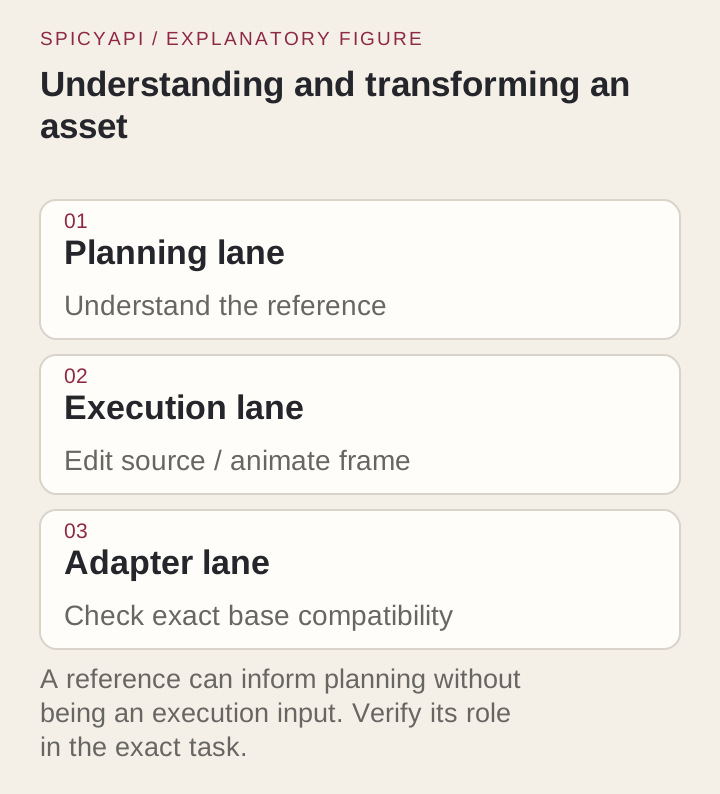
A reference in a conversation is not automatically a generation input. For recurring characters or product shots, send the file to the selected edit or reference mode. Otherwise, the next image may be generated from a text description of the source instead of using its visual information.
The Sogni limitations that matter before you subscribe
Sogni Unlimited starts at $20 per month for eligible open-model creation. That can be attractive for a solo creator doing many drafts. However, the plan is not an unlimited allowance for every model or every application.
The most useful limitations are:
- Premium models remain extra. Seedance, Wan 3 and GPT Image models use separately purchased Premium Spark. Paying for Unlimited does not cover those generations.
- Fair use limits the operating model. Multi-user production workloads and unattended continuous 24/7 infrastructure fall outside Unlimited fair use.
- Capacity affects pace. Fast-network plan rendering can pause when daily fair-use capacity is reached; Relaxed rendering continues, and concurrency can step down as usage rises.
- LoRA imports have restrictions. Supported personal imports require compatible, publicly accessible files; private, paid and gated files are not supported by that import flow.
These are purchase and workflow limitations, not reasons to dismiss the platform. A single creator working on covered models may get substantial value. A customer-facing app promising instant batches from Premium models should not budget as if the $20 plan pays for all of them. The current plan coverage and fair-use details identify those boundaries.
MiniMax H3 is among Sogni's covered open-model offerings. Do not group it with separately billed Seedance or Wan 3 simply because all three make video. The chosen model matters more than the media category.
Budget from the workflow, not the word “Unlimited”
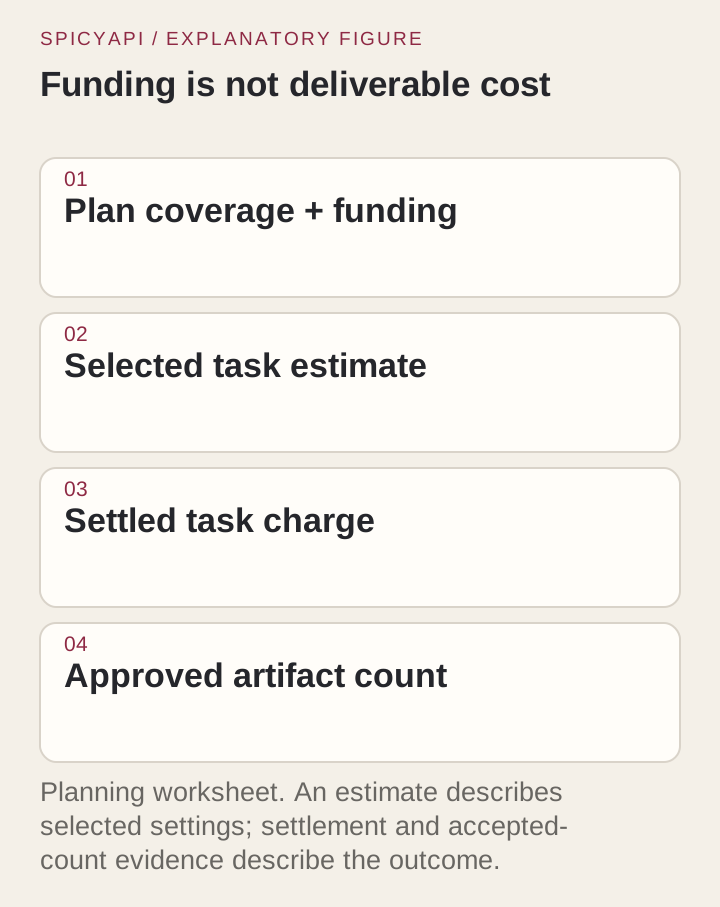
A recurring paid plan and a task bill have different cost shapes. The right comparison depends on how many generations you actually need and which models perform them.
Consider 20 Qwen Image 2.1 text-to-image attempts at 1K on SpicyAPI. The listed rate is $0.024 per image, so generation costs $0.48.
For a complete SpicyAPI example, add one single-reference Qwen edit at 1K ($0.036) and one five-second H3 clip at 768p ($0.185) to those twenty stills. The project totals $0.701: $0.480 + $0.036 + $0.185. This budgets a still-selection, revision and animation sequence; it is not a same-model comparison of the two platforms.
At these rates, $20 buys about 28 projects of that size, 833 Qwen 1K generations, or 108 five-second H3 clips at 768p on SpicyAPI. Beyond the corresponding volume, a subscription can be cheaper if its covered model and fair-use capacity suit the job; Premium generations and planning charges remain separate.
For a Premium video workflow on Sogni, its published Wan 3 Uncensored rates for output-only generation are $0.08 per output second at 480p, $0.16 at 720p and $0.32 at 1080p. Without video references, a five-second clip is therefore $0.40, $0.80 or $1.60 before applicable subscriber discounts. Video-reference seconds add to the bill when supplied. That is a separate media cost, not part of Unlimited coverage.
For output-only jobs, compare the listed routes before subscription discounts:
| Route and output | Sogni pay-as-you-go | SpicyAPI |
|---|---|---|
| Wan 3 Uncensored / Wan 3.0 Spicy, 480p | $0.08/s | $0.057/s |
| Same routes, 720p | $0.16/s | $0.114/s |
| Same routes, 1080p | $0.32/s | $0.228/s |
| H3 Standard 480p / H3 base 768p | $0.05/s | $0.037/s |
These are the platforms’ listed routes, not proof of identical serving builds or output quality. Sogni also offers cheaper Balanced and Turbo H3 variants; compare the selected variant, not just the family name.
A useful project budget separates:
- Stills: exploration and edits before choosing the frame.
- Video: the chosen duration and delivery tier.
- Revisions: extra attempts or alternative shots.
- Agent processing: planning charges where the selected interface bills them separately.
Sogni’s agent API asks for media-cost approval (confirm_cost), while planning tokens are billed separately. Budget for both. The billing and cost-control guide explains that separation.
Uncensored access: the browser setting and API setting differ
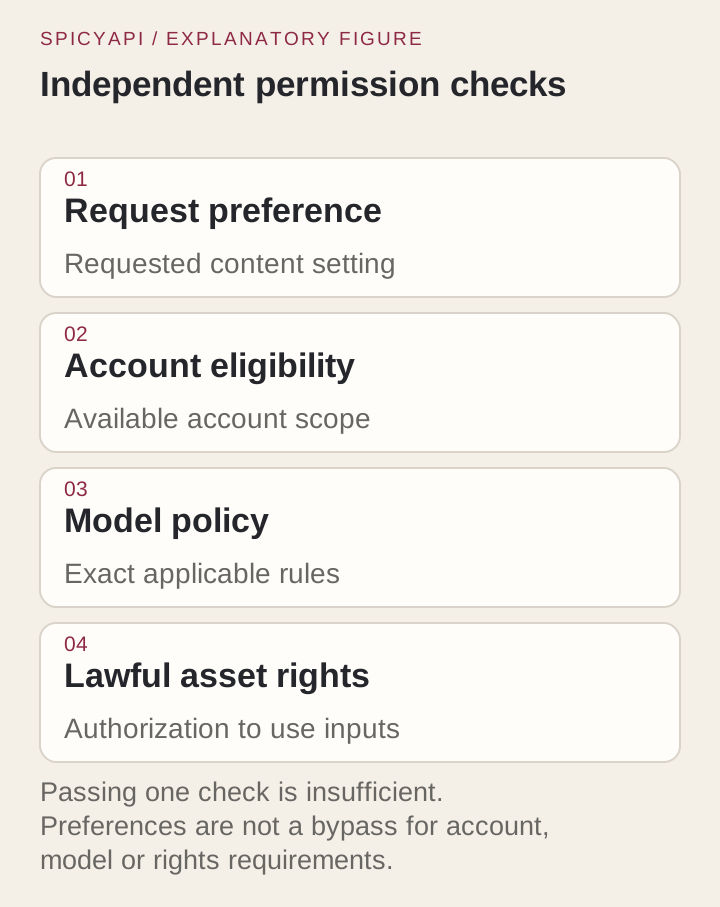
Sogni offers an opt-in content-filter setting for eligible adult accounts. Its API defaults to filtering, and a preference changed in the browser does not automatically turn the API filter off. The request and account eligibility both matter.
That difference can explain why a scene generated in the browser does not behave the same way in an integration. Do not spend repeated attempts rewriting the prompt if the API request still asks for filtering. Configure the request for the intended workflow first.
Qwen Image 2.1, MiniMax H3 and Qwen Image 2512 LoRA are offered uncensored on SpicyAPI, without a per-request adult-mode switch. Model behaviour still determines whether the scene is delivered. For image-led video, the approved still supplies appearance and composition; the prompt can focus on movement. A text-to-image task, an edit and an animation remain different operations, even when a platform groups them under one creative project.
References and LoRAs: compare the actual control
For a character series, decide what carries identity between images. Is it an existing portrait, an imported LoRA, or simply a repeated description? Those approaches are not interchangeable.
Sogni imports compatible public LoRAs for Krea 2, Qwen Image Edit 2511 and MiniMax H3, with up to eight stacked per generation, a 700 MB file limit and five imports per day. SpicyAPI's Qwen Image 2512 LoRA task accepts up to three compatible LoRA files at $0.03 per image. The task runs Qwen-Image-2512; its editing counterpart uses a different base, Qwen-Image-Edit-2511.
- Use reference editing: when you already have the person, product or framing you want to carry into the next image.
- Use a compatible LoRA: when the adapter supplies a recurring style or identity required by the series.
- Use text-to-image: when you are exploring a new scene and do not need to preserve an uploaded original.
The practical advantage comes from the control, not from having more models listed. Loading the wrong-base LoRA or describing a source image instead of sending it to an edit task can undermine the result on either platform.
Two product designs, two sensible choices
A solo creator producing a visual campaign
Sogni is a useful starting point when the creator wants help turning an idea into several media steps and expects to work regularly on included models. Set the project boundary before execution: make still concepts first, approve one direction, then generate the video. Keep a separate allowance for Premium models.
The main tradeoff is pace and coverage. A plan with fair-use rendering may suit an asynchronous creative session; it is a weaker fit for a promise that every customer will receive an immediate batch. Optional agent steps can also add cost without improving the chosen deliverable.
An application with a repeatable edit-and-animate feature
SpicyAPI fits a feature that explicitly asks for an upload, a change instruction and a video from the approved edit. The app can show a quote for that sequence, store the selected files, and stop after the requested stages.
For example, a fictional adult portrait workflow can be:
- Upload the approved source portrait.
- Use an edit task to change the room or wardrobe while keeping the source as a visual reference.
- Let the customer select the revised still.
- Animate that still with one continuous action.
- Save the image and video into the customer's project.
The cost is attached to those tasks rather than a monthly creator-plan assumption. You still build the interface, approval state and storage, which is extra development compared with an integrated workspace.
Frequently asked questions
Does Sogni have an API, or is it only a chat tool?
It has direct API and SDK access as well as Creative Agent workflows. Choose the direct interface for a defined operation; choose the agent when planning and coordinating several steps is useful.
Does Sogni Unlimited cover uncensored video?
Coverage depends on the model. Eligible open models are covered under fair use; Wan 3 Uncensored and Seedance use Premium Spark separately. Opt-in content settings and adult-account eligibility also apply.
Is a subscription cheaper than paying per image?
It can be for frequent work on covered models. For a small occasional job, multiply the task price by the expected attempts. For Premium models, add their separate charges rather than treating the subscription as the whole bill.
Can I use Unlimited to run my multi-user production app?
Sogni's Unlimited fair-use terms exclude multi-user production and continuous 24/7 demand. Use an appropriate production arrangement or usage-based task API instead of building the business case around a solo-creator allowance.
Which one should you choose?
Choose Sogni when an integrated workspace, agent-led planning and covered open-model creation are central to your work. Choose SpicyAPI when you want the application to specify the media task, show its price and control the approval sequence. For either, make the model and input operation explicit: that is what determines whether the project can preserve an image, animate a frame or produce a new one.