A studio comparing Wiro and SpicyAPI usually has something more specific in mind than “an AI API”: a product image to edit, a portrait to animate, or a style LoRA to use across a campaign. Both platforms expose media models, but a shared model family name can hide different input modes, limits and billing units.
Choose from the operation you need. Wiro's Seedance 2.5 Uncensored offers first/last-frame guidance or up to 30 reference images, but not both together. SpicyAPI offers a separate Seedance 2.5 reference route and a Spicy frame-animation route. For image editing, SpicyAPI's Qwen Image 2.1 masked mode and Wiro's whole-image Qwen edit solve different revision problems.
The differences that can change the choice
| Creative requirement | Wiro example | SpicyAPI example | Practical consequence |
|---|---|---|---|
| Build a video from multiple visual references | Seedance 2.5 Uncensored accepts up to 30 reference images | Seedance 2.5 reference-to-video: up to 30 images, 10 clips and 10 audio tracks; up to 1080p | Both can assemble visual references; SpicyAPI also accepts video/audio references on this route |
| Animate a still into a longer shot | Seedance 2.5 Uncensored: 4–30 seconds, 480p or 720p | Seedance 2.5 Spicy: 4–30 seconds, 480p, 720p, 1080p or upscaled 4K | Delivery tier can matter once the composition works |
| Change an uploaded image | Qwen Image Edit Uncensored: one to three images, first image as the base | Qwen Image 2.1 edit: up to ten references, or one reference with a mask | Choose whole-image revision or a defined region before generating |
| Apply custom style weights | — | Qwen Image 2512 LoRA: up to three compatible adapters | The LoRA example below covers SpicyAPI; match the adapter to its base model |
| Separate client and development usage | Project-specific keys and usage | Application-defined projects around task IDs | Decide where billing and production boundaries will be maintained |
Video: references and frame anchors solve different problems
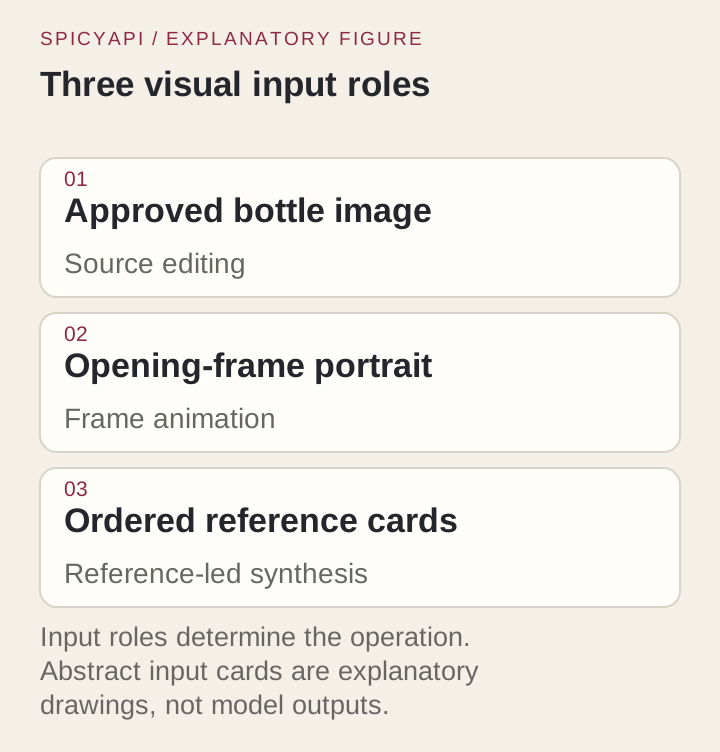
A reference image tells a model something about a subject, setting or style. An opening frame fixes what the first moment of the shot looks like. A closing frame defines where the shot should land. A creator asking to “turn images into video” may need any of those controls.
For example, a campaign might have a portrait, an outfit photograph and a room image. A reference mode can use those ingredients to construct the shot. If the art director has already approved a single image combining them, image-to-video can begin directly from that composition.
The Wiro Seedance 2.5 Uncensored listing offers first/last-frame guidance or up to 30 reference images, 4–30 seconds and 480p or 720p output. Its output container can be MP4 or MOV. Reference images cannot be combined with a first or last frame in the same request.
Seedance 2.5 Spicy image-to-video makes the uploaded image the opening frame and accepts an optional closing image. It supports 4–30 seconds and 480p, 720p, 1080p or 4K delivery. Its 4K tier adds an upscale after the native render; it is not native 4K generation.
For reference-led work, SpicyAPI’s Seedance 2.5 accepts up to 30 stills, 10 clips and 10 audio tracks in one request, without an opening frame. It supports 4–30 seconds up to 1080p. At 720p, image-reference requests cost $0.2773 per output second; requests with reference video use $0.1659 per output second.
- Choose reference-led video when: the model must assemble people, clothing or a setting from several inputs.
- Choose opening-frame animation when: the complete composition is already correct and the next problem is movement.
- Add a closing frame when: a reveal, transition or loop needs a specific ending composition.
Assign each reference a role: person, wardrobe or setting.
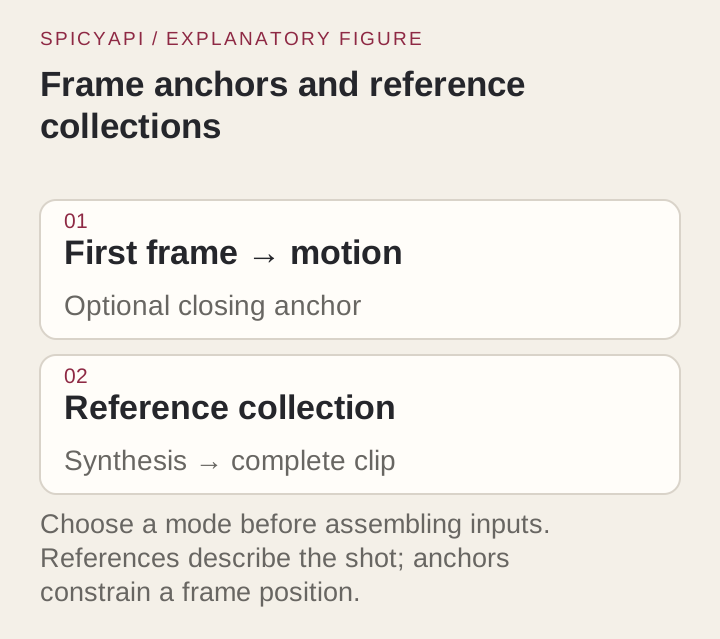
Image editing: whole-image changes or a masked region?
For a product image, “change the scene” and “change only the background” can be different requirements. A whole-image editor may reinterpret the bottle and its label while changing the surroundings. A mask can specify which region is allowed to change.
Wiro's Qwen Image Edit Uncensored listing accepts one to three source images. The first is the base image. No mask input is listed. This is a candidate for changing a scene, a look or the relationship between the supplied references.
SpicyAPI's Qwen Image 2.1 edit accepts up to ten reference images. Its masked mode instead requires one source, supports 1K or 2K, and preserves that source's aspect ratio. A mask cannot be combined with the transparent-background option. These restrictions matter if the product needs a precise region change followed by a cutout.
A bottle-revision brief can be structured like this:
- Keep: bottle silhouette, cap, label wording and relative label position.
- Change: the surface and room behind the product.
- Choose the operation: whole-image edit for a new art direction; masked edit when the background is the only requested change.
- Finish: inspect label edges and lettering before making the promotional video.
The control is a reason to select a task; it is not a promise that every label will survive unchanged. If small typography is essential, budget for checking and finishing it rather than treating a returned image as a finished advertisement.
LoRAs: match the base before comparing the price
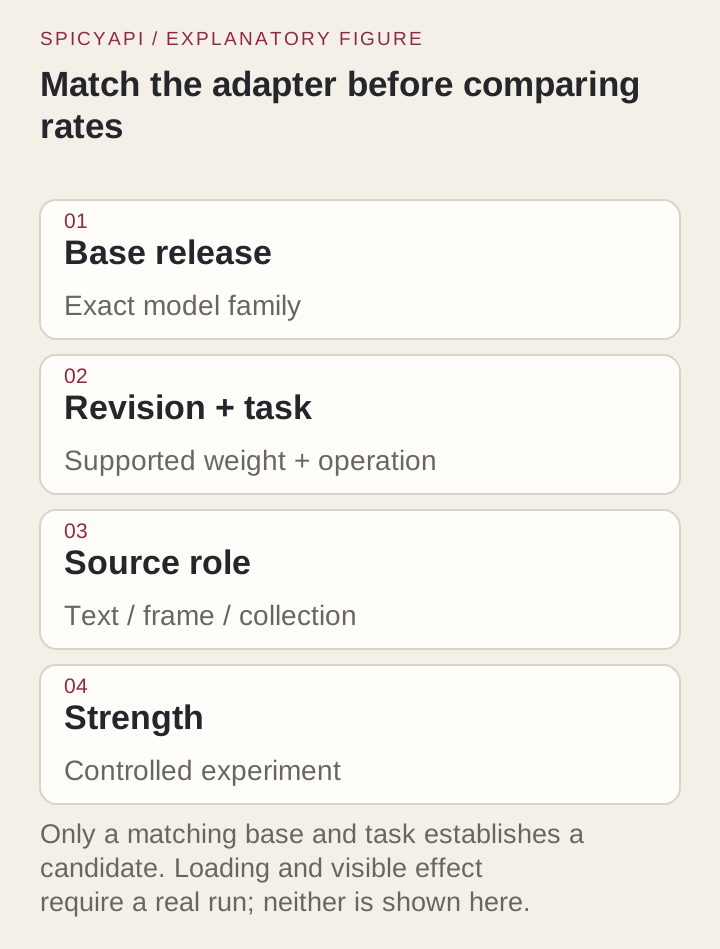
A LoRA is trained for a base model and task. A FLUX adapter is not an interchangeable file for Qwen, and an image-generation adapter is not automatically suitable for the editing counterpart.
SpicyAPI's Qwen Image 2512 LoRA text-to-image runs Qwen-Image-2512, accepts up to three adapters and costs $0.03 per image. Its edit mode runs Qwen-Image-Edit-2511, so keep generation and editing adapters separate.
For a style sweep:
- Keep the base, prompt and seed fixed.
- Change one adapter strength at a time.
- Compare the style's visible effect on the subject and fine details.
- Save the useful adapter file and strength with the selected image.
A 20-image sweep costs $0.60 at the listed flat rate. If the project actually uses 40 attempts, it costs $1.20 before any later editing or animation. Counting all attempts is more useful than calling an adapter “cheap” without defining the work.
Price the finished job in the right unit
Wiro’s pricing documentation supports per-request, per-second, per-output and per-token billing, plus dynamic price tables. The Seedance listing compared here uses configured per-request prices, not GPU processing seconds.
For the same five-second duration, Wiro’s listed Seedance 2.5 Uncensored price is lower than SpicyAPI’s Spicy image-to-video task at 480p and 720p:
| Delivery | Wiro Seedance 2.5 Uncensored | SpicyAPI Seedance 2.5 Spicy | SpicyAPI Seedance 2.5 reference route, images only |
|---|---|---|---|
| 480p, five seconds | $0.52 | $1.08 | $0.617 |
| 720p, five seconds | $1.16 | $2.16 | $1.3865 |
| 1080p, five seconds | Not listed | $5.40 | $3.4115 |
| 4K, five seconds | Not listed | $10.80, upscaled | Not offered |
These are different task variants, not a matched output-quality test. For a 720p job with image references, Wiro lists $1.16 and SpicyAPI’s reference route is about $1.39. The Spicy route costs $2.16 and serves frame-led animation with higher delivery tiers. If you supply reference video, SpicyAPI’s reference-route rate changes; do not apply the images-only column to that request.
A campaign budget should include the stills used to find the composition, edits used to fix it, and clips generated from it. Do not render every draft at the final tier. Approve a usable frame and motion first, then spend on the required delivery size.
Wiro task events: finish after post-processing
A successful generation event is not always the final deliverable. Wiro's task lifecycle uses task_postprocess_end with pexit: 0 and usable outputs as the completion condition. task_end can precede post-processing, and task_error can describe stderr output without being the final task result.
On SpicyAPI, wait for succeeded and a non-empty output.assets URL whose asset is neither pending nor unavailable before delivering it.
For a customer-facing app:
- Retain the provider task ID after submission.
- Wait for final post-processing and inspect the result.
- Retrieve the actual image or video file.
- Save it to the customer's project before reporting delivery complete.
If a response disappears, look up the existing task before submitting another paid request. The distinction matters more than a polished progress animation: it prevents an unfinished task from appearing as a finished asset.
Separate client work from experiments
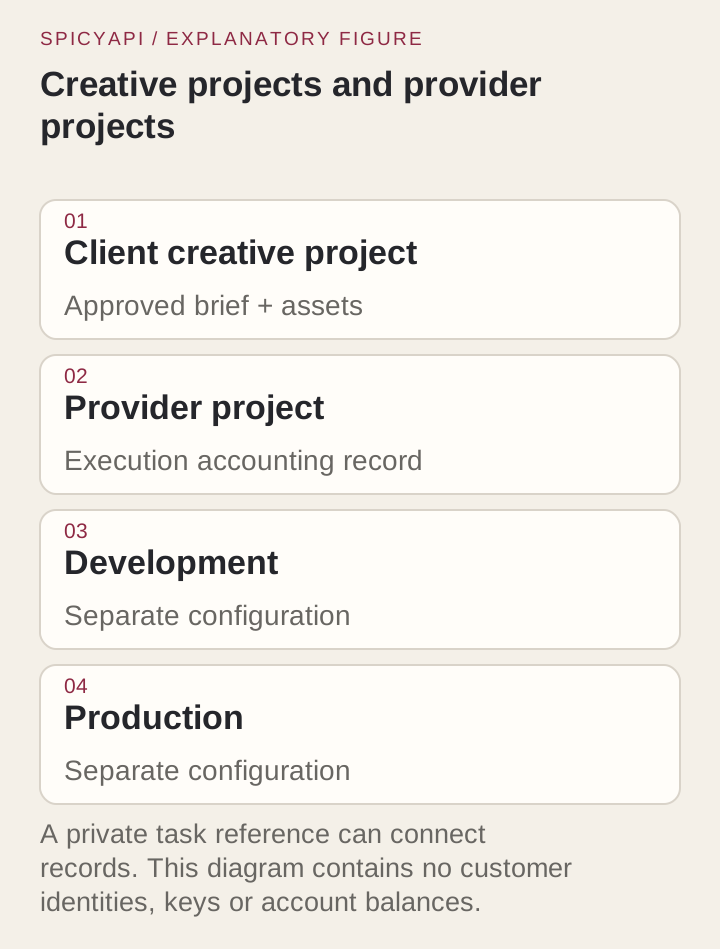
Wiro projects provide project-specific credentials and usage boundaries. That helps a studio distinguish client work from development calls. It also means the application must use the right project when creating the task.
Map each customer project to your logical job and provider task ID so usage and saved results stay attributable.
Uncensored workflow: choose the model and source material
For an adult editorial sequence, approve the portrait, make the scene edit, then animate it. Choose reference mode when assembling separate ingredients, a mask for a limited edit, and a closing frame when the ending composition matters.
Frequently asked questions
Which platform is better for image-to-video?
Both have a 30-image reference option. SpicyAPI’s reference route adds video/audio references and 1080p; its separate Spicy frame-animation task offers upscaled 4K. Wiro’s cited task costs less for the five-second 480p and 720p configurations above.
Can both edit an uploaded image?
Yes. Their cited Qwen tasks differ: Wiro's whole-image edit accepts up to three sources; SpicyAPI's Qwen Image 2.1 edit supports more references or a one-source masked mode. Use the latter when specifying a change region matters.
Can I use the same LoRA on both?
Only if the actual task uses the compatible base and adapter format. A LoRA trained for FLUX does not become compatible with Qwen because both services accept adapter files. Check the base named in the adapter's model card.
Is Wiro cheaper than SpicyAPI?
For five-second 720p video, Wiro lists $1.16 against $2.16 on SpicyAPI’s Spicy task and about $1.39 on its images-only reference route. Choose the input mode and required delivery tier first, then compare that configuration’s price.
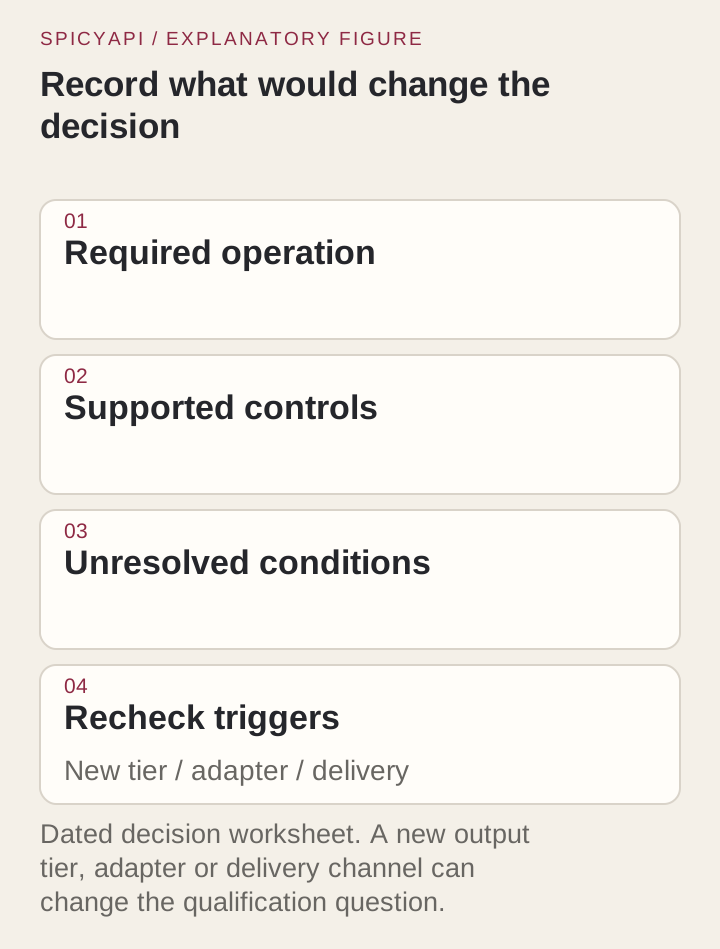
The choice
- Lowest listed price for the compared five-second 480p/720p task: Wiro.
- Image references plus video/audio inputs or 1080p reference output: SpicyAPI’s Seedance 2.5 reference route.
- Upscaled 4K frame animation or one-image masked editing: SpicyAPI’s Spicy video or Qwen Image 2.1 edit task.