Introduction
Seedance 2.5 Reference-to-Video builds a new sequence from materials that guide its appearance, movement or soundtrack. Choose this mode when a character image, a location, a camera reference or an audio track should each contribute a different part of the brief.
ByteDance introduced Seedance 2.5 in its July 31, 2026 launch article, with flexible reference-based creation as a central capability. This endpoint is for composing that guidance into a new video, not fixing a supplied photograph as the first frame.
Choose the starting point for your Seedance 2.5 sequence
| Starting material | Mode |
|---|---|
| A script or scene description | Seedance 2.5 Text to Video |
| An approved opening still | Seedance 2.5 Image to Video |
| Separate appearance, motion or audio references | Seedance 2.5 Reference to Video |
Key features & highlights
Longer stories in a single generation
Seedance 2.5 supports clips up to 30 seconds, giving a sequence room for a setup, development and ending. Its storytelling capabilities include connected shots and scene transitions rather than simply extending one gesture.
Flexible multimodal references
Images, footage and audio can guide different elements of the same production. The expanded reference workflow supports more complex casts, settings and shot plans while separating appearance from movement and sound.
Clay-render and storyboard guidance
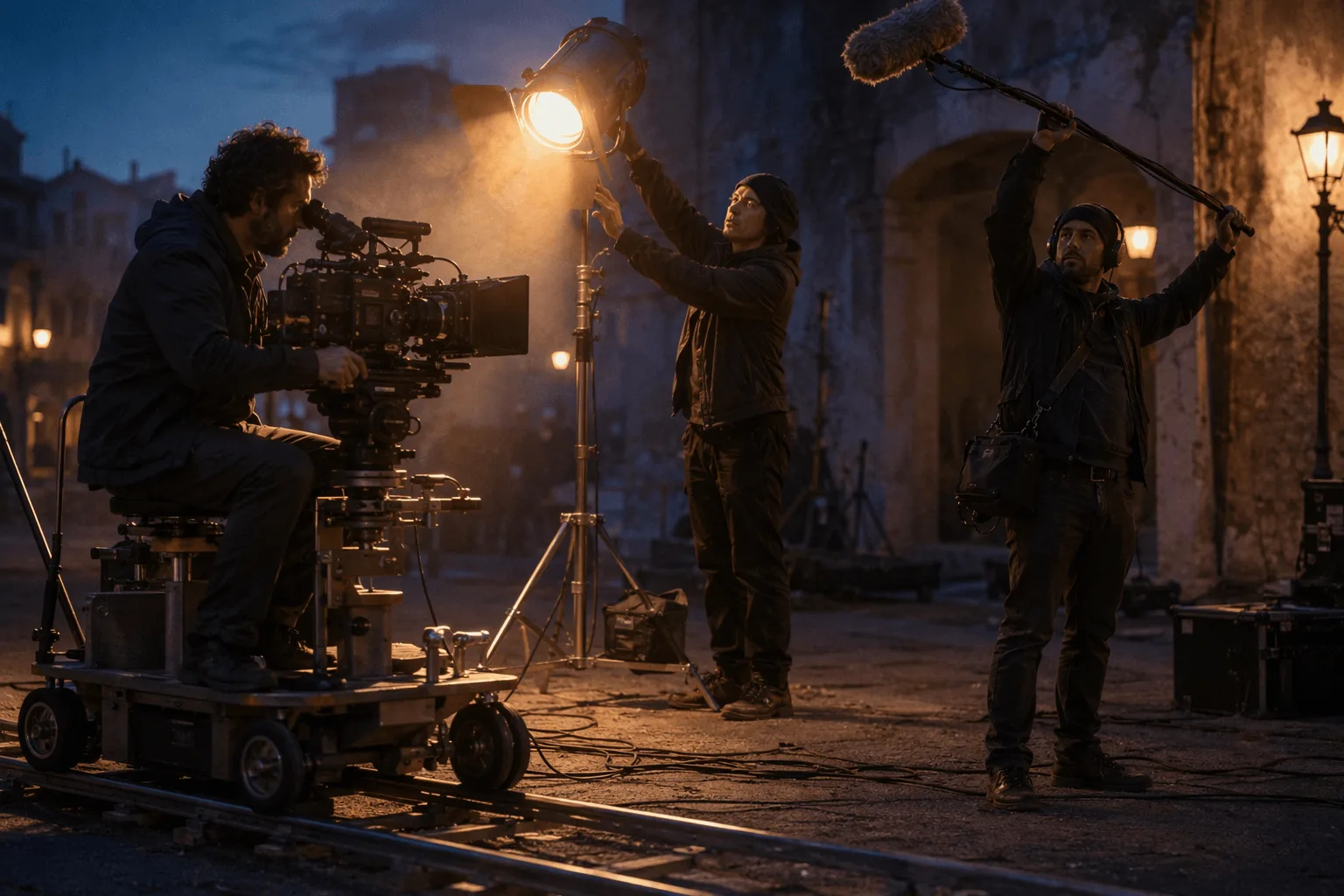
Rough 3D planning footage can communicate spatial structure, blocking and camera movement, while visual references supply the final look. Storyboards and ordered keyframes offer additional ways to convey a sequence.
More detailed visual and sound direction
The model's development emphasizes materials, lighting, skin and eye detail, along with coordinated audio and motion. Prompts can specify dialogue, effects and ambience separately, and use whole-second timestamps to organize events.
Targeted editing and continuation
The model family includes time-targeted video edits, background changes and continuation of existing footage. These are distinct video-input workflows; their availability and settings depend on the selected task, not on a text-to-video or image-to-video request.
Request parameters
| Parameter | Required | Description |
|---|---|---|
prompt | Yes | Required, and here it also does the casting. |
reference_image_urls | No | Up to 30 reference images, used to hold a character, a style or a set — the previous generation allowed only 9, so there is real room here. at most 30 items |
reference_video_urls | No | Up to 10 reference clips supplying motion, pacing or camera language. at most 10 items |
reference_audio_urls | No | Up to 10 reference audio files, 2 to 30 seconds each with a combined length of no more than 30 seconds (the previous generation allowed 3 files totalling 15 seconds). at most 10 items |
aspect_ratio | No | Defaults to |
resolution | No | 480p, 720p or 1080p, default 720p, and it feeds the billed quantity directly. It sets the output tier only and will not sharpen low-resolution references. |
duration_seconds | No | 4 to 30 seconds, default 5. |
generate_audio | No | On by default. Produces a native soundtrack synchronized to the picture. Default: |
output_format | No | The container of the returned video: mp4 (the default) or mov. |
enable_web_search | No | Off by default. Switched on, the model may search the web for information related to your prompt before it renders. Default: |
seed | No | Integer seed; omit it and each run draws its own. Fix it with everything else held constant to judge what a prompt edit actually changed. |
return_last_frame | No | Also returns the clip’s final frame as a separate image next to the video. Send it to image-to-video as the next opening frame to chain shots without exporting a still yourself. Default: |
watermark | No | Asks the model to watermark the video as AI-generated, as described in the model’s own documentation. Default: |
Pricing
Reference clips add to the billed seconds. Because we cannot measure your clips before the job runs, we hold funds for the 30-second maximum up front and release the unused portion the moment the job settles — you are only ever charged for the seconds actually used.
| Resolution | With video: Yes | With video: No |
|---|---|---|
| $0.0738 / second | $0.1234 / second |
| $0.1659 / second | $0.2773 / second |
| $0.4082 / second | $0.6823 / second |
Use cases
Combine a character, a set and a camera plan
Provide authorized subject imagery, an environment reference and a short clip showing the desired move. Evaluate the three contributions separately: identity, placement and camera behavior.
Develop a rough camera rehearsal into a styled scene
Use simple planning footage for movement and a look reference for materials and light. Explain which parts of the planning footage to ignore. Review spatial relationships rather than assuming the generated geometry is exact.
Sketch visuals for an authorized audio track
Upload a sound reference and describe the imagery, mood and actions that should accompany it. Check the relation between musical or spoken cues and the visuals; the result is not a guaranteed beat-perfect edit.
Prompt guide & pro tips
How to map multiple references in Seedance 2.5
Write an explicit asset map before the story. Bind each uploaded image, clip or track to a role in text; a name printed inside a reference image is not enough to establish that mapping.
- Upload the visual and audio assets in a deliberate order.
- Use the endpoint's labels:
@Image1,@Video1,@Audio1. - Say precisely what to borrow from each asset.
- Follow the asset map with a scene summary and shot order or timestamps.
For a backpack image, a campsite image and a camera-arc clip, choose 12 seconds:
@Image1 supplies the backpack's design, straps and color.
@Image2 supplies the campsite and morning light.
Use only the camera arc from @Video1, not its subjects or background.

A backpack stands upright on a flat rock at the campsite.
0-4s: Establish the bag from the side; a loose strap moves gently in the breeze.
4-9s: Follow the reference camera arc toward the front of the bag.
9-12s: Stop the camera and hold on the front view.

Preserve the bag design while matching it to the campsite's light.
Sound: soft wind and distant birds, without music, dialogue or captions.
How to use a rough 3D camera rehearsal
Upload a clay-render clip as a video reference. State whether to borrow its camera path, subject movement, blocking or lighting. If an image supplies the finished subject, explicitly map that subject to the corresponding object in the rehearsal.
Remove visible editor overlays, coordinate axes and camera guides from the clip. Describe the finished scene as well as the reference roles, keeping the requested action compatible with the rehearsal.
Choose a storyboard or separate keyframes
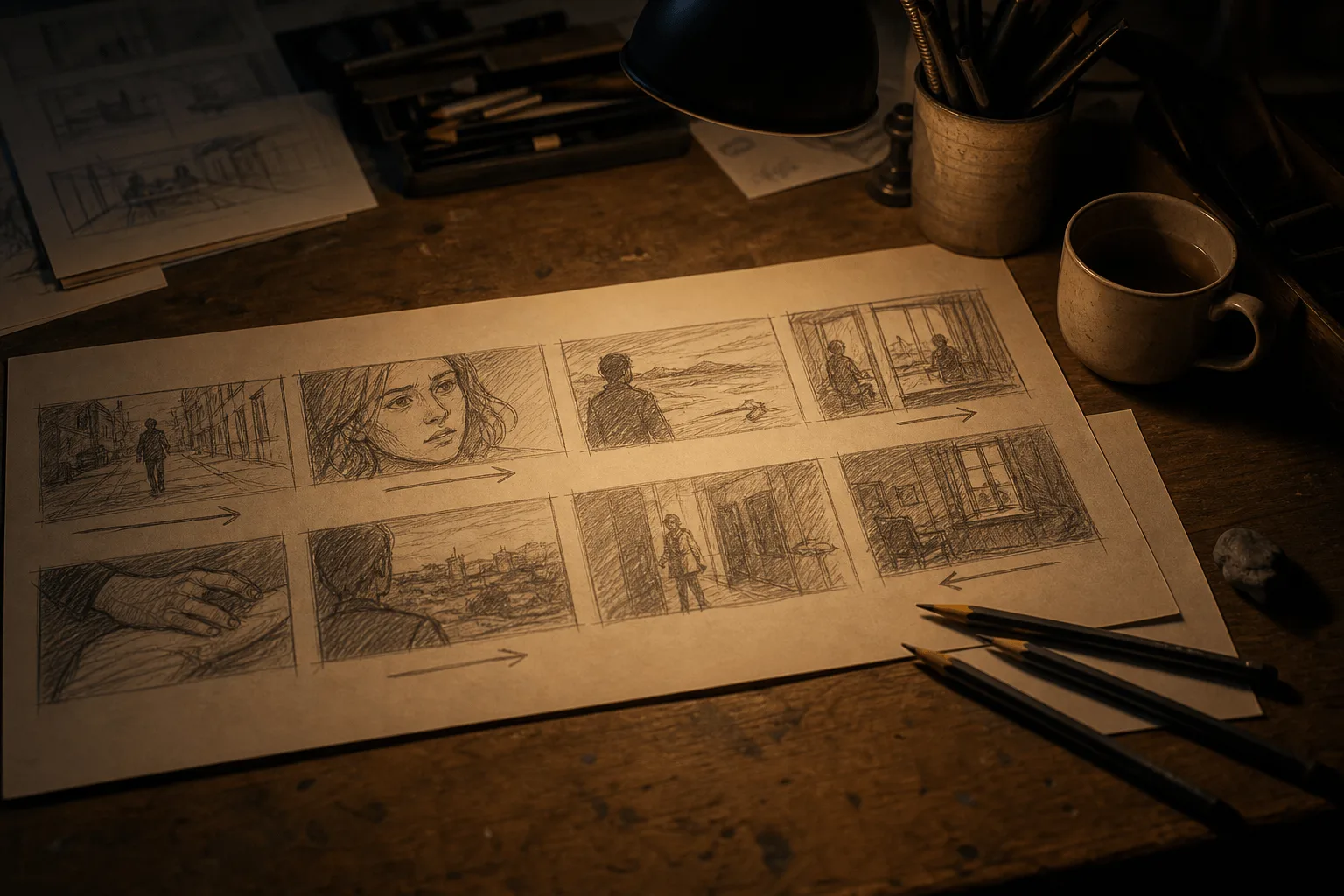
A storyboard grid communicates overall shot order; separate images can communicate individual keyframe compositions. For a grid, use clear panels and fill in missing motion and sound in the prompt. For separate keyframes, state their intended order explicitly, then describe the transitions.
Assign voices and actions without ambiguity
For multiple characters, give each a stable name and map appearance and voice separately. If an audio track guides the sequence, say whether @Audio1 supplies voice, rhythm or ambience. Do not rewrite a precise motion reference into contradictory step-by-step action; specify the reference's role and add only the missing information.
Content boundaries
Seedance 2.5 · Reference-to-Video — Uncensored. SpicyAPI adds no platform-side content filter. Model restrictions still apply, and results are not guaranteed. You are responsible for complying with our content policy.
API quick start
# Generate the idempotency key once; reuse it when retrying after a lost response.
export SPICY_IDEMPOTENCY_KEY="${SPICY_IDEMPOTENCY_KEY:-$(uuidgen)}"
curl -X POST https://api.spicyapi.ai/api/v1/jobs/createTask \
  -H "Authorization: Bearer $SPICY_API_KEY" \
  -H "Content-Type: application/json" \
  -H "Idempotency-Key: $SPICY_IDEMPOTENCY_KEY" \
  -d '{
  "model": "bytedance/seedance-2.5/reference-to-video",
  "input": {
    "aspect_ratio": "adaptive",
    "duration_seconds": 5,
    "generate_audio": true,
    "output_format": "mp4",
    "prompt": "A slow aerial shot drifting over a misty pine forest at sunrise",
    "resolution": "720p",
    "reference_image_urls": [
      "https://example.com/reference.png"
    ]
  }
}'

# Copy data.taskId from the response into TASK_ID, then poll the status.
TASK_ID="TASK_ID_FROM_RESPONSE"
curl "https://api.spicyapi.ai/api/v1/jobs/recordInfo?taskId=$TASK_ID" \
  -H "Authorization: Bearer $SPICY_API_KEY"
See the API reference for authentication, the complete schema, polling, and error handling.