Introduction
Seedance 2.5 Spicy image-to-video makes the still you send the first frame and animates it for up to 30 seconds, with sound in the same pass. image_url is the only required field; the prompt is there to direct the motion, not to argue for the content.
Seedance 2.5 Spicy is the LoRA-tuned, frame-driven member of ByteDance's Seedance 2.5 line, published as an image-to-video endpoint alongside a video-extend endpoint. Rendering is native up to 1080p; the 4K tier is an extra upscaling pass on top of that render rather than a resolution the model produces itself.
Key features & highlights
The frame is the brief
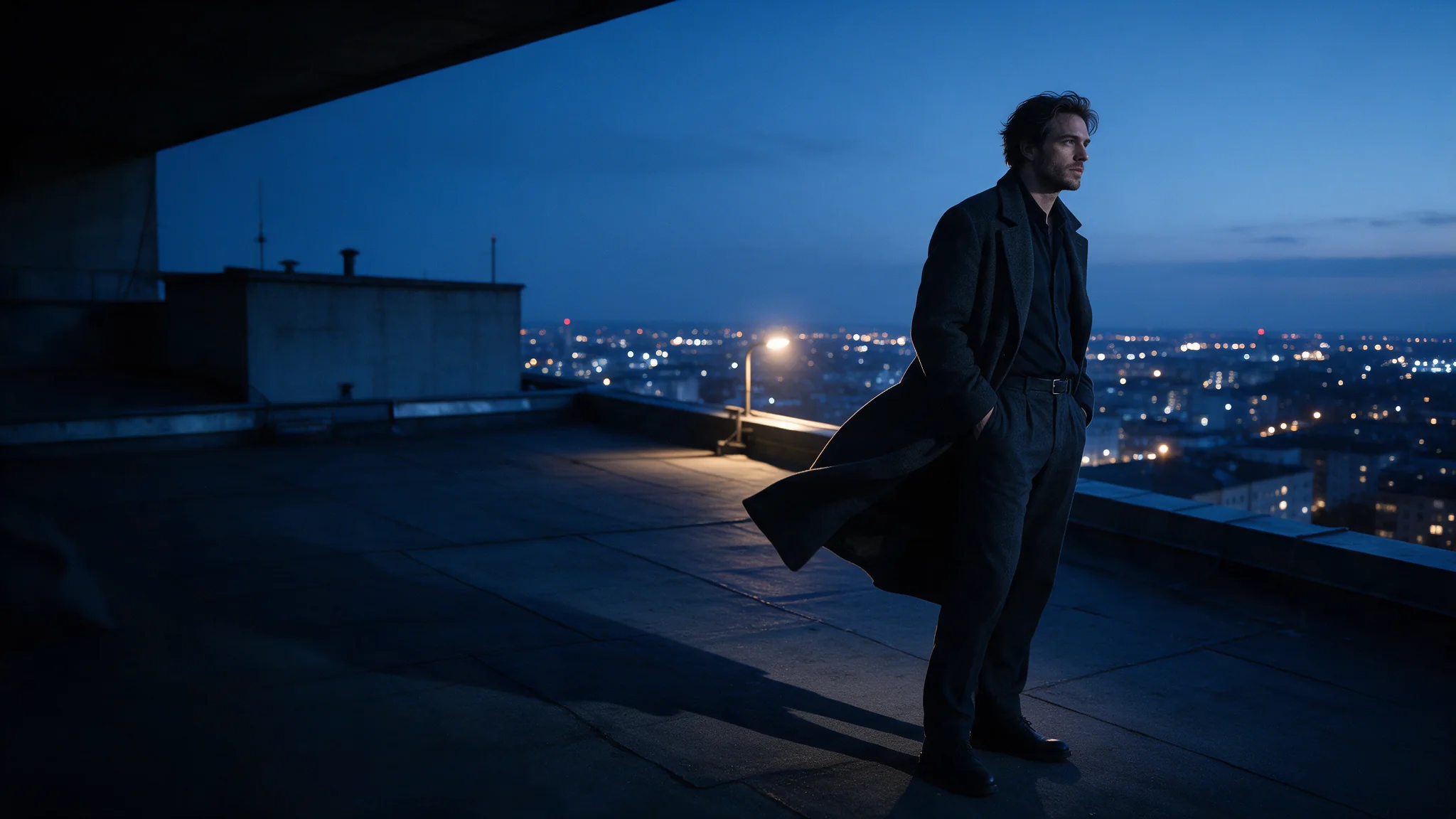
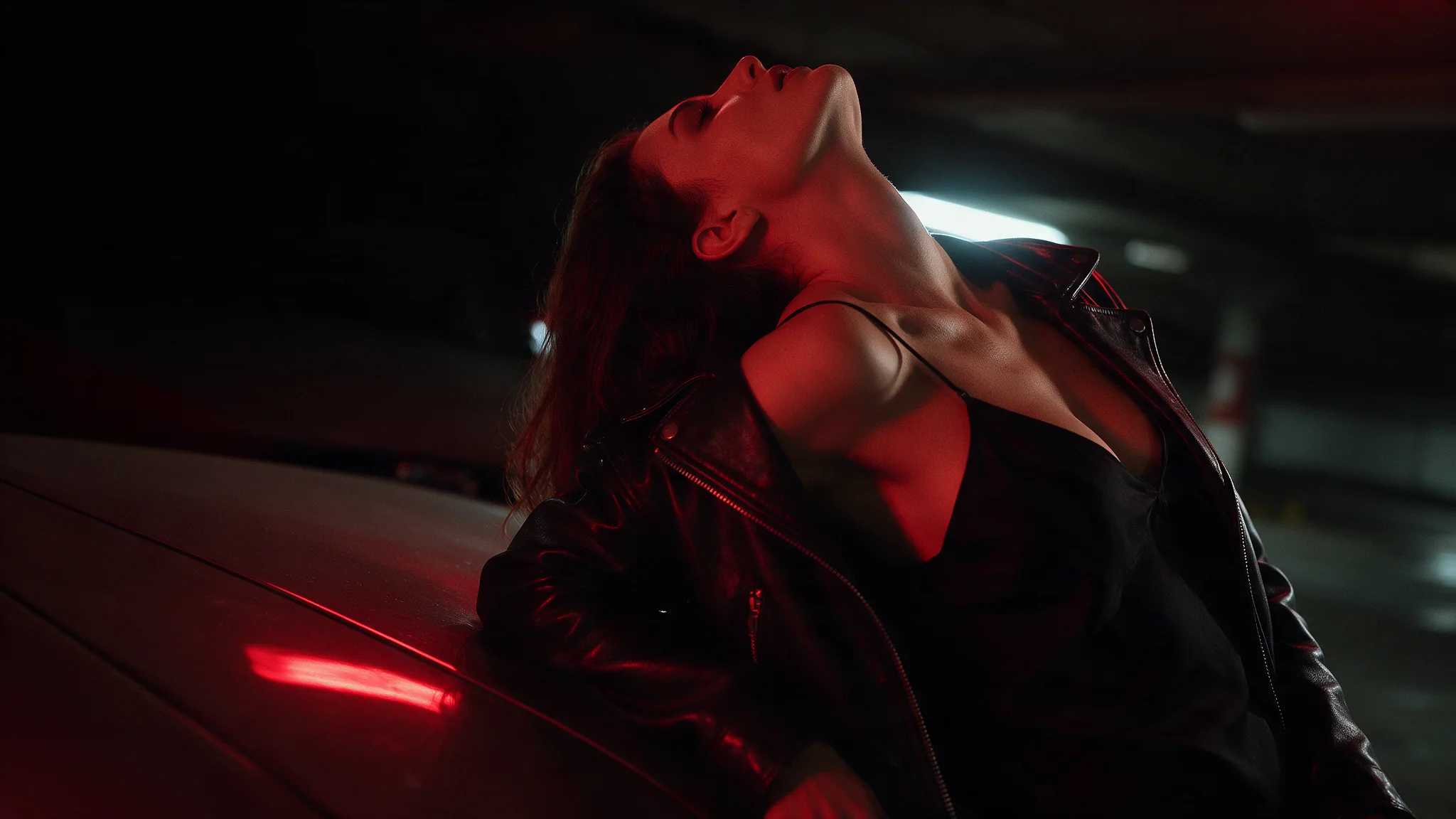
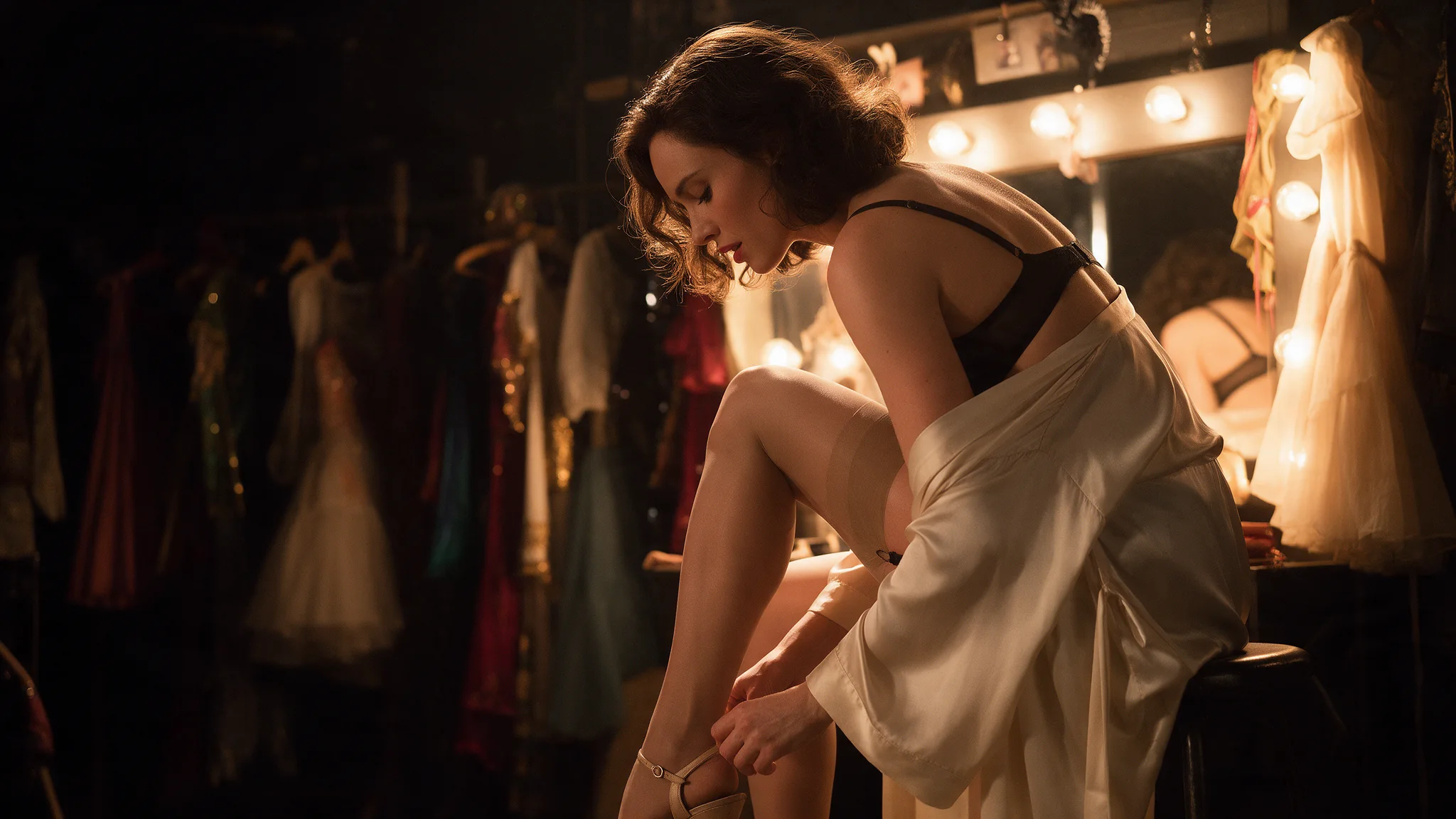
Wardrobe, pose, skin, light and framing all arrive with the picture before the prompt says anything. That is why frame-driven work survives briefs a blank page will not, and it leaves the prompt free to describe motion.
Thirty seconds and 4K delivery on one endpoint
duration_seconds runs to 30 and resolution reaches 4k, so a look that works at five seconds can be re-run long and large without touching anything else. The 4K tier upscales the native 1080p render: it takes longer and adds nothing the native pass missed, so pick it when a delivery spec asks for 4K, not to rescue a soft frame.
Choose the last frame too
last_image_url pins the final frame as well as the first. Send the same still twice and the clip opens and closes on it for a seamless loop; send two different stills for a reveal or a change of look. It is accepted only together with image_url.
Request parameters
| Parameter | Required | Description |
|---|---|---|
image_url | Yes | Required, and the only required field. |
prompt | No | Optional here, and that is the point: the opening frame already fixes what is on screen, so the prompt only has to direct movement — the action, where the eyes go, the camera dr… at most 5000 characters |
last_image_url | No | Optional closing frame. It decides the picture the shot lands on: a transition, a before-and-after pair, or a loop that opens and closes on the same still. |
resolution | No | Output resolution: 480p, 720p by default, 1080p or 4k. |
duration_seconds | No | Length of the finished clip in whole seconds, 4 to 30, default 5, and the billed quantity — the charge scales directly with it. |
generate_audio | No | Whether a native soundtrack is rendered in sync with the picture. On by default. Default: |
seed | No | Integer seed; omit it and each run draws its own. Fix it with everything else held constant to judge what a prompt edit actually changed. |
Pricing
| Specification | Price |
|---|---|
| $0.216 / second |
| $0.432 / second |
| $1.08 / second |
| $2.16 / second |
Use cases
Roleplay and wardrobe other platforms refuse
Couples of any gender, first-person points of view and roleplay props are not reviewed on our side. Give the shot an opening frame and Seedance 2.5 Spicy animates what is actually in the picture.
Short loops for a paid feed
Send the same still as image_url and last_image_url and the clip opens and closes on the same picture, so it cuts into a seamless loop. Four seconds at 720p is enough for a feed tile; keep 4K for the piece somebody actually paid for.
Long scenes built from segments
Drift shows past roughly ten seconds, so a long scene holds together better as chained segments than as one thirty-second take. End each clip on a frame you like and use that frame to open the next one.
Prompt guide & pro tips
Make the opening frame carry the content
Shoot the still or generate it, and get wardrobe, pose, light and framing right there. Resolution will not add detail the frame never had, and the prompt cannot argue content into a picture that does not show it.
Pin the camera when the framing matters
The model will widen or move the camera if the prompt leaves room for it. When a tight frame is the point, say so plainly and more than once, as the published example does, and describe one continuous action inside that frame.
Adapt the included example
The published example uses duration_seconds 5, generate_audio true and resolution 720p.
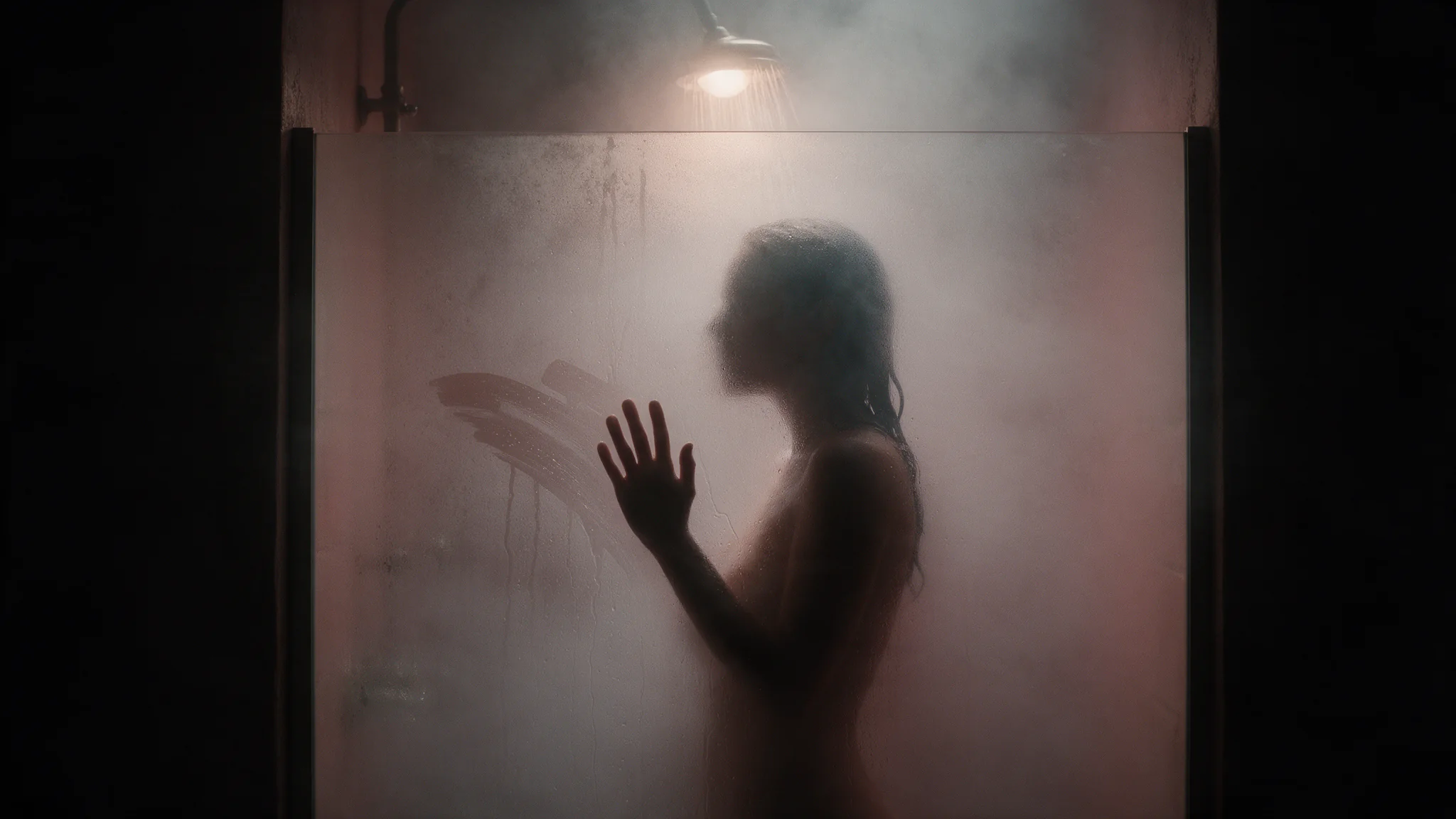
Her palm drags straight down the fogged glass, carving one long clear streak from the wiped patch to the bottom edge, and her fingertips lift away. She immediately steps forward and leans into that clear streak: her face arrives close to the glass and comes into sharp focus through it, wet skin and lashes clearly visible, water beading and running around her cheek. She holds there, eyes level with the lens, and breathes out against the glass so a small bloom of fog spreads and fades. The framing stays tight on the glass panel the entire time. Do not pull back, do not widen the shot, do not change the camera angle. Running water, muffled room tone, one slow breath.
One continuous action on a tight frame, with the camera held in place three different ways; the steam, the skin and the framing come from the still.
Draft at 720p, then scale
Draft at 720p and five seconds to check framing and motion, then render the final at 1080p, or at the upscaled 4K tier when the delivery spec asks for it. Seedance's own safety layer still runs before generation: kissing wording is refused, while a whisper at the ear or foreheads touching passes, so put that beat in the frame.
API quick start
# Generate the idempotency key once; reuse it when retrying after a lost response.
export SPICY_IDEMPOTENCY_KEY="${SPICY_IDEMPOTENCY_KEY:-$(uuidgen)}"
curl -X POST https://api.spicyapi.ai/api/v1/jobs/createTask \
  -H "Authorization: Bearer $SPICY_API_KEY" \
  -H "Content-Type: application/json" \
  -H "Idempotency-Key: $SPICY_IDEMPOTENCY_KEY" \
  -d '{
  "model": "bytedance/seedance-2.5-spicy/image-to-video",
  "input": {
    "duration_seconds": 5,
    "generate_audio": true,
    "image_url": "https://example.com/reference.png",
    "resolution": "720p"
  }
}'

# Copy data.taskId from the response into TASK_ID, then poll the status.
TASK_ID="TASK_ID_FROM_RESPONSE"
curl "https://api.spicyapi.ai/api/v1/jobs/recordInfo?taskId=$TASK_ID" \
  -H "Authorization: Bearer $SPICY_API_KEY"
See the API reference for authentication, the complete schema, polling, and error handling.