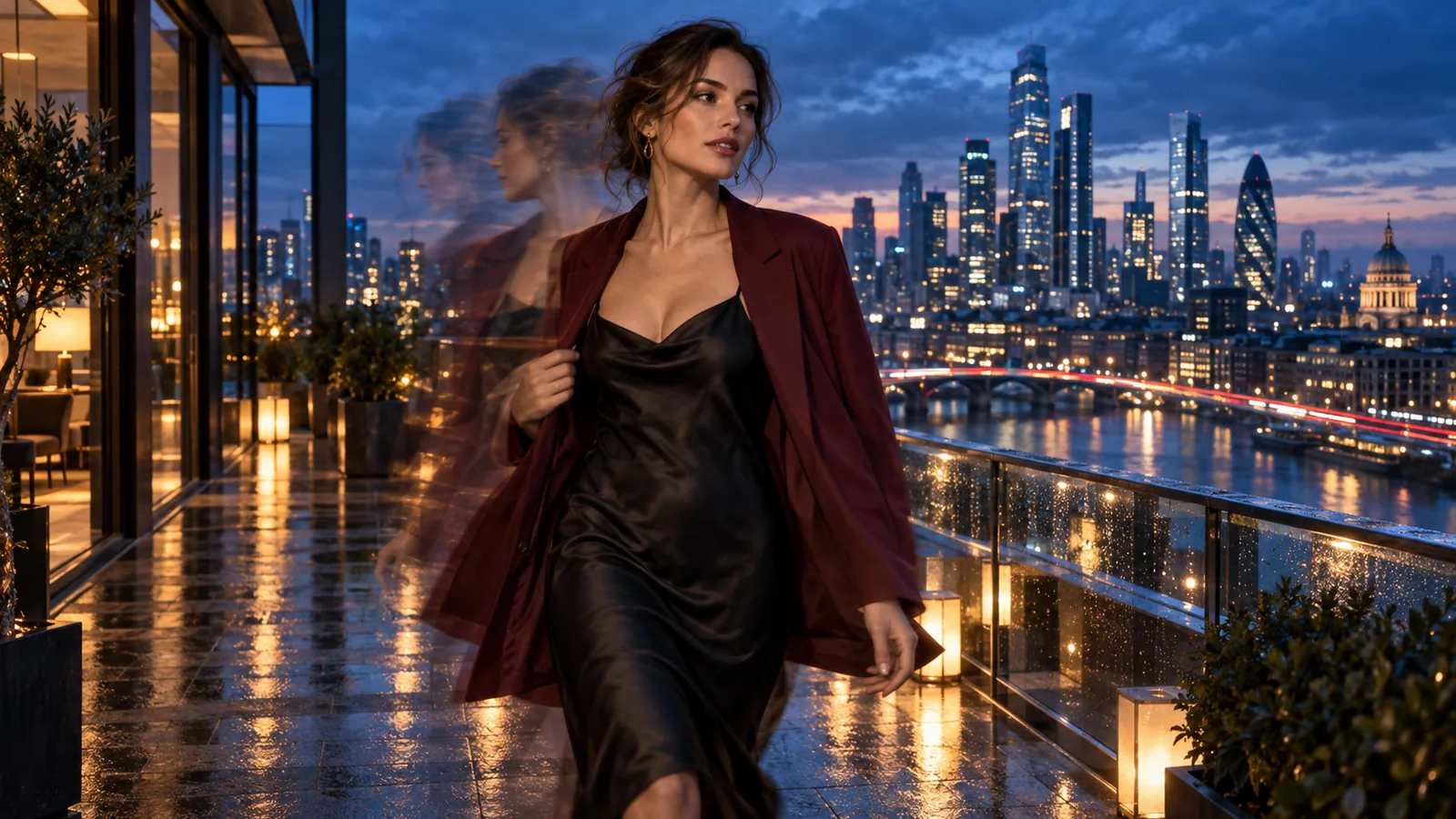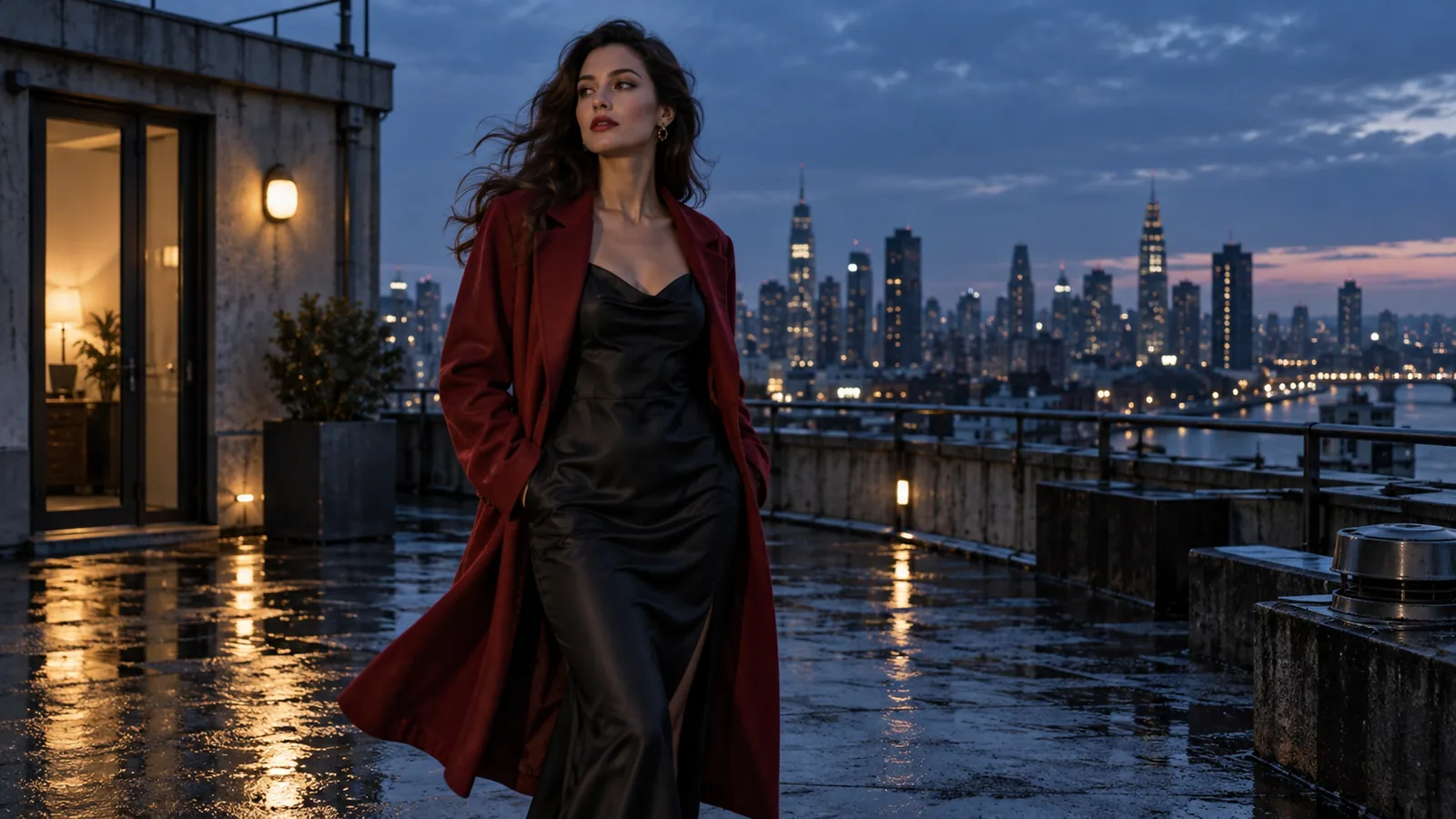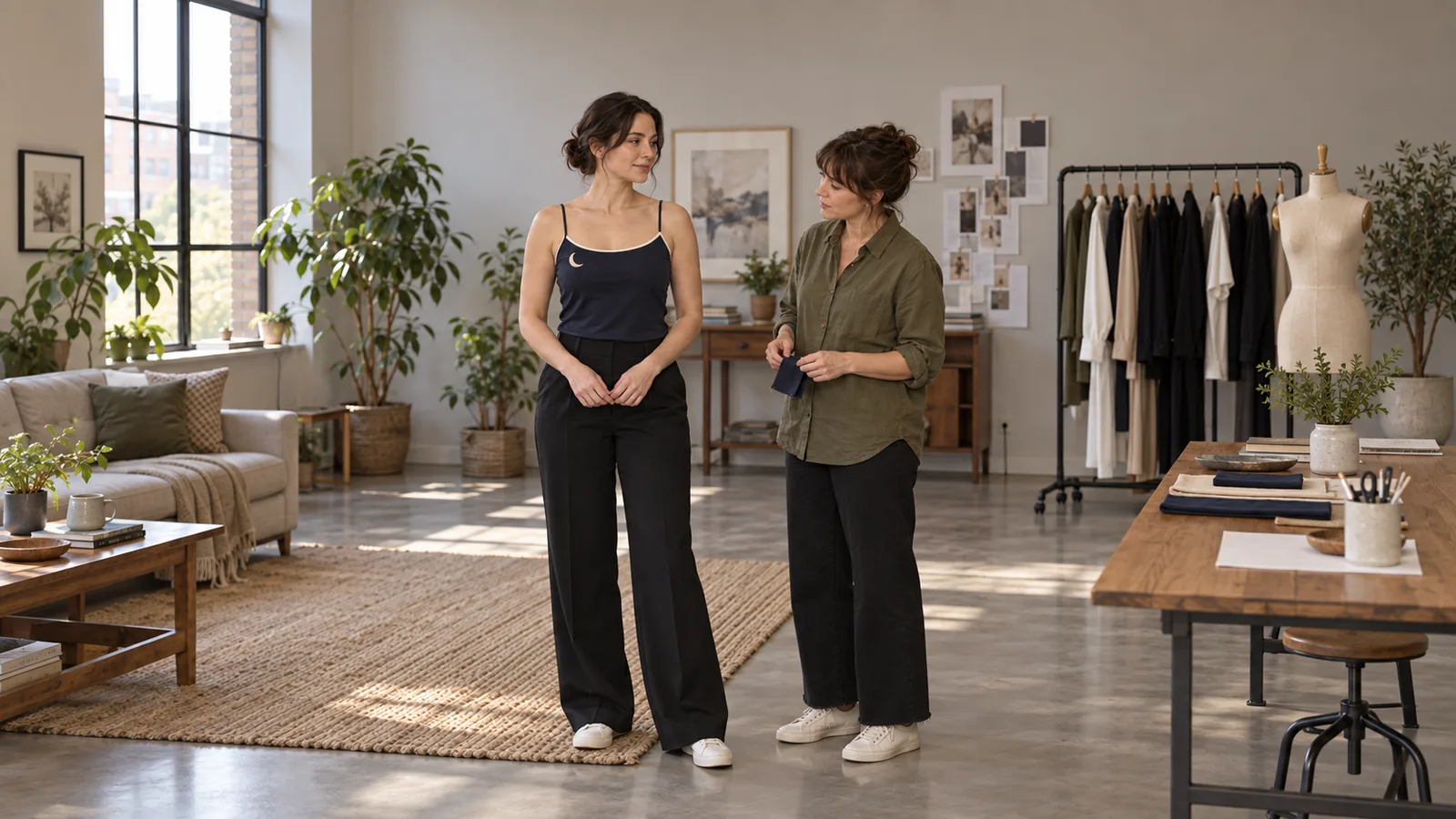
Your character looks right in the uploaded picture. Two seconds later, one shoulder strap becomes two, the neckline changes shape, or a hand passes over the fabric and the embroidered detail never comes back. For an NSFW character creator, the costume may be part of the character's recognizable look. A beautiful face does not make that clip usable.
Start by making the important garment details visible, then reduce the action that hides or changes them. A clear starting picture and a specific motion brief give you something to revise; they do not lock the outfit. Seedance 2.5 Spicy currently has no clothing-lock, garment mask or reference-strength control on SpicyAPI.
This guide gives you a complete five-second example, revisions for different clothing failures, and current costs. Use your own approved fictional adult character, or material you have the rights and consent to process.
First check whether the garment changed or merely moved
A satin highlight can make navy look pale. A fold can hide embroidery. A shoulder strap can disappear behind hair or a hand without the outfit changing. Before paying for a retry, play the clip at normal speed, then pause immediately before the suspicious movement and after the detail should be visible again.
Ask what actually changed:
| What you see | What to compare | A useful next revision |
|---|---|---|
| The color seems lighter during a turn | Does it return under the original light? Does the seam stay in place? | Keep lighting steadier before rewriting the outfit. |
| One strap reappears as two | Count the visible attachment points before and after the hand or hair passes. | Make those attachments clearer in the source and move the obstruction away. |
| A small pattern flickers but the garment shape holds | Is the design readable in the uploaded picture at the intended viewing size? | Enlarge the garment in the composition or simplify the approved motif. |
| The neckline or closure becomes a different design | Compare the cut, trim and fastening after the character settles. | Reduce the turn or contact that precedes the redesign. |
A garment need not remain perfectly still. The continuity you want is the same construction through believable folds: the same straps, neckline, closure and identifiable decoration.
In our existing image-to-video examples, a Seedance 2.5 Spicy clip lets the jacket slide off both shoulders. The prompt asked for a breeze lifting its edge and also to keep the outfit recognizable. That combination shows why “keep the outfit recognizable” is too vague when a particular garment position matters.
Prepare a picture that shows what you need to preserve
For the worked example, use Zoe, a fictional 31-year-old character with an approved costume design. She wears an opaque navy camisole with one strap on each shoulder, cream piping along the neckline and a single stitched crescent on the upper front, on the left side of the image. Her trousers are black. The intended clip is a quiet profile preview: she looks toward the viewer, changes her stance slightly and rests one hand at her waist.
Make an approved opening image from just below the waist to above the head. Both shoulders and the neckline must be clear. Tie the hair back if it otherwise covers the strap you care about. Keep the crescent large enough to recognize at the size people will watch the video; a decorative stitch that is already a blurred speck cannot become a reliable continuity marker through prompt wording.
Check the still closely before uploading. A doubled strap, unfinished seam or emblem intersecting a fold in the source is already a costume problem. Fix it in the still, then compare the character with her approved images. Do not casually redesign her established outfit just to make generation easier. If an intricate costume is essential, give its important area more space in the composition instead.
Use soft, reasonably even light for this diagnostic. Hard moving shadows, flashing colored light and a shiny fabric can make color changes hard to separate from rendering changes. You can restore the dramatic lighting in a later shot once you know whether the simple movement is usable.
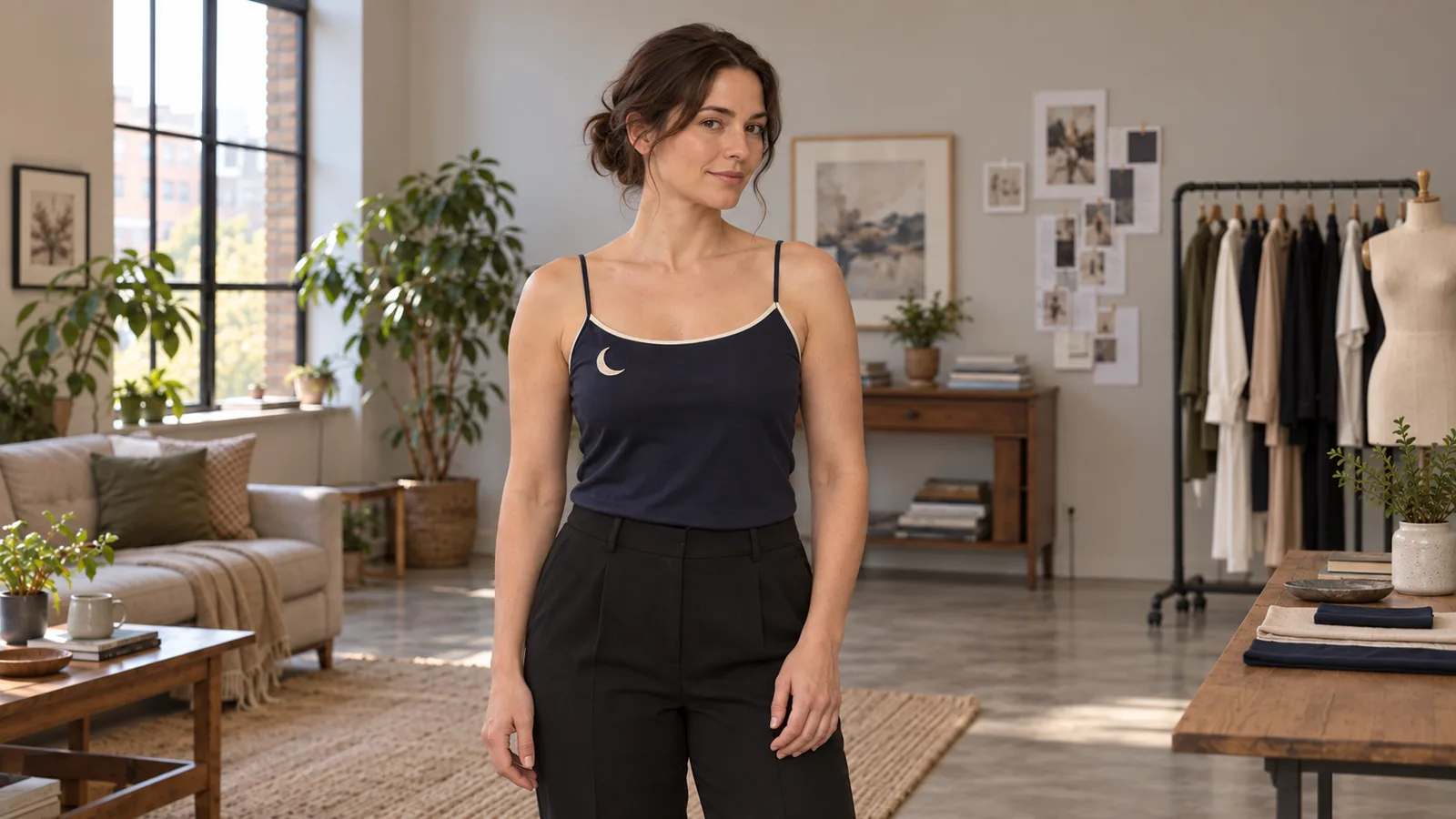
Illustration, not a Seedance frame: keep the strap attachments and neckline readable, with the hands below the details you need to preserve.
A complete five-second motion brief
Open the Seedance 2.5 Spicy image-to-video Playground and upload that approved picture as the opening frame. Choose five seconds, 720p and audio off for this visual exercise. The route supports whole-second durations from 4 to 30 seconds. Five seconds is a proposed test length, not a special consistency mode.
Try this complete prompt:
One continuous medium shot of the fictional adult woman in the opening image. She looks toward the camera, gives a small relaxed smile and makes a slight change of stance without turning her back. Her right hand rises beside her waist, briefly brushes the outer side seam below the camisole, then rests at her waist. Keep the neckline and both shoulder straps visible throughout. The fabric forms small natural folds but stays in place; the hand does not pull the garment, cross its neckline or cover the crescent. Steady camera and soft unchanged lighting. End with a brief relaxed hold. No cut or outfit transformation.
The hand stays below the detail you are inspecting. The stance change avoids requiring a previously unseen back design. The final hold lets you compare the construction after movement.
If this still drifts, remove hand contact for the next attempt. Replace the two hand sentences with:
Both hands remain relaxed beside her waist, clear of the camisole. She makes the small stance change, then holds the pose.
Keep the same source and output settings. If the costume now holds, you have a useful reason to redesign the gesture. If it still changes before the gesture would have occurred, inspect the opening image and the stance change rather than adding more descriptions of the hand.
When a hand passes over a strap or fastening
The most useful frame is often the one where a hidden detail returns. If a strap is visible before contact, covered during contact and doubled afterward, the problem is not that the prompt forgot its color. Repeating “navy” five times does not explain how many straps should reconnect to the garment.
For the next attempt, move the gesture away from the attachment point. A hand resting on the waist, brushing a sleeve below the elbow or lifting toward the face without crossing the neckline may preserve the intended mood without asking the model to reconstruct the same small detail behind the fingers. Choose a gesture that belongs to your character; do not replace every performance with a frozen pose.
If contact is essential, describe one brief contact and a clear release. Avoid stacking a reach, grip, pull, turn and hair sweep into the same short clip.
A closed robe needs a different preservation instruction from a camisole. Prepare a still with the overlapping front panels and tied belt clearly visible. If the approved belt has two loops and two hanging ends, check that the source actually shows them. For a sleeve gesture, use:
The fictional adult adjusts the sleeve cuff with one brief touch, then releases it and rests both hands below the belt. Keep the opaque robe fully closed with the same overlapping panels, centered tied belt, two loops and two hanging ends; small sleeve folds are natural, but neither hand pulls the knot or front panels.
If the knot merges with the fingers, remove that contact or cut to a separate sleeve detail shot. Asking for a pull while demanding an unchanged fastening can contradict the action. Decide whether the shot is about keeping the garment in place or intentionally changing it before generating.
When a turn invents a new back or side design
A front-facing picture may show the two front straps perfectly while saying nothing about the back. A full turn asks for that missing view. A sentence listing the front details cannot supply an approved back construction.
For a short preview, stop at the angle the source supports. Prepare the opening still already at the slight three-quarter angle you need, then request a small movement within that view. This changes the starting picture, so compare it with the original costume before accepting it.
If the story truly needs the back, prepare an approved back-view image with the same strap count, fabric, side seams and closure. The reliable editorial choice is often a cut: a front-view clip followed by a separately prepared back-view clip. You trade the continuous turn for control over both visible designs.
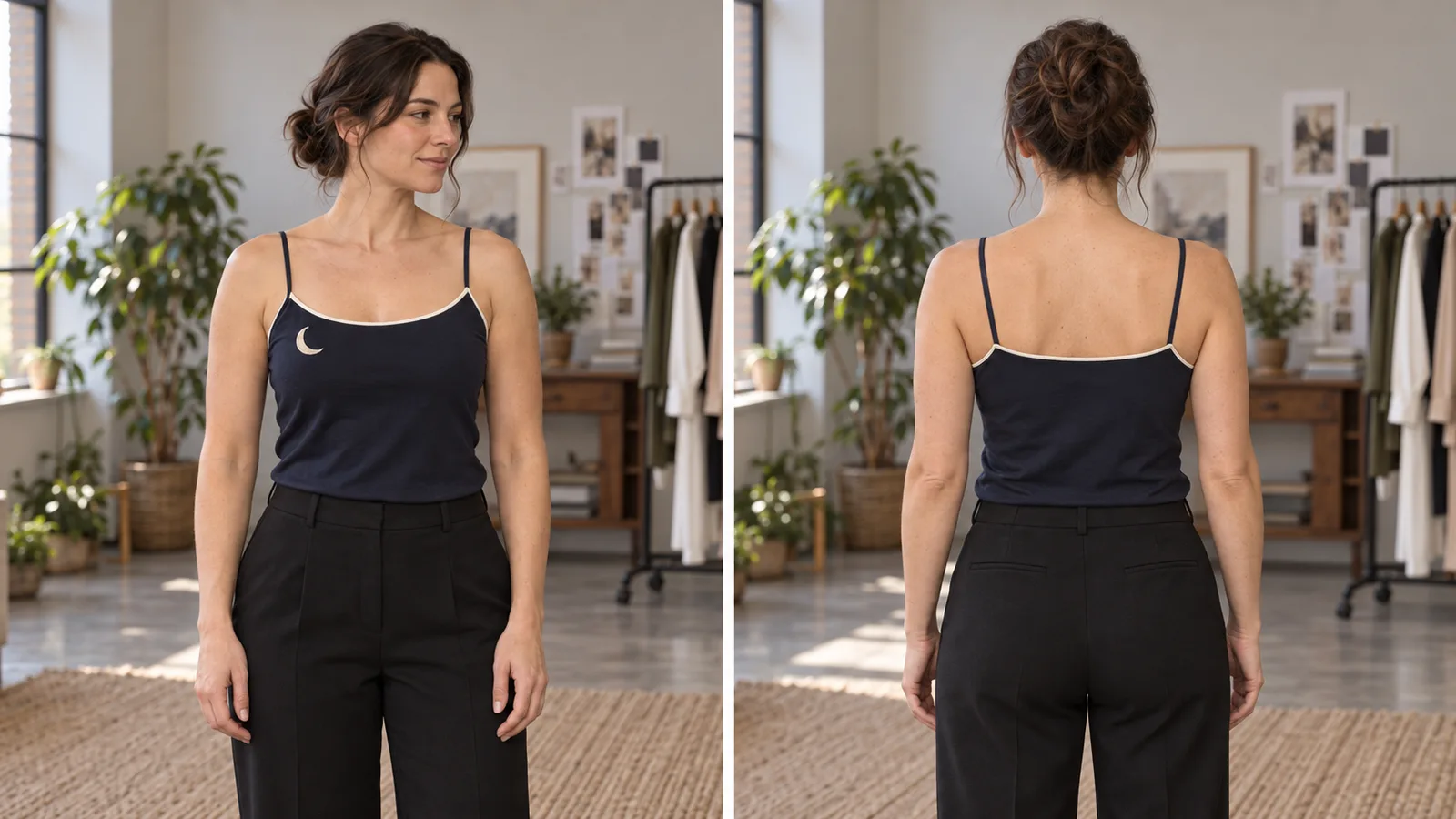
Illustration, not frames from a Seedance turn test: approve the garment from both needed views before making separate shots.
SpicyAPI's Spicy task accepts one opening image and an optional ending image. You can use a compatible approved end pose as the ending target, but it does not guarantee the outfit through the middle. Match the garment construction in both pictures. A second picture with a different neckline creates a conflicting target rather than a fix.
The separate ordinary Seedance 2.5 reference-to-video task accepts multiple reference images for a newly composed shot. That can fit a brief with approved front and back views, but it is a different task and content route. Do not assume an NSFW brief accepted on Spicy will behave identically there. There is no separate reference-image input in the current Spicy image-to-video task.
When embroidery, lace-like trim or a print keeps changing
Separate garment structure from surface detail. If the straps and neckline remain right but a tiny repeated pattern crawls, shortening the turn may help you assess it, but adding an exhaustive description of every stitch is unlikely to be a practical production plan.
For an original fictional costume, consider one readable motif instead of many miniature repeats, or show the existing important detail closer. For a fixed costume design, preserve the approved design and change the composition: a larger garment area, less motion across the print and cleaner lighting. A small creator-profile preview may not need a full-body crop if its recognizable feature is near the neckline.
Moving from 720p to 1080p is worth considering when the construction is stable and the remaining problem is insufficient visible detail. It is not proof that the higher setting will retain a pattern. If the neckline is already being replaced, more pixels can give you a sharper version of the wrong neckline. The Spicy 4K option is an upscale tier, not a separate clothing-preservation control.
If a precise logo, print or trim must survive for a commissioned delivery, stop relying on a fresh render after several similar failures. Use a stable shorter excerpt, a prepared alternate shot or an editor with motion tracking and appropriate compositing skills. A patch pasted onto one frame is not a finished video repair: it must follow folds, perspective, lighting and any hand passing in front. SpicyAPI's current Spicy task does not offer local garment masking or a “repair only this area” video mode.
Budget the revisions before making the clip longer
| Seedance 2.5 Spicy setting | One five-second estimate | What the extra spend buys |
|---|---|---|
| 720p, opening image only | $2.16 | A readable short test of garment detail. |
| 720p, opening and ending images | $2.16 | Same price; targets the final pose, not the middle. |
| 1080p, opening image only | $5.40 | Finer detail once the garment construction is stable. |
Three five-second 720p attempts cost $6.48. That lets you compare the original gesture, no hand contact and a smaller turn. Three equivalent 1080p attempts total $16.20. Changing one suspected cause at a time makes those retries more informative than repeating the identical long prompt.
The catalogue also lists 480p at $0.216 per second, or $1.08 for five seconds. It can be useful to check a large silhouette or an obvious closure change. It is a poor basis for approving fine embroidery that you cannot read at that size. A later higher-resolution generation is another task; it is not guaranteed to reproduce the earlier motion.
Audio on and off currently have the same listed rate for each Spicy resolution. Turning audio off keeps this exercise focused on the picture; it does not provide a price discount. Do not pay for a 30-second version until the short shot gives you a garment and action worth keeping.
Check the finished shot
Adult-oriented scenes with close contact or an intentional wardrobe change need a clear distinction between the garment that may move and the details that must stay. For a deliberate outfit transition, use a compatible ending image rather than combining “change clothes” with “keep everything unchanged.”
You can save a seed alongside the source, prompt and settings to keep track of a particular attempt. The seed is not a clothing lock and does not guarantee an identical costume after you change the action or source.
Approve the finished shot at normal viewing size, then inspect the moment of contact, the strongest turn and the final hold. If all three show the approved construction, the clip may be useful even with natural fabric movement. If the scene ends in a different garment, return to the action or source that introduces that change.
Run the approved shot through the API
Set SPICY_API_KEY in your environment and SPICY_IMAGE_URI to your opening image’s accessible URL or uploaded spicy:// URI. This Python 3 example submits one new shot after you confirm its price.
import json
import os
import urllib.request
import uuid

base = "https://api.spicyapi.ai/api/v1"
headers = {"Authorization": "Bearer " + os.environ["SPICY_API_KEY"],
           "Content-Type": "application/json", "User-Agent": "SpicyAPI-Blog/1.0"}
settings = {
    "duration_seconds": 5,
    "resolution": "720p",
    "generate_audio": False
}
settings["prompt"] = 'One continuous medium shot. The adult gives a small smile and shifts her stance slightly. Keep the neckline and both shoulder straps visible, the outfit in place, and the camera fixed.'
settings["image_url"] = os.environ["SPICY_IMAGE_URI"]
payload = {"model": "bytedance/seedance-2.5-spicy/image-to-video", "input": settings}

def post(path, body):
    request = urllib.request.Request(base + path, json.dumps(body).encode(), headers)
    with urllib.request.urlopen(request, timeout=60) as response:
        result = json.load(response)
    if result.get("code") != 200:
        raise RuntimeError(result)
    return result["data"]

quote = post("/jobs/quote", payload)
if input(f"Maximum charge ${quote['maxCharge']}. Type yes to generate: ") != "yes":
    raise SystemExit("Stopped before generation")
headers["Idempotency-Key"] = str(uuid.uuid4())
print("Request key:", headers["Idempotency-Key"], flush=True)
task = post("/jobs/createTask", {**payload, "quoteId": quote["quoteId"],
                              "expectedCost": quote["estimatedCost"]})
print("Task ID:", task["taskId"])
Keep the printed request key for recovery of that same request; a new shot gets a new key. Task API documentation covers result delivery and recovery.
For repeated shots, let an Agent use an approved input file: CLI spicyapi tasks create --model bytedance/seedance-2.5-spicy/image-to-video --input-file input.json --wait; MCP ask it to call spicyapi_task_create with that model and input; Skill ask “Use the spicyapi Skill to generate this approved shot and return the result.” CLI and MCP show the price before creation. See the Agent integration documentation.