For a recurring adult character, start with image-to-video once the face, clothes and opening shot are approved. Start with text-to-video when you are still casting the character or discovering the scene. An image supplies a specific opening; a text prompt leaves the model to invent it. Neither input guarantees that the face stays stable once the character moves.
The comparison below uses MiniMax H3 because SpicyAPI exposes both tasks at the same per-second prices, so the choice is about what you already have and what needs fixing, not a discount for one route. The example prompts use a fully clothed fictional adult.
The same family, two different inputs
| Current MiniMax H3 contract | Text-to-video | Image-to-video |
|---|---|---|
| Required input | prompt | prompt and image_url |
| Duration | 5–15 whole seconds | 4–15 whole seconds; 2k requires at least 5 |
| Resolutions | 768p, 2k | 768p, 2k |
| Frame shape | aspect_ratio: 16:9, 9:16, 1:1, 4:3, 3:4, 21:9 | Set by the opening image; no aspect-ratio field |
| Optional ending image | Not exposed | last_image_url |
| Seed | Not exposed | Not exposed |
Details for each task are on the text-to-video and image-to-video pages.
Both tasks generate sound with the video. Write the sound into the prompt, even if it is only rain and room tone; an image cannot say which soundtrack belongs with the scene.
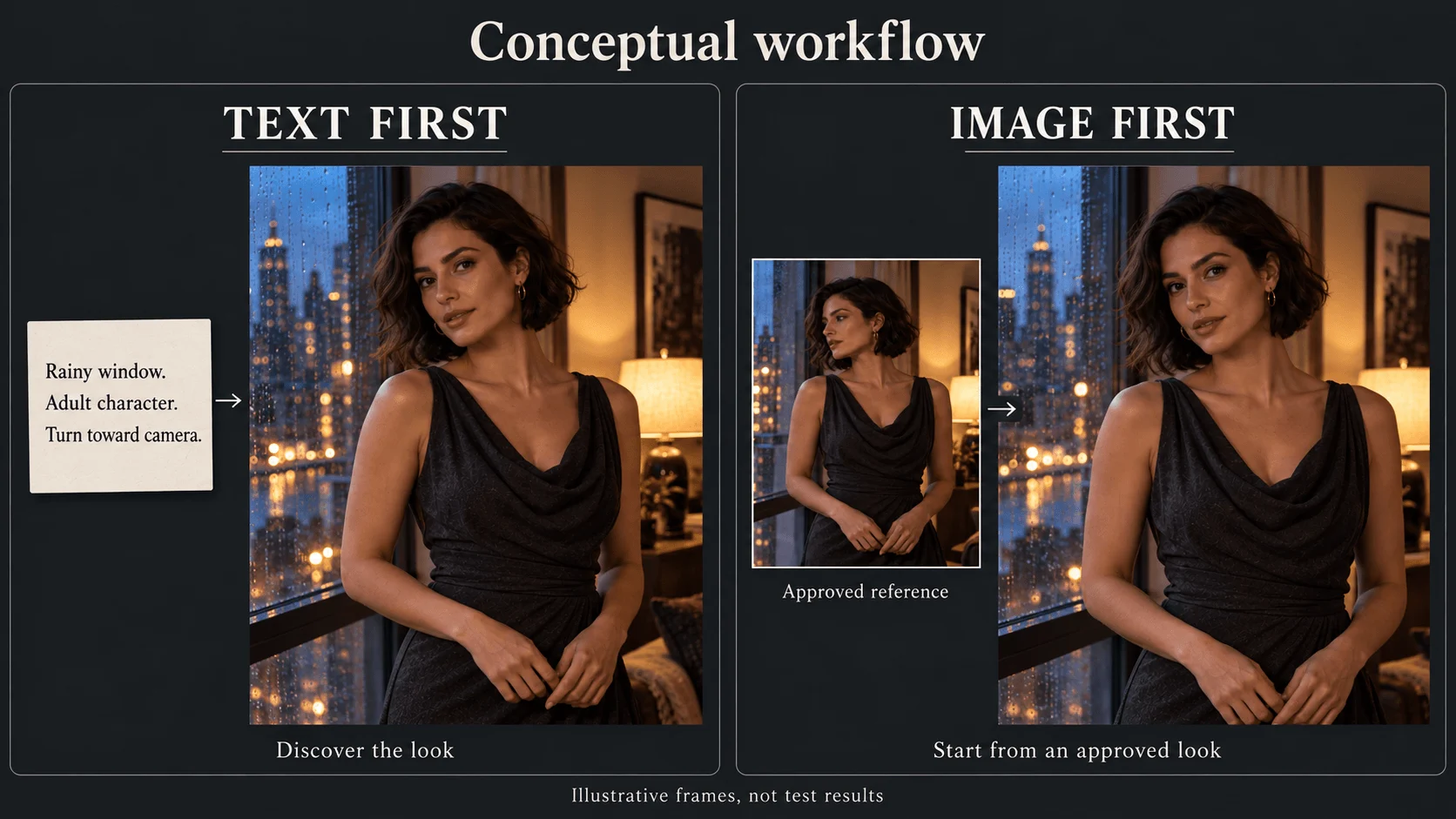
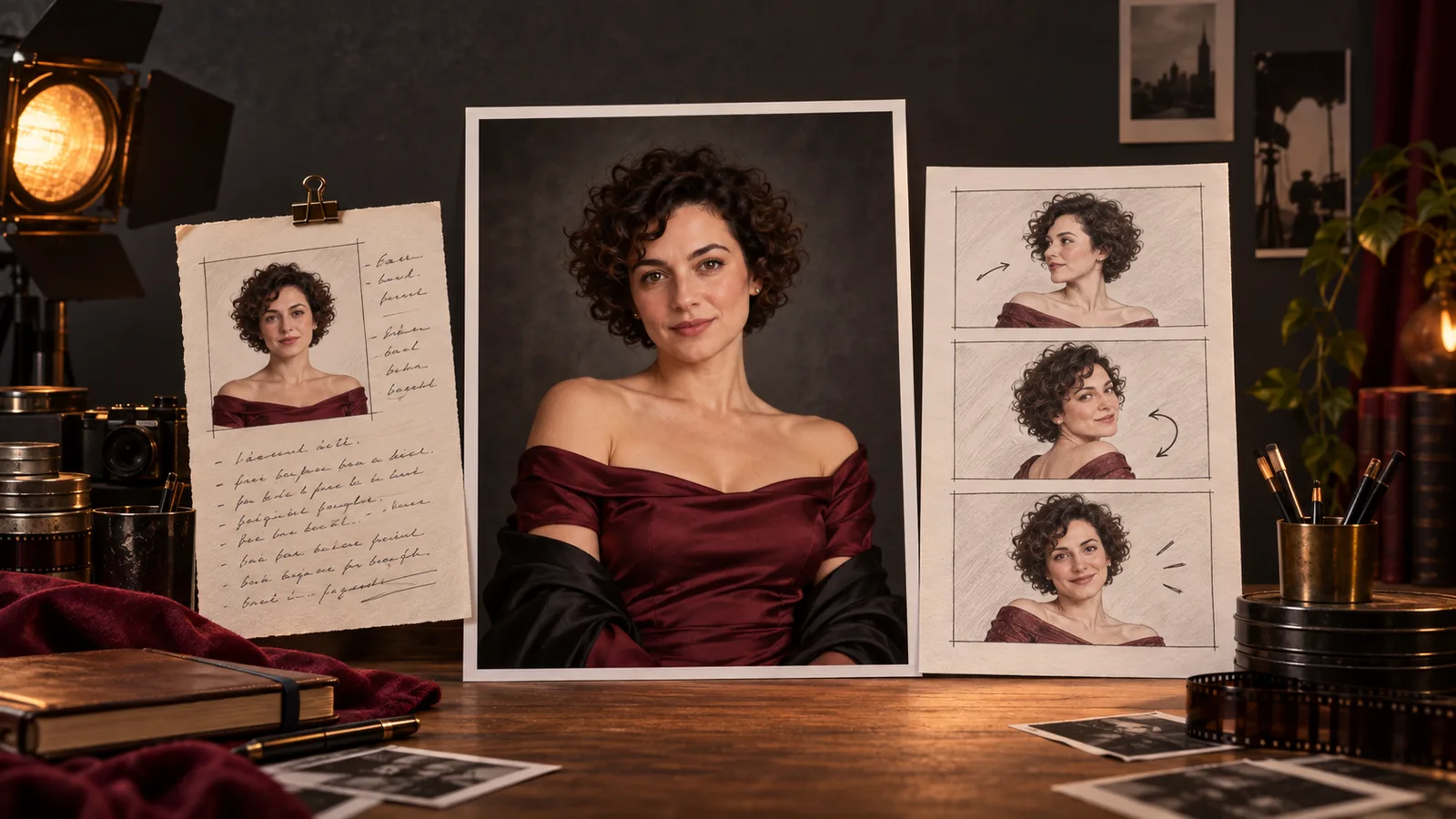
Text-first discovers the appearance; image-first supplies an approved starting look. Illustrations, not MiniMax output.
What this means for an NSFW creator
Based on our September 2026 tests, both H3 tasks accepted adult-oriented requests up to the strongest level we checked: text-to-video from a written brief, and image-to-video from AI-generated starting images. Both are listed as unrestricted, so the route does not change what is allowed; it changes how much control you have.
Acceptance and identity are separate questions. A model can accept the subject and still change the face halfway through a turn, so choose the route for the shot and judge the result on whether the character stays recognizable.
MiniMax H3 Spicy is a separate image-to-video family, not the image-input mode of ordinary H3. At 768p its current price is $0.084 per second, versus $0.037 for ordinary H3 at 768p. Do not compare that higher price with ordinary H3 text-to-video and call the difference an “image-to-video surcharge.” Likewise, H3 LoRA is a separate family for compatible LoRA weights, not a switch on these two forms.
Route A: discover the shot from text
Use this route for a new fictional character or a standalone teaser where the exact face is not yet fixed. The example brief is one action: Mara, aged 30, turns from a rain-streaked window toward the viewer. Her charcoal evening dress stays on; the camera stays still.
- Open MiniMax H3 text-to-video.
- In the form, set Aspect ratio to 9:16, Resolution to 768p and Duration to 5.
- Paste the shot prompt below into Prompt and check the estimate before you run it.
Vertical medium shot of Mara, a fictional 30-year-old woman with a short dark bob, wearing a charcoal evening dress beside a rain-streaked window. Cool window light illuminates her face; a warm lamp glows behind her. She begins looking toward the window, slowly turns her head toward the camera, then holds eye contact. Her face and upper body stay in frame. Static camera. The dress remains unchanged. Audio: soft rain against the glass and quiet room tone, no speech or music.
Choose it when: the character is still open, you want to explore looks and settings, or one standalone clip is the whole job. Look elsewhere when: the face or the wardrobe is already fixed; use Route B.
Judge the first result as casting plus staging. If the face is appealing but different from an established character, the text-only input has not supplied that established face. Repeating the same name and hair description does not turn a fresh generation into an identity reference.
Once you approve a look, save it before changing the prompt. “Keep everything, only change the lamp” is still a fresh generation on this task; it is not a local editing operation. If the lamp matters, prepare an approved opening image with the correct lamp and move to the second route.
Route B: animate an approved opening
Use image-to-video when the audience already recognizes Mara or the shot must match an approved campaign image. The image should show the beginning of the action, not merely be your best portrait of the character.
For the window turn, prepare a vertical medium shot with her head angled toward the window, enough of the face visible to inspect, and space around her shoulders. A tightly cropped close-up of the face is a poor starting point for a large turn away and back. Recompose it first instead of asking a motion prompt to solve the crop, identity and action simultaneously.
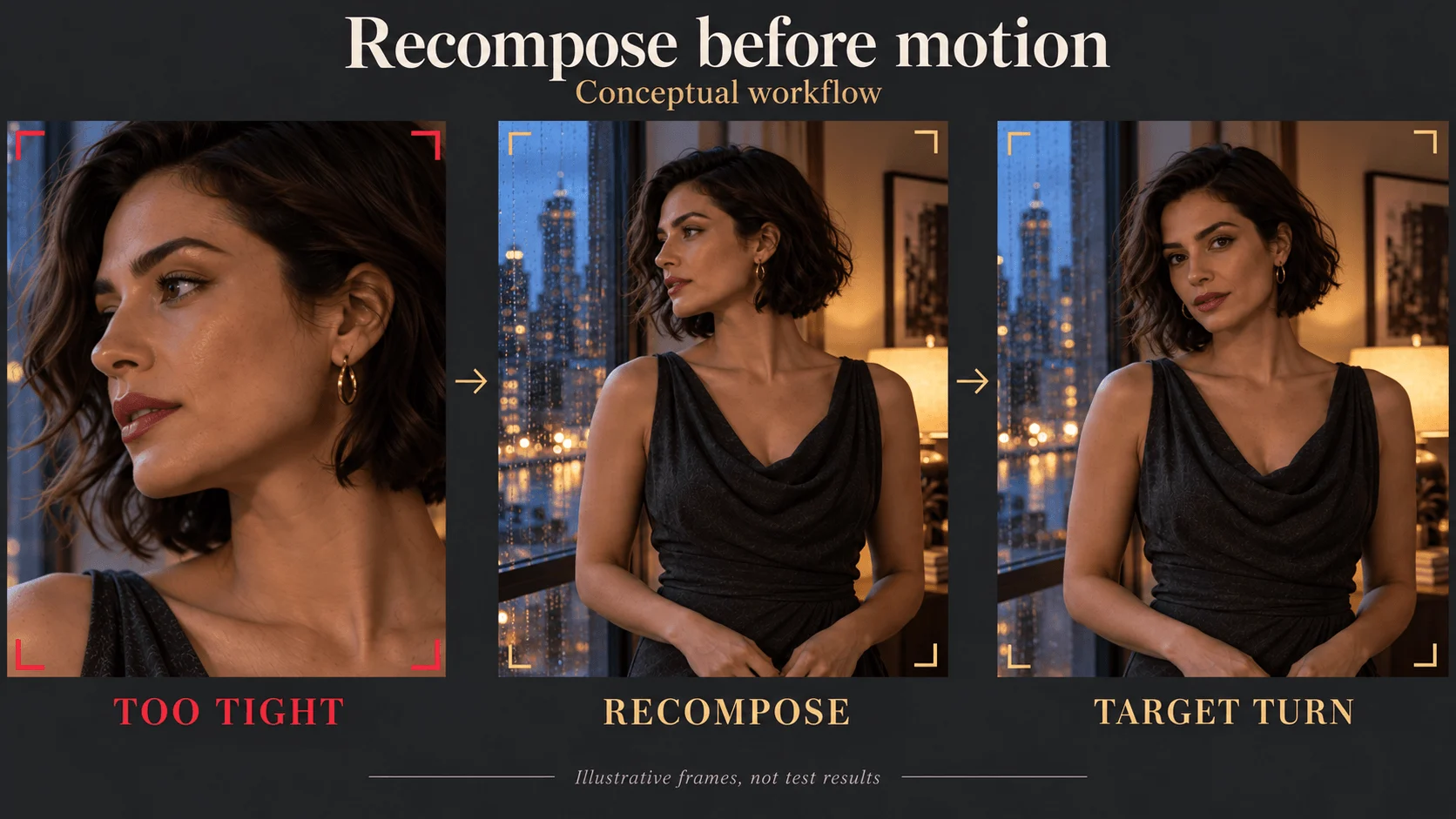
Resolve a restrictive crop before asking for movement.
- Open MiniMax H3 image-to-video.
- Add the approved vertical opening under Input image. Each side must be 256–5,760 pixels, the ratio between 2:5 and 5:2, and the file under 10 MB (the Playground limit).
- Set Resolution to 768p and Duration to 5. The image supplies the ratio; there is no Aspect ratio field on this task.
- Paste the movement prompt below into Prompt. Leave Closing frame empty for the first simple turn.
She slowly turns her head from the window toward the camera, then holds direct eye contact. Her shoulders stay relaxed. The camera remains fixed. Audio: soft rain against the glass and quiet room tone, no speech or music.
The image already shows the face, dress and room, so the prompt only says what changes.
Inspect the opening, midpoint and final hold. A matching first frame can conceal a changing face later. If the turn reveals a weak side view, try an opening angle that shows more of the relevant face or request a smaller turn. If direct eye contact is essential, retain that ending rather than reducing movement until the character barely acts.
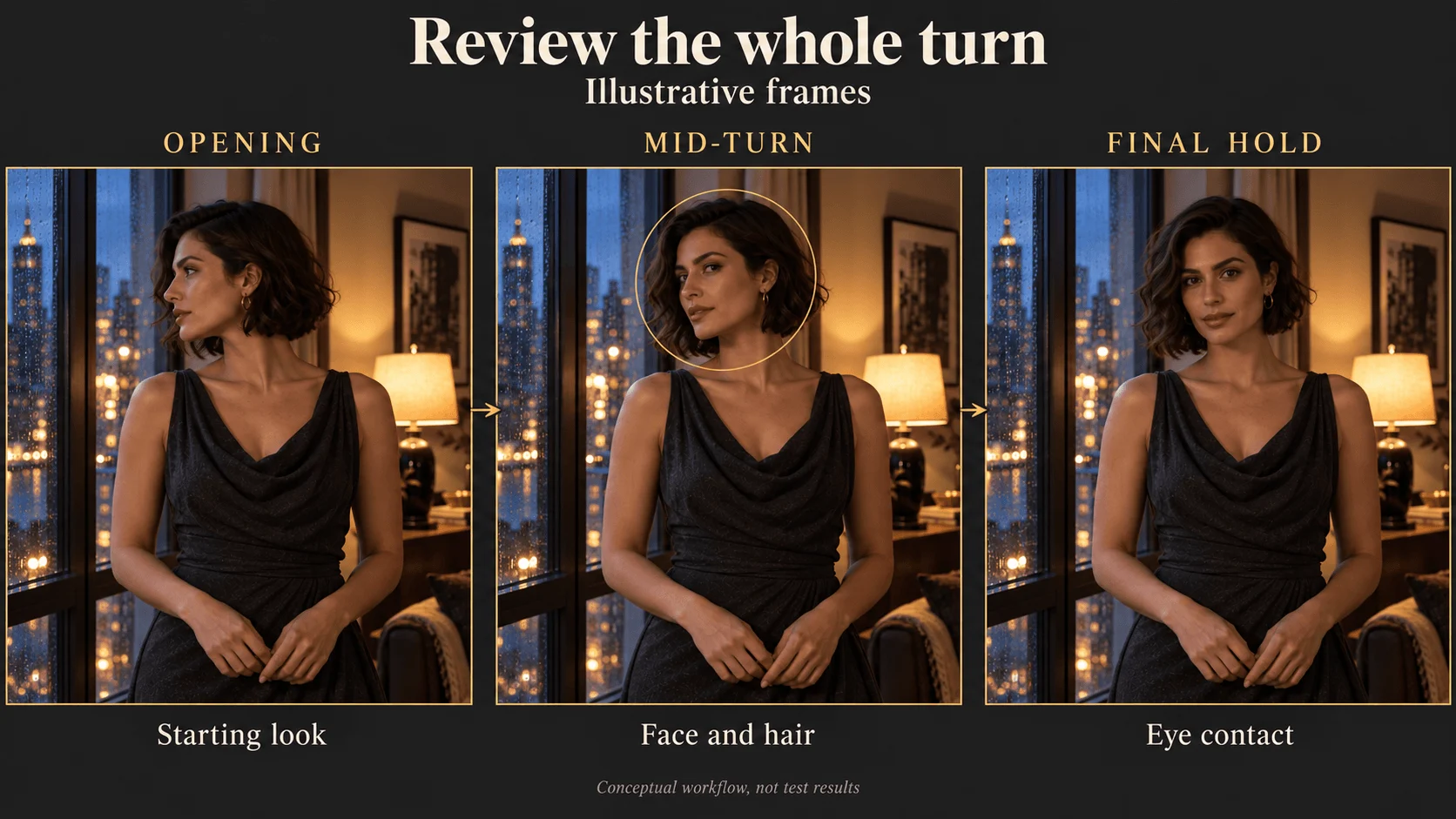
Inspect the opening, the turn and the final hold as separate acceptance checks.
Choose it when: the character recurs, the shot must match an approved image, or you have already fixed the face and wardrobe. Look elsewhere when: you still need to find the look, since an image locks in whatever its weak points are.
The optional closing frame (last_image_url in the API) is useful when you have also approved the ending composition. Prepare it with the same character, wardrobe and lighting, and request an action that plausibly connects the frames. It constrains the destination; it does not provide every intermediate hand position or guarantee a correct transition.
What five seconds costs
Current ordinary H3 prices are identical for these two tasks:
| Resolution | USD per second | Five-second generation |
|---|---|---|
| 768p | $0.037 | $0.185 |
| 2k | $0.058 | $0.290 |
Image creation is extra. If you already have an approved still, preparation may cost almost nothing; if you generate and reject many stills first, count that spending. Take 768p: three text-to-video attempts cost $0.555, while one image-to-video attempt costs $0.185 plus the image, so the image route wins only if the approved still costs under $0.37. If both succeed first time, text-to-video is cheaper, because the image route adds the cost of the still.
Drafting at 768p and finishing at 2k is the cheap pattern, but the 2k run is a new take, not an upscale of the draft: H3 exposes no seed, so even an identical request returns different motion. If the accepted motion must stay exactly, use a separate upscaling task. Families that do expose a seed, such as H3 Spicy image-to-video or Seedance 2.5, let you rerun a request more repeatably.
Fix the earliest visible defect
| What you see | Next action |
|---|---|
| Wrong dress in the opening image | Correct the still before another video run |
| Correct face initially, different face during the turn | Reduce the turn or prepare a more informative opening angle |
| Good portrait but not enough room for the gesture | Widen or recompose the starting image |
| Camera pushes in despite a fixed-camera brief | Remove competing camera instructions and keep one movement command |
| The requested turn never finishes | Remove secondary actions or allow more duration |
| You have a character portrait but need a new room and pose | Prepare the new opening, or use the separate reference-to-video task |
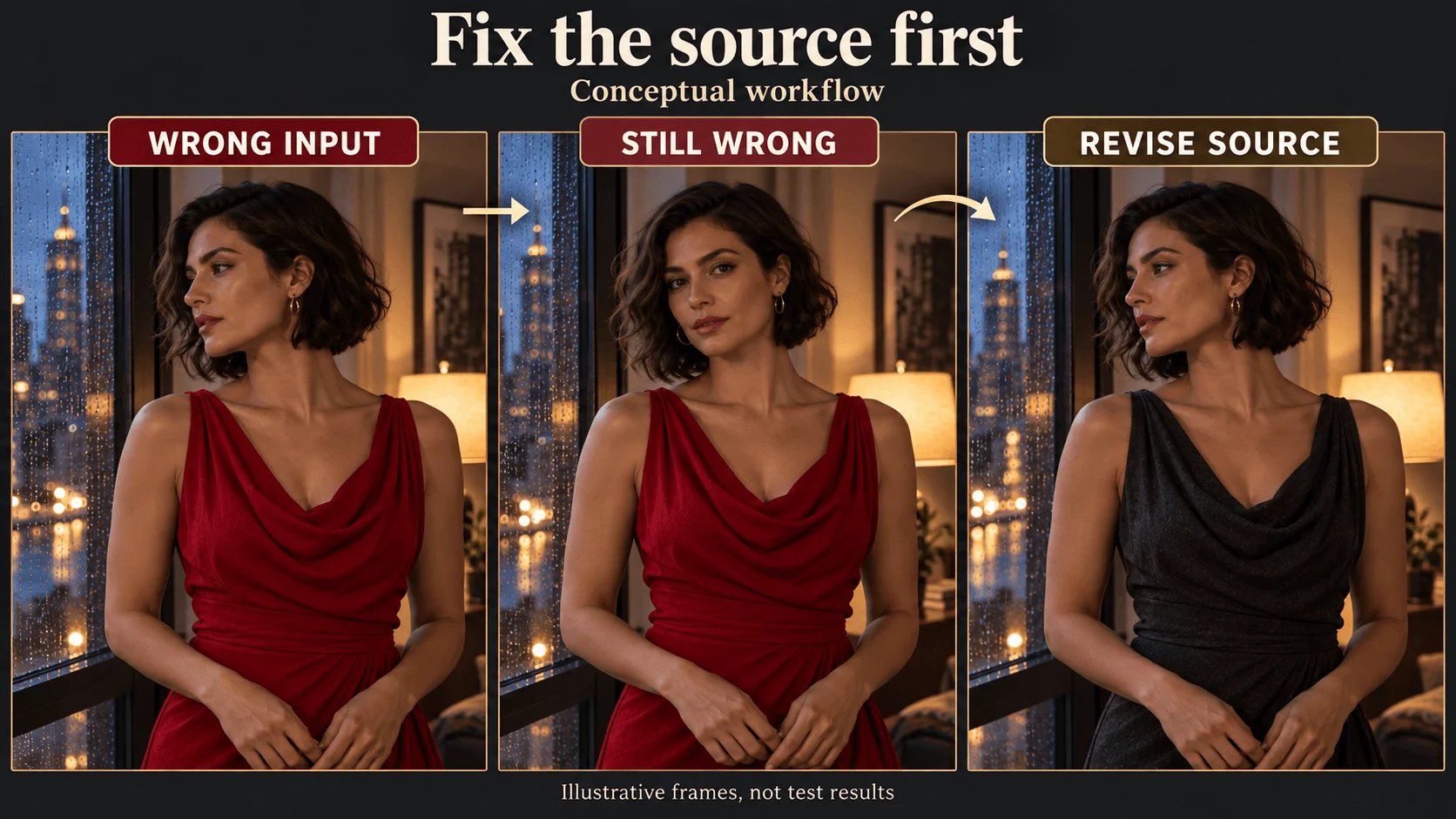
When the opening wardrobe is wrong, revise the source before another motion attempt.
An identity reference and an opening frame are different assets. If you want Mara seated at a table, do not upload her window portrait as a literal opening and expect it to function only as a face reference. H3 reference-to-video is a separate task accepting one to nine reference images; its extra inputs and estimate should be checked separately.
Run it from the API
Once a Playground run looks right, the same request works from code. This is the text-to-video example; for image-to-video, change the model to minimax/h3/image-to-video, drop aspect_ratio and add image_url.
import os
import uuid

import requests

response = requests.post(
    "https://api.spicyapi.ai/api/v1/jobs/createTask",
    headers={
        "Authorization": f"Bearer {os.environ['SPICY_API_KEY']}",
        "Idempotency-Key": str(uuid.uuid4()),  # new key for each new request
    },
    json={
        "model": "minimax/h3/text-to-video",
        "input": {
            "prompt": "Vertical medium shot of Mara, a fictional 30-year-old woman with a short dark bob, wearing a charcoal evening dress beside a rain-streaked window. She slowly turns her head toward the camera, then holds eye contact. Static camera. Audio: soft rain, quiet room tone.",
            "aspect_ratio": "9:16",
            "resolution": "768p",
            "duration_seconds": 5,
        },
    },
)
print(response.json())
Fields, results and errors are in the API reference.
Or let an Agent run it. An agent can make the same call through the CLI, the MCP server or the Agent Skill. All three read the live model schema, and the CLI and MCP show the price and ask you to confirm before creating a task.
# CLI
npx @spicyapi/cli tasks create --model minimax/h3/text-to-video \
  --input-json '{"prompt": "Mara turns from a rain-streaked window toward the camera and holds eye contact. Static camera. Audio: soft rain.", "aspect_ratio": "9:16", "resolution": "768p", "duration_seconds": 5}' --wait

# MCP server: the command your assistant's MCP config runs
npx --yes --package=@spicyapi/mcp spicyapi-mcp

# Agent Skill
npx skills add spicyapi-ai/spicy-skill
Make a scene longer than 15 seconds
One H3 request tops out at 15 seconds and there is no extend task. Approve the clip, take its final frame, and use it as the opening image of the next image-to-video shot; each prompt then describes only what happens next. This carries the previous shot's look into the next opening frame, instead of asking text to recast the character each time.
Which route to pick
For a weekly character series, approve an opening image for each shot and animate it. For a new setting with no fixed cast, start from text and treat the result as exploration. Switch when the face and composition become requirements worth preserving.