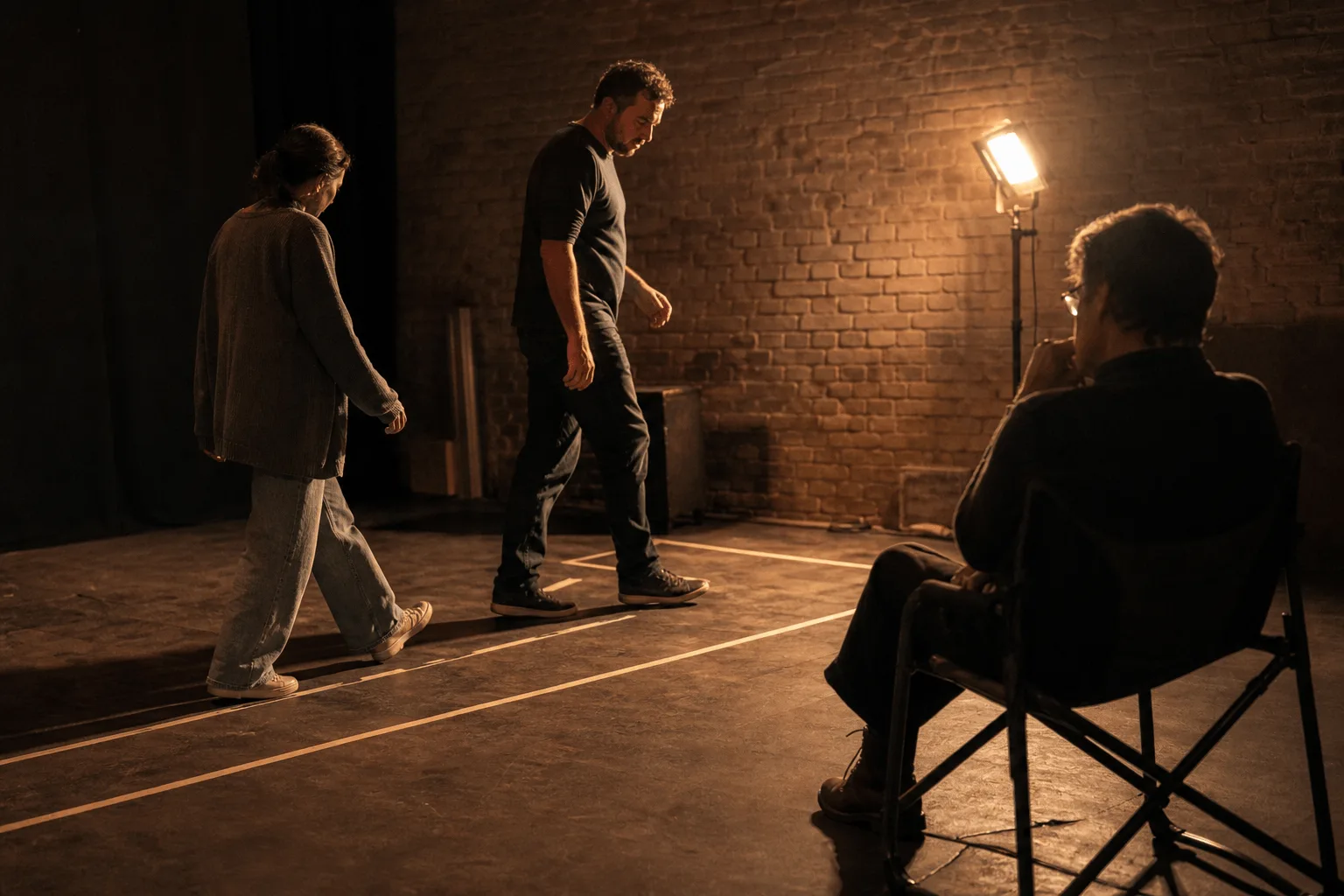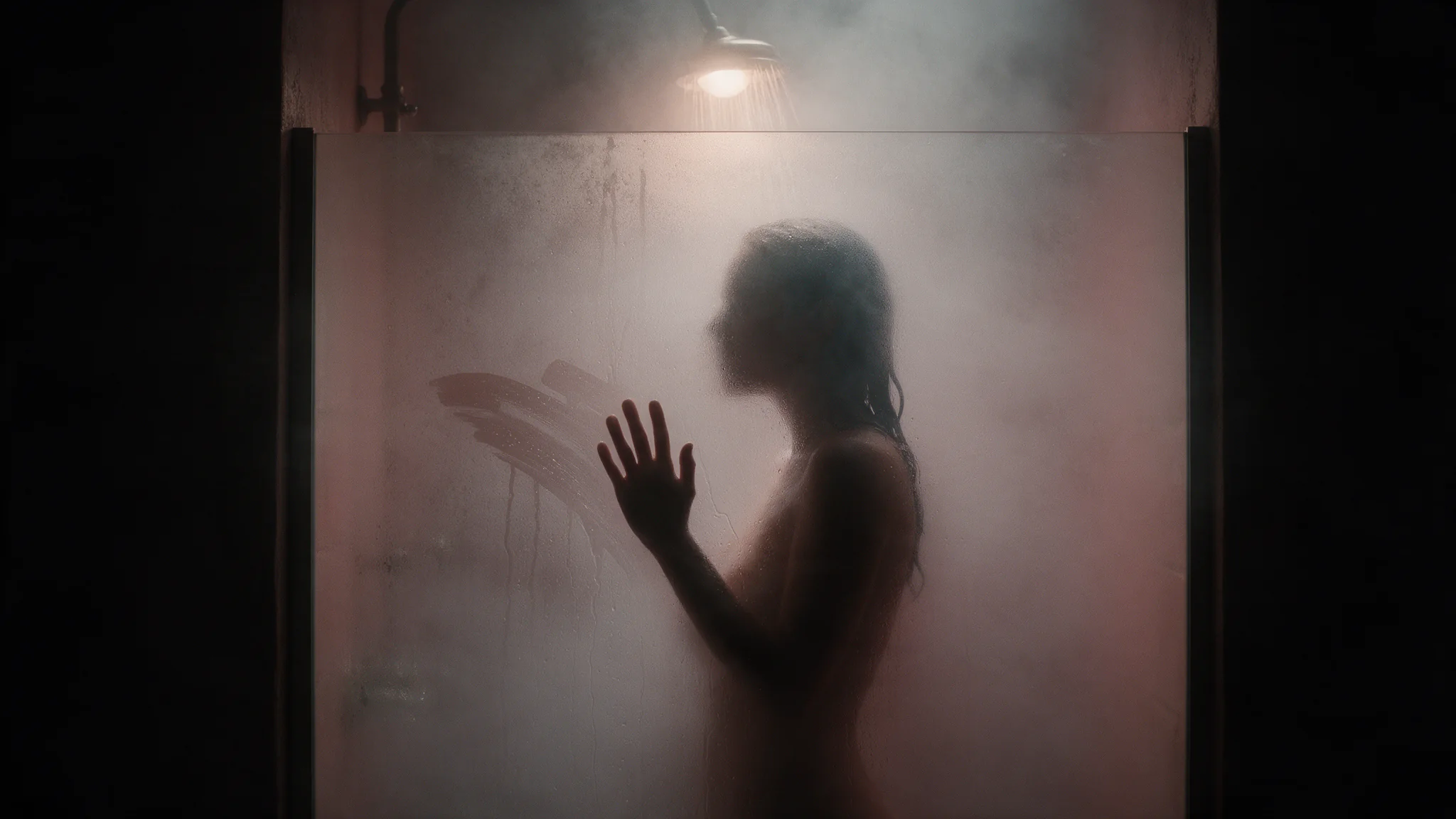
Seedance 2.0 Fast Spicy is ByteDance's uncensored image-to-video model on the Fast tier, animating a still you supply as the first frame. Clips run 4 to 15 seconds at 480p or 720p with sound in the same pass; only the image is required.

From $0.081/s

Workbench

Input

Image to video
Optional here, and that is the point: the opening frame already fixes what is on screen, so the prompt only has to direct movement — the action, where the eyes go, the camera drift, the sound of the place. Briefs are not reviewed on our side, but Seedance's own layer refuses a narrow band of wording, kissing most consistently. Put that beat in the frame instead of the sentence.
1/1

Drop files or media links, paste, or browse · 1 file · Max 10 MB · JPG · PNG · WEBP · GIF

  • 1
1 / 1 files
Required, and the only required field. It becomes the first frame, so composition, likeness, wardrobe, grade and the quality ceiling all come from it — a sharp, well-lit still beats any amount of prompt patching afterwards. It is also why this endpoint handles uncensored material dependably: content already in the picture never has to be argued for in words. Each side must be between 300 and 6000 pixels; a smaller plate is rejected by the input check before you are charged.
0/1

Drop files or media links, paste, or browse · 1 file · Max 10 MB · JPG · PNG · WEBP · GIF

0 / 1 files
Optional closing frame. It decides the picture the shot lands on: a transition, a before-and-after pair, or a loop that opens and closes on the same still. Keep camera and light steady between the two and change one clear state, or the middle of the clip turns into a cut. Each side must be between 300 and 6000 pixels; a smaller plate is rejected by the input check before you are charged.
Output framing, adaptive by default, which follows the ratio of the frame you supplied and spares you a pre-crop. Pick a concrete ratio between 21:9 and 9:16 only when the delivery format is already fixed. No effect on what you are billed.
affects price
Output resolution: 480p, or 720p by default. It selects a rate tier and governs the delivered format only — it adds no detail the first frame does not already have. Higher tiers mean bigger files and longer renders.
Durationaffects price
Length of the finished clip in whole seconds, 4 to 15, default 5, and the billed quantity. A shot driven by a single frame drifts further the longer it runs, so confirm the motion at 4 or 5 seconds before paying for 15. no lower than 4 · no higher than 15
Generate audioaffects price
Whether a native soundtrack is rendered in sync with the picture. On by default; switching it off does not lower the rate in this tier. Turn it off for silent loops and for material you will score in post.
Seed
Integer seed; omit it and each run draws its own. Fix it with everything else held constant to judge what a prompt edit actually changed. It is a comparison tool, not a promise of frame-identical repeats. no lower than 0 · no higher than 2147483647
Safety checkerOff

SpicyAPI does not run a safety checker on this model. Your prompt and media go to the model as written, and the model itself decides what comes back.

Checking your account before enabling submission and pricing.

Output

Ready for a new run
Example result

Related models and next tasks

Missing the model you need?

Tell us what to add and where you would use it. Requests go to the people who decide what gets onboarded next.

These previews show selected examples. Try your own prompt and settings in the Playground.

Seven fields, two resolutions, and the line's fast tier

Seedance 2.0 Fast Spicy image-to-video animates one still supplied as image_url and gives back a clip of 4 to 15 seconds at 480p or 720p, with synchronized sound unless generate_audio is set to false. It publishes the fast tier of the Seedance 2.0 Spicy line: the same seven fields Standard and Mini accept, with the resolution enum stopping at 720p. Every field except image_url is optional, so a first call can carry that one field alone.

Open the playground
Seven fields, two resolutions, and the line's fast tier
Required field
image_url only
Duration
4 to 15 seconds, 5 by default
Resolution
480p or 720p, 720p by default
Aspect ratio
adaptive plus six fixed values
Soundtrack
generate_audio, on by default
Catalog badge
fast_tier, the only one in the 2.0 line
Schema
One contract across the three 2.0 Spicy editionsFast, Standard and Mini Spicy publish one property set between them: seven fields, a 4 to 15 second range and seven aspect_ratio values. The resolution enum is the only place they part company, and on Fast it holds two members, 480p and 720p.
Workflow
Two resolutions behind one request shapeRefine the shot at the lower resolution, then render the selected version at the delivery resolution with the same inputs and seed. Changing resolution starts a new generation, so review the final staging and motion before delivery.
Validation
A closed schema rejects what it does not publishThe request object carries seven properties and additionalProperties set to false. An unknown key, or a resolution value outside 480p and 720p, is refused as an invalid request before anything renders instead of being quietly ignored, so a typo surfaces immediately.

What the Seedance 2.0 Fast Spicy schema actually allows

duration_seconds still runs to fifteen

duration_seconds still runs to fifteen

The fast tier does not shorten the range: duration_seconds accepts integers from 4 to 15, and a request that leaves it out gets 5. Fifteen seconds covers a walk across a room and a turn back to camera in one generation, so a beat with a beginning and an end does not have to be stitched together from two clips.

480p and 720p from one endpoint

480p and 720p from one endpoint

resolution publishes exactly two values on this edition, 480p and 720p, and a request that omits it gets 720p. Both come from the same endpoint, so moving between them changes one string and nothing else. Anything that has to ship at a larger size belongs on Seedance 2.0 Spicy, whose enum continues to 1080p and 4k.

  • aspect_ratio names the delivery shape

    aspect_ratio is adaptive unless you say otherwise, and adaptive keeps the proportions of the still you sent. Naming one of the six fixed values (16:9, 9:16, 4:3, 3:4, 1:1 or 21:9) reframes the output at generation time, which earns its place when the placement is already fixed and a crop in post would cut into the subject.

  • last_image_url never travels alone

    A closing frame is accepted only in the same request as image_url, and a request carrying it by itself is refused. Sending both fixes where the shot starts and where it lands, so a clip can be built to return to its opening still, or to arrive on the exact picture the next clip opens from.

  • A fixed still is what makes a fast round worth running

    Keep the prompt, seed, duration and resolution unchanged, then vary one setting at a time. On image-based tasks, reuse the same source images. Compare the staging and motion across a few takes to see whether the change helps.

Where the Seedance 2.0 Fast Spicy fast tier fits

  • Settle distance and pacing before the take you keep

    Blocking a romantic scene

    Settle distance and pacing before the take you keep

    Run the same scene between consenting adult characters at 480p, changing one thing per pass: camera distance first, then how fast the beat lands. Once one reading is clearly right, re-run that brief at 720p with every other field untouched, allowing for small shifts in pose and timing, or carry it to Standard for a larger frame.

  • Answer an option round without rewriting the request

    Client review rounds

    Answer an option round without rewriting the request

    The three 2.0 Spicy editions accept the same property names and the same defaults, so an approved 480p or 720p body moves between them by changing the endpoint alone. A round of options can stay in one place while a client decides, and the winning body carries over without a rewrite, though the clip itself is generated again.

  • Read one scene six ways before choosing a direction

    Bulk concept exploration

    Read one scene six ways before choosing a direction

    One opening still supports a long list of prompt variations at 480p, enough to lay a contact sheet of readings side by side. Keep the one or two that move well and take only those into a 720p run; the rest cost a draft pass each and answer the question anyway.

  • Write the client once for the whole 2.0 Spicy line

    API integration

    Write the client once for the whole 2.0 Spicy line

    Because Fast, Standard and Mini Spicy publish the same seven properties with the same defaults, a client written against this endpoint serializes correctly for the other two. The only thing to widen is the set of resolution values you accept, since Standard takes two more than Fast does.

Building a Seedance 2.0 Fast Spicy API request

  1. Point image_url at a still you hold the rights to

    image_url is the one field a request must carry, and the still has to resolve without a login for the request to reach the model. The framing decision belongs to the picture: nothing downstream re-crops a subject that sits too close to the edge.

  2. Set duration_seconds in whole seconds

    duration_seconds is an integer between 4 and 15; fractional values are refused and an omitted field gives 5. Pick the length from the beat you want on screen, since billing runs per second of generated video and a fifteen-second request is a fifteen-second bill.

  3. Choose resolution before writing the prompt

    resolution has two members here, 480p and 720p, and an omitted field gives 720p. Decide it early: the rate card publishes a separate tier per resolution, and a 480p pass and a 720p pass of one brief are two separate generations either way.

  4. Add last_image_url only next to image_url

    Send the closing frame in the same request as the opening one, never on its own. Reach for it when the last frame matters as much as the first, for instance when the next clip in a sequence has to open on that exact picture.

  5. Keep the approved body for the other editions

    Once a pass is signed off, its field values form a complete request on Seedance 2.0 Spicy and Seedance 2.0 Mini Spicy too, with no renaming and no value translation. The one thing to check is resolution, the only field whose accepted values differ between them.

Seedance 2.0 Fast Spicy worked examples

  • A quick read before committing to a take

    Generate an approach scene between adult characters at 480p from a fixed opening frame, then judge pacing and eye line before spending a 720p pass on it.

    Adult characters in a dimly lit room; one crosses toward camera and pauses partway to glance back over their shoulder, slow and deliberate; soft ambient music
  • A framing test before the final render

    Send the same close two-shot twice, once on 1:1 and once on 16:9, to decide which shape the finished scene should be delivered in.

    Close two-shot of adult characters seated at a table, both leaning in slightly, warm low light, quiet conversation implied by posture
  • A clip that lands back on its opening frame

    Send the same still as image_url and last_image_url so the motion returns to where it started, which is what a looping placement needs.

    A woman in a satin robe turns away from a rain-streaked window, glances back over her shoulder, then settles into the pose she began in; candlelight, soft room tone

Seedance 2.0 Fast Spicy API questions

Getting a usable first pass

Write the prompt for movement only, because the still has already decided what is on screen. Start at 480p with duration_seconds at 4 or 5, change a single field between runs and look at two takes of each before deciding, then raise resolution once a brief reads the way you want. The body you approve here stays valid on Seedance 2.0 Spicy and Seedance 2.0 Mini Spicy, so moving a finished brief up the line is a change of endpoint.