Introduction
Kling 4.0 Video edit changes a video you already have instead of making one from nothing. Upload a clip of 3 to 30 seconds and write what should change: a subject, the setting, the weather, the time of day or the style. The scene, the subject and the motion stay as they were filmed. You can add up to 10 reference images to bring in a person, an object or a look. Results come back at 720p or 1080p with sound.
Choose a Kling 4.0 mode by starting material
| What you have at the start | Mode |
|---|---|
| a written scene or script | Kling 4.0 Text to video |
| an opening frame, and optionally a closing frame and in-between frames | Kling 4.0 Image to video |
| photos, clips or voice samples to cast from | Kling 4.0 Reference to video |
| a clip you want to change | Kling 4.0 Video edit (you are here) |
| a clip you want to continue | Kling 4.0 Video extend |
Key features & highlights
Keeps the scene and the motion
The model follows your source clip, so the camera move, the pose and the timing carry over. In our test a man leaning on a vintage convertible at a desert gas station was turned into a heavy snowfall: snow settled on the hood and the canopy, and his pose, the road map, the car and the slow dolly move all matched the source.
Recast a person from a reference image
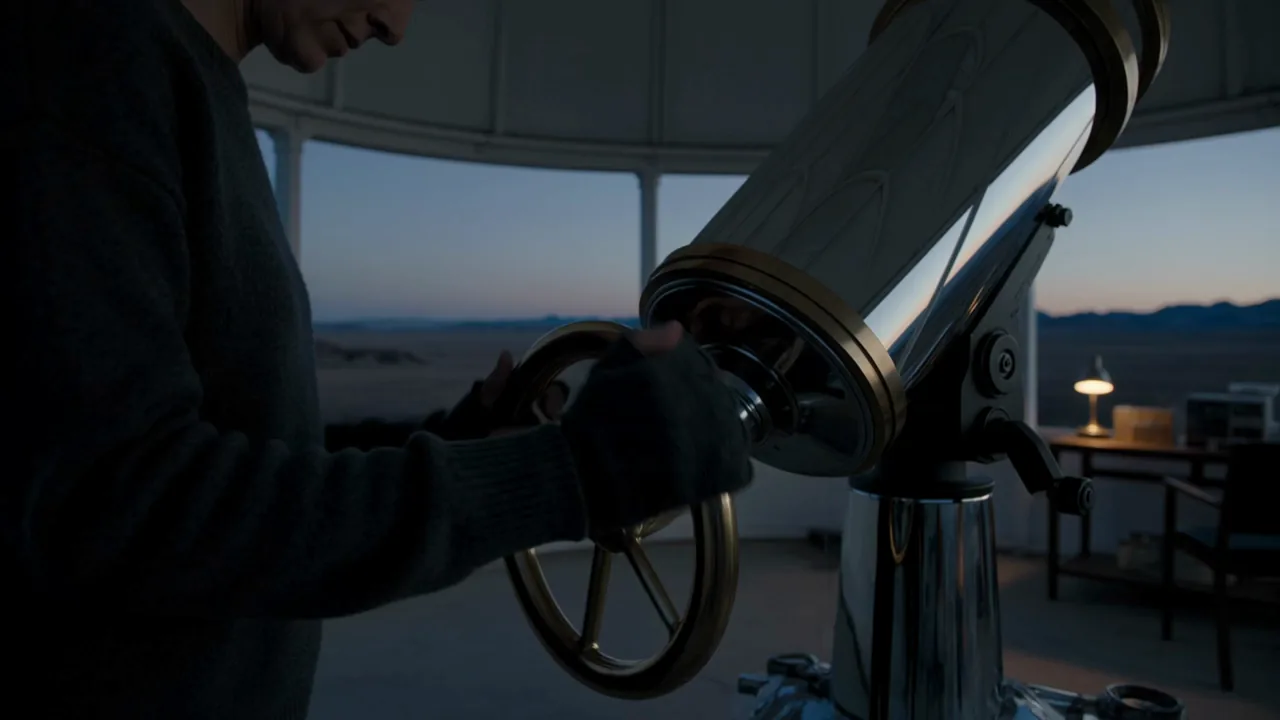
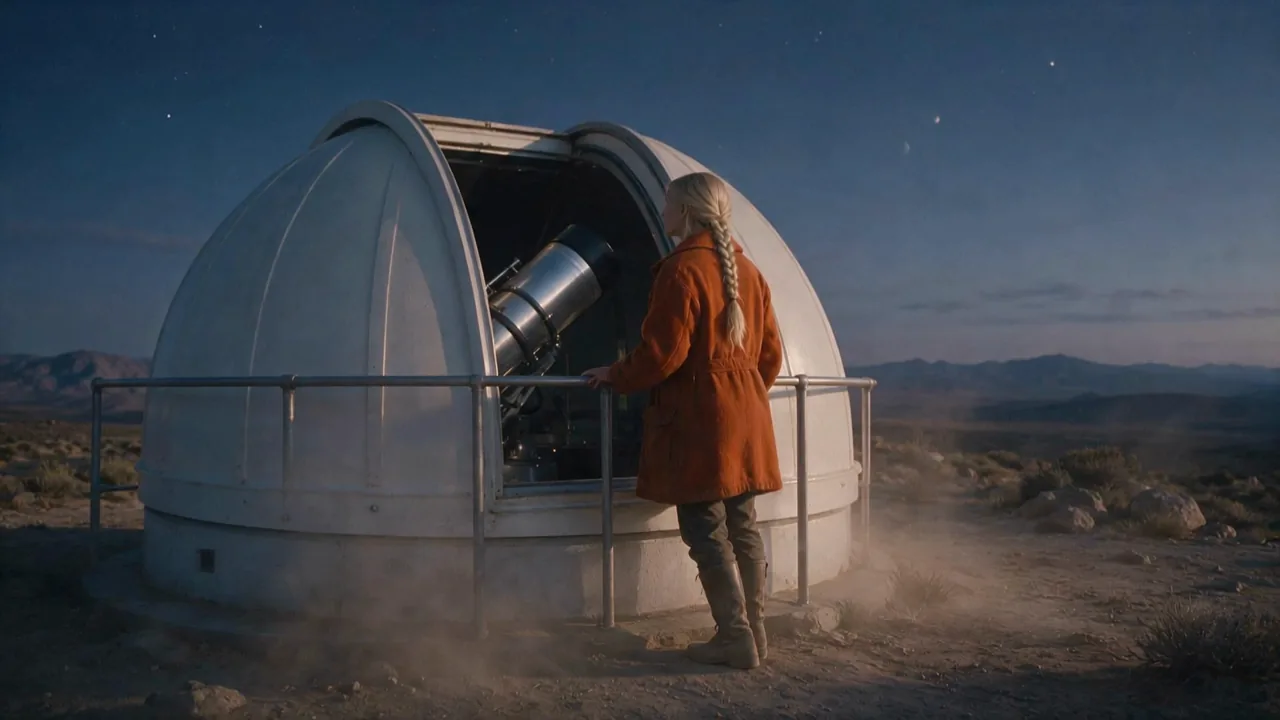
Give a portrait as @Image1 and say who it replaces. In our test the astronomer in our observatory clip became the woman from a reference portrait - hair, face and corduroy jacket - while her hand on the wheel, the turn of her head and the crane up stayed frame for frame.
Refer to your uploads in the prompt
Call the clip @Video1 and the reference images @Image1, @Image2 and so on, in the order you uploaded them. Say which one is which, then say what to change.
Sound can stay or be new
keep_original_audio is on by default and keeps the source clip's own sound. Turn it off and the model generates new, synchronized audio instead.
Length follows the source, or you set it
Leave the length on Match source and the result runs as long as your clip, rounded up to a whole second. Or pick any whole number from 3 to 30 seconds.
Request parameters
| Parameter | Required | Description |
|---|---|---|
prompt | Yes | Describe the edit. Call the source clip @Video1 and the reference images @Image1, @Image2 and so on, in upload order. at least 1 characters |
video_url | Yes | The clip to edit, MP4 or WebM, 3 to 30 seconds. The scene, the subject and the motion are kept. at least 1 characters |
reference_image_urls | No | Optional, up to 10 images of a person, an object or a style to bring in, 10 MB each. Refer to them as @Image1, @Image2 in upload order. at least 1 items · at most 10 items |
aspect_ratio | No | auto (default) follows the source clip; 16:9, 9:16, 1:1 or 21:9 set it yourself. It does not change the price. |
resolution | No | 720p (default) or 1080p. 1080p costs more per second. |
keep_original_audio | No | On by default, which keeps the source clip's own sound. Turn it off and the model generates new, synchronized audio. Default: |
duration_seconds | No | Length of the result: a whole number from 3 to 30 seconds, or -1 for Match source (default), which follows the source clip rounded up to a whole second. |
Pricing
Billed per second at the edit rate, on the output seconds plus the source clip's seconds. The source is counted as at least as long as the output, in whole seconds, up to 30 seconds. 1080p costs more per second than 720p. Reference images and the sound switch do not change the price. A refused or failed request is not charged.
| Specification | Price |
|---|---|
| $0.1128 / second |
| $0.1692 / second |
Use cases
Change the weather or the time of day
Keep a shot you already like and turn a sunny afternoon into snow, rain or dusk without filming it again.
Swap the setting or the style
Move the same performance into a different place, or restyle a clip while the movement stays put.
Bring in a person or an object
Add reference images when the edit needs something the source never showed, such as a specific jacket, a car or a character.
Prompt guide & pro tips
Say what must stay the same
Name the parts to protect: "keep the man, his movements and the camera move as they are". Then describe the change. This keeps the model from redoing more than you intended.
Expect a slightly longer clip on Match source
With the length on Match source, the result is the source length rounded up to a whole second, and the model carries the motion on for that last fraction. A 5.04 second source came back as a 6.04 second clip in our test. The source's own sound ends a moment before the picture.
Use references only for what is new
Reference images are for something the clip does not already contain. For a change like weather or time of day, the prompt alone is usually enough.
Match the 1080p choice to the job
Draft at 720p to check the change, then render at 1080p once the result is right. 1080p costs more per second.
API quick start
# Generate the idempotency key once; reuse it when retrying after a lost response.
export SPICY_IDEMPOTENCY_KEY="${SPICY_IDEMPOTENCY_KEY:-$(uuidgen)}"
curl -X POST https://api.spicyapi.ai/api/v1/jobs/createTask \
  -H "Authorization: Bearer $SPICY_API_KEY" \
  -H "Content-Type: application/json" \
  -H "Idempotency-Key: $SPICY_IDEMPOTENCY_KEY" \
  -d '{
  "model": "kling/4.0/video-edit",
  "input": {
    "aspect_ratio": "auto",
    "duration_seconds": -1,
    "prompt": "A slow aerial shot drifting over a misty pine forest at sunrise",
    "resolution": "720p",
    "video_url": "https://example.com/reference.mp4"
  }
}'

# Copy data.taskId from the response into TASK_ID, then poll the status.
TASK_ID="TASK_ID_FROM_RESPONSE"
curl "https://api.spicyapi.ai/api/v1/jobs/recordInfo?taskId=$TASK_ID" \
  -H "Authorization: Bearer $SPICY_API_KEY"
See the API reference for authentication, the complete schema, polling, and error handling.