Introduction
Kling 4.0 Image to video animates your opening frame into a clip of 3 to 30 seconds at 720p or 1080p. Add a closing frame to pin where it ends, and up to 8 in-between frames, in order, to direct the path between the two. The prompt is optional; every clip comes back with a stereo soundtrack.
Choose a Kling 4.0 mode by starting material
| What you have at the start | Mode |
|---|---|
| a written scene or script | Kling 4.0 Text to video |
| an opening frame, and optionally a closing frame and in-between frames | Kling 4.0 Image to video (you are here) |
| photos, clips or voice samples to cast from | Kling 4.0 Reference to video |
Key features & highlights
First frame, in-between frames, last frame
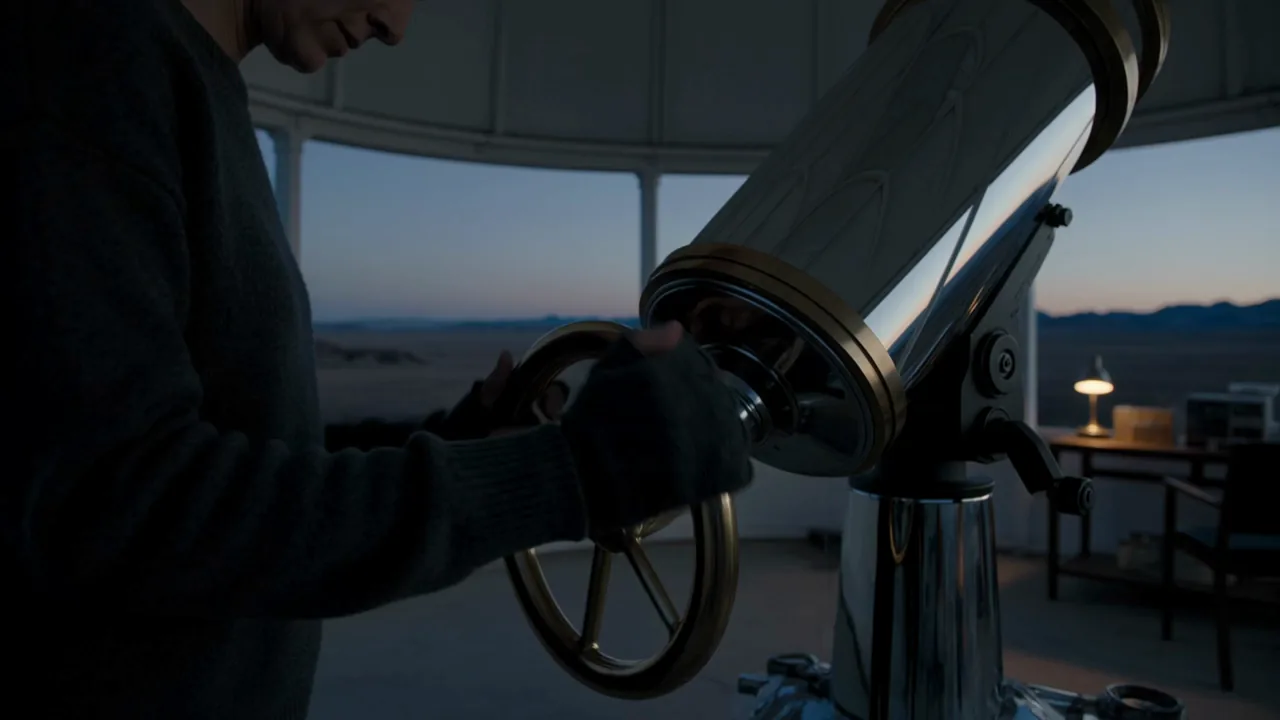
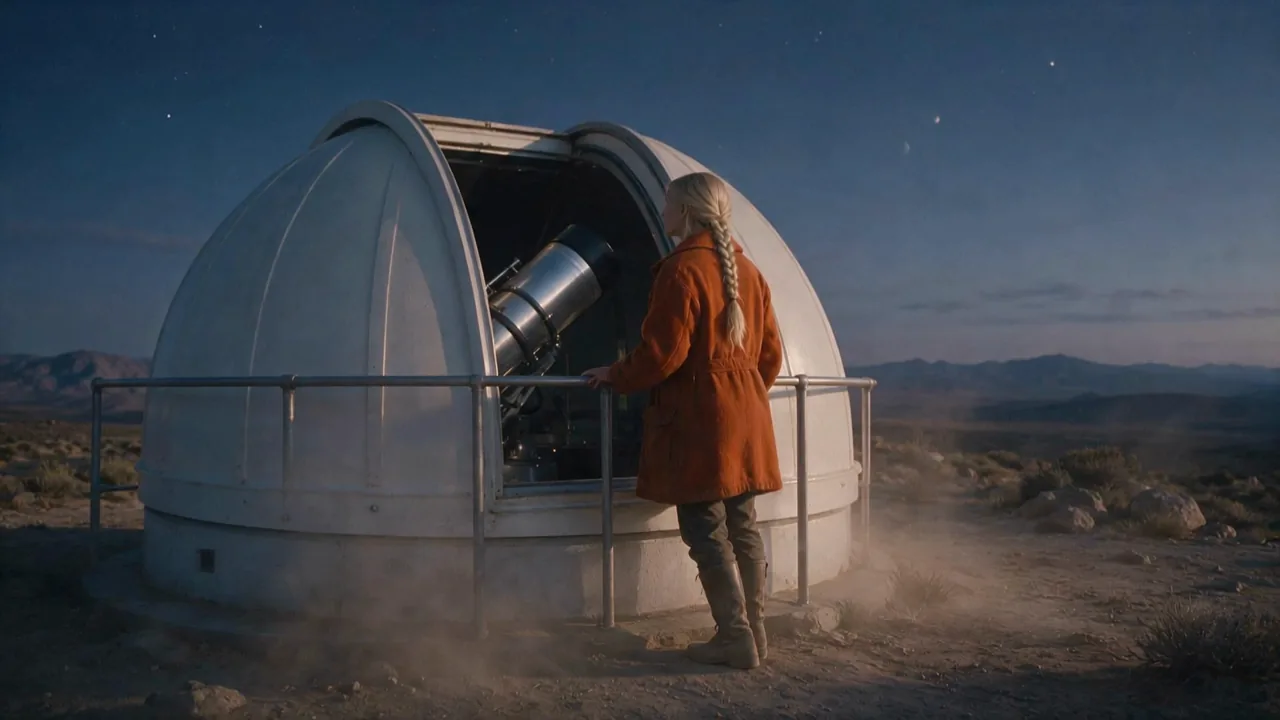
image_url sets the opening, last_image_url the ending and keyframe_image_urls the beats in between, in the order they should appear. In our test an astronomer at a telescope (opening), bending to the eyepiece (in-between) and leaning on the railing with her arms crossed (closing) came back as one continuous 3-second move through all three poses.
The shape follows your frame
Leave aspect_ratio on auto and the clip keeps the opening frame's shape; pick 16:9, 9:16, 1:1 or 21:9 to override it.
Sound comes with it
Every clip carries a two-channel soundtrack. Describe the sound in the prompt to steer it.
Request parameters
| Parameter | Required | Description |
|---|---|---|
prompt | No | Optional. Describe what happens after the opening frame - the action, the camera and the sound. at least 1 characters |
image_url | Yes | The opening frame, JPEG or PNG. The clip starts from this image. |
last_image_url | No | Optional closing frame. The clip ends on this image; keep the same character, set and camera position as the opening frame. |
keyframe_image_urls | No | Optional in-between frames, up to 8, in the order they should appear between the opening and the closing frame. They are not named in the prompt and do not change the price. at least 1 items · at most 8 items |
aspect_ratio | No | auto (default) keeps the opening frame's shape; 16:9, 9:16, 1:1 or 21:9 override it. It does not change the price. |
resolution | No | 720p or 1080p (default 720p). 1080p costs more per second. |
duration_seconds | No | Whole seconds, 3 to 30 (default 5). Drives the price. |
Pricing
Billed per second of output. 1080p costs more per second than 720p. Every clip comes with a stereo soundtrack at no extra charge. A refused or failed request is not charged.
| Specification | Price |
|---|---|
| $0.216 / second |
| $0.324 / second |
Use cases
Bring a still to life
A portrait, a product shot or a frame from an earlier clip - describe only what happens next and the look, wardrobe and setting come from your image.
Storyboard to motion
Draw or generate the key poses of a shot, upload them as opening, in-between and closing frames, and the model fills the motion between them.
Continue a scene
Take the last frame of a previous clip as the opening frame of the next one to keep a character and a set consistent across shots.
Prompt guide & pro tips
Keep your frames consistent
Opening, in-between and closing frames should share the same character, wardrobe, set and camera position. Frames that disagree force a cut or a morph.
Describe the motion, not the picture
The image already shows what everything looks like. Spend the prompt on the action, the camera move and the sound.
Fewer, clearer keyframes
Each in-between frame is a point the clip must pass through. For a short clip one or two are enough; too many in a few seconds make the motion rushed.
API quick start
# Generate the idempotency key once; reuse it when retrying after a lost response.
export SPICY_IDEMPOTENCY_KEY="${SPICY_IDEMPOTENCY_KEY:-$(uuidgen)}"
curl -X POST https://api.spicyapi.ai/api/v1/jobs/createTask \
  -H "Authorization: Bearer $SPICY_API_KEY" \
  -H "Content-Type: application/json" \
  -H "Idempotency-Key: $SPICY_IDEMPOTENCY_KEY" \
  -d '{
  "model": "kling/4.0/image-to-video",
  "input": {
    "aspect_ratio": "auto",
    "duration_seconds": 5,
    "image_url": "https://example.com/reference.png",
    "prompt": "A slow aerial shot drifting over a misty pine forest at sunrise",
    "resolution": "720p"
  }
}'

# Copy data.taskId from the response into TASK_ID, then poll the status.
TASK_ID="TASK_ID_FROM_RESPONSE"
curl "https://api.spicyapi.ai/api/v1/jobs/recordInfo?taskId=$TASK_ID" \
  -H "Authorization: Bearer $SPICY_API_KEY"
See the API reference for authentication, the complete schema, polling, and error handling.