Introduction
Kling 4.0 Text to video turns a written brief into a clip of 3 to 30 seconds at 720p or 1080p, in 16:9, 9:16, 1:1 or 21:9 ultrawide. Every clip comes back with a stereo soundtrack generated in the same pass: dialogue you write in quotes, effects and ambience. There is no audio switch and no extra charge for it.
Choose a Kling 4.0 mode by starting material
| What you have at the start | Mode |
|---|---|
| a written scene or script | Kling 4.0 Text to video (you are here) |
| an opening frame, and optionally a closing frame and in-between frames | Kling 4.0 Image to video |
| photos, clips or voice samples to cast from | Kling 4.0 Reference to video |
Key features & highlights
Up to 30 seconds in one take
Lengths run from 3 to 30 whole seconds, twice the ceiling of Kling 3.0. A long take lets a scene breathe - a slow crane, a full walk across a set - without stitching shorter clips together.
Sound is always on
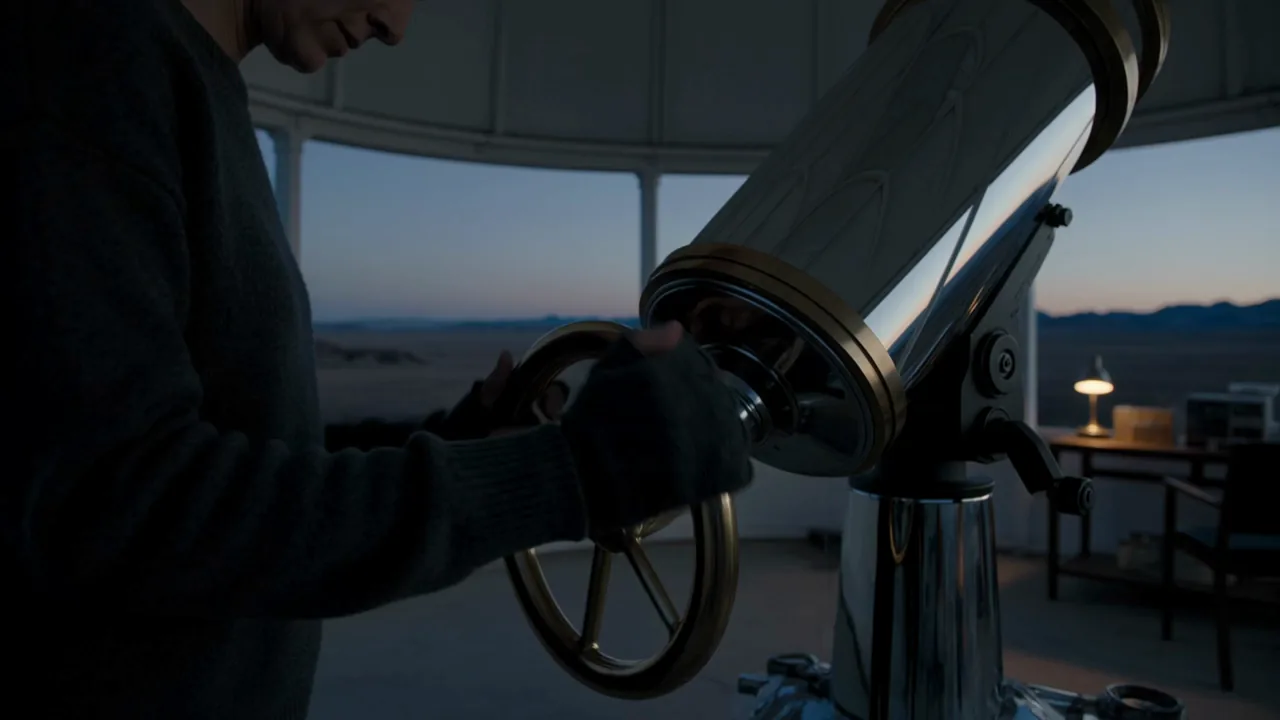
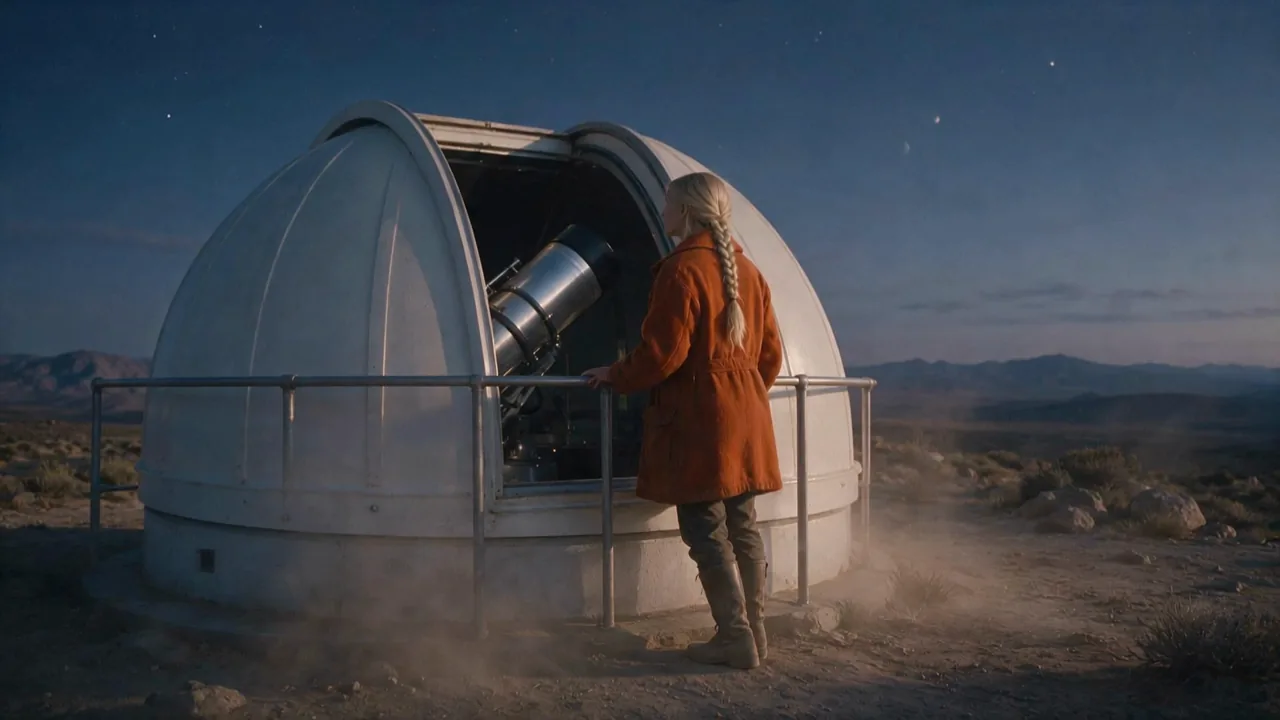
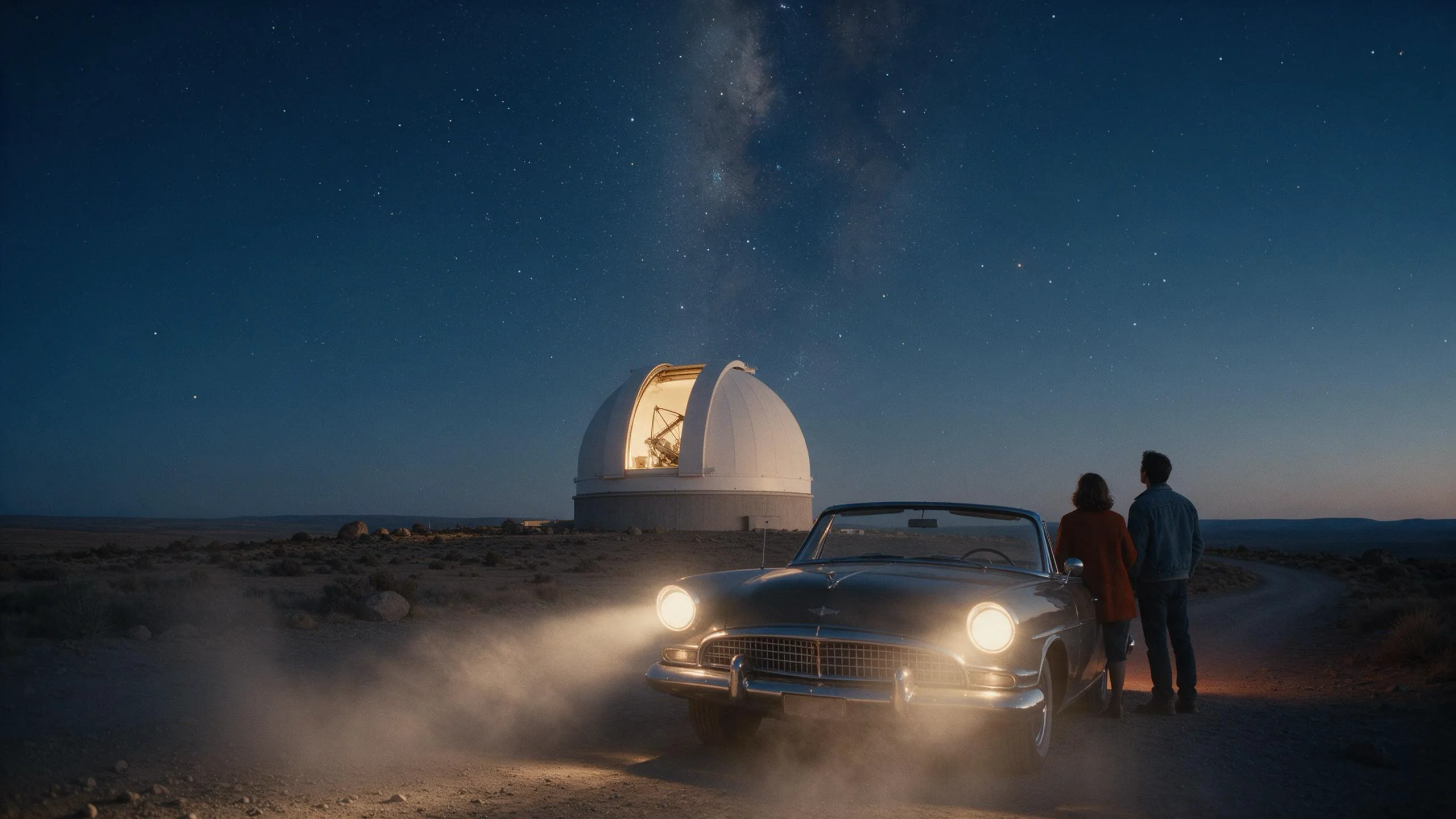
Each clip carries a two-channel soundtrack. In our tests the dome motor's rumble, wind and a whispered line all came back from the prompt's Sound: line, timed to the picture.
21:9 ultrawide
Besides 16:9, 9:16 and 1:1, Kling 4.0 renders a true 21:9 frame. Our 1080p ultrawide test came back at 2200x940.
Request parameters
| Parameter | Required | Description |
|---|---|---|
prompt | Yes | Describe the subject, the action, the camera and the sound. Put spoken lines in quotes and the sound on its own line. at least 1 characters |
aspect_ratio | No | 16:9 (default), 9:16, 1:1 or 21:9 ultrawide. It does not change the price. |
resolution | No | 720p or 1080p (default 720p). 1080p costs more per second. |
duration_seconds | No | Whole seconds, 3 to 30 (default 5). Drives the price. |
Pricing
Billed per second of output. 1080p costs more per second than 720p. Every clip comes with a stereo soundtrack at no extra charge. A refused or failed request is not charged.
| Specification | Price |
|---|---|
| $0.216 / second |
| $0.324 / second |
Use cases
Establishing shots with sound
A landscape, a building, a road at dusk - write the place, the light, one camera move and the ambience, and the clip is usable as an opener with its sound already in place.
Short scenes with a spoken line
Put the line in quotes after the action. One clear line per clip is easier for the model to time than overlapping dialogue.
Vertical clips for social
Choose 9:16 and frame the subject in the centre third; the model composes for the vertical frame instead of cropping a wide shot.
Prompt guide & pro tips
Write it in the order it happens
Subject and wardrobe, action, camera move, look, then a separate Sound: line. Our observatory example follows exactly that order.
Draft short, then go long
Generation is slow - a 3-second test took two to four minutes, and requests run one after another rather than in parallel. Find the framing with 3 to 5 seconds at 720p, then render the long or 1080p version.
Describe the sound you want
Because audio is always generated, leaving sound out of the prompt does not give you silence - it gives you whatever the model picks. Name the ambience you want, or say "quiet room tone".
API quick start
# Generate the idempotency key once; reuse it when retrying after a lost response.
export SPICY_IDEMPOTENCY_KEY="${SPICY_IDEMPOTENCY_KEY:-$(uuidgen)}"
curl -X POST https://api.spicyapi.ai/api/v1/jobs/createTask \
  -H "Authorization: Bearer $SPICY_API_KEY" \
  -H "Content-Type: application/json" \
  -H "Idempotency-Key: $SPICY_IDEMPOTENCY_KEY" \
  -d '{
  "model": "kling/4.0/text-to-video",
  "input": {
    "prompt": "A slow aerial shot drifting over a misty pine forest at sunrise",
    "resolution": "720p",
    "aspect_ratio": "16:9",
    "duration_seconds": 5
  }
}'

# Copy data.taskId from the response into TASK_ID, then poll the status.
TASK_ID="TASK_ID_FROM_RESPONSE"
curl "https://api.spicyapi.ai/api/v1/jobs/recordInfo?taskId=$TASK_ID" \
  -H "Authorization: Bearer $SPICY_API_KEY"
See the API reference for authentication, the complete schema, polling, and error handling.