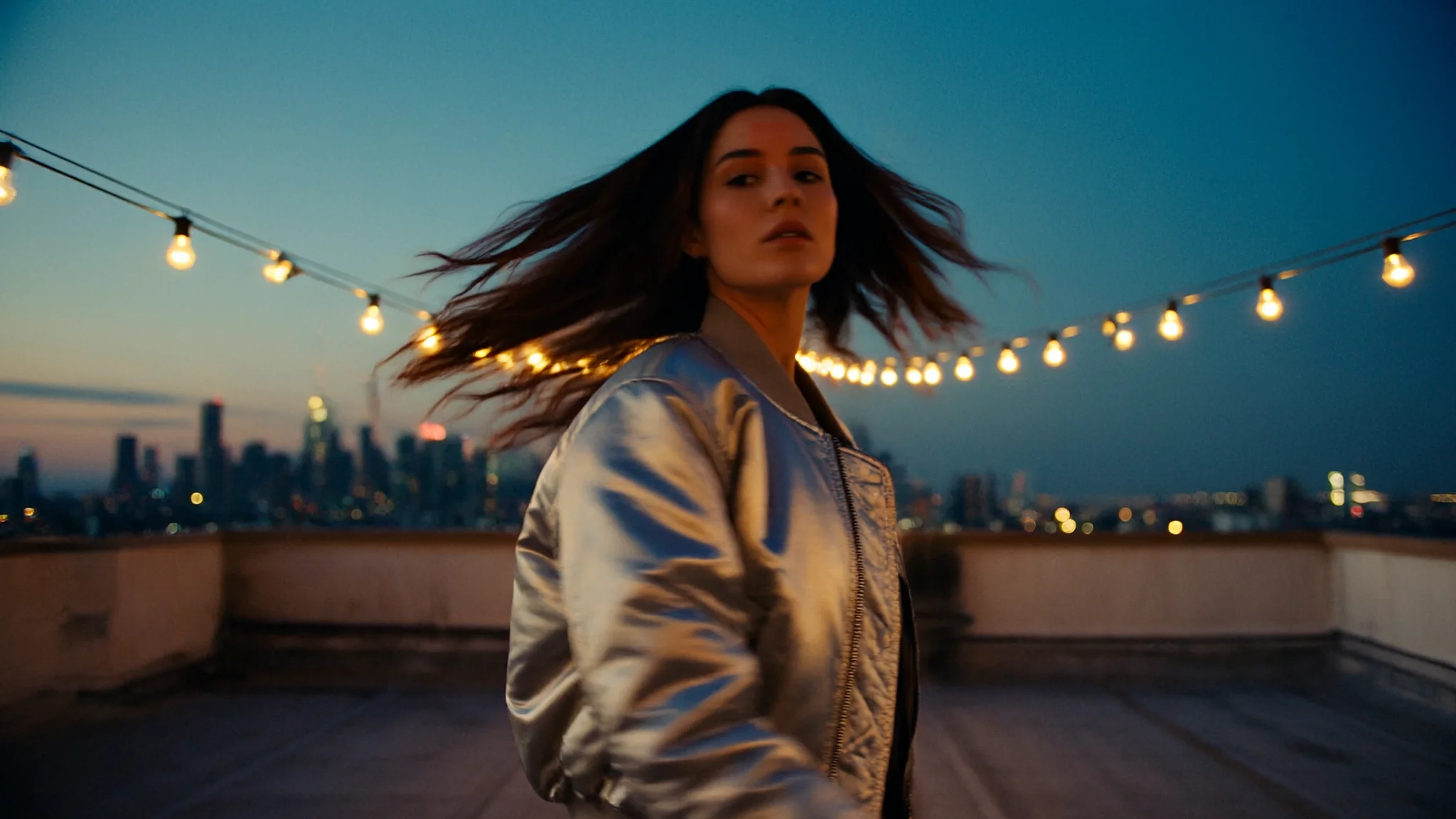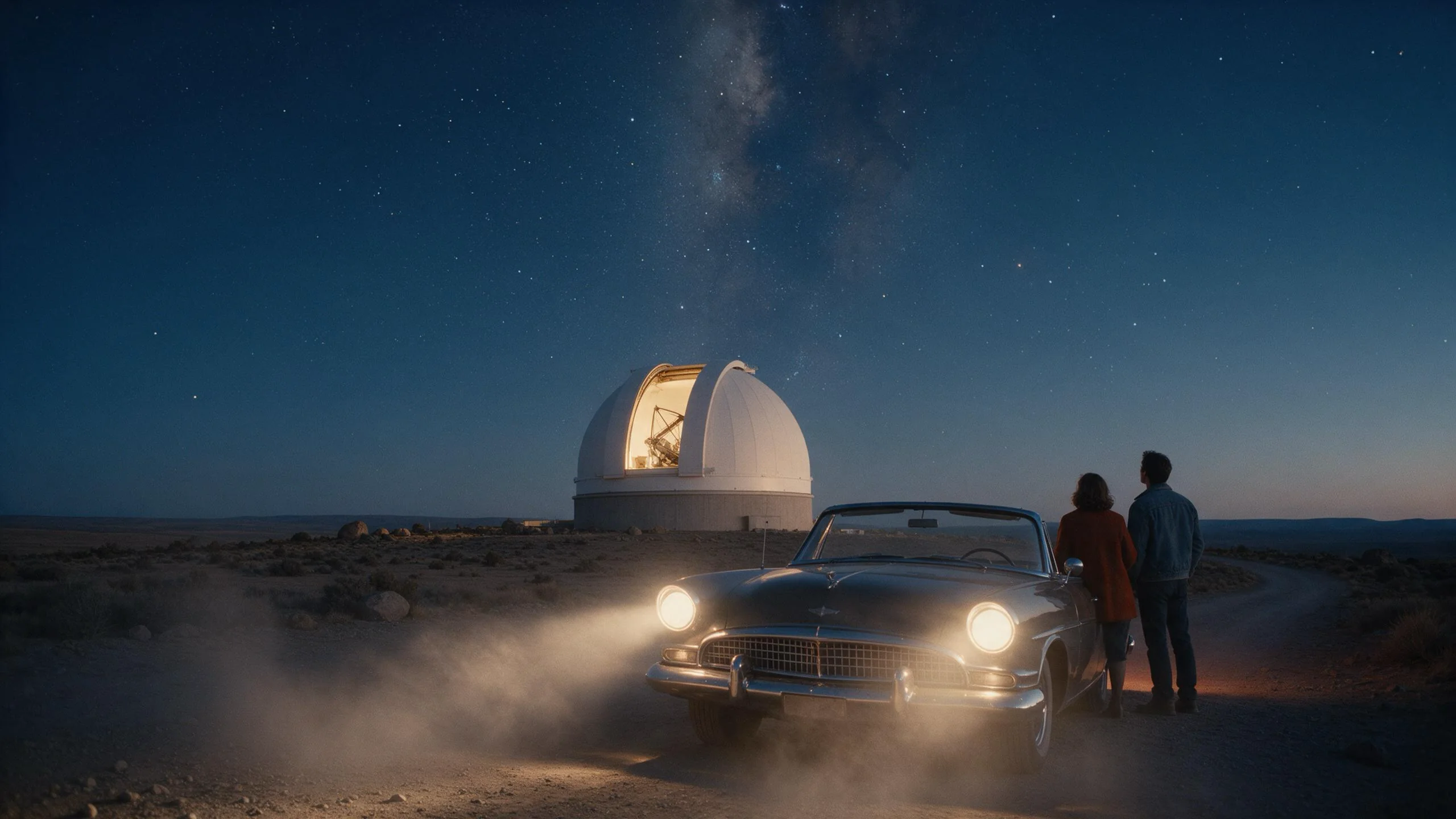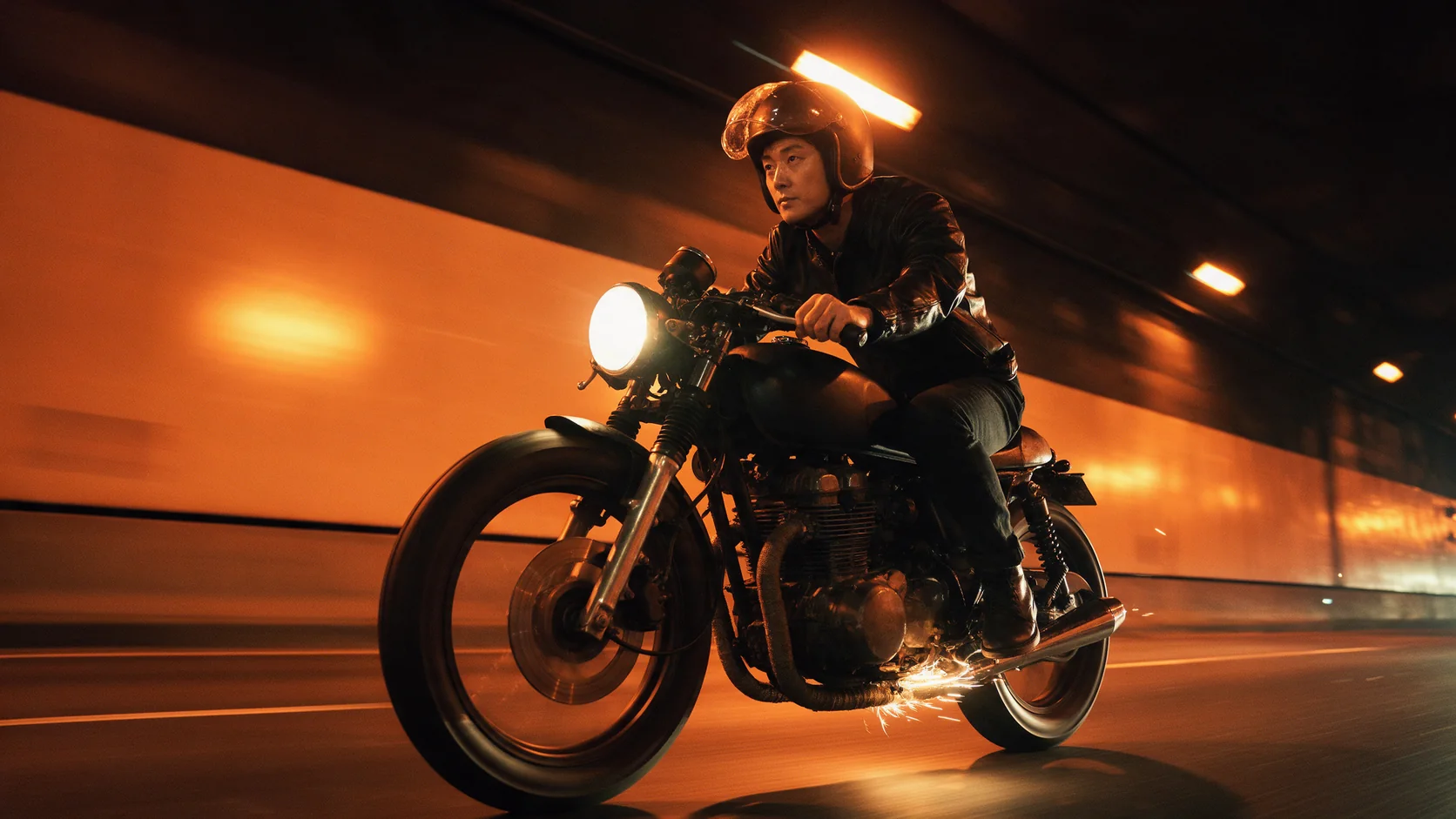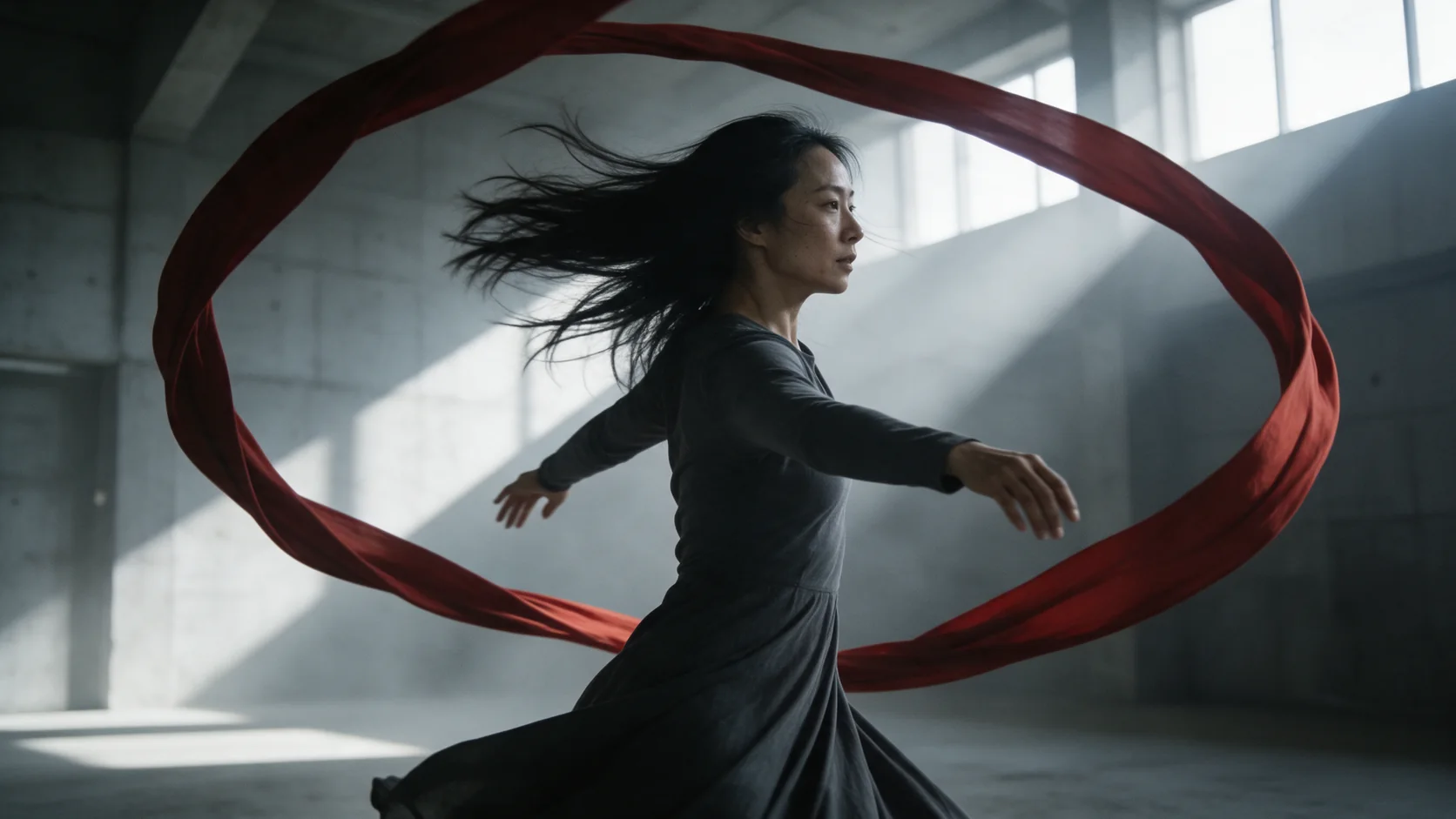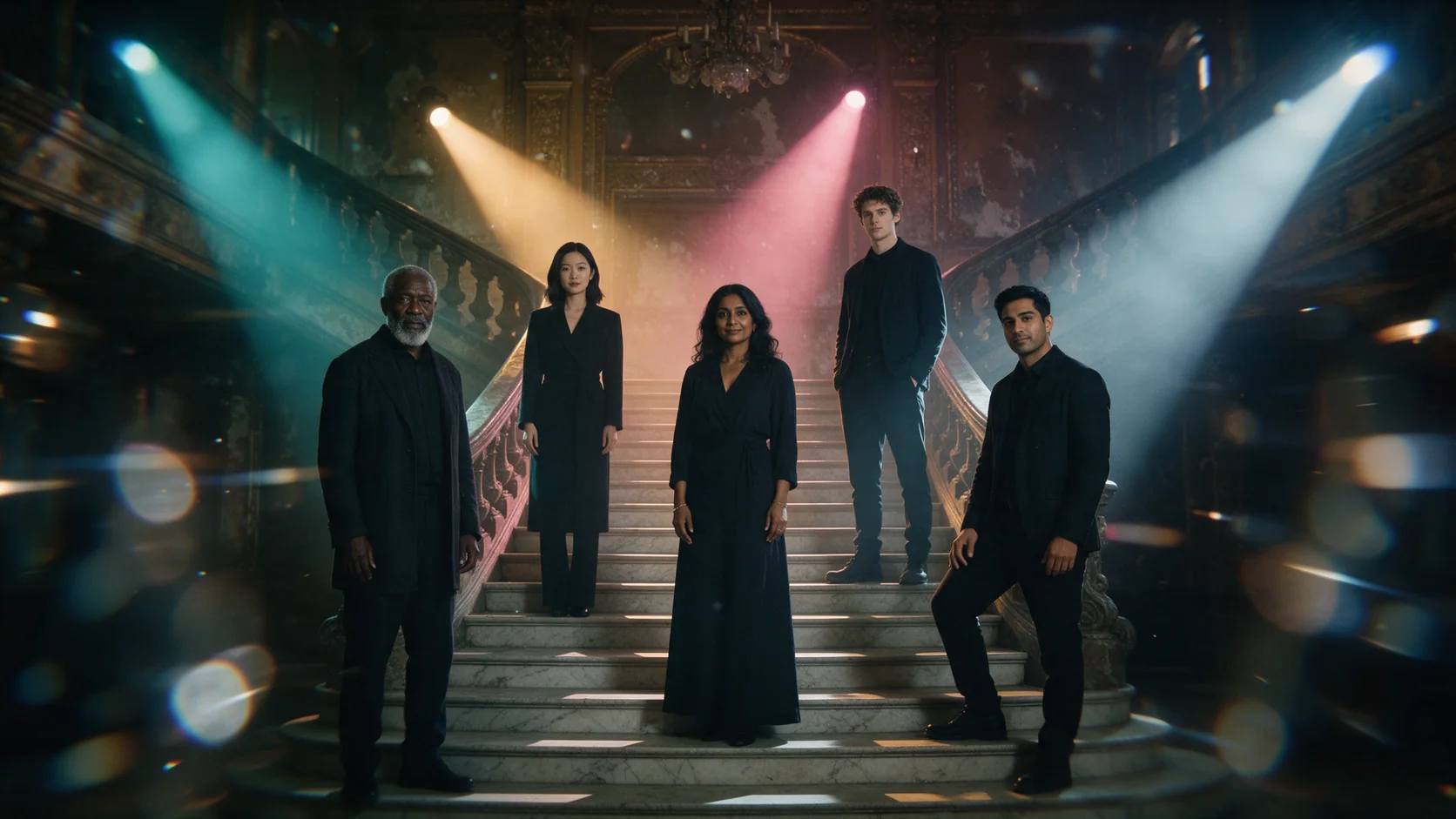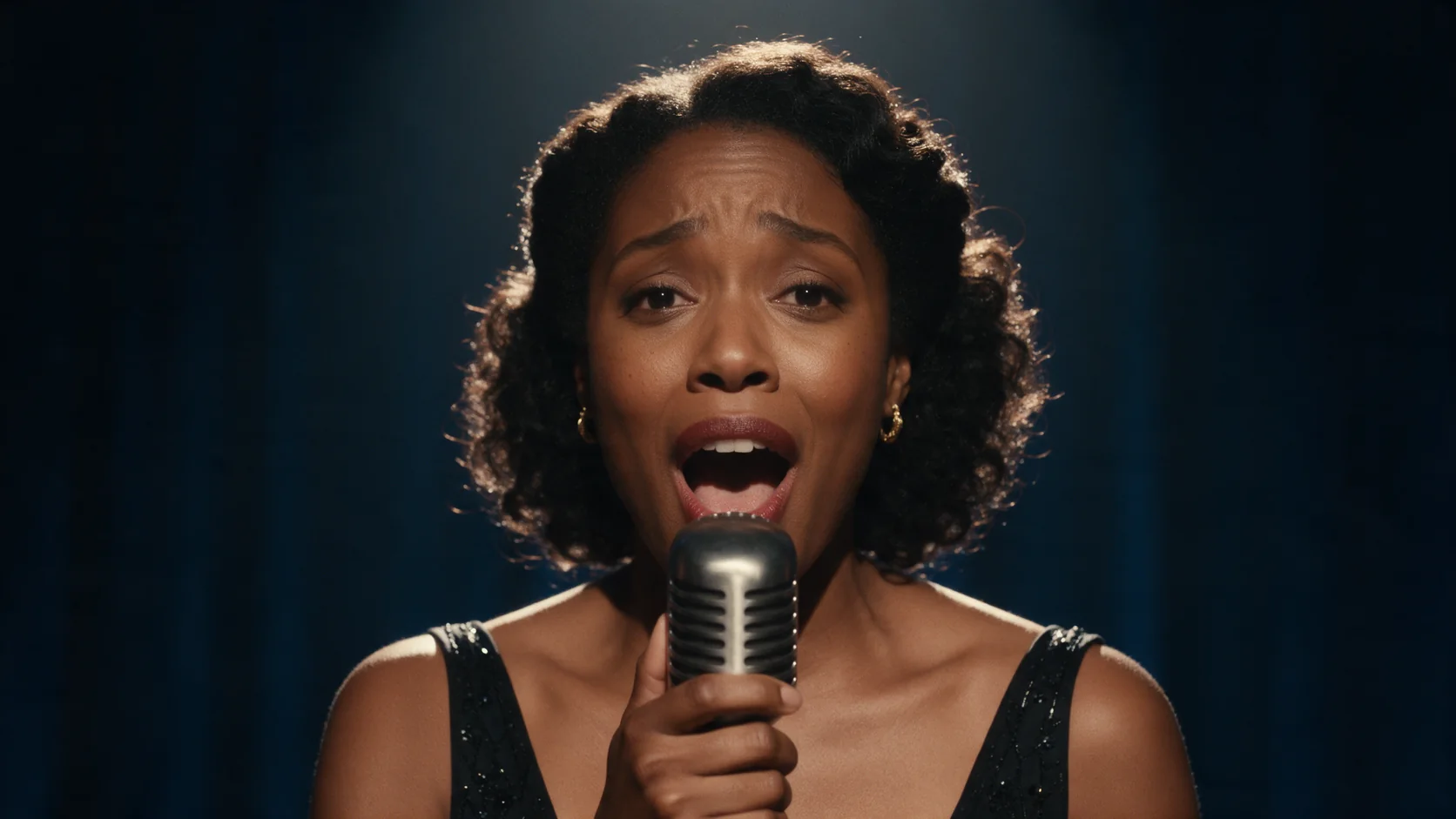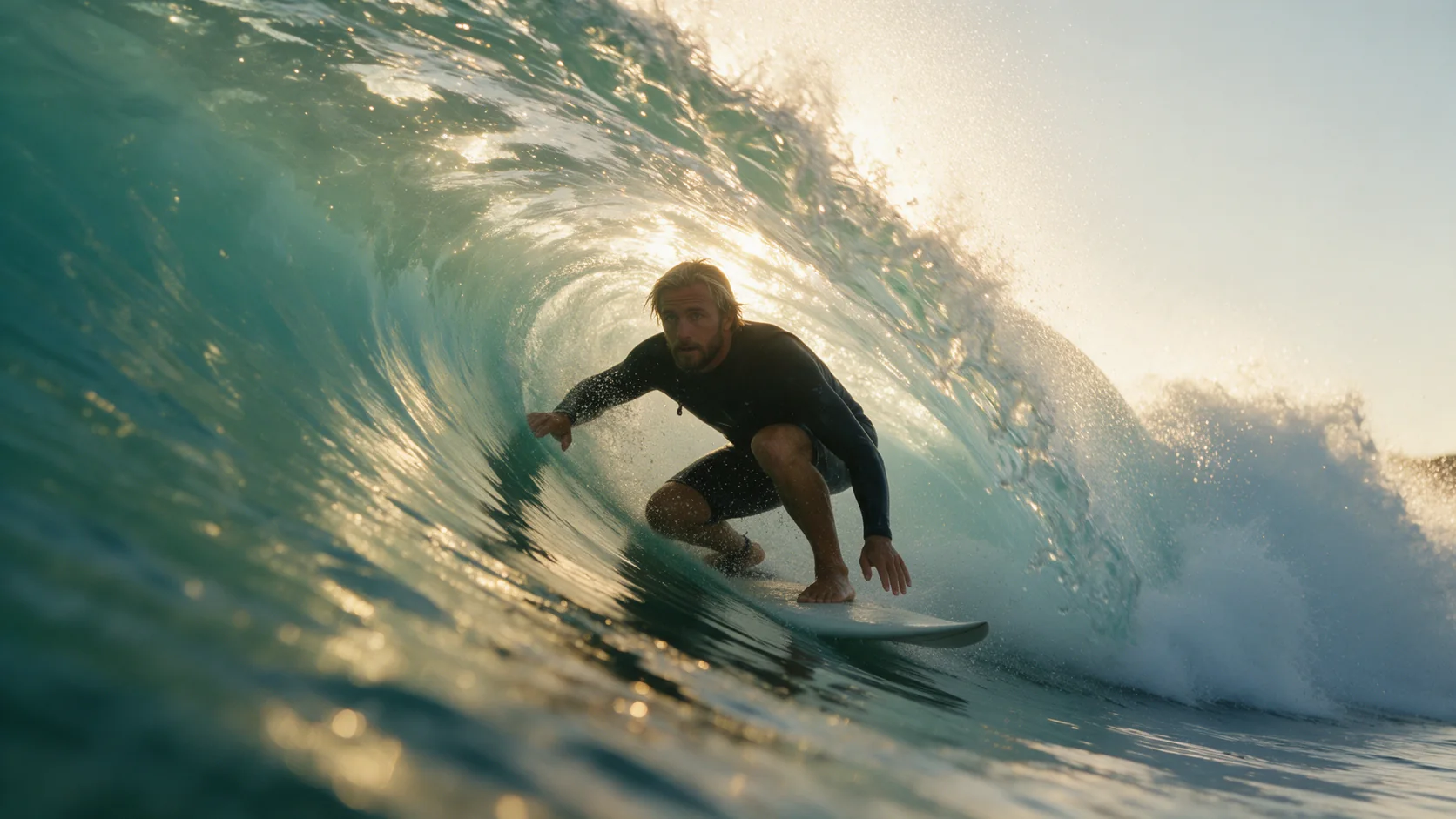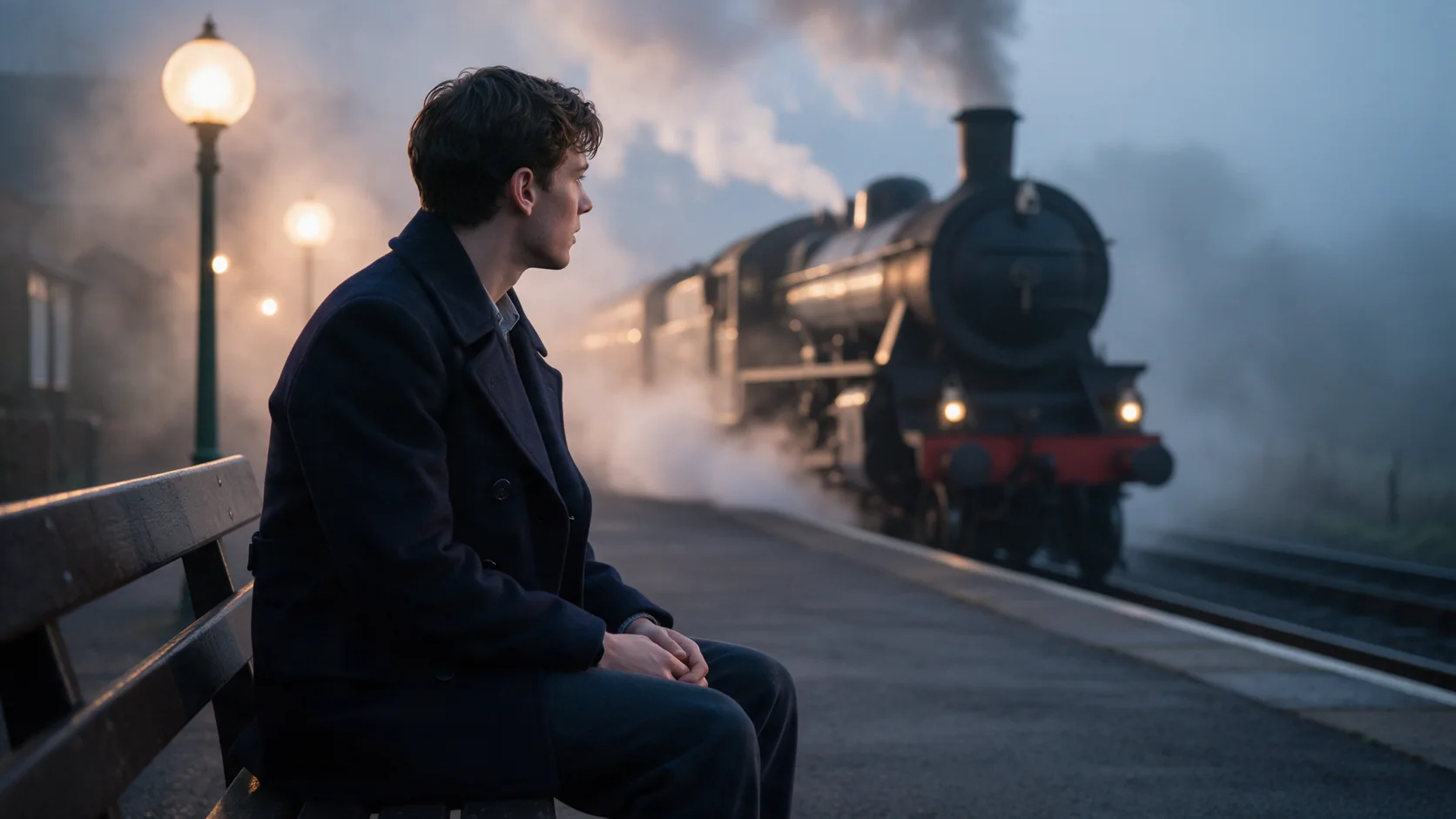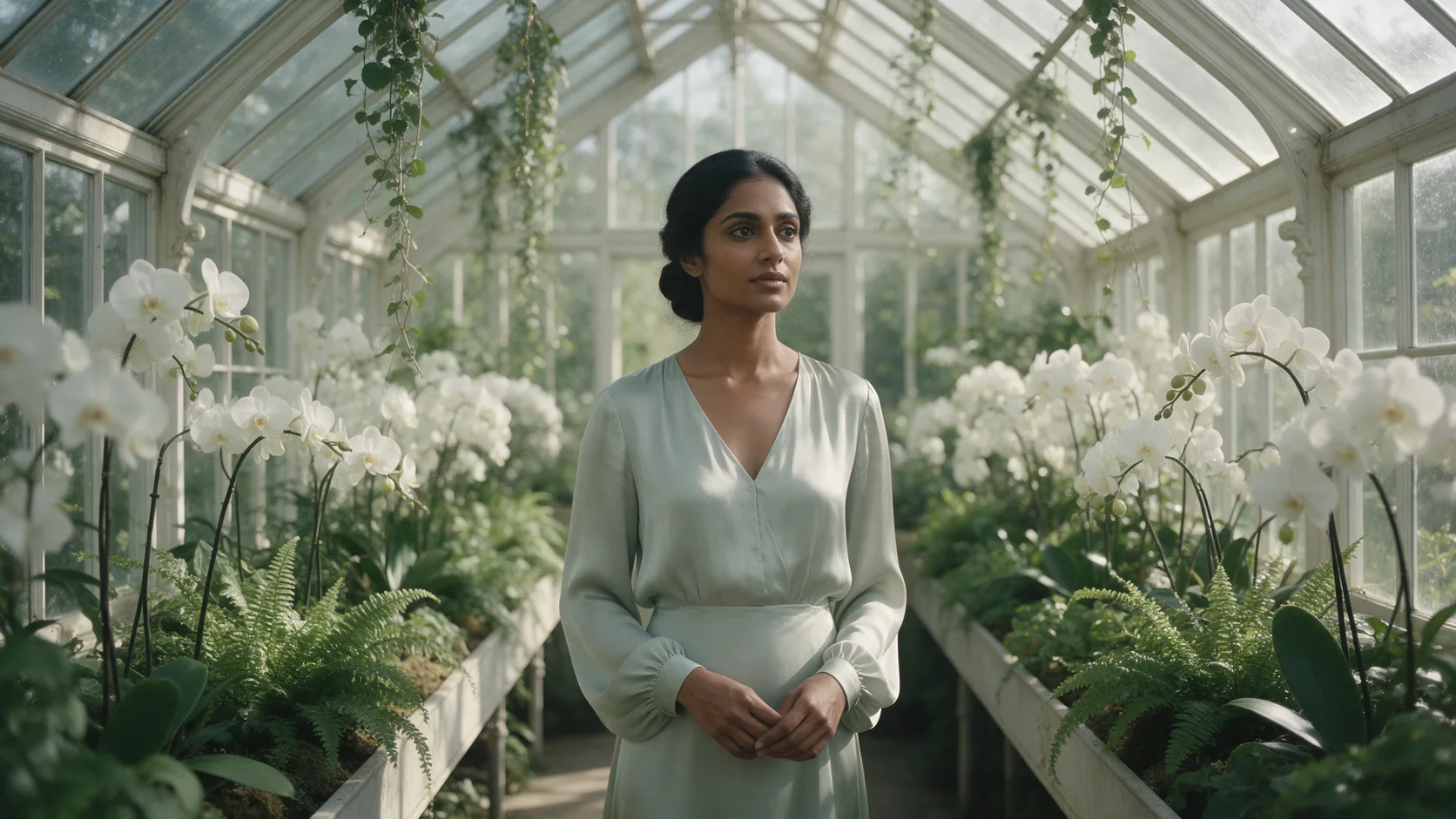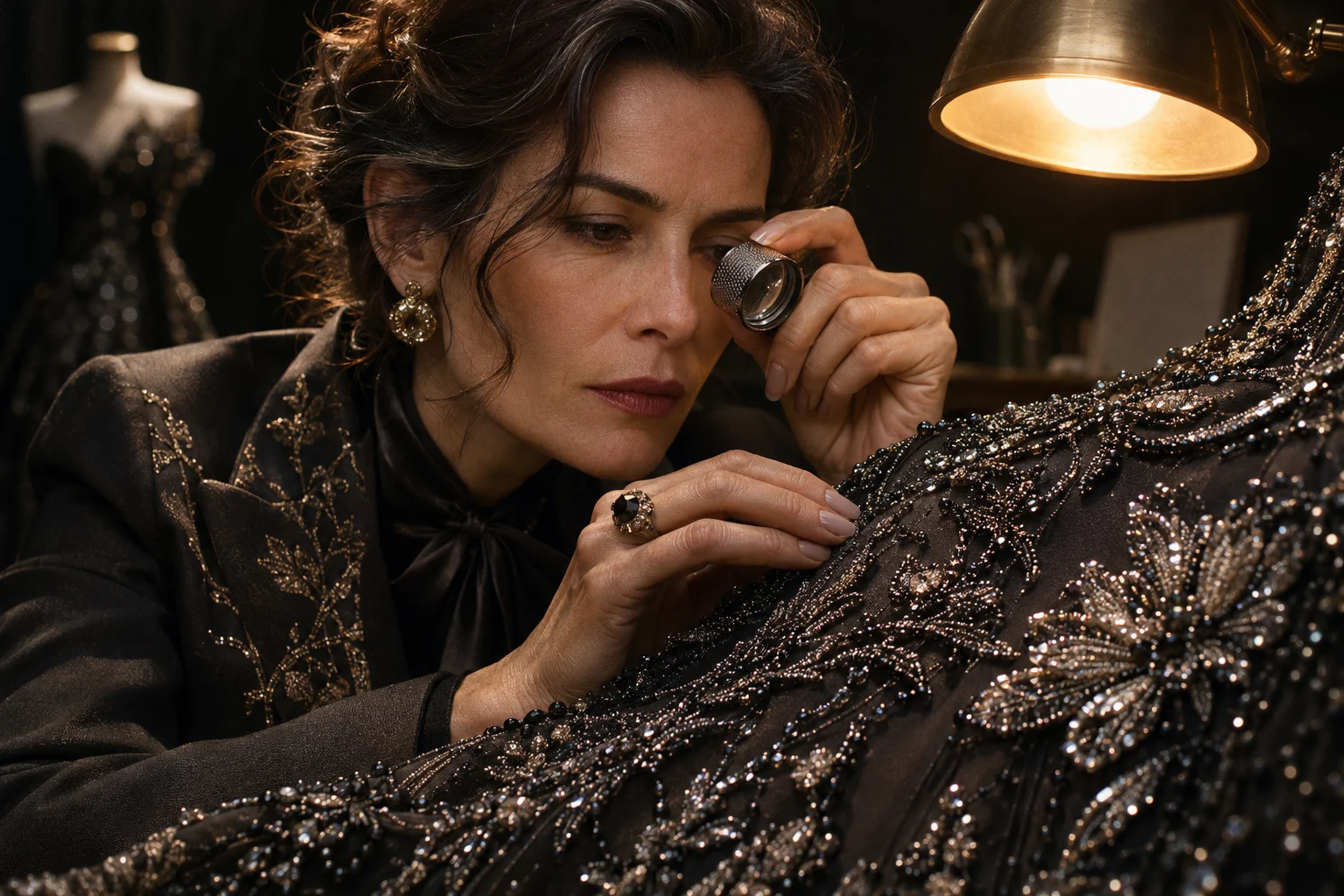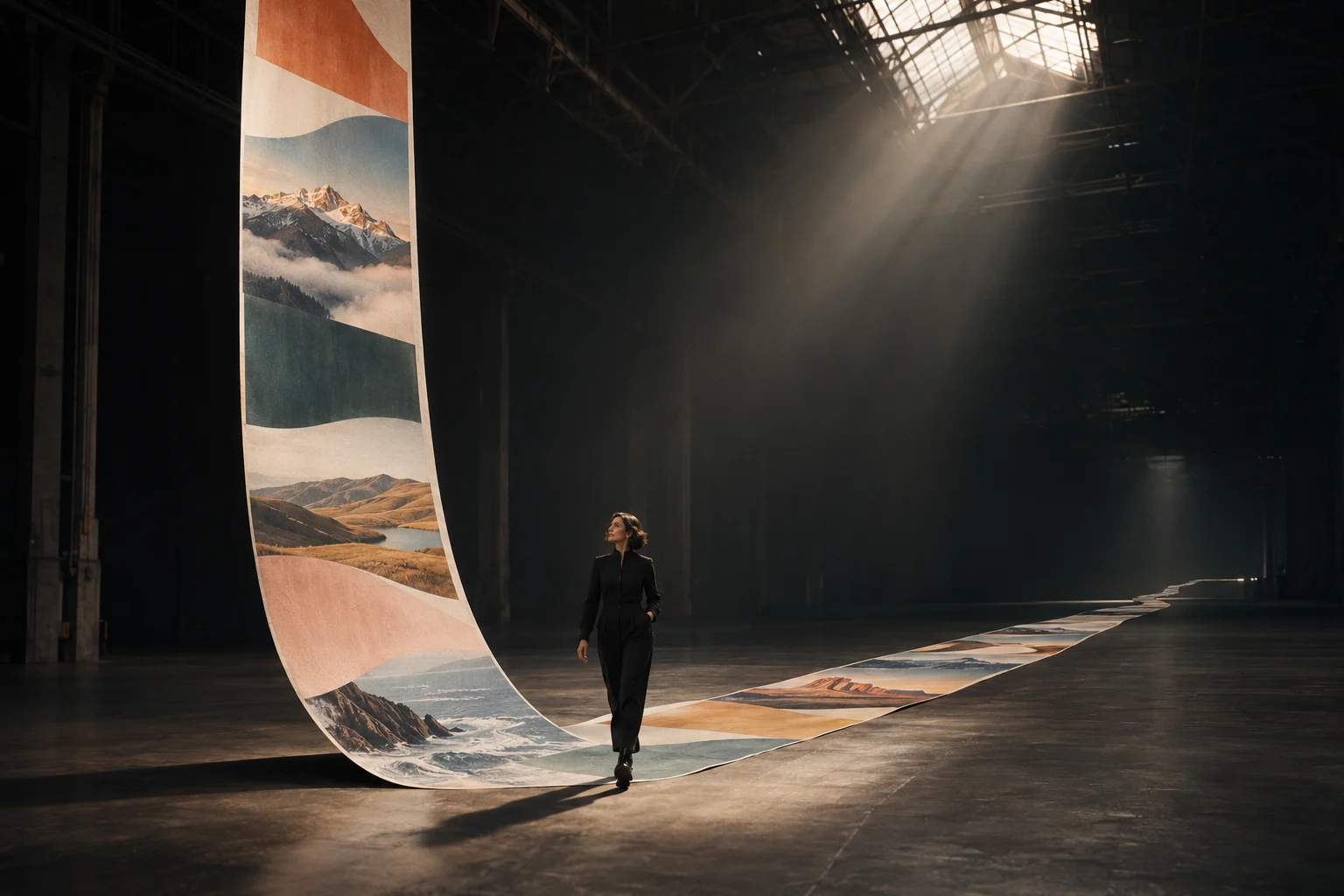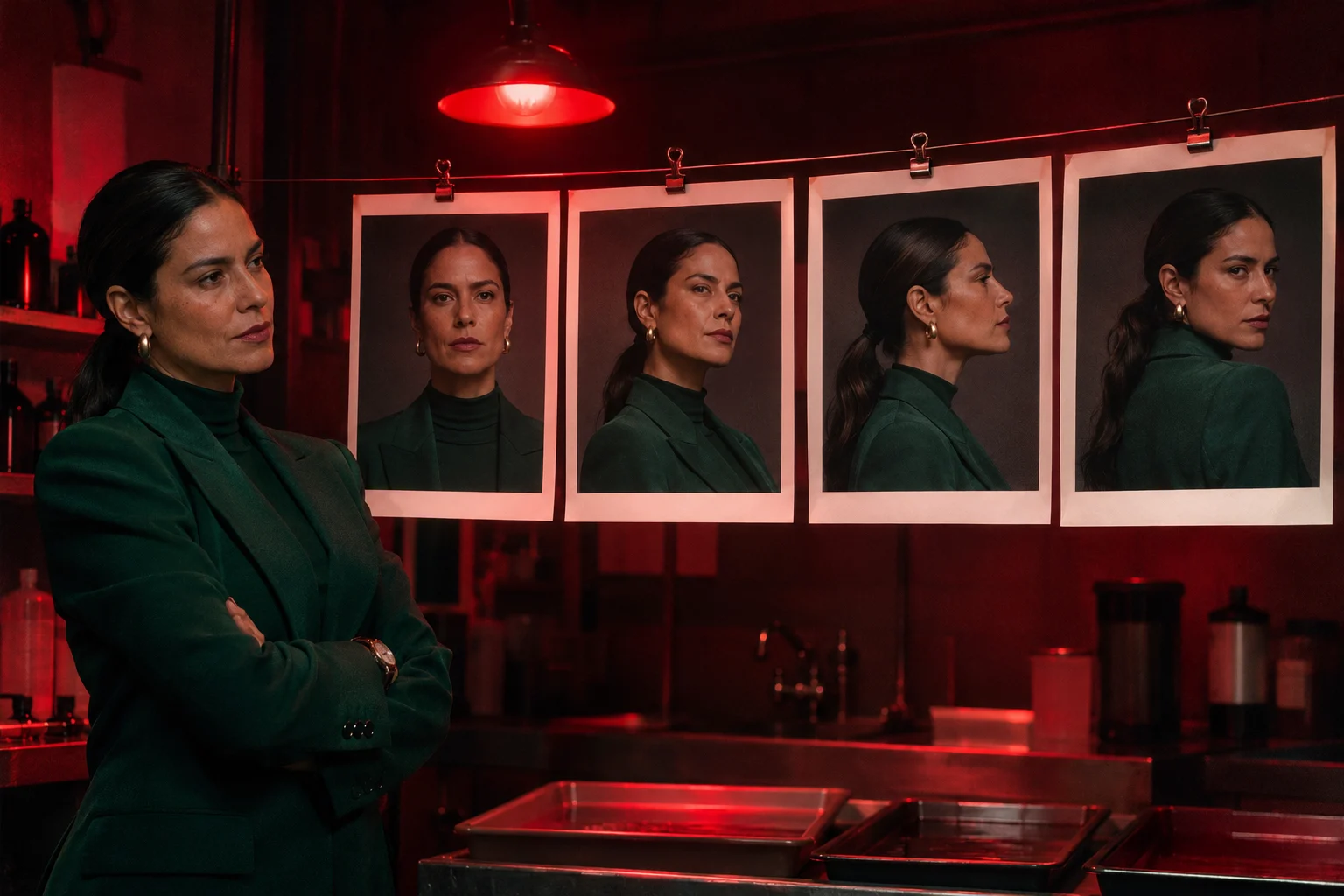
Kling 2.6 Motion Control copies a driving clip's moves, expressions and gestures onto your own character photo. Choose 720p or 1080p; the result matches the driving clip's length (3 to 30 seconds) and has no audio.

From $0.069/s

Workbench

Input

Character animation
169/2500
Optional. Use it only for what the driving clip doesn't already show - the setting to keep, a detail of wardrobe, anything you want held constant. at most 2500 characters
1/1

Drop files or media links, paste, or browse · 1 file · Max 10 MB · JPG · PNG

  • 1
1 / 1 files
The image_url supplied to Kling 2.6 fixes the character’s appearance; use a clear image with enough room for the requested movement, and let the prompt describe the action.
1/1

Drop a video here, or browse · 1 file · Max 90 MB · MP4 · WEBM

  • 1
1 / 1 files
For Kling 2.6 Motion Control, video_url supplies the performance to transfer: use a 3–30 second driving clip and check that both inputs meet the stated image-size requirements.
affects price
720p or 1080p. Higher tiers cost more per second.
Safety checkerOff

SpicyAPI does not run a safety checker on this model. Your prompt and media go to the model as written, and the model itself decides what comes back.

Checking your account before enabling submission and pricing.

Output

Ready for a new run
Example result

Missing the model you need?

KLING'S FIRST NATIVE-AUDIO MODEL

Kling 2.6 API at a glance

Fixed 1080p, 5 or 10 seconds, sound built in when you want it.

Native-audio Kling model
1ST
Kling's first model with sound generated in the same pass as the picture.
Fixed resolution
1080P
Text-to-video and image-to-video always render at 1080p - there's no tier to pick.
Clip length
5/10S
Fixed at 5 or 10 seconds on the text and image endpoints.
Motion Control input
30S
Drive a character with a clip up to 30 seconds long; the result matches its length.
Ways to start
3
A written scene, your own opening frame, or a driving video.
Sound by default
OFF
generate_audio starts off; switch it on when a clip needs a soundtrack.

Results

What you can make with Kling 2.6

  • Sound in the same pass

    The soundtrack renders with the picture

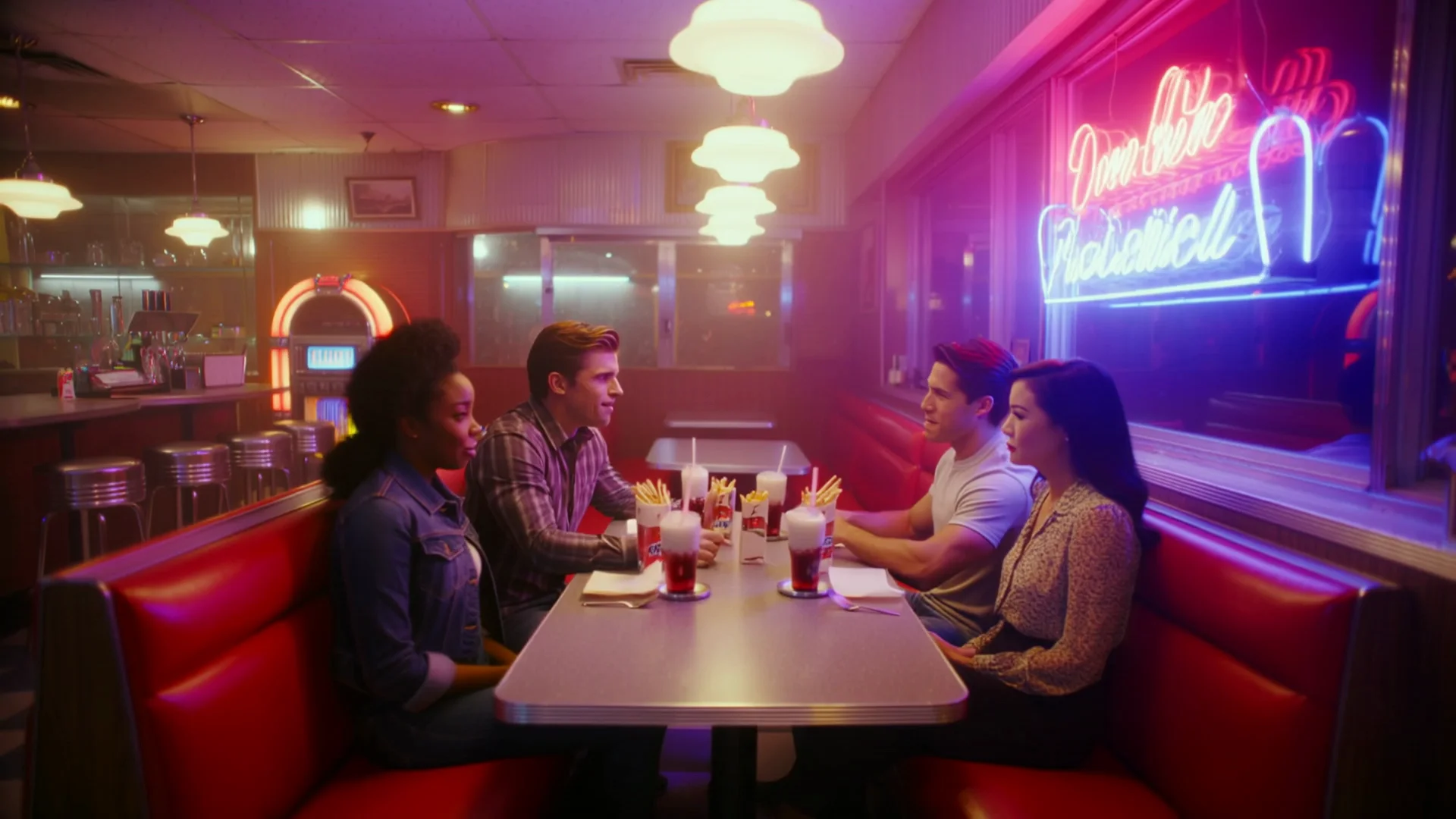
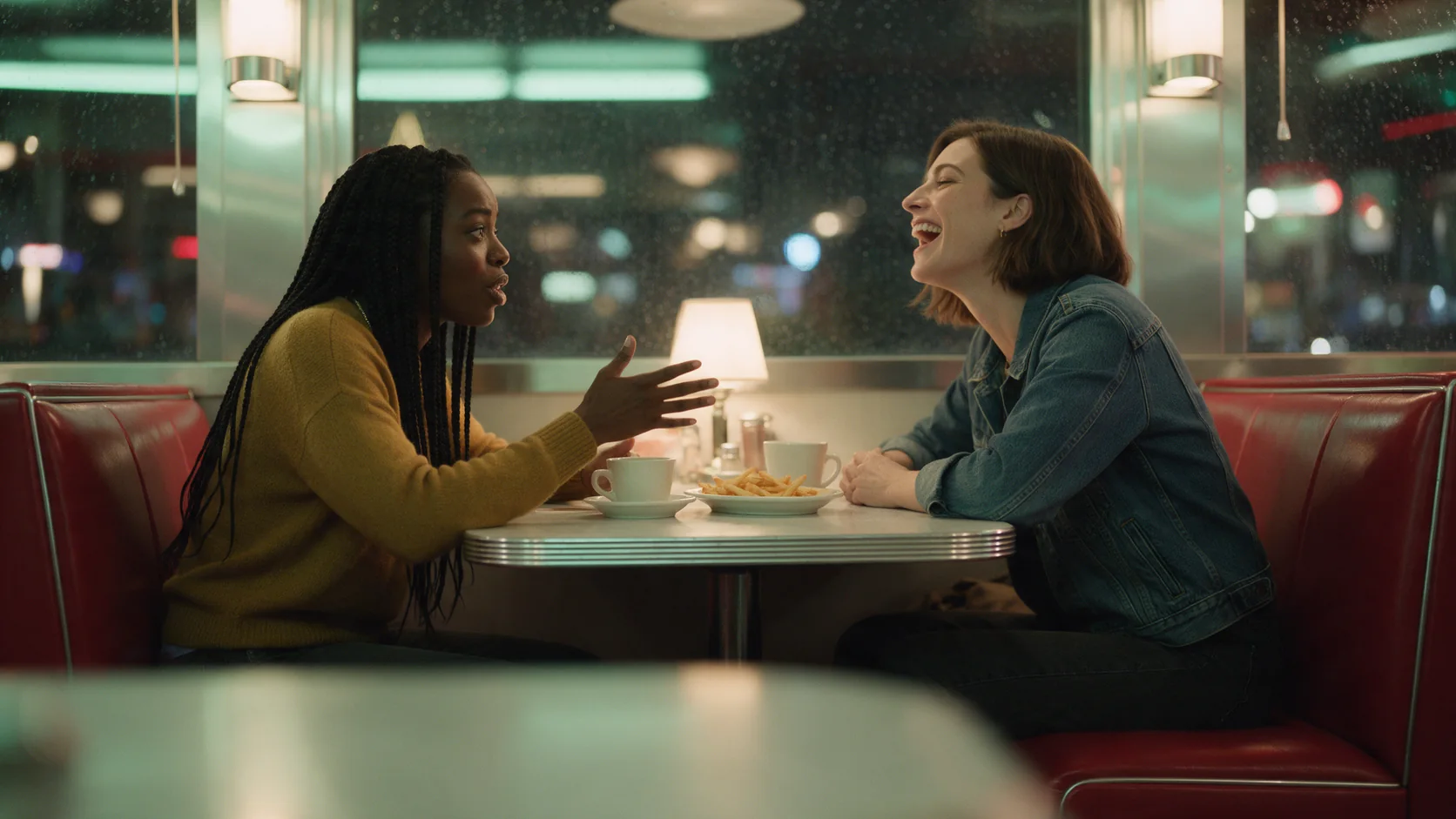
    Turn generate_audio on and dialogue, music and room tone come back in the same file as the video - not dubbed on afterward. In our diner test, overlapping laughter, a jukebox and clinking cutlery all landed in sync with the scene as written.

    Text-to-video, 1080p with sound: overlapping laughter, a jukebox and clinking cutlery all render in the same file as the scene.

  • Motion Control

    Copy a performance onto a new character

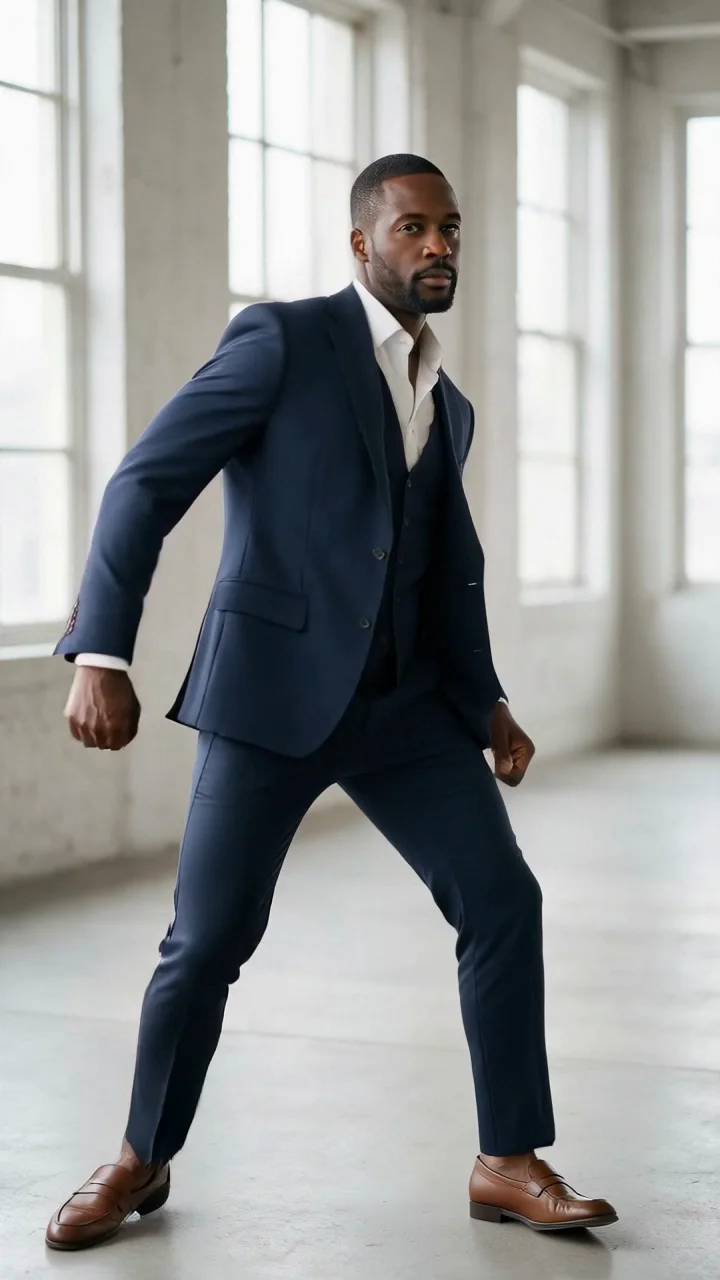
    Give it a driving clip and a picture of your character, and it maps the moves onto the new person while keeping their face, outfit and the setting from your still. Our test moved a hip-hop routine from one dancer onto a different man in a navy three-piece suit, step for step.

    Motion Control: the same routine from a different dancer, mapped onto this character while his suit, face and loft setting hold from his own still.

  • Fixed 1080p

    One less setting to tune

    Text-to-video and image-to-video skip the resolution choice entirely and always render at 1080p, so there's nothing to under-pick before a render you'd rather not repeat.

More clips made with Kling 2.6

  • 5s
  • 5s
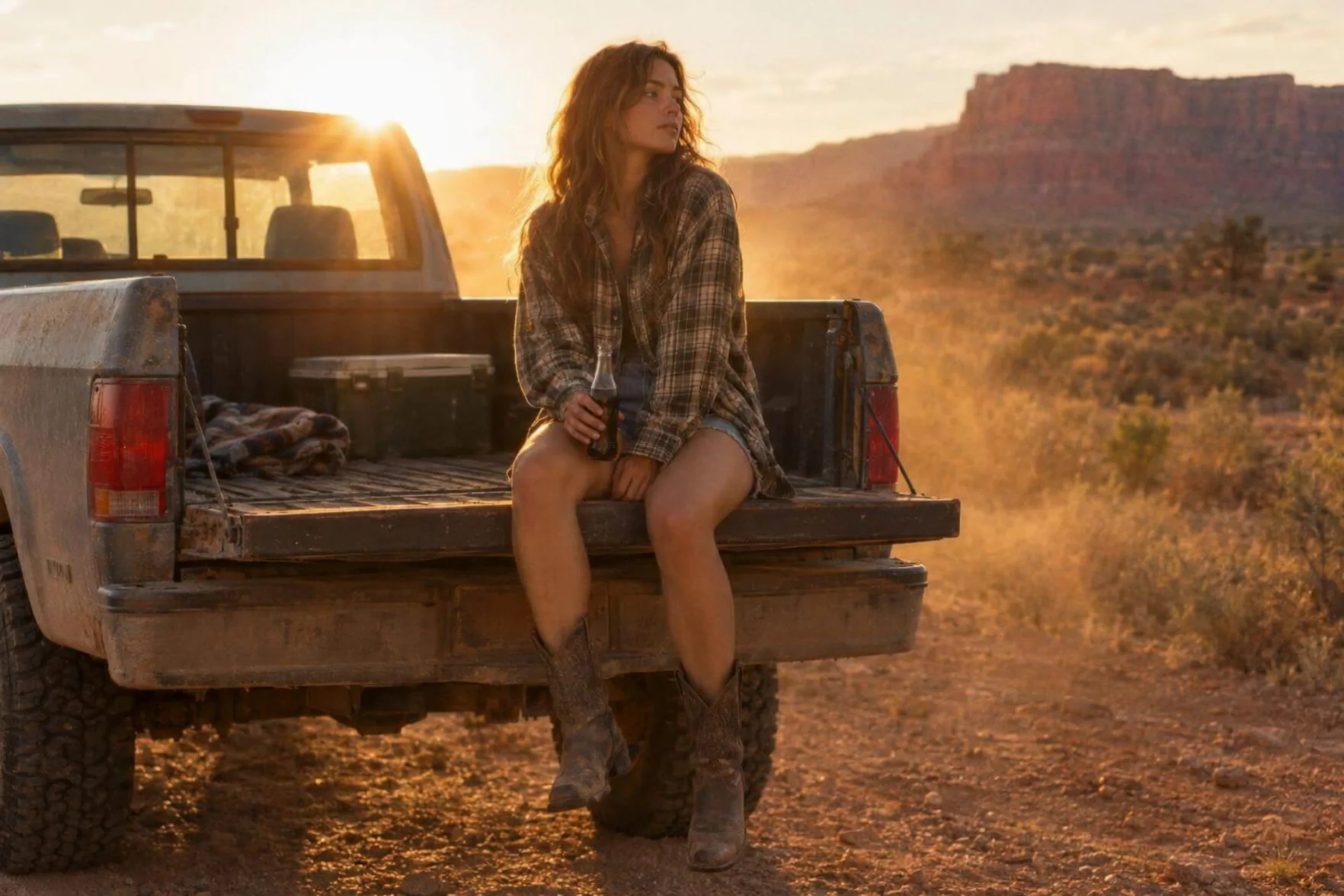
  • Image-to-video, 1080p with sound: the desert wind, crickets and a passing truck arrive synced to her spoken line.
    5s
  • Text-to-video, 1080p, vertical: a locked-off take built clean enough to reuse as a Motion Control driving clip.
    5s

Content test

Is Kling 2.6 uncensored? What we tested

Content levels tested on Kling 2.6, by mode
LevelCharacter animationImage to videoText to video
Mild
Not tested yet
Not tested yet
Not tested yet
Moderate
Not tested yet
RefusedTested Sep 28, 2026
Strong
RefusedTested Sep 28, 2026
Not tested yet
Not tested yet
Very strong
Not tested yet
Not tested yet
Not tested yet
Maximum
Not tested yet
Not tested yet
Not tested yet
How we test

How each mode behaves

Text to video
Output is fixed at 1080p and 5 or 10 seconds - there is no resolution field to change. generate_audio defaults to off; turn it on for a scored clip.
Image to video
The opening frame anchors the person, outfit and setting; there is no aspect_ratio field either, so the clip's shape follows your image. JPEG or PNG only.
Character animation
The result runs exactly as long as your driving video (3 to 30 seconds) and has no audio field - Motion Control clips render silent. The character image should be one clear, full or half-body picture, JPEG or PNG only, and the driving clip's frame should be at least about 700 pixels wide.
All modes
Turning generate_audio on or off in Kling 2.6 changes the sound setting, not Kling’s content review: prompts and results remain checked, and refused adult NSFW requests are not charged. SpicyAPI adds no separate filter to Kling 2.6, and cannot disable Kling’s checks. MiniMax H3 Spicy is a separate unrestricted choice from Kling 2.6, with its own input options.
All modes
A refused or failed Kling 2.6 task is not billed; any amount held for that task is released to your balance.

Use cases

What to build with the Kling 2.6 API

  • Dialogue-driven shorts

    A group scene with overlapping talk and laughter, scored with the same background hum and clatter you'd expect from the room, in one render.

  • Recasting a performance onto a different character

    Reuse one driving clip - a dance, a gesture, a walk - across several character stills with Motion Control, instead of shooting or animating each one from scratch.

  • Vertical movement clips for social

    A single dancer or performer, full body in frame, works well as a 9:16 clip for feeds that want motion without a set to build.

  • Golden-hour portrait beats with a line of dialogue

    An opening frame plus a short spoken line and a camera push gives you a finished, scored beat rather than a silent loop.

Prompts

Kling 2.6 prompt examples you can copy

  • Text to video

    A group scene, scored with the room it happens in

    Result from this prompt

    A 1950s-style American diner at 2 a.m., a neon sign buzzing in the window. Four friends in their thirties, two women and two men, squeeze into a red vinyl booth over milkshakes and fries. The man at the end tells a story with big hand gestures and the others burst out laughing; a woman in a denim jacket says, "You made that up!" Static medium shot from the end of the table. Sound: overlapping laughter, a jukebox playing doo-wop, clinking cutlery, the neon hum.

    Why it works. It names four people, the setting, one clear beat (a story, a laugh, a line of dialogue) and closes with sound cues, so the render has a single scene to picture and score rather than a mood to guess at.

    Try this prompt
  • Text to video

    A locked-off shot built for a driving clip

    Result from this prompt

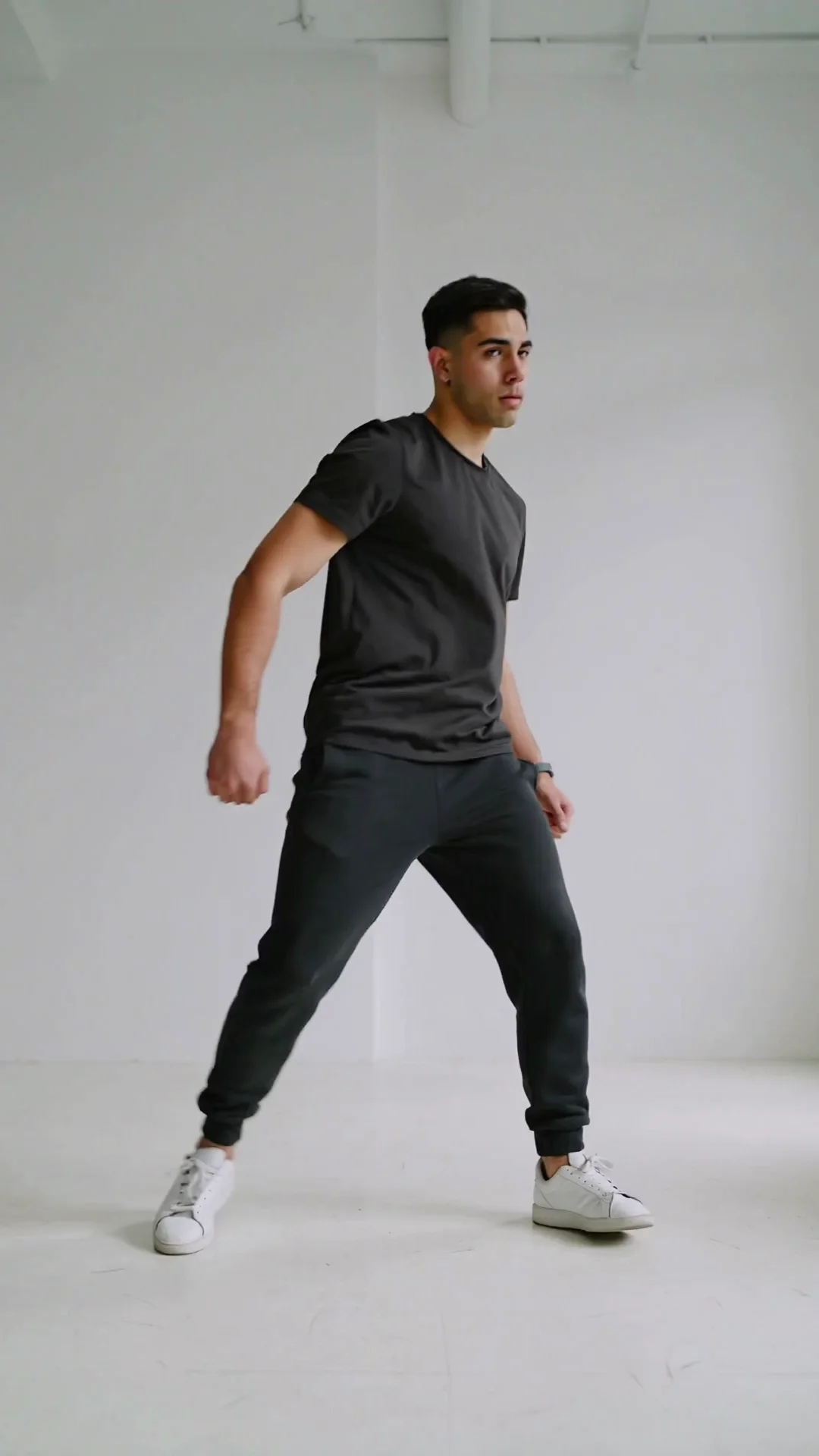
    A male dancer in his late twenties in a plain black T-shirt, black joggers and white sneakers performs a smooth hip-hop routine in an empty white photo studio: body rolls, a quick spin, arm waves and a sharp freeze to finish. Locked-off camera, his full body in frame from head to feet the whole time, even soft lighting, plain background.

    Why it works. A plain background, a static camera and "full body in frame the whole time" produce a clean take built to be reused as a Motion Control driving clip, not just a stand-alone dance video.

    Try this prompt
  • Image to video

    Let the frame set the scene, the prompt set the line

    Result from this prompt

    She lowers the bottle, swings her boots against the tailgate, then turns her head into the low sun with a half smile and says, "Five more minutes, then we go." Dust drifts through the golden backlight while the camera slowly pushes in. Sound: desert wind, crickets starting up, a truck passing on a distant highway.

    Why it works. It describes only what happens after the frame - the gesture, the turn, the spoken line - and leaves the wardrobe and light to the image, which is what image-to-video is built for.

    Try this prompt
  • Character animation

    Keep the setting, swap the performer

    Result from this prompt

    He dances in the same bright concrete loft, daylight from the tall windows.

    Why it works. Motion Control only needs the detail the driving clip doesn't already show - here, that the character keeps the setting from their own still rather than the driving clip's background.

    Try this prompt
  • Character animation

    Note what should change, not what should repeat

    She performs the routine in the same warm-grey photo studio from her own picture, keeping her hair and dress exactly as shown.

    Instead of “make her dance like the video”

    Why it works. Naming the one thing to keep (the studio, the dress) gives Motion Control a clear instruction instead of leaving it to guess which parts of the driving clip and which parts of the still should win out.

    Try this prompt

Compare

Kling 2.6 vs similar models: which one to pick

ModelModesFromContentPick it when
Kling 2.6This pageCharacter animation · Image to video · Text to video$0.069 / output secondFiltered — This model refuses requests beyond its own limits outright. Measured, not assumed — models we have not measured carry no label at all.You want native sound with a fixed 1080p output, in 5 or 10-second clips, for less per second than Kling 3.0 at 1080p when you leave audio off.
Kling 3.0 TurboImage to video · Text to video$0.112 / output secondFiltered — This model refuses requests beyond its own limits outright. Measured, not assumed — models we have not measured carry no label at all.You want a choice of 720p or 1080p and clips from 3 to 15 seconds, always with sound.
Kling 3.0Character animation · Image to video · Text to video$0.067 / output secondFiltered — This model refuses requests beyond its own limits outright. Measured, not assumed — models we have not measured carry no label at all.You want first-and-last-frame control, up to 4K, or Motion Control at the flagship's quality tier.
Kling 2.5 TurboImage to video · Text to video$0.07 / output secondFiltered — This model refuses requests beyond its own limits outright. Measured, not assumed — models we have not measured carry no label at all.You prefer Kling 2.5 Turbo’s guidance controls for a fixed 1080p clip and do not need the Motion Control workflow offered by Kling 2.6.
MiniMax H3 SpicyImage to video · Video extension$0.038 / output secondUncensored — This model declares no content filter. SpicyAPI forwards the request without adding a platform content scan; legal and consent duties remain with the customer.MiniMax H3 Spicy is a separate unrestricted choice from Kling 2.6, with its own input options.

Pricing

Kling 2.6 API pricing

A 5-second clip starts at $0.345 at 720p and $0.56 at 1080p.

Get started

How to use the Kling 2.6 API in three steps

  1. Step 1

    Try it in the playground

    Try Kling 2.6 with the starting material shown above and inspect the quote for that exact configuration before you submit.

  2. Step 2

    Get an API key

    Create an API key for Kling 2.6 in the console and fund the account for the selected video settings; access is billed by use rather than a subscription.

  3. Step 3

    Send the same request from your code

    Use the API tab’s Kling 2.6 request as your integration starting point, then store the returned task ID so the application can fetch or receive the finished clip.

Parameter reference and code samples are in the API and Readme tabs at the top of this page.

FAQ

Kling 2.6 API FAQ

About Kling 2.6

Kling 2.6 pairs optional native sound with fixed 1080p text and image generation; its separate Motion Control endpoint transfers a driving performance at 720p or 1080p. Kling 2.6 runs as an asynchronous task billed in US dollars per second of output; check the selected settings before submission, and retrieve the result by task ID or webhook. Turning generate_audio on or off in Kling 2.6 changes the sound setting, not Kling’s content review: prompts and results remain checked, and refused adult NSFW requests are not charged. SpicyAPI adds no separate filter to Kling 2.6, and cannot disable Kling’s checks. MiniMax H3 Spicy is a separate unrestricted choice from Kling 2.6, with its own input options. Before submitting to Kling 2.6, obtain the rights and consent for the source material and take responsibility for the resulting video.

Related models and next tasks