Introduction
Point draft_task_id at one of your successful Seedance 2.5 text-to-video or image-to-video jobs that ran with draft set to true; the final keeps the draft’s length, aspect ratio and sound setting and lifts the picture to 1080p.
| Field | Value |
|---|---|
| Input | Video |
| Output | Video |
| Endpoints | text-to-video · image-to-video · reference-to-video · video-extend · video-edit |
| Clip length | 4–30 s · default: 5 s |
| Resolution | 480p, 720p (default), 1080p, 4k (text and image modes) |
| Aspect ratio | 21:9, 16:9, 4:3, 1:1, 3:4, 9:16, adaptive (default); adaptive only on image-to-video |
| Audio |
|
| References | Up to 30 images, 10 videos, 10 audio tracks — reference-to-video only |
Key features & highlights
The sound comes back in the same file as the picture
Seedance 2.5 gives a planned scene up to 30 seconds to develop, with text, still-image and multimodal-reference workflows rather than a single input format.
Thirty references, one shot
Seedance 2.5 reference-to-video separates visual identity from performance guidance: assign each image, video and audio reference a clear role in the written brief.
First frame, last frame, thirty seconds between
Seedance 2.5 creates sound alongside the video when generate_audio is true, its default; separate dialogue, action sounds and ambience in the brief so their timing is clear.
Request parameters
| Parameter | Required | Description |
|---|---|---|
draft_task_id | Yes | Paste the task id of your Seedance 2.5 draft: it must be your own completed text-to-video or image-to-video job that ran with draft set to true and finished less than six days ago. at least 1 characters · at most 64 characters |
resolution | No | 1080p is the only finishing size this step offers today; the final keeps the draft’s framing at that size. |
duration_seconds | No | Leave |
generate_audio | No | Leave |
output_format | No | Select mp4, the default, or mov for the Seedance 2.5 generated file; choose the container expected by your editing workflow rather than treating it as a resolution control. |
return_last_frame | No | Set |
watermark | No | watermark requests the model’s AI-generated label for the Seedance 2.5 output; the default is false, so check the publication requirements before submitting. Default: |
Pricing
$0.717 / second
The 1080p final is billed per second of the draft it finishes, at the 1080p rate for the draft’s audio setting; the 480p preview was charged on its own when it ran.
Use cases
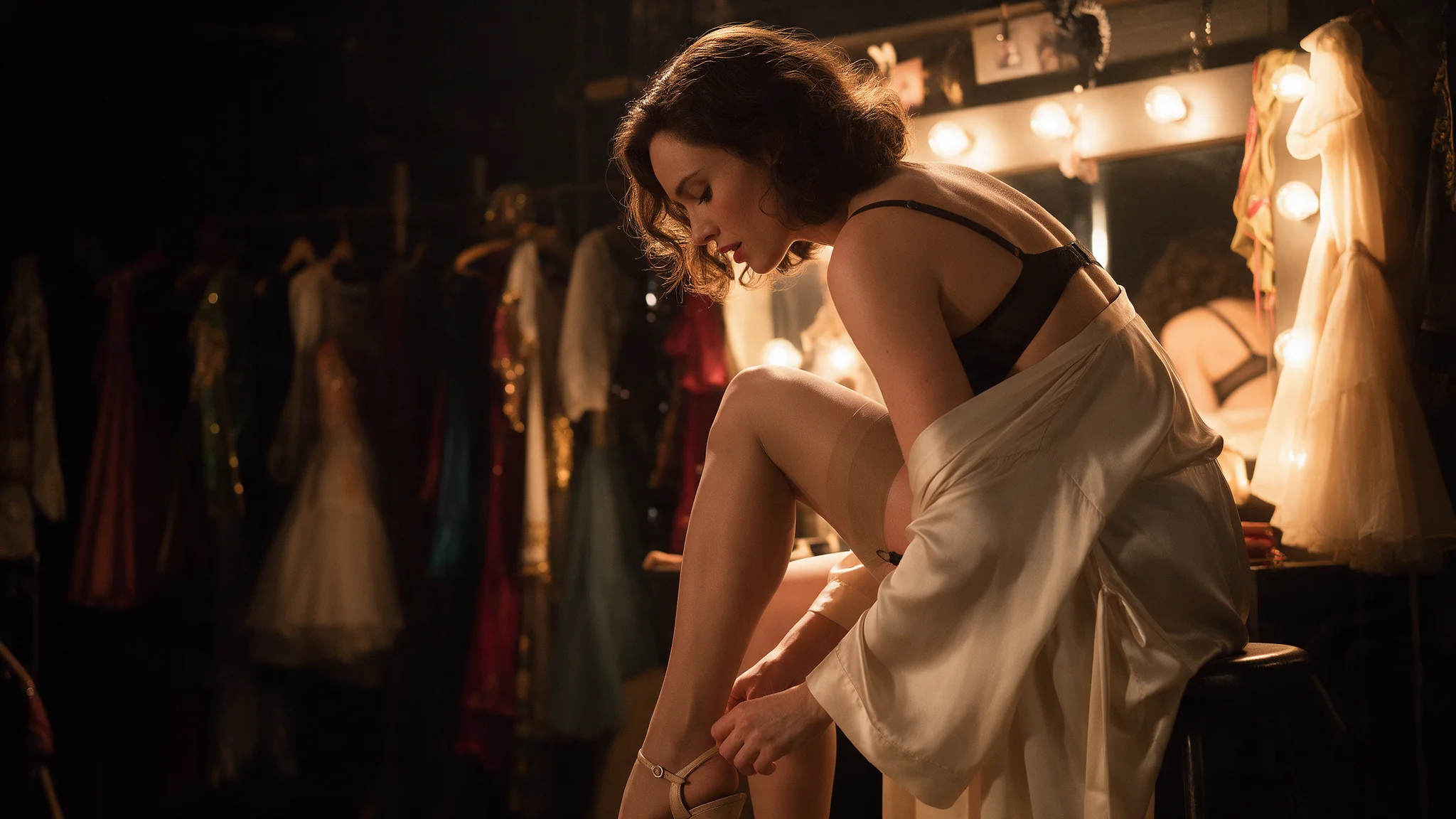
Bar, club and backstage scenes
Seedance 2.5 creates sound alongside the video when generate_audio is true, its default; separate dialogue, action sounds and ambience in the brief so their timing is clear.
Uncensored shorts, couples included
Use Seedance 2.5 text-to-video to develop a scene before its visual assets exist; set out the subject, the action sequence, camera movement and intended sound.
Product films that start from the packshot
An approved opening image establishes the composition for Seedance 2.5 image-to-video; describe the movement that should follow and inspect how the original design holds through the shot.
Series characters who stay the same person
Seedance 2.5 reference-to-video separates visual identity from performance guidance: assign each image, video and audio reference a clear role in the written brief.
Prompt guide & pro tips
What is the Seedance 2.5 API designed for
Seedance 2.5 gives a planned scene up to 30 seconds to develop, with text, still-image and multimodal-reference workflows rather than a single input format.
How should I write a Seedance 2.5 prompt
Plan the Seedance 2.5 scene in consecutive time ranges, with one visible event per range; reference mode and text mode require a prompt, while image mode can infer motion without it.
How do I retrieve my Seedance 2.5 result
Submit the Seedance 2.5 job with an Idempotency-Key and keep its task identifier for polling; after a connection loss, check that identifier before requesting another render.
What is Seedance 2.5 draft mode
Draft mode splits one Seedance 2.5 shot into two paid steps: a 480p preview for judging composition and motion, then a 1080p render of that exact preview once you are satisfied with it.
How long can a Seedance 2.5 draft wait before I finish it
Finish a draft within six days of the preview completing. After that the stored draft reference lapses and the request is refused before anything is charged, so generate a fresh draft.
Which jobs can be finished at 1080p
Only your own successful text-to-video or image-to-video jobs that set draft to true. Ordinary renders, failed drafts, tasks from other accounts and reference-to-video jobs are rejected at submission.
Does the 1080p final match the preview
In our test the 1080p final held the preview’s composition, subject placement and camera path frame for frame while adding finer texture. It is still a new render, so small details such as ripples on water can differ slightly.
How is the Seedance 2.5 draft finish billed
The 1080p final is billed per second of the draft it finishes, at the 1080p rate for the draft’s audio setting; the 480p preview was charged on its own when it ran.
Before sending Seedance 2.5 a cast, product or soundtrack, confirm the relevant licenses and adult participants’ consent; do not use non-consensual material or deceptive impersonation.
Before sending Seedance 2.5 a cast, product or soundtrack, confirm the relevant licenses and adult participants’ consent; do not use non-consensual material or deceptive impersonation.
API quick start
# Generate the idempotency key once; reuse it when retrying after a lost response.
export SPICY_IDEMPOTENCY_KEY="${SPICY_IDEMPOTENCY_KEY:-$(uuidgen)}"
curl -X POST https://api.spicyapi.ai/api/v1/jobs/createTask \
  -H "Authorization: Bearer $SPICY_API_KEY" \
  -H "Content-Type: application/json" \
  -H "Idempotency-Key: $SPICY_IDEMPOTENCY_KEY" \
  -d '{
  "model": "bytedance/seedance-2.5/upscale",
  "input": {
    "resolution": "1080p",
    "draft_task_id": "example",
    "output_format": "mp4"
  }
}'

# Copy data.taskId from the response into TASK_ID, then poll the status.
TASK_ID="TASK_ID_FROM_RESPONSE"
curl "https://api.spicyapi.ai/api/v1/jobs/recordInfo?taskId=$TASK_ID" \
  -H "Authorization: Bearer $SPICY_API_KEY"
See the API reference for authentication, the complete schema, polling, and error handling.