Introduction
ByteDance runs editing as a separate Seedance 2.5 task: the uploaded clip decides who appears, how they move and how the shot is framed, and your prompt decides what looks different — a jacket, the weather, the hour of day or the whole visual style.
| Field | Value |
|---|---|
| Input | Video |
| Output | Video |
| Required input | prompt, |
| Source clip | 4–30 s · output matches the source length |
| Resolution | 480p, 720p (default), 1080p |
| References | Up to 30 images and 10 audio tracks, optional |
| Audio |
|
| Billing | Per source second, rounded up |
Key features & highlights
The sound comes back in the same file as the picture
Seedance 2.5 gives a planned scene up to 30 seconds to develop, with text, still-image and multimodal-reference workflows rather than a single input format.
Thirty references, one shot
Seedance 2.5 reference-to-video separates visual identity from performance guidance: assign each image, video and audio reference a clear role in the written brief.
First frame, last frame, thirty seconds between
Seedance 2.5 creates sound alongside the video when generate_audio is true, its default; separate dialogue, action sounds and ambience in the brief so their timing is clear.
Request parameters
| Parameter | Required | Description |
|---|---|---|
prompt | Yes | Write the change first, then what must stay put. at least 1 characters |
reference_image_urls | No | Optional: up to 30 stills that show the target look — a garment, a prop, a face, a set or a palette. at least 1 items · at most 30 items |
video_url | Yes | Upload the Seedance 2.5 source as MP4, 4 to 30 seconds long; clips outside that range are refused before any charge. The edit comes back at the source's length and aspect ratio. at least 1 characters |
reference_audio_urls | No | Optional: up to 10 clips of 2–30 seconds each, 30 seconds combined, that steer the new soundtrack toward a voice, beat or mood. at least 1 items · at most 10 items |
resolution | No | Seedance 2.5 renders the edit at 480p, 720p (default) or 1080p. Each step up raises the per-second rate, and no setting recovers detail the source never had. |
generate_audio | No | On by default: Seedance 2.5 writes a fresh soundtrack that fits the edited picture. Default: |
output_format | No | mp4 by default, or mov for editing suites that prefer it; the container has no effect on what a Seedance 2.5 edit costs. |
return_last_frame | No | Also returns the edited clip's closing frame as a separate image, handy as the opening still of a follow-up Seedance 2.5 shot. Off by default. Default: |
Pricing
A Seedance 2.5 edit is billed per second of the source clip, rounded up to whole seconds; the result runs as long as the source. Resolution and the audio switch pick the per-second rate, while reference images and audio add nothing.
| Specification | Price |
|---|---|
| $0.204 / second |
| $0.456 / second |
| $1.14 / second |
Use cases
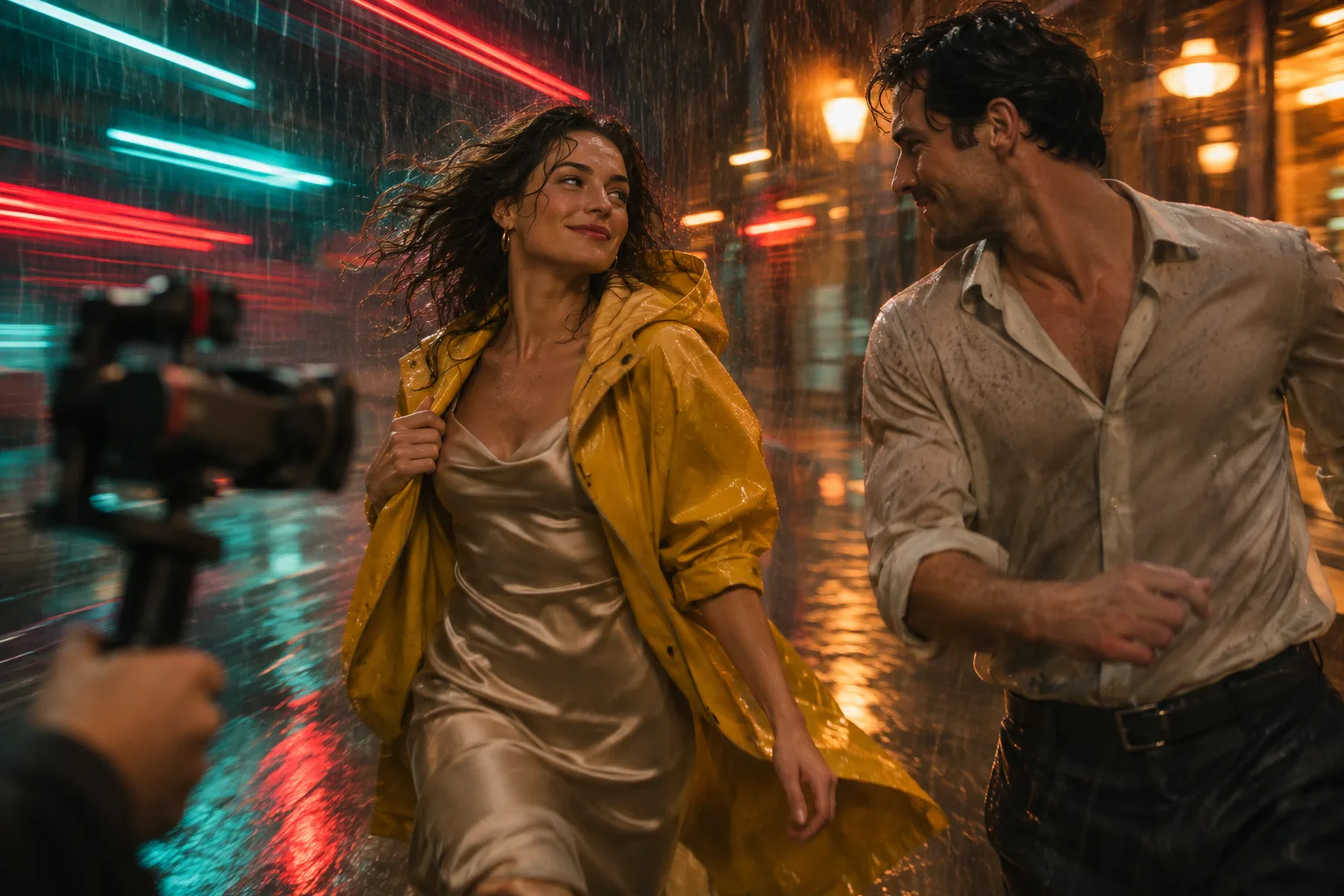
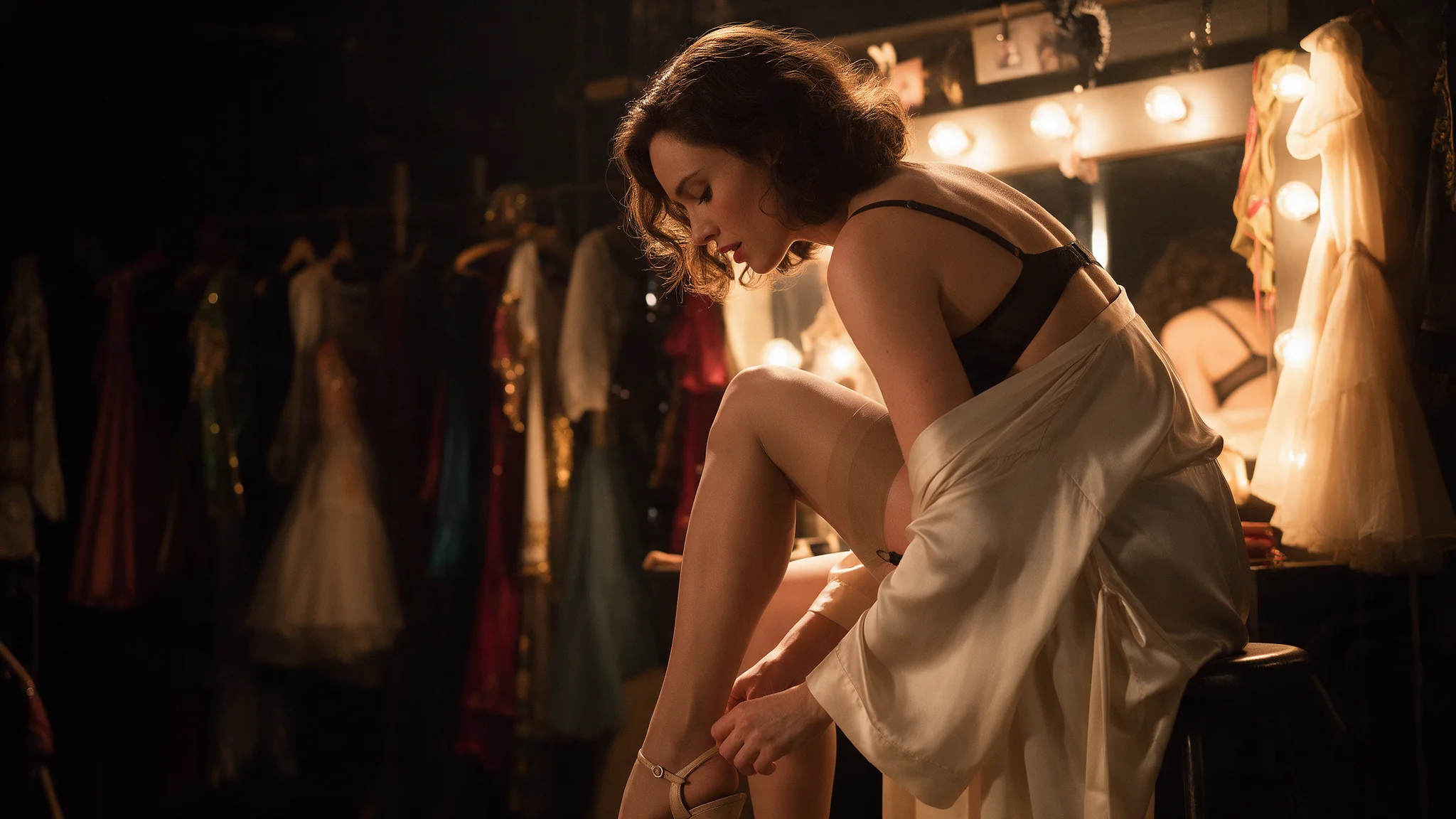
Bar, club and backstage scenes
Seedance 2.5 creates sound alongside the video when generate_audio is true, its default; separate dialogue, action sounds and ambience in the brief so their timing is clear.
Uncensored shorts, couples included
Use Seedance 2.5 text-to-video to develop a scene before its visual assets exist; set out the subject, the action sequence, camera movement and intended sound.
Product films that start from the packshot
An approved opening image establishes the composition for Seedance 2.5 image-to-video; describe the movement that should follow and inspect how the original design holds through the shot.
Series characters who stay the same person
Seedance 2.5 reference-to-video separates visual identity from performance guidance: assign each image, video and audio reference a clear role in the written brief.
Prompt guide & pro tips
Prepare the Seedance 2.5 source clip
Trim the footage to the 4–30 seconds you want changed and send it as
video_url; the edited version keeps the same length and shape.Write one instruction for Seedance 2.5
Describe the single change first, then list what must stay exactly as it is. Add reference stills or audio only when words cannot pin down the look or sound, and name each one as @Image1 or @Audio1.
Check the Seedance 2.5 edit against the source
Play the edit next to the original and step through faces, hands and small props frame by frame before you publish it.
What does Seedance 2.5 video edit do
ByteDance runs editing as a separate Seedance 2.5 task: the uploaded clip decides who appears, how they move and how the shot is framed, and your prompt decides what looks different — a jacket, the weather, the hour of day or the whole visual style.
How long can the Seedance 2.5 edit source be
Between 4 and 30 seconds. Seedance 2.5 refuses anything shorter or longer before charging, and the edited clip matches the source length.
How should I word a Seedance 2.5 edit
Write the change first, then what must stay put. Call the source clip @Video1, reference stills @Image1, @Image2 and reference audio @Audio1, numbered in upload order; Seedance 2.5 follows one clear instruction better than a long list of edits.
Can Seedance 2.5 use reference images or audio in an edit
Optional: up to 30 stills that show the target look — a garment, a prop, a face, a set or a palette. Say in the prompt which @Image goes where; extra stills do not change the Seedance 2.5 price. Optional: up to 10 clips of 2–30 seconds each, 30 seconds combined, that steer the new soundtrack toward a voice, beat or mood. They only matter while generate_audio is on and add nothing to the bill.
What happens to the sound in a Seedance 2.5 edit
On by default: Seedance 2.5 writes a fresh soundtrack that fits the edited picture. Switched off, the edit comes back silent — the source clip's own audio is not carried over, so add it back in post if you need it.
Which Seedance 2.5 edit resolutions are available
Seedance 2.5 renders the edit at 480p, 720p (default) or 1080p. Each step up raises the per-second rate, and no setting recovers detail the source never had.
How is a Seedance 2.5 edit billed
A Seedance 2.5 edit is billed per second of the source clip, rounded up to whole seconds; the result runs as long as the source. Resolution and the audio switch pick the per-second rate, while reference images and audio add nothing.
What footage may I edit with Seedance 2.5
Only edit footage you own or are licensed to alter, showing adults who agreed to it; never use Seedance 2.5 to place a real person in a deceptive or non-consensual scene.
Only edit footage you own or are licensed to alter, showing adults who agreed to it; never use Seedance 2.5 to place a real person in a deceptive or non-consensual scene.
Only edit footage you own or are licensed to alter, showing adults who agreed to it; never use Seedance 2.5 to place a real person in a deceptive or non-consensual scene.
API quick start
# Generate the idempotency key once; reuse it when retrying after a lost response.
export SPICY_IDEMPOTENCY_KEY="${SPICY_IDEMPOTENCY_KEY:-$(uuidgen)}"
curl -X POST https://api.spicyapi.ai/api/v1/jobs/createTask \
  -H "Authorization: Bearer $SPICY_API_KEY" \
  -H "Content-Type: application/json" \
  -H "Idempotency-Key: $SPICY_IDEMPOTENCY_KEY" \
  -d '{
  "model": "bytedance/seedance-2.5/video-edit",
  "input": {
    "generate_audio": true,
    "output_format": "mp4",
    "prompt": "A slow aerial shot drifting over a misty pine forest at sunrise",
    "resolution": "720p",
    "video_url": "https://example.com/reference.mp4"
  }
}'

# Copy data.taskId from the response into TASK_ID, then poll the status.
TASK_ID="TASK_ID_FROM_RESPONSE"
curl "https://api.spicyapi.ai/api/v1/jobs/recordInfo?taskId=$TASK_ID" \
  -H "Authorization: Bearer $SPICY_API_KEY"
See the API reference for authentication, the complete schema, polling, and error handling.