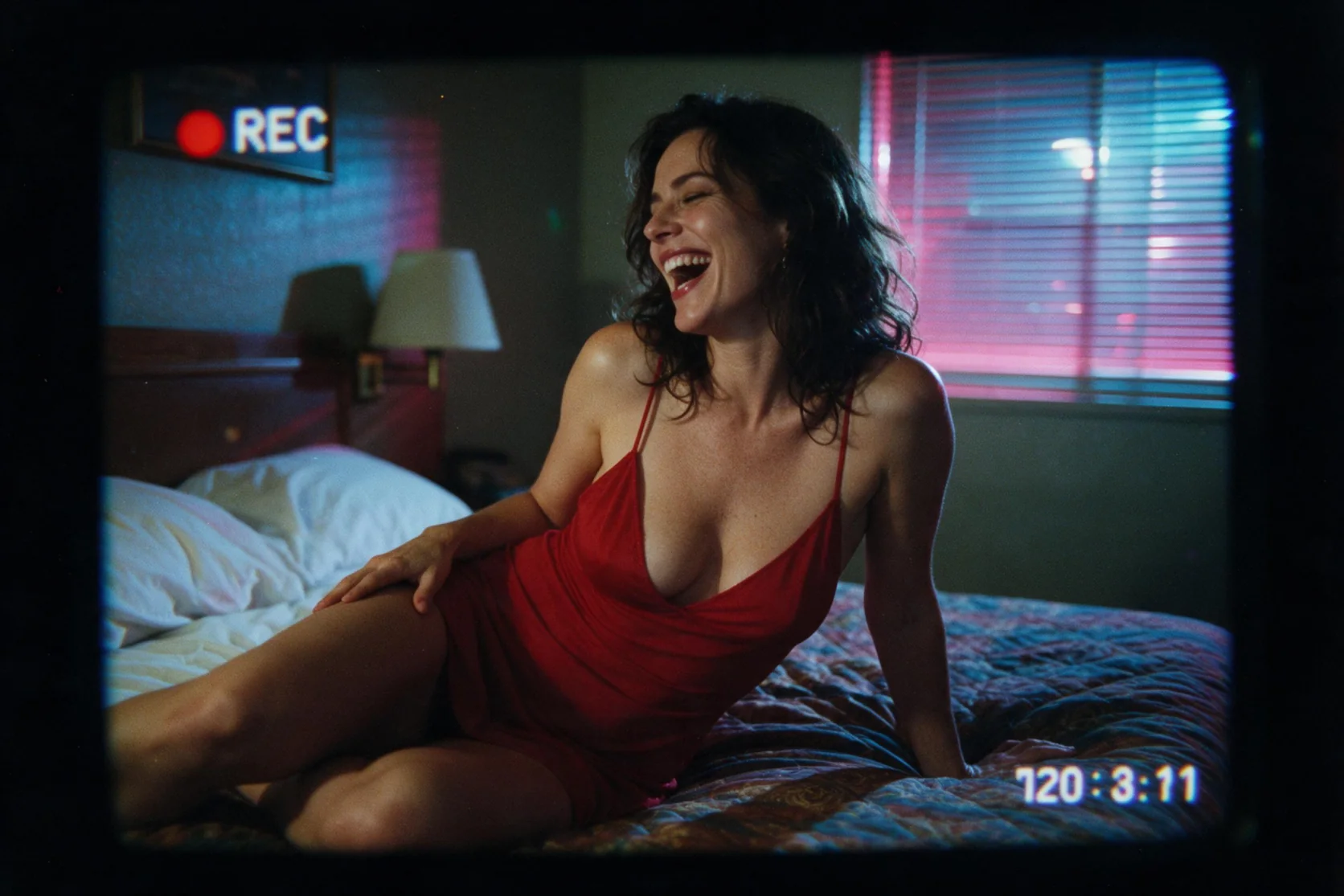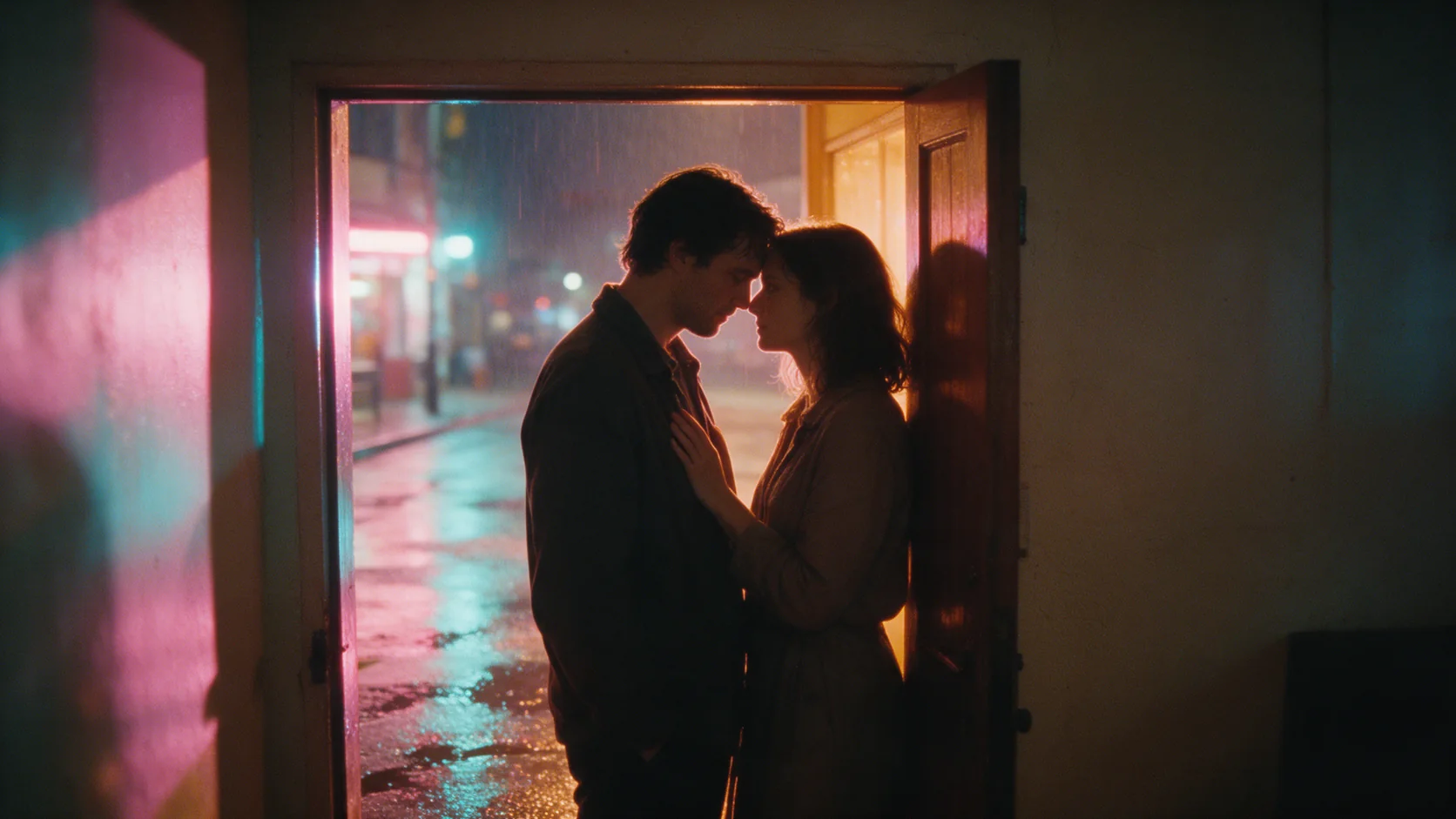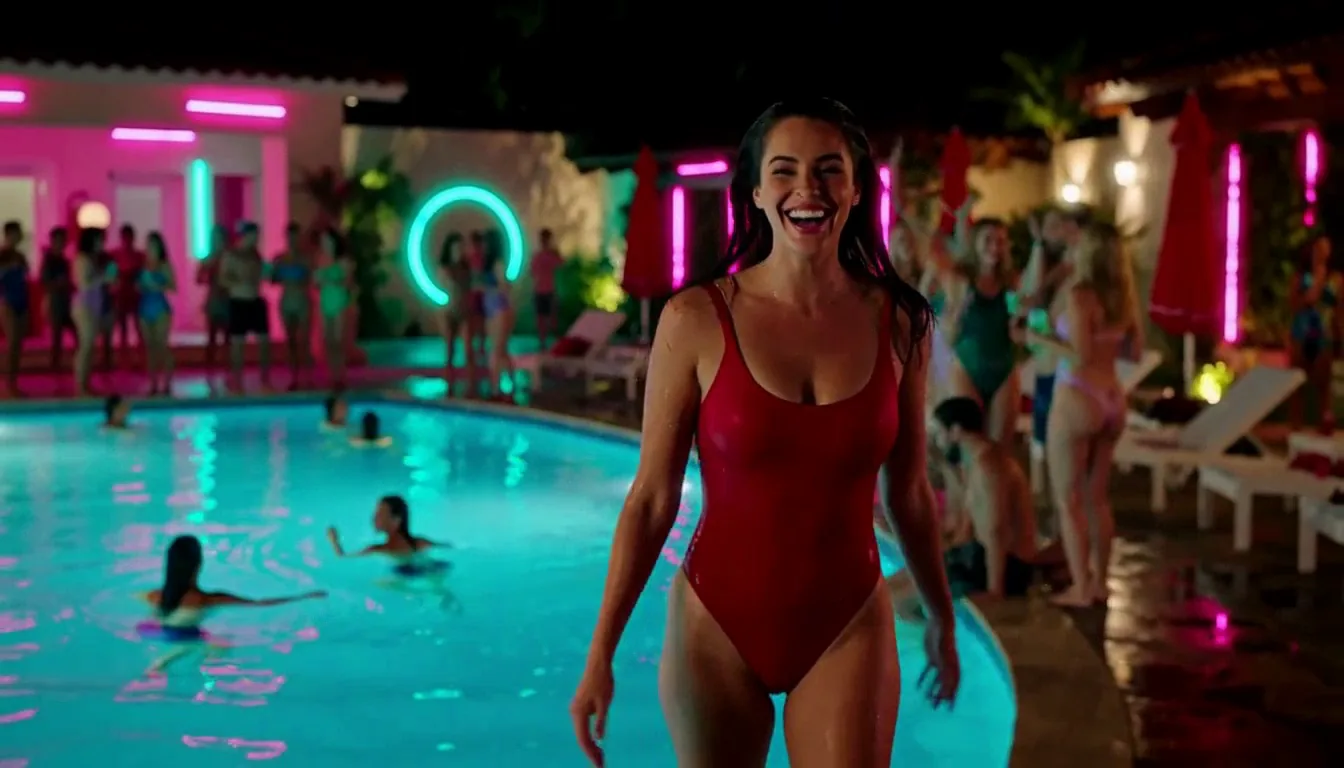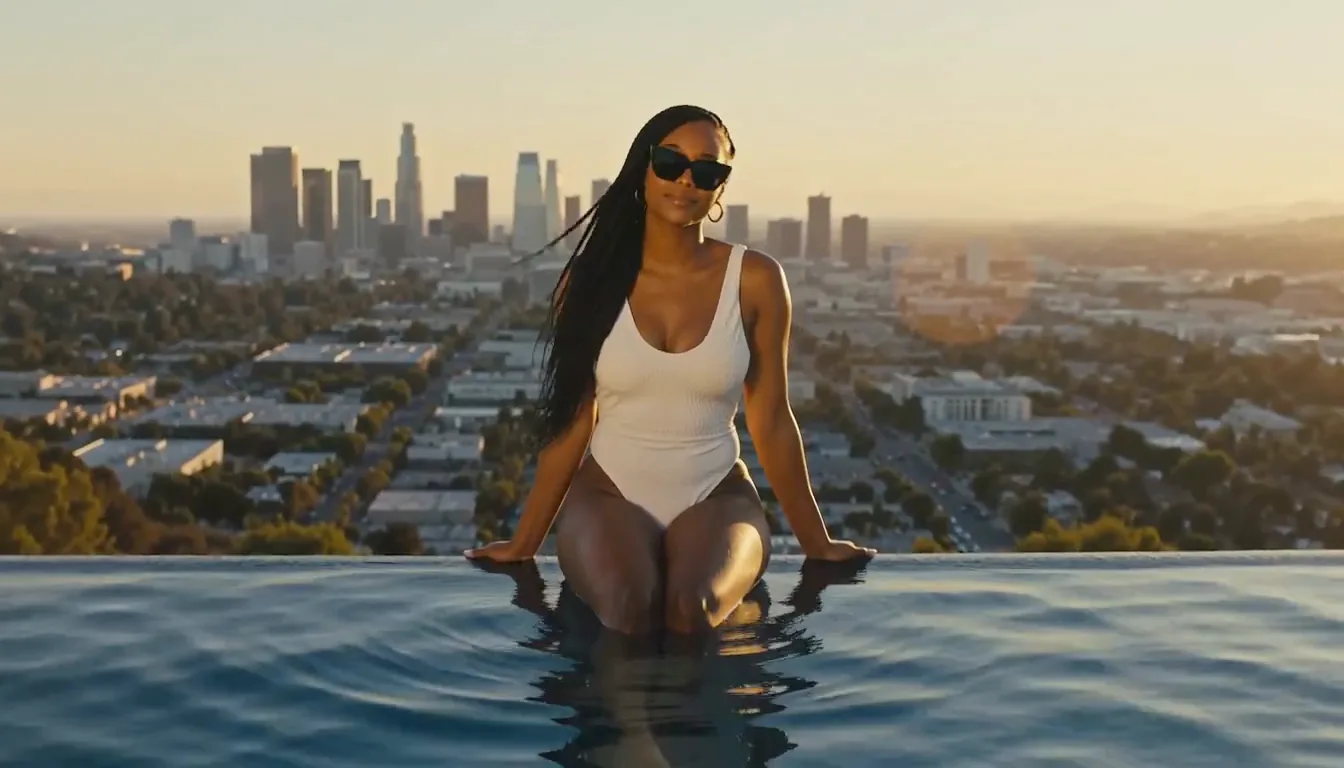
Introduction
Provide the source pictures and describe what to retain, add or recolor, using image 1 and image 2 to separate their roles.
| Field | Value |
|---|---|
| Input | Image |
| Output | Image |
| Publisher and model | MiniMax; H3-Image, for still-image generation and reference editing |
| Required prompt | Detailed English description; up to 5,000 characters |
| Resolution tiers | 1k (default, about 1 MP), 2k (about 4 MP), 4k (about 16 MP) |
| Generation rate rule | 1k and 2k share a rate; 4k costs three times that rate |
| Canvas ratios | 15 ratios from 3:1 to 1:3, among them 1:1, 16:9, 9:16, 21:9 and 4:5, or a custom width and height in pixels |
| Output encoding | PNG by default; JPEG and WebP also supported; format does not change pricing |
| Editing inputs | 1–16 images; reference them as image 1, image 2 and onward in upload order |
| Accepted input formats | JPEG, PNG, WebP, HEIC and HEIF |
| Input dimensions | 128–8192 pixels on each edge; long edge at most four times the short edge |
| Shape when omitted | Text-to-image: 1:1; editing: chosen by the model from the references and prompt |
| Controls not exposed | Negative prompt, guidance and sampling steps |
| Measured pixel dimensions | 1k 1:1: 1024 x 1024; 2k 16:9: 2720 x 1536; 4k 1:1: 4096 x 4096; 4k 16:9: 5472 x 3072 |
Key features & highlights
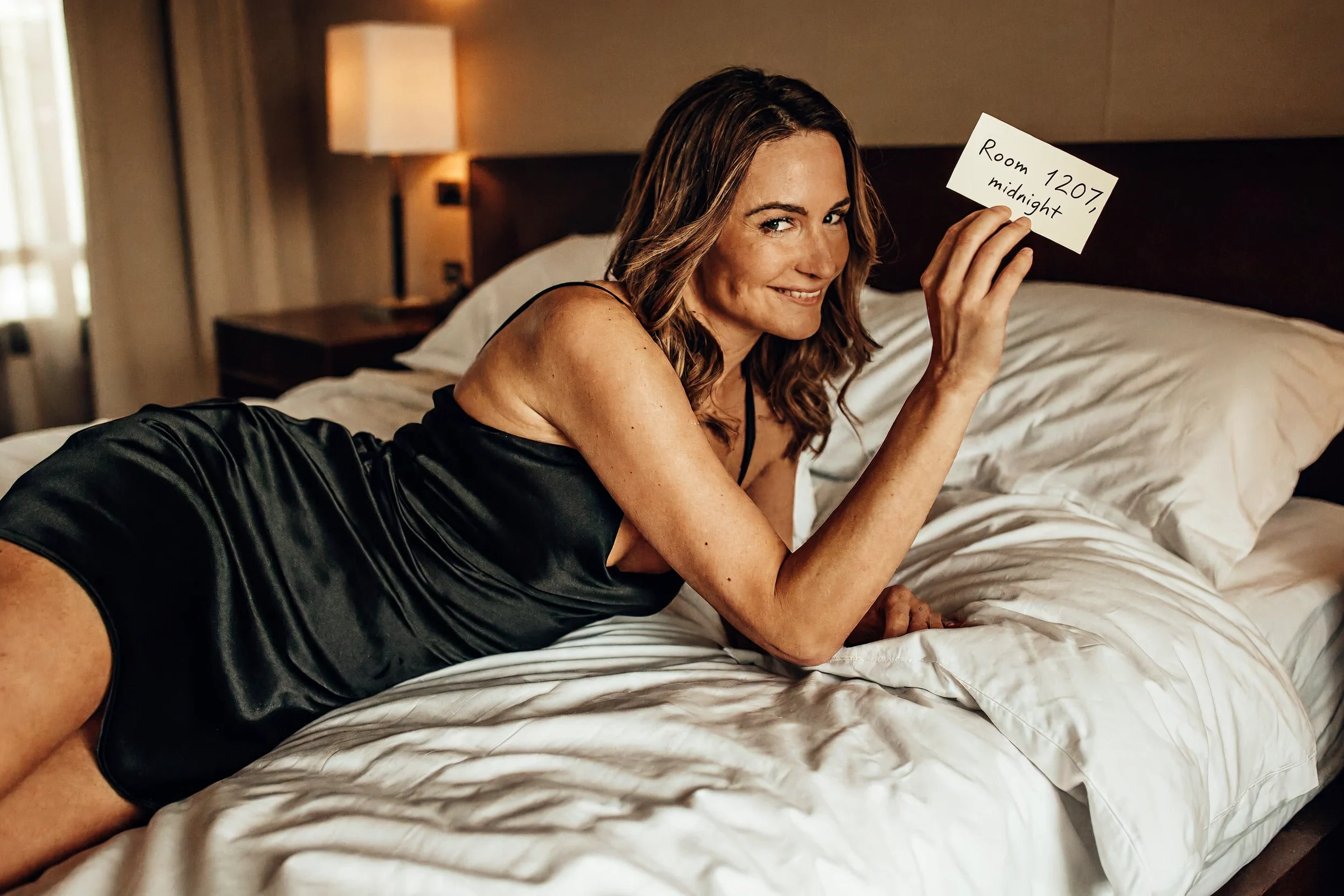
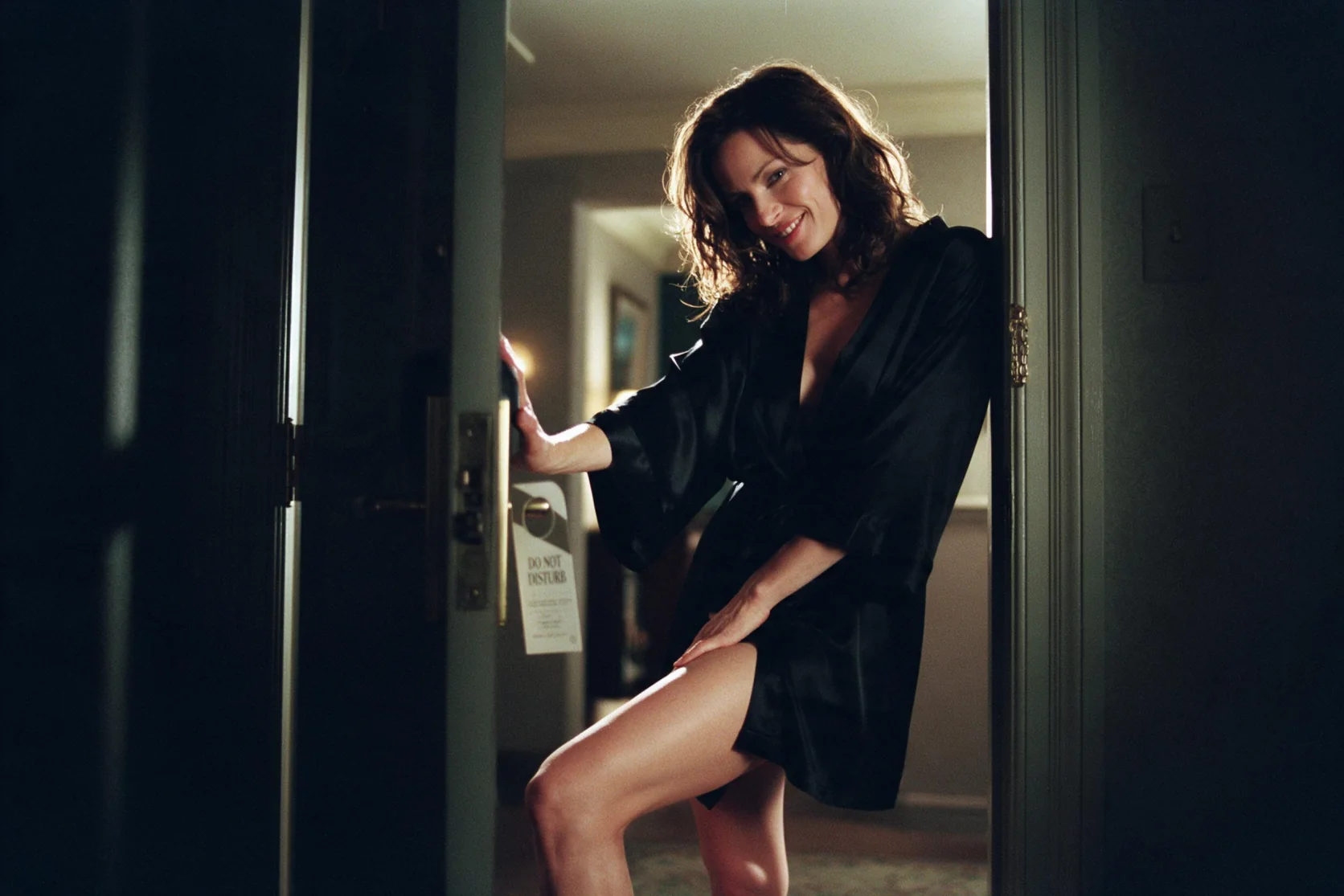
Room 1207, written into the scene
The 2k, 3:2 result shows a woman in a black silk slip across hotel sheets, holding a note that legibly reads "Room 1207, midnight". The requested words survived inside a photographic scene with soft morning light. Use this sample to inspect a brief handwritten line; it does not establish reliable rendering of long passages.
Lettering that belongs to the club
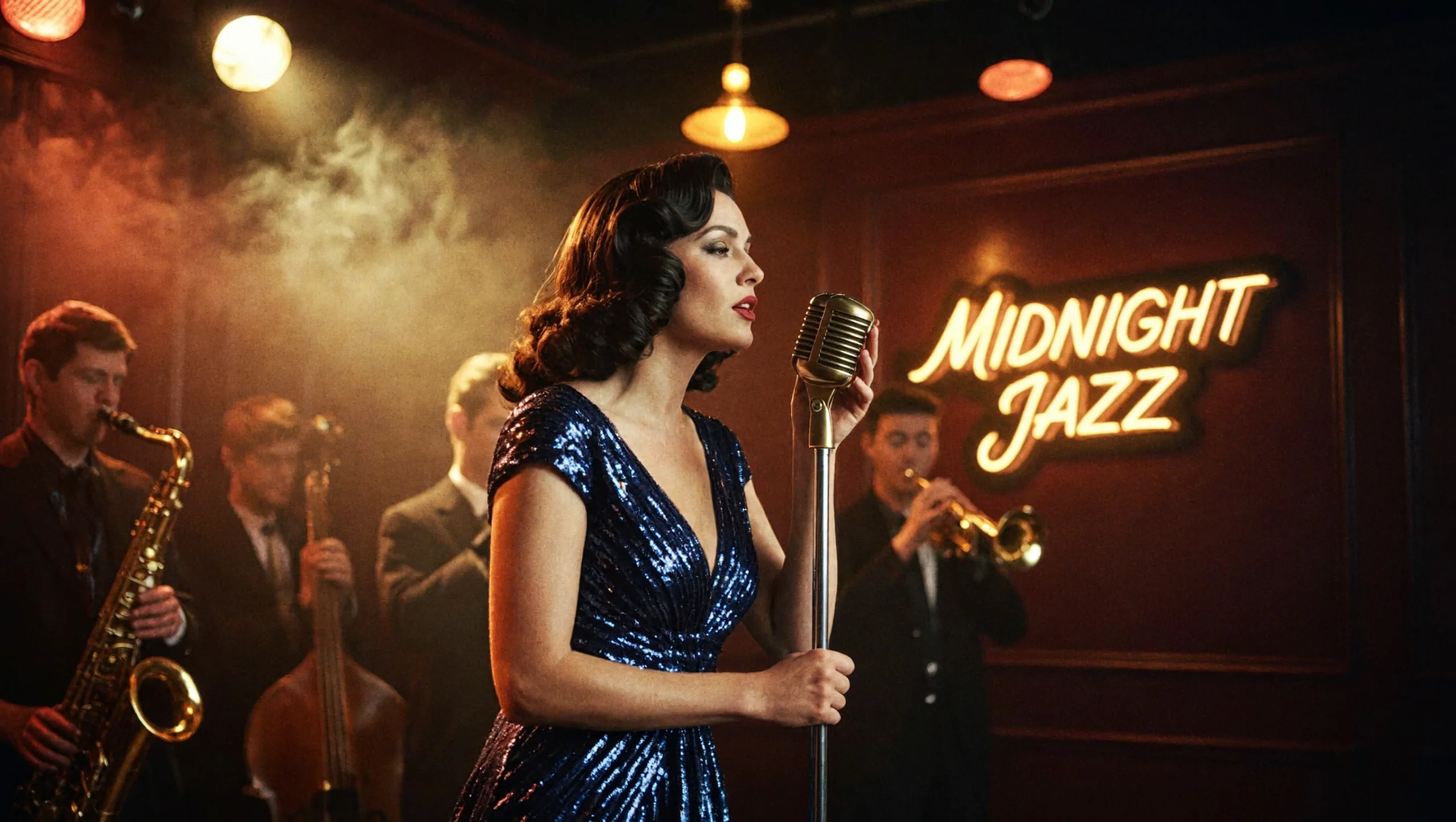
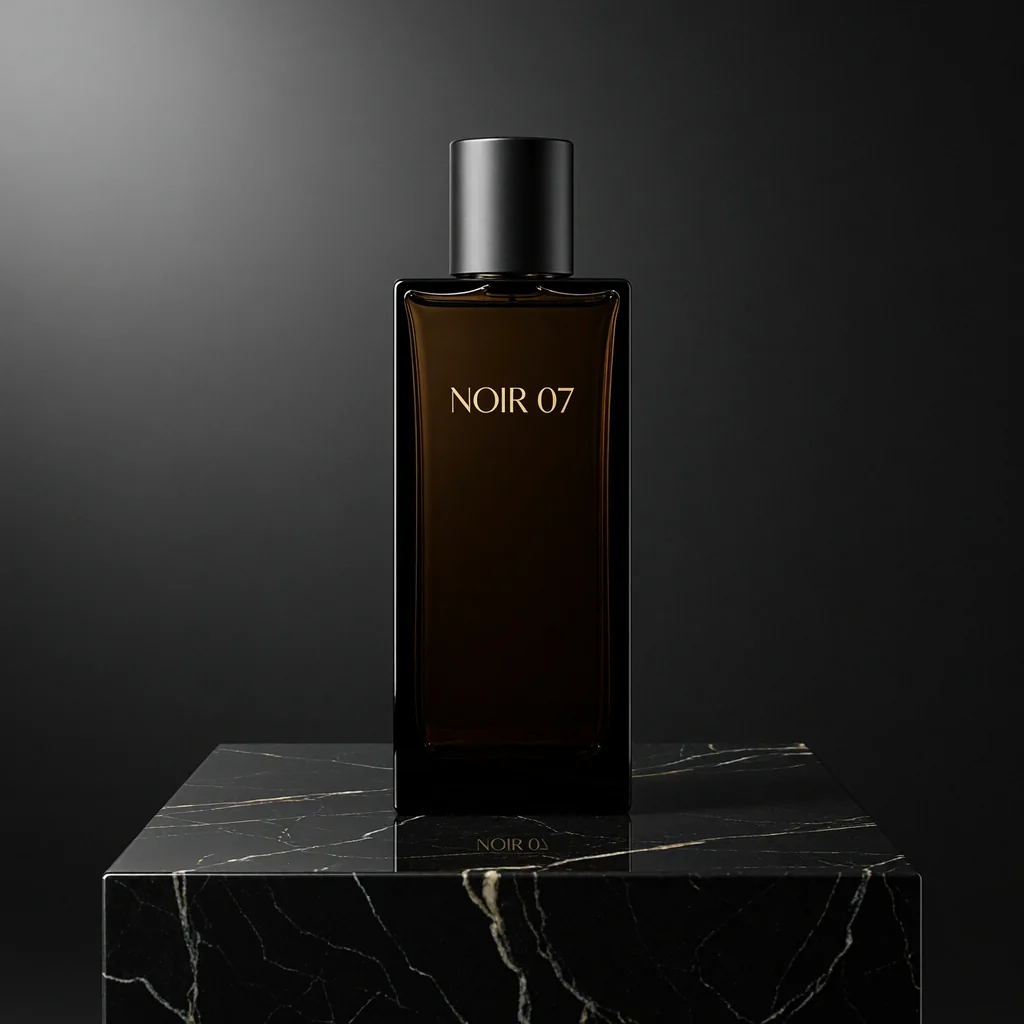
Our club image contains a readable MIDNIGHT JAZZ sign, and the separate perfume test rendered NOIR 07 on its label. These are short phrases placed within a scene. When supplying your own copy, quote the phrase and identify the surface where it belongs, then check the returned letters individually.
Give the room and subject separate jobs
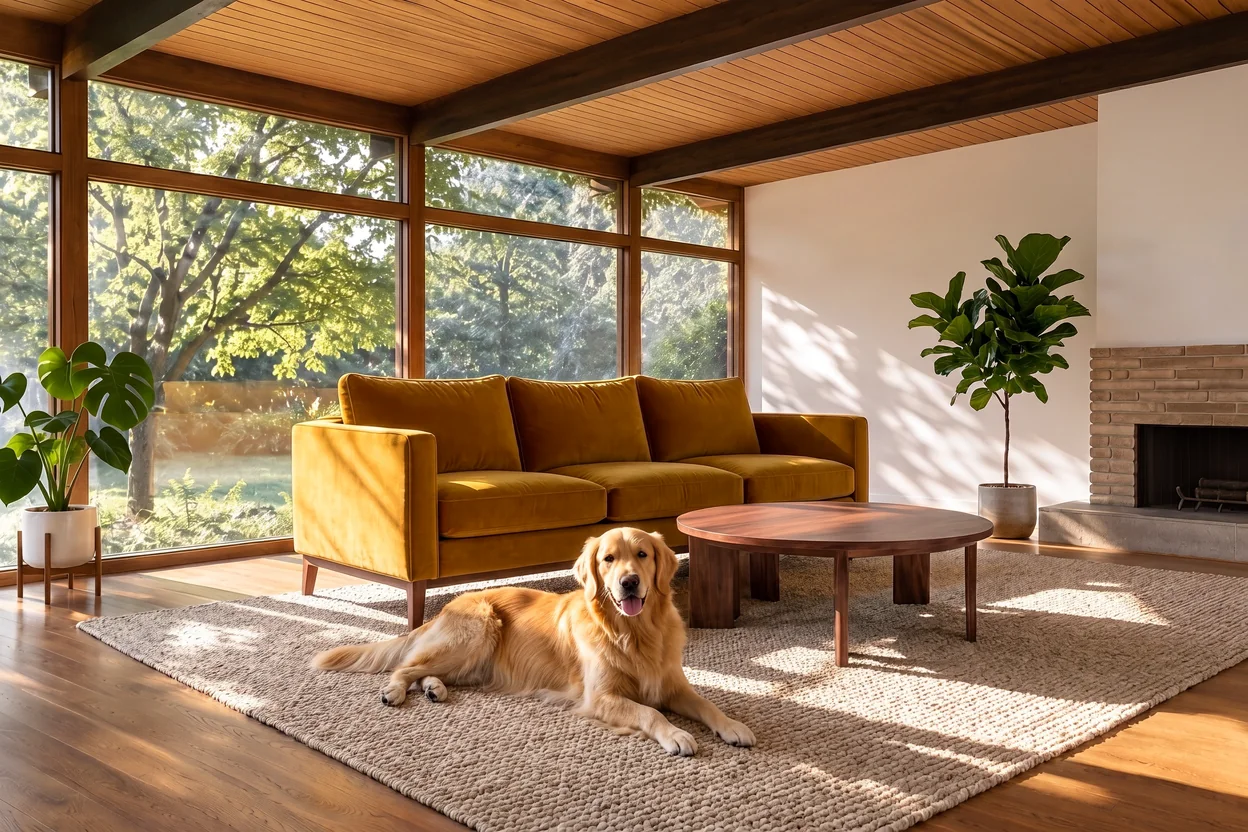
The furnished-room example makes the purpose of two references easy to follow: one supplies the space, the other the dog. Our composition tests successfully moved an object or person from one picture into another scene. Name the sources by upload order and explain which elements of the setting should remain.
Describe the change around a source object
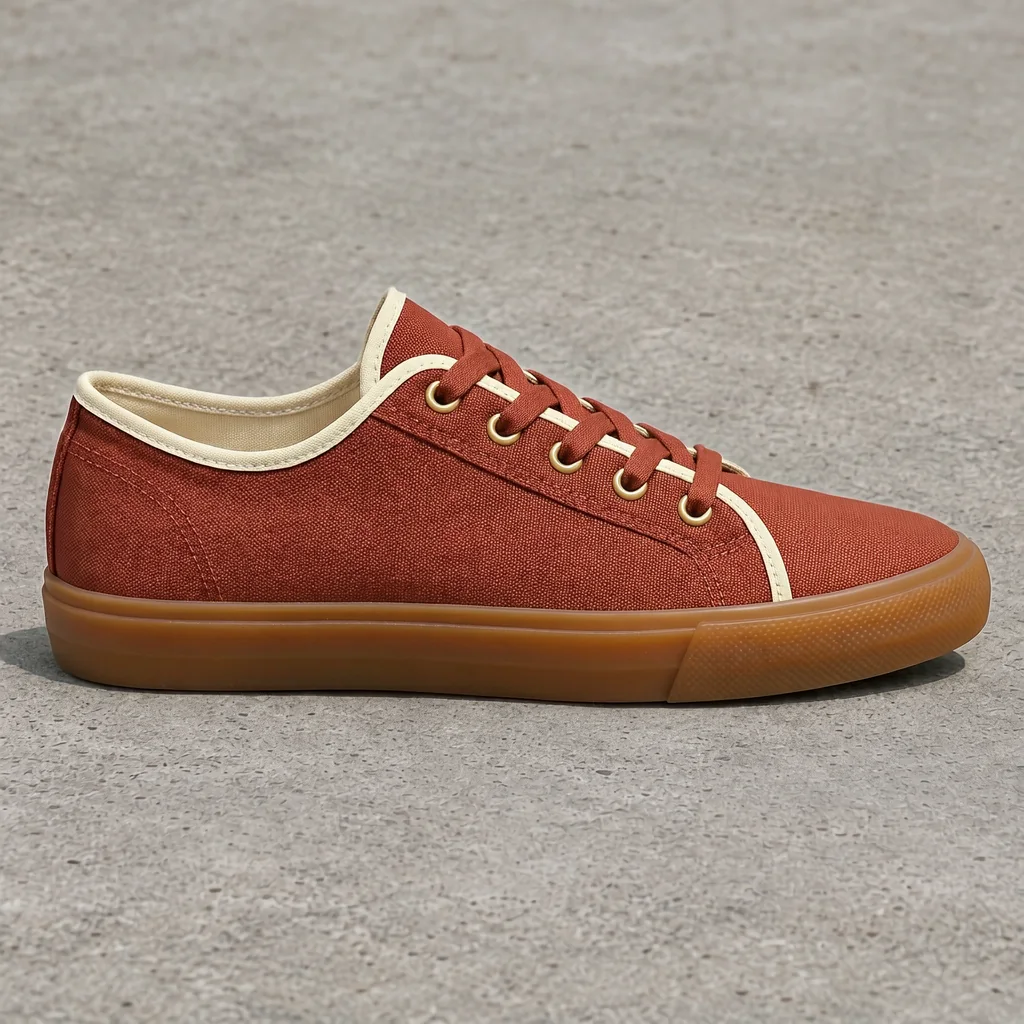
The sneaker example pairs a requested colorway with instructions to keep the source shape and floor. Follow that change-and-retain structure when drafting a product edit. Review the object against its source after generation; an instruction to preserve a detail is a goal to inspect, rather than a guarantee of an unchanged image.
Request parameters
| Parameter | Required | Description |
|---|---|---|
prompt | Yes | Required editing instruction, at most 5,000 characters; use image 1, image 2 and subsequent numbers for the ordered uploads. No default or prompt surcharge. at least 1 characters · at most 5000 characters |
image_urls | Yes | Required list of 1–16 JPEG, PNG, WebP, HEIC or HEIF pictures; each dimension must be 128–8192 pixels and the long edge at most four times the short edge. at least 1 items · at most 16 items |
aspect_ratio | No | Choose from 15 ratios from 3:1 to 1:3, among them 1:1, 16:9, 9:16, 21:9 and 4:5, or custom to give the edit an exact width and height; omission lets the model select a shape usi… |
width | No | Pixel width of the edited result when |
height | No | Pixel height of the edited result when |
resolution | No | Select 1k (default, about 1 MP), 2k (about 4 MP) or 4k (about 16 MP) for the edit. The first two cost the same; 4k has three times their generation charge. |
enable_prompt_expansion | No | Defaults to true, letting MiniMax rewrite the editing instruction into fuller English before it works on the images. Choose false to keep your image 1 / image 2 wording untouched. Default: |
output_format | No | The edited file can be png, jpeg or webp; png is used when omitted, at no format surcharge. |
seed | No | Optional, 0–2,147,483,647, free of charge. |
Pricing
Editing is billed per returned image at the selected tier, with a small fee for each input. The 1k and 2k generation rates match; 4k is three times that rate, and failed edits are not charged.
| Specification | Price |
|---|---|
| $0.036 / image |
| $0.036 / image |
| $0.108 / image |
Use cases
Portraits built around a written note
Describe an adult subject, a quiet room and the exact words on a card. The Room 1207 example returned its requested handwritten message legibly at 2k and 3:2, giving a concrete starting point for a scene where the wording matters alongside the pose and light.
Short labels in product imagery
Keep the required copy brief and tie it to a named surface, such as a bottle label. Our NOIR 07 result had readable lettering; the MIDNIGHT JAZZ scene also showed a clear sign. Those observations support checking short text rather than planning a page of prose inside the picture.
Wardrobe and location revisions
Bring a permitted adult portrait to the editor and describe a new outfit or setting, with a separate instruction to retain the person. Our single-image changes kept the face recognizable. Inspect each returned edit before treating it as an accepted continuation of the source.
A subject placed in another scene
Use one input for a person or object and another for the destination environment. Our two-picture compositions combined those roles successfully. Numbering the uploads lets an instruction identify the subject to move and the scene that should receive it.
Wide scenes and square compositions
Choose the output shape for the intended placement, then set the pixel tier separately. Our measurements include 2720 x 1536 at 2k and 16:9, 4096 x 4096 at 4k and 1:1, and 5472 x 3072 at 4k and 16:9; the tier does not prescribe one fixed width.
Prompt guide & pro tips
Choose generation or editing
Begin with text-to-image for a scene described in words, or image-to-image when existing pictures should guide the result. For people in editing inputs, use photos you have the right to use, depict adults and avoid impersonation.
Describe the intended picture
Write connected English prose covering the subject, wardrobe, mood, setting and light within 5,000 characters. In an edit, name image 1, image 2 and later uploads, then specify the changes and the details to retain.
Set shape, size and file type
Select a canvas from fifteen ratios and choose 1k, 2k or 4k; 1k and 2k share a generation rate, while 4k costs three times as much. PNG is the default, with JPEG and WebP available at the same format-independent rate.
Inspect the returned details
Check quoted lettering against the prompt and compare edited faces or objects with their sources. Save the chosen result and its settings before changing one part of the instruction for another run.
Revise or combine supplied pictures
MiniMax H3-Image image-to-image takes an editing instruction and one to sixteen pictures. A source may supply the person or object to retain, while another supplies the destination scene. Our single-picture tests changed wardrobe and setting while keeping a recognizable face, and two-picture tests combined a subject from one image with the environment from another.
Use photos you have the right to use. People in editing inputs must be adults, and the request must not impersonate someone. Review the returned identity and source details before accepting a portrait revision.
Editing parameters
| Parameter | Requirement or choice |
|---|---|
prompt | Required instruction, at most 5,000 characters; name inputs by upload number |
image_urls | Required ordered list of 1–16 pictures; each supplied image adds a charge |
aspect_ratio | Optional selection from fifteen ratios; omission lets the model choose using the inputs and prompt |
resolution | 1k by default; 2k and 4k are also available |
output_format | png by default, with jpeg and webp alternatives; encoding does not change the rate |
seed | Optional, 0 to 2,147,483,647; useful for testing one wording change against the same sources once expansion is off |
enable_prompt_expansion | Defaults to true; false sends your editing instruction to MiniMax without a rewrite |
width, height | Exact output size in pixels when aspect_ratio is custom; both are required and must fit the selected tier |
Input pictures may be JPEG, PNG, WebP, HEIC or HEIF. Each edge must measure between 128 and 8192 pixels, and the long edge cannot exceed four times the short edge. Check every input against these limits before submitting a collection of references.
The supported output ratios are 1:1, 1:2, 2:1, 1:3, 3:1, 2:3, 3:2, 3:4, 4:3, 4:5, 5:4, 9:16, 16:9, 9:21 and 21:9. Select a ratio when placement requires a particular shape. With no ratio supplied, the model chooses a canvas; a portrait source does not guarantee that its proportions will be retained. Our one-portrait edit without a ratio returned 832 x 1248. The custom option replaces the ratio with an exact width and height in pixels, for example 1024 x 1536 for a print-ready portrait.
Assign the source roles in words
Write image 1 for the initial upload, image 2 for the next, and continue with their actual order. A reference count alone does not explain how the pictures should interact. Identify the source subject, the new environment and the details that should remain before describing the finished scene.
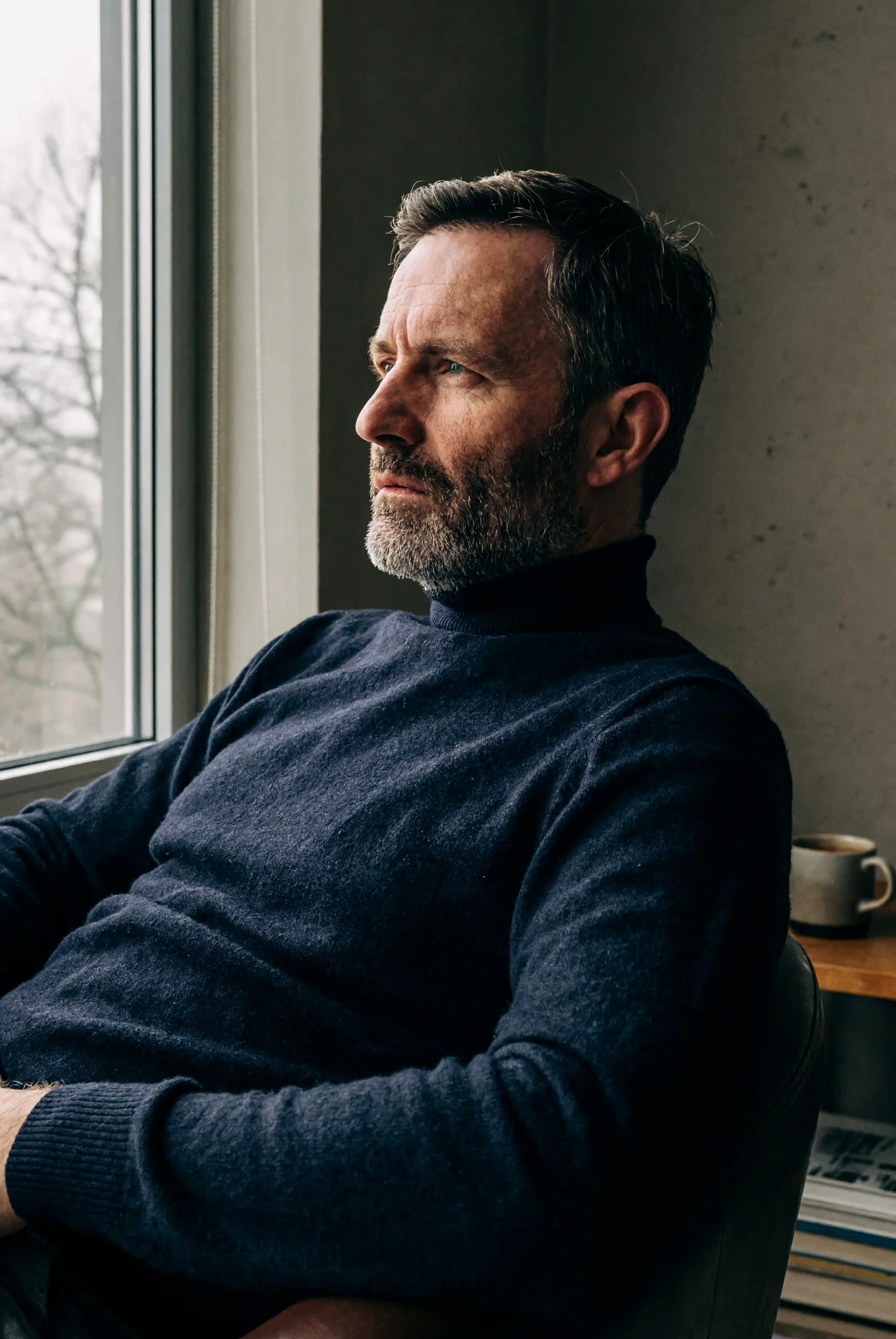
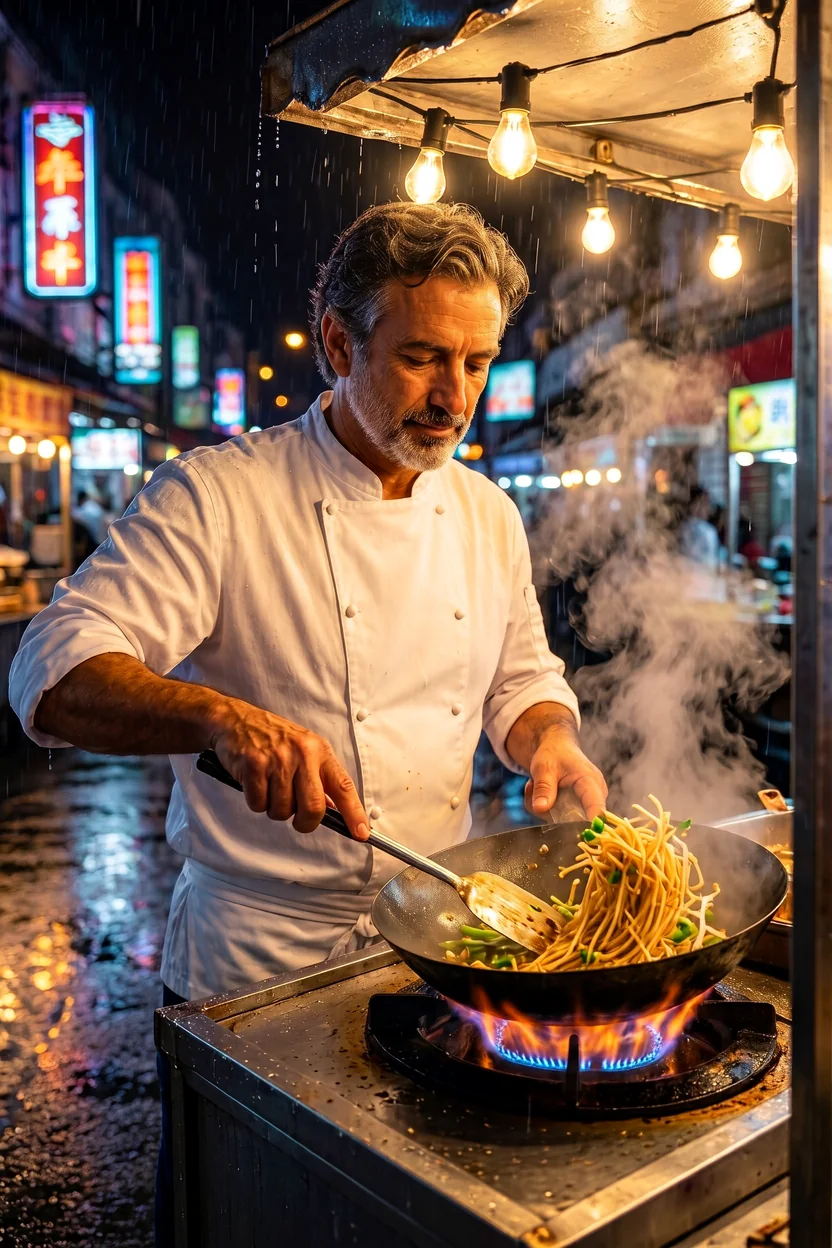
For a composition, an instruction can say: "Use the room in image 1 as the setting and place the dog from image 2 beside the sofa." A portrait revision needs a different structure: "Keep the adult chef from image 1 recognizable and move him to a rainy market stall." Add the clothing and lighting goals after the source assignment so they have a clear subject.
Separate the requested change from the preservation goal. A new colorway can specify fabric, trim and sole colors, followed by the source silhouette and floor to retain. A location change can name the new background, then identify the face and clothing that should carry over. These are instructions to assess against the result, without a guarantee that every unmentioned detail remains fixed.
A practical review sequence
- Confirm that the upload order matches the names used in the prompt.
- Check the chosen ratio and tier before starting the edit.
- Compare the returned subject with the corresponding source picture.
- Inspect scene placement, requested colors and any short lettering separately.
- Keep the accepted result and its source list together for later revisions.
Generation and reference charges
An edit has a generation charge for its output tier plus a small charge for each input picture, including the initial source. The 1k and 2k generation rates are equal; the 4k generation component is three times that rate. Output format leaves the charge unchanged. Use the current model-page pricing to check the rate before choosing how many references to include. Failed editing requests cost nothing.
Extra source pictures should have a defined purpose, such as supplying the environment or subject. Remove an unnecessary reference from the plan before submitting rather than assuming a larger collection will communicate its own intent. The input fee follows the supplied picture count.
Observations and limits
Our single-source wardrobe and scene edits kept the person's face recognizable. Two-source compositions also succeeded at placing a person or object into another picture's setting. The dog-in-room, chef and sneaker examples illustrate ways to divide an edit into requested changes and retained details. These samples do not establish identity retention across an unlimited sequence of revisions.
Our short-lettering tests include NOIR 07 on a bottle and MIDNIGHT JAZZ on a sign. When an edit needs text, quote the intended words and identify their location, then proofread the returned image. The recorded short-text results do not establish accurate long passages for an editing job.
Our standardized NSFW tests returned an image for every request and billed each delivery. Very strong edits matched 0/3 requests as written, while Maximum matched 6/6. This variation qualifies any broad claim about content behavior. A returned result that is toned down remains a delivered image; failed requests follow the separate no-charge rule.
Negative prompt, guidance and sampling steps are not offered on this option. The seed field only repeats a starting point while enable_prompt_expansion is false, which suits checking one instruction change against an unchanged set of sources; it is not a promise of an identical edit. Its three resolution tiers apply to approximate pixel area; the output width also depends on the selected shape. Do not use the tier name as a substitute for inspecting the downloaded dimensions.
When a sibling fits the request
For a scene that needs no supplied picture, use this family's text-to-image endpoint. If the task needs intermediate size tiers, consider Open Weights, which accepts up to nine editing inputs and uses its own reference notation. Open Weights LoRA adds LoRA inputs for that workflow. We have not verified identical pictures between these versions, so choose by the controls and reference capacity needed for the edit.
API quick start
# Generate the idempotency key once; reuse it when retrying after a lost response.
export SPICY_IDEMPOTENCY_KEY="${SPICY_IDEMPOTENCY_KEY:-$(uuidgen)}"
curl -X POST https://api.spicyapi.ai/api/v1/jobs/createTask \
  -H "Authorization: Bearer $SPICY_API_KEY" \
  -H "Content-Type: application/json" \
  -H "Idempotency-Key: $SPICY_IDEMPOTENCY_KEY" \
  -d '{
  "model": "minimax/h3-image/edit",
  "input": {
    "image_urls": [
      "https://example.com/reference.png"
    ],
    "output_format": "png",
    "prompt": "A ceramic teapot on a linen cloth, soft window light, muted palette",
    "resolution": "1k"
  }
}'

# Copy data.taskId from the response into TASK_ID, then poll the status.
TASK_ID="TASK_ID_FROM_RESPONSE"
curl "https://api.spicyapi.ai/api/v1/jobs/recordInfo?taskId=$TASK_ID" \
  -H "Authorization: Bearer $SPICY_API_KEY"
See the API reference for authentication, the complete schema, polling, and error handling.