Introduction
MiniMax H3 Max Image to video animates an opening frame supplied in image_url into a clip of 5 to 15 whole seconds at 480p or 768p, with sound generated in the same pass. An optional last_image_url fixes the closing frame as well. The opening frame sets the output shape, and a request that leaves the duration out runs for 8 seconds.
Choose a MiniMax H3 Max mode by starting material
| What you have at the start | Mode |
|---|---|
| an approved opening image | MiniMax H3 Max Image to video |
| a written scene or script | MiniMax H3 Max Text to video |
Key features & highlights
The frame sets subject, wardrobe and shape
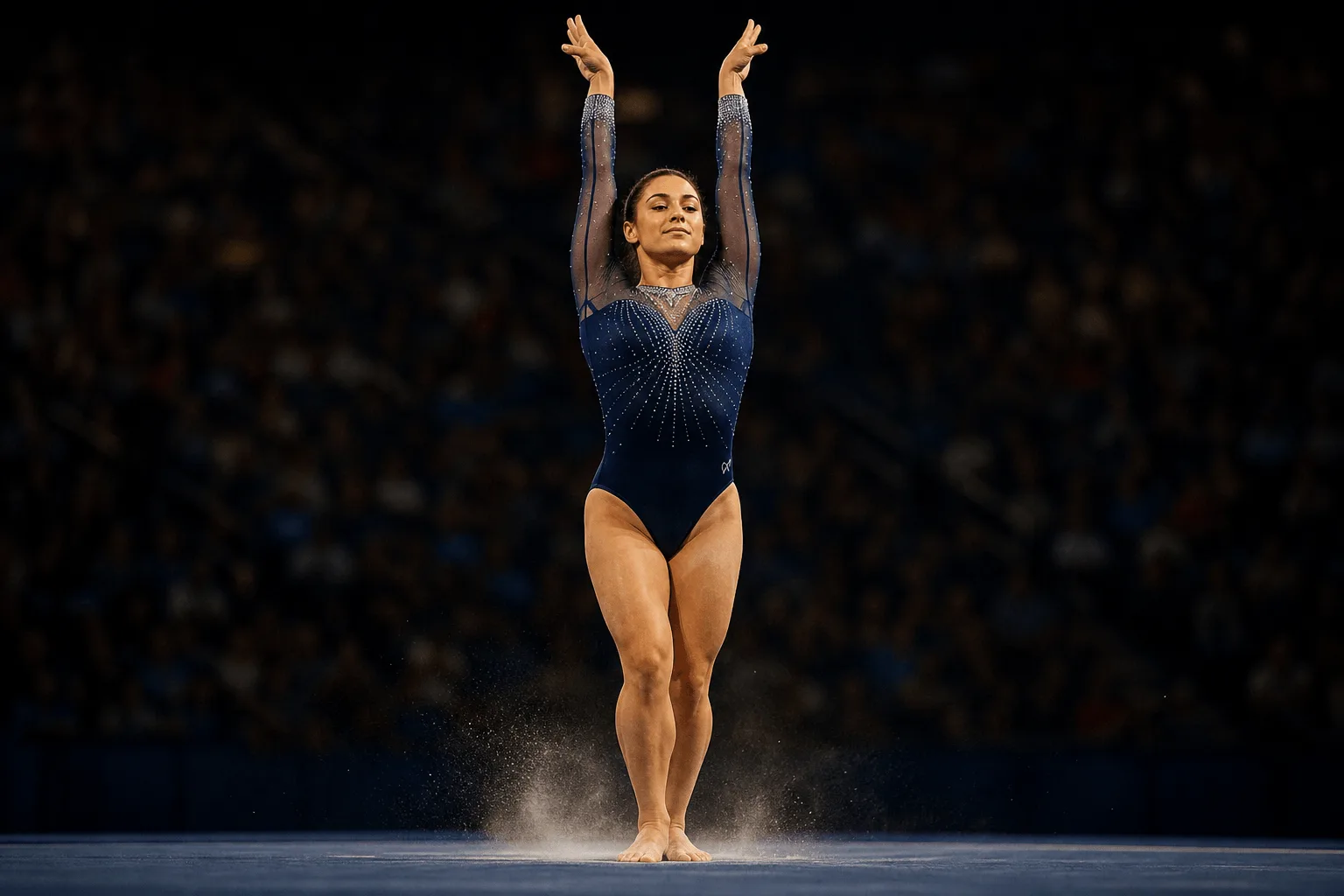
There is no aspect-ratio field on this endpoint: the still you hand in decides the frame of the clip. In the laundromat-spin example nothing about the room, the wardrobe or the flat fluorescent light is written down, because the opening frame settled all of it. The prompt only describes the machine going into its spin cycle and how she reacts.
Pin both ends of the shot
last_image_url adds a closing frame, and it can only be sent together with image_url. The frame-to-frame example starts on one composition and lands on another over eight seconds, so the clip cuts cleanly into an edit. The closing frame constrains the ending, not the middle, and two frames that disagree on light or wardrobe produce a visible negotiation between them.
Five-second minimum, two resolutions
Durations run from 5 to 15 whole seconds, with 8 as the default. resolution takes 480p or 768p and defaults to 768p; 480p costs less per second, which suits drafts. The shortest request is already a complete beat: the laundromat-spin clip fits the spin, a laugh, a swing of the legs and a glance at the drum into five seconds.
Request parameters
| Parameter | Required | Description |
|---|---|---|
image_url | Yes | The opening frame. It fixes subject, wardrobe and composition, and it sets the output shape. |
last_image_url | No | Optional closing frame. Only valid alongside |
prompt | Yes | Describe what changes after the opening frame - action, camera, sound - not the frame itself. at least 1 characters · at most 7000 characters |
duration_seconds | No | Whole seconds, 5 to 15. Omitting it gives you 8. |
resolution | No | 480p or 768p, default 768p. Both are native renders; 480p costs less per second. |
enable_prompt_expansion | No | Off by default, so the prompt is used exactly as written. Default: |
Pricing
| Specification | Price |
|---|---|
| $0.05 / second |
| $0.08 / second |
Use cases
Tilt from an object to a person
A single unbroken camera move makes the order of reveal the whole brief. The grimoire-to-bare-shoulder example starts on an open book and tilts up to the reader in a high-backed chair, with sigil light from the pages moving across her shoulder, over eight seconds. The image fixes the opening composition, so the prompt spends its words on what the camera finds and when.
Land a clip on a known composition
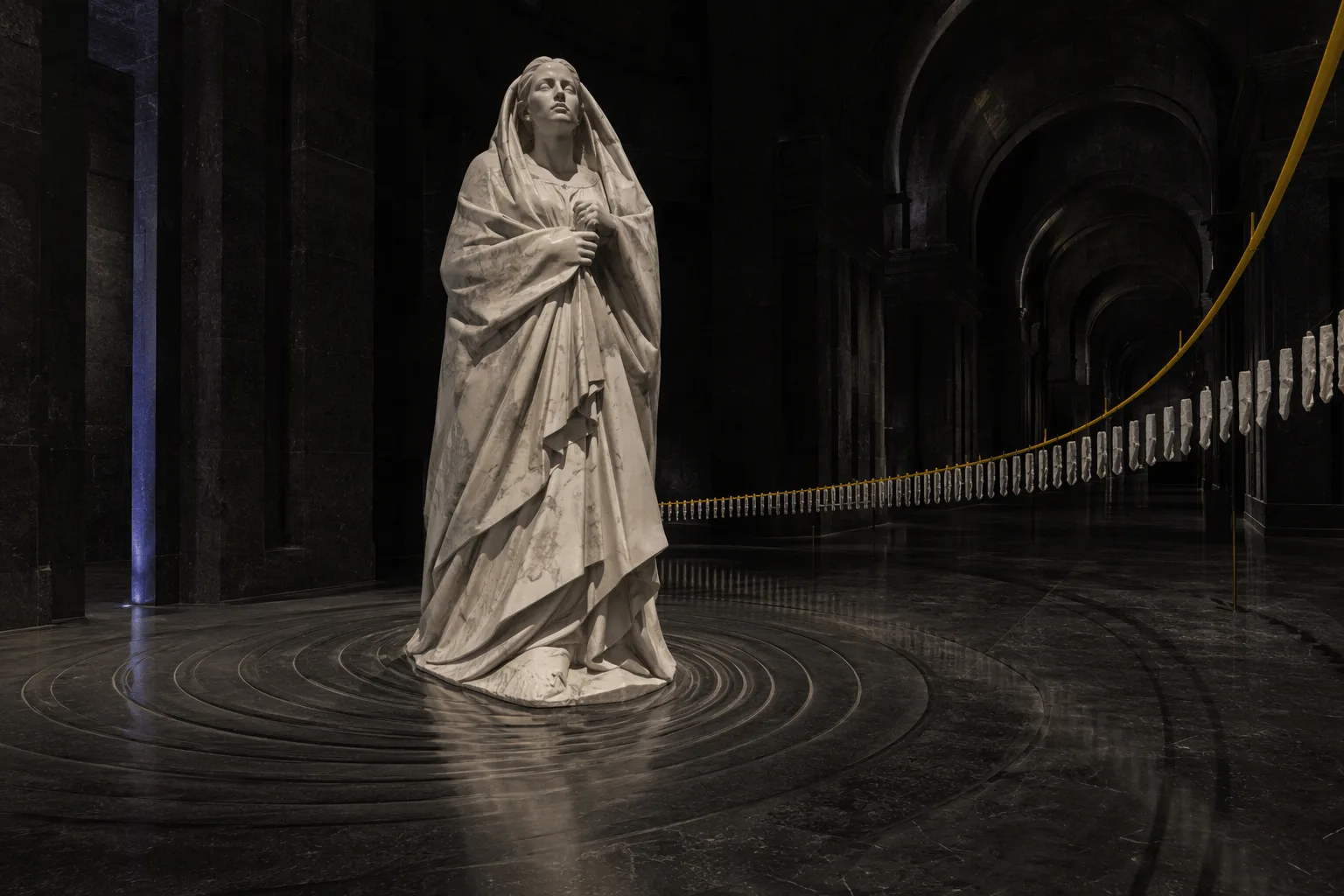
When an edit needs a clip to end on a specific frame, supply both frames. Prepare the closing still as a continuation of the opening one, then describe the action that connects them. In frame-to-frame that action is a walk toward camera down a marble corridor that stops looking straight down the lens, with hard rim light, a wind machine and a low synth drone.
Bring a locked-off scene to life
A static wide shot can carry several small movements at once. The laundromat-spin prompt asks for a locked-off camera, a drum spinning behind glass and a fluorescent tube that flickers once, alongside the character's reaction, with a quiet mechanical hum in the audio.
Prompt guide & pro tips
Describe change, not the frame
Write what happens after the opening frame and leave appearance to the image. "The washing machine under her shudders into its spin cycle and she bounces slightly with it" names only movement; nothing in it repeats what the still already shows. If a clause describes something visible in the frame, cut it.
Specify every detail you care about
Prompt expansion is off by default, so the prompt is used as written; with enable_prompt_expansion on, MiniMax first expands it into a fuller description of shot, sound and music, details you did not write can appear, and the request is billed at the prompt-expansion rate. Name the camera move ("slow tilt, no cut"), the light source and the sound explicitly, and change one thing per run so you can see what each change did.
Crop and match frames before upload
Crop the opening still to the delivery shape, since the output follows it. When you add a closing frame, keep subject, wardrobe and light continuous between the two stills, and choose a duration long enough for the connecting action. Across a 15-second clip the middle can wander even when both ends are fixed.
API quick start
# Generate the idempotency key once; reuse it when retrying after a lost response.
export SPICY_IDEMPOTENCY_KEY="${SPICY_IDEMPOTENCY_KEY:-$(uuidgen)}"
curl -X POST https://api.spicyapi.ai/api/v1/jobs/createTask \
  -H "Authorization: Bearer $SPICY_API_KEY" \
  -H "Content-Type: application/json" \
  -H "Idempotency-Key: $SPICY_IDEMPOTENCY_KEY" \
  -d '{
  "model": "minimax/h3-max/image-to-video",
  "input": {
    "duration_seconds": 8,
    "enable_prompt_expansion": false,
    "image_url": "https://example.com/reference.png",
    "prompt": "A slow aerial shot drifting over a misty pine forest at sunrise",
    "resolution": "768p"
  }
}'

# Copy data.taskId from the response into TASK_ID, then poll the status.
TASK_ID="TASK_ID_FROM_RESPONSE"
curl "https://api.spicyapi.ai/api/v1/jobs/recordInfo?taskId=$TASK_ID" \
  -H "Authorization: Bearer $SPICY_API_KEY"
See the API reference for authentication, the complete schema, polling, and error handling.