Introduction
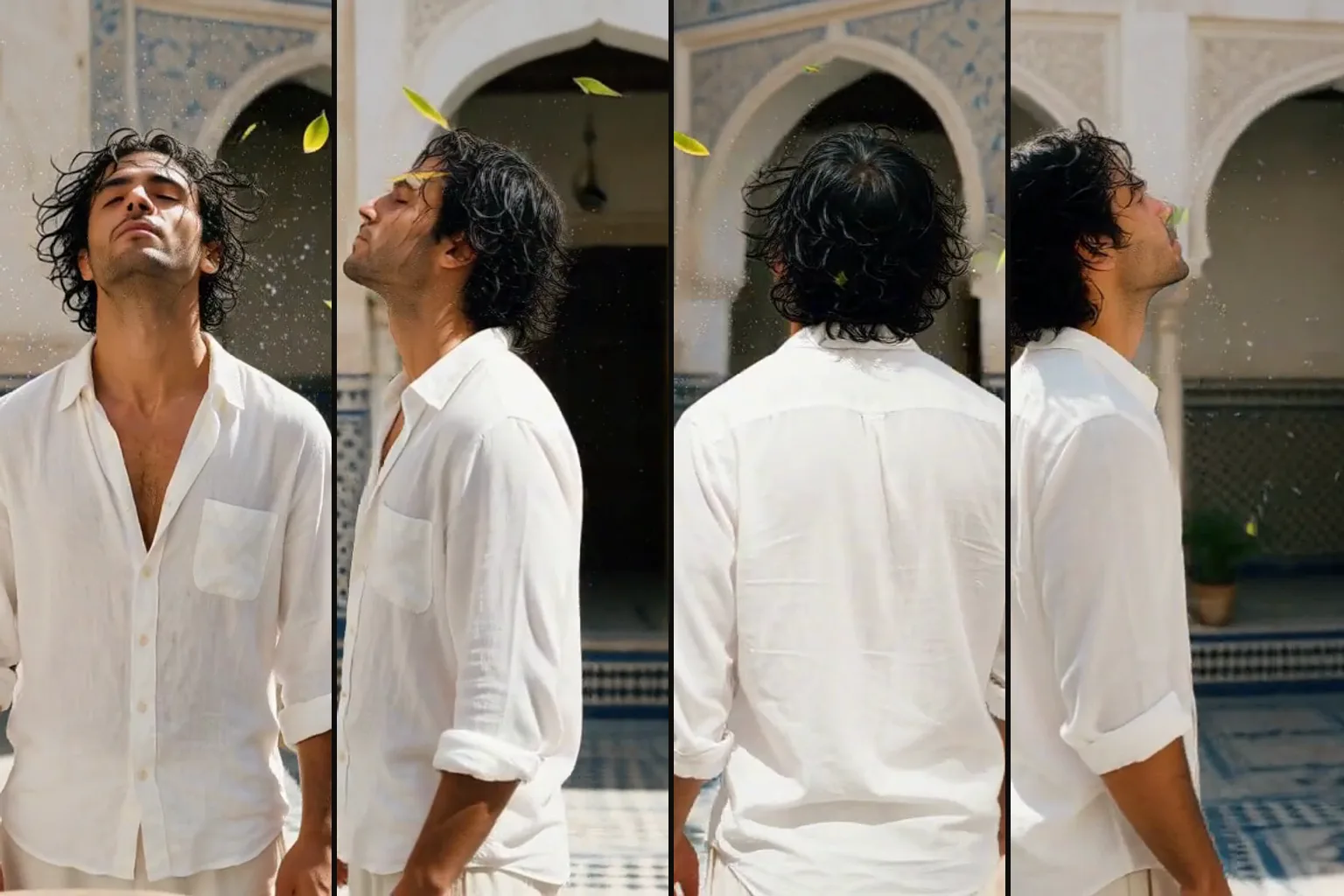
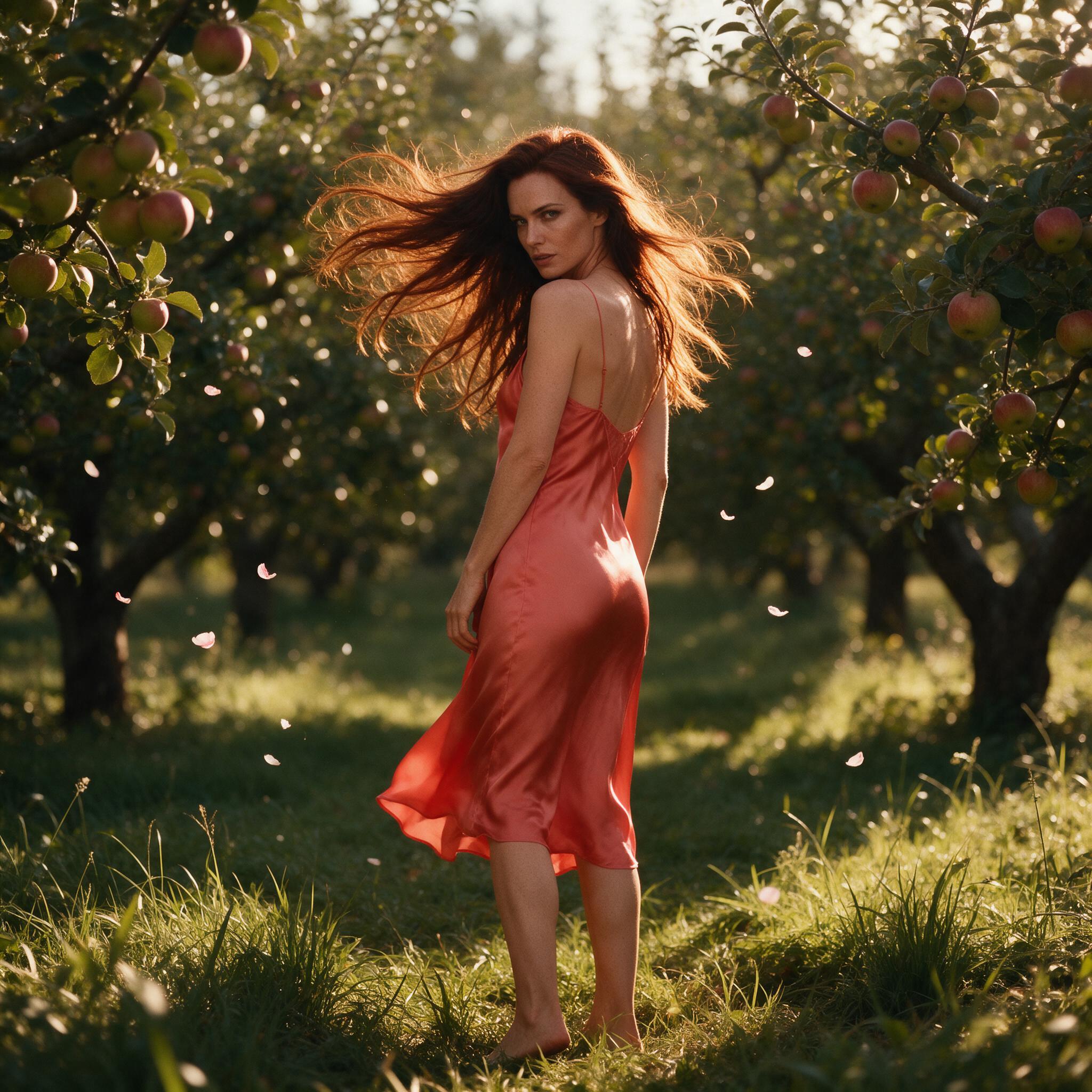
MiniMax H3 360 Orbit Image to video turns one photo into a 360-degree camera orbit around a frozen moment that ends on the frame it began with.
Key features & highlights
- One photo in, a full 360-degree orbit out: your photo is used as both the first and the last frame, so the clip loops back to where it started.
- The 360 Orbit adapter runs at strength 1 with the exact instruction it was trained on, so there is no prompt to write.
- Without the adapter, the same base model reads a same-image start and end as a still and barely moves.
- The output keeps the shape of your photo: a square photo gives a square clip.
Request parameters
| Parameter | Required | Description |
|---|---|---|
image_url | Yes | The photo to orbit. It is used as the first and the last frame, so the clip loops. at least 1 characters |
resolution | No | 480p (default), 540p, 768p or 1080p. Higher tiers cost more per second; the shape always follows your photo. |
duration_seconds | No | From 3 to 6 seconds (default 3). Three seconds is one clean, frozen turn; longer clips orbit more slowly and people may start to move. |
seed | No | Keeps runs comparable while you try different photos or lengths. It does not promise a frame-identical clip. |
Pricing
Billed per second of output at the chosen resolution.
| Specification | Price |
|---|---|
| $0.05 / second |
| $0.075 / second |
| $0.10 / second |
| $0.20 / second |
Use cases
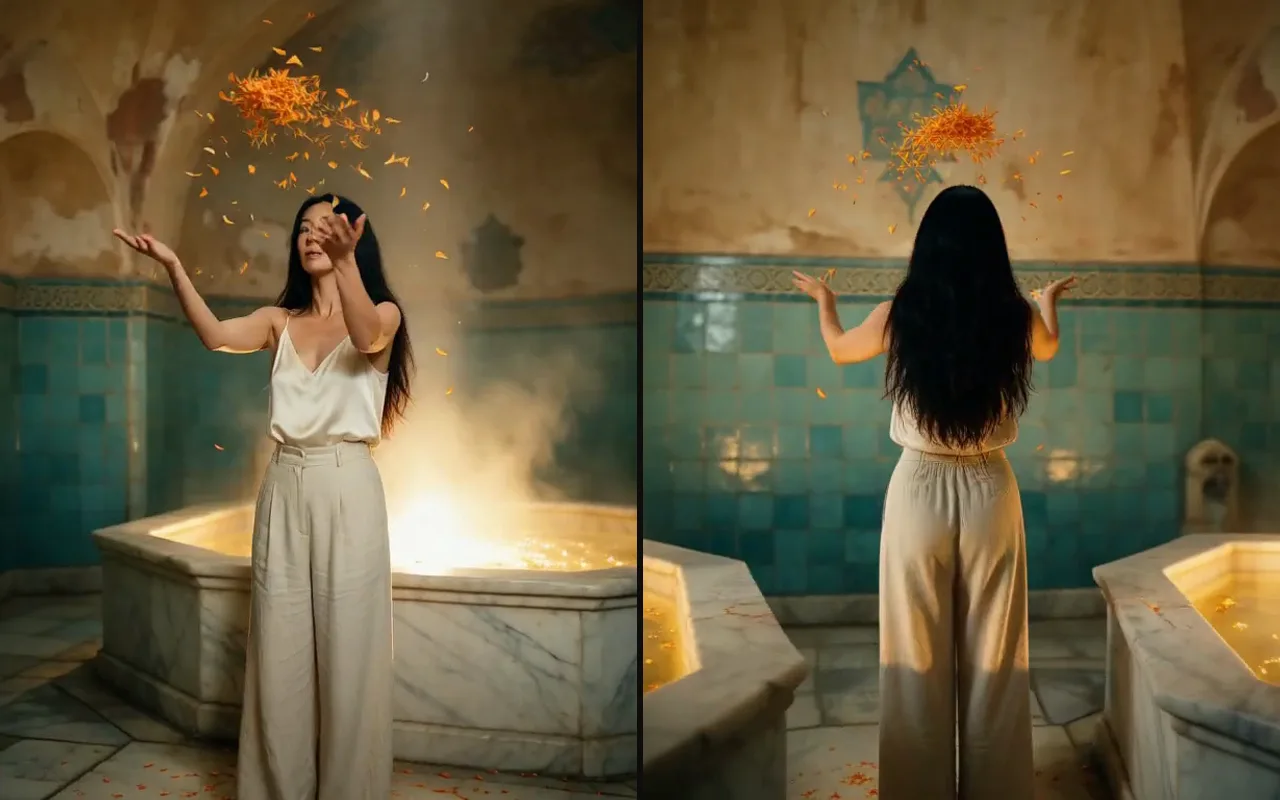
- Frozen-moment portraits: a person, hair and drifting details held still while the camera circles.
- Fashion and outfit looks shown from every side from a single shot.
- Short looping clips for social posts that end exactly where they begin.
Prompt guide & pro tips
- 3 seconds gives the cleanest freeze: the subject, hair and suspended petals held still for the whole turn in our tests.
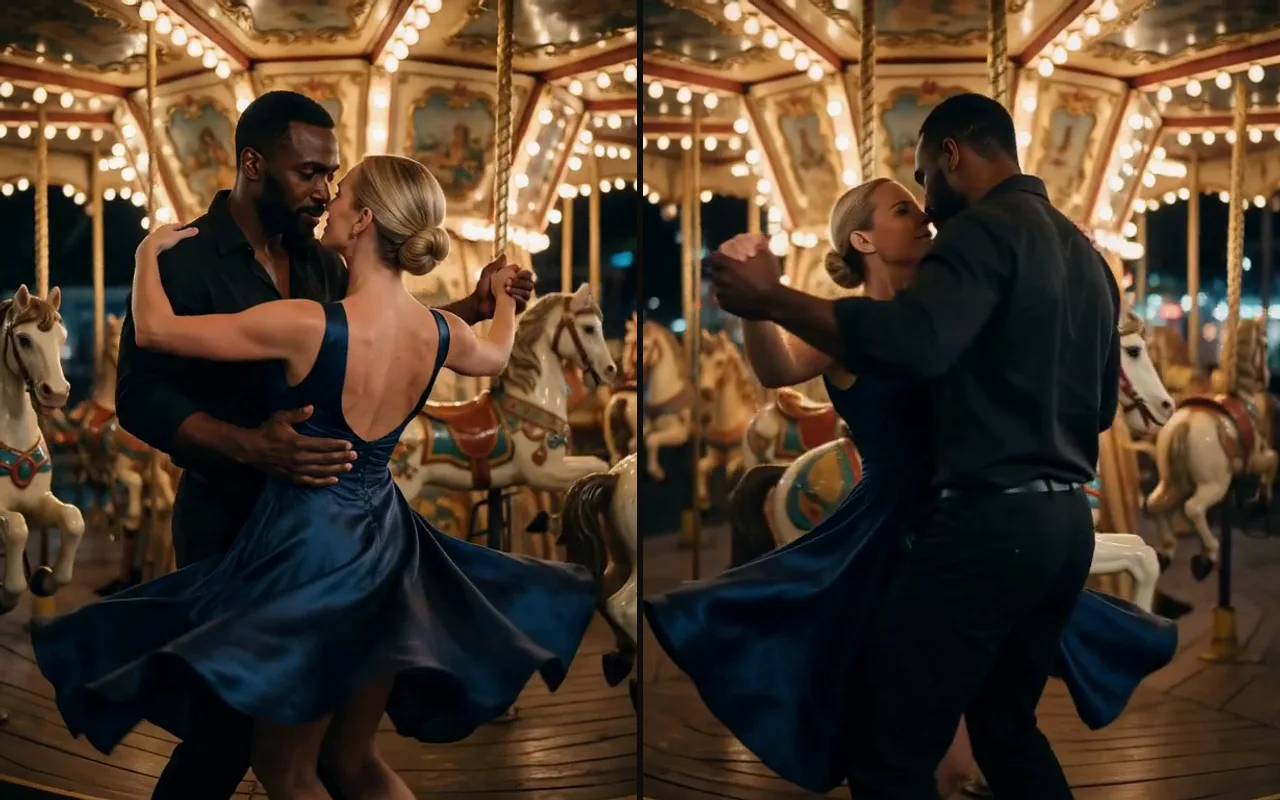
- At 6 seconds the orbit is slower and people may start to move, as a dancing couple did in our tests.
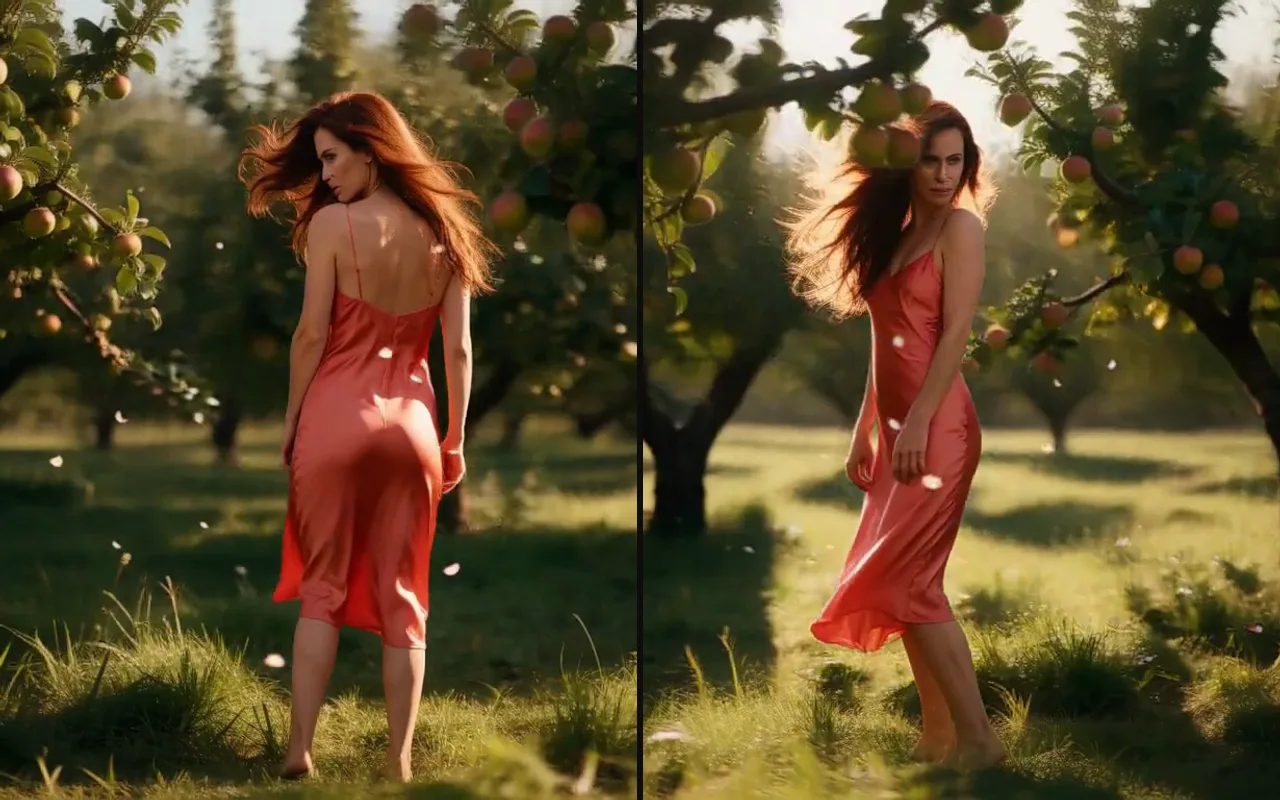
- Busy foregrounds can cross the lens: in a crowded orchard, trunks briefly passed between the camera and the subject.
- Pick the photo shape you want the clip to have.
API quick start
# Generate the idempotency key once; reuse it when retrying after a lost response.
export SPICY_IDEMPOTENCY_KEY="${SPICY_IDEMPOTENCY_KEY:-$(uuidgen)}"
curl -X POST https://api.spicyapi.ai/api/v1/jobs/createTask \
  -H "Authorization: Bearer $SPICY_API_KEY" \
  -H "Content-Type: application/json" \
  -H "Idempotency-Key: $SPICY_IDEMPOTENCY_KEY" \
  -d '{
  "model": "minimax/h3-360-orbit/image-to-video",
  "input": {
    "duration_seconds": 3,
    "image_url": "https://example.com/reference.png",
    "resolution": "480p"
  }
}'

# Copy data.taskId from the response into TASK_ID, then poll the status.
TASK_ID="TASK_ID_FROM_RESPONSE"
curl "https://api.spicyapi.ai/api/v1/jobs/recordInfo?taskId=$TASK_ID" \
  -H "Authorization: Bearer $SPICY_API_KEY"
See the API reference for authentication, the complete schema, polling, and error handling.