Introduction
MiniMax H3 Max Text to video turns a written prompt into a clip of 5 to 15 whole seconds at 480p or 768p, with ambience, foley and music generated in the same pass. MiniMax describes H3 Max as the fast-generation variant of H3. Two defaults matter before the first run: the aspect ratio defaults to 1:1 and the duration to 8 seconds, so set both explicitly when you have a delivery format in mind.
Choose a MiniMax H3 Max mode by starting material
| What you have at the start | Mode |
|---|---|
| an approved opening image | MiniMax H3 Max Image to video |
| a written scene or script | MiniMax H3 Max Text to video |
Key features & highlights
Six frame shapes, square by default
aspect_ratio accepts 21:9, 16:9, 4:3, 1:1, 3:4 and 9:16, and it defaults to 1:1, so a widescreen brief sent without the field comes back square. The snow-train-window-hands example is built for 21:9: a train crossing the full width of the frame while two hands meet on either side of the carriage glass, a composition that does not survive being cropped squarer.
480p for drafts, 768p for the keeper
resolution takes 480p or 768p and defaults to 768p. There is no 720p, 1080p or 4K option, and the schema rejects those values before the request is queued. 480p costs less per second, so it suits trying out wording, duration and framing; render the take you keep at 768p.
Prompt expansion is opt-in
enable_prompt_expansion is off by default, so the prompt is rendered as written. Switch it on and MiniMax first expands a short brief into a fuller description of shot, sound and music, so details you did not write can appear, and the request is billed at the prompt-expansion rate. The published examples counter this by being specific: the night-train-beckon prompt names green velvet, polished brass, burl walnut, a single reading lamp and the exact gesture the camera should follow.
Request parameters
| Parameter | Required | Description |
|---|---|---|
prompt | Yes | Write it as a shot: subject, movement, camera, light, sound — in the order they happen. at least 1 characters · at most 7000 characters |
aspect_ratio | No | Defaults to 1:1. Set 21:9 for anamorphic, 9:16 for vertical. |
duration_seconds | No | Whole seconds, 5 to 15. Omitting it gives you 8, not 5. |
resolution | No | 480p or 768p, default 768p. Both are native renders; 480p costs less per second. |
enable_prompt_expansion | No | Off by default, so the prompt is used exactly as written. Default: |
Pricing
| Specification | Price |
|---|---|
| $0.05 / second |
| $0.08 / second |
Use cases
Fashion and campaign motion
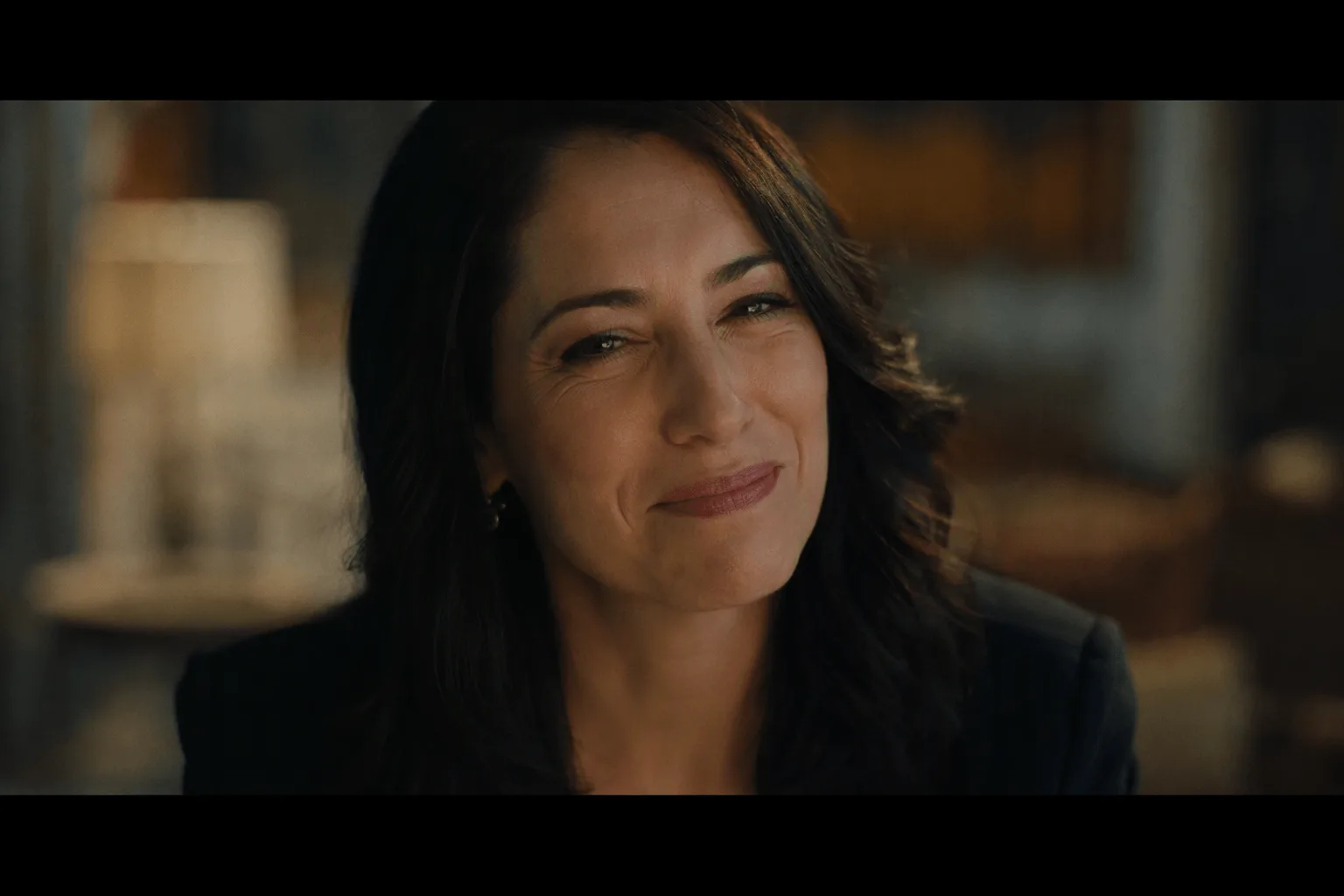
The silver-corridor example is a campaign-style shot built from one paragraph: a liquid-silver gown catching hard rim light, hair moving in a wind machine and a final look straight down the lens, at 21:9 for five seconds with a low synth drone in the audio. Fabric movement, light and the closing look are all written; none of them was supplied as an image.
Period looks asked for by name
Film-stock character can be requested directly. The roller-rink example asks for a 1970s look with heavy halation, faded colour, thick grain and slight gate weave, and fits a two-part action into five seconds: a slow lap of the rink, then a backwards coast toward camera with arms spread wide.
Material and light studies
Scenes where several surfaces react to moving light suit a written brief. In night-train-beckon, platform lights sweep bars across a face, satin and legs while the camera pushes in at an extremely shallow depth of field. Use a brief like this to check whether a lighting idea reads before you build source frames for image-to-video.
Prompt guide & pro tips
Write the shot in chronological order
List subject, movement, camera, light and sound in the order they happen. The silver-corridor prompt walks through the shot from the first step to the final look, then adds the image quality ("anamorphic 2.39:1, deep blacks, glossy specular highlights") and closes with the sound ("low synth drone").
State the boundaries as well as the action
If you switch expansion on, write what must stay fixed as well as what should happen. The night-train-beckon prompt ends with clear constraints: the slip nightdress and stockings stay on throughout, and there is no text, no logo and no other person in frame. Prose leaves wardrobe, body and framing to the model, so consecutive runs drift unless those details are written down.
Switch to image-to-video for a literal result
When a take gets the idea right but the subject is not exactly as designed, generate or choose a still and move to image-to-video: an opening frame is followed far more closely than the same description in a prompt. Keep the duration deliberate too, since omitting it gives 8 seconds, not 5.
API quick start
# Generate the idempotency key once; reuse it when retrying after a lost response.
export SPICY_IDEMPOTENCY_KEY="${SPICY_IDEMPOTENCY_KEY:-$(uuidgen)}"
curl -X POST https://api.spicyapi.ai/api/v1/jobs/createTask \
  -H "Authorization: Bearer $SPICY_API_KEY" \
  -H "Content-Type: application/json" \
  -H "Idempotency-Key: $SPICY_IDEMPOTENCY_KEY" \
  -d '{
  "model": "minimax/h3-max/text-to-video",
  "input": {
    "prompt": "A slow aerial shot drifting over a misty pine forest at sunrise",
    "resolution": "768p",
    "aspect_ratio": "1:1",
    "duration_seconds": 8,
    "enable_prompt_expansion": false
  }
}'

# Copy data.taskId from the response into TASK_ID, then poll the status.
TASK_ID="TASK_ID_FROM_RESPONSE"
curl "https://api.spicyapi.ai/api/v1/jobs/recordInfo?taskId=$TASK_ID" \
  -H "Authorization: Bearer $SPICY_API_KEY"
See the API reference for authentication, the complete schema, polling, and error handling.