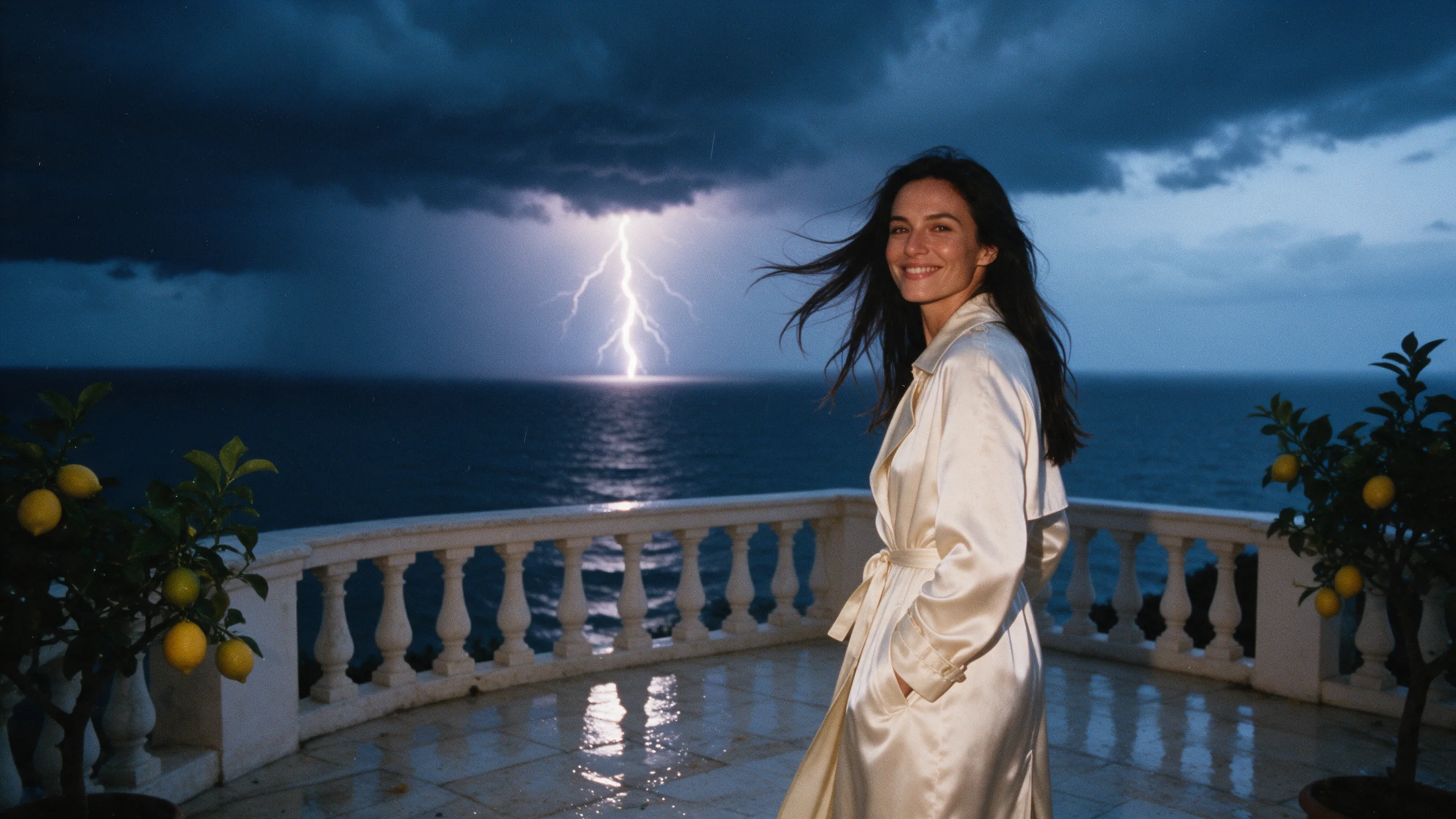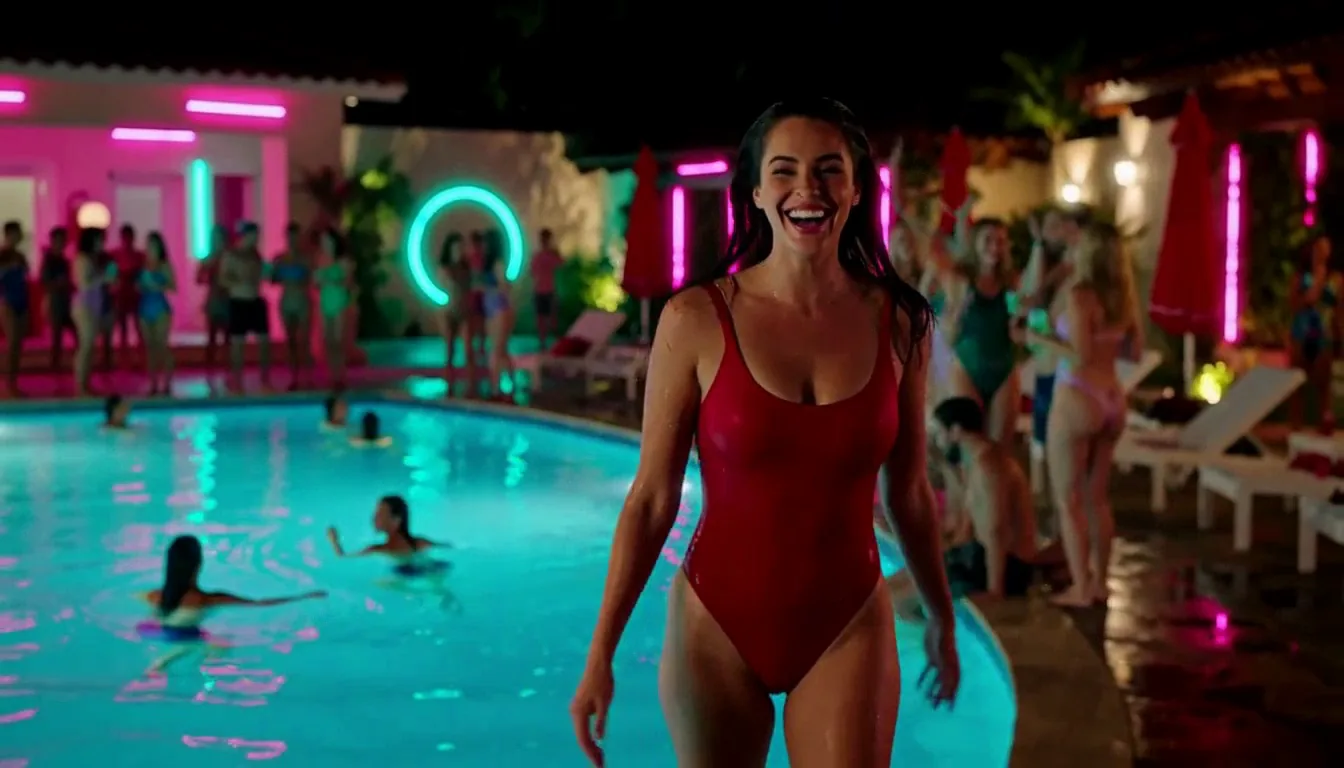
Image-to-video on MiniMax H3 HighSpeed: start from a still, add a prompt for the movement, camera and sound, and get a 4–15 second 768p clip. An optional closing frame lets you decide where the shot ends.

From $0.072/s

Workbench

Input

Image to video
229/7000
Required. Accepts 1 to 7,000 characters and rejects anything longer. Wrap spoken lines in double quotes. Does not change the price. at least 1 characters · at most 7000 characters
1/1

Drop files or media links, paste, or browse · 1 file · Max 10 MB · JPG · PNG · WEBP · GIF

  • 1
1 / 1 files
Required opening frame; the clip follows its shape. Each side must measure 256 to 5,760 pixels, with a width-to-height ratio between 0.4 and 2.5.
0/1

Drop files or media links, paste, or browse · 1 file · Max 10 MB · JPG · PNG · WEBP · GIF

0 / 1 files
Optional second image for the end of the shot; the clip comes to rest on it. Adds nothing to the price.
affects price
`768p`, the only option on this tier. A landscape clip came back at 1344 x 768.
Durationaffects price
A whole number from 4 to 15 (default 5), with each second billed at the 768p rate. A 4-second request came back as a 3.75-second clip. no lower than 4 · no higher than 15
Safety checkerOff

SpicyAPI does not run a safety checker on this model. Your prompt and media go to the model as written, and the model itself decides what comes back.

Checking your account before enabling submission and pricing.

Output

Ready for a new run
Example result

Related models and next tasks

Missing the model you need?

Tell us what to add and where you would use it. Requests go to the people who decide what gets onboarded next.

NEW · MINIMAX H3 FAMILY

768p clips in about half a minute, built for daily volume.

Key numbers

Starting price
$0.072/s
One flat rate per second at 768p, with no tier to pick. A 6-second clip is $0.432.
Endpoints
3
Text, image and reference to video all start from the same per-second rate.
Clip length
4-15 s
Whole seconds only; the longest clip, at 15 seconds, comes to $1.08.
Resolution
768p
The only resolution, so there is no draft-or-final choice. MiniMax offers no 2K on this tier.
References
9+3+3
Per request on reference to video: 9 images, 3 video clips (15 seconds combined) and 3 audio clips.
Wait
~25 s
Our 4-second test clips took roughly 22 to 35 seconds, with text to video at the quick end.

Before you spend

All modes

Resolution is fixed at 768p: there is no 480p or 2K here. A 16:9 clip came back at 1344 x 768, and a 4-second request returned 3.75 seconds. Prompts take up to 7,000 characters, and clips run 4 to 15 whole seconds.

Image to video

There is no aspect-ratio field: the clip follows the shape of the opening frame. Each side must measure 256 to 5,760 pixels, and the width-to-height ratio must stay between 0.4 and 2.5.

Reference to video

Include at least one image or video; audio cannot be sent alone. The limits are 9 images, 3 video clips (2 to 15 seconds each, 15 seconds combined) and 3 audio clips. A video clip outside that length range is stretched or trimmed to fit.

What it does

Text to video

Everyday clips from a prompt

HighSpeed renders 768p only, so there is nothing to pick except the shot. Describe the people, the action, the camera and the sound and expect a finished clip in roughly 26 seconds for 4 seconds of video in our run. That predictable wait is the point: you can queue a day of posts and know how long it will take.

Image to video

Turn a photo into a moving shot

Send the still you already have, such as a product photo, a portrait or a frame from a previous clip, and write what happens next. The clip keeps the frame's shape and adds movement, camera and sound at 768p. Image and reference runs took about 22 to 35 seconds, which keeps a routine of daily content moving.

Reference to video

Repeatable characters and looks

Use up to 9 images, 3 video clips and 3 audio clips to hold a person, a wardrobe and a setting steady from post to post. Name them in the prompt as Image 1, Video 1 or Audio 1. For an ongoing series this matters more than raw speed, because the same face has to come back every time.

One resolution

No settings to second-guess

With a single 768p setting, a team can agree on one recipe and reuse it. Vertical 9:16 for Reels and Shorts, 16:9 for a feed, 1:1 for a grid: change the frame shape, keep the rest. If you need cheaper drafts, switch to H3 Lite at 480p; if you need 2K, use MiniMax H3.

Made with MiniMax H3 HighSpeed

  • Text to video, 9:16 at 768p, six seconds, with neon hum and synthwave.
    6s
  • 768p · 4s. Describe the scene, camera and sound.
    4s
  • 768p · 4s. One still photo, with a line on the motion and the sound.
    4s
  • 768p · 4s. One scene assembled from image, video and audio references.
    4s
  • 768p · 4s. A boxing warm-up from one image.
    4s
  • 768p · 4s. The boxer from the reference photo, now training in a ring.
    4s

Where it fits

  • Daily social content

    Vertical 9:16 clips with dialogue, music and effects in one pass, 4 to 15 seconds each, at a steady 768p.

  • Ad and product variations

    Animate the same product photo with different camera moves and voice lines, and publish the takes that read best.

  • Recurring characters

    Feed portraits, outfits and places as references so a character looks the same across a week of clips.

  • Turnaround-sensitive work

    When a client or a trend will not wait, a clip in about half a minute is quick enough to iterate on live.

Model reference

MiniMax H3 HighSpeed API reference

MiniMax H3 HighSpeed: one resolution, built for a daily queue

MiniMax places HighSpeed between its lower-cost and quality-first H3 tiers and describes it as balancing quality and speed for everyday content creation. In practice on SpicyAPI that means one resolution, 768p, and one rate of $0.072 per second, so there is no draft-or-final decision before each run.

What stays fixed from clip to clip

  • Price — a 5-second clip is $0.36, a 6-second clip $0.432 and a 10-second clip $0.72, before any extra reference inputs.
  • Wait — our 4-second test clips came back in roughly 22 to 35 seconds, which makes the length of a queue easy to plan.
  • Inputs — text, an opening frame with an optional closing frame, or up to 9 images, 3 video clips and 3 audio clips as references; sound is generated with the picture.

Where it fits

Social clips, product shots and recurring characters are the natural jobs, and reference to video is the mode to try first when a face or an outfit has to stay the same from post to post. If you want cheaper 480p drafts before committing, look at MiniMax H3 Lite. For 2K frames, step up to MiniMax H3.

MiniMax H3 HighSpeed API specifications

Publisher
MiniMax
Model
MiniMax H3 HighSpeed
On SpicyAPI since
27 October 2026
Endpoints
Three modes: text, image and reference to video
Duration
Whole seconds from 4 to 15, default 5
Resolution
768p
Aspect ratio
16:9 (default), 9:16, 1:1, 4:3, 3:4 or 21:9 on text and reference to video; image to video follows the opening frame
Output
MP4 with sound, no watermark
Prompt length
1 to 7,000 characters
References
On reference to video: 9 images, 3 video clips of 15 seconds combined, and 3 audio clips
Execution
Asynchronous task, billed per second of output

How to call the MiniMax H3 HighSpeed API

  1. Put spoken lines in double quotes

    Put anything a character says between double quotes and name who says it. One or two short lines are plenty for a clip of 5 to 8 seconds.

  2. Name references by type and position

    On reference to video, refer to each file by type and number: Image 1 for the person, Video 1 for the motion, Audio 1 for the voice. An audio clip only works together with at least one image or video.

  3. With a frame, describe what changes

    The opening frame has already settled who is there and where. Use the prompt for movement, camera and sound rather than describing the picture again.

  4. Reuse one recipe across the queue

    HighSpeed always renders 768p, so you can keep one prompt structure and reuse it across the whole queue, changing a single detail per run. For cheaper 480p drafts see H3 Lite; for 2K, MiniMax H3.

The short version

MiniMax H3 HighSpeed is for work that has to go out every day. You get one resolution, 768p, one rate per second, sound in every file and the same text, image and reference inputs across all three endpoints, with a short clip back in about half a minute in our runs. That steadiness suits social posts, product shots and recurring characters better than one-off showpieces. Cheaper drafts at 480p are on H3 Lite, and 2K is on MiniMax H3. In our tests the strongest level of our adult-content ladder came back as written, and SpicyAPI bills per second with no subscription. Only upload material you have the right to use, and make sure the people in it have agreed.

MiniMax H3 HighSpeed API questions

All MiniMax models17