Introduction
MiniMax H3 Lite image-to-video API turns a still image into a 4–15 second clip with sound at 480p or 768p. Send an opening frame, optionally a closing frame, and test the motion at 480p before paying for a sharper render. Its lightweight design suits trying ideas and producing multiple variations. Every request gives you one MP4 in which picture and sound come out together.
Choose a mode by starting material
| What you have | Mode |
|---|---|
| only an idea | MiniMax H3 Lite Text to video |
| a frame to animate, with an optional closing frame | MiniMax H3 Lite Image to video |
| people, outfits, places, motion clips or voices | MiniMax H3 Lite Reference to video |
Key features & highlights
The frame sets the look
The opening frame fixes faces, clothes, lighting and composition, so MiniMax H3 Lite spends the prompt on what moves. The clip follows the shape of your frame and there is no aspect-ratio field, so crop the image to landscape or vertical before you upload it.
Optional closing frame
Add a second picture as last_image_url and the clip ends on it, so two stills become a planned transition. Instead of inventing an ending, the model plans the move between the two pictures, which helps when one shot has to cut into the next.
Sound included
The motion comes with matching sound, such as surf, footsteps, a laugh or a quoted line, made together with the picture at no added cost. Add an Audio: line when you want a certain style of music or room tone instead of whatever the scene suggests.
Request parameters
| Parameter | Required | Description |
|---|---|---|
prompt | Yes | Required, up to 7,000 characters; anything longer is rejected. Put spoken lines in double quotes. at least 1 characters · at most 7000 characters |
image_url | Yes | Required opening frame. The clip keeps its shape. |
last_image_url | No | Optional closing frame that the clip settles on. Does not change the price. |
resolution | No |
|
duration_seconds | No | Whole seconds, 4 to 15, default 5. Billed per second together with the resolution. |
Pricing
Each second of output is charged at the rate of the resolution you choose, 480p or 768p. The current rate is always shown on the model page.
| Specification | Price |
|---|---|
| $0.025 / second |
| $0.04 / second |
Use cases
Product and fashion stills that move
A catalog photo of a jacket, a bag or a pair of shoes can open a short clip on MiniMax H3 Lite: the model walks, turns or picks the item up while the lighting of the original shoot stays in place, which saves a reshoot for simple motion.
Bringing a portrait to life
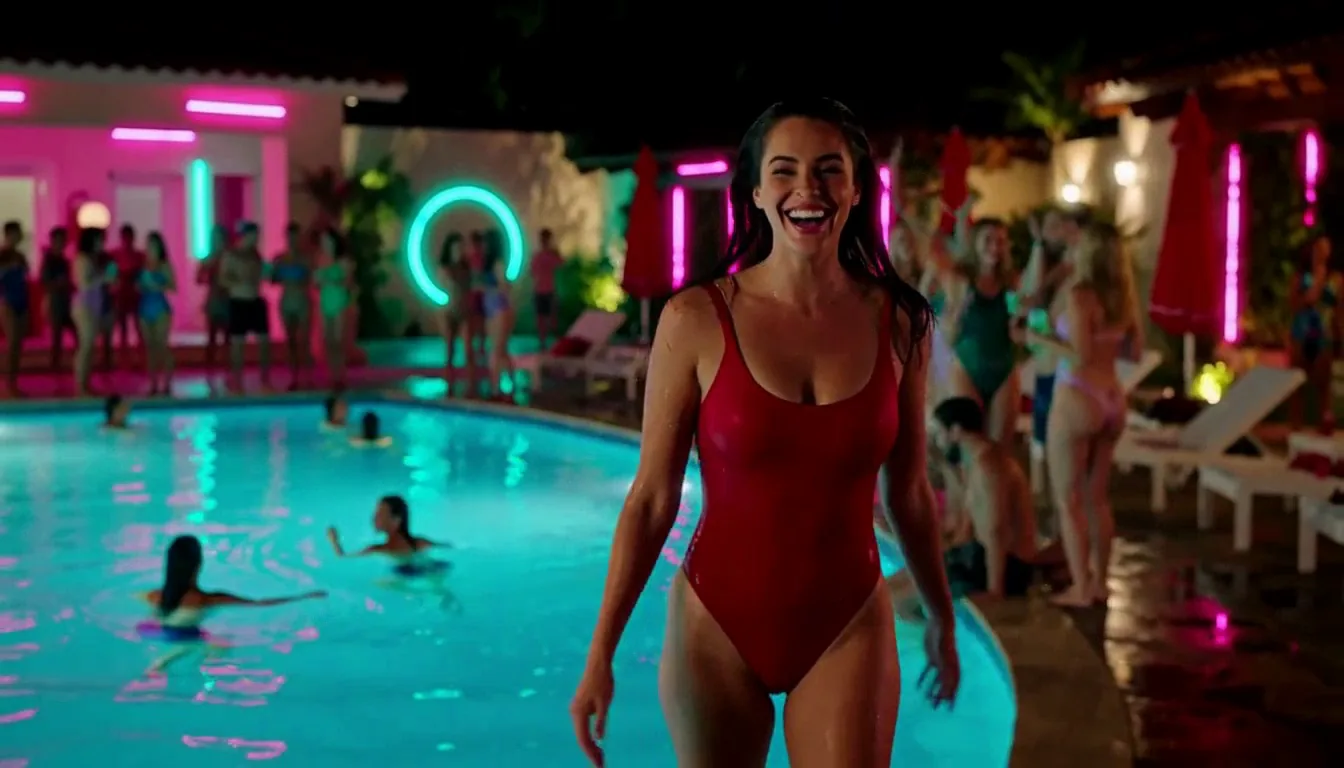
A single portrait still becomes a short clip with natural motion and sound on MiniMax H3 Lite, without describing the look from scratch. One smile, a turn of the head or a step toward the camera can be enough to bring a profile picture or a character card to life.
Controlled transitions
With an opening and a closing frame, MiniMax H3 Lite fills in the move between two stills, useful for before and after shots, outfit changes or story beats where a character starts in one pose and ends in another.
Prompt guide & pro tips
Describe the next moment, not the picture
The frame already shows who and where. Spend the prompt on the action, the camera move and the sound that follow, in the order they happen. Describing the picture again tends to freeze it, while a clear first action, such as she turns toward the window, gets it moving.
Use frames that fit the limits
Check your frame against the size limits: 256 to 5,760 pixels per side and a width-to-height ratio of 0.4 to 2.5; crop extreme panoramas before sending. A sharp, well-lit frame with the subject clearly visible gives steadier faces than a small or heavily compressed image.
Pair frames that match
A closing frame works best when it shows the same people and room as the opening frame, with a change the prompt can explain, such as a new pose, a step closer or a different expression. Two unrelated pictures force a cut-like jump.
Each second of output is charged at the rate of the resolution you choose, 480p or 768p. The current rate is always shown on the model page.
API quick start
# Generate the idempotency key once; reuse it when retrying after a lost response.
export SPICY_IDEMPOTENCY_KEY="${SPICY_IDEMPOTENCY_KEY:-$(uuidgen)}"
curl -X POST https://api.spicyapi.ai/api/v1/jobs/createTask \
  -H "Authorization: Bearer $SPICY_API_KEY" \
  -H "Content-Type: application/json" \
  -H "Idempotency-Key: $SPICY_IDEMPOTENCY_KEY" \
  -d '{
  "model": "minimax/h3-lite/image-to-video",
  "input": {
    "duration_seconds": 5,
    "image_url": "https://example.com/reference.png",
    "prompt": "A slow aerial shot drifting over a misty pine forest at sunrise",
    "resolution": "768p"
  }
}'

# Copy data.taskId from the response into TASK_ID, then poll the status.
TASK_ID="TASK_ID_FROM_RESPONSE"
curl "https://api.spicyapi.ai/api/v1/jobs/recordInfo?taskId=$TASK_ID" \
  -H "Authorization: Bearer $SPICY_API_KEY"
See the API reference for authentication, the complete schema, polling, and error handling.