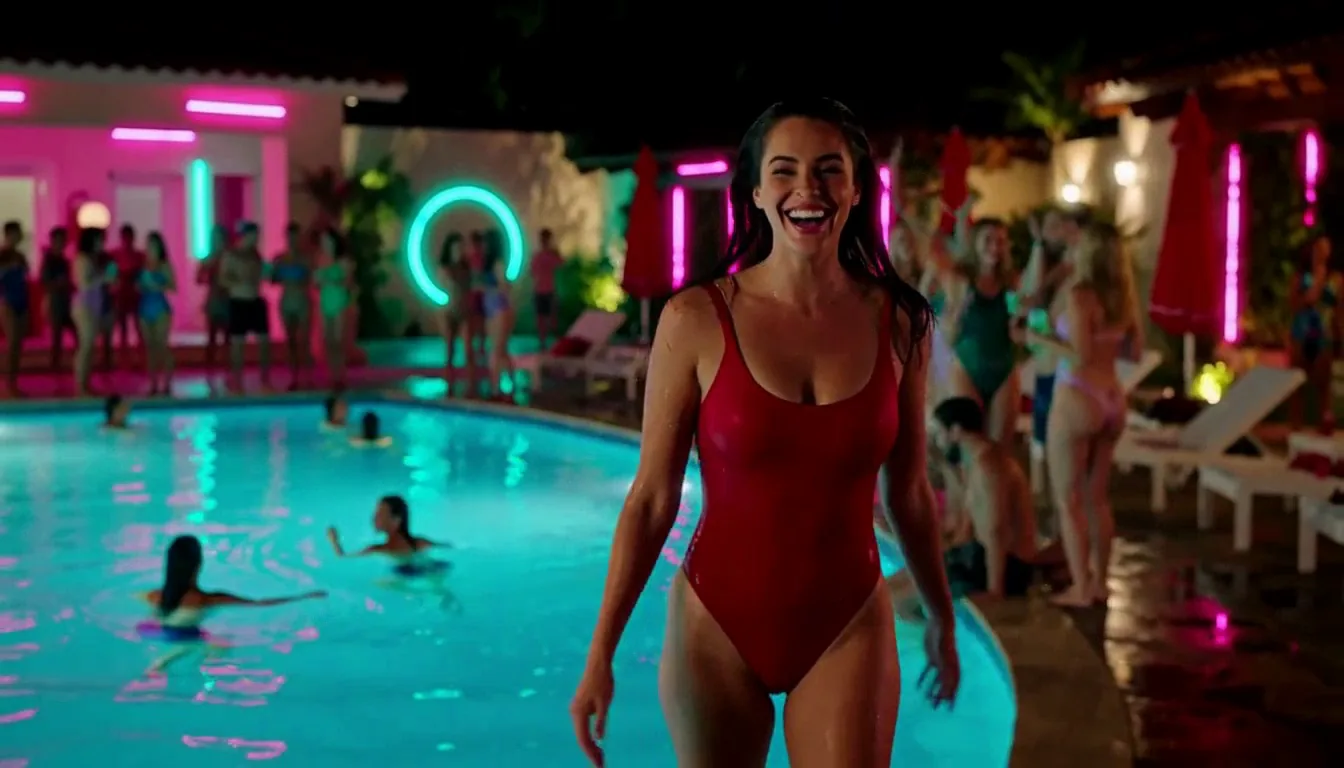
Introduction
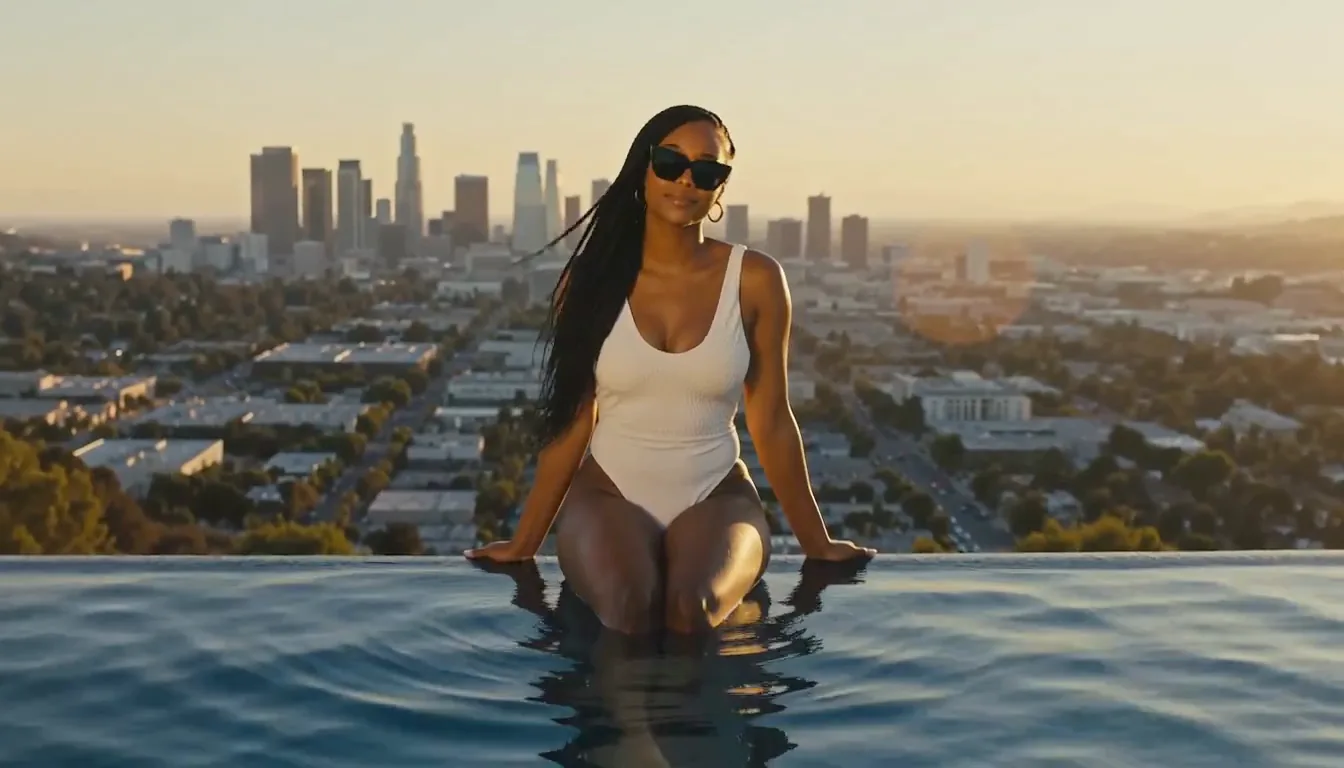
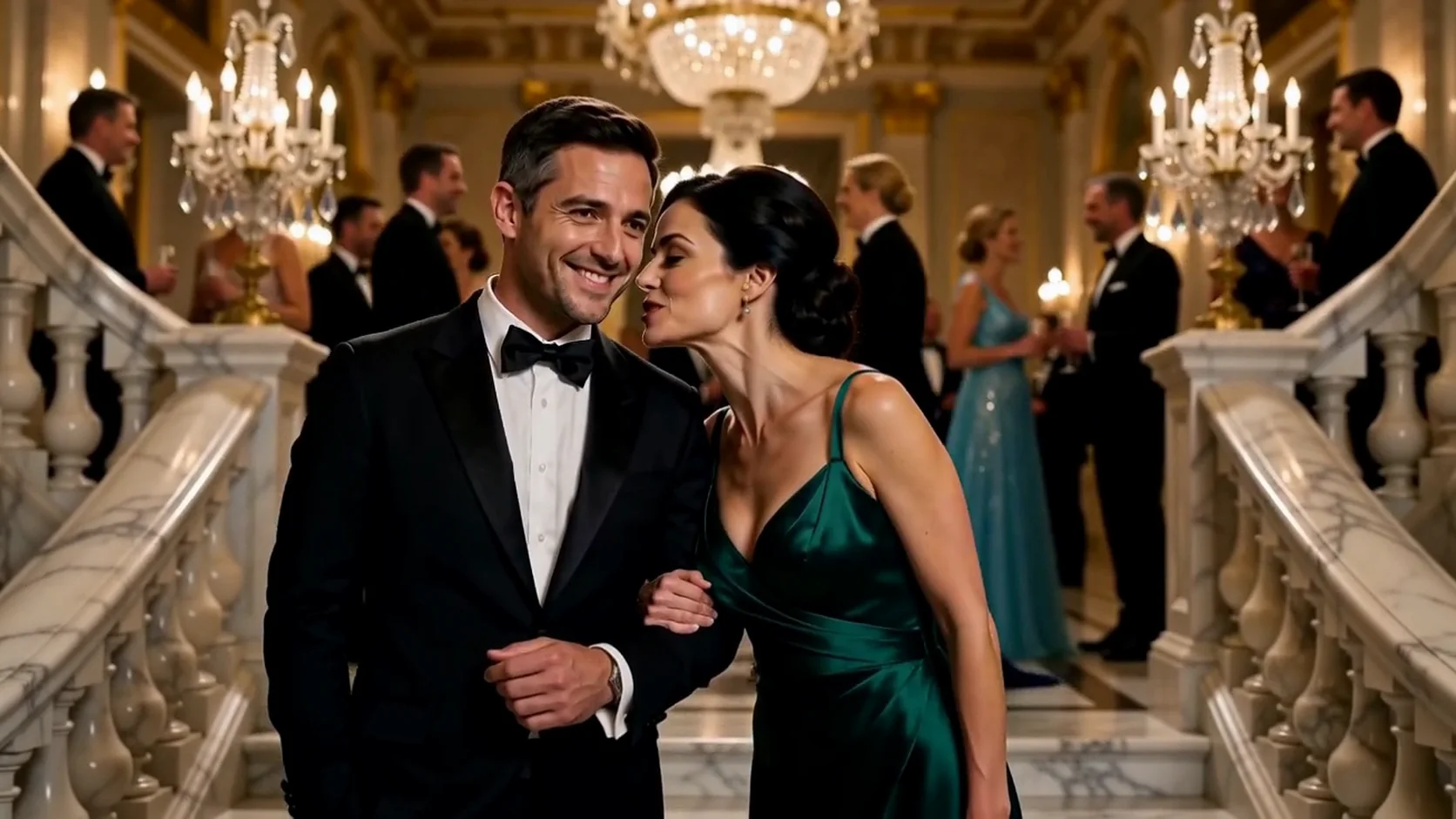
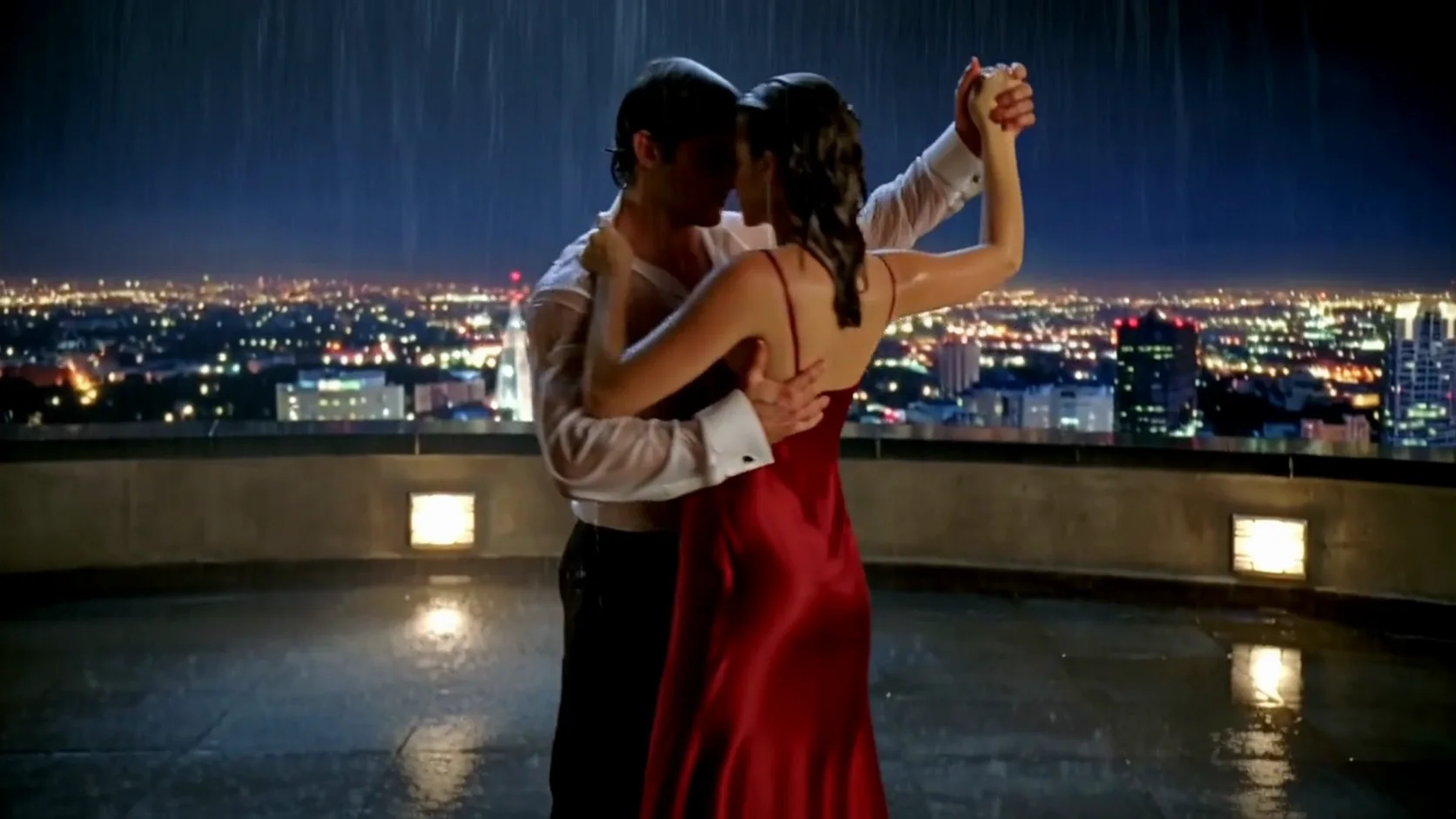
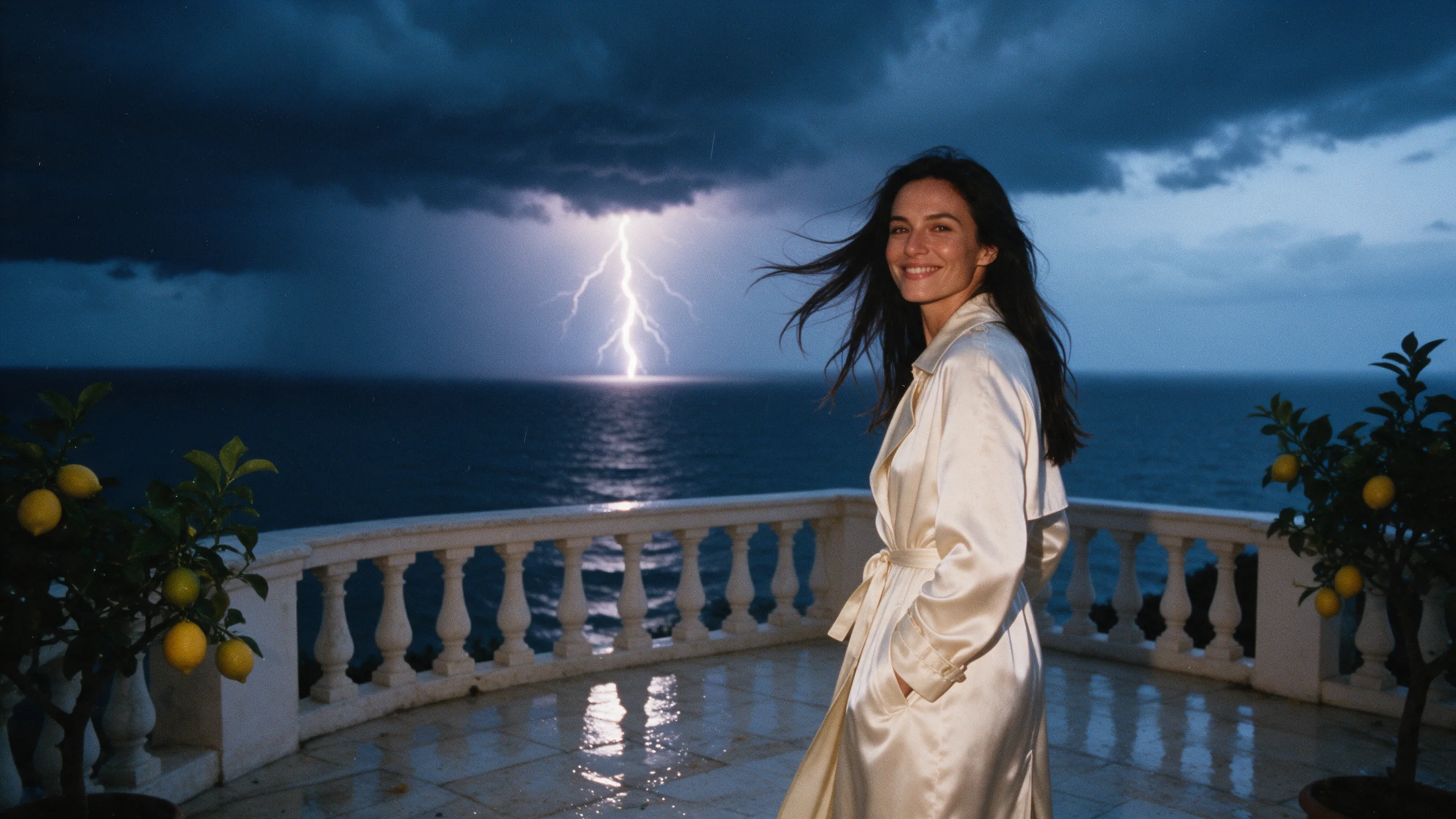
Reference to video on MiniMax H3 HighSpeed builds a 4–15 second 768p clip with sound around the files you supply: images for people and places, video clips for motion, audio for a voice. Reference-led work suits a tier aimed at daily content, so try it first when a face, an outfit or a place has to stay consistent from post to post.
Choose a mode by starting material
| What you have | Mode |
|---|---|
| only an idea | MiniMax H3 HighSpeed Text to video |
| a frame to animate, with an optional closing frame | MiniMax H3 HighSpeed Image to video |
| people, outfits, places, motion clips or voices | MiniMax H3 HighSpeed Reference to video |
Key features & highlights
Up to 15 references
One request takes 9 images, 3 video clips and 3 audio clips. Each file can carry something different: a person, an outfit, a room, a movement or a voice.
Name them in the prompt
Refer to each file in the prompt as Image 1, Video 1 or Audio 1, for example 'the woman from Image 1 doing the movement of Video 1'. The numbers follow the order of the lists you send.
Billing that follows the inputs
Seconds of reference video count at the output rate, images after the fifth carry a small charge, and audio is free. Everything else is the usual per-second rate.
Request parameters
| Parameter | Required | Description |
|---|---|---|
prompt | Yes | Required. Accepts 1 to 7,000 characters and rejects anything longer. at least 1 characters · at most 7000 characters |
reference_image_urls | No | Up to 9 images, numbered in list order for the prompt (Image 1, Image 2, and so on). Five are included in the price; each one after the fifth adds a small charge. at least 1 items · at most 9 items |
reference_video_urls | No | Up to 3 clips of 2 to 15 seconds each, 15 seconds combined, referred to as Video 1, Video 2 and Video 3. Their seconds are billed at the output rate. at least 1 items · at most 3 items |
reference_audio_urls | No | Up to 3 WAV or MP3 files that guide a voice or a sound, at no charge. Always pair them with at least one image or video, and keep the words to be spoken in the prompt. at least 1 items · at most 3 items |
aspect_ratio | No | Frame shape: 16:9 by default, or 9:16, 1:1, 4:3, 3:4 or 21:9. It has no effect on the price. |
resolution | No |
|
duration_seconds | No | A whole number from 4 to 15 (default 5), with each second billed at the 768p rate. A 4-second request came back as a 3.75-second clip. |
Pricing
You pay for each second of the finished clip at 768p. Reference video adds its own seconds at the same rate, the first 5 reference images are included, later images carry a small charge, and audio is free. The live rate is on the model page.
| Specification | Price |
|---|---|
| $0.072 / second |
Use cases
Scenes assembled from separate files
Send a portrait, an outfit photo and a picture of a room as three images, and add a voice clip as Audio 1 if the character speaks. The result puts that person in those clothes in that place.
The same character across clips
Use the same portrait as Image 1 in every request and the face and outfit carry across posts while the scene changes. Recurring characters and virtual presenters stay recognizable this way.
Copying a motion
Provide a short clip as Video 1 and ask for its motion with the person from Image 1, for a dance, a gesture or a camera move. Keep the clip short and clean, since its seconds are billed.
Prompt guide & pro tips
One job per reference
Decide whether a file supplies identity, location, camera motion or voice, and point to it by type and number. Start with one subject and one action, then add the other references.
Audio needs a picture
Always send at least one image or video along with an audio clip. Put any exact line in double quotes, name the speaker, then check voice, timing and action together in the result.
Trim reference video first
Cut the clip to the shortest excerpt that shows the move you need; up to 15 seconds in total are accepted and all of them are billed. Remove lead-ins, then say in the prompt which action to carry over.
You pay for each second of the finished clip at 768p. Reference video adds its own seconds at the same rate, the first 5 reference images are included, later images carry a small charge, and audio is free. The live rate is on the model page.
API quick start
# Generate the idempotency key once; reuse it when retrying after a lost response.
export SPICY_IDEMPOTENCY_KEY="${SPICY_IDEMPOTENCY_KEY:-$(uuidgen)}"
curl -X POST https://api.spicyapi.ai/api/v1/jobs/createTask \
  -H "Authorization: Bearer $SPICY_API_KEY" \
  -H "Content-Type: application/json" \
  -H "Idempotency-Key: $SPICY_IDEMPOTENCY_KEY" \
  -d '{
  "model": "minimax/h3-highspeed/reference-to-video",
  "input": {
    "aspect_ratio": "16:9",
    "duration_seconds": 5,
    "prompt": "A slow aerial shot drifting over a misty pine forest at sunrise",
    "resolution": "768p",
    "reference_image_urls": [
      "https://example.com/reference.png"
    ]
  }
}'

# Copy data.taskId from the response into TASK_ID, then poll the status.
TASK_ID="TASK_ID_FROM_RESPONSE"
curl "https://api.spicyapi.ai/api/v1/jobs/recordInfo?taskId=$TASK_ID" \
  -H "Authorization: Bearer $SPICY_API_KEY"
See the API reference for authentication, the complete schema, polling, and error handling.