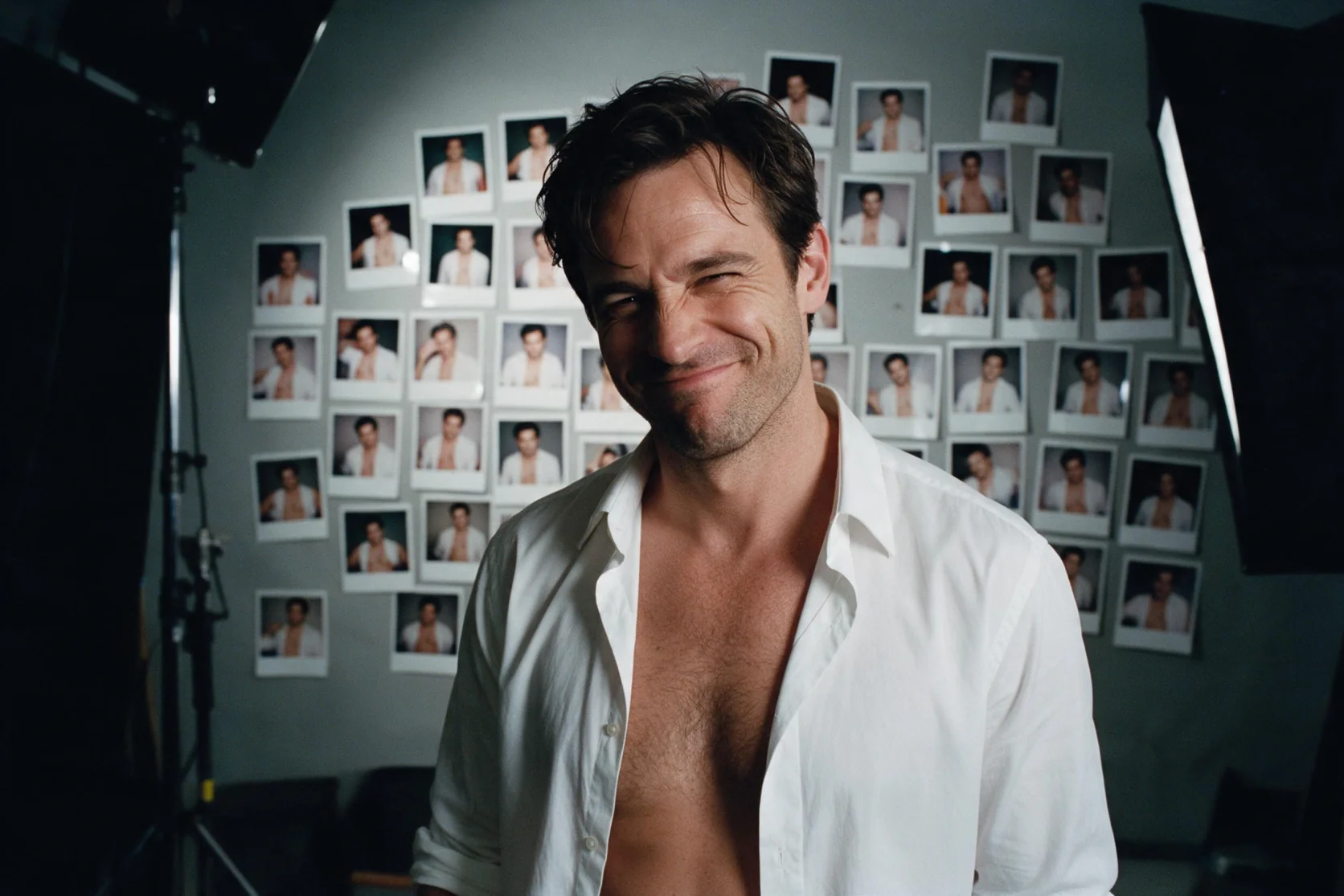
Introduction
The first URL supplies the picture to edit; subsequent URLs supply material named as <Picture 2>, <Picture 3> and onward in the instruction.
| Field | Value |
|---|---|
| Input | Image |
| Output | Image |
| Model and output | MiniMax H3-Image open weights; text-to-image and image editing; still images |
| Prompt limit | Required; up to 5,000 characters for either endpoint |
| Resolution tiers | 1k ~1 MP (default); 1.5k ~2.4 MP; 2k ~4 MP; 3k ~9.4 MP; 4k ~16.8 MP |
| Canvas ratios | Fifteen options: 1:1, 16:9, 9:16, 4:3, 3:4, 3:2, 2:3, 5:4, 4:5, 2:1, 1:2, 3:1, 1:3, 21:9, 9:21 |
| Shape defaults | Text to image: 1:1; editing: follows the source image when |
| Editing inputs | 1–9 images; source followed by up to eight references |
| Picture references | <Picture 1> names the source; <Picture 2> onward name additional references |
| Seed | Optional; supports comparing one change without ensuring identical pixels |
| Encoding | jpeg (default), png or webp; format does not change the price |
| Measured image dimensions | 1k 3:4: 896 x 1184; 1.5k 9:16: 1152 x 2048; 2k 3:2: 2496 x 1664; 3k 1:1: 3072 x 3072; 4k 16:9: 5472 x 3072 |
| Observed model time | November 11: 1k 20–45 seconds in the morning and 3–6 seconds in the evening; 4k 36 seconds in the evening; queueing and transfer excluded |
| Billing basis | Per completed image by resolution tier; edits add a fee per reference after the source; failed requests are not charged |
Key features & highlights
Blue pool light against the skyline
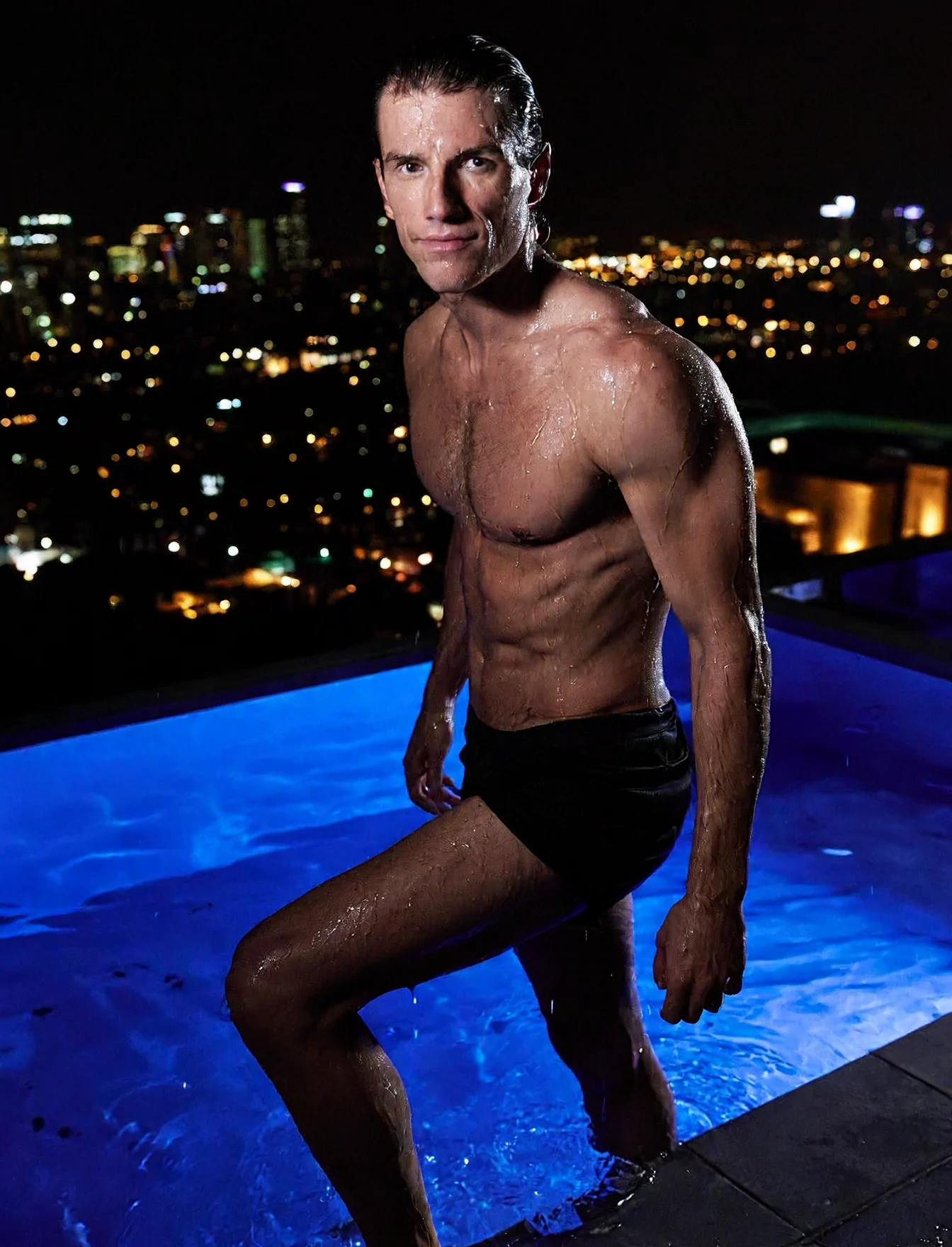
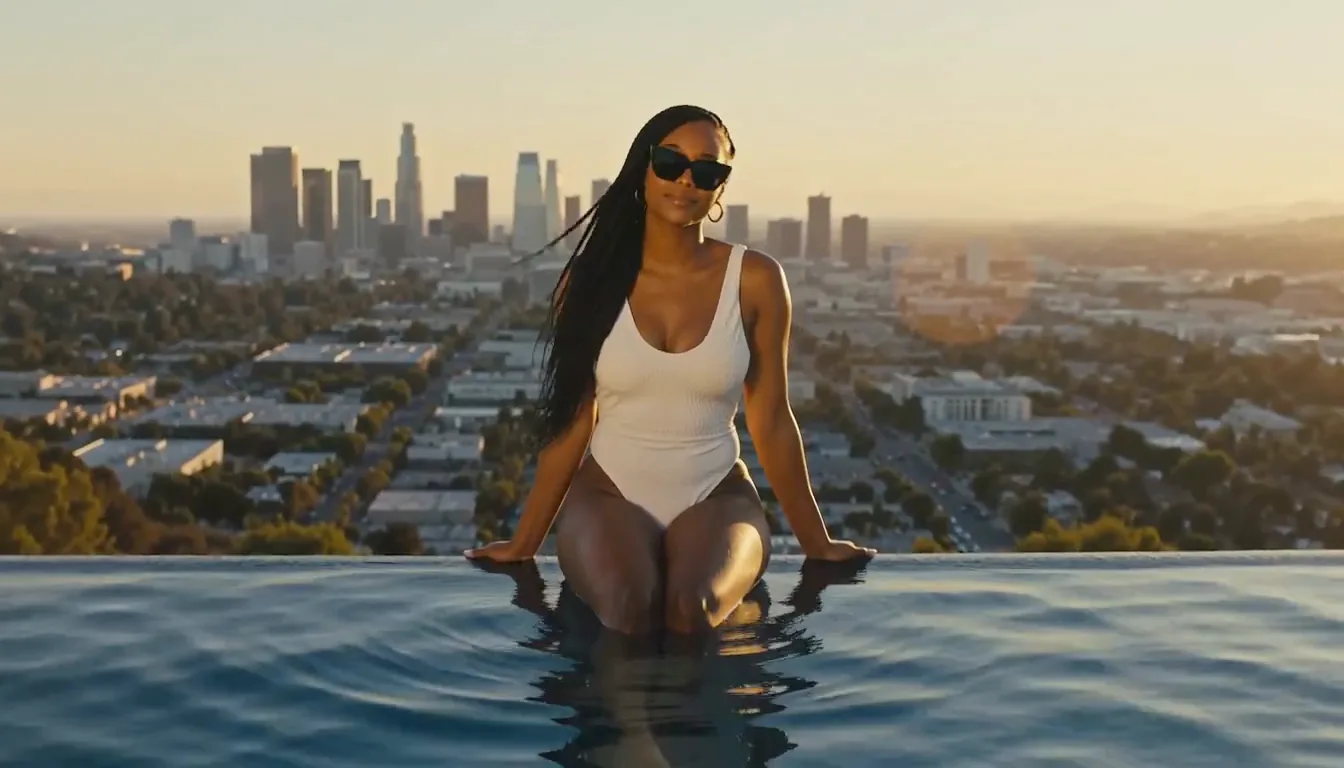
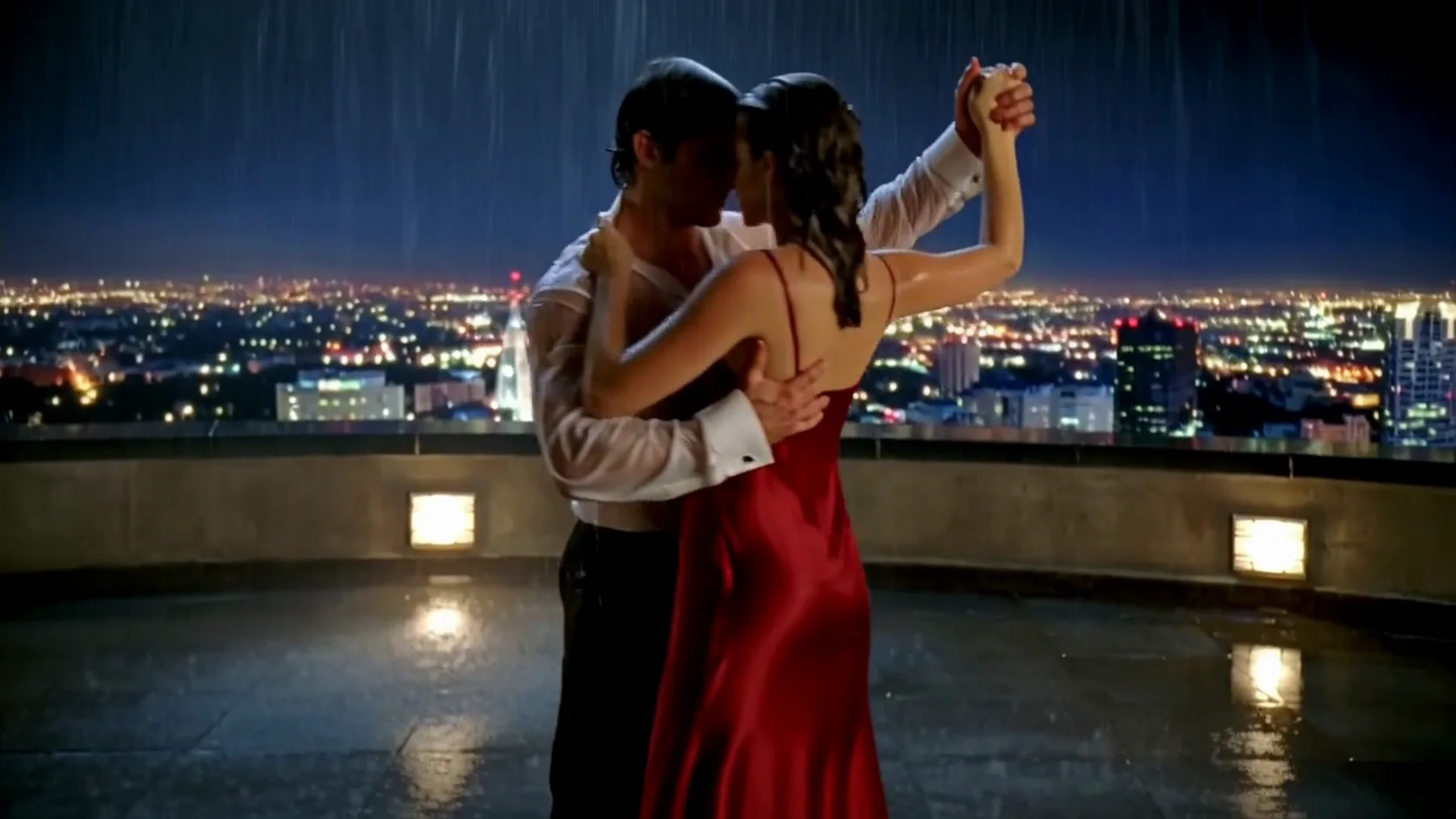
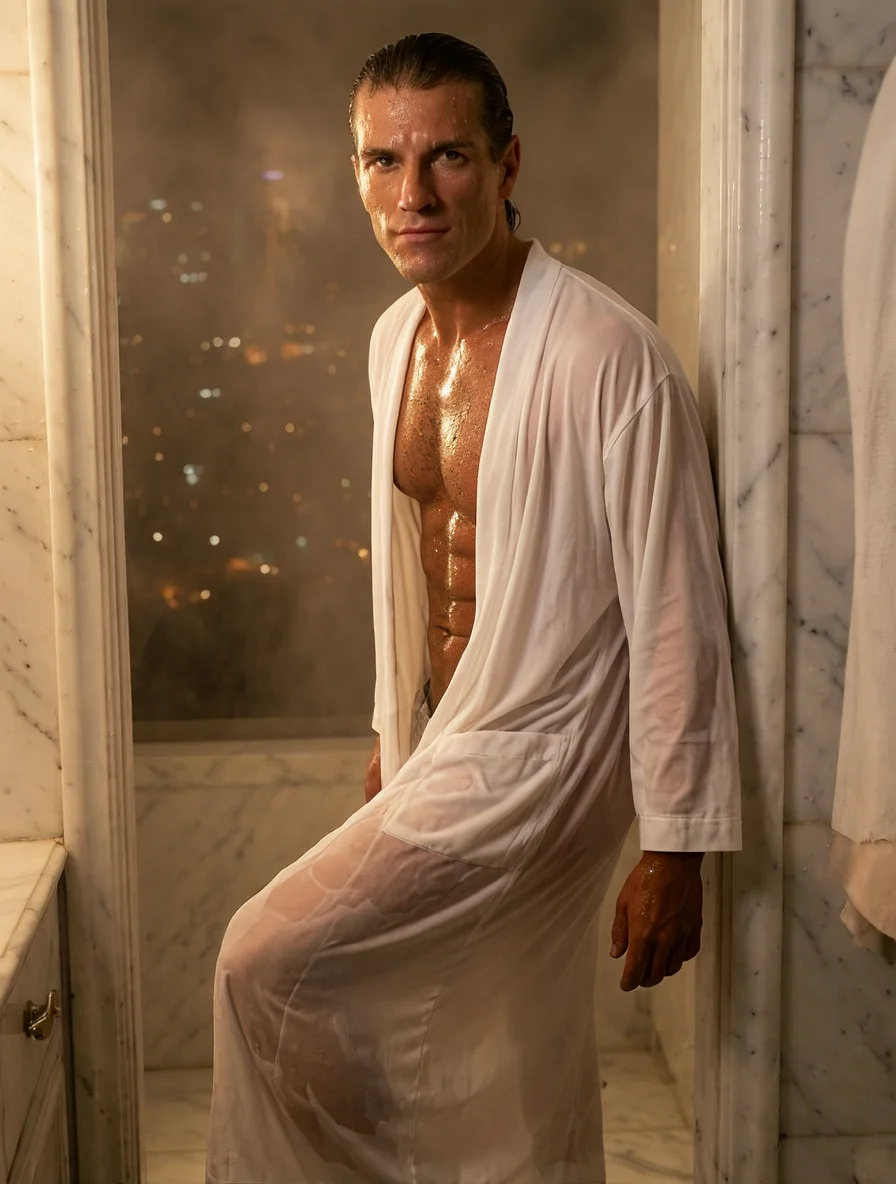
At 1.5k and 3:4 with seed 7, the rooftop pool example shows a man stepping out of the water at night, with city lights and blue pool glow behind him. It gives the intermediate tier a portrait example alongside the larger square breakfast scene.
A tabletop scene at the middle-large tier
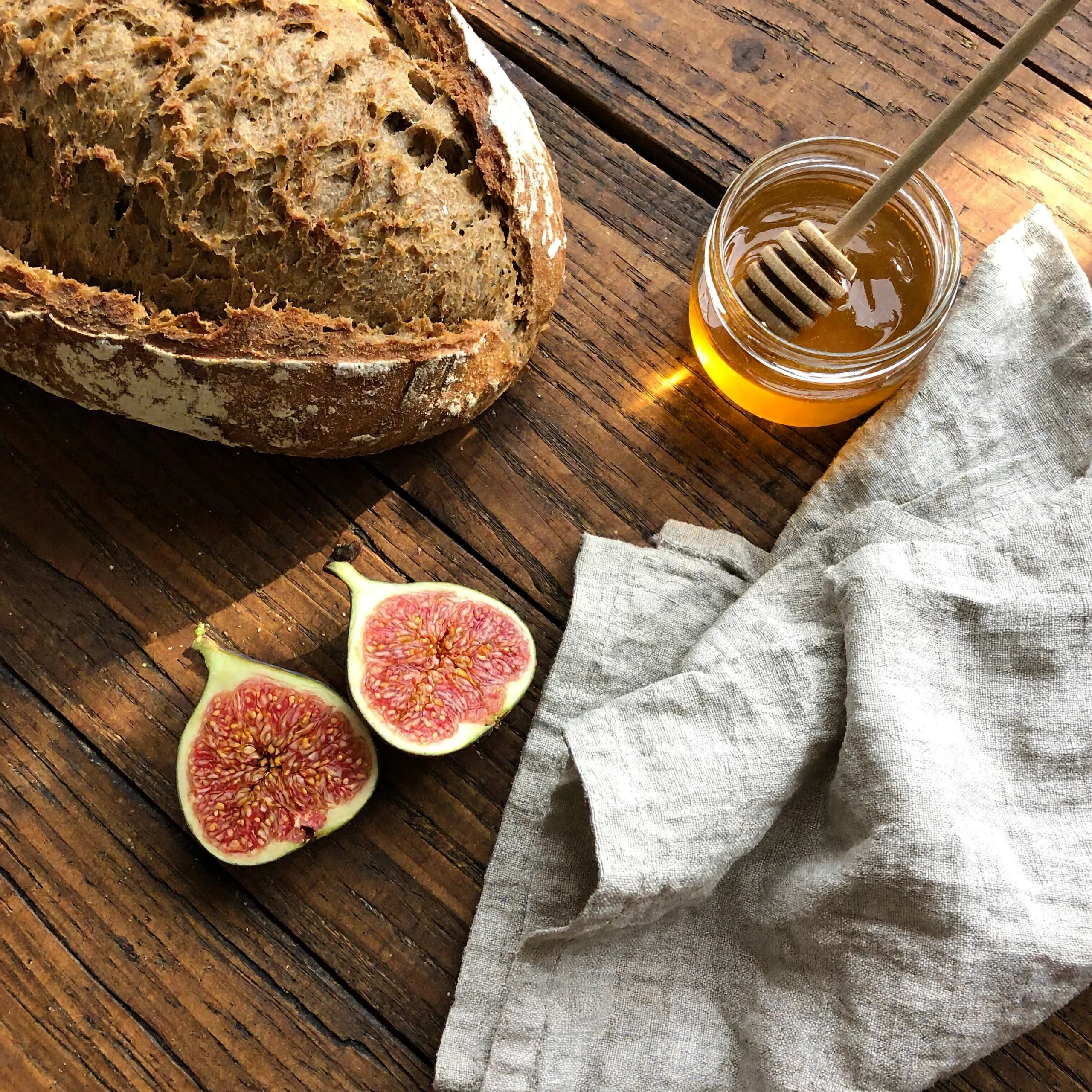
The breakfast sample returned a 3072 x 3072 view of bread, figs, honey and linen, with seed 7.
Bring the cyclist into the coastal scene
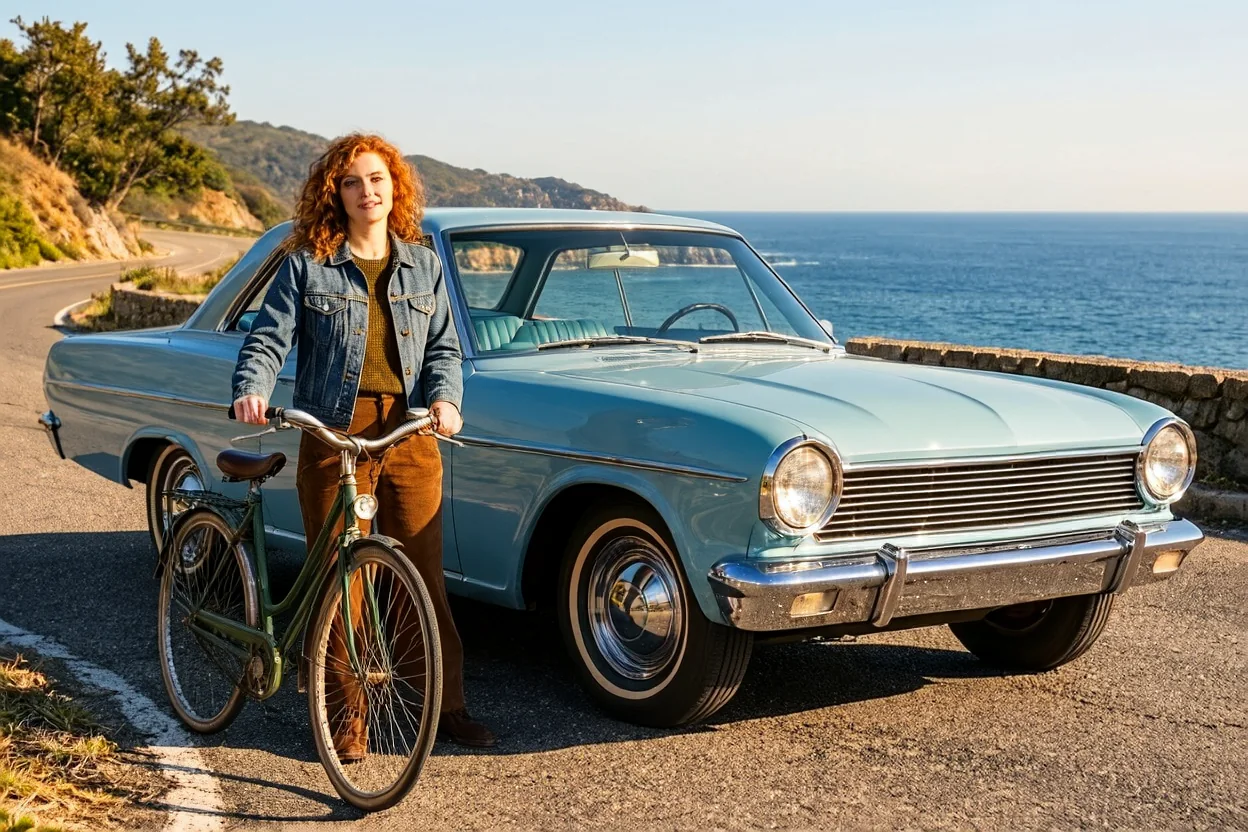
The composite kept the road and pale blue coupe from <Picture 1> and placed the cyclist and bicycle from <Picture 2> beside them.
Exchange overcast weather for autumn light
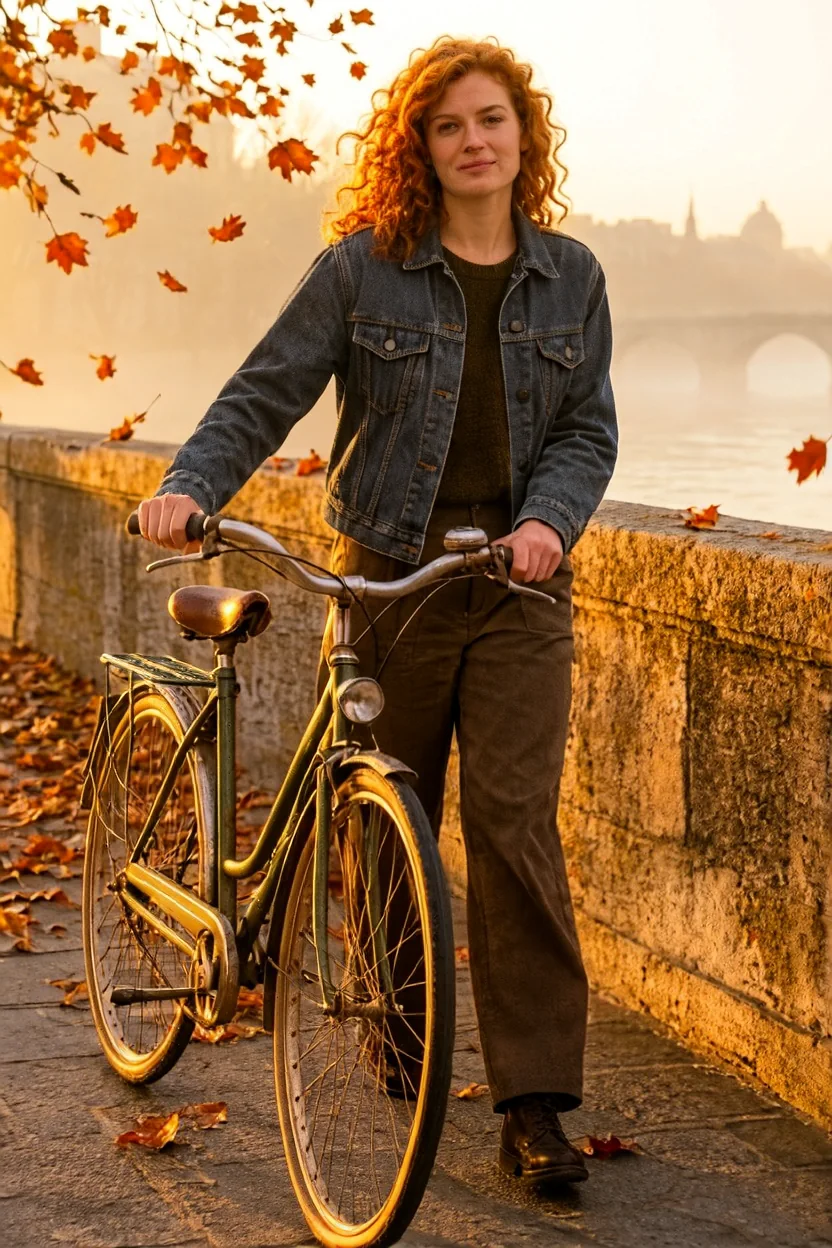
One source image became an autumn bridge scene with falling orange leaves and a misty river.
Request parameters
| Parameter | Required | Description |
|---|---|---|
prompt | Yes | Required edit description, limited to 5,000 characters; identify the source with <Picture 1> and later references with . Prompt length adds no fee. at least 1 characters · at most 5000 characters |
image_urls | Yes | Supply 1–9 URLs in order, with the first picture being edited; there is no default source. Each image after the first adds a small charge to the edit rate. at least 1 items · at most 9 items |
aspect_ratio | No | Supported shapes: Fifteen options: 1:1, 16:9, 9:16, 4:3, 3:4, 3:2, 2:3, 5:4, 4:5, 2:1, 1:2, 3:1, 1:3, 21:9, 9:21. |
resolution | No | Edited output uses 1k by default; 1.5k, 2k, 3k and 4k are also available, and each higher tier costs more. |
output_format | No | Save the edit as jpeg (default), png or webp; all three formats share the selected tier rate. |
seed | No | Optional random source for an edit comparison; leave unset when no fixed source is wanted. |
Pricing
Each completed edit uses the chosen tier rate, including its first input; later inputs add small fees individually. Larger tiers cost more, while unsuccessful requests have no charge.
| Specification | Price |
|---|---|
| $0.024 / image |
| $0.042 / image |
| $0.06 / image |
| $0.132 / image |
| $0.204 / image |
Use cases
Night portraits with a defined mood
Build an editorial scene around a person, an action and a light source. The rooftop pool example returned a man against city lights and blue pool glow at 1.5k, with a 3:4 frame and seed 7.
Tabletop arrangements at larger sizes
Describe the objects and their placement before choosing the output tier. Our 3k square breakfast result measured 3072 x 3072 and showed bread, figs, honey and linen arranged for an overhead view.
Composites with separate source roles
Give the setting and the added subject different picture numbers. In the coastal edit, the road and pale blue coupe remained in the scene while the cyclist and bicycle from another reference appeared beside them.
Seasonal changes around a retained subject
Ask for a new season and lighting while naming the details to preserve. Our bridge edit kept the cyclist and bicycle and added autumn leaves, golden light and mist over the river.
Signs with short supplied wording
Quote a short label or sign and say where it belongs in the scene. The matched-prompt comparison rendered HOT SOUP 3 FRANCS correctly on a wooden sign; longer passages still need careful review.
Prompt guide & pro tips
Start from a scene or a source
Choose text to image for a written brief, or image editing for a picture you want to revise. For an edit, use photos you have the right to use, with adult subjects and no impersonation.
Describe the frame and reference roles
Write the setting, subject, wardrobe, light and camera view as connected English prose. In an edit, call the source <Picture 1> and give each later reference its own numbered role.
Set shape, tier and file format
Choose a resolution from 1k through 4k and select an aspect ratio for generation. Editing follows the source shape when no ratio is supplied; JPEG is the default, with PNG and WebP also available.
Compare one change with a seed
Keep the seed and other settings steady while changing a single instruction. Check the returned details against your brief; a fixed seed helps comparison without promising an identical result.
Revise a source with numbered references
The MiniMax H3-Image Open Weights editor starts from a source picture and follows a written change request. Supply that source at the start of image_urls, then add references when another picture should contribute a subject, object or scene detail. Up to nine images fit in one edit: a source and as many as eight references.
Our coastal composite brought a cyclist and bicycle into a road scene with a pale blue coupe. The autumn edit used a single source and changed the surroundings while retaining the cyclist. These examples illustrate different briefs for the same source-and-reference controls.
Editing parameters
| Parameter | Meaning for an edit | Default or constraint |
|---|---|---|
image_urls | Ordered source and reference URLs | Required; 1–9 images in total |
prompt | Requested changes, source roles and details to retain | Required; up to 5,000 characters |
aspect_ratio | One of the supported canvas shapes | Follows the source when omitted |
resolution | 1k, 1.5k, 2k, 3k or 4k | 1k; a higher tier costs more |
output_format | jpeg, png or webp | jpeg; no format surcharge |
seed | Optional random source for a controlled comparison | Does not ensure an identical result |
Available ratios are 1:1, 1:2, 2:1, 1:3, 3:1, 2:3, 3:2, 3:4, 4:3, 4:5, 5:4, 9:16, 16:9, 9:21 and 21:9. Leave aspect_ratio out when the source shape should guide the edit, or set it when you need a different frame. Choose resolution independently of that shape.
Assign each picture a job
The source is <Picture 1>; the next uploaded picture is <Picture 2>, continuing in order. Use those tokens in the prompt and check that their numbers match the URL list. A general instruction about "the references" leaves the intended contributions unclear.
For a composite, separate the roles in prose: "Keep the coastal road and coupe from <Picture 1>. Add the woman in her thirties and her bicycle from <Picture 2>, beside the parked car. Match the afternoon light and retain her recognizable face and denim jacket." This gives the setting, added subject and preservation goal their own clauses.
Use only photos you have the right to use. People in the input pictures must be adults; do not impersonate anyone. The prompt examples here describe adults in their thirties or older.
Describe both the change and the retained details
When a season or setting changes, say what remains: the person, hairstyle, clothing or bicycle. Then describe the replacement surroundings and their lighting. A focused instruction might retain the cyclist on a stone bridge while asking for autumn leaves, golden morning light and a misted river. Inspect the source identity and important objects after the edit returns.
If another reference supplies an object, name that object alongside its picture number and say where it belongs. You do not need to fill the available reference slots. Include a picture because it contributes something the instruction can identify.
Use a seed for one-change comparisons
Retain the seed, input order, ratio and tier while adjusting a single clause, such as the season or light direction. Save the input list and wording with the result so you know what changed between requests. The seed holds a random source for comparison; it does not establish identical pixels or guaranteed preservation of every detail.
What the editing tests established
The two-reference coastal edit placed the cyclist and bicycle beside the pale blue coupe, retaining the road scene from the source. In the one-picture autumn example, the cyclist and bicycle remained while orange leaves, golden light and river mist appeared around them. Our outfit-and-setting tests also retained the person's face. These are observations from individual edits, so review each new result against its own sources.
Recorded NSFW results
The November 11 evening editing checks returned an image for every request, with no refusals; those delivered images were billed. Counts delivered as asked were Mild 3/3, Moderate 2/3, Strong 2/3, Very strong 0/3 and Maximum 6/6. Results outside those counts came back toned down. Receiving an image is therefore different from the image matching every part of a request, and the sample does not predict every later edit.
Pricing an edit
The chosen output tier sets the per-image edit rate, including the source picture. Every picture added after that source contributes a small additional fee. All five resolution tiers have distinct rates that rise with size; changing between JPEG, PNG and WebP does not alter the selected tier rate. Failed requests are not charged. Refer to the model page for current prices and check the input count before submitting a composite.
Limits and alternatives
There is no negative-prompt, guidance or sampling-step field here. The input limit is nine images, and the output is a still rather than a video or audio file. A successful edit is not a guarantee that the source face, object shape or requested wording will match perfectly; examine the details your brief names.
For generation from prose without a source, use text to image. The LoRA variant adds up to three style-weight files. If your edit needs ten to sixteen input pictures, consider MiniMax H3-Image, whose controls use image 1, image 2 and upload order rather than these picture tokens. That sibling has no seed setting, and we have not established equivalent output between the two. P-H3-Image is a different model, so matching prompt and seed values do not make its result interchangeable.
API quick start
# Generate the idempotency key once; reuse it when retrying after a lost response.
export SPICY_IDEMPOTENCY_KEY="${SPICY_IDEMPOTENCY_KEY:-$(uuidgen)}"
curl -X POST https://api.spicyapi.ai/api/v1/jobs/createTask \
  -H "Authorization: Bearer $SPICY_API_KEY" \
  -H "Content-Type: application/json" \
  -H "Idempotency-Key: $SPICY_IDEMPOTENCY_KEY" \
  -d '{
  "model": "minimax/h3-image-open/edit",
  "input": {
    "image_urls": [
      "https://example.com/reference.png"
    ],
    "output_format": "jpeg",
    "prompt": "A ceramic teapot on a linen cloth, soft window light, muted palette",
    "resolution": "1k"
  }
}'

# Copy data.taskId from the response into TASK_ID, then poll the status.
TASK_ID="TASK_ID_FROM_RESPONSE"
curl "https://api.spicyapi.ai/api/v1/jobs/recordInfo?taskId=$TASK_ID" \
  -H "Authorization: Bearer $SPICY_API_KEY"
See the API reference for authentication, the complete schema, polling, and error handling.