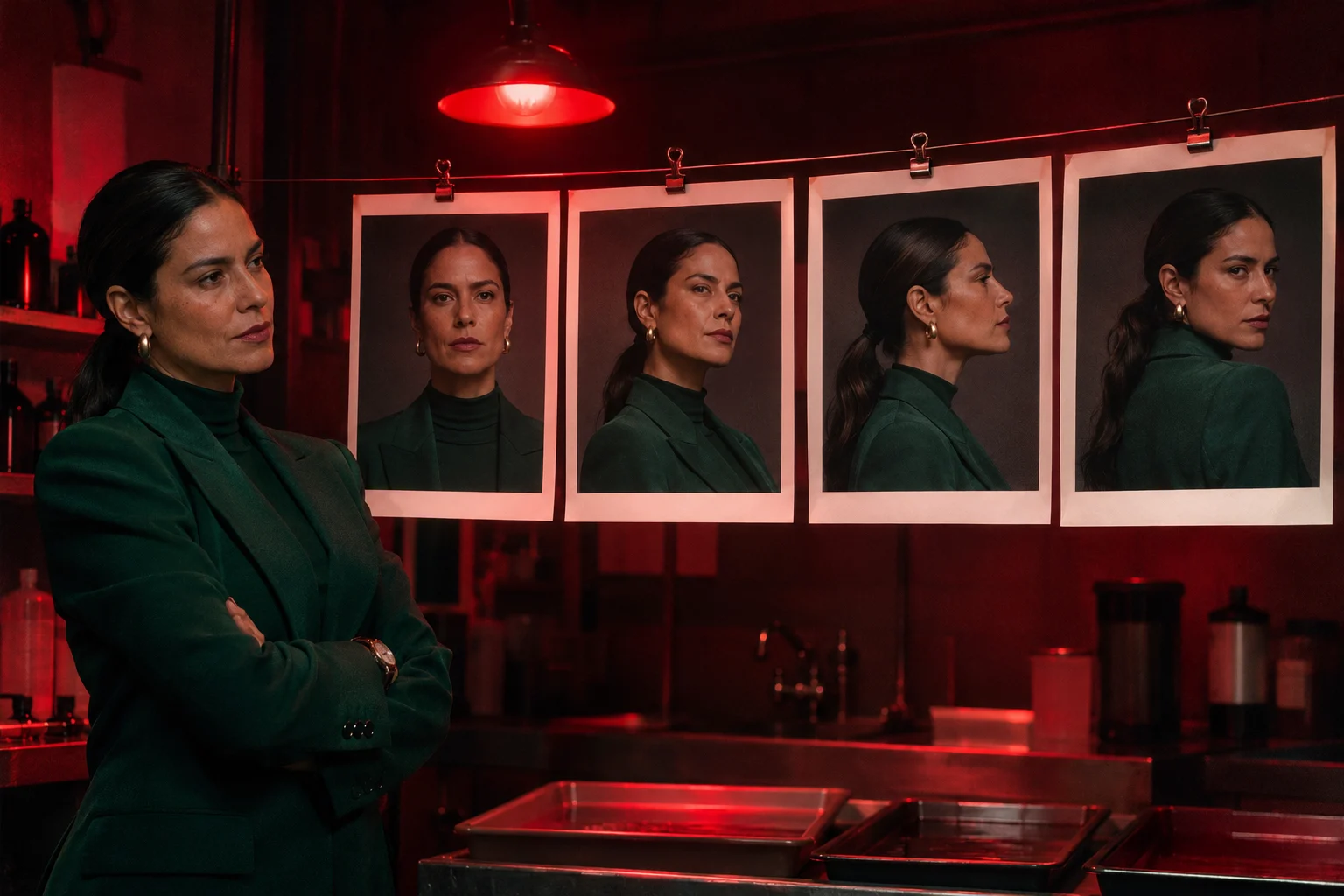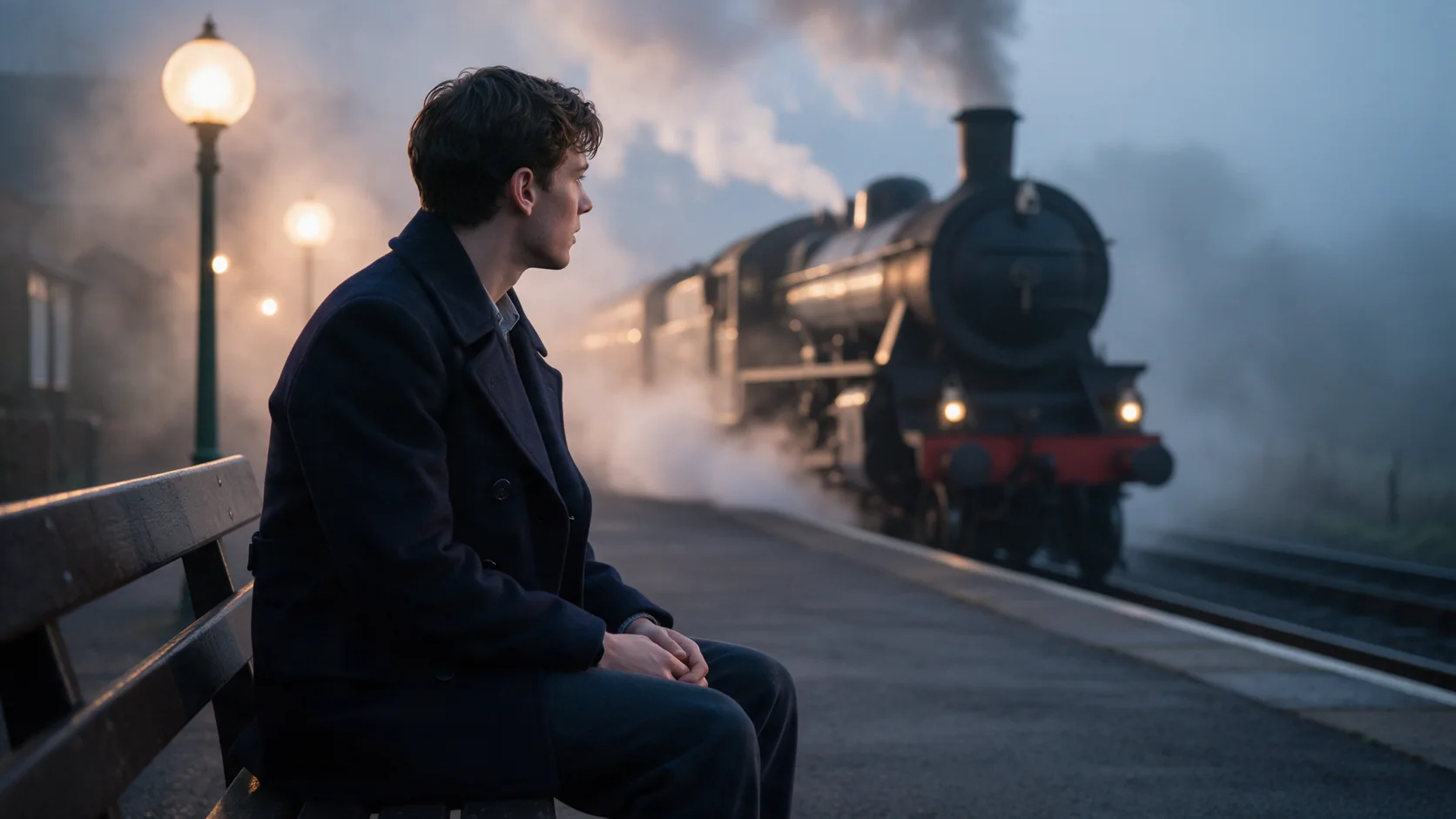
Introduction
Kling 2.1 Image to video is the only mode this generation offers: send an opening frame and a prompt describing what happens next, choose a resolution of 720p (standard) or 1080p (pro), and get back a silent 5 or 10 second clip.
A closing frame (last_image_url) is only accepted at 1080p.
Choose a resolution by budget
| What you want | Resolution |
|---|---|
| An opening image, two resolution choices | 720p (standard) |
| a sharper clip, with an optional closing frame | 1080p (pro) |
Key features & highlights
A closing frame, but only at 1080p
Set resolution to 1080p and add a closing frame alongside your opening frame, and the clip is built to land on that exact pose by the last frame. At 720p a closing frame is not accepted: a request that includes one is turned down before it runs, with no charge, so leave it out on that tier and let the clip run from the opening frame to wherever the model takes it.
No audio track on either tier
This model does not generate sound at all, on 720p or 1080p. That's a plain fact to plan around, not a defect - it suits footage that's headed into an edit that will add its own voiceover, music or sound design later.
First and last frames can stitch together cleanly
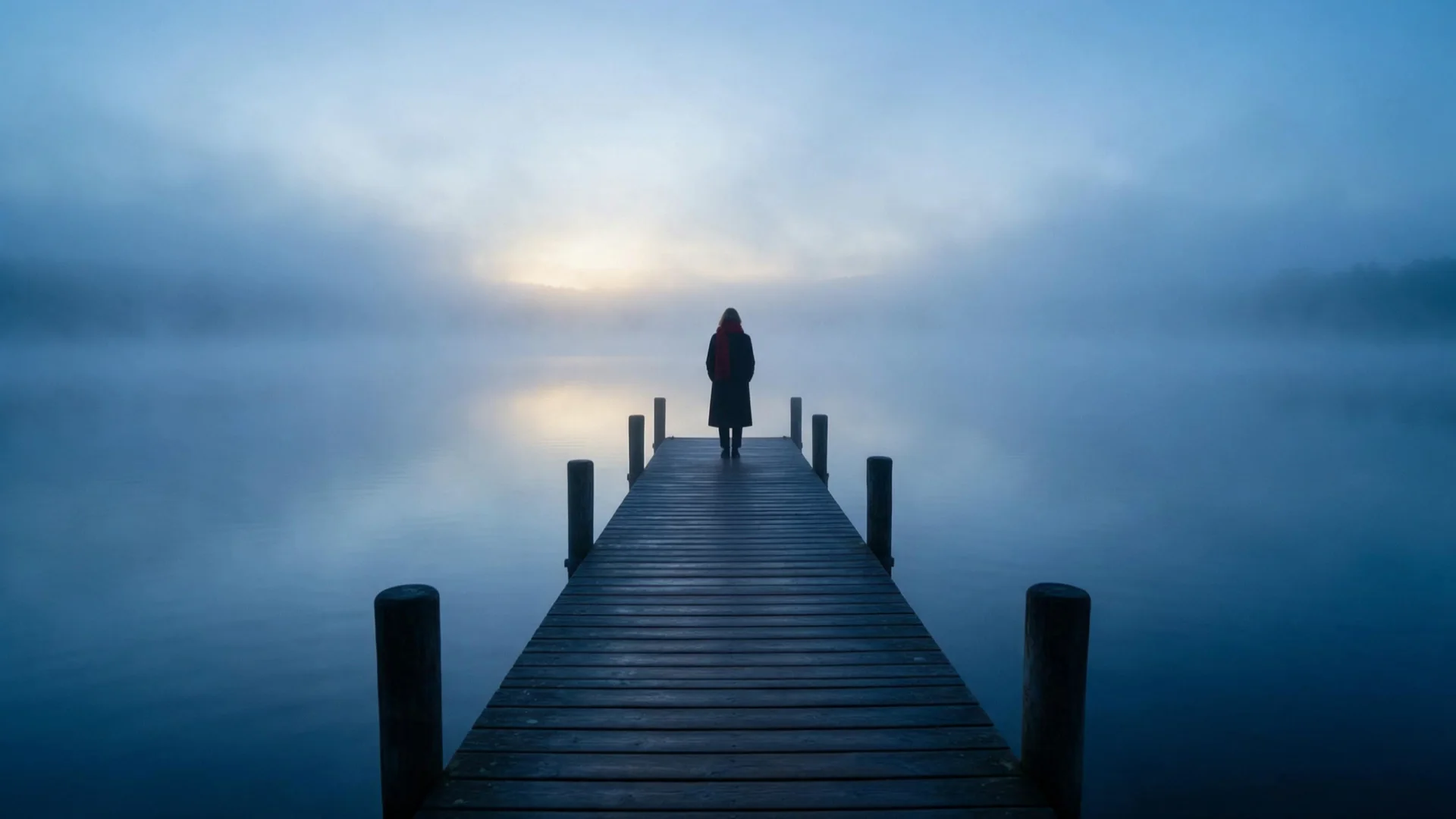
In one of our tests, a pier walk that opened in fog and closed on a near, forward-facing pose landed almost exactly on the supplied closing frame, with the wind and color grading carried consistently across the whole five seconds.
Request parameters
| Parameter | Required | Description |
|---|---|---|
prompt | Yes | Describe only what happens after the opening frame: the action and the camera move. at least 1 characters · at most 5000 characters |
image_url | Yes | Opening frame. JPEG or PNG only. |
last_image_url | No | Optional closing frame, accepted only at 1080p. A 720p request that includes it is turned down, with no charge. |
resolution | No | Use Kling 2.1 to test a still image as a moving shot in 720p, or select 1080p when you also need the optional final image; neither setting generates a soundtrack. |
duration_seconds | No | Whole seconds, 5 or 10. Drives the price. |
negative_prompt | No | For Kling 2.1, list unwanted visual artifacts in |
guidance_scale | No | Use |
Pricing
Billed per second of the output clip; the 1080p pro tier costs more per second than the 720p standard tier. An upload Kling refuses isn't charged.
| Specification | Price |
|---|---|
| $0.0562 / second |
| $0.0978 / second |
Use cases
An opening image, two resolution choices
Run the 720p standard tier first to see whether an action, a camera move or a piece of framing reads the way you want, before spending more on a higher tier or a newer generation.
A two-frame sequence with a locked ending
Use the 1080p pro tier with both image_url and last_image_url when the exact final pose matters - the last shot before a cut, for instance.
Prompt guide & pro tips
Describe one continuous action, start to finish
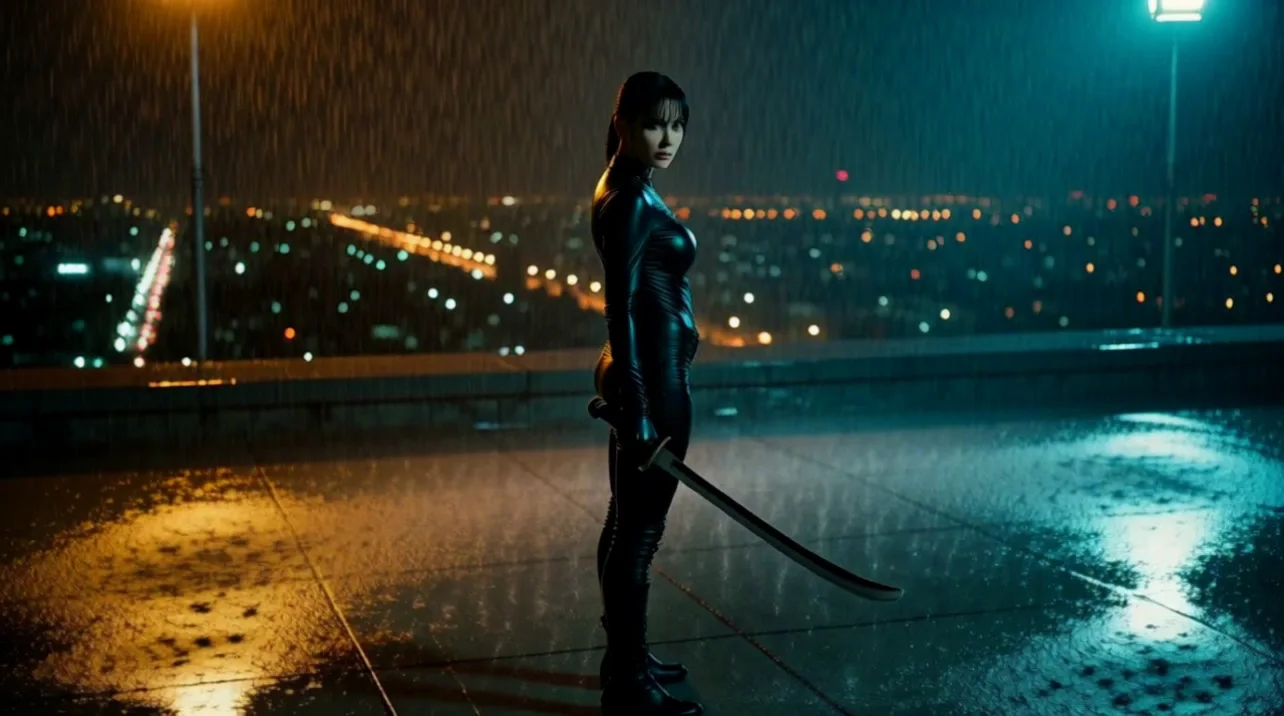
The rooftop sword example above names a single arc from swing to a final guard stance; that single-beat structure is more reliable on this generation than several distinct actions packed into one prompt.
Don't expect long trailing details to hold their shape
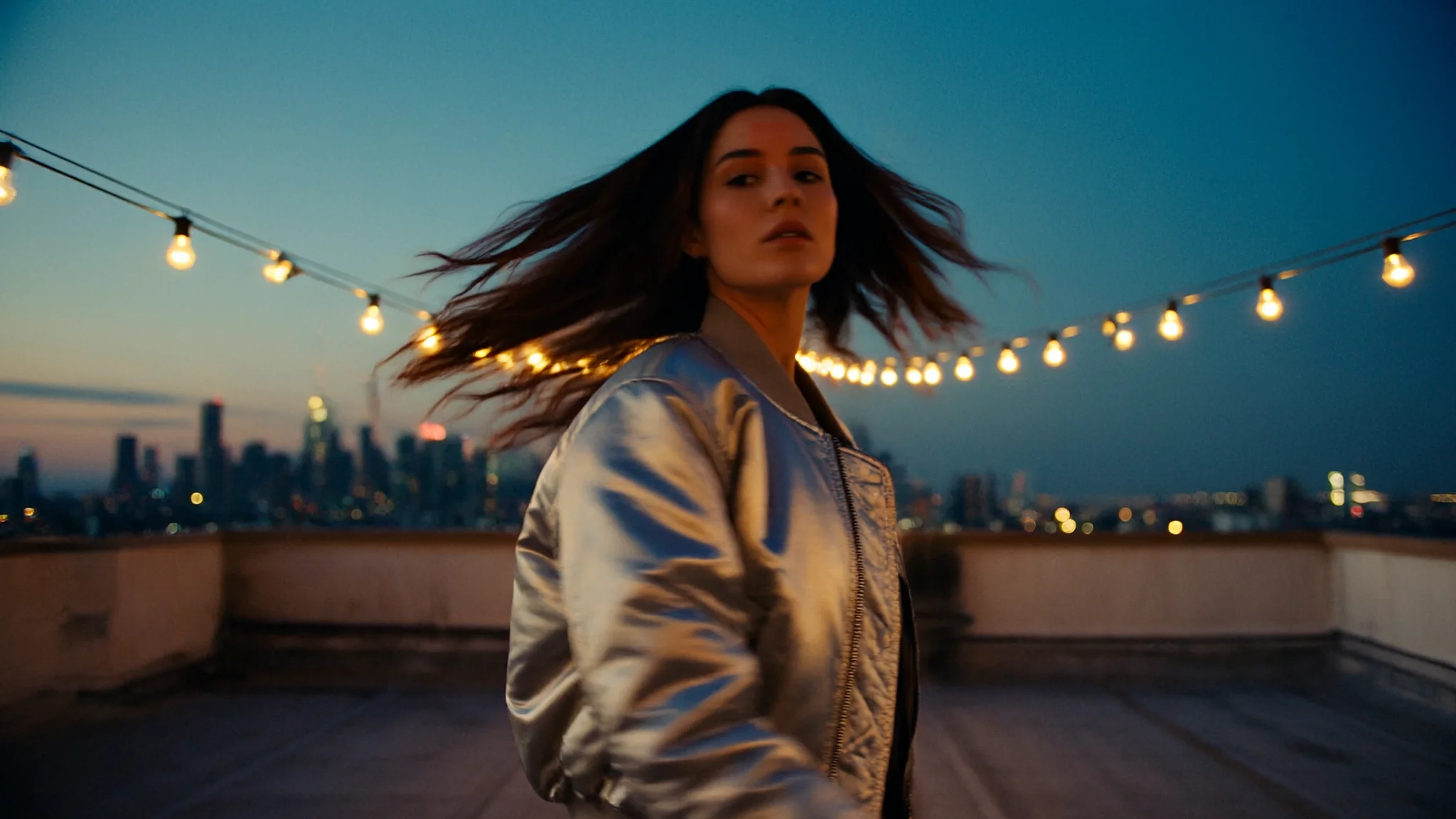
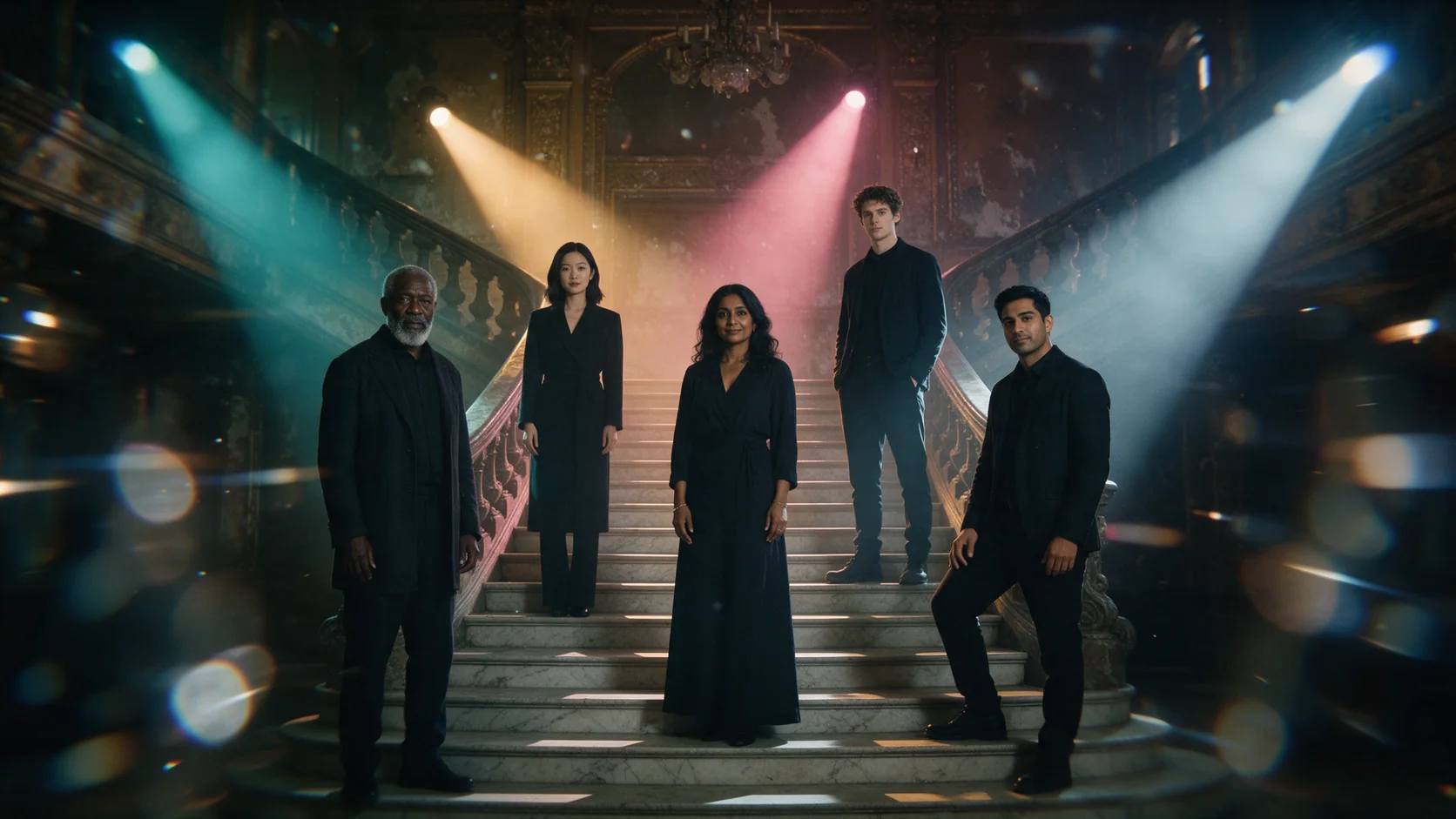
Long hair, dragging fabric or trailing props are the kind of detail this generation can lose track of over 10 seconds - a long velvet train shortened visibly partway through one of our staircase tests. Keep those details short, or plan for a touch-up pass afterward.
Match your resolution choice to what the shot needs
Run a 720p test first when you're still settling the action or the camera move, and save the 1080p pro tier - with its optional closing frame - for the take you intend to keep.
API quick start
# Generate the idempotency key once; reuse it when retrying after a lost response.
export SPICY_IDEMPOTENCY_KEY="${SPICY_IDEMPOTENCY_KEY:-$(uuidgen)}"
curl -X POST https://api.spicyapi.ai/api/v1/jobs/createTask \
  -H "Authorization: Bearer $SPICY_API_KEY" \
  -H "Content-Type: application/json" \
  -H "Idempotency-Key: $SPICY_IDEMPOTENCY_KEY" \
  -d '{
  "model": "kling/2.1/image-to-video",
  "input": {
    "duration_seconds": 5,
    "image_url": "https://example.com/reference.png",
    "prompt": "A slow aerial shot drifting over a misty pine forest at sunrise",
    "resolution": "720p"
  }
}'

# Copy data.taskId from the response into TASK_ID, then poll the status.
TASK_ID="TASK_ID_FROM_RESPONSE"
curl "https://api.spicyapi.ai/api/v1/jobs/recordInfo?taskId=$TASK_ID" \
  -H "Authorization: Bearer $SPICY_API_KEY"
See the API reference for authentication, the complete schema, polling, and error handling.