Introduction
Kling 2.6 Text to video turns a written scene into a fixed 1080p clip of 5 or 10 seconds. There is no resolution field to set - output is always 1080p - and generate_audio is optional: leave it off for a silent render, or switch it on for dialogue, music and ambience generated with the picture.
Choose a Kling 2.6 mode by starting material
| What you have at the start | Mode |
|---|---|
| a written scene | Kling 2.6 Text to video |
| an approved opening image | Kling 2.6 Image to video |
| a driving clip and a character photo | Kling 2.6 Motion Control |
Key features & highlights
Sound is optional, and it renders with the picture
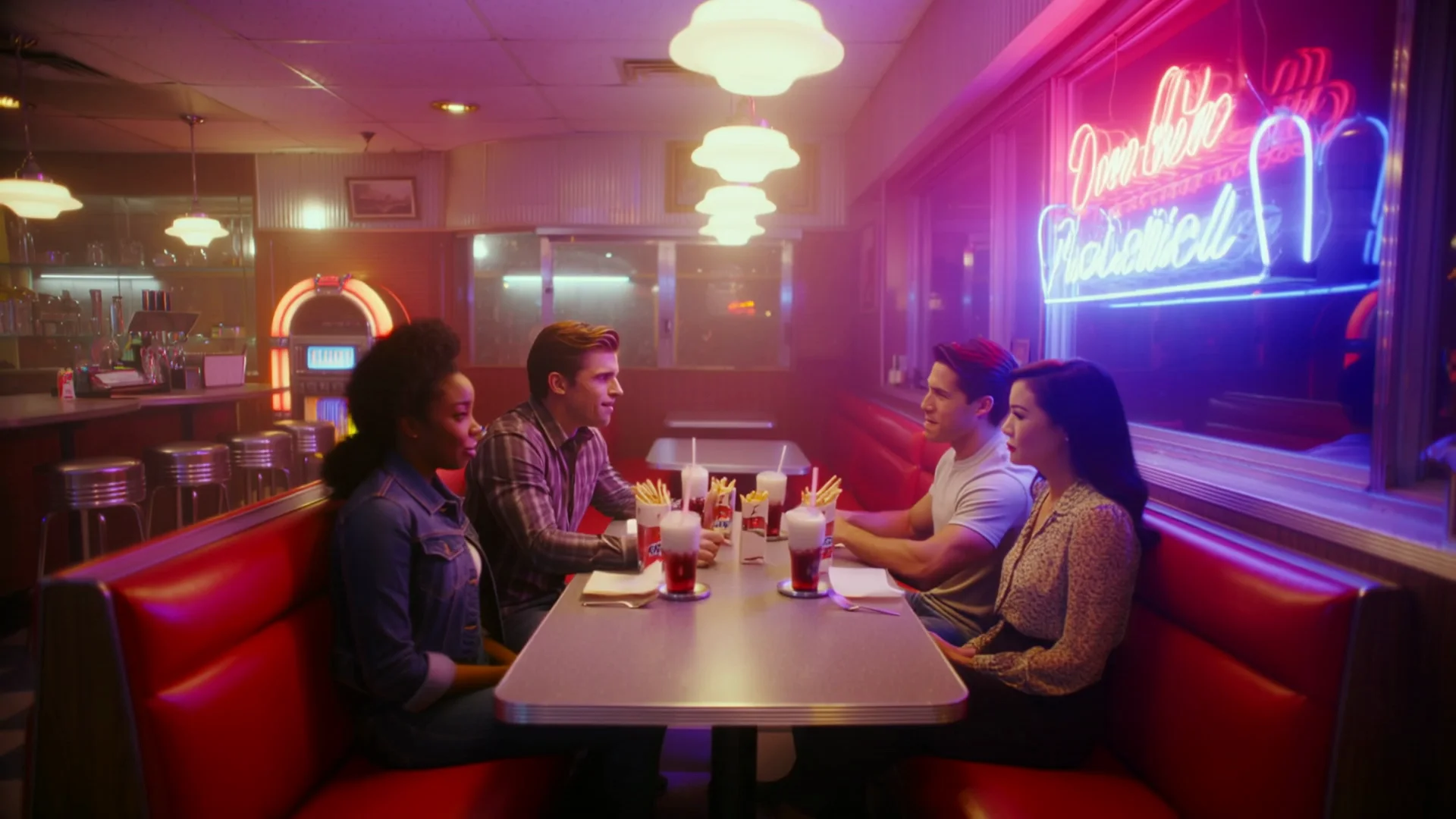
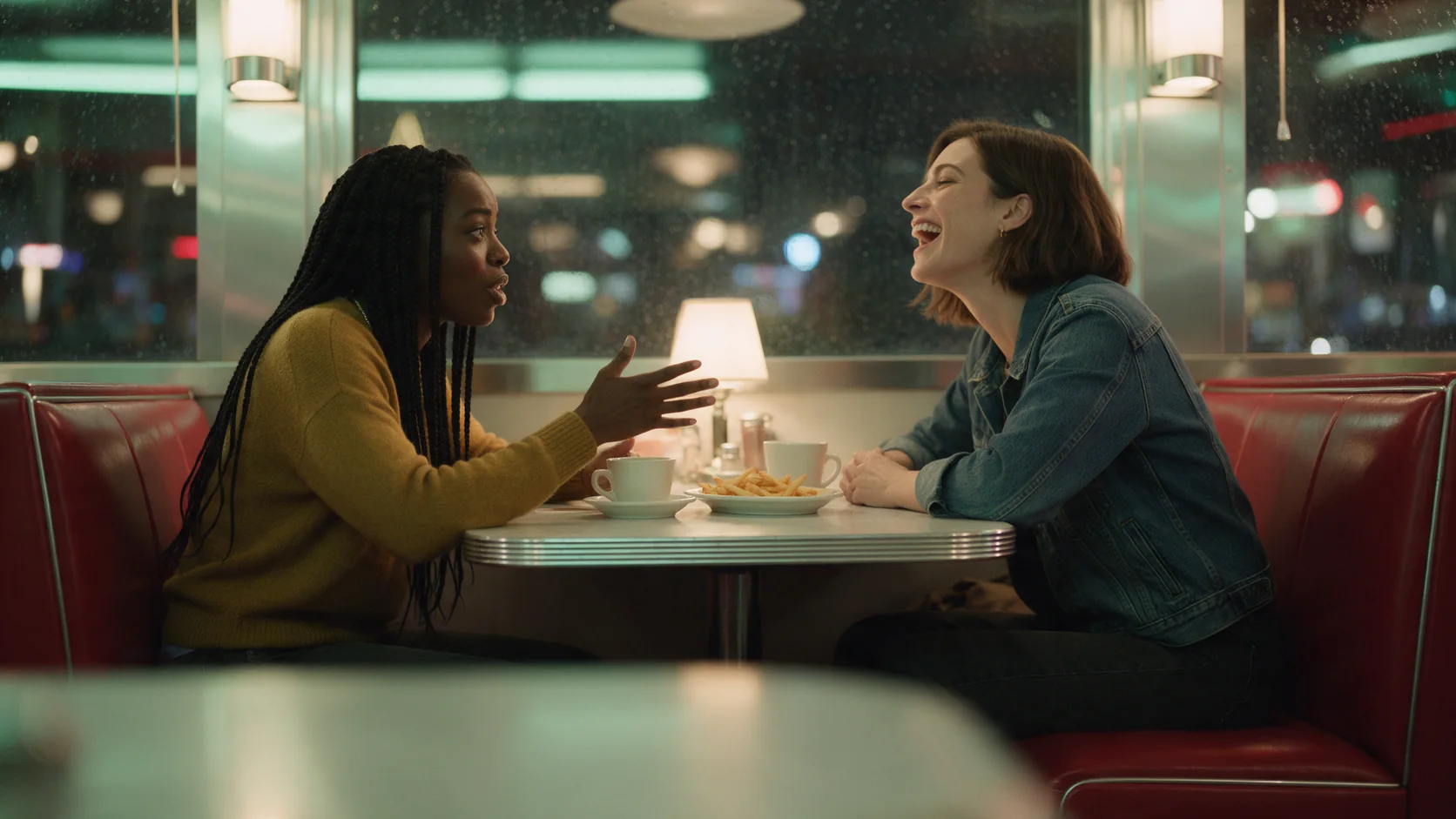
Turn generate_audio on and dialogue you write in quotes, plus any ambient sound you name, comes back in the same file as the video. In our diner test, overlapping laughter, a jukebox playing doo-wop and clinking cutlery all landed in sync with the scene, though the group's hand gestures came out a little more subdued than the prompt asked for.
Fixed 1080p, no tier to pick
There is no resolution field on this endpoint - every clip renders at 1080p. Duration is fixed too, at 5 or 10 seconds; there is no field for anything in between.
Request parameters
| Parameter | Required | Description |
|---|---|---|
prompt | Yes | Write it as a shot: who's in frame, the action, the camera move, then - if you're turning sound on - the dialogue in quotes and the ambient sounds you want. at least 1 characters · at most 2500 characters |
negative_prompt | No | What must not appear: a second person, captions, a prop the model keeps bringing back. Write a plain list rather than negated sentences. at most 2500 characters |
aspect_ratio | No | 16:9, 9:16 or 1:1. Pick it before you write the prompt so the brief places the subject for that frame. |
generate_audio | No | Off by default. Turn it on for a generated soundtrack - dialogue, music, ambience - rendered with the picture; it costs more per second. Default: |
duration_seconds | No | 5 or 10 seconds - no other value is accepted. Drives the price. |
guidance_scale | No | How strictly the clip follows the prompt, from 0 to 1 in steps of 0.01; default 0.5. |
Pricing
Billed per second of output; turning sound on costs more per second.
| Specification | Price |
|---|---|
| $0.069 / second |
| $0.138 / second |
Use cases
Dialogue-driven group scenes
A handful of people talking and reacting in one room works well here, with the room tone and dialogue rendered in the same pass as the picture.
Clean takes to reuse as a Motion Control driving clip
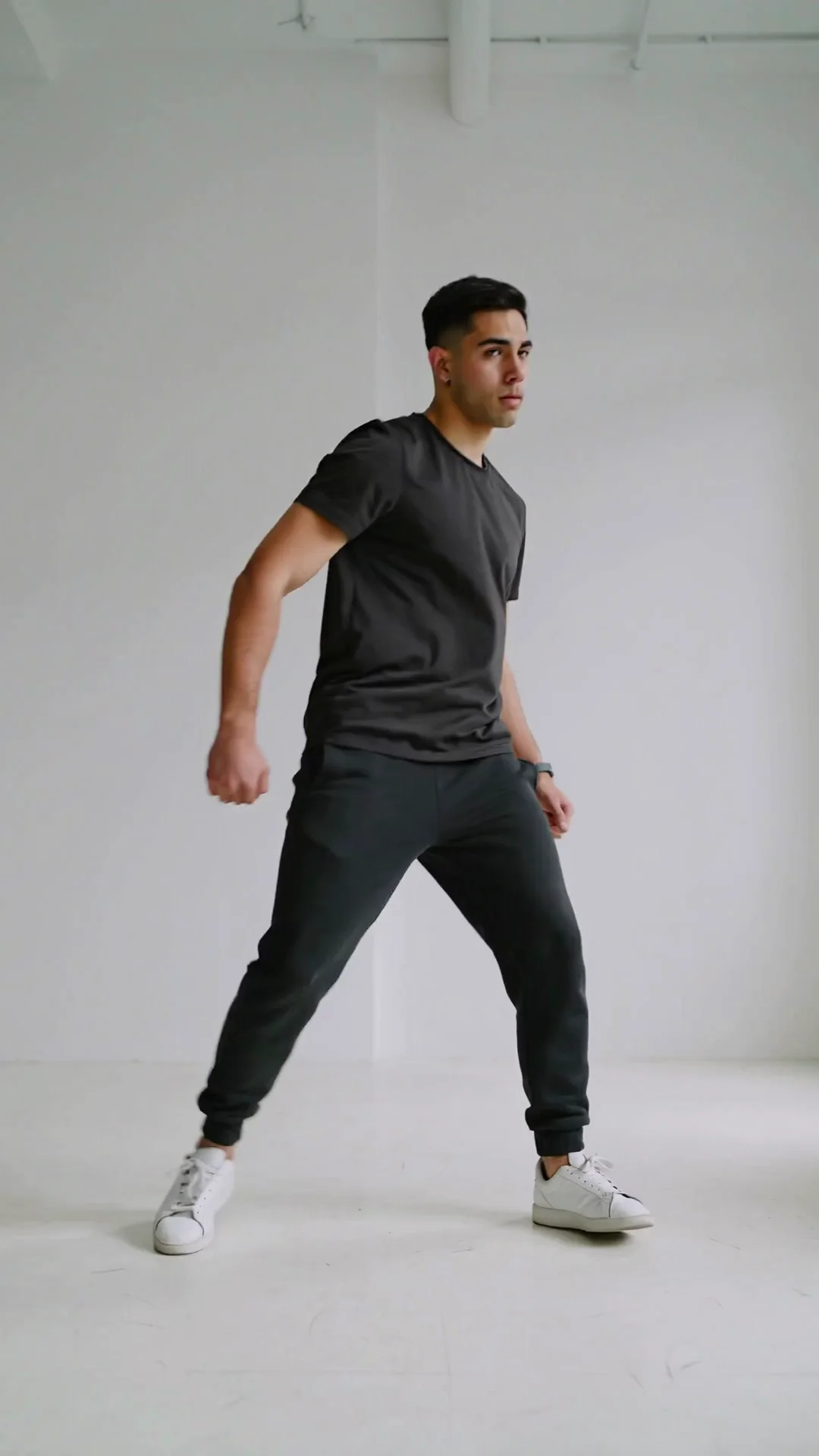
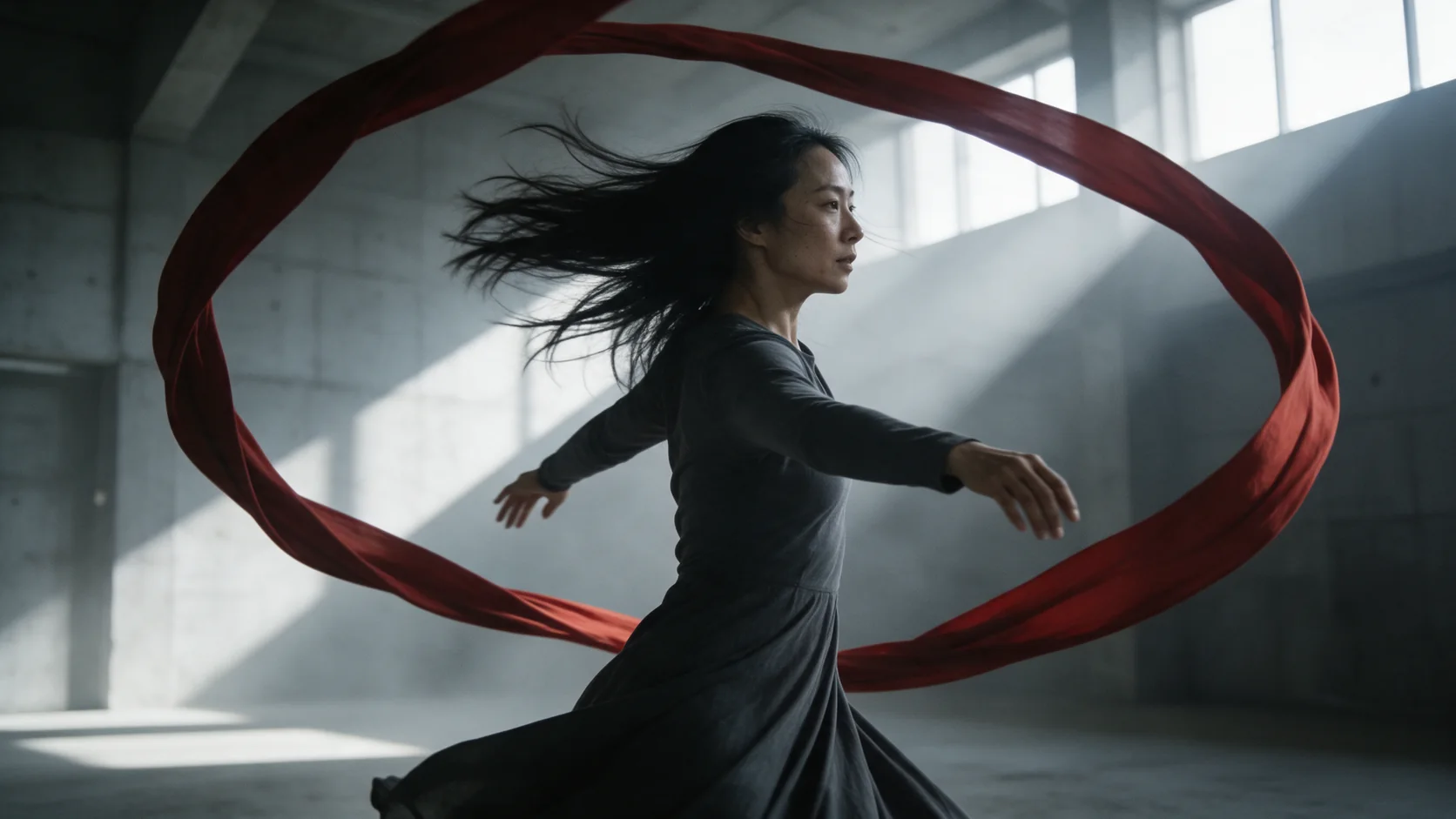
A single performer, full body in frame, against a plain background and a locked-off camera produces a take you can feed straight into Motion Control (character-animation) as the driving clip for a different character.
Prompt guide & pro tips
Decide on sound before you write the scene
If you're leaving generate_audio off, describe the picture only. If you're turning it on, close the prompt with the dialogue in quotes and the ambient sounds you want - our tests show they render tied to the visible action rather than as a generic layer over the top.
For a driving clip, ask for the whole body and nothing else
A plain background, a static camera and an instruction to keep the full body in frame the whole time produces the cleanest source for Motion Control - the studio-dancer-take example here was built exactly this way, and we reused that same clip twice as a driving video for other Kling families.
Pick 5 or 10 seconds before you write the beat
Duration only takes one of two values, so settle on the length before drafting the scene. A single spoken line with a short reaction fits comfortably inside 5 seconds; a back-and-forth with more than one beat, or a line that needs a pause before it lands, wants the full 10 seconds instead of feeling rushed.
API quick start
# Generate the idempotency key once; reuse it when retrying after a lost response.
export SPICY_IDEMPOTENCY_KEY="${SPICY_IDEMPOTENCY_KEY:-$(uuidgen)}"
curl -X POST https://api.spicyapi.ai/api/v1/jobs/createTask \
  -H "Authorization: Bearer $SPICY_API_KEY" \
  -H "Content-Type: application/json" \
  -H "Idempotency-Key: $SPICY_IDEMPOTENCY_KEY" \
  -d '{
  "model": "kling/2.6/text-to-video",
  "input": {
    "prompt": "A slow aerial shot drifting over a misty pine forest at sunrise",
    "aspect_ratio": "16:9",
    "generate_audio": false,
    "duration_seconds": 5
  }
}'

# Copy data.taskId from the response into TASK_ID, then poll the status.
TASK_ID="TASK_ID_FROM_RESPONSE"
curl "https://api.spicyapi.ai/api/v1/jobs/recordInfo?taskId=$TASK_ID" \
  -H "Authorization: Bearer $SPICY_API_KEY"
See the API reference for authentication, the complete schema, polling, and error handling.