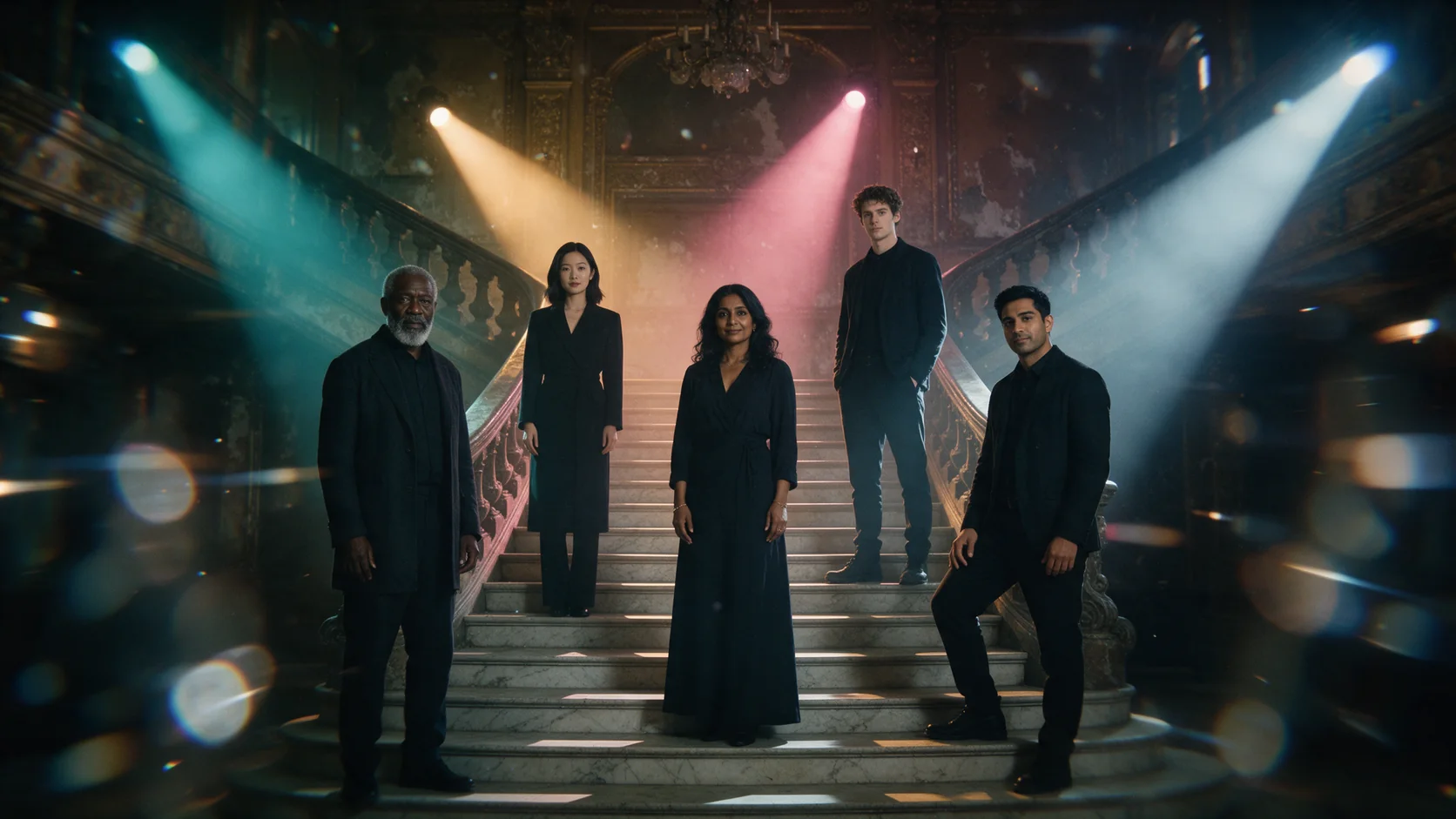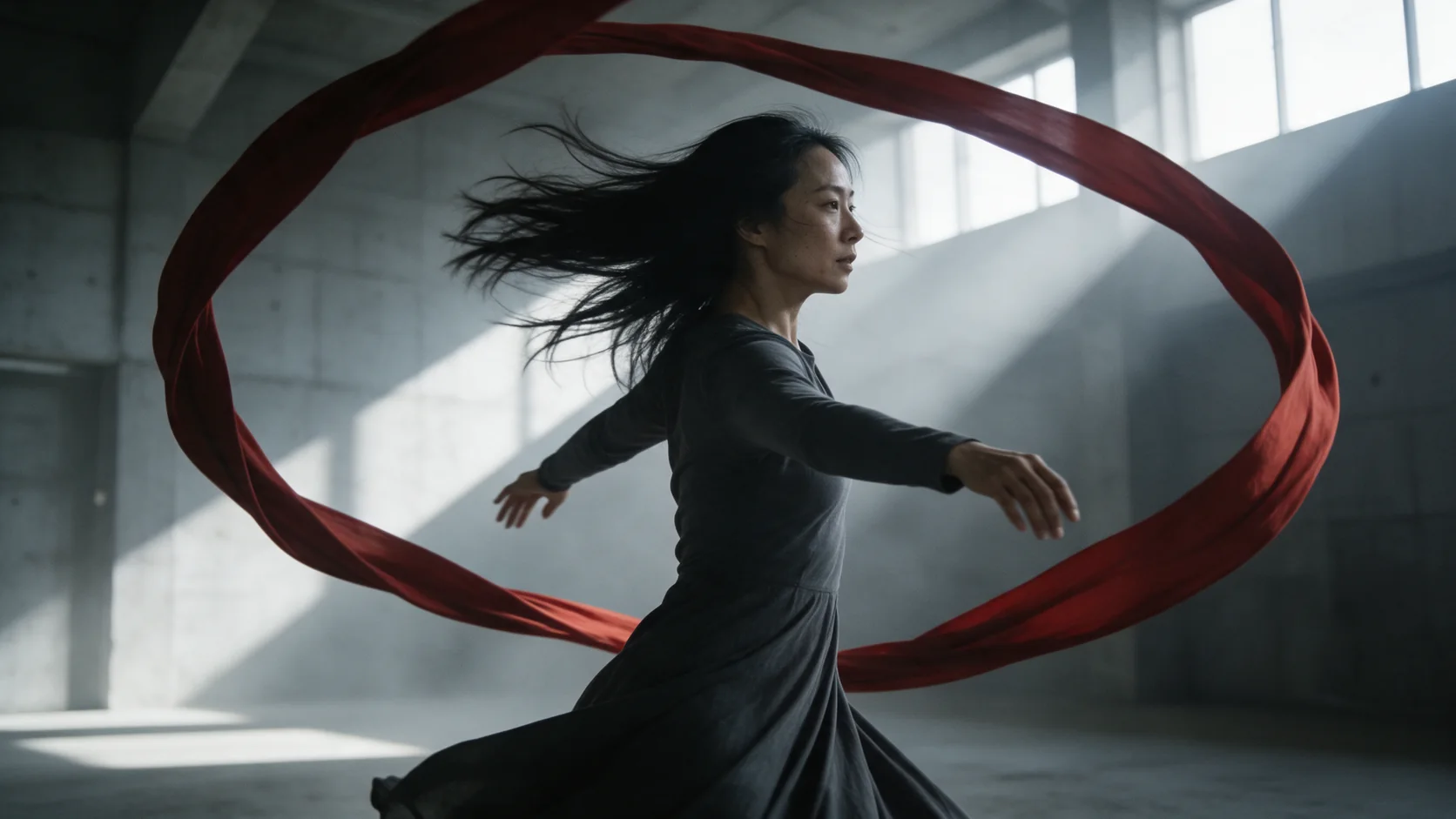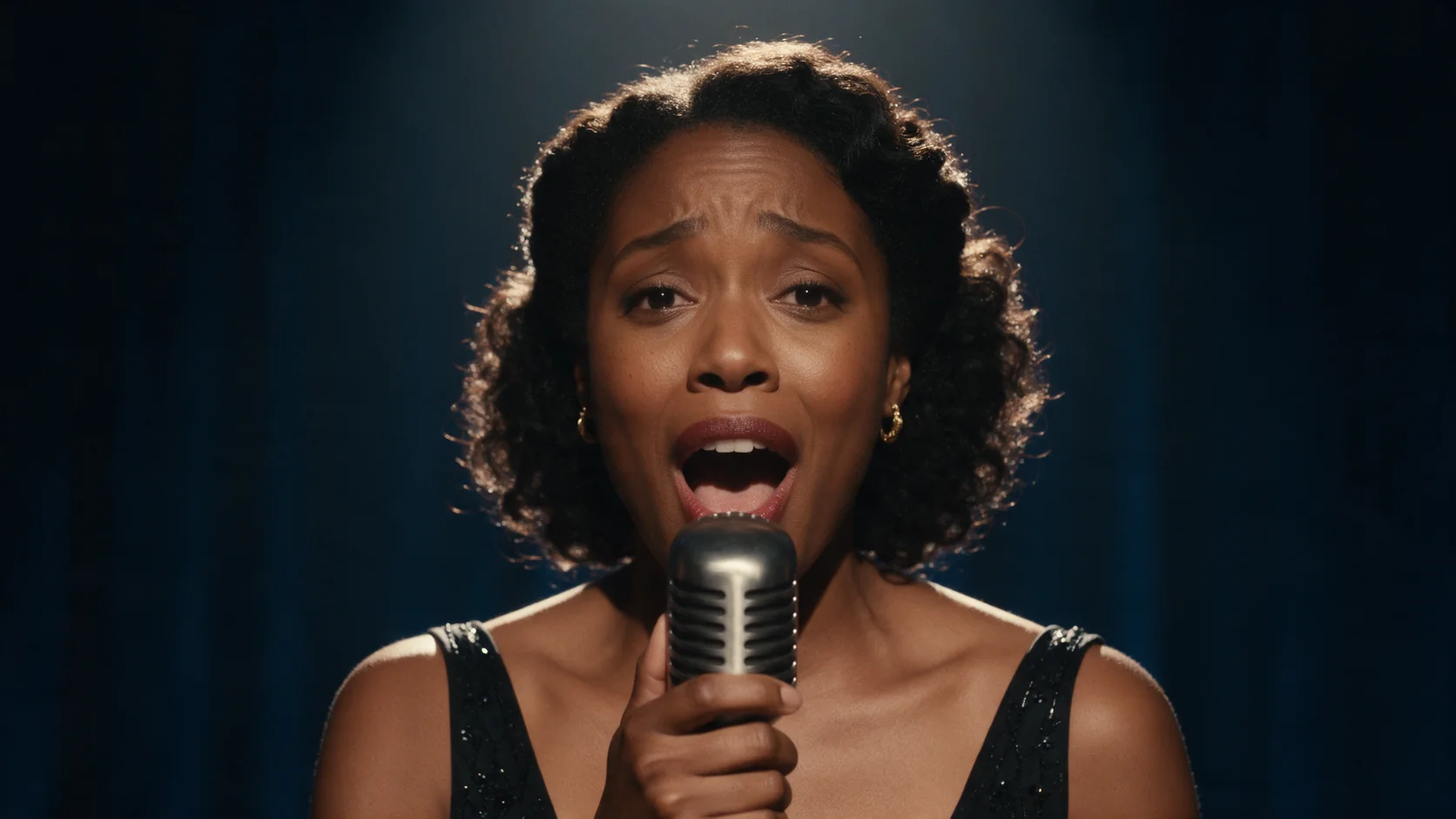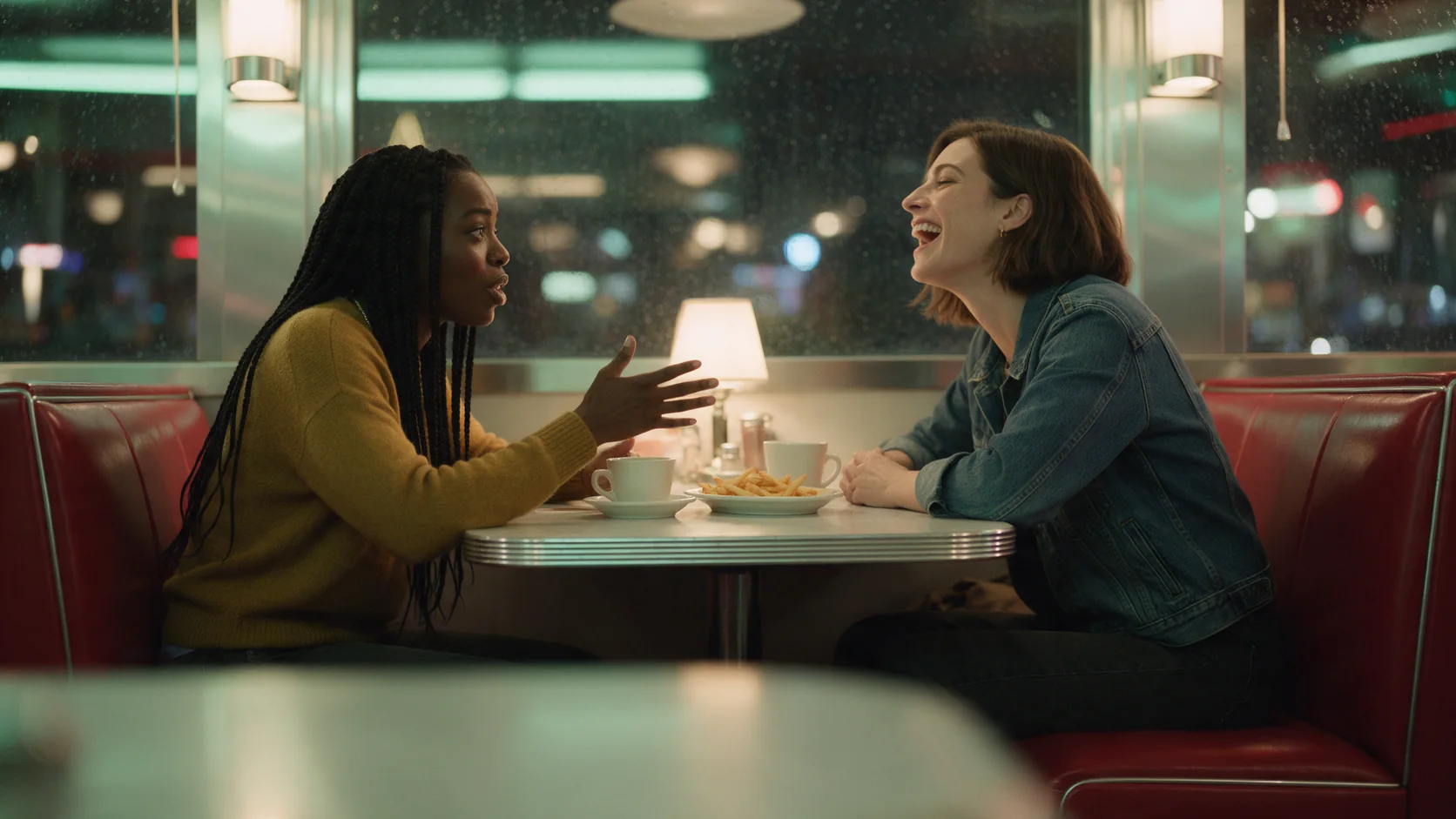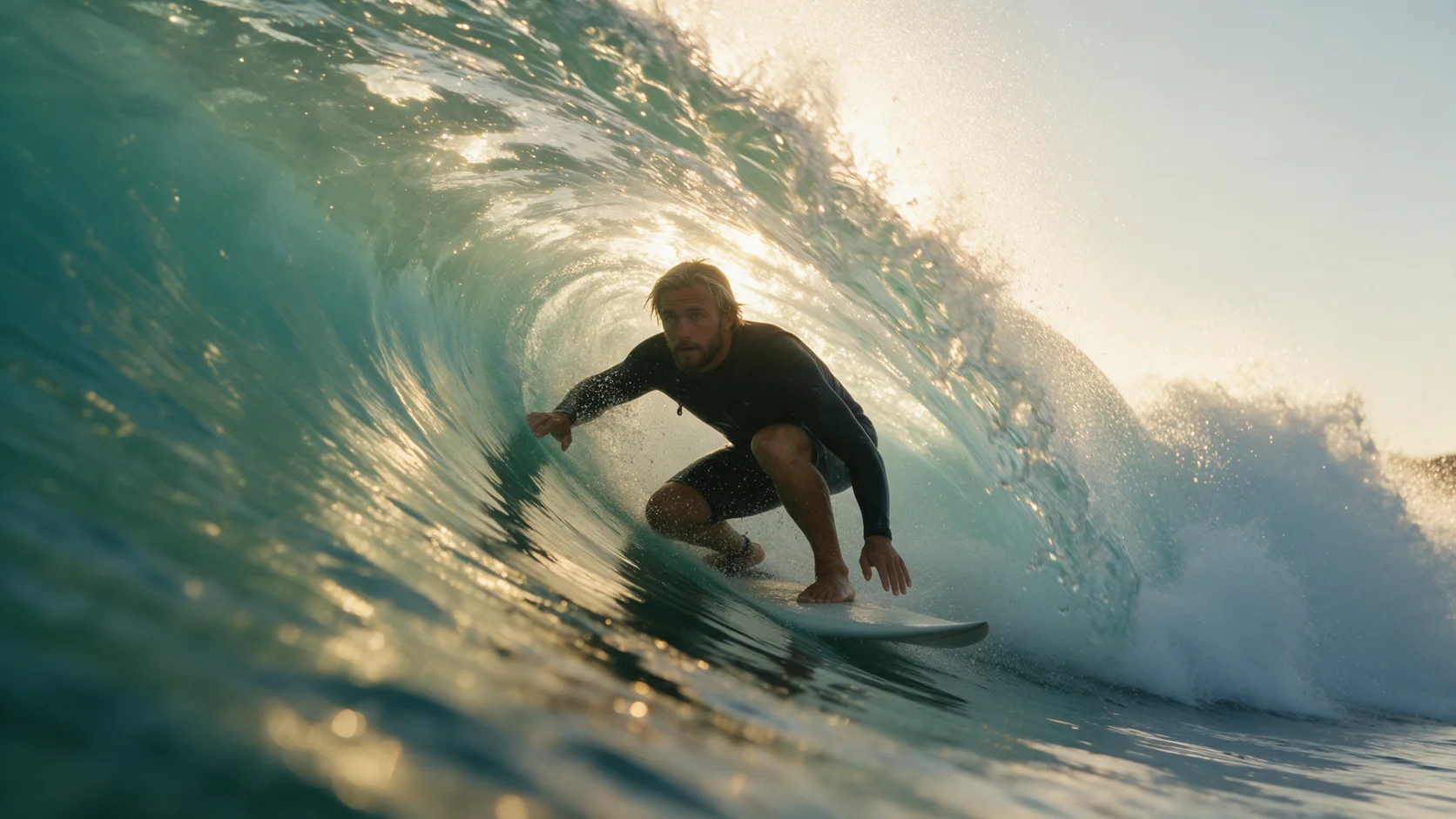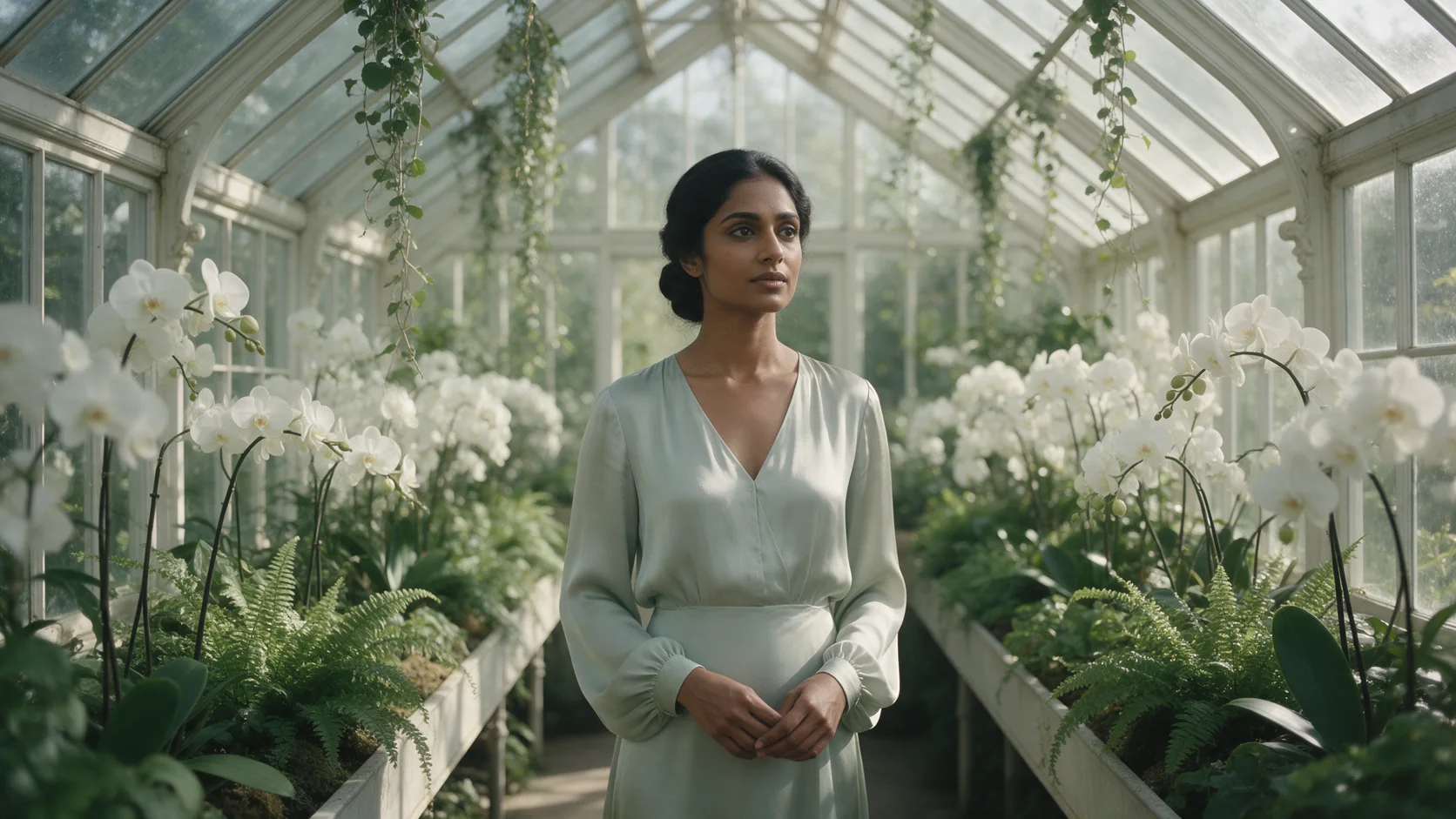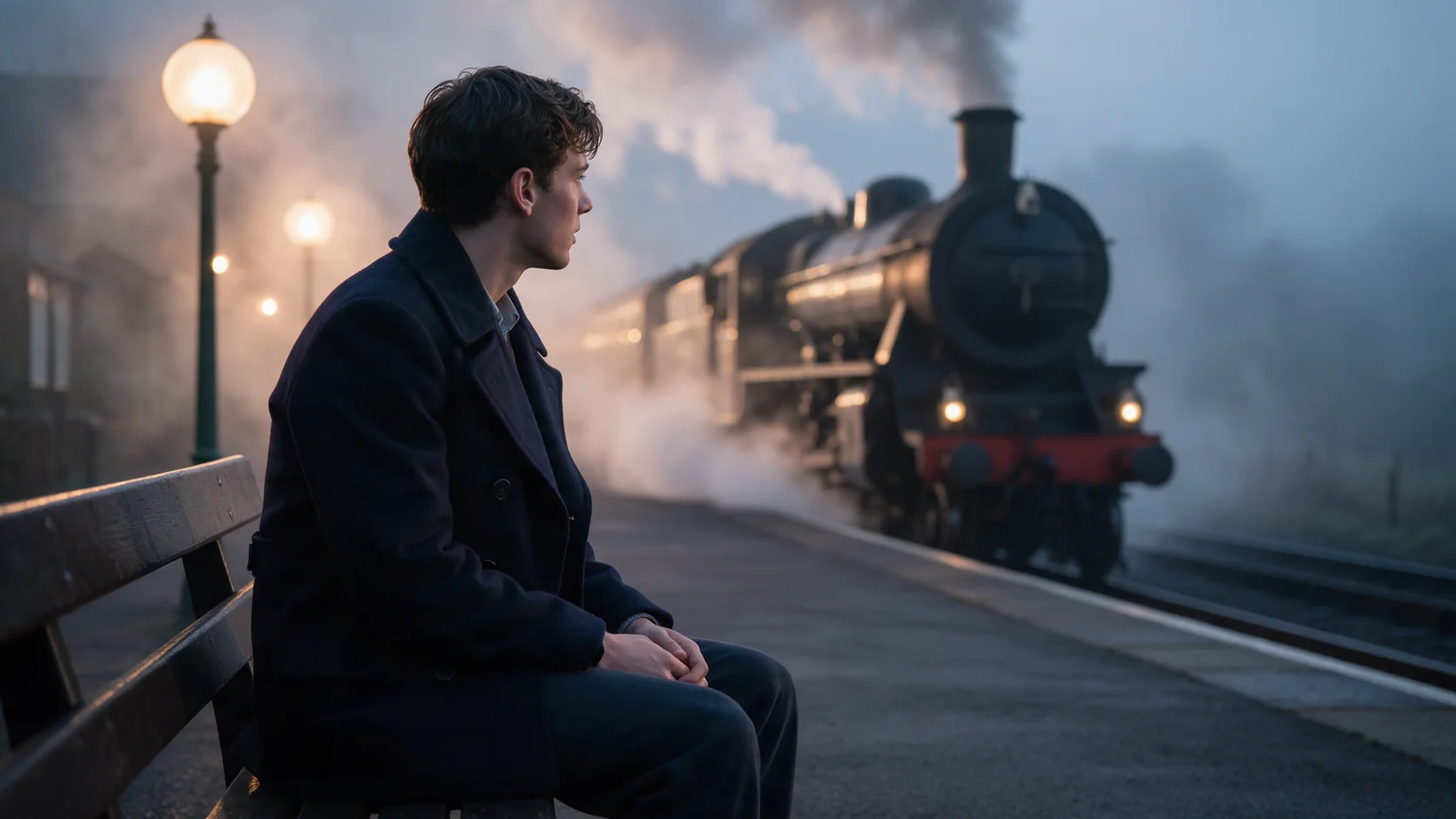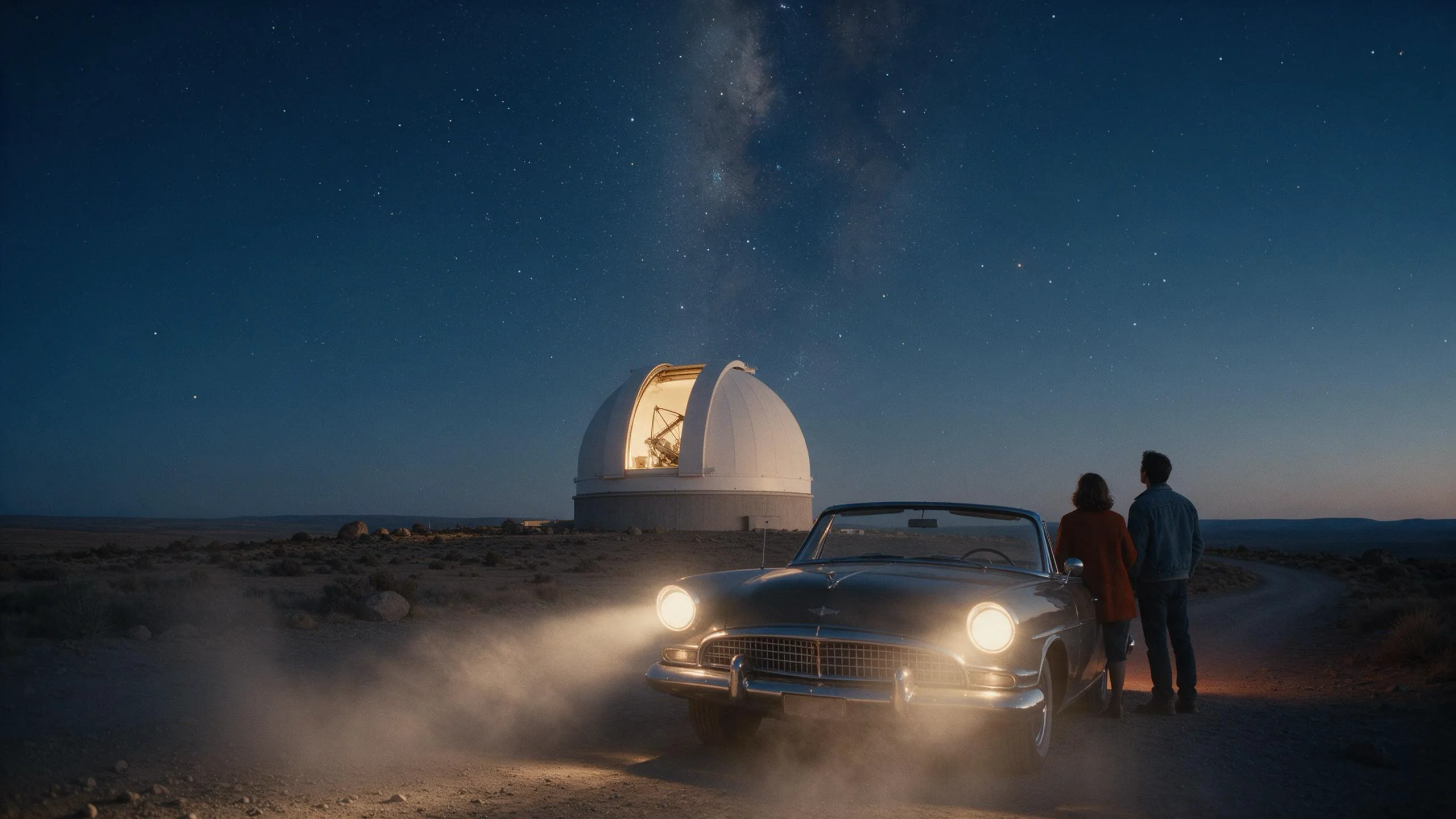
Kling 4.0 reference-to-video casts a 3-30 second clip from up to 10 images, 5 videos and 3 voice clips that you name in the prompt as @Image1, @Video1 and @Audio1. Output is 720p or 1080p with a stereo soundtrack.

From $0.216/s

Workbench

Input

Reference to video

Reordering updates prompt references. Removing media also removes its references; review your prompt.

Say what each reference is and what the shot does with it. Write @Image1, @Image2 for images, @Video1 for videos and @Audio1 for audio clips, each numbered in upload order. at least 1 characters
2/10

Drop files or media links, paste, or browse · Up to 10 files · Max 10 MB · JPG · PNG · WEBP · GIF

  • @Image1
  • @Image2
2 / 10 files
Up to 10 images of people, objects, outfits or places, referred to as @Image1, @Image2 and so on. They do not change the price. at least 1 items · at most 10 items
affects price0/5

Drop a video here, or browse · Up to 5 files · Max 90 MB · MP4 · WEBM

0 / 5 files
Up to 5 videos, 30 seconds in total, for motion, camera and pacing, referred to as @Video1, @Video2. Their seconds, each clip rounded up to a whole second, are billed at a lower rate than output seconds. at least 1 items · at most 5 items
0/3

Drop an audio file here, or browse · Up to 3 files · Max 90 MB · MP3 · WAV

0 / 3 files
Up to 3 audio clips of 5 to 30 seconds each for a voice or a sound, referred to as @Audio1, @Audio2. Write the spoken words in the prompt. They do not change the price. at least 1 items · at most 3 items
auto (default) follows the reference images or video; 16:9, 9:16, 1:1 or 21:9 set it yourself. It does not change the price.
affects price
720p or 1080p (default 720p). 1080p costs more per second.
Keep original audio
Off by default. On keeps the reference video's own sound instead of generating a new soundtrack; it only matters when you give a reference video.
Durationaffects price
Whole seconds, 3 to 30 (default 5). Drives the price. no lower than 3 · no higher than 30
Safety checkerOff

SpicyAPI does not run a safety checker on this model. Your prompt and media go to the model as written, and the model itself decides what comes back.

Checking your account before enabling submission and pricing.

Output

Ready for a new run
Example result

Missing the model you need?

Tell us what to add and where you would use it. Requests go to the people who decide what gets onboarded next.

KLING'S 30-SECOND MODEL

Kling 4.0 API at a glance

Up to 30 seconds per clip, 21:9 ultrawide, keyframes from first to last, and references from images, video and voice - with sound on every clip.

Longest clip
30S
Any whole number of seconds from 3 to 30 on every endpoint.
Ultrawide
21:9
Plus 16:9, 9:16 and 1:1, at 720p or 1080p.
Frames to steer
10
Opening frame, closing frame and up to 8 in-between keyframes.
Reference images
10
Plus up to 5 reference videos and 3 voice clips, each named in the prompt.
Sound included
STEREO
Every clip carries a two-channel soundtrack at no extra charge.

Results

What you can make with Kling 4.0

  • From text

    A long take with its own sound

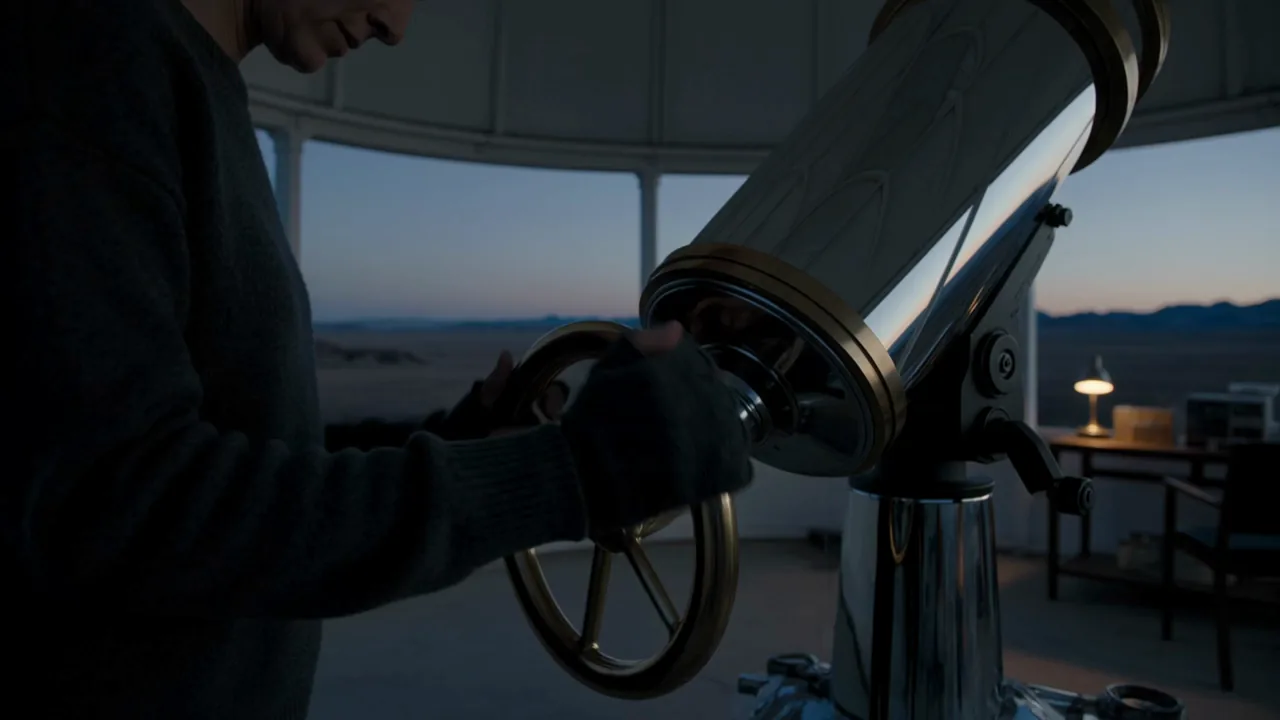
    One paragraph gave us the brass wheel turning, the dome sliding open on the stars and a whispered line, with the motor rumble and wind on the soundtrack.

    Text to video, 5 seconds at 720p, 16:9, with the dome rumble and wind on the soundtrack.

  • From frames

    Pin the start and the end

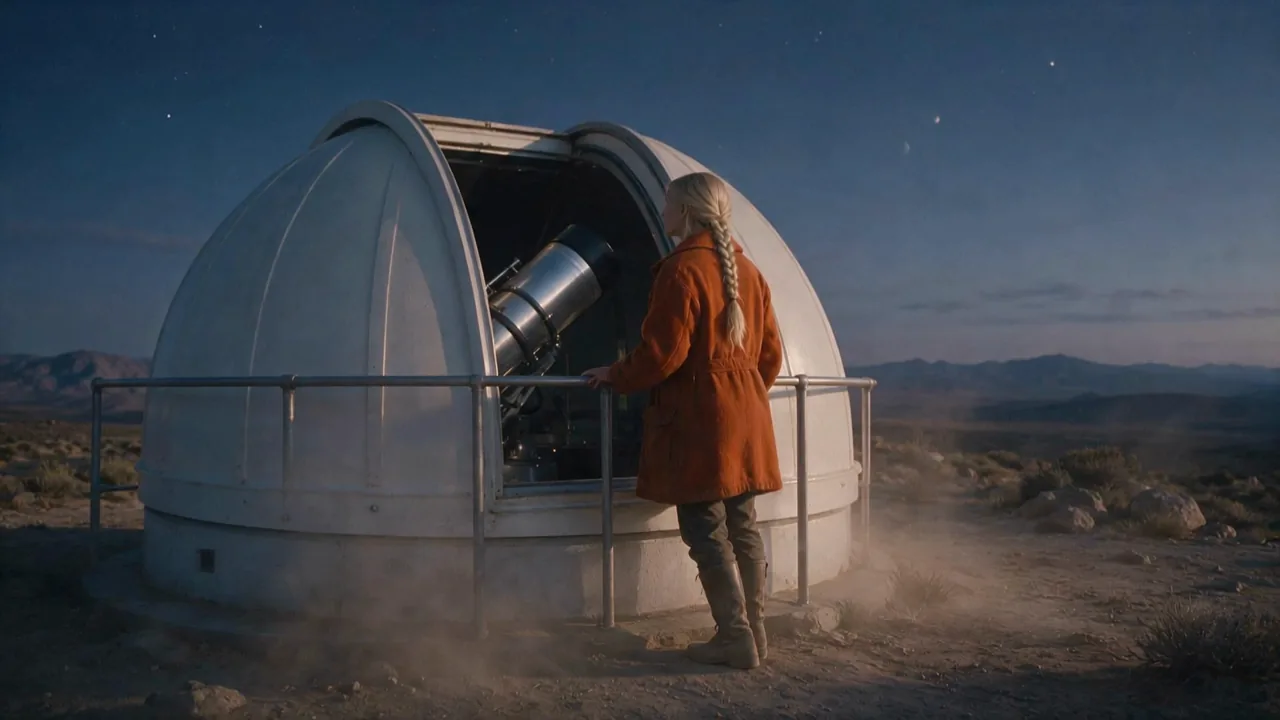
    An opening frame of her at the telescope and a closing frame of her leaning on the railing became one continuous move between the two.

    Image to video with an opening and a closing frame, 5 seconds at 720p.

  • From references

    Cast a scene from photos

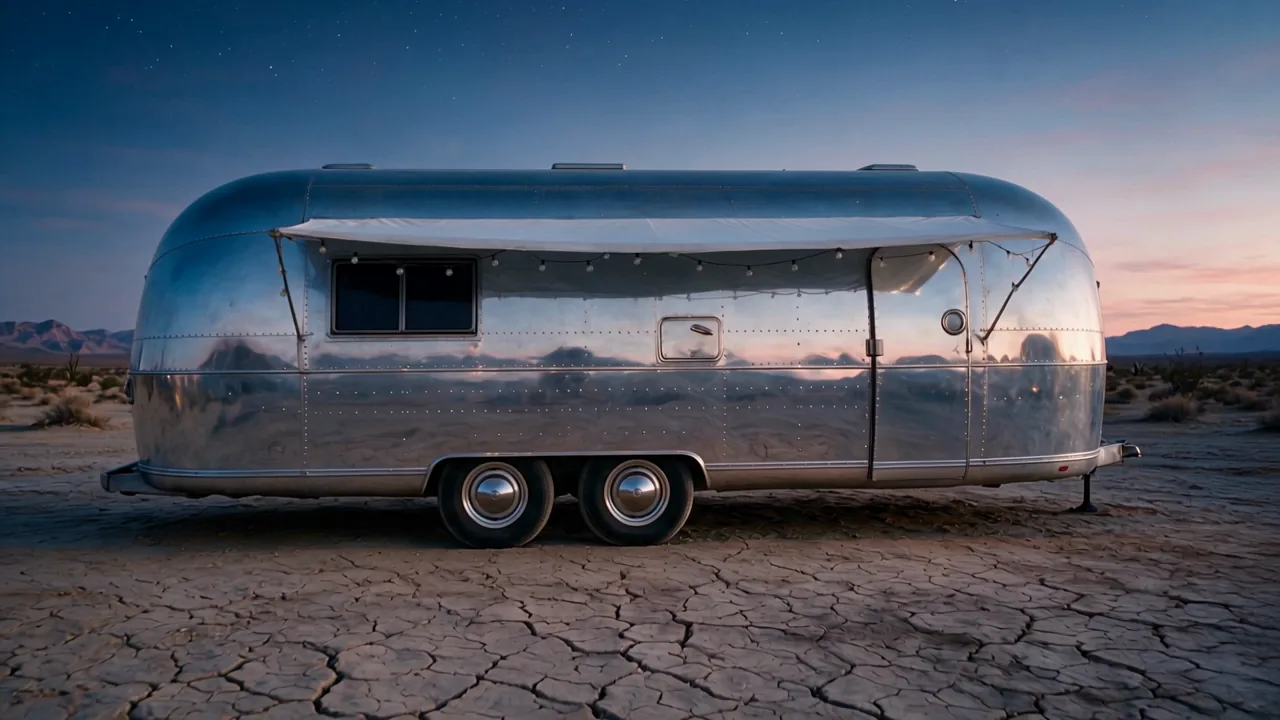
    A studio portrait as @Image1 and a photo of a chrome trailer as @Image2 became her stepping out of that trailer at blue hour.

    Reference to video from two images (@Image1 the woman, @Image2 the trailer), 5 seconds at 720p.

More clips made with Kling 4.0

  • Image to video, 5 seconds at 720p, aspect ratio following the opening frame.
    5s
  • Text to video, 5 seconds at 720p, 9:16 vertical.
    5s
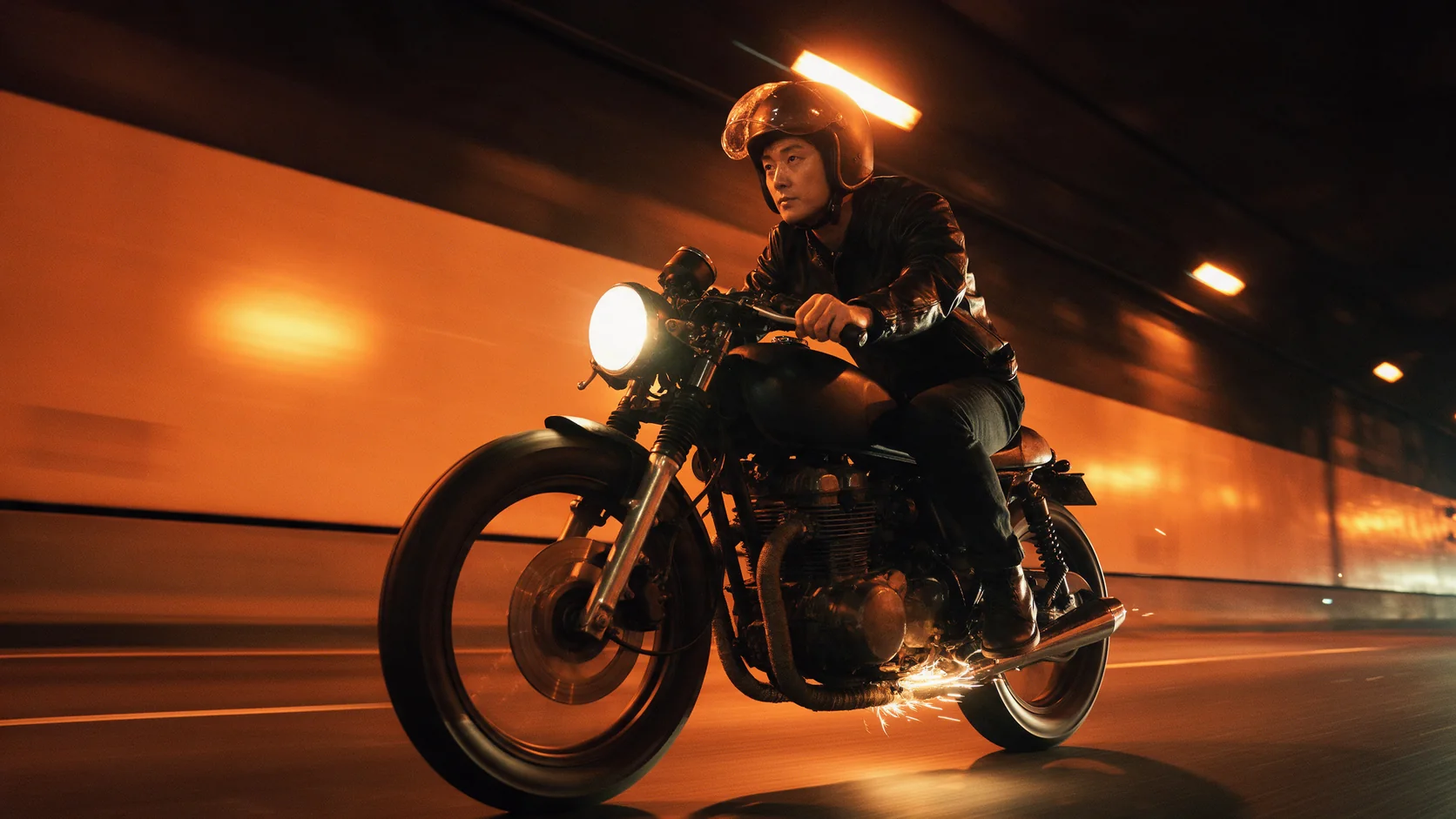
  • Reference to video from two images (@Image1 the man, @Image2 the motorcycle), 5 seconds at 720p.
    5s

Content test

Is Kling 4.0 uncensored? What we tested

We ran each level on our live setup and checked every clip frame by frame. A pass means the content was actually on screen, not just that the request went through.

Content levels tested on Kling 4.0, by mode
LevelText to video
MildThe lightest prompts in the test
Not tested yet
ModerateWhere filtered models start to refuse
RefusedTested Oct 16, 2026
StrongThe middle of the scale
Not tested yet
Very strongWhere most models start to hold back
RefusedTested Oct 16, 2026
MaximumThe top of the scale
Not tested yet

Renders: on screen as written. Softened: generated, but milder than what was written. Refused: rejected. Not tested yet: we have not run that level on that mode.

How each mode behaves

All modes
Prompts and inputs are screened before generation. Requests from the Moderate level up are refused within a few seconds and not charged; Mild-level wardrobe is not reliable either. Every clip carries generated audio - there is no silent option except keeping a reference video's own sound.
All modes
Generation is slow: 3-second clips took about 1.5 to 4 minutes in our tests, and requests on the same endpoint run one at a time, so a batch queues up.
Image to video
Up to 8 in-between keyframes. The opening, in-between and closing frames should show the same character and set from the same camera position, or the clip has to cut or morph to reach them.
Reference to video
Reference videos may add up to 30 seconds in total and their seconds are billed too, each clip rounded up to a whole second; audio clips must be 5 to 30 seconds each.

Use cases

What to build with the Kling 4.0 API

  • Long establishing shots

    Up to 30 seconds lets a camera move play out in full - a slow crane, a drive down a road, a reveal - without stitching clips.

  • Storyboarded motion

    Upload the key poses as opening, in-between and closing frames and let the model fill the motion between them.

  • Consistent characters and props

    Reference a face, an outfit and a vehicle once and cast them into new scenes, with a voice sample if the character speaks.

Prompts

Kling 4.0 prompt examples you can copy

Paste one into the playground as it is, then change one thing at a time.

  • Reference to video

    Cast list first, then the shot

    Result from this prompt

    @Image1 is the woman, @Image2 is the chrome trailer. At blue hour in the high desert, the woman from @Image1 steps out of the door of the trailer from @Image2 holding two steaming enamel mugs; the string lights along its awning blink on one by one and their glow slides across the polished aluminium. She stops, looks up at the first stars and smiles, then glances at the camera. Slow push-in. Sound: the creak of the trailer door, boots on cracked earth, a soft desert wind, a distant owl.

    Why it works. Opening with one sentence per reference tells the model which face and which object to keep; the rest of the prompt only has to describe the action, the camera and the sound.

    Try this prompt
  • Text to video

    Action, camera, then sound

    Result from this prompt

    Inside a white observatory dome on a high-desert mesa at indigo dusk. An astronomer in her late thirties with short silver-streaked hair, wearing a charcoal wool sweater and fingerless gloves, turns a heavy brass wheel; with a deep rumble the dome slit slides open and a band of deep-blue sky full of first stars pours light across the polished chrome telescope. She looks up, breath visible in the cold air, and says quietly, "There you are." Slow crane up from her hands on the wheel to the opening sky. Sound: the grinding rumble of the dome motor, desert wind, the soft hum of equipment.

    Why it works. The prompt runs in the order things happen and keeps the sound on its own line, so the rumble, the wind and the spoken line all land where they should.

    Try this prompt
  • Image to video

    Pin the ending with a second frame

    Result from this prompt

    She takes one last look through the open slit of the dome, then turns around, leans back against the steel railing and crosses her arms with a small satisfied smile as more stars come out over the mesa. Static wide shot, her braid and coat stirred by the wind. Sound: steady desert wind, the faint whirr of the telescope motor.

    Why it works. With a closing frame set, the prompt only needs to describe how she gets from one pose to the other.

    This mode starts from your own image: add it in the playground before you run.

    Try this prompt

Compare

Kling 4.0 vs similar models: which one to pick

ModelModesFromContentPick it when
Kling 4.0This pageImage to video · Reference to video · Text to video$0.216 / output secondFiltered — This model refuses requests beyond its own limits outright. Measured, not assumed — models we have not measured carry no label at all.You want clips longer than 15 seconds, 21:9 ultrawide, in-between keyframes, or references from videos and voice clips as well as images.
Kling 3.0Character animation · Image to video · Text to video$0.067 / output secondFiltered — This model refuses requests beyond its own limits outright. Measured, not assumed — models we have not measured carry no label at all.You need 4K, an audio switch, or Motion Control to copy a performance onto your own character.
Kling O3Image to video · Reference to video · Text to video · Video editing$0.067 / output secondFiltered — This model refuses requests beyond its own limits outright. Measured, not assumed — models we have not measured carry no label at all.You want to edit a video you already have, or reference photos at up to 4K.
Kling 3.0 TurboImage to video · Text to video$0.112 / output secondFiltered — This model refuses requests beyond its own limits outright. Measured, not assumed — models we have not measured carry no label at all.You want a faster, cheaper clip with sound and do not need more than 15 seconds.

Pricing

Kling 4.0 API pricing

A 5-second clip starts at $1.08 at 720p and $1.62 at 1080p.

The playground shows the exact price for your settings before you run. Failed or timed-out tasks are usually not charged. Some models charge for content refusals as stated on their model page; check those billing terms before submitting.

See every price tier

Get started

How to use the Kling 4.0 API in three steps

  1. Step 1

    Draft short at 720p

    Find the framing and the motion with 3 to 5 seconds at 720p before paying for a long or 1080p render.

  2. Step 2

    Write a Sound: line

    Every clip has audio. Name the ambience and any spoken line in quotes so you get the sound you want.

  3. Step 3

    Name your references

    On reference to video, open with "@Image1 is …, @Image2 is …" before describing the shot.

Parameter reference and code samples are in the API and Readme tabs at the top of this page.

Why SpicyAPI

Why run Kling 4.0 on SpicyAPI

  • No filter from us

    We add no content filter of our own. What the model renders is what you get back.

  • Tested, not guessed

    Content labels come from real generations we ran and checked, with the test date on the page.

  • Pay per result, in dollars

    No subscription and no credits. Failed or timed-out tasks are usually not charged. Some models charge for content refusals as stated on their model page; check those billing terms before submitting.

  • One key for every model

    One API key and balance cover image, video, audio and chat models, so you can explore more models from the same account.

FAQ

Kling 4.0 API FAQ

About Kling 4.0

Kling 4.0 brings Kling's newest video model to one API: text to video, image to video with opening, closing and in-between frames, and reference to video from images, videos and voice clips. Clips run 3 to 30 seconds at 720p or 1080p, in 16:9, 9:16, 1:1 or 21:9, with a stereo soundtrack on every clip. Requests are screened and anything from the Moderate level up is refused without a charge. SpicyAPI bills per second of output in US dollars, with no subscription.

Related models and next tasks