Introduction
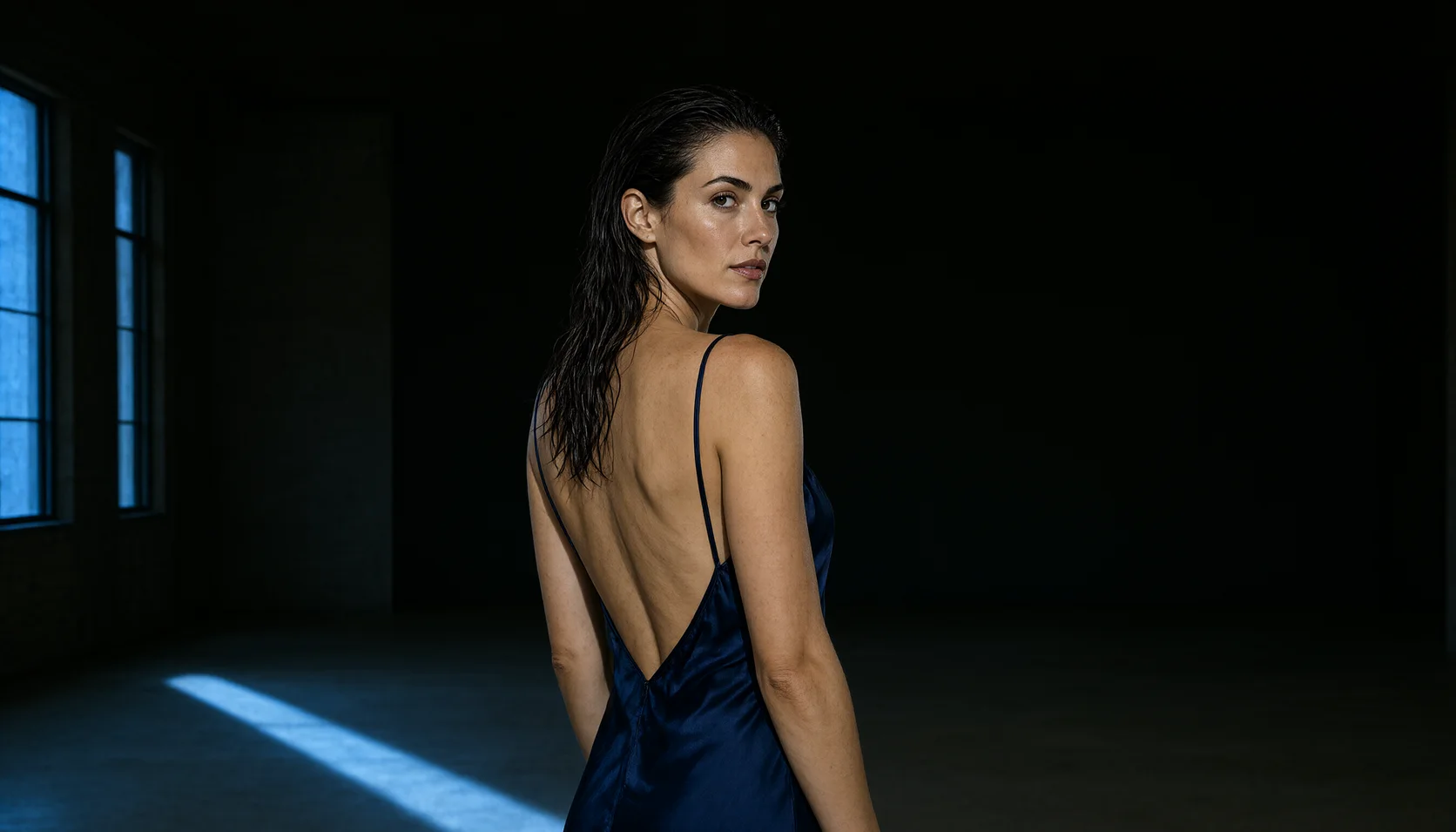
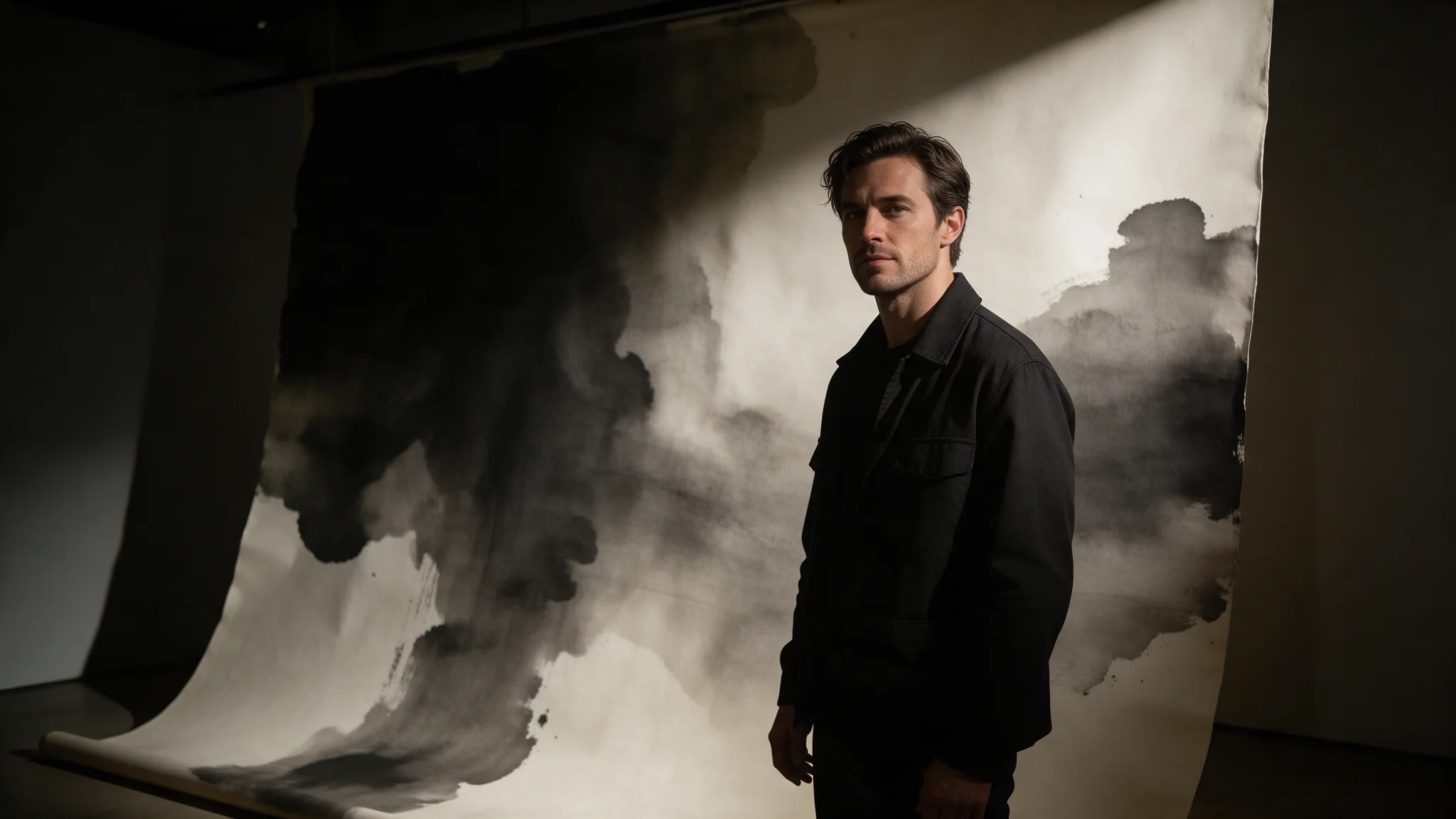
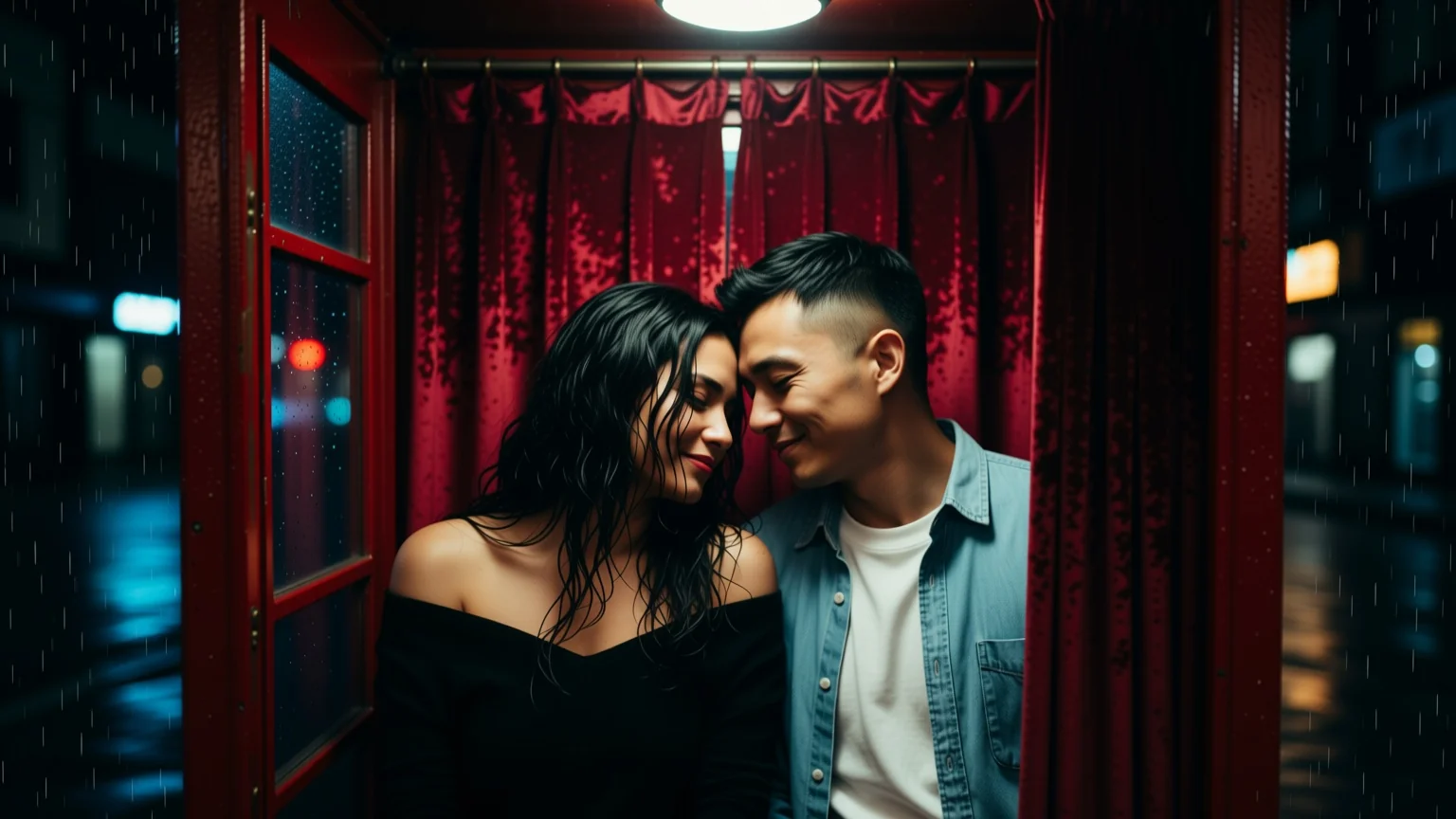
Qwen Image 2 Image to Image takes exactly one reference image plus an instruction and returns one edited result: relit, restyled, re-dressed or with lettering added, as the prompt describes.
Qwen Image 2 is Alibaba's general-purpose image model: 800-character prompts read natively in Chinese or English, five aspect ratios on text-to-image, and an editing endpoint that revises one reference at a ratio you choose. One image per request, with an optional seed to hold a draw steady while you compare.
Choose a Qwen Image 2 mode by starting material
| Starting material | Mode |
|---|---|
| A written art direction or design brief | Qwen Image 2 Text to Image |
| An approved source image to revise | Qwen Image 2 Image Editing |
Key features & highlights
Bilingual prompt work
Qwen Image 2 reads Chinese and English prompts directly, so a team can keep its working language where the creative brief is clearest instead of rebuilding it for handoff.
A written change to one supplied image
Its editing mode starts with one supplied visual and a written instruction. Use that starting point when the identity or composition already exists and the review is about a deliberate change, not a new concept from scratch.
Two distinct creative starting points
Text-to-image is for establishing a new scene from art direction; image editing is for revising a source visual. Selecting the starting material first prevents an edit brief from being evaluated like an original generation.
Request parameters
| Parameter | Required | Description |
|---|---|---|
prompt | Yes | Up to 800 characters describing the result, not the source. Say what must stay identical and what changes; anything left unstated is open to drift. at least 1 characters · at most 800 characters |
image_urls | Yes | Exactly one publicly fetchable jpeg, png or webp URL for an image you hold the rights to. A second image is rejected before the request leaves the platform. at least 1 items · at most 1 items |
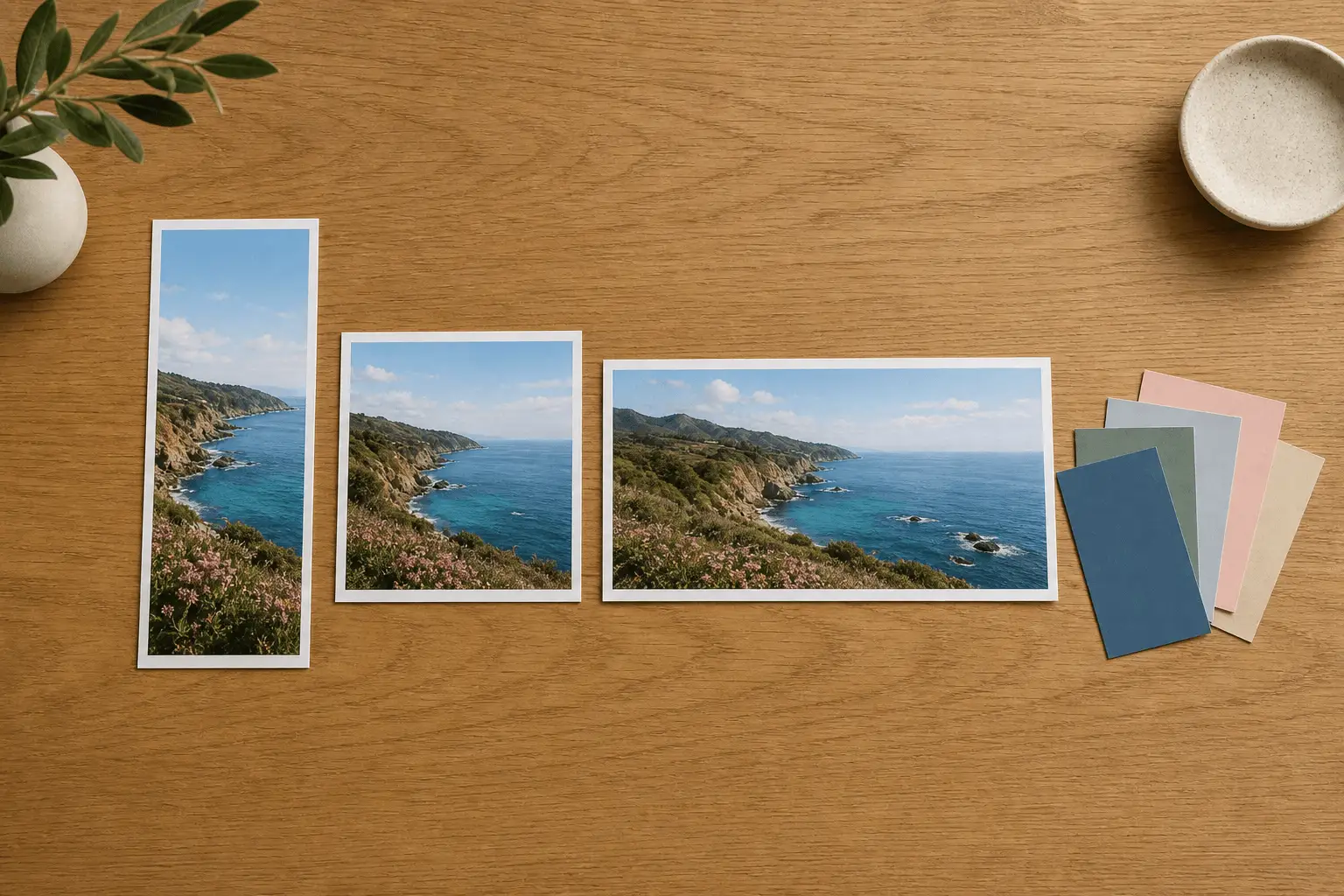
aspect_ratio | No | 1:1 by default, or 4:3, 3:4, 16:9, 9:16, 3:2, 2:3 and 21:9. |
seed | No | Leave it out for a fresh draw every call; set it to compare two phrasings of the same edit against an identical draw. |
Pricing
$0.035 / image
Use cases
Refine a supplied visual
Use this mode when an existing photograph should fix the subject, composition or style. Send it as the single entry in image_urls, say what changes and what must stay identical, and compare the result with the source at the size it will be used.
Product restaged in a new scene
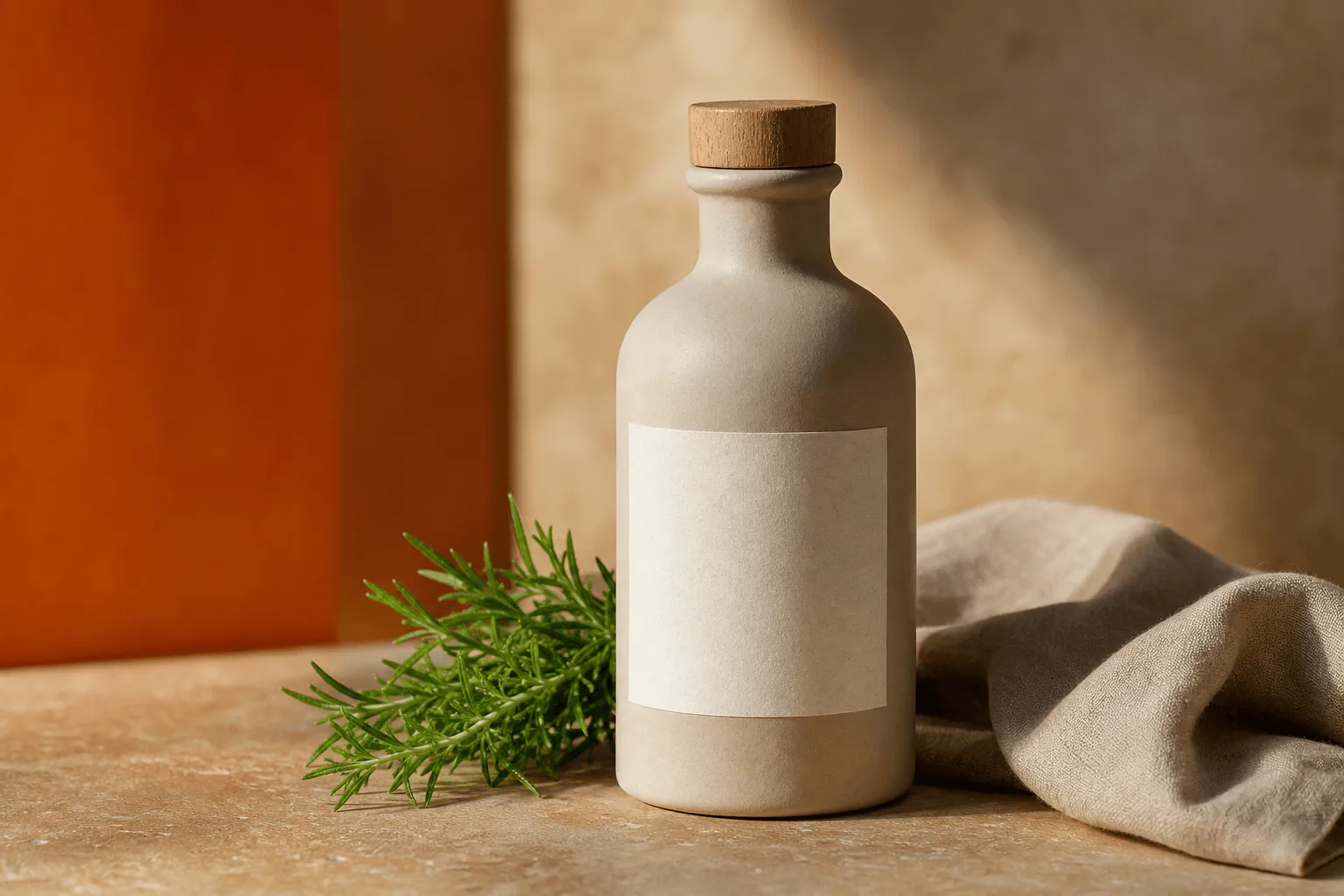
Send the product shot and describe the setting it should sit in, including which light it should pick up. One call, one frame. If the environment has to come from a second photograph, use an editing model that accepts several references.
Bilingual campaign production
Adapt one approved key visual for another market by asking for lettering on a blank surface, written into the prompt exactly as it should read, in Chinese or English. Keep it to a short string: signage and dense copy are the Qwen Image 3.0 line's job.
Character and costume work
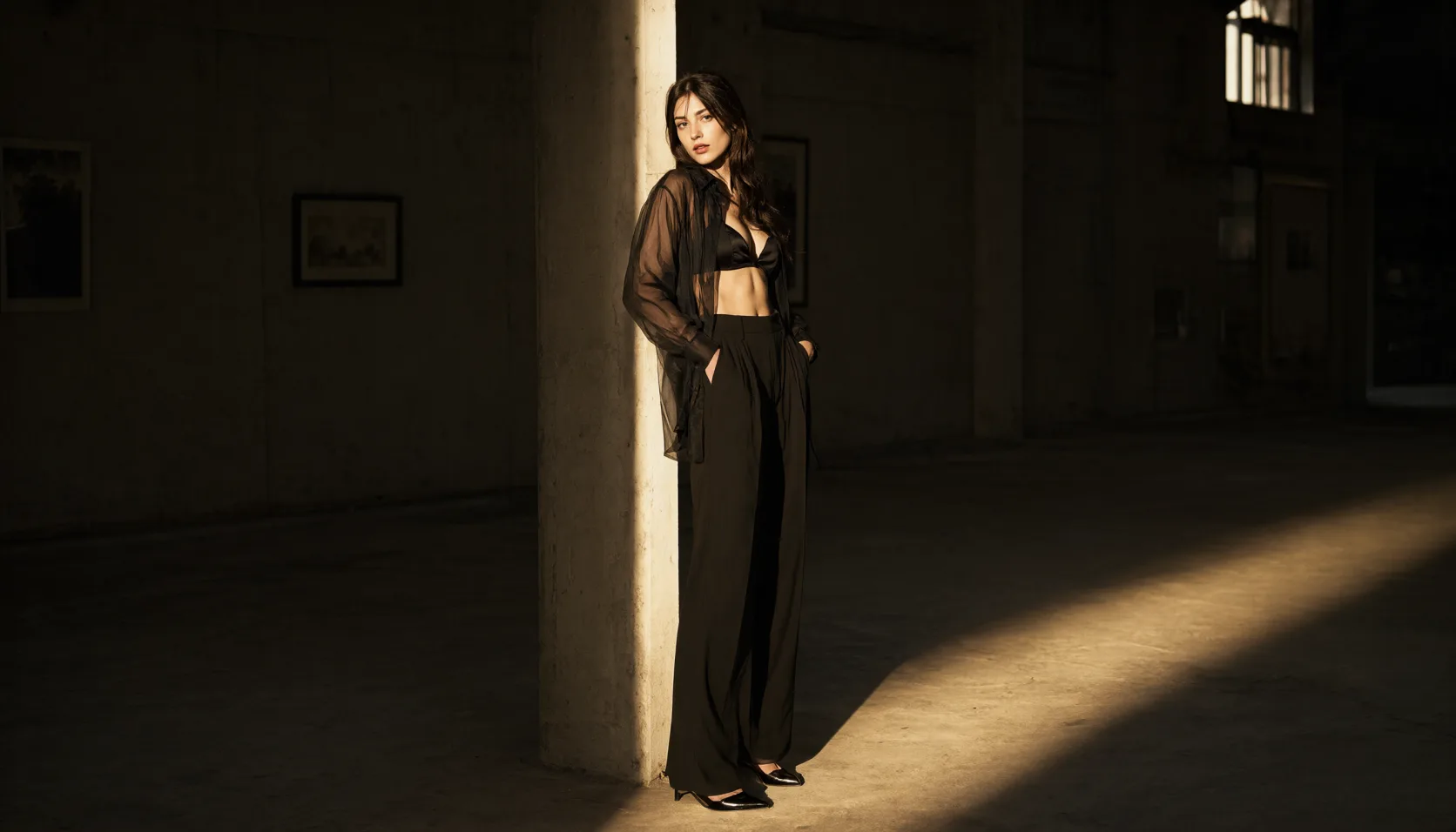
Keep the subject from one photograph and describe the new garment in words, including fabric and sheen. Set aspect_ratio to the photograph's shape — it defaults to 1:1 — so the result is not reshaped into a square you did not ask for.
Prompt guide & pro tips
Pick the frame before you write
The output shape comes from aspect_ratio, not from the source. It defaults to 1:1, and eight ratios are available, including 3:2, 2:3 and 21:9; set the one that matches your photograph before you write the instruction.
Spend the 800 characters on one complete scene
Describe the result, not the source. Say first what must stay identical, then what changes, and spend the rest on the new set and light — anything left unstated is open to drift.
Adapt the included example
Start with the published example and replace the creative direction while keeping the input contract for this mode intact.
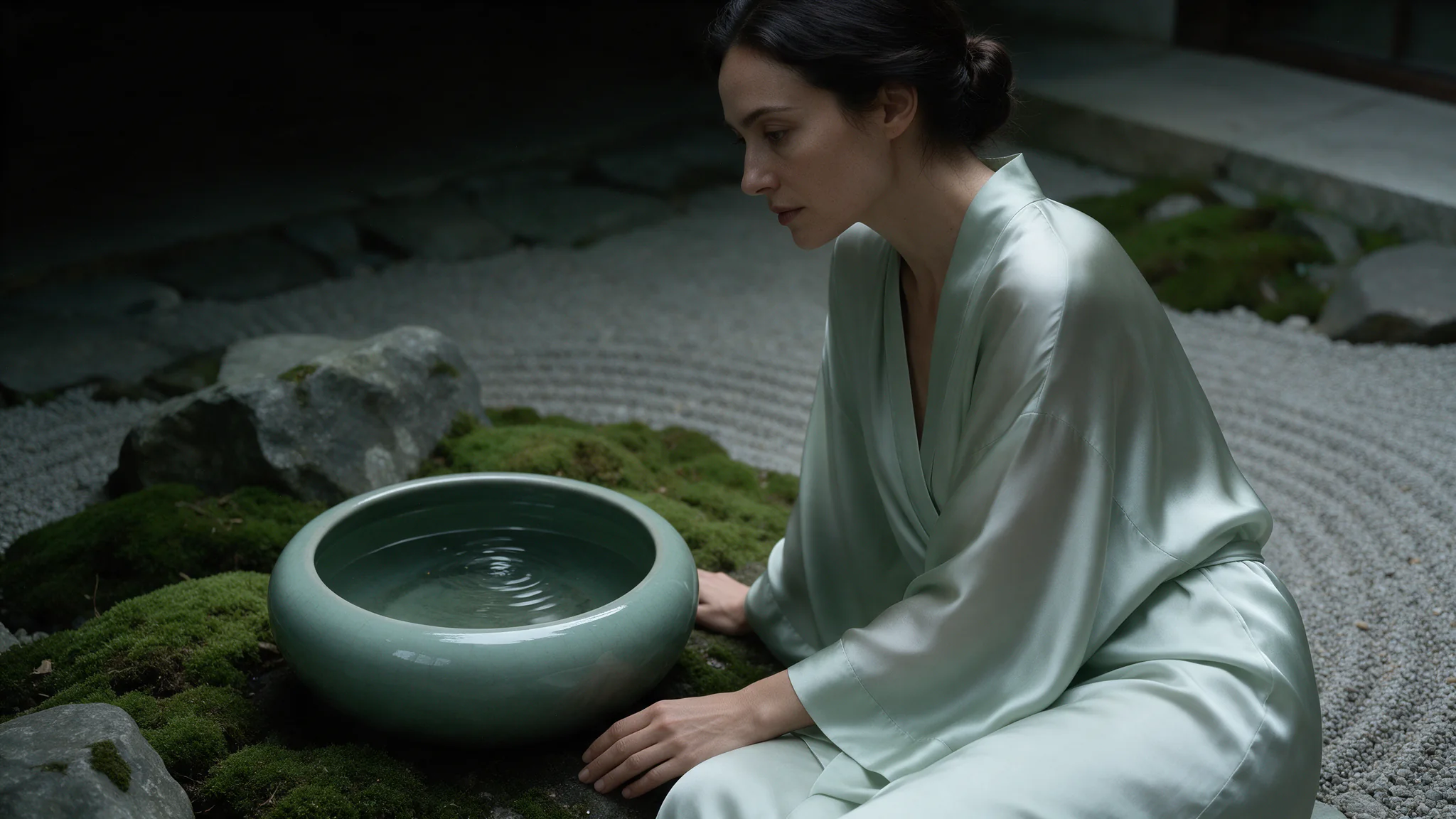
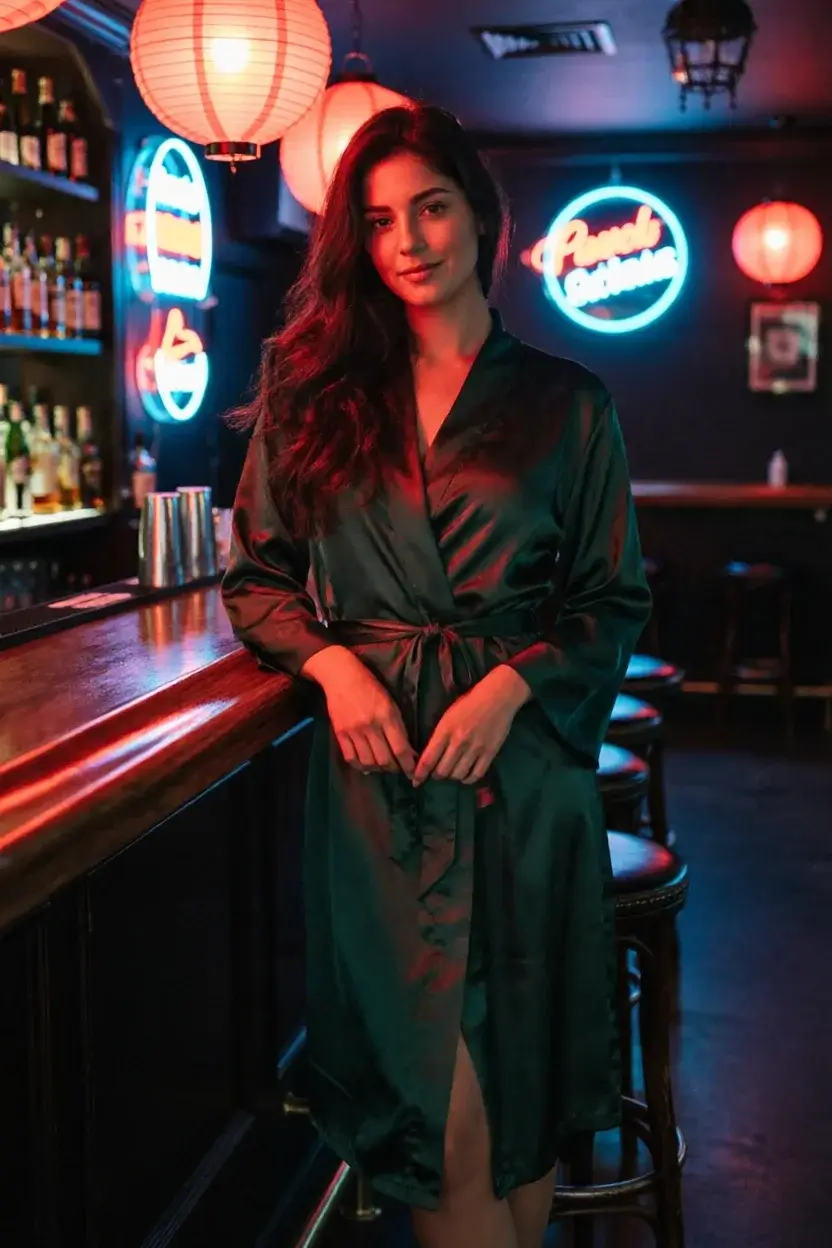
Keep the woman and her satin robe from the image. Place her leaning on the bar of a narrow neon-lit cocktail lounge, and match the warm red lantern light onto her face and shoulders so it reads as one photograph.
A single-reference restage: the woman and the robe are kept, the neon bar is described in words, and the lighting match is stated. The image has to come from you — the URL here is a placeholder, not a hosted sample.
Check the result before iterating
There is no strength dial here, and exactly one reference is accepted — a second is rejected before the request leaves the platform. aspect_ratio defaults to 1:1 and does not follow the source, so a portrait photograph comes back square unless you set the ratio. How much of the source survives is decided by how specifically you write the instruction. Fix seed when you want to compare two phrasings of the same edit against an identical draw.
API quick start
# Generate the idempotency key once; reuse it when retrying after a lost response.
export SPICY_IDEMPOTENCY_KEY="${SPICY_IDEMPOTENCY_KEY:-$(uuidgen)}"
curl -X POST https://api.spicyapi.ai/api/v1/jobs/createTask \
  -H "Authorization: Bearer $SPICY_API_KEY" \
  -H "Content-Type: application/json" \
  -H "Idempotency-Key: $SPICY_IDEMPOTENCY_KEY" \
  -d '{
  "model": "alibaba/qwen-image-2/edit",
  "input": {
    "aspect_ratio": "1:1",
    "image_urls": [
      "https://example.com/reference.png"
    ],
    "prompt": "A ceramic teapot on a linen cloth, soft window light, muted palette"
  }
}'

# Copy data.taskId from the response into TASK_ID, then poll the status.
TASK_ID="TASK_ID_FROM_RESPONSE"
curl "https://api.spicyapi.ai/api/v1/jobs/recordInfo?taskId=$TASK_ID" \
  -H "Authorization: Bearer $SPICY_API_KEY"
See the API reference for authentication, the complete schema, polling, and error handling.