Introduction
Qwen Image 2 Text to Image renders a written brief into a single image. Prompts are read natively in Chinese and English — there is no language parameter and no translation step, so switching working language mid-project changes nothing about the request.
Qwen Image 2 is Alibaba's general-purpose image model: 800-character prompts read natively in Chinese or English, five aspect ratios on text-to-image, and an editing endpoint that revises one reference at a ratio you choose. One image per request, with an optional seed to hold a draw steady while you compare.
Choose a Qwen Image 2 mode by starting material
| Starting material | Mode |
|---|---|
| A written art direction or design brief | Qwen Image 2 Text to Image |
| An approved source image to revise | Qwen Image 2 Image Editing |
Key features & highlights
Bilingual prompt work
Qwen Image 2 reads Chinese and English prompts directly, so a team can keep its working language where the creative brief is clearest instead of rebuilding it for handoff.
A written change to one supplied image
Its editing mode starts with one supplied visual and a written instruction. Use that starting point when the identity or composition already exists and the review is about a deliberate change, not a new concept from scratch.
Two distinct creative starting points
Text-to-image is for establishing a new scene from art direction; image editing is for revising a source visual. Selecting the starting material first prevents an edit brief from being evaluated like an original generation.
Request parameters
| Parameter | Required | Description |
|---|---|---|
prompt | Yes | Up to 800 characters, Chinese or English, read natively without a language flag. It is a real ceiling: spend it on subject, wardrobe, set and light, not on adjectives. at least 1 characters · at most 800 characters |
aspect_ratio | No | Fixes the output dimensions before generation starts, so pick it before writing the prompt — the frame is composed for that shape rather than cropped into it. |
seed | No | Leave it out for a fresh draw every call; set it to hold one draw steady while you change one other thing at a time. |
Pricing
$0.035 / image
Use cases
Start from a written brief
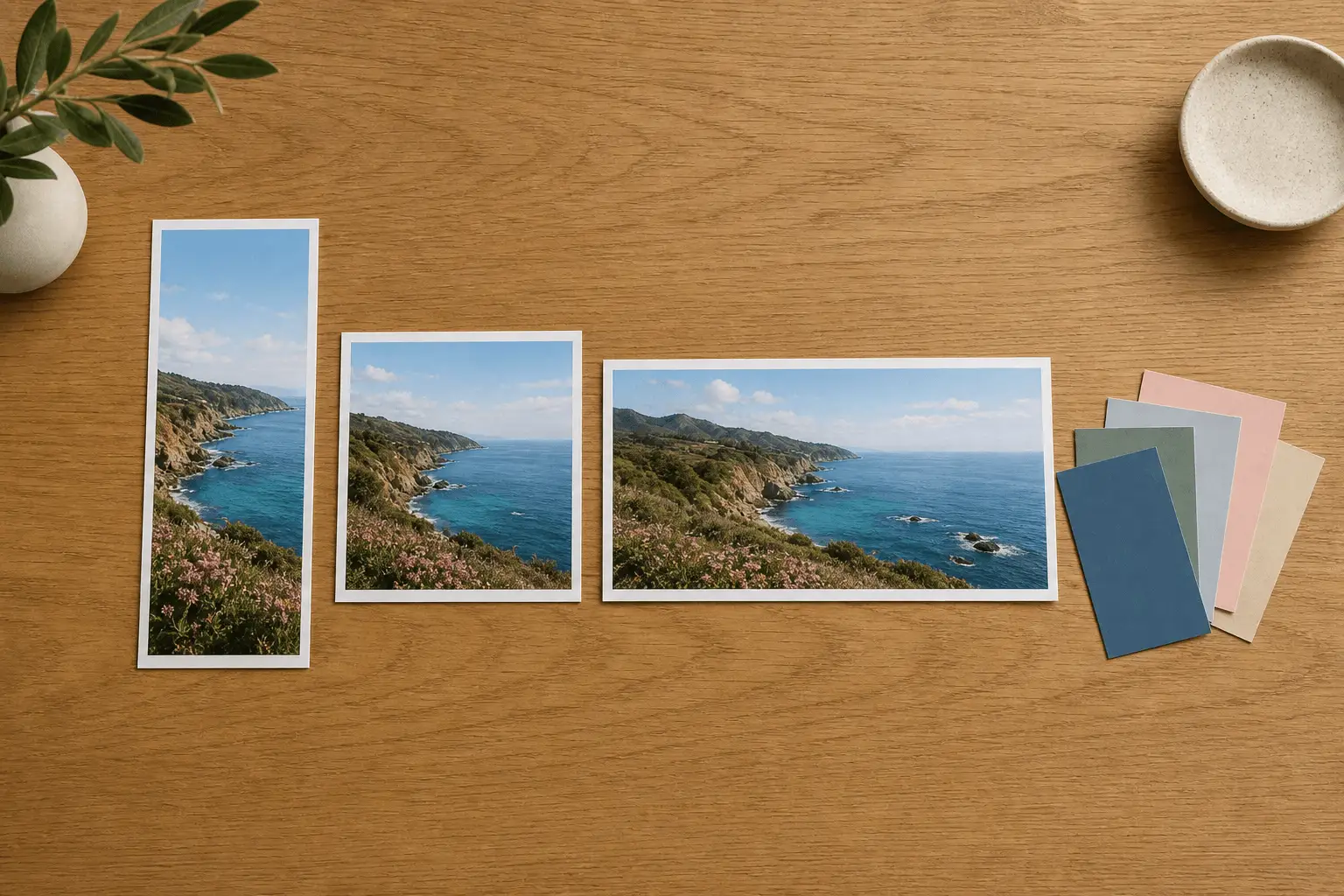
Use this mode for a scene, illustration or product concept that has no source imagery yet. Choose the frame first — 1:1, 4:3, 3:4, 16:9 or 9:16 — then describe subject, composition and light, and compare a few draws before settling on a direction.
Bilingual campaign production
A creative team briefs in Chinese, an overseas partner iterates in English, and neither side rewrites the prompt. Framing is chosen with aspect_ratio up front, so each placement is generated at its own shape rather than cropped out of a square.
Character and costume work
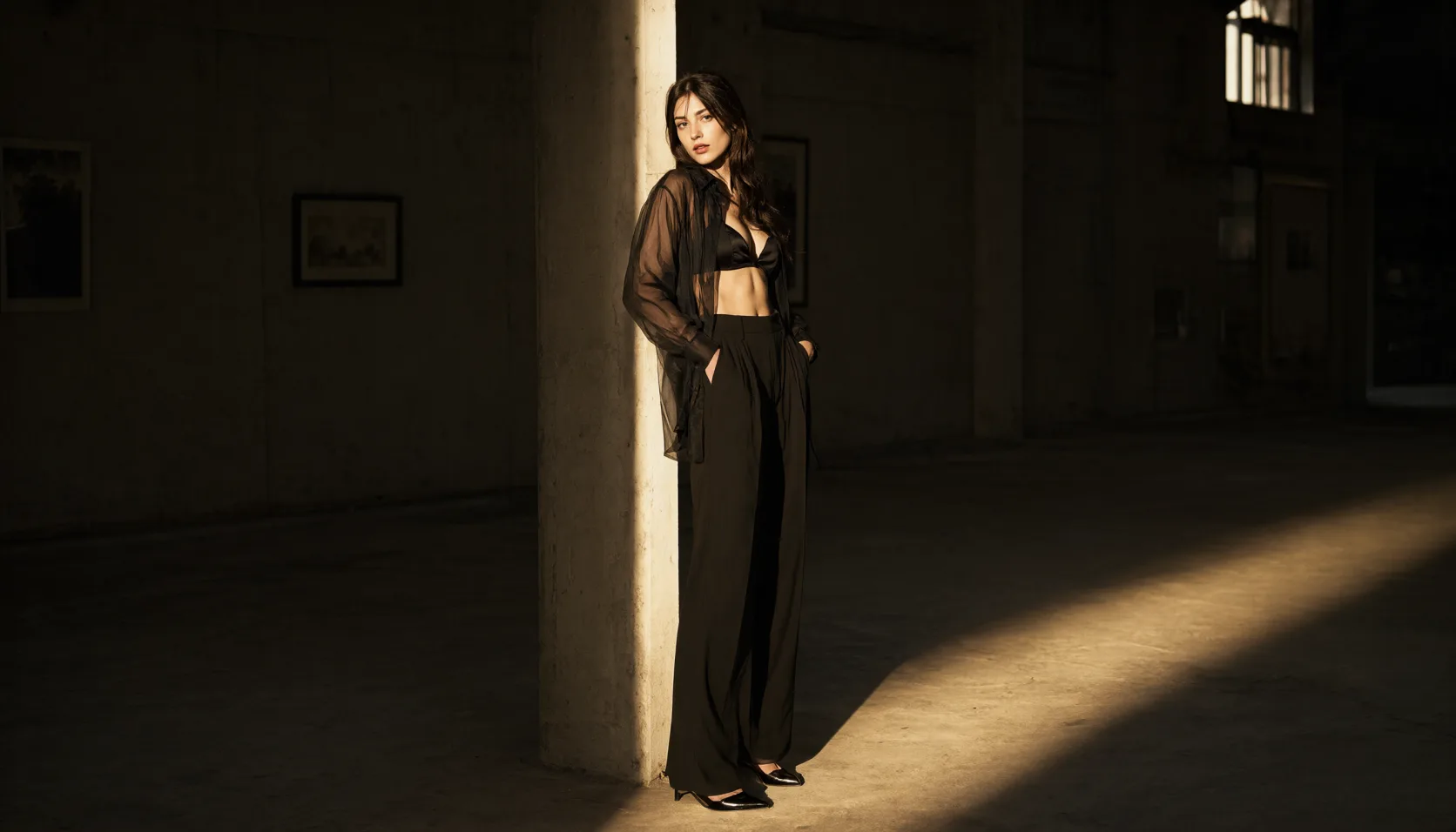
Costume accessories, props and neon bar sets: briefs where wardrobe, prop and set all have to arrive in one pass. Pin a seed once a character works, then vary the set and the wardrobe around a stable face.
Product restaged in a new scene
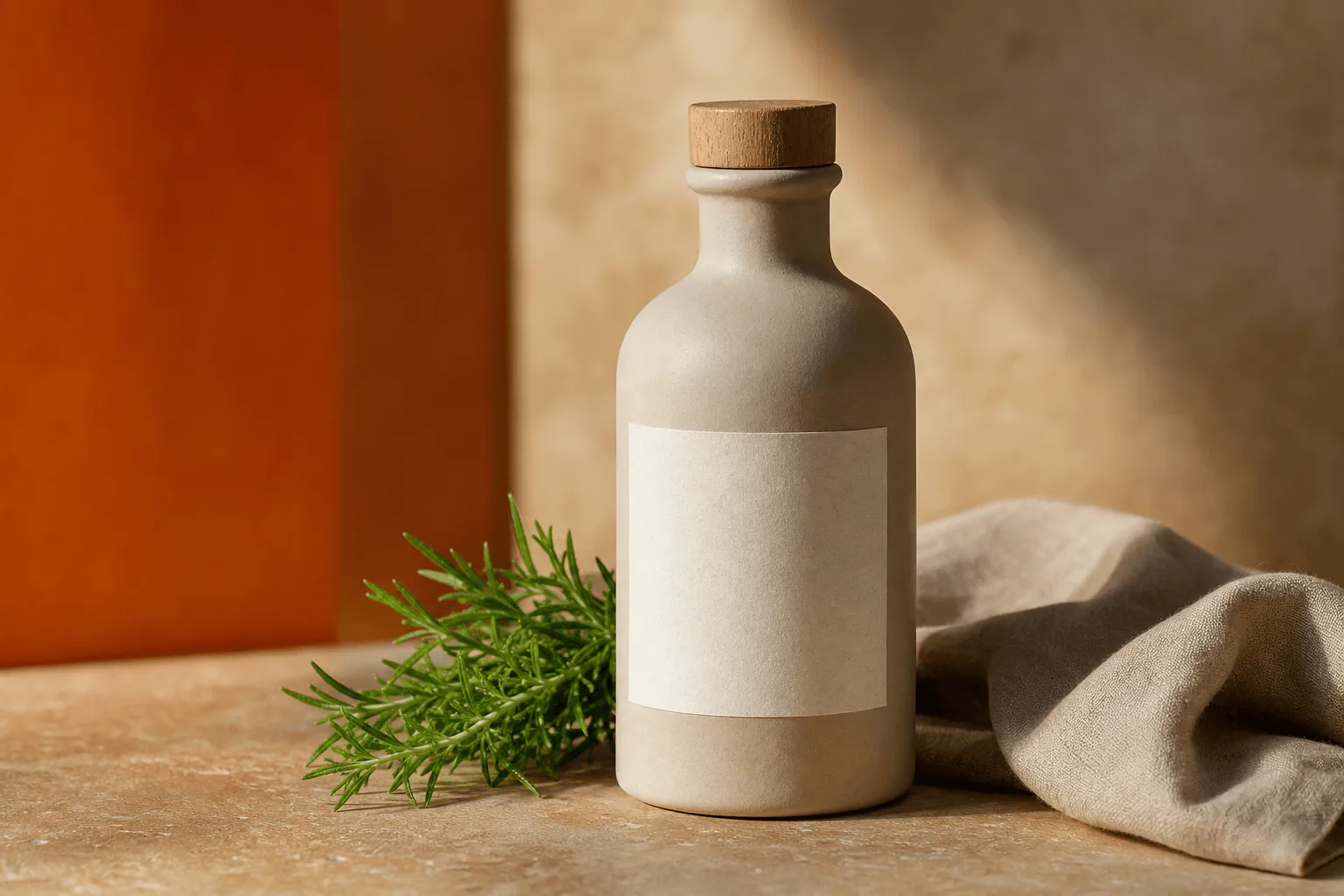
When no product photograph exists yet, describe the object, its material and the set it sits in, and treat the result as a concept frame rather than a record of the real product. Once a product shot is approved, send it to the editing endpoint and restage that photograph instead.
Prompt guide & pro tips
Pick the frame before you write
aspect_ratio composes the image rather than cropping it, so the description has to match the frame you chose: a 9:16 brief should stack its subject vertically, while a 16:9 brief can spread the set across the width.
Spend the 800 characters on one complete scene
Subject, wardrobe, set, light, lens — in one pass, in either language. The cap is enforced before the request is sent, so cut adjectives before you cut the description of the set. Leave seed out while you hunt for a direction; once a frame is worth keeping, fix its seed and change one element at a time.
Adapt the included example
Start with the published example using aspect_ratio: 1:1. Replace the subject and creative direction while keeping the input contract for this mode intact.
Photorealistic cinematic still of a real adult woman in a dim neon cocktail bar at night, wearing a loose chocolate satin robe slipping off one shoulder, and a large fluffy orange-and-white faux fox tail accessory clipped at the small of her back, curving up behind her hip. She leans on the bar and glances back over her shoulder at the camera with a teasing half-smile. Red paper lanterns overhead, a neon sign on the back wall reading 'MIDNIGHT FOX', bottles bokeh, 35mm film grain, warm amber and crimson light.
The exact request behind the published still: one square brief covering wardrobe, a tail accessory, the bar set and the lantern light.
Check the result before iterating
800 characters is a hard ceiling — a longer prompt is rejected before the request is sent, so spend the budget on subject, wardrobe, light and lens rather than on adjectives. One image comes back per request; there is no batch field, so exploring means repeating the call. In-image text is not this model's strength: for signage and mastheads use the Qwen Image 3.0 line instead.
API quick start
# Generate the idempotency key once; reuse it when retrying after a lost response.
export SPICY_IDEMPOTENCY_KEY="${SPICY_IDEMPOTENCY_KEY:-$(uuidgen)}"
curl -X POST https://api.spicyapi.ai/api/v1/jobs/createTask \
  -H "Authorization: Bearer $SPICY_API_KEY" \
  -H "Content-Type: application/json" \
  -H "Idempotency-Key: $SPICY_IDEMPOTENCY_KEY" \
  -d '{
  "model": "alibaba/qwen-image-2/text-to-image",
  "input": {
    "prompt": "A ceramic teapot on a linen cloth, soft window light, muted palette",
    "aspect_ratio": "1:1"
  }
}'

# Copy data.taskId from the response into TASK_ID, then poll the status.
TASK_ID="TASK_ID_FROM_RESPONSE"
curl "https://api.spicyapi.ai/api/v1/jobs/recordInfo?taskId=$TASK_ID" \
  -H "Authorization: Bearer $SPICY_API_KEY"
See the API reference for authentication, the complete schema, polling, and error handling.