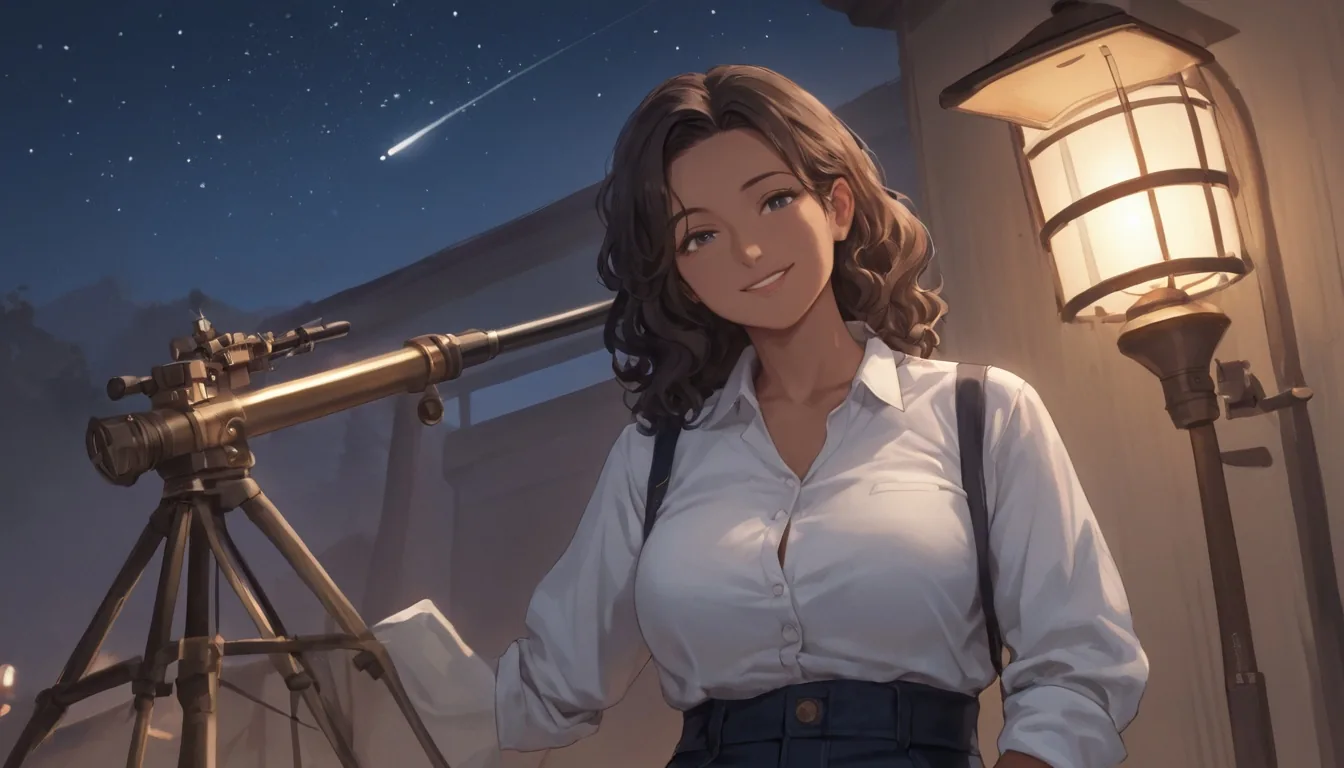
Prefect Pony XL LoRA lets you load up to three of your own Pony LoRAs onto an uncensored anime checkpoint and turn a guidance dial from 1 to 20. In our tests on 5 October 2026, model time was 1.6 to 23.8 seconds per image with a median of 12.3 seconds across 47 runs, and our strongest content probe rendered as written, with and without a LoRA loaded. The one trap to know before you start: a LoRA trained for a different base model loads without an error and changes nothing.
Prefect Pony XL LoRA runs Prefect Pony XL, a community merge on the SDXL backbone in the Pony Diffusion V6 lineage, tuned for anime and illustration. Its Civitai page lists the uploader as Goofy_Ai and its newest version, v6, as published on 14 August 2025; the publisher of our endpoint does not say which version it runs, so we do not either. This guide covers what we measured: trigger words, scale, guidance, stacking, sizes, and the failure modes. Every prompt below is an everyday scene with clothed adults, which is all you need to learn the controls.
At a glance
| Question | Answer (tested 5 October 2026) |
|---|---|
| Model | Prefect Pony XL, an anime and illustration merge (SDXL backbone) |
| API model name | prefect/pony-xl-lora/text-to-image |
| LoRA field | loras: up to 3 entries, each {path, scale}; a fourth is rejected |
path | A public, direct HTTPS link to a .safetensors file trained for a Pony-family SDXL model |
scale | 0 to 4; the publisher suggests starting around 0.7 to 1.0 |
| Guidance | guidance_scale 1 to 20, default 3.5 |
| Sizes | Nine aspect ratios on SDXL-native sizes, from 640×1536 to 1536×640 |
| Speed in our tests | 1.6 to 23.8 seconds of model time, median 12.3 (47 runs) |
| Not available | Image input, negative prompt, step count |
| Billing | One flat rate per image; size, number of LoRAs and output format do not change it |
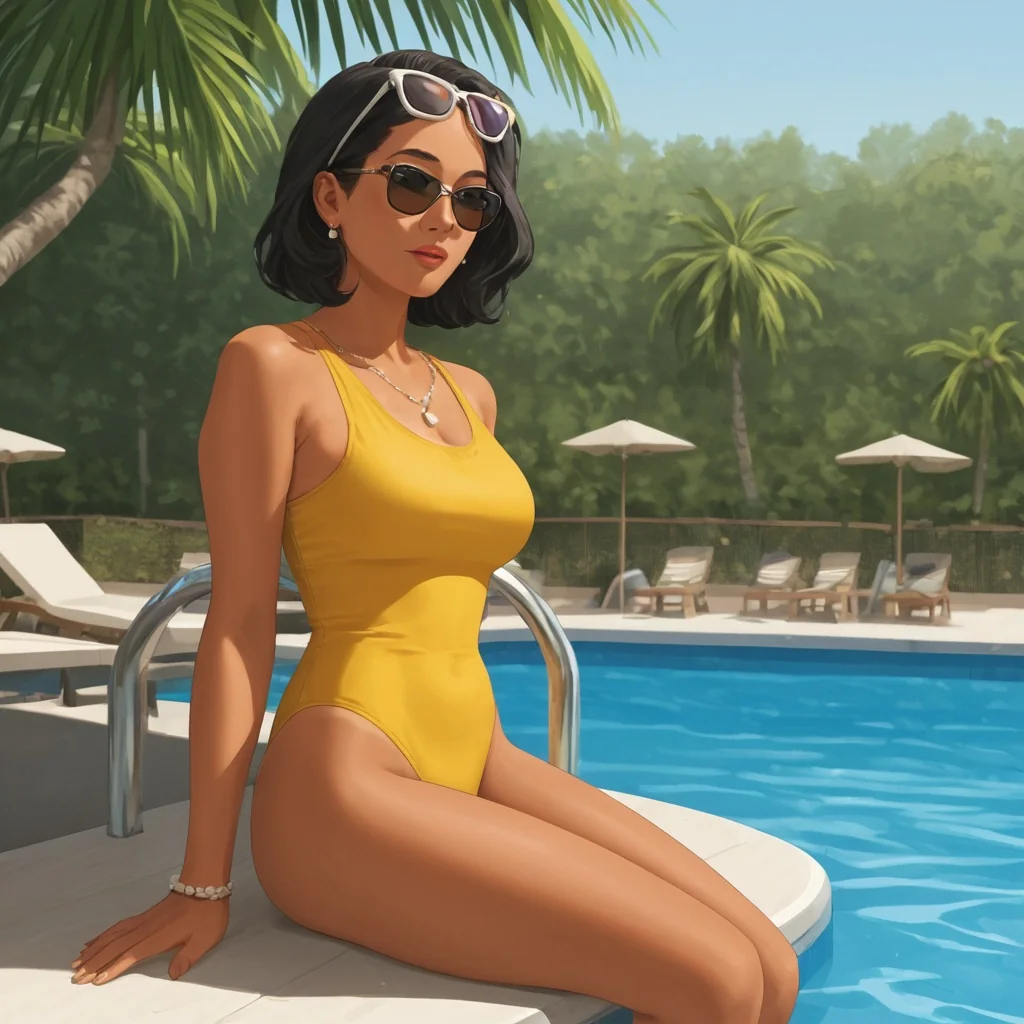
Prefect Pony XL LoRA, text to image, 1:1, seed 33, Flat Vector LoRA at scale 1. The prompt is printed below.
What counts as a Pony LoRA
A Pony LoRA is an adapter file trained for a Pony-family SDXL model. The publisher's guidance for this endpoint is blunt: use LoRAs trained for Pony-family SDXL models only. We used three public adapters from the EarthnDusk repository on Hugging Face, plus a pixel-art one:
- Flat Vector, trigger
vztdzsxx. It gave clean flat-colour vector illustration. - InkPunk, trigger
end_inkpunk_style. It gave inked, wash-and-splatter linework. - Art Deco, trigger
end_artdeco_inspo. It gave gold geometric 1920s décor.
Checklist before you pick another Pony LoRA:
- Base model: the card says Pony or Pony XL, not SD 1.5, Illustrious, Z-Image or FLUX.
- A file you can link: the repository holds a
.safetensorsfile and you can build itsresolve/main/link. - Public access: the repository opens without logging in. Gated ones fail with an HTTP 401 message.
- Trigger word: the card names one, or says none is needed. Copy it exactly.
- Licence: read the licence on the LoRA's own card; the adapter's author sets it.
Your first request
Each loras entry takes a direct link and a scale. Here is the whole request for the poolside image above:
{
  "model": "prefect/pony-xl-lora/text-to-image",
  "prompt": "vztdzsxx, vector art, flat color, vector illustration, score_9, score_8_up, score_7_up, source_anime, rating_safe, 1girl, solo, mature female, adult woman, tanned skin, long black hair, yellow one-piece swimsuit, sunglasses on her head, sitting at the edge of a swimming pool, palm tree shadows, summer afternoon",
  "aspect_ratio": "1:1",
  "seed": 33,
  "loras": [
    {
      "path": "https://huggingface.co/EarthnDusk/Loras2024/resolve/main/Flat_Vector_Art_PDXL.safetensors",
      "scale": 1
    }
  ]
}
The prompt order that worked for every style LoRA we tried: trigger word first, then the quality tags, then a source tag, a rating tag, and the scene. The publisher says tag-style prompts work well and recommends score_9, score_8_up, score_7_up at the start of the quality block. Pony prompting also uses source tags such as source_anime and rating tags: rating_safe, rating_questionable. We write adult woman or mature male in every prompt. Output format is JPEG by default; PNG and WebP are options and change nothing else. Parameters and live pricing are on the text-to-image page.
Trigger words: every style LoRA wanted its own
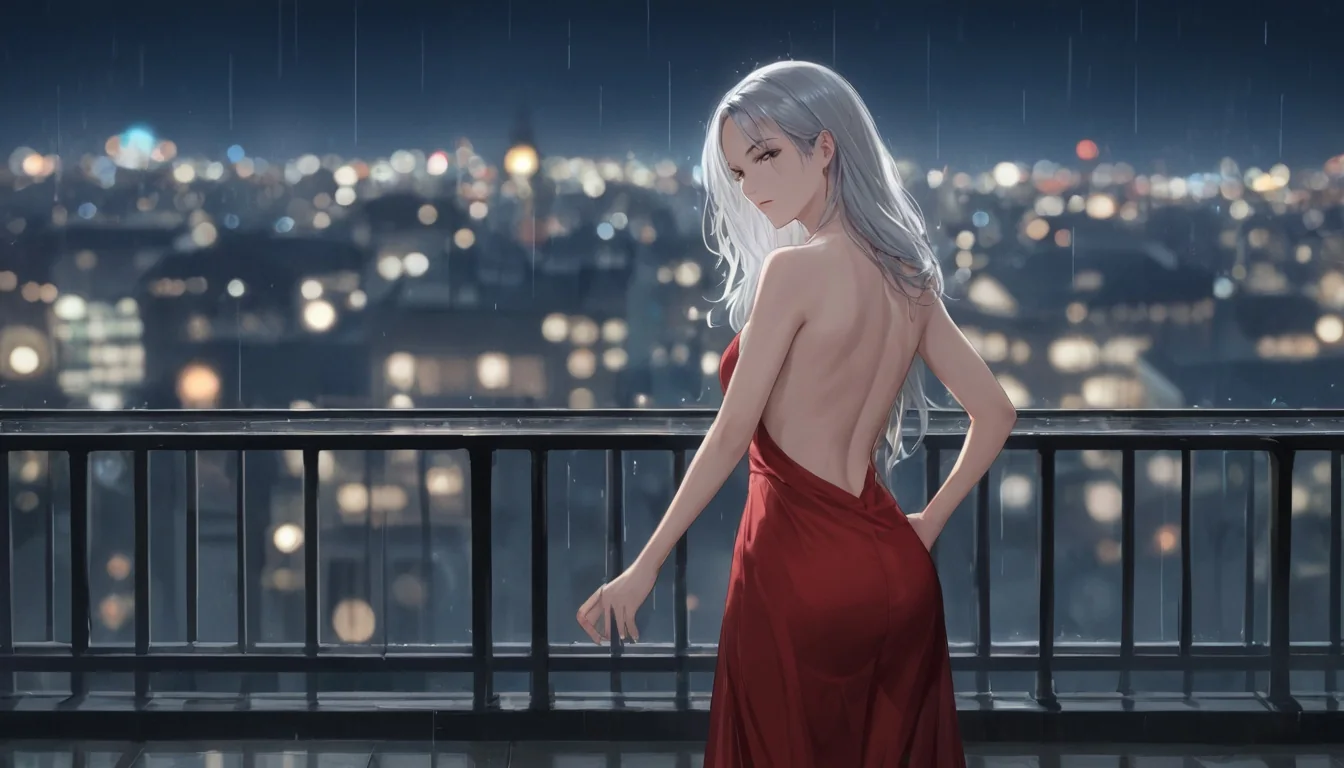
The Flat Vector, InkPunk and Art Deco adapters each changed the look when their trigger sat at the start of the prompt. The InkPunk one is the clearest: with end_inkpunk_style, inked, ink wash, ink splatter in front, a woman in a leather jacket on a motorcycle came back as a wet, painterly night scene at scale 0.9.
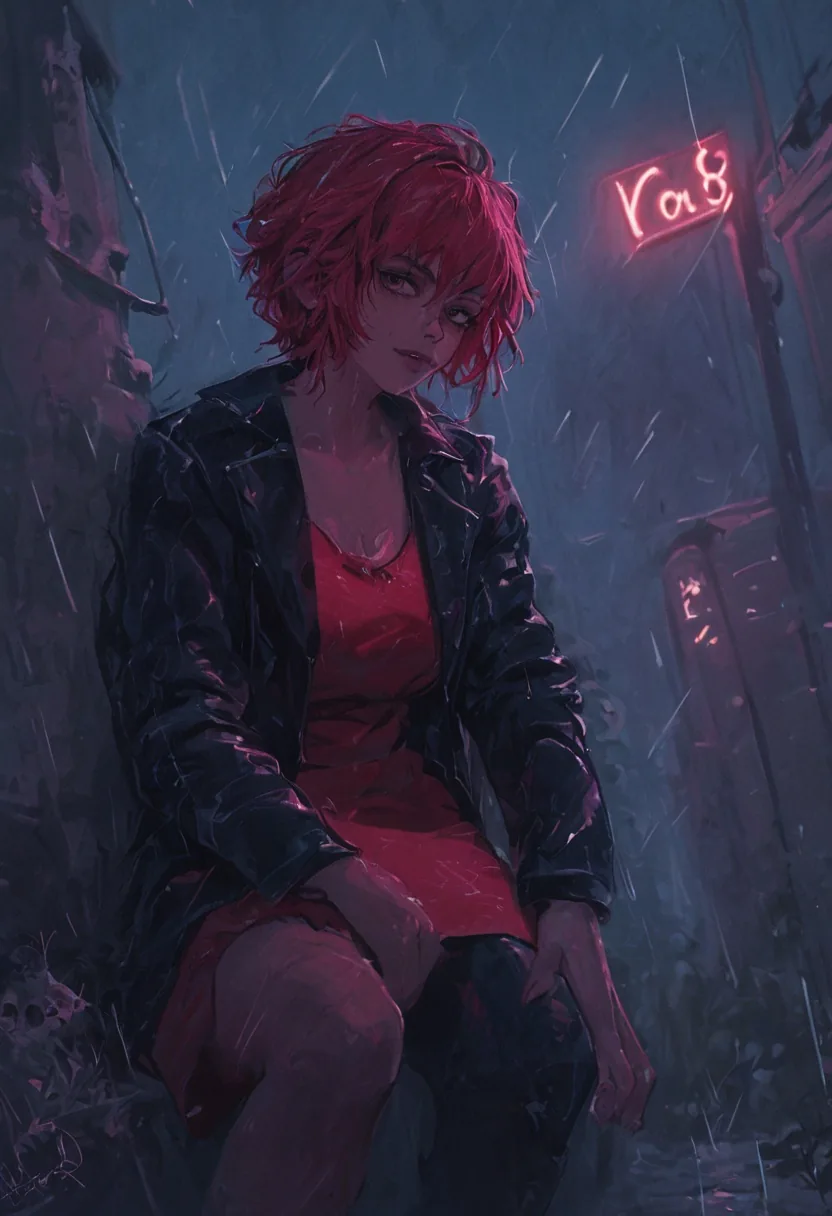
Prefect Pony XL LoRA, text to image, 832×1216 (2:3), seed 31, InkPunk LoRA at scale 0.9.
Read the card for the trigger, put it first, and keep the rest of the prompt in the usual tag order. The same trick carries a whole set: change the subject line, keep the LoRA, the scale and the quality tags, and the images share a look. Here is a detective with the same LoRA at 0.8:
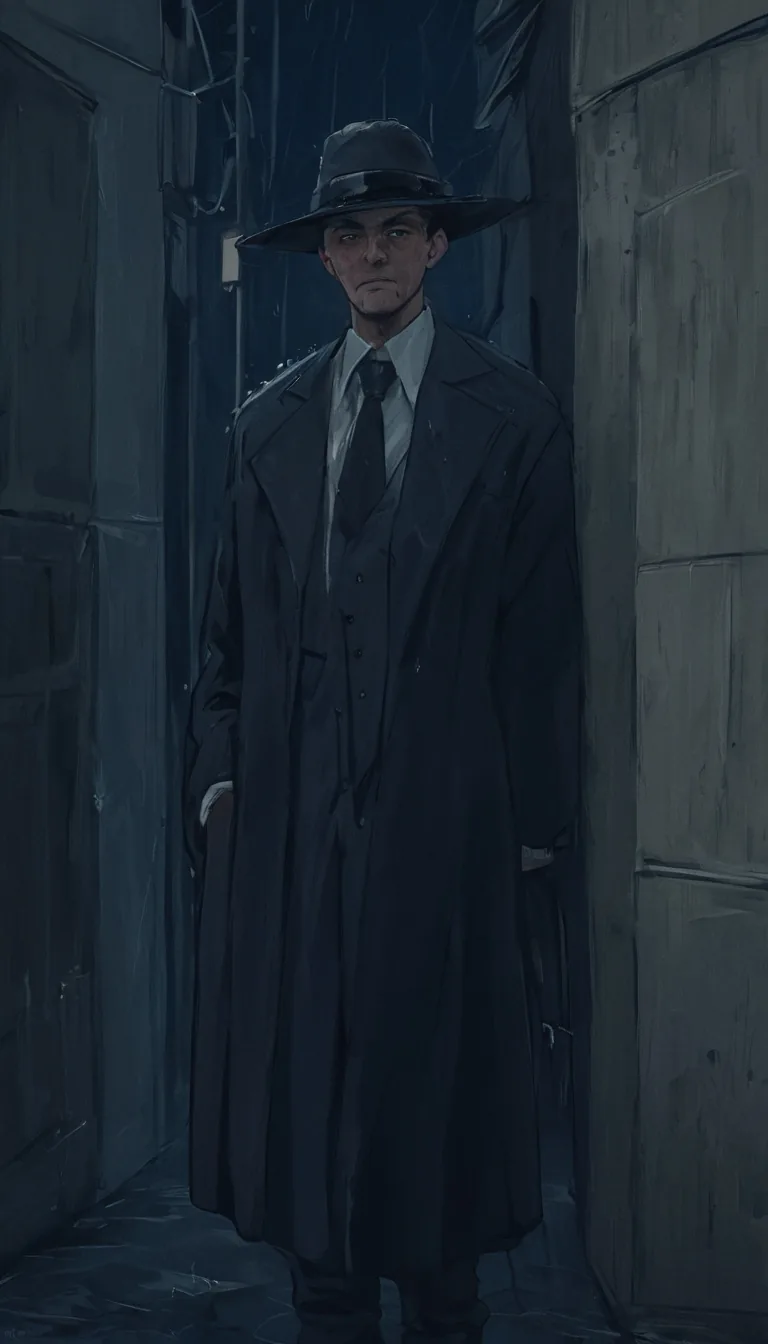
Prefect Pony XL LoRA, text to image, 768×1344 (9:16), seed 35, InkPunk LoRA at scale 0.8.
The scale: how hard the LoRA pushes
scale runs from 0 to 4. In our tests a pixel-art LoRA at 1 turned the whole frame into pixel art, and at 0.5 it was a lighter touch, so the scale is a real dial and not an on-off switch. The publisher suggests starting around 0.7 to 1.0 and lowering each scale a little when you stack adapters. Our published examples sit in that band: InkPunk at 0.8 and 0.9, Flat Vector and Art Deco at 1.
| Scale | What it does | Use it for |
|---|---|---|
| 0 | The lowest value the field accepts | Not tested on this endpoint |
| 0.5 | A lighter touch (pixel-art LoRA, in our test) | Seasoning, or a second adapter in a stack |
| 0.7 to 1.0 | The publisher's suggested starting band | The default for a single style |
| Above 1 | Accepted up to 4 | Only when 1 still reads too gentle; test before you rely on it |
We did not run a full ladder above 1 on this endpoint, so we do not describe what 2 or 4 look like here. If you try them, change one number at a time and keep the seed fixed.
Guidance 1 to 20: where the sweet spot is
This endpoint has a guidance_scale from 1 to 20, default 3.5. Our readings from a sweep on one prompt and seed:
| Guidance | What we saw |
|---|---|
| 0 | The prompt was ignored entirely; an unrelated sketch came back. This is why the public range starts at 1 |
| 1 | Washed out and soft |
| 3.5 | Balanced; the default |
| 7 | More contrast and more saturation |
| 12 | Burnt: harsh and over-saturated |
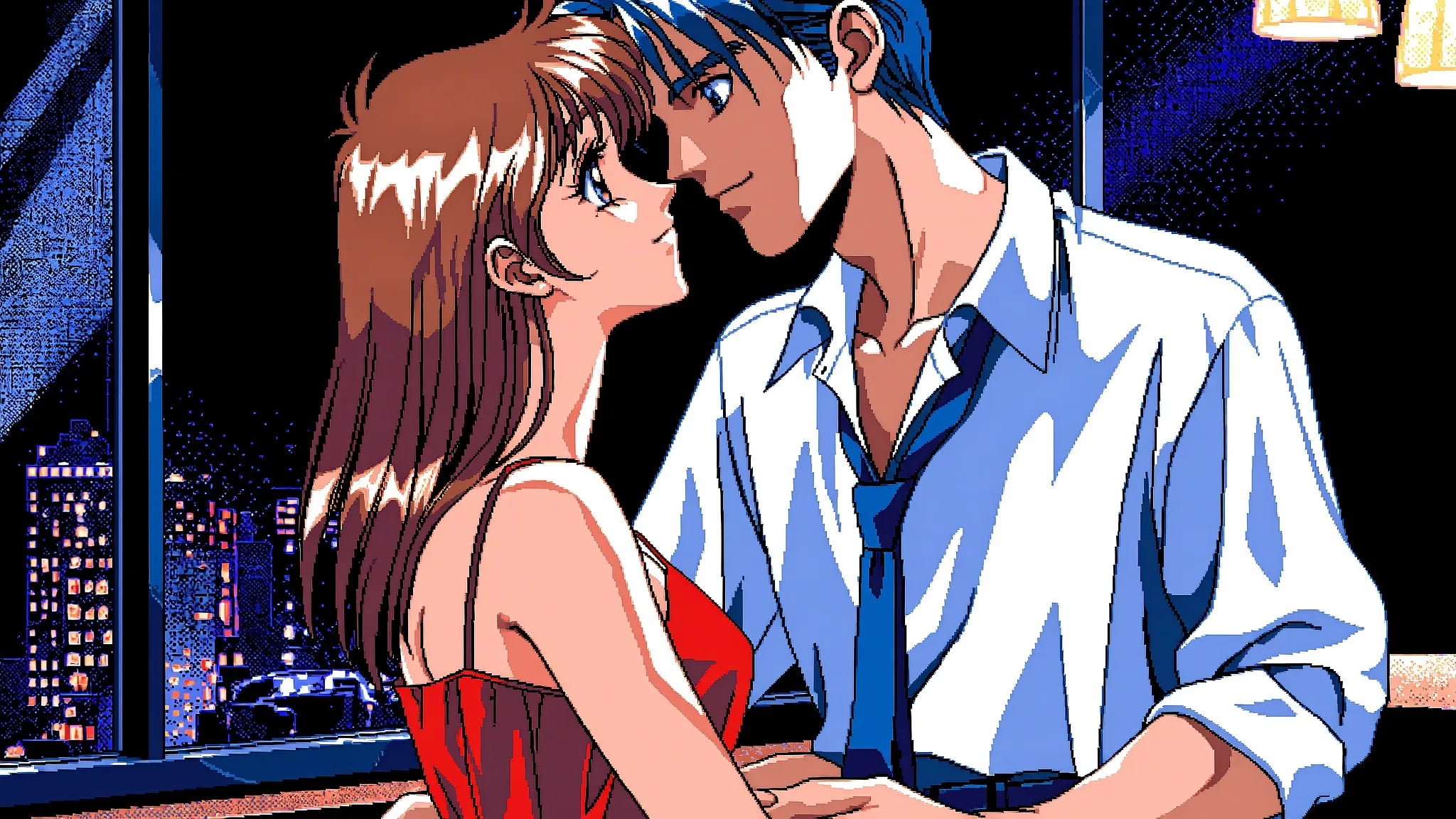
Raise it in small steps from 3.5 when a LoRA's look needs more bite. The Art Deco tango that opens this guide used 5, which kept the gold crisp without burning it. Do not go looking for quality above 12; the top of the range exists, but we have no use for it.
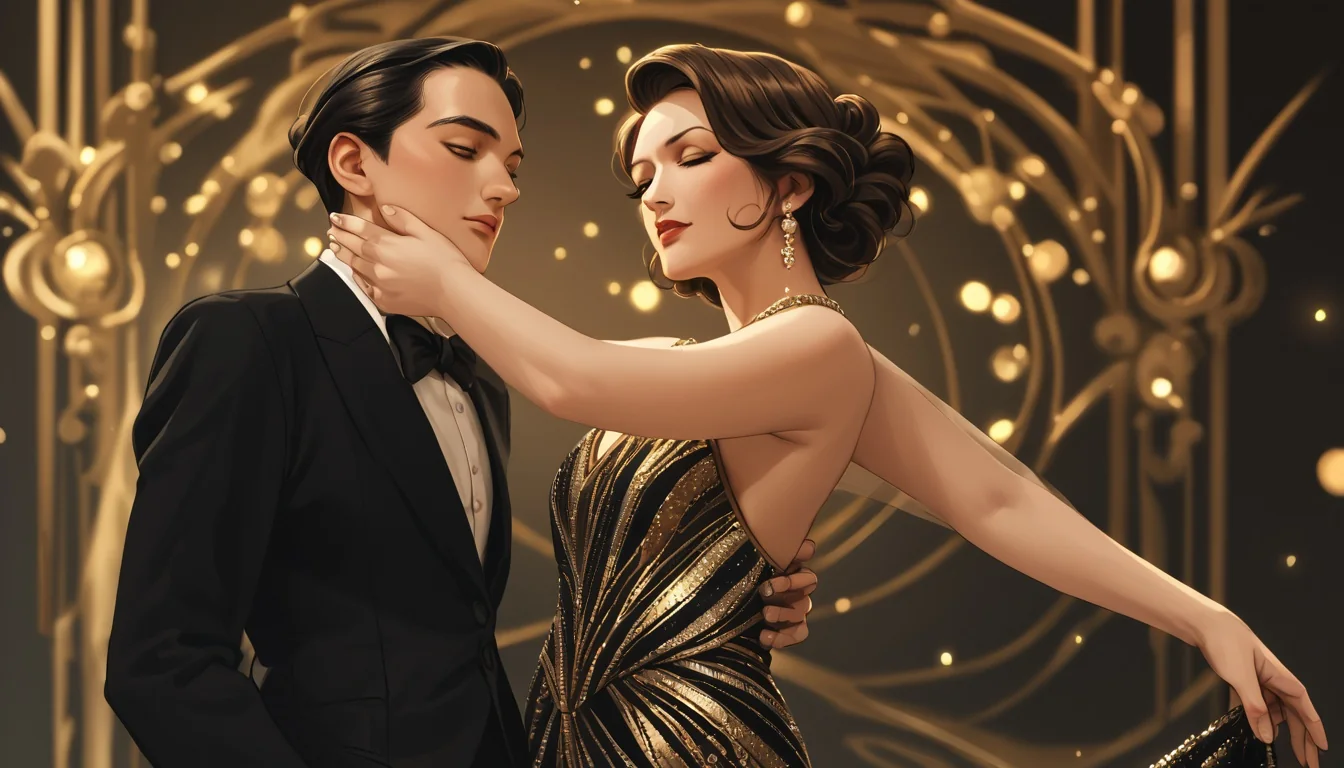
Prefect Pony XL LoRA, text to image, 16:9 (1344×768), seed 34, Art Deco LoRA at scale 1, guidance 5.
Stacking three LoRAs
You can load up to three; a fourth is rejected. In our tests three LoRAs at 0.8, 0.5 and 0.3 worked together and the main style stayed readable. The rule that held: put the style you care about highest, bring the others in lower, and when you stack, lower each scale a little compared with running it alone. If the picture muddies, remove an adapter before you touch the prompt.
A note on what we did not test: we ran one-LoRA requests on our strongest content probe, and did not stack several adapters on it, so we make no claim about that combination.
The silent failure: a LoRA for the wrong base model
A LoRA trained for another base model loads without an error and changes nothing. We loaded a Z-Image LoRA on this endpoint: the request succeeded and the picture was pixel-identical to a run without the file. If the same prompt and seed look the same with and without the adapter, it was trained for a different model.
The check costs two images. Run your prompt once without the LoRA and once with it, same seed, and compare. Some looks are subtle, so judge by whether the trigger word's style appears at all.
Why a request failed or a LoRA did nothing
| Symptom | Cause | Fix |
|---|---|---|
| Succeeds, picture identical to no LoRA | Adapter trained for another base model | Compare with and without, same seed; find a Pony one |
| Style barely visible | Missing trigger, or scale too low | Put the trigger first; try 0.8 to 1 |
| Error asking for the direct download link | You pasted the repository page, not the file | Use the resolve/main/...safetensors link |
Failed to load LoRA ... 401 | A gated repository that needs a login | Choose a public file |
| Rejected at submit | More than three LoRAs, scale above 4, guidance above 20, or an empty prompt | Fix the request |
| Unrelated sketch | guidance_scale of 0 | Stay at 1 or above |
The link and gated-file errors come back as invalid requests.
Sizes: stay on the nine ratios
The nine aspect ratios map to SDXL-native sizes, and all nine completed at exactly the requested size:
| Ratio | Size |
|---|---|
| 1:1 | 1024×1024 |
| 16:9 | 1344×768 |
| 9:16 | 768×1344 |
| 4:3 | 1152×896 |
| 3:4 | 896×1152 |
| 3:2 | 1216×832 |
| 2:3 | 832×1216 |
| 21:9 | 1536×640 |
| 9:21 | 640×1536 |
The upstream accepts 256 to 1536 on a side, but when we pushed past the native shapes, 1536×864 drew duplicated people in three of four tries. That is why the public API offers only the native shapes. A request that makes one image is one image: there is no batch count.
Everyday prompts that worked without a LoRA
The endpoint is just as happy with no LoRA at all. This bartender came from a tag prompt with nothing loaded:
score_9, score_8_up, score_7_up, source_anime, rating_safe, 1boy, solo, mature male, adult man, 30 years old, messy black hair, stubble, white shirt open at the collar, rolled sleeves, forearm tattoos, bartender pouring a cocktail behind a bar, warm amber light, bottles on shelves, smile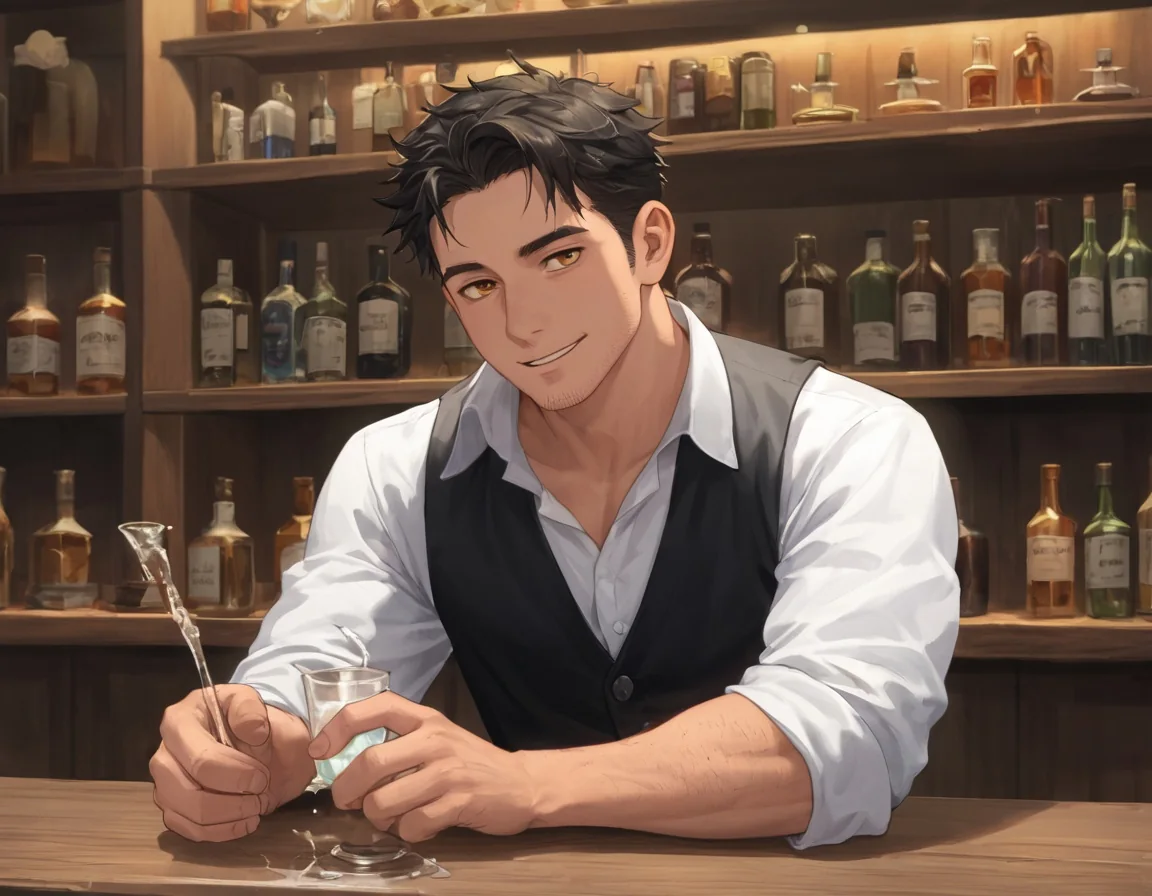
Prefect Pony XL LoRA, text to image, 4:3 (1152×896), seed 32, no LoRA.
Same recipe with the InkPunk adapter at 0.8, a man at a desert gas station at dusk:
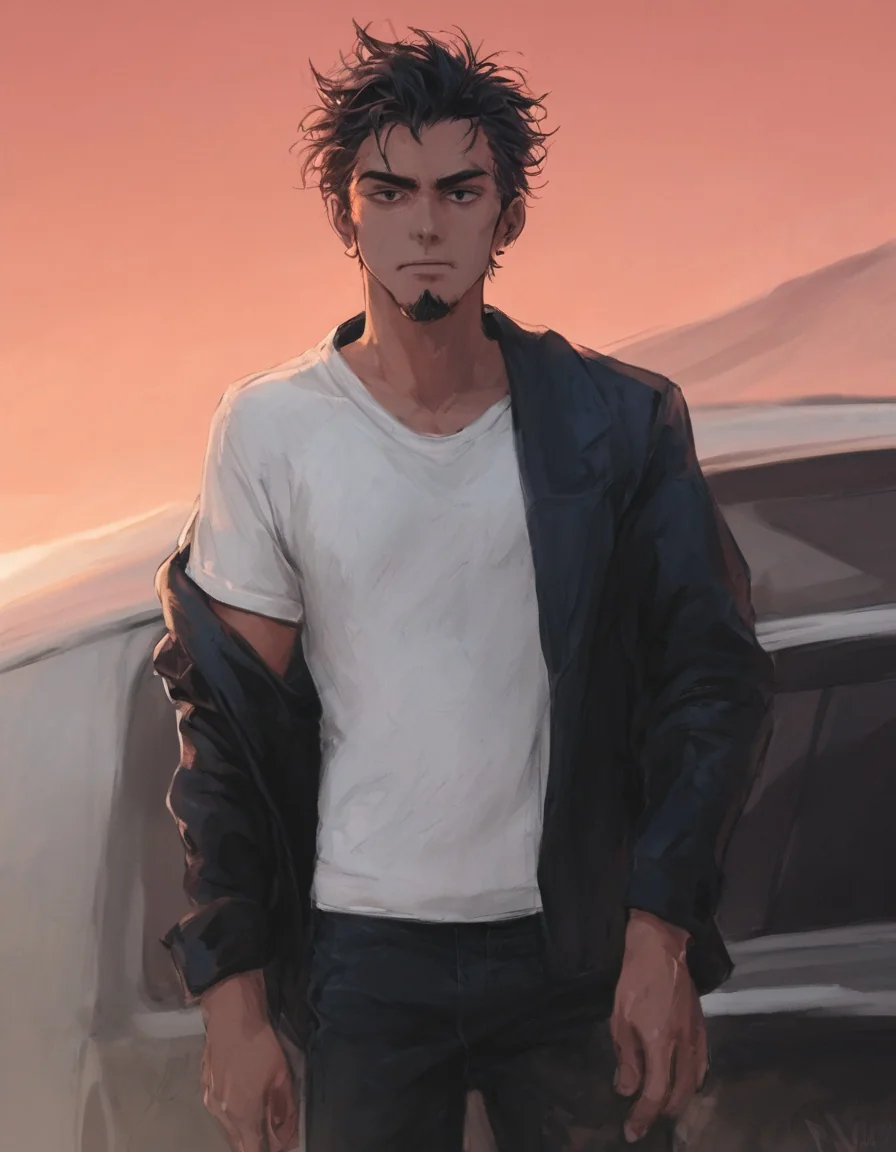
Prefect Pony XL LoRA, text to image, 3:4 (896×1152), seed 62, InkPunk LoRA at scale 0.8.
How far it goes
These endpoints are uncensored: the platform adds no content filter. We ran a seven-step content ladder on the plain endpoint with adults stated in every prompt, and every step came back as written: L1 Suggestive (lingerie, a slipping strap), L2 Partial, L3 Strong, L4 Intense (an intimate scene between two adults), L5 Extreme (consensual restraint between adults, or cinematic gore). A male version of the L3 step also came back as written. In the gore step blood and wounds rendered; a severed limb did not. That is a reading from one run each, not a guarantee for every prompt. We did not test more than one LoRA on the strongest tiers.
Pony XL LoRA or plain Prefect Pony XL
Plain Prefect Pony XL is the same checkpoint family without the LoRA slot. Its own endpoint page says it has no LoRA slot, no image input, no negative prompt and no batch count, takes size from a set of native SDXL shapes, and bills per image. The LoRA family adds the loras field and the guidance_scale dial.
| You want | Pick |
|---|---|
| Anime from tag prompts, no particular style file | Prefect Pony XL |
| A named style, a character or an author's look from a Pony LoRA | Prefect Pony XL LoRA, scale 0.7 to 1, trigger first |
| To tune contrast and saturation of a LoRA look | Prefect Pony XL LoRA, guidance 3.5 up to 7 |
| A style trained for another model (FLUX, Z-Image, Illustrious) | Not this endpoint; use the family that matches the file |
| Editing an existing picture | Not this endpoint; there is no image input |
FAQ
Can I use any LoRA from Hugging Face or Civitai?
Only files trained for Pony-family SDXL models, and only as a public direct link to a .safetensors file. We tested Hugging Face links; we did not test Civitai links.
What scale should I start with?
Start around 0.8 to 1, as the publisher suggests, and move in small steps. A pixel-art LoRA was a lighter touch at 0.5 than at 1 in our tests.
How many LoRAs can I load at once?
Three; a fourth is rejected. Three at 0.8, 0.5 and 0.3 worked in our tests with the main style still readable.
What does guidance do on this endpoint?
It sets how hard the prompt is pushed. On one prompt and seed, 1 looked washed out, 3.5 was balanced, 7 had more contrast and saturation, and 12 looked burnt. A guidance of 0 ignored the prompt, so the public range starts at 1.
Why did my LoRA change nothing?
It was probably trained for another base model, and that fails silently. A Z-Image LoRA loaded here with no error and the picture was identical to a run without it. Run one pair with and without the file.
Do I need a trigger word?
Each style LoRA we used wanted its own: vztdzsxx, end_inkpunk_style and end_artdeco_inspo. Read the card, put the trigger first, then the quality tags.
Can I choose any size?
No. Use the nine aspect ratios. Past the native shapes, one test size drew duplicated people in three of four tries.
Does the same seed give the same picture?
Often, but do not promise it. One pair of identical requests an hour apart came back pixel-identical, and we would not rely on that in a pipeline.