
Introduction
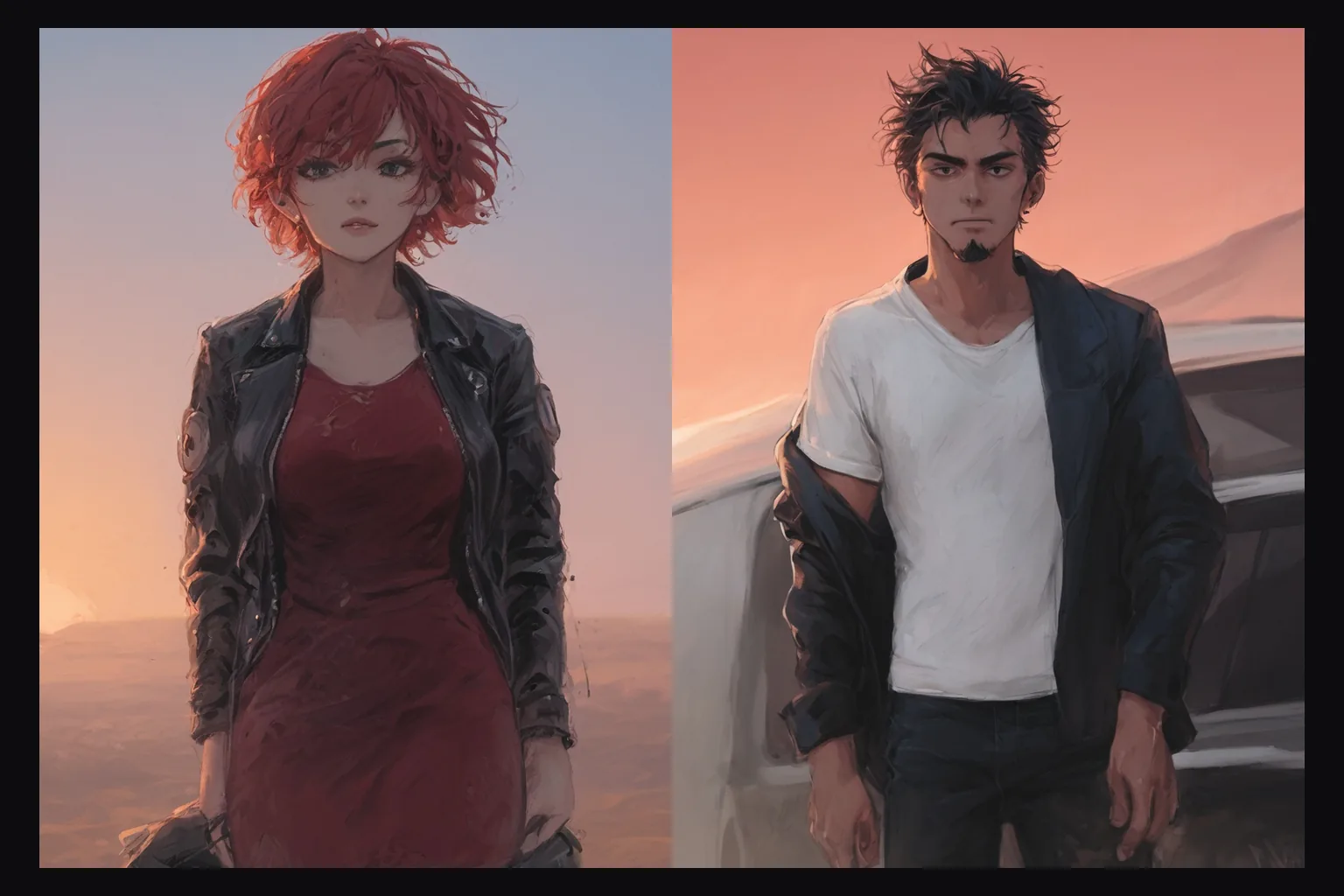
Prefect Pony XL LoRA Text to image draws one anime or illustration image from a tag prompt with up to three of your own LoRA files loaded. It runs Prefect Pony XL, a community SDXL checkpoint merge from the Pony Diffusion lineage, and adds a LoRA slot, a guidance control and nine native SDXL aspect ratios. The platform adds no content filter to the prompt, the weights or the image.
Related page
Prefect Pony XL without a LoRA slot has its own page: Prefect Pony XL.
Key features & highlights
Pony-family LoRAs by direct link
The Pony ecosystem has a deep library of style and character LoRAs. Pass the direct link to a .safetensors file and a scale; nothing is uploaded to us in advance, and the file is not reviewed.
Three at once
Up to three LoRAs per request, each with its own scale. In our test three stacked at 0.8, 0.5 and 0.3 loaded together and the main style still read clearly.
Native SDXL shapes
Nine aspect ratios, each mapped to a native SDXL size from 1024 x 1024 to 1536 x 640. In our tests every one came back at exactly the requested size.
Uncensored, with or without weights
Our strongest content probe rendered as written on the first try, without a LoRA and with one loaded. There is no content flag and no second review of the result.
Request parameters
| Parameter | Required | Description |
|---|---|---|
prompt | Yes | Comma-separated tags work best: score tags, a source and rating tag, the head count, then the subject. Put LoRA trigger words first. at least 1 characters · at most 5000 characters |
aspect_ratio | No | Nine native SDXL shapes from 21:9 to 9:21; 1:1 (1024 x 1024) by default. The ratio changes the shape, not the price. |
loras | No | Up to three {path, scale} entries trained for Pony-family SDXL checkpoints; scale 0 to 4, 1 is neutral, 0.7 to 1 is a good start. Use a public direct link to the .safetensors file. Default: |
guidance_scale | No | How closely the image follows the prompt, from 1 to 20; 3.5 by default. In our tests 7 added contrast and 12 burnt the colours. |
output_format | No | JPEG by default, or PNG or WebP. The format does not change the price. |
seed | No | Keeps a set of images comparable while you change one LoRA scale or tag at a time. It does not guarantee the exact same pixels on every run. |
Pricing
$0.024 / image
Billed per image. The aspect ratio, the output format and loading LoRAs do not change the price.
Use cases
A house style for a whole set
Load a style LoRA, keep the trigger words at the front and run a list of prompts. Every image in the set shares the look.
Consistent characters
Keep a character LoRA and a seed fixed, then change only the outfit, place and light between prompts.
Uncensored anime for your platform
Load the LoRA your audience expects and write the picture directly in tags. Nothing is filtered on the way in or out.
Prompt guide & pro tips
Score tags first
Start with score_9, score_8_up, score_7_up, then a source tag such as source_anime, a rating tag, the head count (1girl, 1boy) and the subject. Put each LoRA's trigger words at the very front.
Write the age
State that every character is an adult (mature female, adult man, 30 years old). Every example on this page does.
Compare against no LoRA
Run the same prompt and seed without the LoRA. If the two images are identical, the file was trained for another base model: such LoRAs load without an error and do nothing.
Guidance around 3.5 to 7
The default 3.5 is balanced. In our tests 7 gave more contrast and saturation, 12 burnt the colours, and 1 came out washed out.
API quick start
# Generate the idempotency key once; reuse it when retrying after a lost response.
export SPICY_IDEMPOTENCY_KEY="${SPICY_IDEMPOTENCY_KEY:-$(uuidgen)}"
curl -X POST https://api.spicyapi.ai/api/v1/jobs/createTask \
  -H "Authorization: Bearer $SPICY_API_KEY" \
  -H "Content-Type: application/json" \
  -H "Idempotency-Key: $SPICY_IDEMPOTENCY_KEY" \
  -d '{
  "model": "prefect/pony-xl-lora/text-to-image",
  "input": {
    "aspect_ratio": "1:1",
    "output_format": "jpeg",
    "prompt": "A ceramic teapot on a linen cloth, soft window light, muted palette"
  }
}'

# Copy data.taskId from the response into TASK_ID, then poll the status.
TASK_ID="TASK_ID_FROM_RESPONSE"
curl "https://api.spicyapi.ai/api/v1/jobs/recordInfo?taskId=$TASK_ID" \
  -H "Authorization: Bearer $SPICY_API_KEY"
See the API reference for authentication, the complete schema, polling, and error handling.