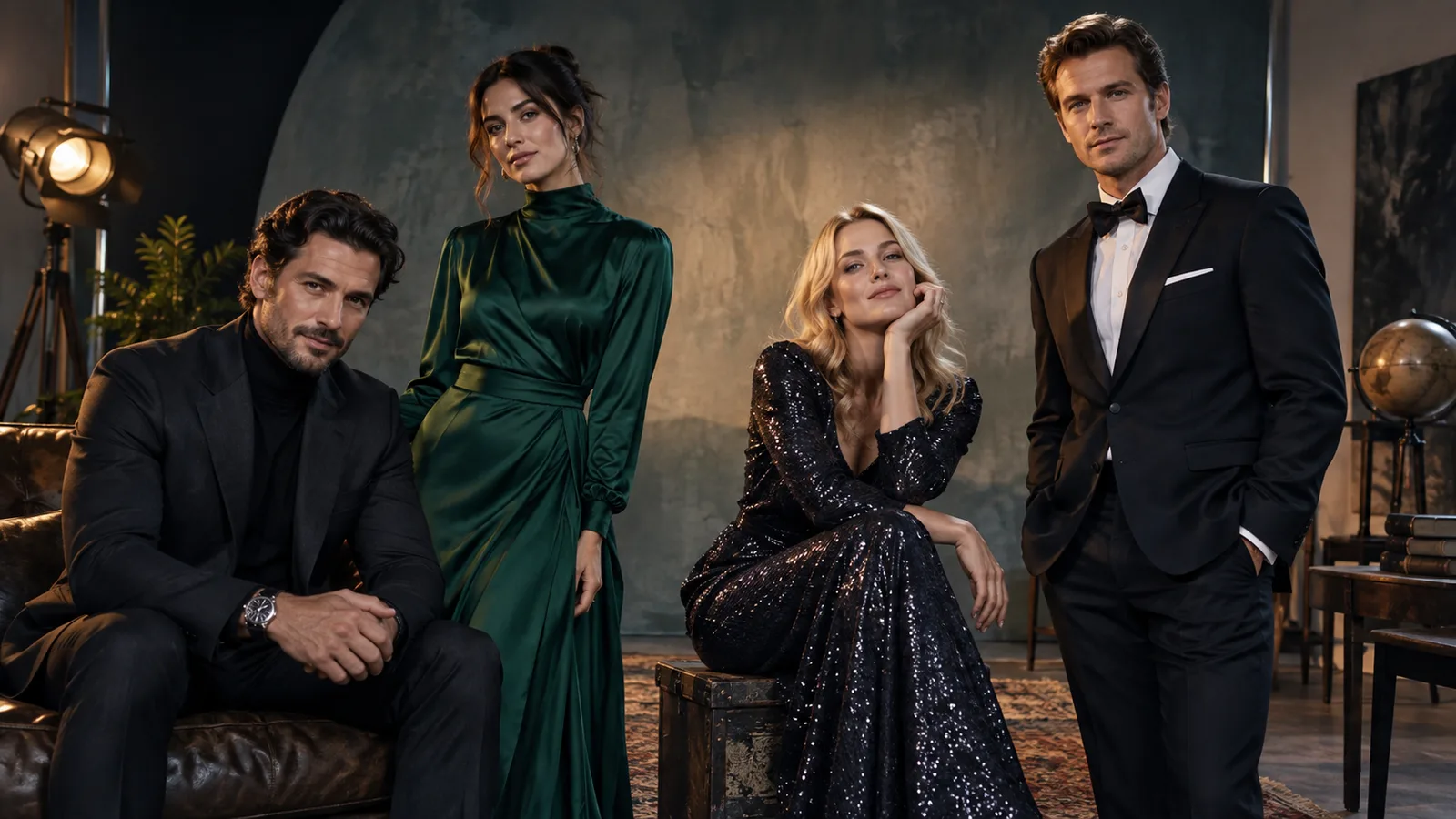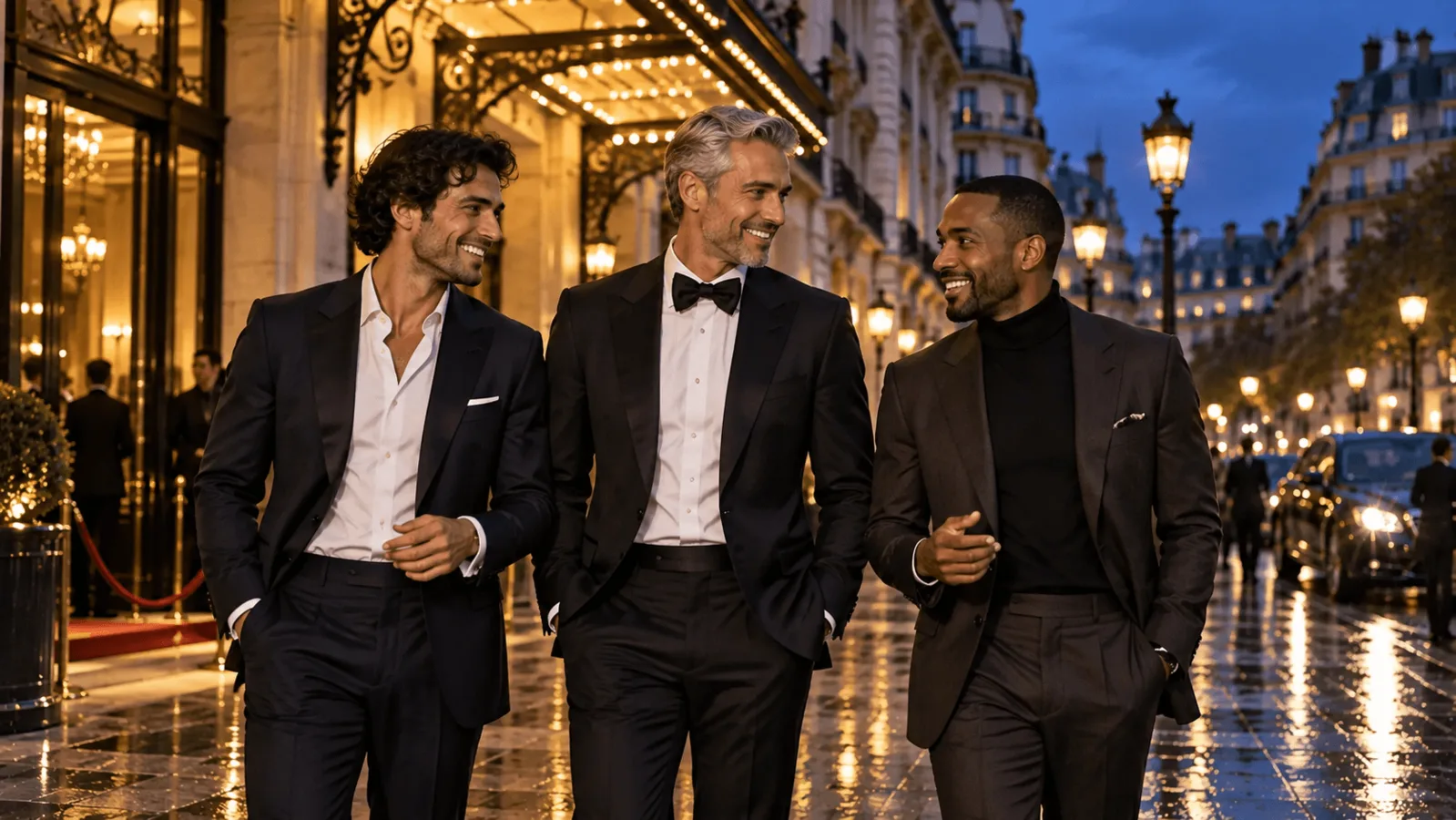
Start with Z-Image Turbo LoRA text-to-image ($0.012 per image) to invent a cast of adult men, then use Qwen Image 2512 LoRA editing ($0.03) to keep each man's face while you change the scene or put two or three of them in one frame. FLUX.1 Dev LoRA editing ($0.018) handles masked clothing changes. Men look alike because the model fills in a default face whenever you only specify hair, beard or clothes. Describe facial structure, age and build first, and add lighting, wardrobe and a romantic setting afterwards.
Which model should you use?
| Your immediate job | Start here | Exact starting settings | Price per output |
|---|---|---|---|
| Invent separate male characters from text | Z-Image Turbo LoRA | aspect_ratio: "3:4", loras: [], output_format: "png" | $0.012 |
| Keep one man across scenes, or put two or three approved men in one composition | Qwen Image 2512 LoRA Edit | One to three image_urls, aspect_ratio empty for one man or "4:3" for a group, no LoRA initially, output_format: "png" | $0.03 |
| Change a jacket while protecting the face | FLUX.1 Dev LoRA Edit | One image_url, a same-size mask_url, strength: 0.9, steps: 28, guidance_scale: 3.5 | $0.018 |
Z-Image and Qwen take no steps or guidance; only FLUX takes strength, steps and a mask. For keeping a face while the scene changes, use Qwen editing rather than Z-Image's restyling edit route ($0.012). Nine Z-Image portraits cost $0.108, enough for three candidates per man.
What each route delivers for adult-oriented collections
Based on our September 2026 tests (no LoRA loaded), the routes differ most on the most intense adult scenes:
| Route | Suggestive to advanced NSFW imagery | The most intense adult scenes |
|---|---|---|
| Z-Image Turbo LoRA, text-to-image | Delivered | Delivered |
| Z-Image Turbo LoRA, edit | Delivered | Softened |
| Qwen Image 2512 LoRA, text and edit | Delivered | Implied rather than shown; an adult LoRA closes the gap |
| FLUX.1 Dev LoRA, text-to-image | Suggestive and mature delivered; strong scenes softened | Softened; an adult LoRA clears strong scenes but the most intense stay implied |
For the most intense scenes with faces kept from reference images, add an adult edit LoRA trained for Qwen-Image-Edit-2511 to the Qwen route; match the LoRA to the endpoint, as the 2512 versus Edit 2511 guide explains. FLUX was the most restrictive of these text-to-image samples. Its masked-edit route is useful for clothing changes. Level-by-level results: Z-Image Turbo LoRA, Qwen Image 2512 LoRA, FLUX.1 Dev LoRA. In short: Z-Image text-to-image is the strongest adult-oriented start here, Qwen is the route for arranging faces you already have, and FLUX is the one to pick for clothing edits rather than for adult output. The prompts below are fully clothed and need no adapter.
Try it in the Playground
- Open Z-Image Turbo LoRA text-to-image with Adrian's prompt below already filled in, and sign in with a funded account to run.
- Set Aspect ratio to 3:4 and Output format to PNG. Press Remove item under Style LoRAs so no adapter is loaded.
- Run it three times and keep the best face. Then swap in the Marcus or Daniel identity and clothing sentences below, keeping the rest of Adrian's prompt.
- For scene changes and group shots, open Qwen Image 2512 LoRA Edit: add the approved portraits under Images (Add a file or Add URL), leave Aspect ratio on Auto for one man, and remove the LoRA item.
Then the API
Once a face works, send the same request from code. Fields and results are in the API reference.
{
  "model": "alibaba/z-image-turbo-lora/text-to-image",
  "input": {
    "prompt": "Photographic chest-up portrait of Adrian, a fictional 34-year-old adult man. Long oval face, prominent curved nose, narrow-set brown eyes, close-cropped dark curls, clean-shaven. Lean frame and relaxed shoulders. Fully dressed in a navy crew-neck sweater. Neutral grey studio wall, soft window light from camera left, eye-level camera, natural skin texture, calm direct gaze. One person, no lettering.",
    "aspect_ratio": "3:4",
    "loras": [],
    "output_format": "png"
  }
}
Or let an Agent run it. An assistant can make the same call through the CLI (npx @spicyapi/cli tasks create --model alibaba/z-image-turbo-lora/text-to-image --input-file input.json --wait), the MCP server (npx --yes --package=@spicyapi/mcp spicyapi-mcp) or the Agent Skill (npx skills add spicyapi-ai/spicy-skill). CLI and MCP show the price and ask you to confirm before a task is created.
Build three faces that stay different in the same light
Select faces under one neutral framing: chest-up, eye-level, plain grey wall, soft side window light. Then give each man a different value on every axis the model reads reliably:
| Axis | Contrast to write (use plain words) | Weak cue to avoid |
|---|---|---|
| Face shape | long oval, broad with full cheeks, square jaw | "handsome", "rugged", "perfect face" |
| Eyes | narrow-set, deep-set, wide-set | eye colour alone; it varies between runs |
| Nose | prominent and curved, straight and broad | "nice nose" |
| Age | an exact number plus marks: smile lines, receding hairline, grey at the temples | "mature", "young-looking" |
| Build and posture | lean with relaxed shoulders, stocky and upright, broad shoulders and substantial torso | "powerful masculine physique" |
| Hair and beard | close-cropped dark curls, salt-and-pepper with trimmed beard, short with a receding hairline | booru-style names, which can pull in unrequested styles |
These endpoints have no negative-prompt field, so state adulthood positively in every identity sentence ("a fictional 34-year-old adult man", an exact age plus age marks). Write full sentences rather than tags, and skip weighting syntax such as (((broad))). For variety in skin tone or ancestry, name it specifically; Z-Image falls back to a default look otherwise.
| Character | Stable face cues | Stable body cues | Clothing for the first portrait |
|---|---|---|---|
| Adrian, 34 | Long oval face, prominent curved nose, narrow-set eyes | Lean frame, relaxed shoulders | Navy crew-neck sweater |
| Marcus, 48 | Broad face, full cheeks, deep-set eyes, smile lines | Stocky frame, upright posture | Olive overshirt, closed over a T-shirt |
| Daniel, 41 | Square jaw, wide-set eyes, straight broad nose | Broad shoulders, substantial torso | Rust knit polo |
Copy this prompt for Adrian:
Photographic chest-up portrait of Adrian, a fictional 34-year-old adult man. Long oval face, prominent curved nose, narrow-set brown eyes, close-cropped dark curls, clean-shaven. Lean frame and relaxed shoulders. Fully dressed in a navy crew-neck sweater. Neutral grey studio wall, soft window light from camera left, eye-level camera, natural skin texture, calm direct gaze. One person, no lettering.
For Marcus, replace the identity and clothing sentences with:
Marcus, a fictional 48-year-old adult man. Broad face, full cheeks, deep-set brown eyes, visible smile lines, short salt-and-pepper hair and a neatly trimmed beard. Stocky frame, upright posture. Fully dressed in an olive overshirt buttoned over a plain cream T-shirt.
For Daniel, use:
Daniel, a fictional 41-year-old adult man. Square jaw, wide-set hazel eyes, straight broad nose, short dark hair with a receding hairline, clean-shaven. Broad shoulders and a substantial torso. Fully dressed in a rust knit polo.
Keep the rest of the prompt unchanged and generate three versions of each description before selecting one. A seed is not an identity mechanism. If Marcus still resembles Adrian, strengthen the conflicting structure (broad cheeks and deep-set eyes versus long face and narrow-set eyes) rather than adding beard adjectives. Lay the three chosen portraits side by side: if you can tell them apart by face length and jaw with the hair hidden, the cast works.
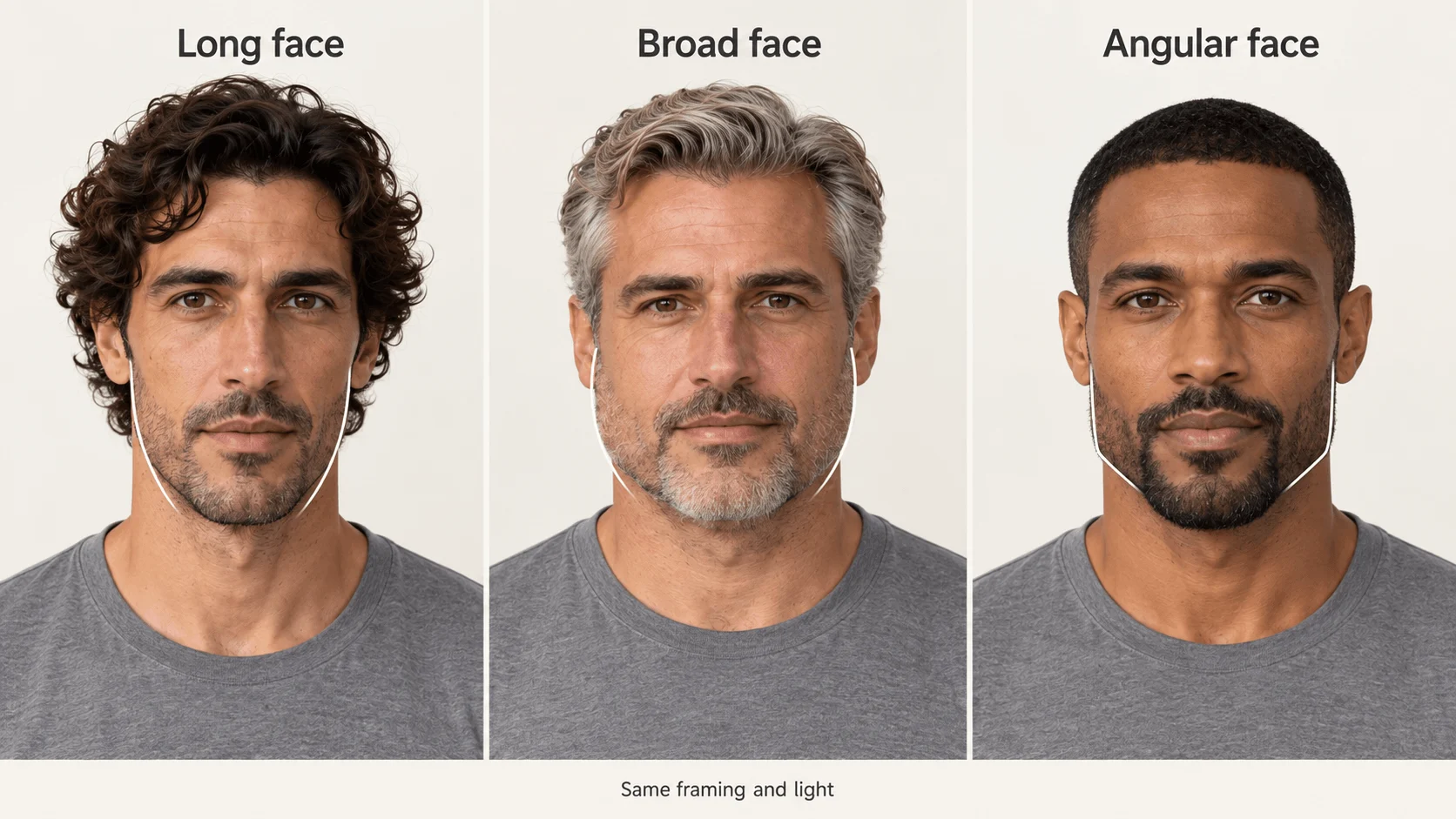
Illustration: three facial structures under the same framing and light, not output from these prompts.
If all three candidates still look like Adrian, generate Marcus in Qwen 2512 text-to-image with the Marcus brief, aspect_ratio: "3:4" and no LoRA ($0.03 per output). Never supply Adrian's portrait as a reference image for a different man: the model preserves the face it is given.
Preserve the person when you change the scene
Use the selected Adrian portrait as the input to Qwen editing instead of recreating him from text. Upload it as Picture 1, leave LoRAs and aspect_ratio empty so the result follows the portrait's shape, choose PNG, and use:
Keep the adult man from Picture 1: the same long oval face, curved nose, narrow-set eyes, short curls and lean build. Show him standing beside a theatre entrance at dusk in a closed navy wool coat. Waist-up composition. Warm light from the entrance illuminates one side of his face; the other side remains visible. Keep his apparent age and grooming. One person, no lettering.
This changes setting, clothes and light at once. If the face becomes wider, return to the original portrait and simplify the next request to the coat alone; do not keep editing the drifted output.
Qwen uses two bases: Qwen-Image-Edit-2511 for editing and Qwen-Image-2512 for text generation, and a LoRA trained for 2512 is not automatically suitable for editing. The edit route accepts up to three sources and three compatible adapters.
Put two or three adult men together without merging them
Qwen Edit 2511 is built to fuse separate person images into one group shot, but faces can still blend. "Don't change the identity" alone does not specify whose face belongs where: make the inputs distinct, then assign each man by source image, position, facial features and clothing.
Upload Adrian as Picture 1 and Marcus as Picture 2. Choose aspect_ratio: "4:3", PNG and no LoRA. Put the main subject first, because Picture 1 sets the composition.
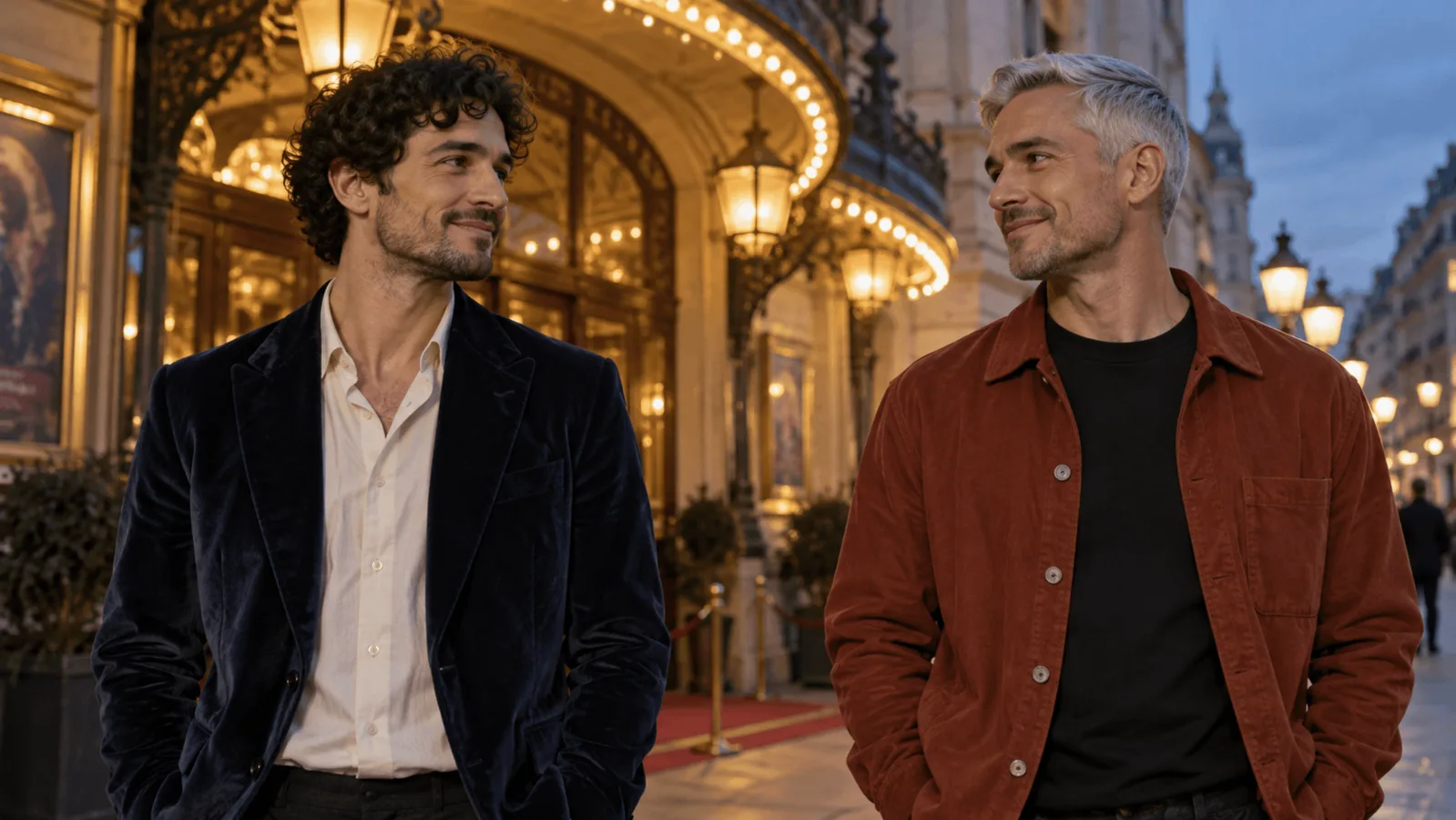
A quiet romantic editorial photograph of two fully clothed adult men outside a theatre. On the left is the 34-year-old lean man from Picture 1, preserving his long oval face, curved nose and short curls; he wears his navy sweater. On the right is the 48-year-old stocky man from Picture 2, preserving his broad face, smile lines and salt-and-pepper beard; he wears his olive overshirt. They face each other with a small space between their shoulders. Their hands remain separately visible beside their own bodies. Waist-up, eye-level, warm doorway light, no text.
Start with no hand contact. For a second composition, request one simple contact: Marcus's right hand resting on Adrian's left upper arm. Name the owner, side and destination; "they hold each other" leaves them unspecified. The two-character guide covers contact points and repairs in more depth.
For all three men, add Daniel as Picture 3 and use aspect_ratio: "16:9" so there is room for three waist-up figures. Position them left, centre and right, keep clothing colours different (navy, olive, rust) and hands visible beside their own bodies. Three sources is the cap, so a fourth character needs a second pass: use the trio as Picture 1 together with the fourth man's portrait.
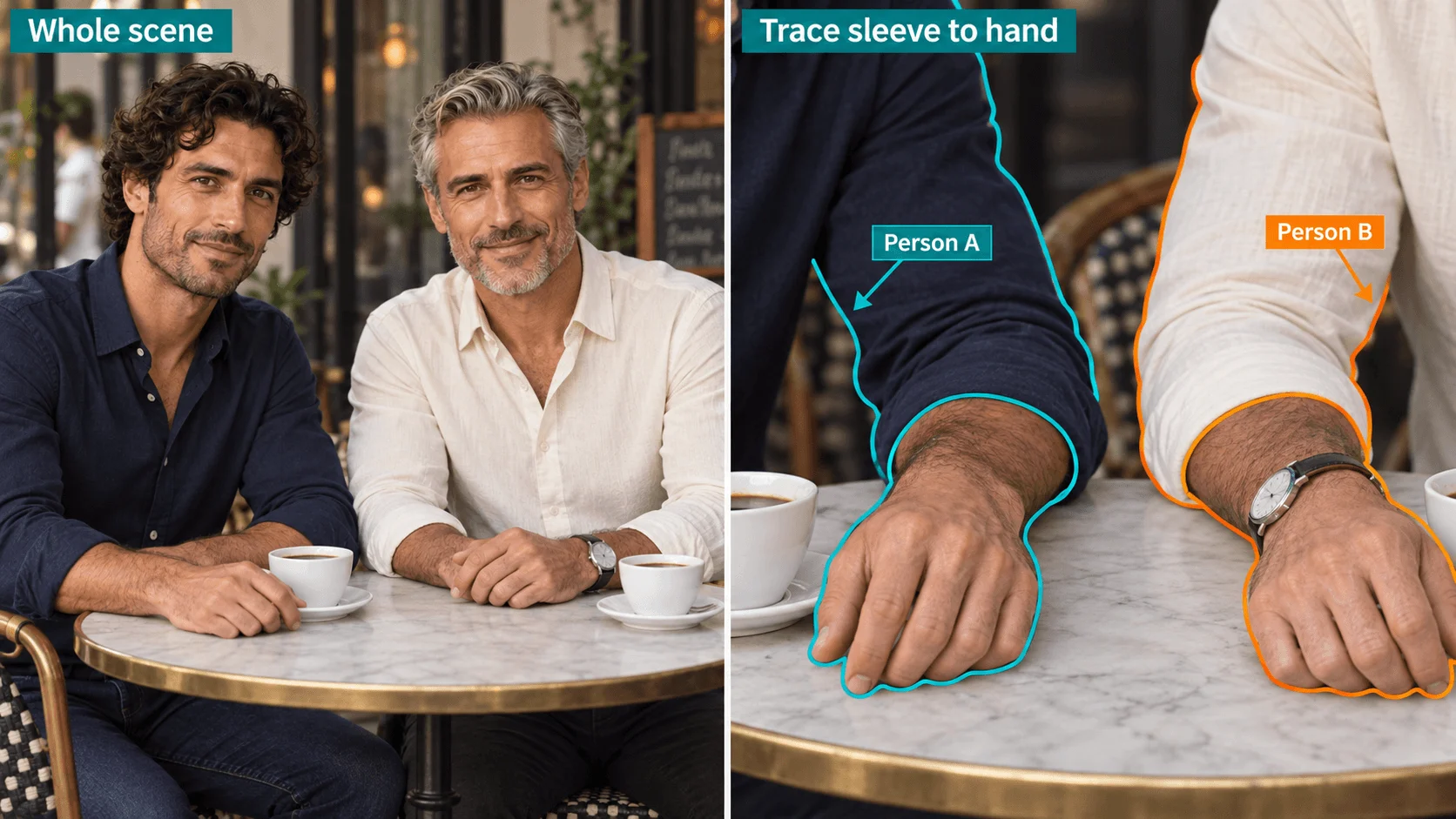
Illustration: tracing each sleeve to its hand shows who owns which arm.
Change a jacket without touching the face
Use FLUX.1 Dev LoRA editing when you want a new garment and nothing else to move. Make the mask in any image editor: paint the jacket white on a black layer (face and neck stay black) and export it at exactly the portrait's pixel size. Upload both files (JPG, PNG, WEBP or GIF, up to 10 MB each) or pass URLs as image_url and mask_url. Follow the garment's outline with a soft edge; a hard rectangle leaves a visible seam. The output keeps the source's shape at about 0.7 megapixels, so a 1024 x 1536 portrait comes back at 672 x 1008.
With a mask, describe only what belongs in the white area:
A charcoal wool overcoat with a high collar, closed, over a grey knit sweater, soft window light from the left.
Use strength: 0.9, steps: 28, guidance_scale: 3.5 and fix the seed. If the old jacket shows through, raise strength towards 1; if the jaw or neckline drifts, shrink the white region before lowering strength.
Fix the failure you can see
| Failure | Change on the next attempt |
|---|---|
| Different hair, almost identical faces | Return to separate portraits; contrast face length, nose shape, eye spacing and age cues. Drop "perfect handsome face" language. |
| Everyone defaults to the same look and skin tone | Name skin tone and features specifically in each identity sentence, instead of expecting the model to vary them. |
| Stocky man becomes a muscular athlete | Replace "powerful masculine physique" with "stocky frame, broad waist, relaxed abdomen under a loose overshirt." Show the waist rather than only a tight head crop. |
| Both men inherit the same beard | Assign "clean-shaven man from Picture 1 on the left" and "bearded man from Picture 2 on the right." Remove any unassigned grooming phrase. |
| Faces blend in a two-man edit | Give the sources different clothing and backgrounds and assign left and right. |
| The face changes with dramatic lighting | Use soft directional light with both eyes visible; go back to the original reference, not the altered face. |
| Clothing edit alters the jaw | Use the masked FLUX route with the mask confined below the neckline. Keep the face outside the white region. |
| An arm cannot be assigned to either person | Separate the bodies and remove contact; then reintroduce one named hand-to-upper-arm contact. |
Keep a cast sheet
A usable cast is one approved portrait per man plus the identity sentence that produced it. Add a three-quarter or side view when you need profile compositions (ask Qwen editing for it from the approved portrait, repeating the face description). If the reference images still drift after repeated scenes, train a character LoRA on your approved images and load it on these endpoints, as described in the LoRA API guide.