Introduction
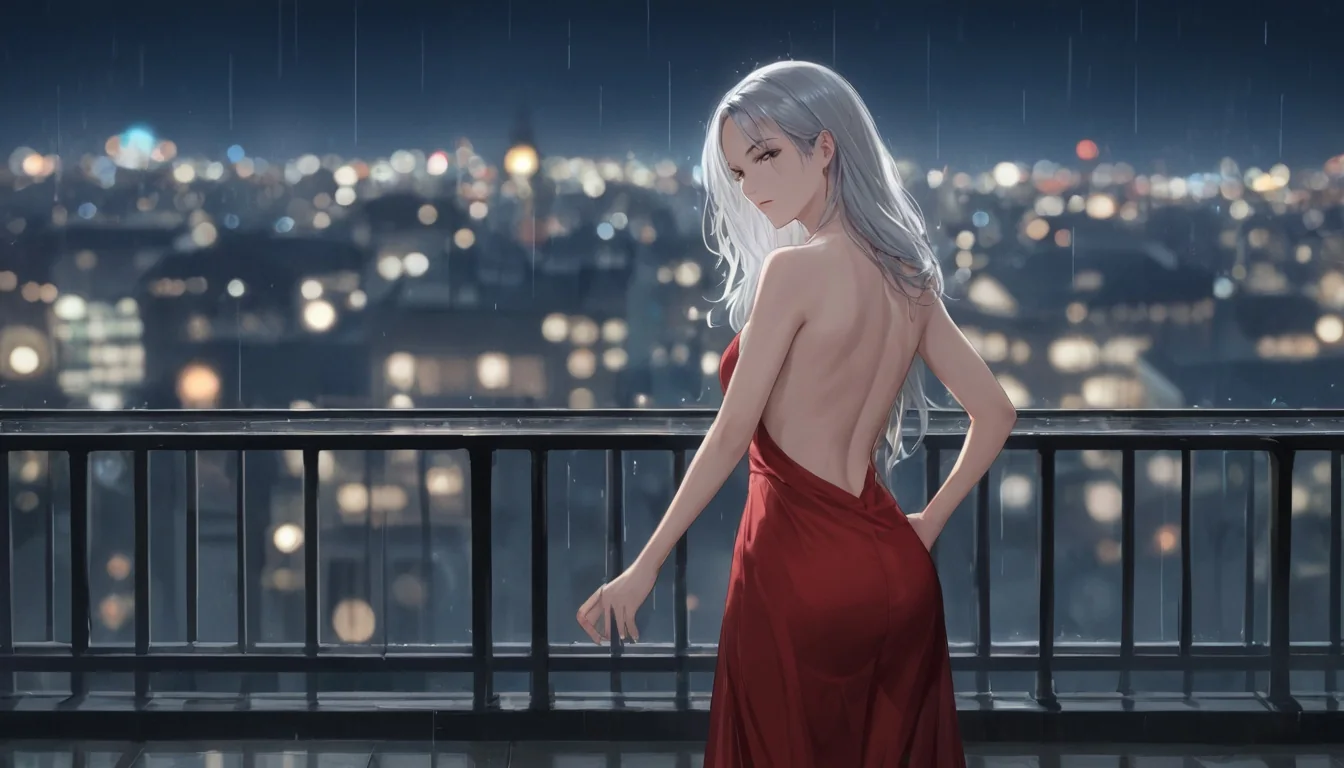
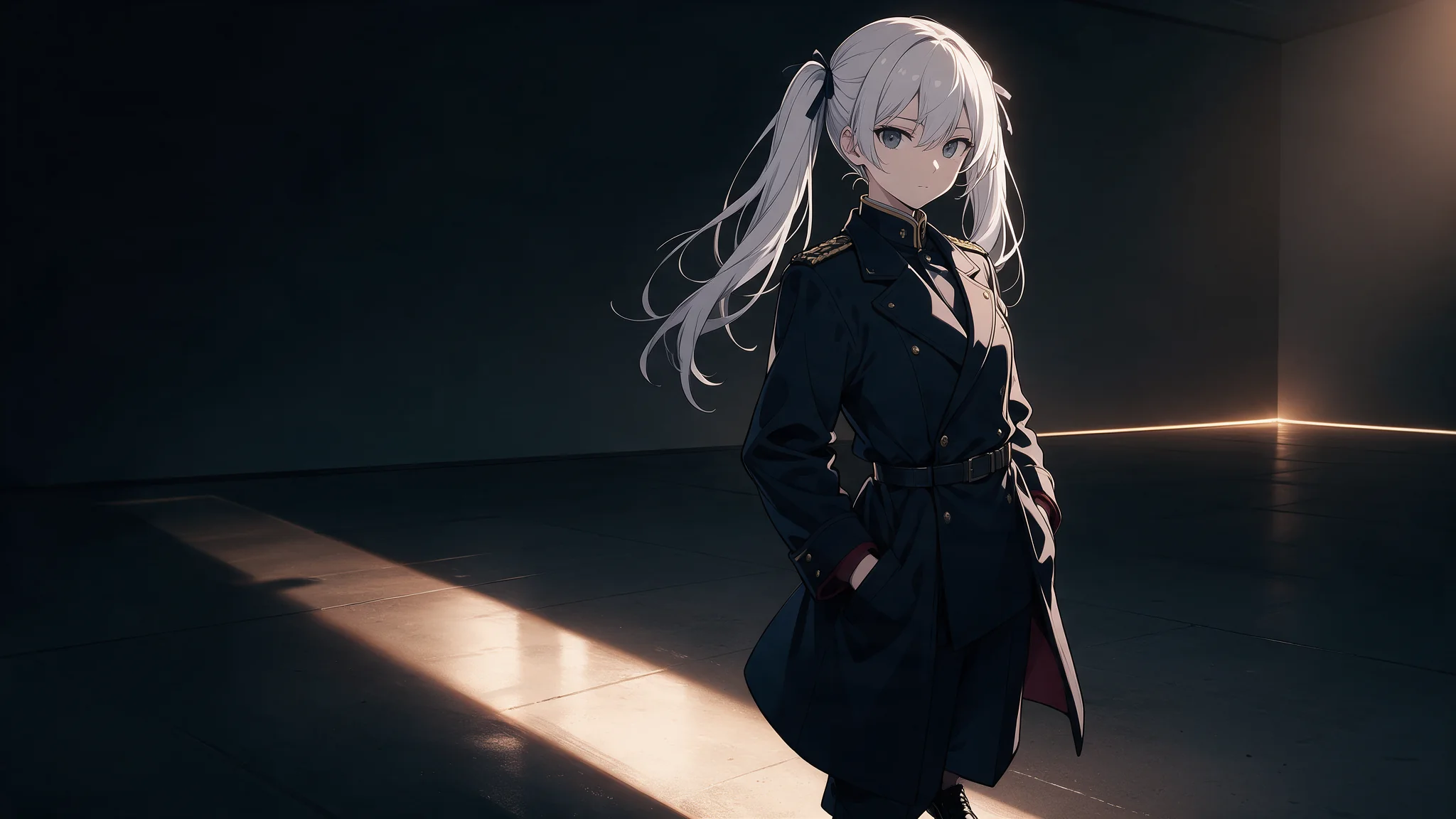
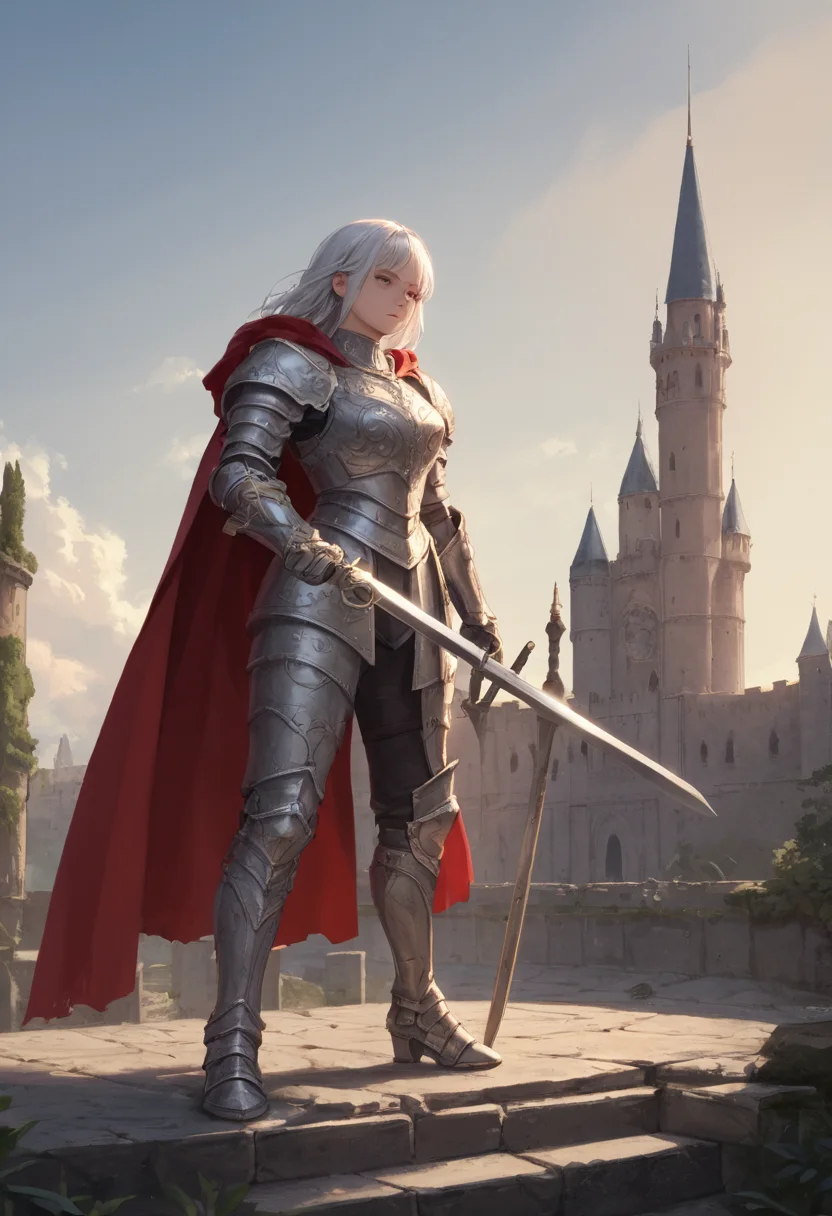
Prefect Pony XL is a community checkpoint merge from the Pony XL lineage, built on the SDXL backbone and tuned for anime and illustration. It is the anime counterpart to the photoreal image models in this catalog, and it is uncensored: every prompt runs on this endpoint with no flag and no separate call.
The endpoint takes a prompt of up to 5,000 characters, one of seven native SDXL sizes, an optional seed and JPEG, PNG or WebP output, and returns one image per call.
Key features & highlights
Keep an established tag workflow productive
Pony XL is a text-to-image option for creators who already work in deliberate, descriptive tag sequences. Put the subject, visual style, composition and lighting in a stable order so a prompt library remains understandable to the people maintaining it.
Iterate one creative decision at a time
Establish a composition that works, then change one meaningful visual idea per iteration: gesture, wardrobe, environment or lighting. Compare outputs side by side and retain the prompt version that preserves the intent, rather than treating every run as an unrelated concept.
Review suitability before publishing
Judge anatomy, composition, text rendering and visual consistency at the intended delivery resolution. Make sure each prompt and output complies with your publication policy and the rights of any referenced character, person or brand before using it externally.
Request parameters
| Parameter | Required | Description |
|---|---|---|
prompt | Yes | Tag-style prompting steers this checkpoint far harder than prose: comma-separated tags, quality tags first, then subject and wardrobe, then lighting and lens. at least 1 characters · at most 5000 characters |
size | No | Seven native SDXL shapes. |
output_format | No | PNG is lossless and suits a hand-off into retouching, WebP suits a frame going straight onto a page, JPEG suits the smallest transfer. |
seed | No | Pass a seed to reproduce a frame exactly with the same prompt and size; omit it and every call explores. The price is the same either way. |
Pricing
$0.015 / image
Use cases
Start from a written brief
Use this endpoint for anime and illustration frames written as tag sequences. Choose the size first — seven native SDXL shapes from 1024*1024 to 1344*768 — then build the prompt from quality tags, subject and wardrobe, and pin a seed once the pose works.
Uncensored illustration at volume
Bold anime work that hosted models decline runs on the ordinary endpoint with no flag and no review queue. Pin a seed once the pose works, then iterate wardrobe and lighting around it — the price is per frame, so an exploration run and a final render cost the same.
Fan art and social posts
One prompt, one frame, a few cents. The WebP option means the image can go straight into a page or a feed without a re-encode step in between.
Character sheets and references
Generate the same character across the seven shapes — square for an avatar, 2:3 for a full-body sheet, 16:9 for a banner — reusing the seed and swapping only the framing tags. It gives a consistent-enough reference set without a training run.
Prompt guide & pro tips
Pin the seed once a frame is worth keeping
Store the seed with the prompt. Without it, the exact frame cannot be rebuilt — a near-identical prompt on a fresh seed gives a different character, not a variation of the same one.
Lead with quality tags, then the subject
This lineage responds to the score/quality tag conventions of the Pony ecosystem far more than to descriptive sentences. Put those tags first, then subject and wardrobe, then lighting, lens and background. Prose still works, it just steers less.
Adapt the included example
Start with the published example using output_format: png, size: 1216*832. Replace the subject and creative direction while keeping the input contract for this mode intact.
score_9, score_8_up, 1girl, solo, silver twin tails, oversized varsity jacket, denim shorts, standing on a neon-lit city street at night, rain reflections, looking at viewer, cinematic lighting, detailed background
The wide shape and the neon are both in the prompt: this lineage reads lighting tags as readily as wardrobe tags.
Check the result before iterating
Four fields, no more: prompt, size, seed and output_format. There is no image input, no negative-prompt field, no step or guidance control, no LoRA slot and no batch count — the checkpoint's own sampler settings are fixed and not exposed. Sizes are limited to the seven native SDXL shapes; arbitrary width and height are not accepted. Output is a single image per call. Photoreal prompts will come back stylised: this is an anime merge, not a general-purpose model.
API quick start
# Generate the idempotency key once; reuse it when retrying after a lost response.
export SPICY_IDEMPOTENCY_KEY="${SPICY_IDEMPOTENCY_KEY:-$(uuidgen)}"
curl -X POST https://api.spicyapi.ai/api/v1/jobs/createTask \
  -H "Authorization: Bearer $SPICY_API_KEY" \
  -H "Content-Type: application/json" \
  -H "Idempotency-Key: $SPICY_IDEMPOTENCY_KEY" \
  -d '{
  "model": "prefect/pony-xl/text-to-image",
  "input": {
    "size": "1024*1024",
    "prompt": "A ceramic teapot on a linen cloth, soft window light, muted palette",
    "output_format": "png"
  }
}'

# Copy data.taskId from the response into TASK_ID, then poll the status.
TASK_ID="TASK_ID_FROM_RESPONSE"
curl "https://api.spicyapi.ai/api/v1/jobs/recordInfo?taskId=$TASK_ID" \
  -H "Authorization: Bearer $SPICY_API_KEY"
See the API reference for authentication, the complete schema, polling, and error handling.