Introduction
Krea 2 Large targets the frame you actually deliver: a finished product still, the closing image of an editorial commission, a key frame that has to read as a photograph. It is the slowest tier in the Krea 2 line, and that time buys material and edge detail.
Key features & highlights
Photographs, not glossy renders
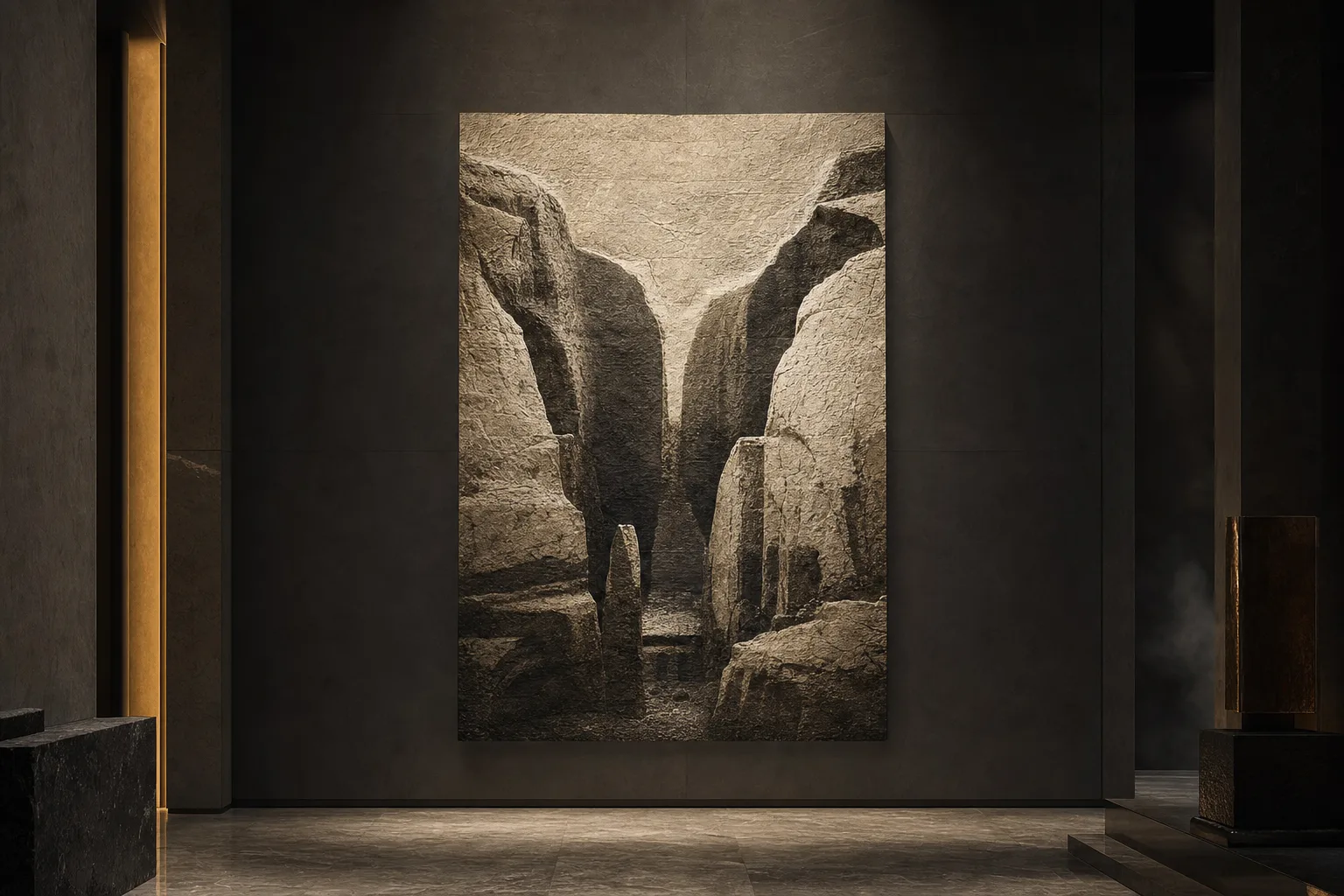
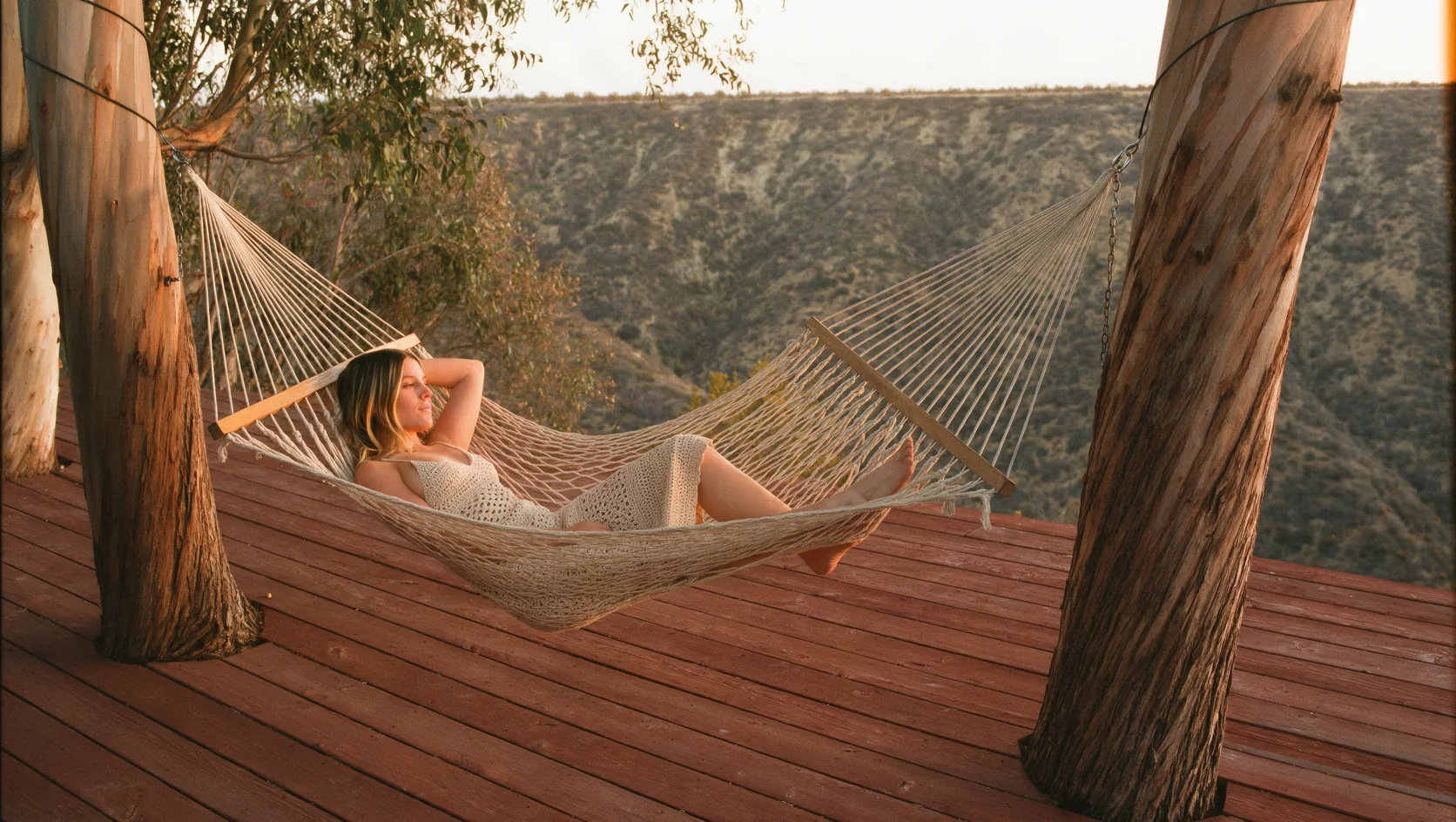
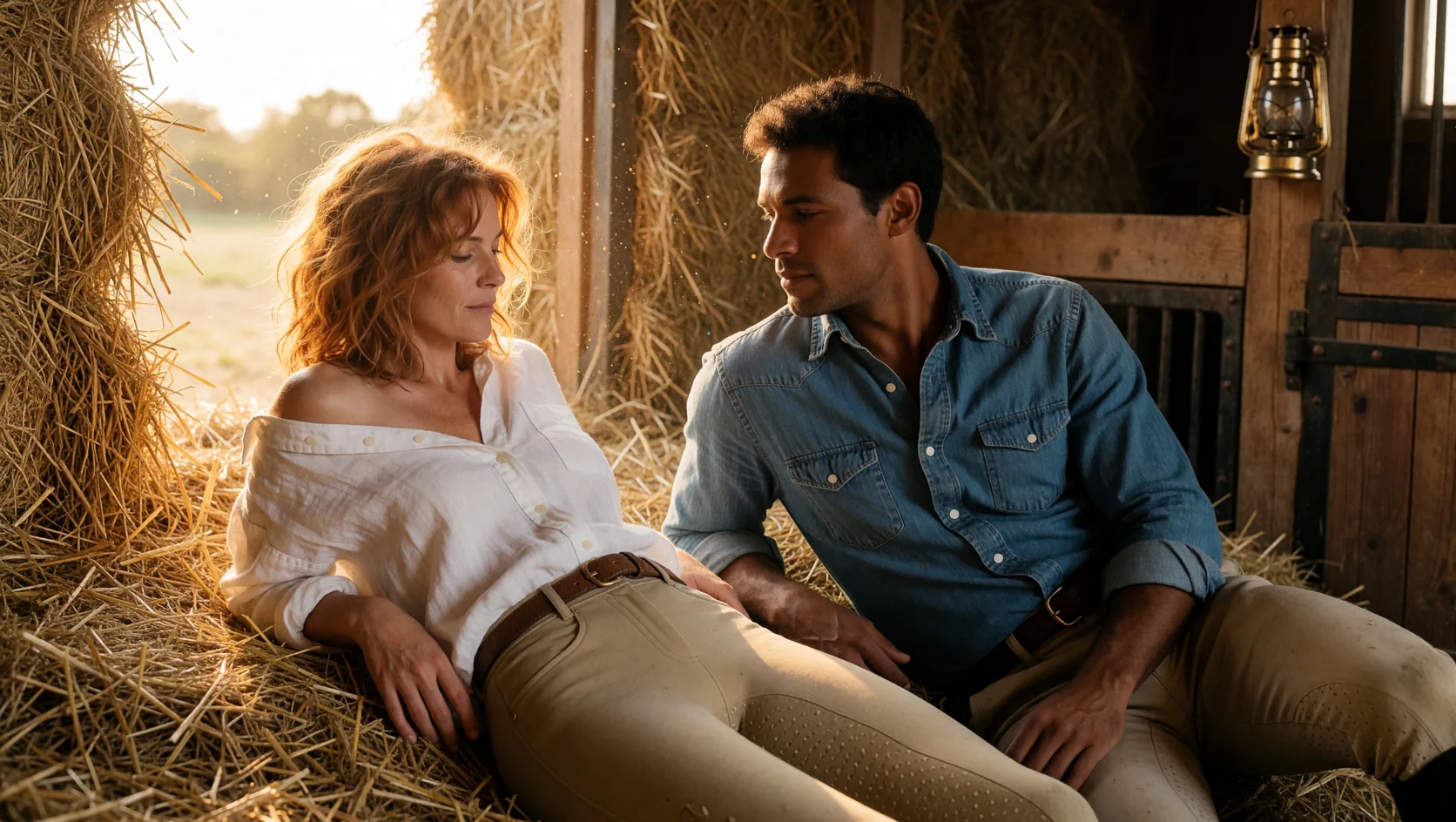
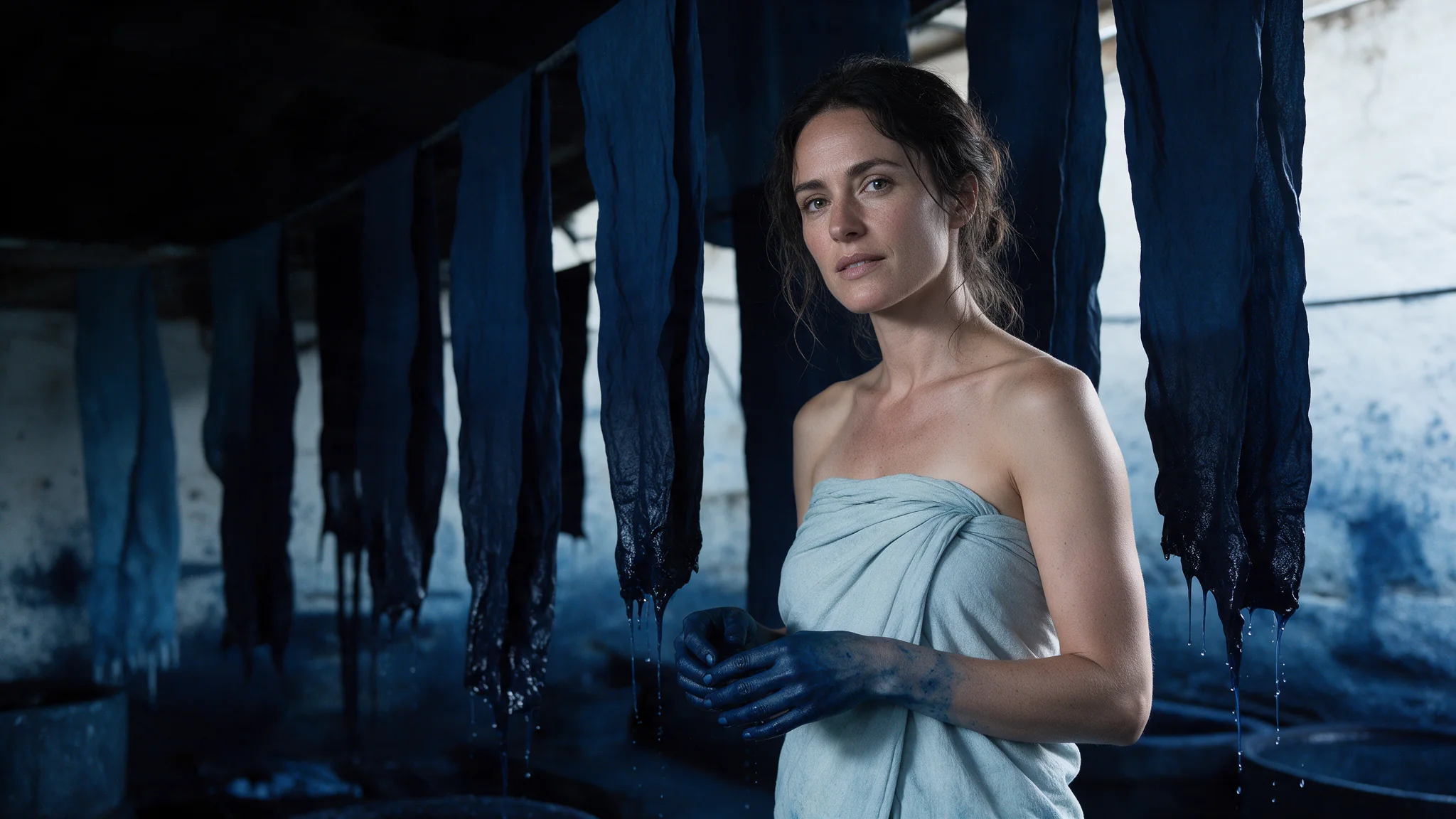
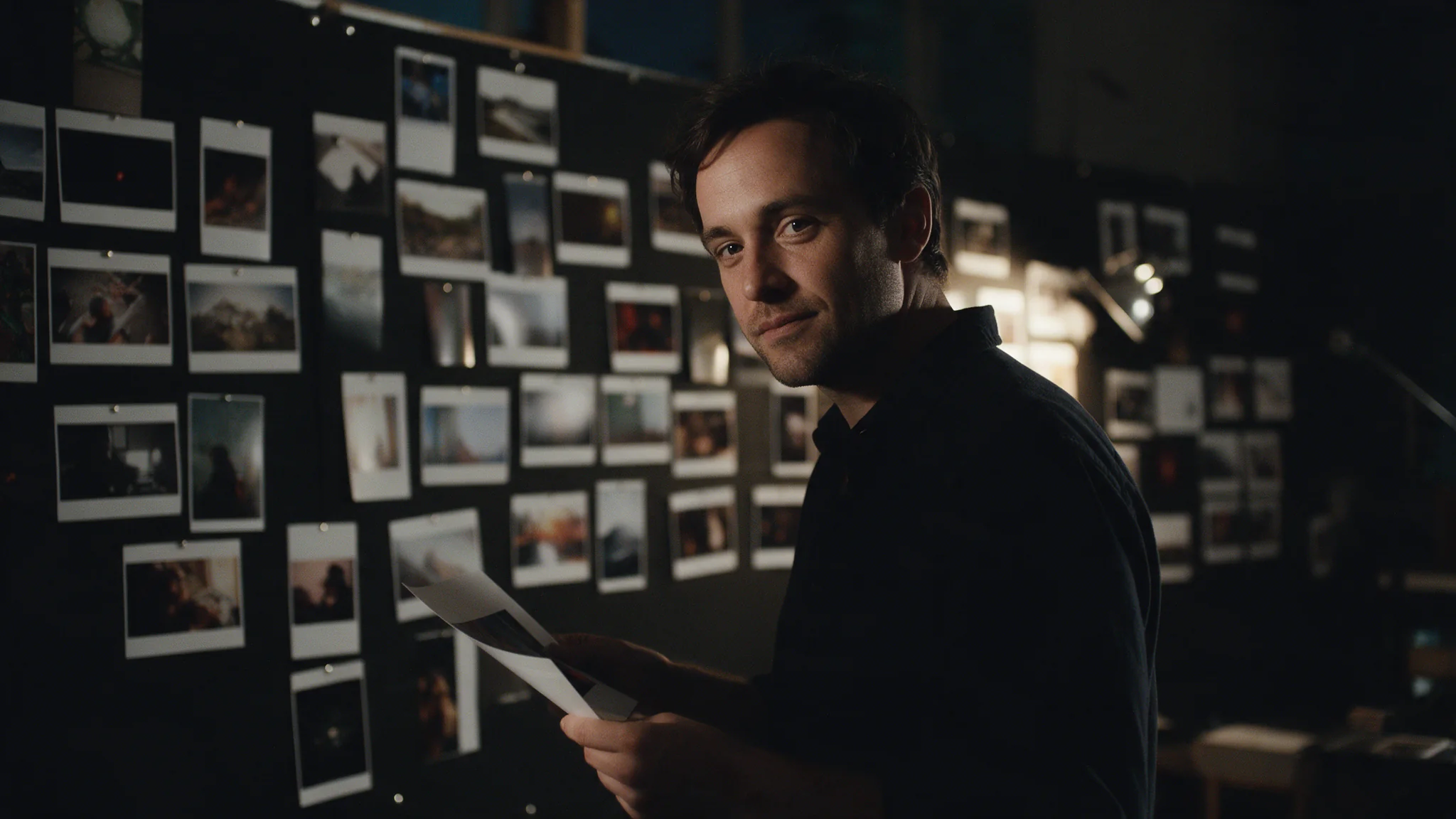
Krea's house look is photography: dust in a golden-hour shaft, Portra-like grain, skin that holds its texture instead of being smoothed into plastic. Large is the tier where that survives close inspection. Name the stock, the lens and the light quality and it will honour all three.
2.35:1 composed from the start, not trimmed down
The 2.35:1 ratio is composed for the strip from the start, which is a different picture from a 16:9 frame trimmed top and bottom. Subjects sit where a cinematographer would put them and the negative space is deliberate. Krea 2 Medium Turbo shares it, so framing explored there carries over.
Nothing of ours stands between the prompt and the model
No maturity flag, no per-request declaration, no separate endpoint, no scanner: what the endpoint schema lists is the whole request, and it reaches the model as you wrote it. Where the content boundary sits is Krea's decision, not a setting to hunt for on our side.
Request parameters
| Parameter | Required | Description |
|---|---|---|
prompt | Yes | Up to 5,000 characters, and this tier has room for the whole brief. at least 1 characters · at most 5000 characters |
reference_image_urls | No | Up to ten images you are authorised to use, and the field is optional. They steer style — palette, grain, material, light. at most 10 items |
reference_strength | No | How strongly the reference images shape the result, from 0 to 1 in steps of 0.1; the default is 1 and the value applies to every reference image. |
aspect_ratio | No | Square by default, running from 9:16 portrait to 2.35:1 anamorphic. The frame is composed for the ratio you ask for, so 2.35:1 buys staging no crop of a square can recover. |
Pricing
$0.06 / image
Use cases
Start from a written brief
Use this endpoint when there is no source image and the frame will be delivered as it comes back. Write subject, light, lens and film stock into the prompt; add reference images for palette, grain and material, and lower reference_strength from its default of 1 when they should not also hand over their composition.
Storyboard and key frames
2.35:1 makes a board frame read as a shot rather than as an illustration. Staging, negative space and lens language all come from the prompt, so a director can judge the composition rather than imagine it.
Campaign finals after a fast tier
Explore direction on Krea 2 Medium Turbo where iteration is cheap, then send the wording that worked here for the frame that goes into the deck. Same prompt vocabulary, no restructuring between the two tiers.
Editorial portraiture at full size
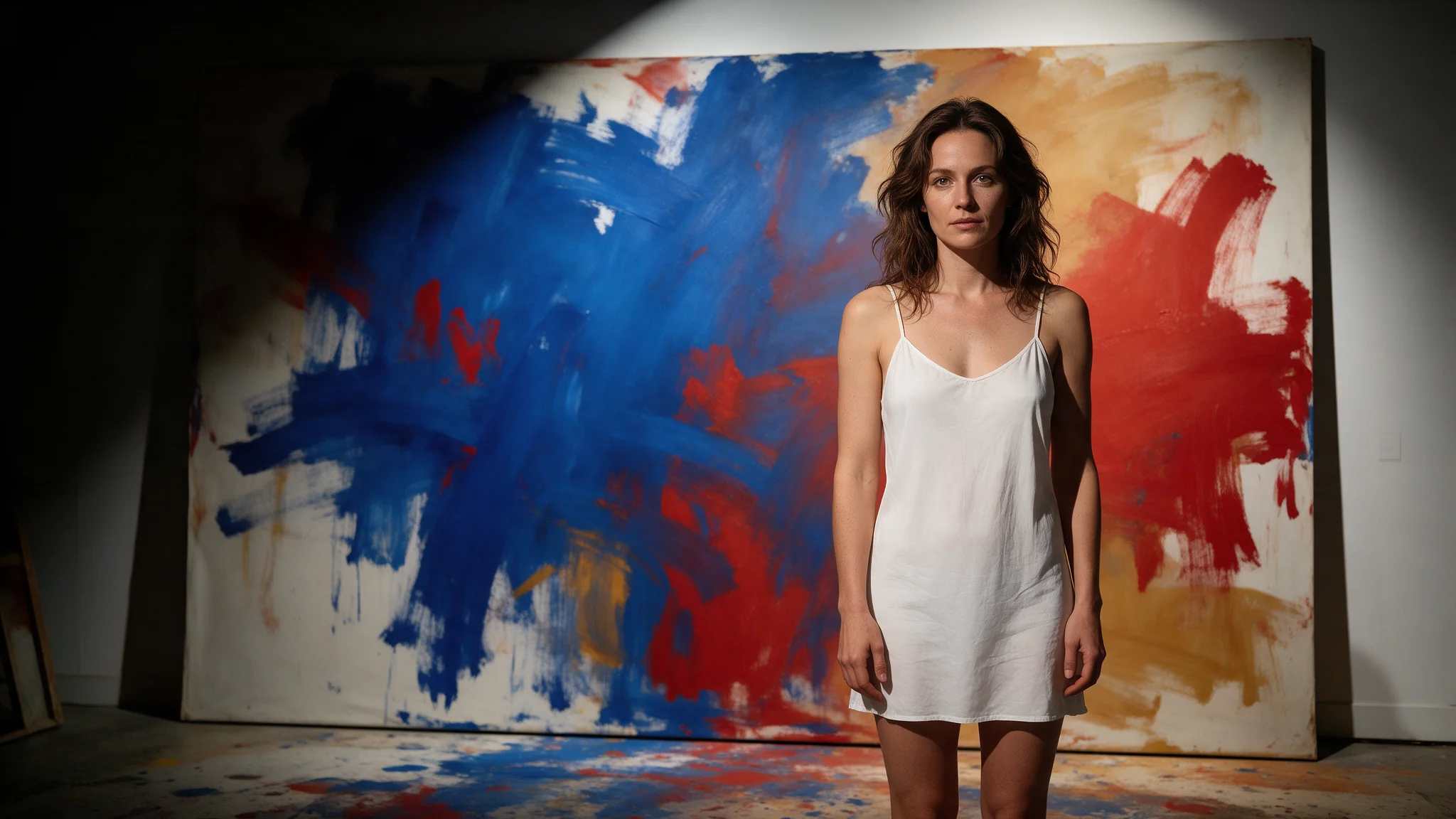
Rehearsal-room light, velvet against a single spotlight, a face lit for real. This is where the house look pays off: at full size the skin keeps its pores and the fabric keeps its weave, and neither turns to plastic.
Prompt guide & pro tips
Rewrite rather than re-roll
With no seed there is nothing to pin, so treat a miss as a wording problem: change one clause — the light, the lens, the wardrobe — and run it again. Save every prompt that lands, because it is the only way back to that frame.
Choose the ratio before the words
The frame is composed for the ratio you ask for, so 2.35:1 is a different picture from a cropped 16:9 — not the same picture trimmed. Pick 4:5 or 9:16 for feed placements and 2.35:1 for anything cinematic.
Adapt the included example
Start with the published example using aspect_ratio: 16:9. Replace the subject and creative direction while keeping the input contract for this mode intact.
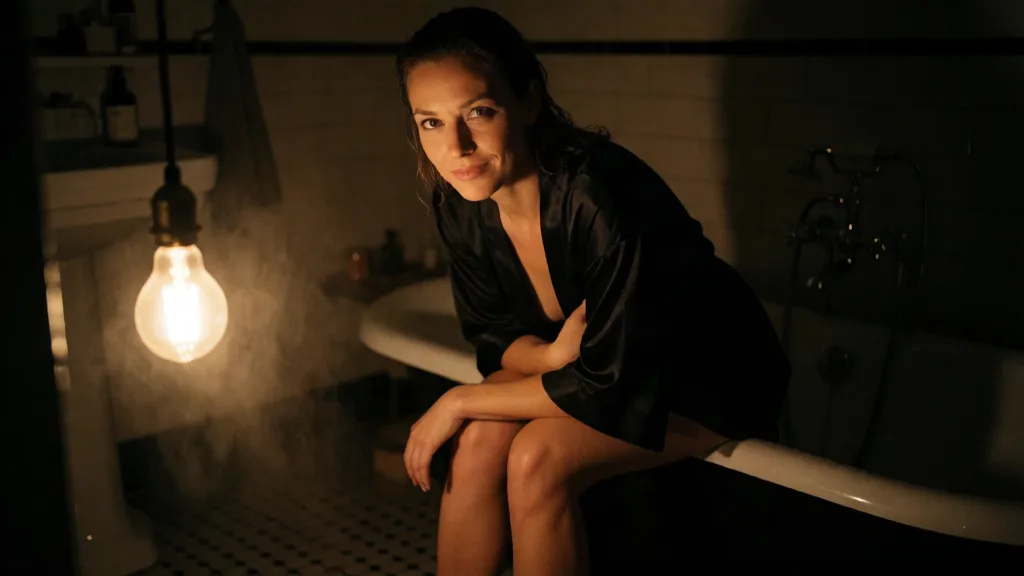
Unretouched editorial photograph, 35mm on colour negative, a dark bathroom at night lit by one bare warm bulb low and to the left, hard directional light with deep falloff into near black, real skin texture with visible pores and water beads, fine grain, no filter look - it must read as a genuine frame from a real shoot, not an illustration or a render. An adult woman in her late twenties sits on the wide rolled edge of a clawfoot bathtub facing the camera, leaning forward toward the lens with her forearms on her thighs, looking straight into the camera with a slow knowing smile, chin low. She wears a short black silk robe, held loosely closed at the chest by one hand, and it has slid right off her far shoulder; her legs are bare and crossed at the ankle, feet bare on the tiles. Her hair is wet and pushed back, water still beaded on her shoulders and along her collarbones. Steam hangs in the bulb's beam, a fogged mirror and a wet tiled floor behind her, everything outside the beam falling to black. Camera at knee height close to her, medium close-up, shallow focus on her eyes, amber against black palette, film grain. Adult woman, the robe stays on and held closed. No brand logos, no readable text, no other people in frame.
The frame this endpoint opens on. Half the brief is spent refusing a rendered look — visible pores, water beads, film grain, one bare bulb low and to the left, everything outside its beam falling to black. That is the failure mode this tier is bought to avoid. The image shown was produced on the Turbo tier of the same line as a style reference.
Check the result before iterating
This endpoint has four fields: prompt, aspect_ratio, up to ten reference images and reference_strength. There is no seed, so a frame you like cannot be redrawn — a run that misses is fixed by rewriting, not by re-steering, and any frame worth keeping should be stored with its prompt. At the default reference_strength of 1 the reference images carry their composition along with palette, grain, material and light, and all ten count equally; at 0.2 the layout mostly follows the prompt while the style still shows clearly. One image comes back per request, and Large is the slowest tier in the line — explore on Medium Turbo and finish here.
API quick start
# Generate the idempotency key once; reuse it when retrying after a lost response.
export SPICY_IDEMPOTENCY_KEY="${SPICY_IDEMPOTENCY_KEY:-$(uuidgen)}"
curl -X POST https://api.spicyapi.ai/api/v1/jobs/createTask \
  -H "Authorization: Bearer $SPICY_API_KEY" \
  -H "Content-Type: application/json" \
  -H "Idempotency-Key: $SPICY_IDEMPOTENCY_KEY" \
  -d '{
  "model": "krea/2-large/text-to-image",
  "input": {
    "aspect_ratio": "1:1",
    "prompt": "A ceramic teapot on a linen cloth, soft window light, muted palette"
  }
}'

# Copy data.taskId from the response into TASK_ID, then poll the status.
TASK_ID="TASK_ID_FROM_RESPONSE"
curl "https://api.spicyapi.ai/api/v1/jobs/recordInfo?taskId=$TASK_ID" \
  -H "Authorization: Bearer $SPICY_API_KEY"
See the API reference for authentication, the complete schema, polling, and error handling.