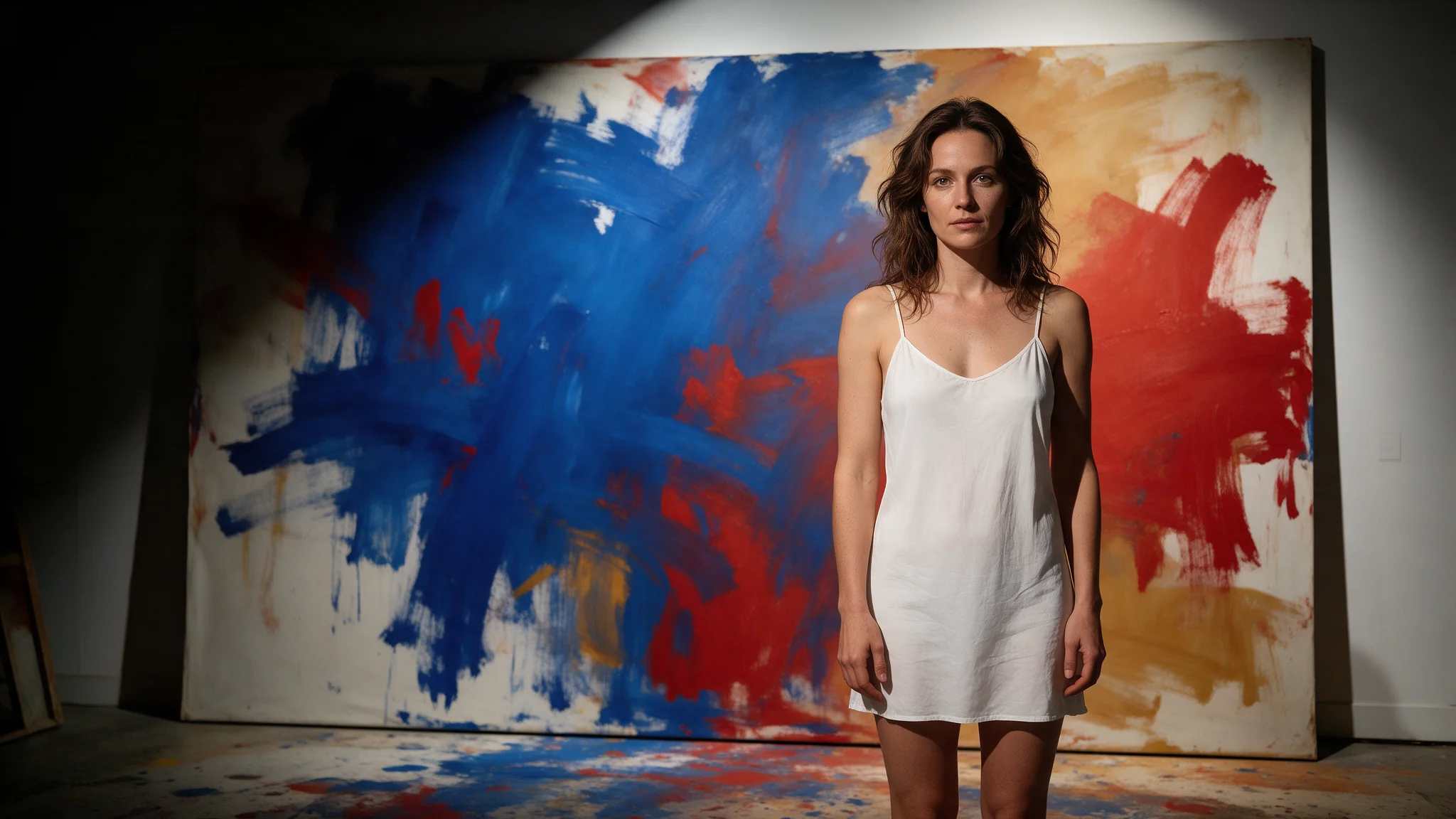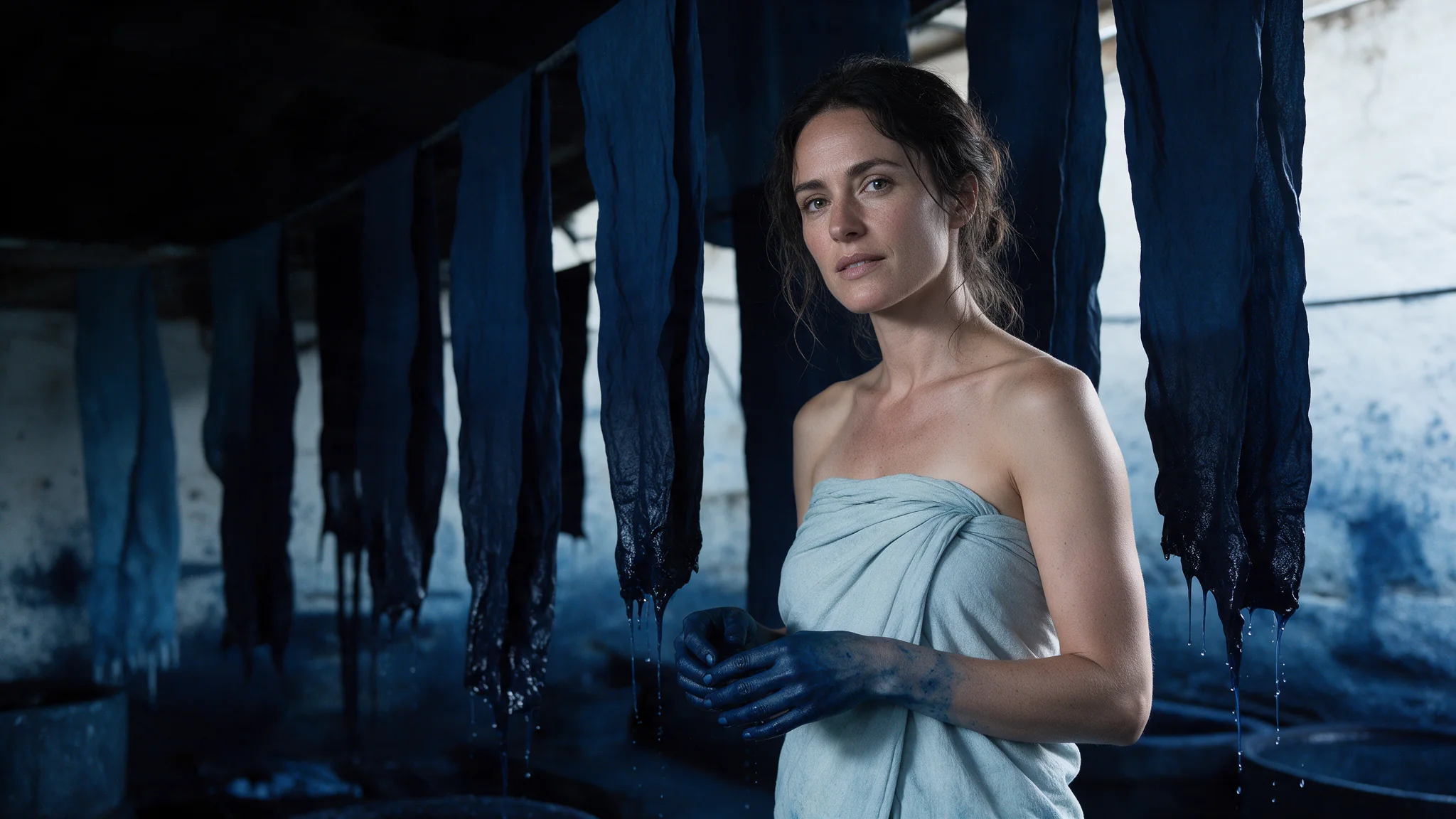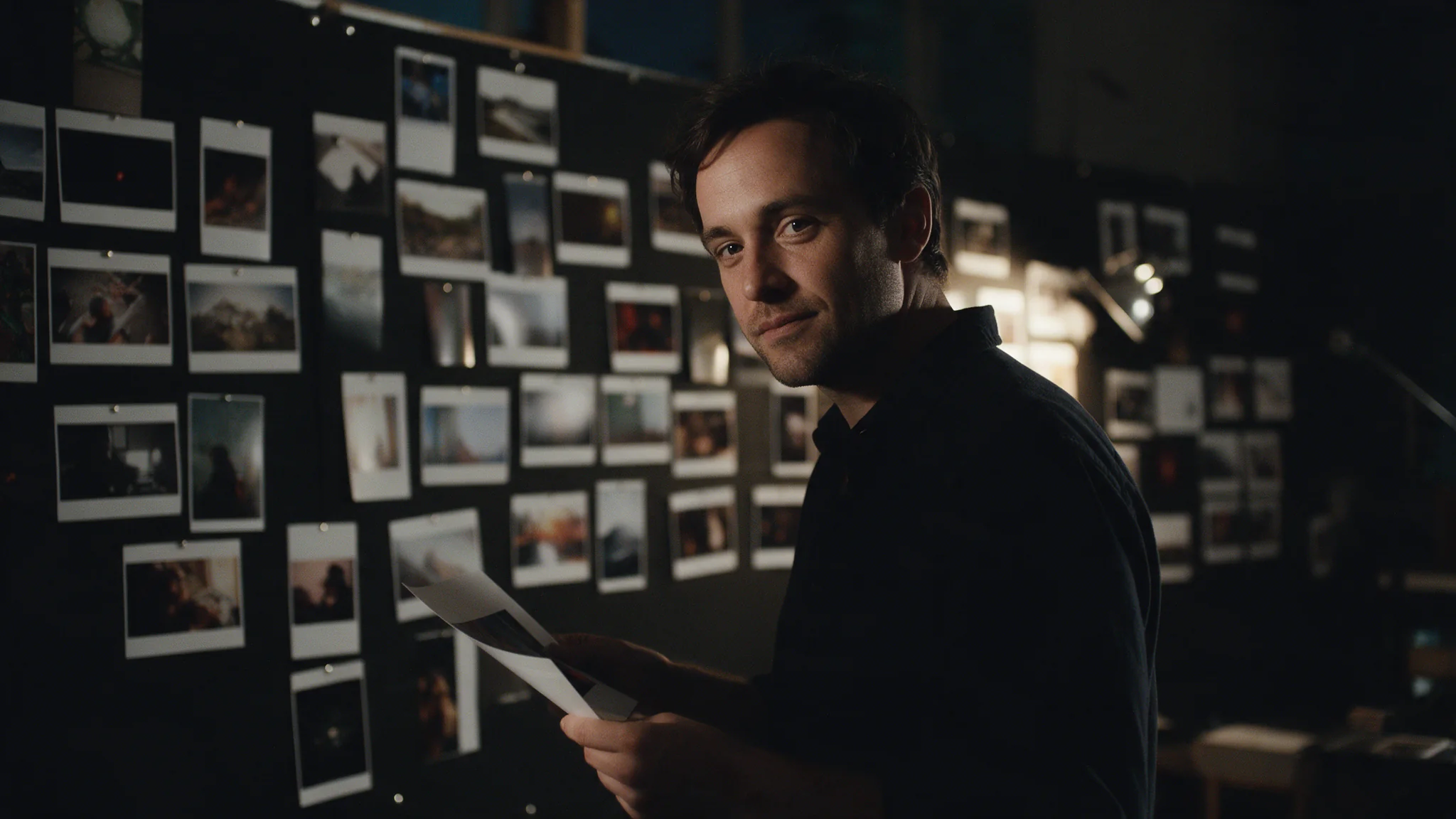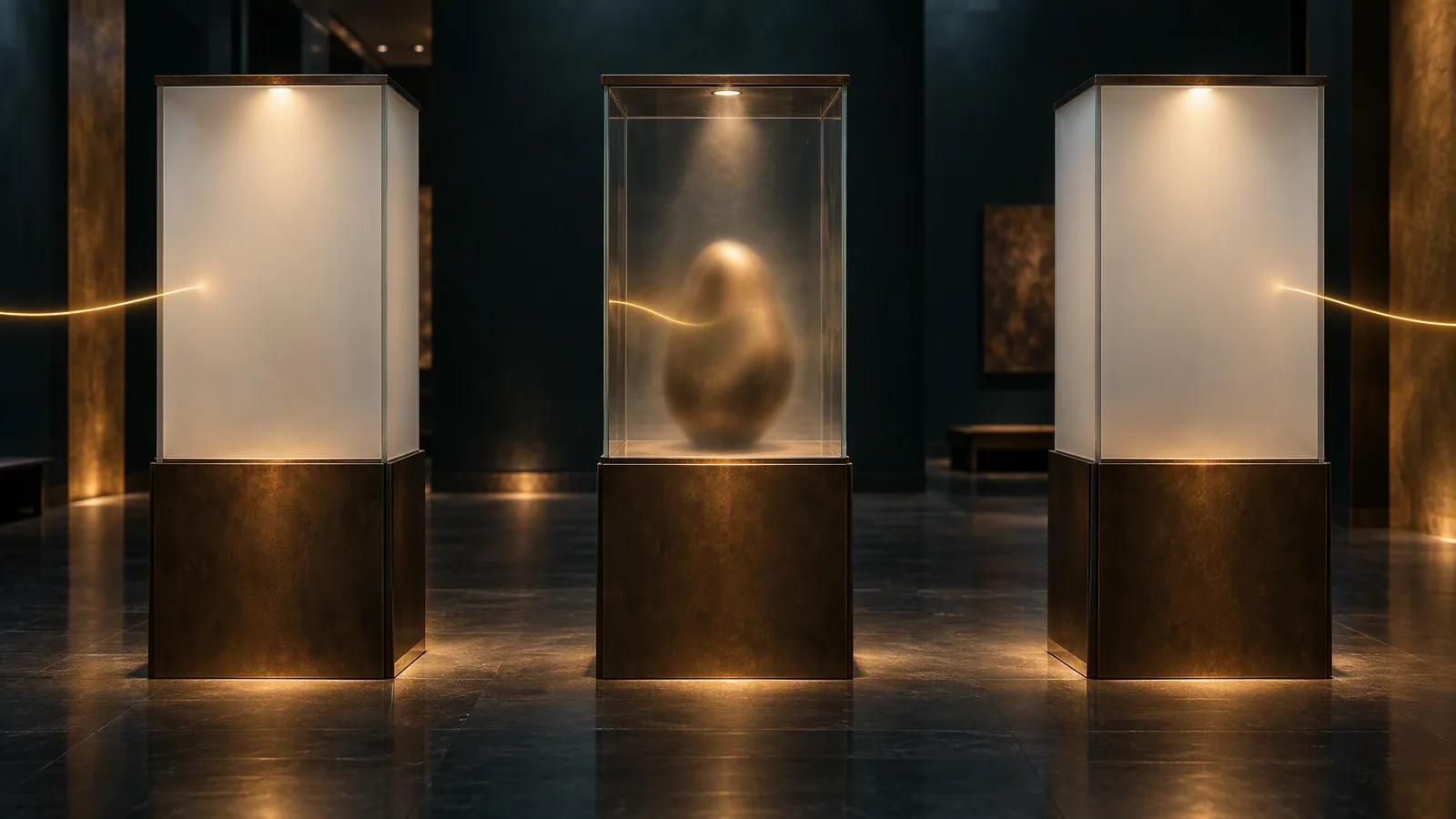
Krea 2 has no size setting on SpicyAPI: you choose an aspect ratio and get Krea's single 1K scale (about one megapixel), at the sizes below. The model you pick changes cost, speed and look, not pixels. Explore on Medium Turbo ($0.015), run the wording that works on Large ($0.06) for the finished frame, and choose Medium ($0.03) only when you need 3:4 or a JPEG/PNG choice.
Pixel size by aspect ratio
These are Krea's published sizes for its 1K scale; open the file you receive to see its real width and height. None of the three tasks accepts width, height, resolution or seed (each returns a 400), so 1K is also the ceiling.
| Ratio | Pixels | Models | Fits |
|---|---|---|---|
1:1 | 1024 × 1024 | all three | avatars, grid cards |
4:5 | 928 × 1152 | Large, Turbo | feed portrait |
3:4 | not published | Medium only | portrait card |
2:3 | 832 × 1248 | Large, Turbo | posters, tall cards |
9:16 | 768 × 1376 | all three | stories, full-screen mobile |
4:3 | 1184 × 896 | all three | slides, product shots |
3:2 | 1248 × 832 | Large, Turbo | landscape photo |
16:9 | 1376 × 768 | all three | banners, video thumbnails |
2.35:1 | 1568 × 672 | Large, Turbo | cinematic strip |
Generate at the shape you will publish: a crop discards framing you paid for, and converting 3:4 to 4:5 at the same width removes 6.25% of the height (1200 × 1600 becomes 1200 × 1500), so leave headroom. Check the size against the placement. A 1080 × 1350 feed card enlarges the 4:5 file about 1.17×; a 1920 × 1080 hero enlarges the 16:9 file 1.4×. For anything larger, or for print, upscale the finished image: the image upscaling guide covers the tiers and price.
Which model
| Task | USD per image | With references | Ratios | Other controls |
|---|---|---|---|---|
krea/2-medium-turbo/text-to-image | $0.015 | $0.0175 | 8, incl. 2.35:1 | up to 10 style references |
krea/2-medium/text-to-image | $0.03 | not accepted | 5: 1:1, 4:3, 3:4, 16:9, 9:16 | output_format: png (default) or jpeg |
krea/2-large/text-to-image | $0.06 | $0.065 | 8, incl. 2.35:1 | up to 10 style references |
References add a flat charge per request, not per image: three references quote the same as one. All three take prompts up to 5,000 characters and default to 1:1.
- Medium Turbo is the fastest tier. Use it to explore light, framing and palette, and for feed assets where speed and cost matter more than finishing detail.
- Large is the slowest tier and the one for photographic texture: skin, grain, material and edge detail. Use it for the frame you deliver.
- Medium is the volume tier (Krea positions it for illustration, anime and painted looks). Choose it for
3:4, lossless PNG for further editing, or high volume where Large's finish is not needed. It takes no references here.
Turbo and Large accept the same ratios and fields, so you switch only the model string; expect a different rendering, not the same frame. There is no seed control here to reproduce a keeper exactly: save the accepted file as well as its prompt. Ten Turbo drafts plus one Large final cost $0.21; eleven Large runs cost $0.66.
References steer palette, grain, material and light, not layout, pose or identity; write the composition in the prompt.
Large and Medium Turbo refused the adult-oriented requests in our September 2026 tests. Medium softened some stronger requests and still billed the completed outputs. For that work see Is Krea 2 uncensored?; use Krea here for clothed portraits, environments and covers.
Try it in the Playground first
Example: a fictional adult creator portrait on Turbo's native 4:5.
- Open the Medium Turbo page, stay on the Playground tab in Form view and sign in to run.
- Use this prompt: Run this prompt on Krea 2 Medium Turbo →.
- Set Aspect ratio to
4:5. Reference images is optional (up to ten style images you are authorised to use). - Run it, check the framing, then change the wording rather than the pixels; there is no seed to re-steer a miss.
- To finish on Large, open the Large page and paste the same prompt. For
3:4, open the Medium page, set Aspect ratio to3:4and Output format to PNG; it has no Reference images field.
Then run it from code
Install the Python SDK (pip install spicyapi), set SPICY_API_KEY in your server environment, and run:
import uuid

from spicyapi import SpicyClient, output_assets

client = SpicyClient()  # reads SPICY_API_KEY from the environment

task = client.create_task(
    model="krea/2-medium-turbo/text-to-image",
    input_data={
        "prompt": "Editorial portrait of a fictional 35-year-old ceramic artist in an indigo work shirt "
                  "and cream apron. Waist-up view in a quiet warm-grey gallery. The artist holds one "
                  "small cobalt-blue ceramic bird at waist height. Soft side light, visible hands, "
                  "complete head inside the frame, restrained background, no lettering.",
        "aspect_ratio": "4:5",
    },
    idempotency_key=str(uuid.uuid4()),  # new key per new request; reuse only to retry the same one
)

final = client.wait_for_terminal(task["taskId"])
if final["state"] != "succeeded":
    raise RuntimeError(f"{task['taskId']} ended as {final['state']}: {final.get('errorCode')}")
print(output_assets(final)[0]["url"])  # copy the image to your own storage now
To finish on Large, change only the model to krea/2-large/text-to-image. For Medium, use krea/2-medium/text-to-image, set aspect_ratio to 3:4 and add "output_format": "png". To add a style reference on Turbo or Large, add "reference_image_urls": ["<https URL of an image you are authorised to use>"]. Open the saved file to read its real width and height. Waiting, errors and retries are in the tasks guide and the Python SDK reference.
Or let an Agent run it
When an assistant should run the generations, the CLI, the MCP server and the Agent Skill all read the live schema, and CLI and MCP show the price and ask you to confirm before a paid call. With the same input object in input.json:
spicyapi tasks create --model krea/2-medium-turbo/text-to-image --input-file input.json --waitThrough MCP, ask: "Run Krea 2 Medium Turbo at 4:5 with this prompt." npx skills add spicyapi-ai/spicy-skill installs the Skill.
Fixes for common errors
| Problem | Correction |
|---|---|
Medium returns 400 for 4:5 | Use 3:4 and crop with headroom, or switch to Large or Turbo for native 4:5 |
Turbo or Large returns 400 for 3:4 | 3:4 is Medium-only; use 4:5 or 2:3 |
400 on reference_image_urls | Medium takes no references; use Turbo or Large |
400 on width, height, resolution or seed | Remove the field; pick an aspect ratio |
| Face too small at card size | Switch to waist-up framing, shorten the room description, ask for a simple background |