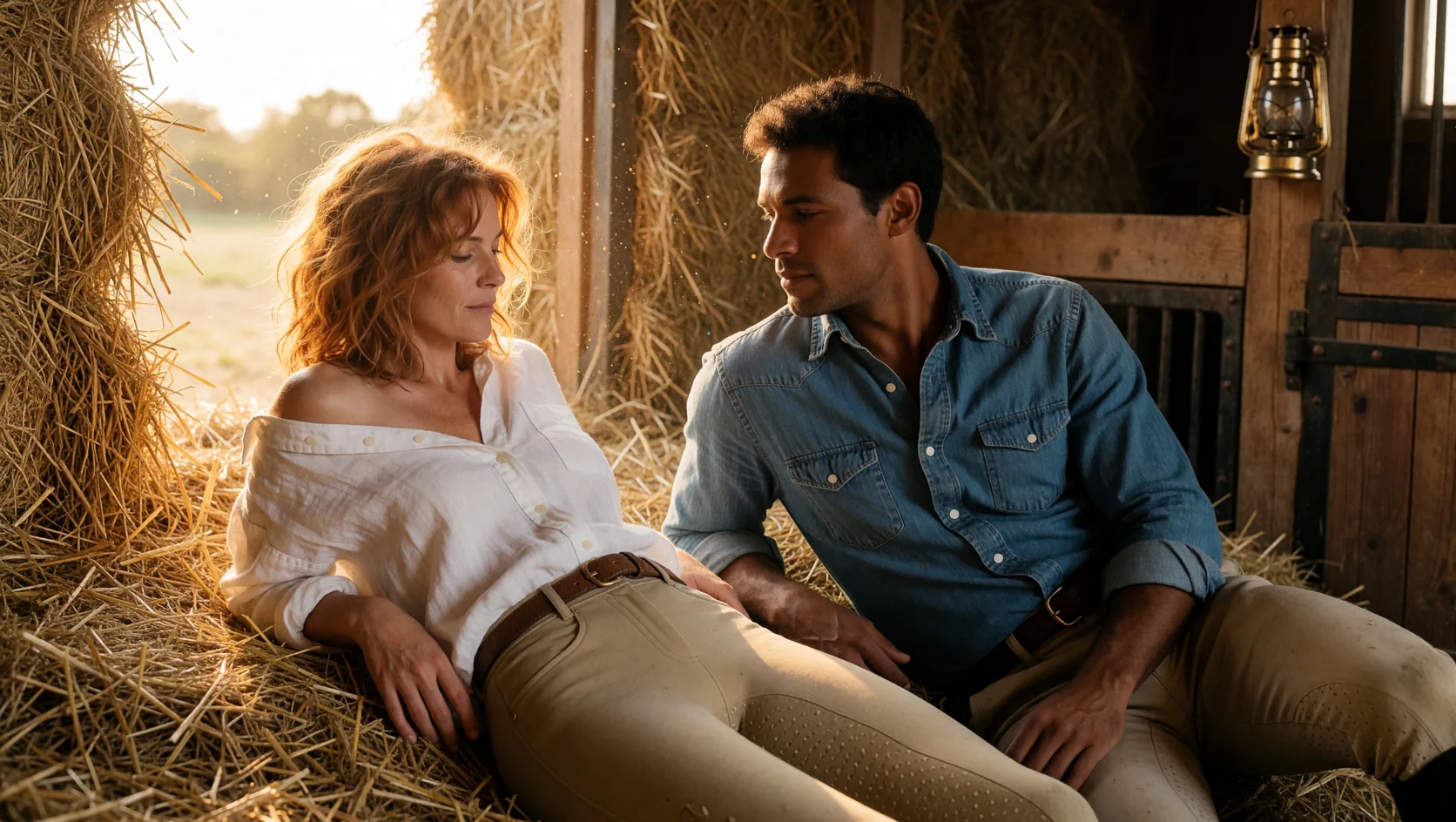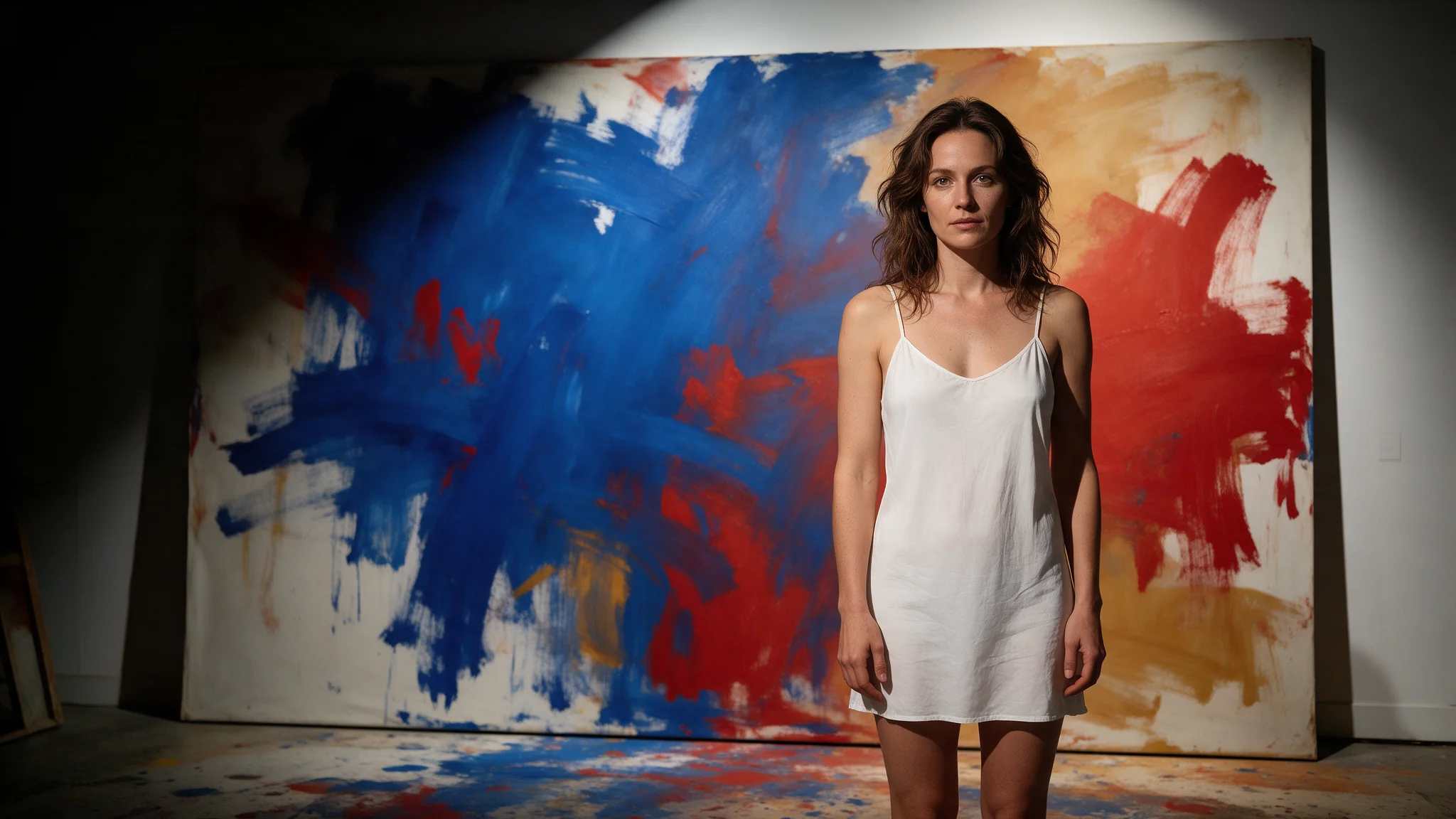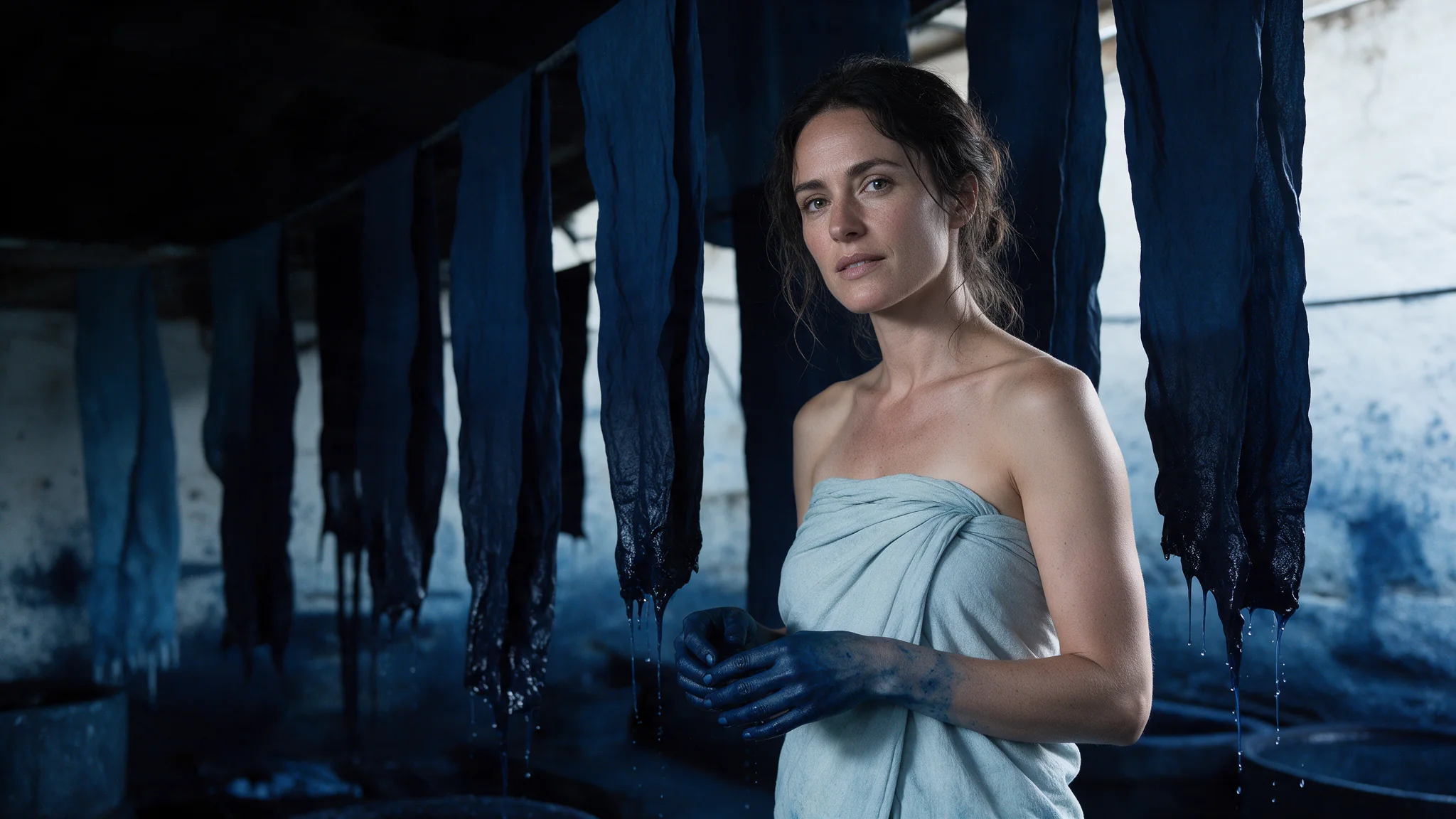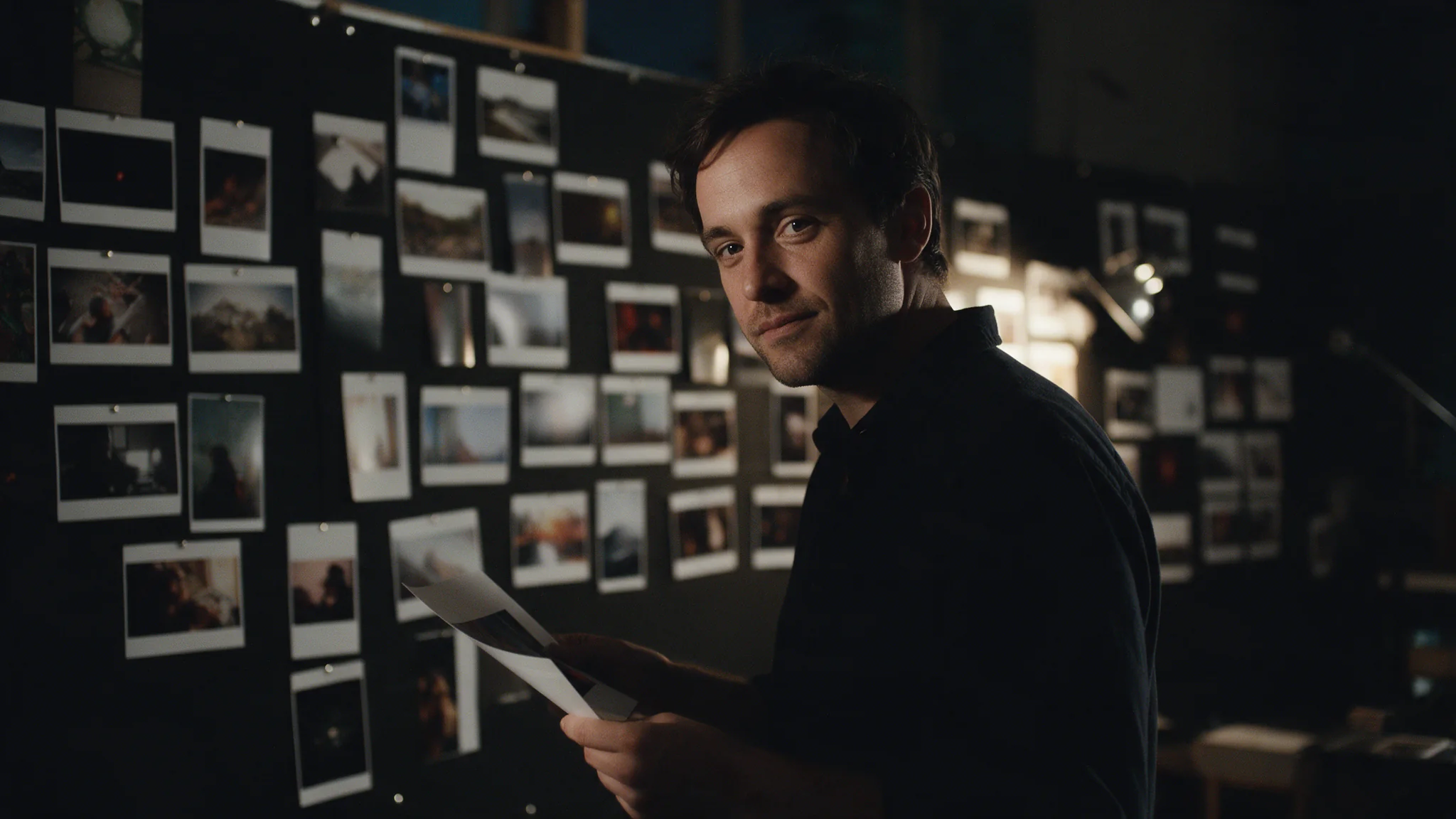
Introduction
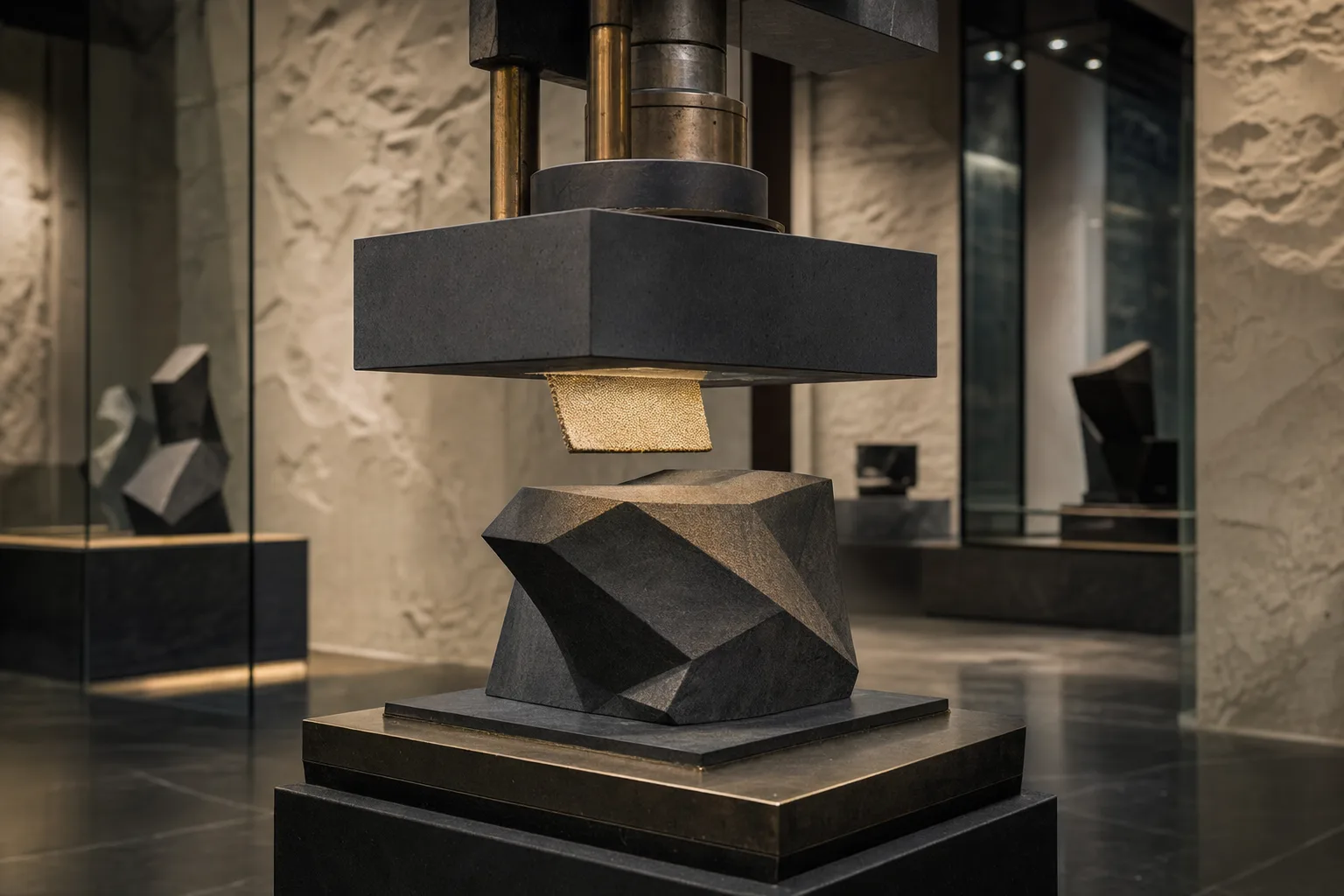
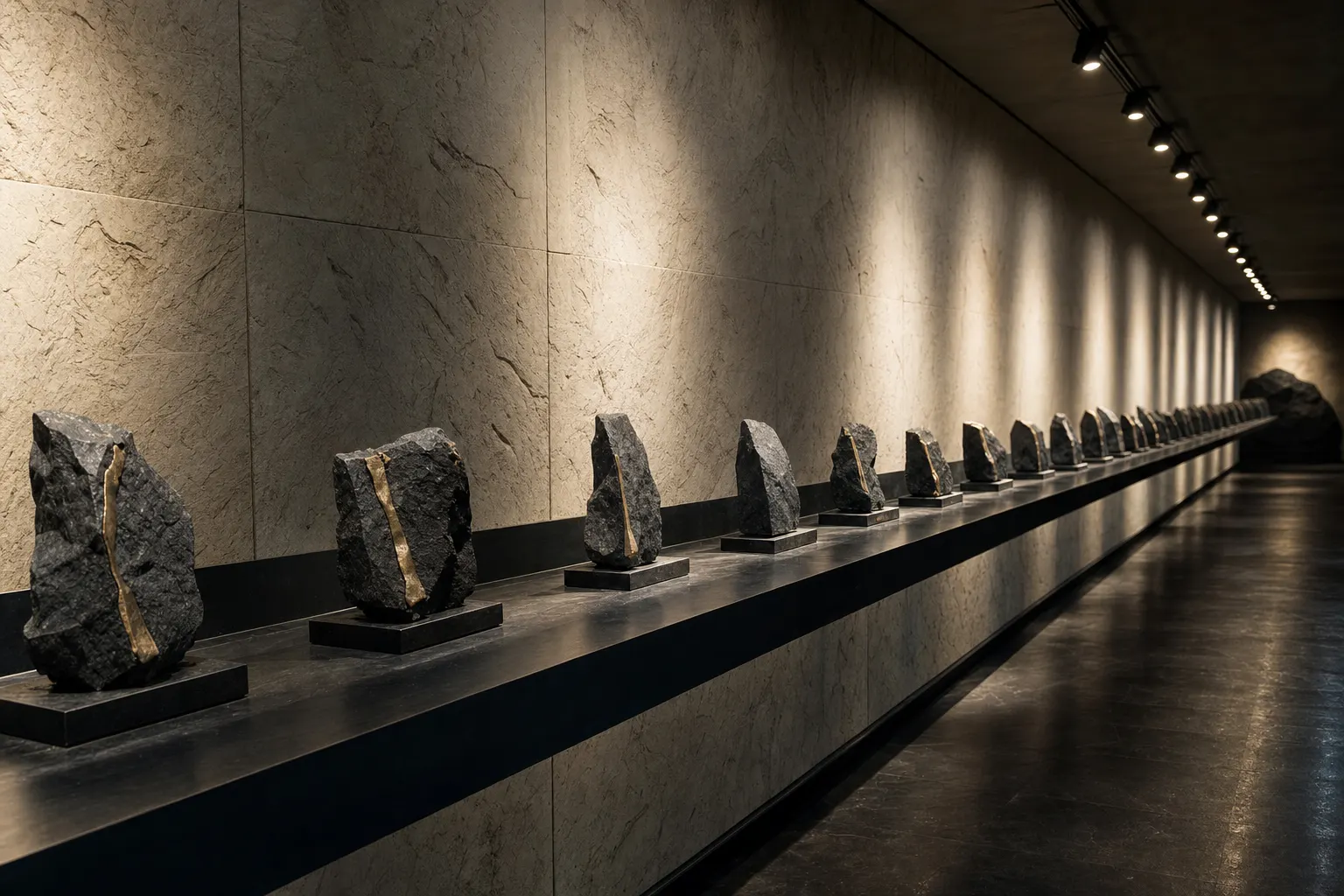
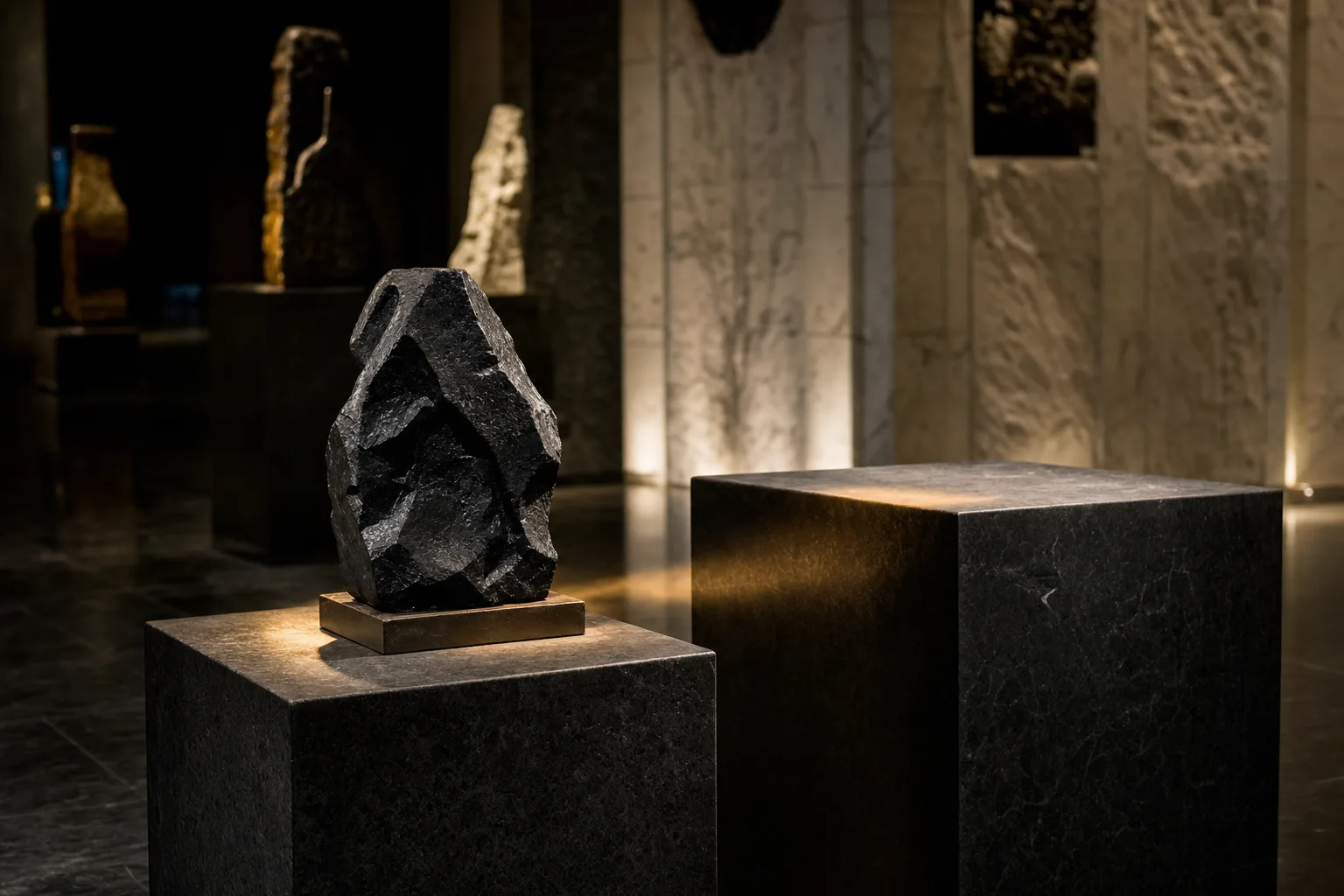
Krea 2 Medium Turbo is the quick tier of the Krea 2 line: it does not reach for Large's finishing-grade material detail, and trades that ceiling for turnaround. It keeps the line's available-light photographic look and is priced and paced for volume.
Krea 2 Medium Turbo is the fastest tier of the Krea 2 line: a single text-to-image endpoint, 5,000-character prompts, eight aspect ratios including 2.35:1 anamorphic, and up to ten reference images to steer style.
Key features & highlights
Fast visual direction exploration
Krea 2 Medium Turbo is the option for comparing visual directions quickly before a concept receives a finishing pass. Keep the creative question narrow enough that each result tells the team what to keep or change.
Reference-guided look development
When a reference visual is available, use it to anchor palette, material or mood while describing the new composition in words. Review whether the requested look carries through without treating the source as a guaranteed layout copy.
A photographic line for early selection
Use the output to select a photographic direction, then preserve the accepted brief and review notes for the next stage rather than relying on a visual memory of what worked.
Request parameters
| Parameter | Required | Description |
|---|---|---|
prompt | Yes | Up to 5,000 characters. Lead with the subject, then the composition, the light and the material; leave the rest unsaid rather than padding it with adjectives. at least 1 characters · at most 5000 characters |
reference_image_urls | No | Up to ten images you are authorised to use, and the field is optional. They steer style — palette, grain, material, light. at most 10 items |
reference_strength | No | How strongly the reference images shape the result, from 0 to 1 in steps of 0.1; the default is 1 and the value applies to every reference image. |
aspect_ratio | No | Square by default, running from 9:16 portrait to 2.35:1 anamorphic — eight shapes in all. |
Pricing
$0.015 / image
Use cases
Start from a written brief
Use this endpoint while a direction is still moving: one image per call, eight aspect ratios, and up to ten reference images to hold palette, grain and light steady across a batch. Keep the brief short enough that each run changes a single clause.
Internal preview and pitch drafts
Enough quality to carry a concept in a deck without spending a finishing tier's time on a frame that will be replaced. Move the wording that survives review to Krea 2 Large unchanged.
Look exploration at speed
Fifty variations of one idea while the direction is still moving. A reference image or two holds palette, grain and light steady across the set, so the batch reads as one shoot rather than as fifty separate attempts.
Social and feed assets
Pick the placement ratio first — 4:5 or 9:16 for feeds, 1:1 for grids — because the frame is composed for that shape rather than cropped from another. Judge each result at the size it will be seen, and carry the wording that works to Krea 2 Large when an asset needs a finishing pass.
Prompt guide & pro tips
Write the light, not the adjectives
Name the light source, its direction and its colour, plus the lens and the film stock, instead of stacking quality words. When a reference image already carries the palette and grain, spend the prompt on staging and light.
Keep the prompt with the keeper
With no seed, a good frame cannot be regenerated. Save the prompt beside the asset, and when a wording survives review, carry it to Krea 2 Large unchanged for the finishing pass.
Adapt the included example
Start with the published example using aspect_ratio: 1:1. Replace the subject and creative direction while keeping the input contract for this mode intact.
Available-light photograph seen through a half-open hotel room door, an adult woman sitting on the edge of a made bed wearing only an oversized cream knit sweater, bare legs crossed, absorbed in her phone, one warm bedside lamp, deep falling shadows, quiet and unposed, muted amber palette, 50mm, fine film grain.
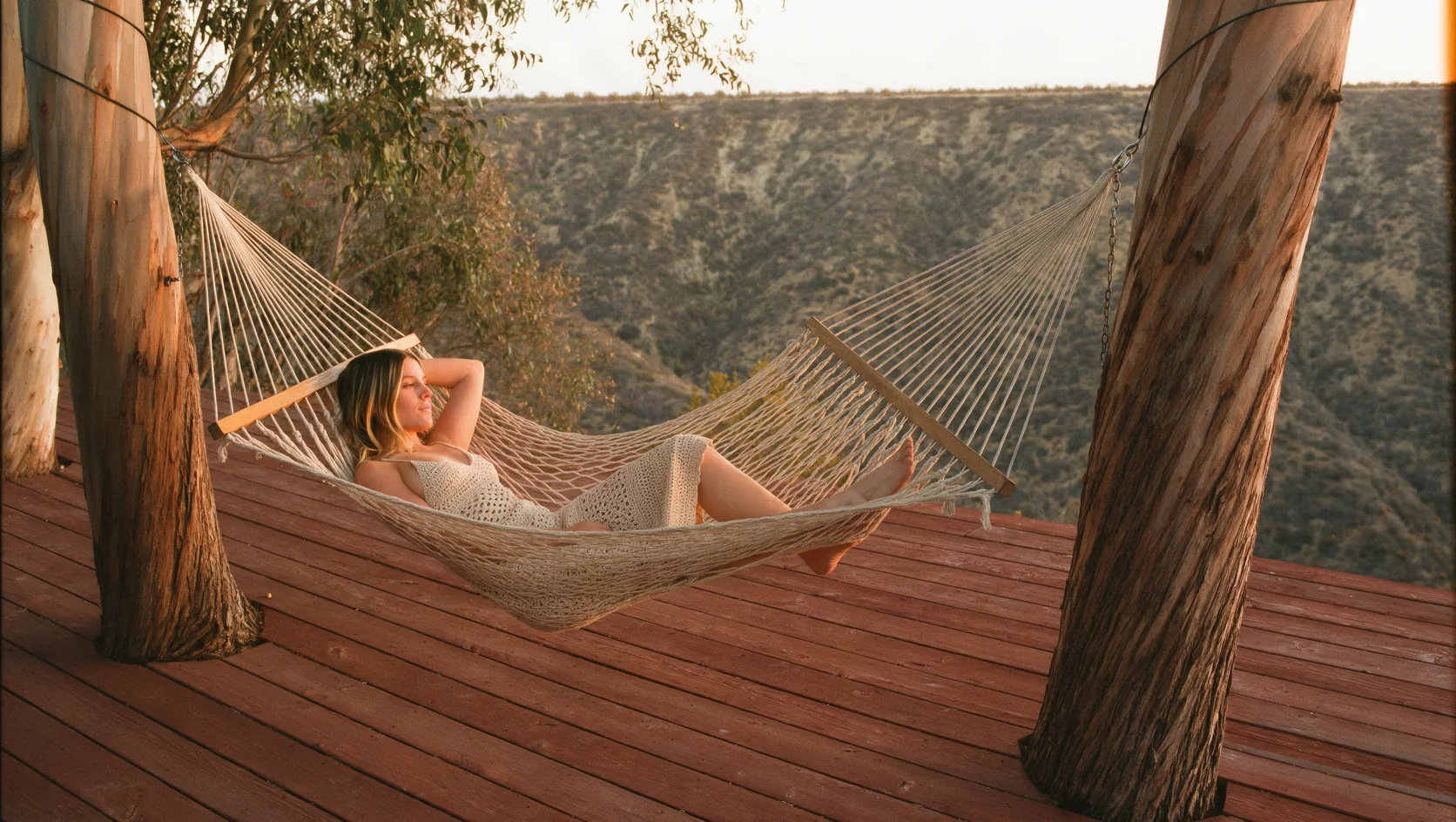
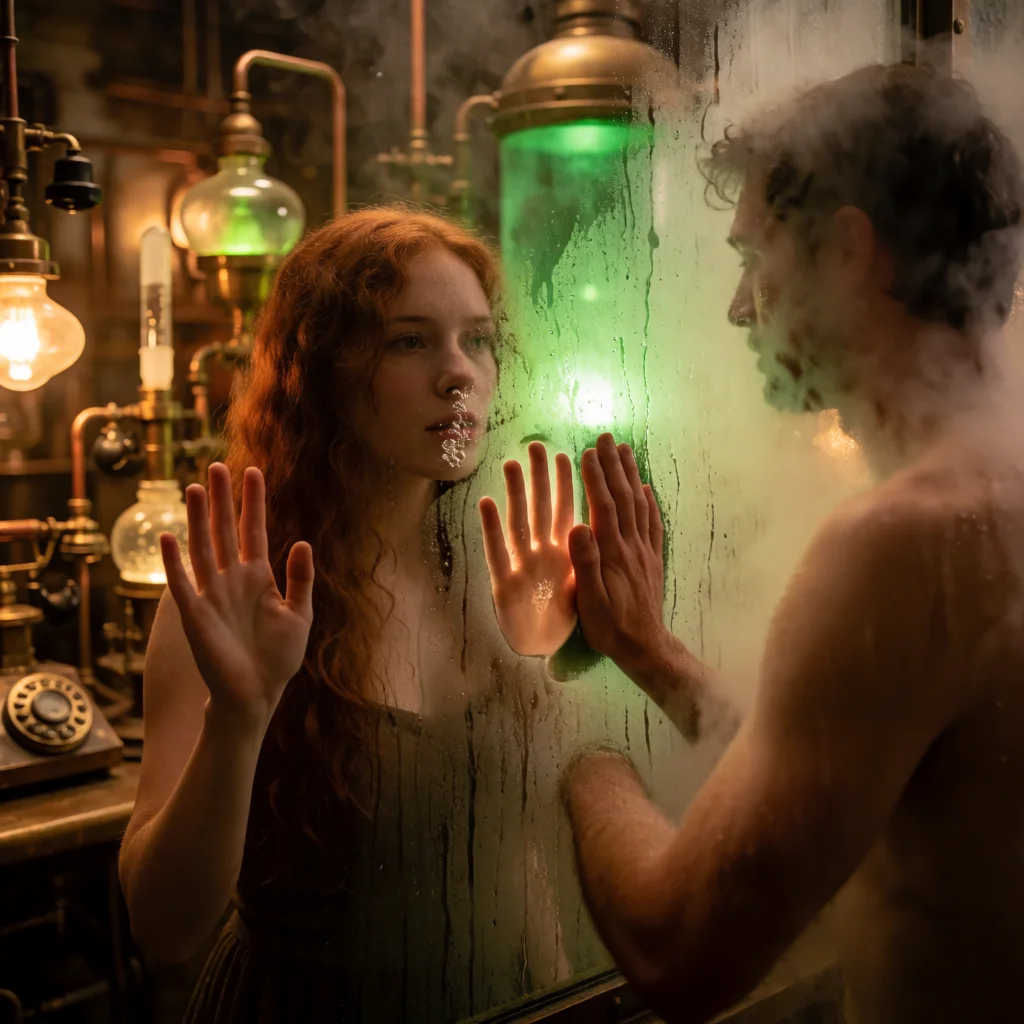
The prompt behind the reference frame for this endpoint — it runs unchanged here, though the image shown was produced on the Turbo tier of the same line as a style reference.
Check the result before iterating
Four fields, no more: prompt, aspect_ratio, up to ten reference images and reference_strength. There is no seed, so nothing can be pinned and a frame worth keeping has to be stored with its prompt. At the default reference_strength of 1 the reference images carry their composition along with palette, grain, material and light; at 0.2 the layout mostly follows the prompt while the style still shows clearly. There is no creativity control either. One image comes back per request; if you need the highest detail ceiling, use Krea 2 Large.
API quick start
# Generate the idempotency key once; reuse it when retrying after a lost response.
export SPICY_IDEMPOTENCY_KEY="${SPICY_IDEMPOTENCY_KEY:-$(uuidgen)}"
curl -X POST https://api.spicyapi.ai/api/v1/jobs/createTask \
  -H "Authorization: Bearer $SPICY_API_KEY" \
  -H "Content-Type: application/json" \
  -H "Idempotency-Key: $SPICY_IDEMPOTENCY_KEY" \
  -d '{
  "model": "krea/2-medium-turbo/text-to-image",
  "input": {
    "aspect_ratio": "1:1",
    "prompt": "A ceramic teapot on a linen cloth, soft window light, muted palette"
  }
}'

# Copy data.taskId from the response into TASK_ID, then poll the status.
TASK_ID="TASK_ID_FROM_RESPONSE"
curl "https://api.spicyapi.ai/api/v1/jobs/recordInfo?taskId=$TASK_ID" \
  -H "Authorization: Bearer $SPICY_API_KEY"
See the API reference for authentication, the complete schema, polling, and error handling.