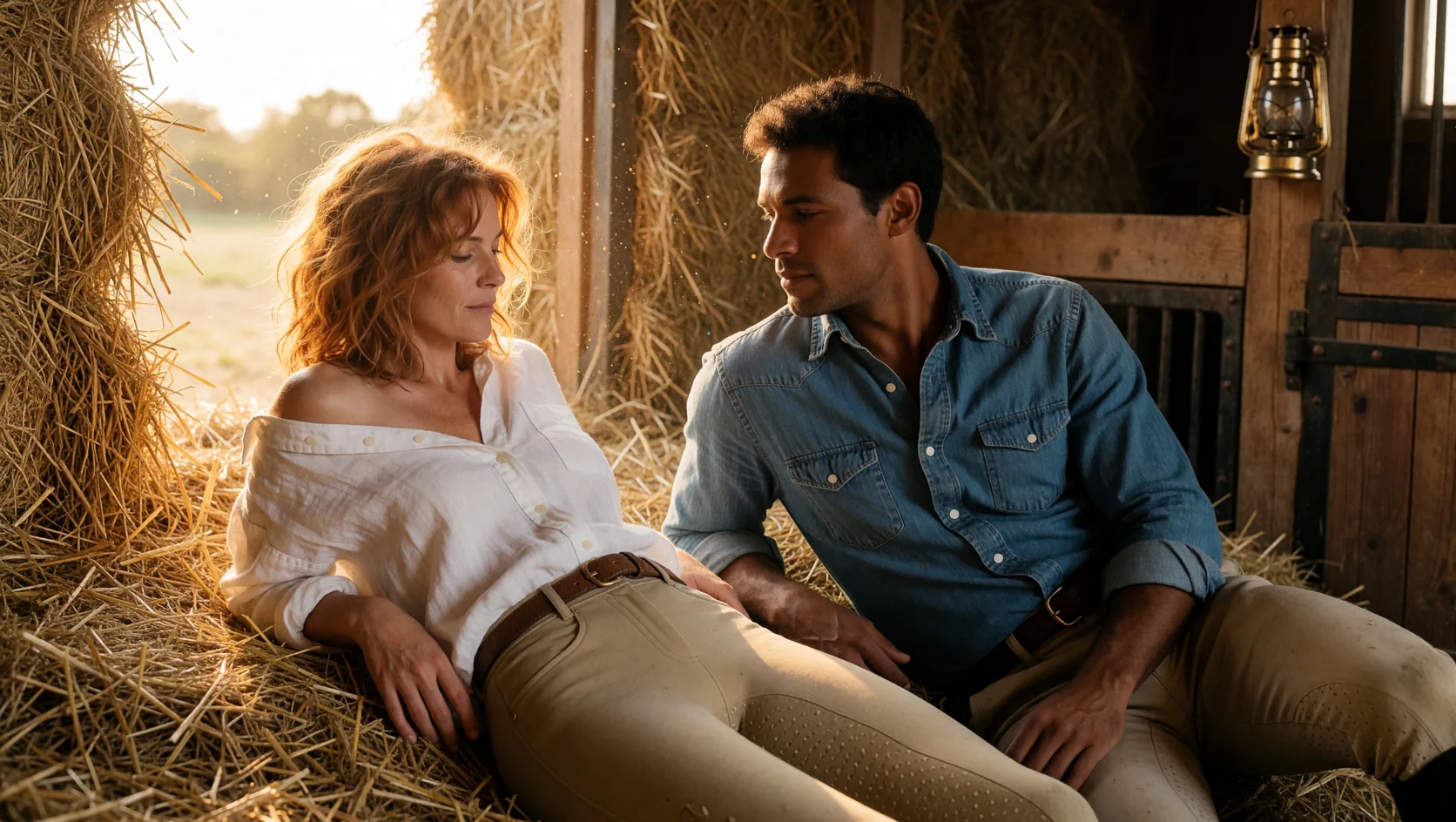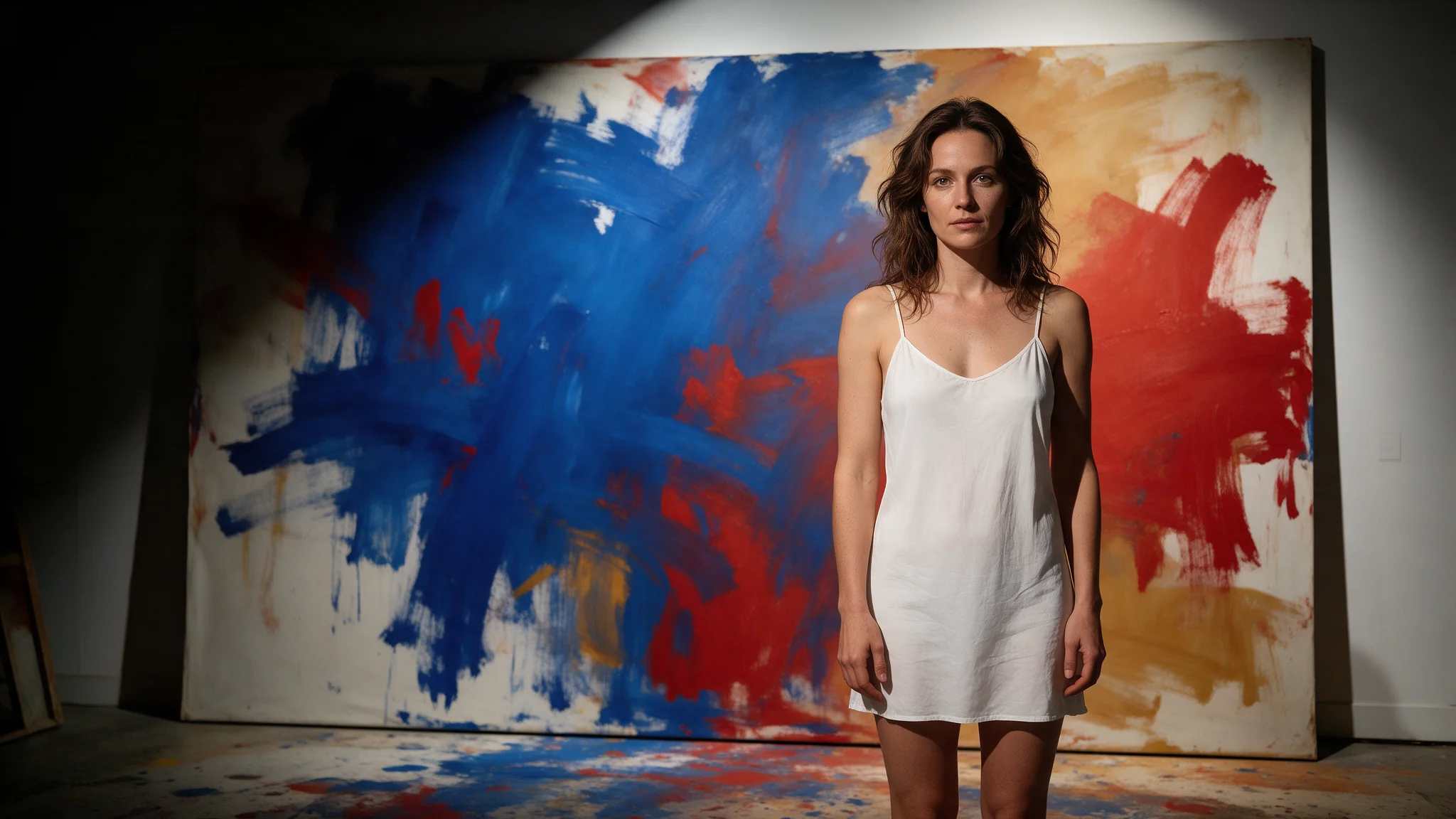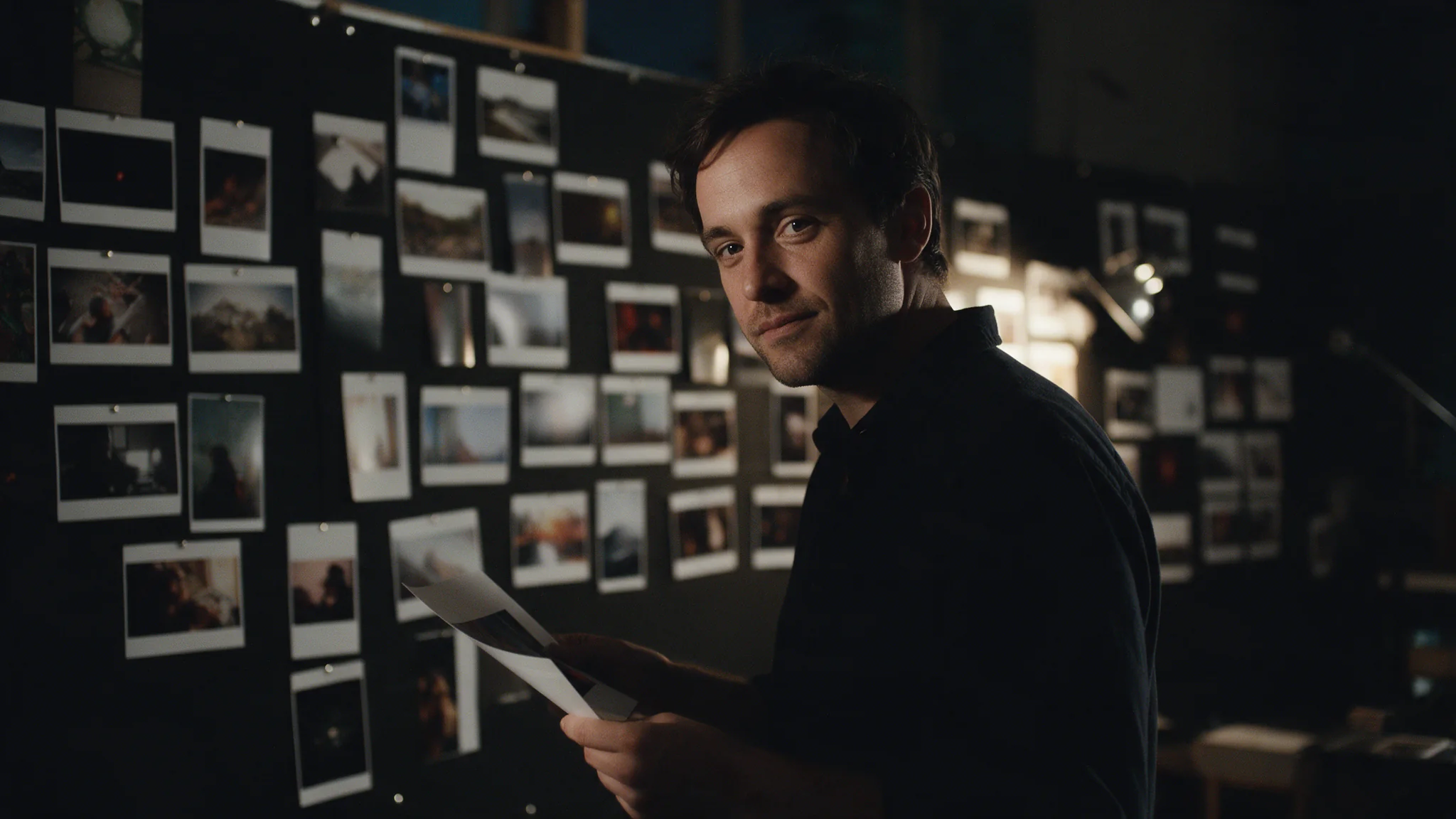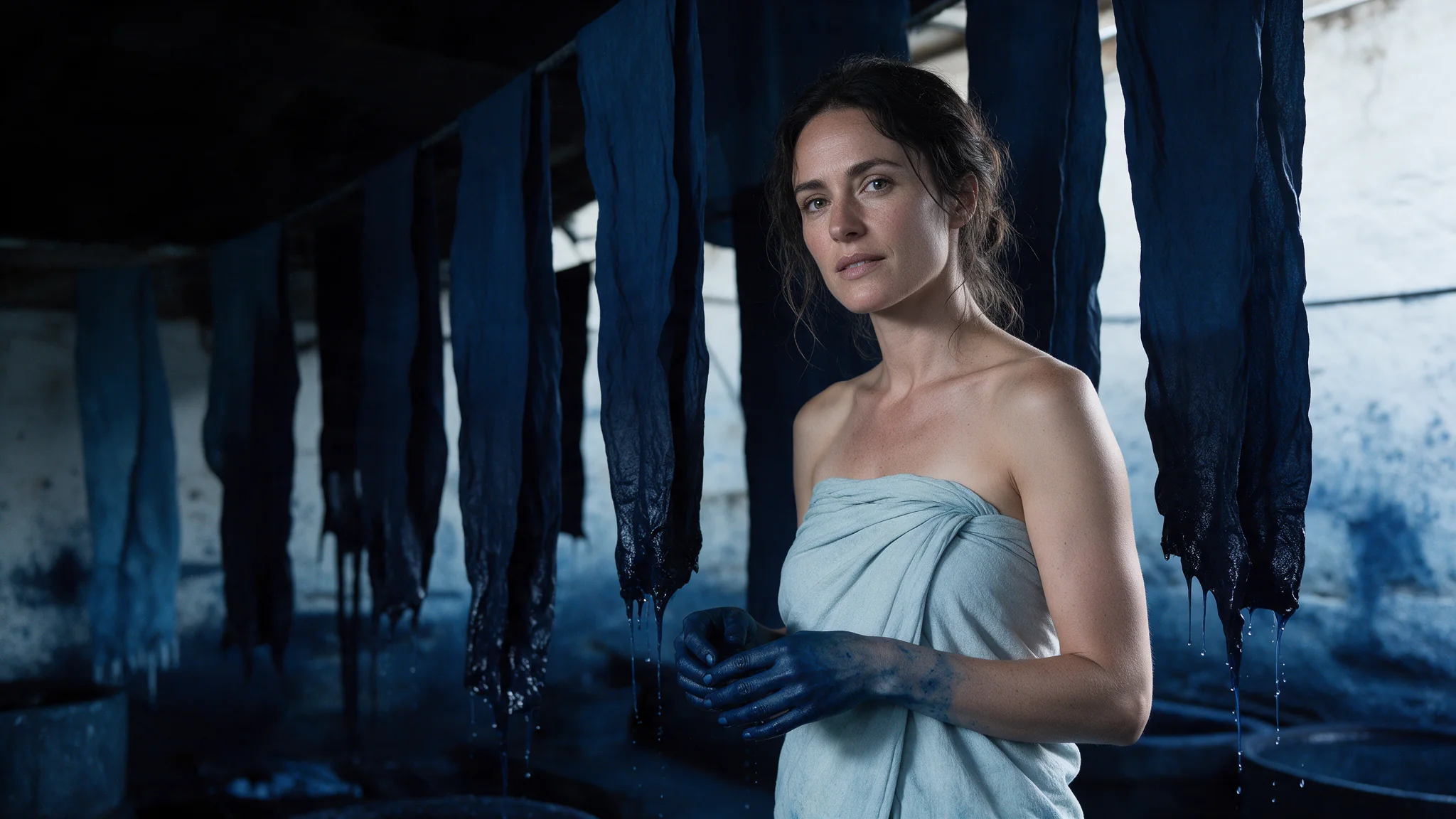
Introduction
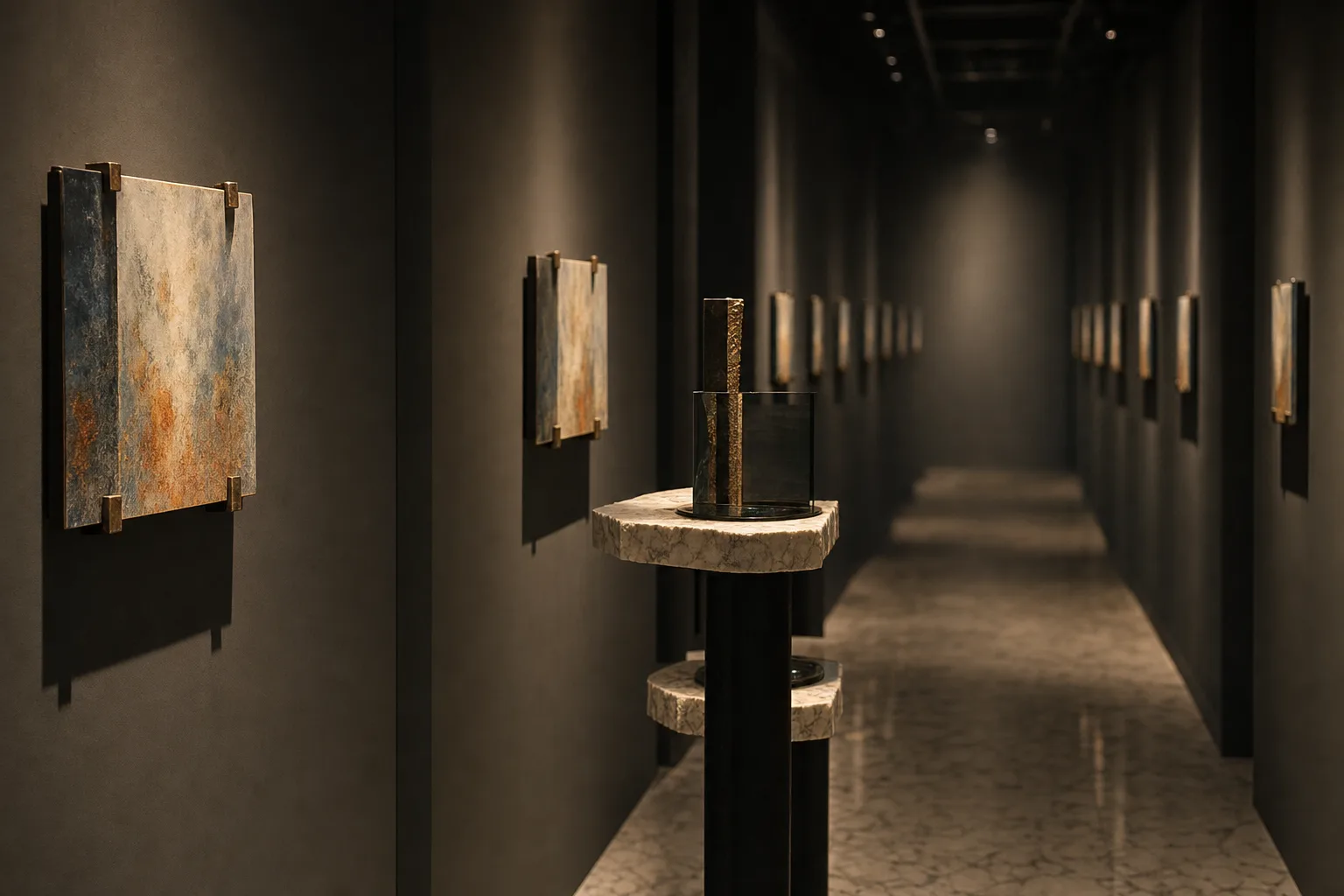
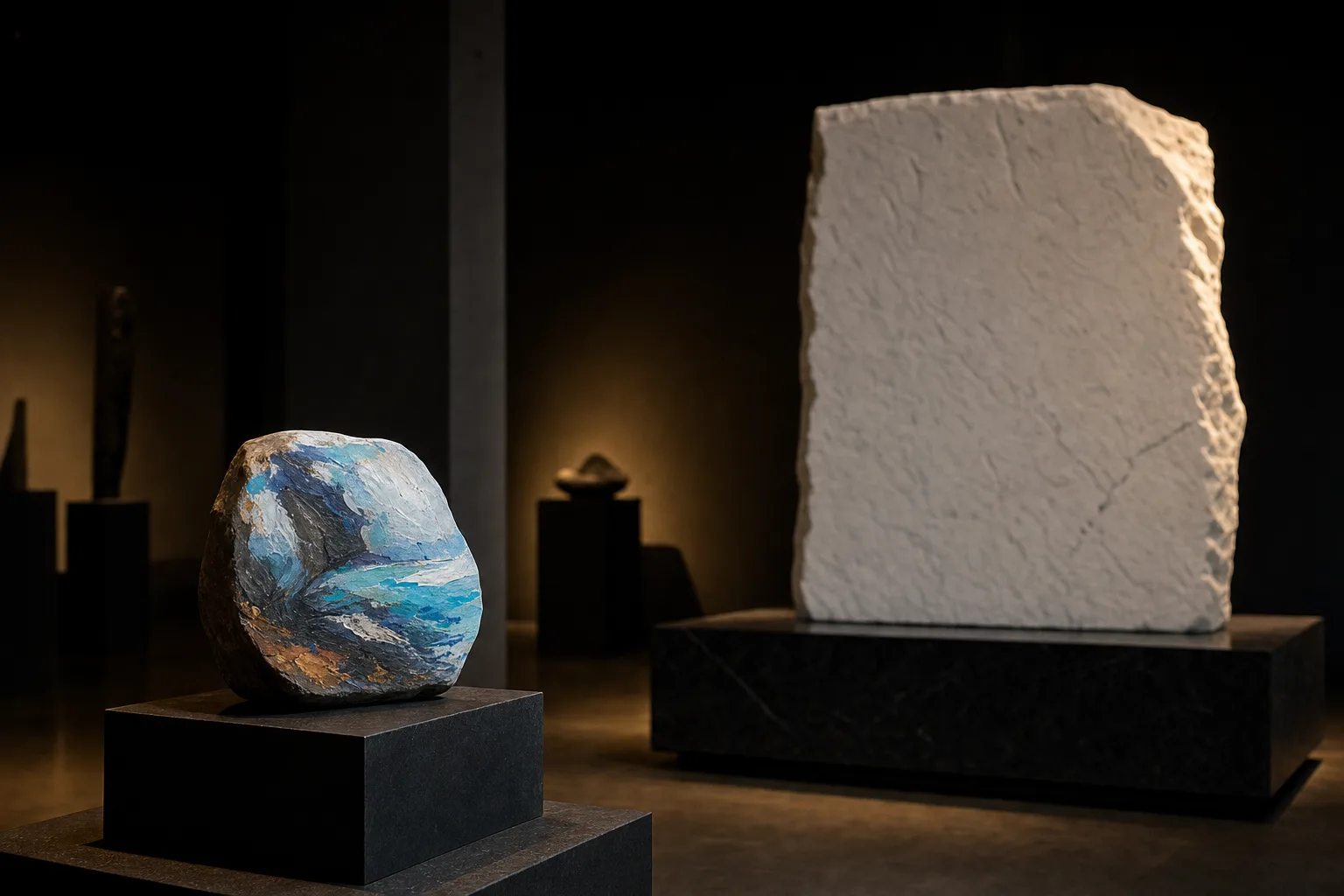
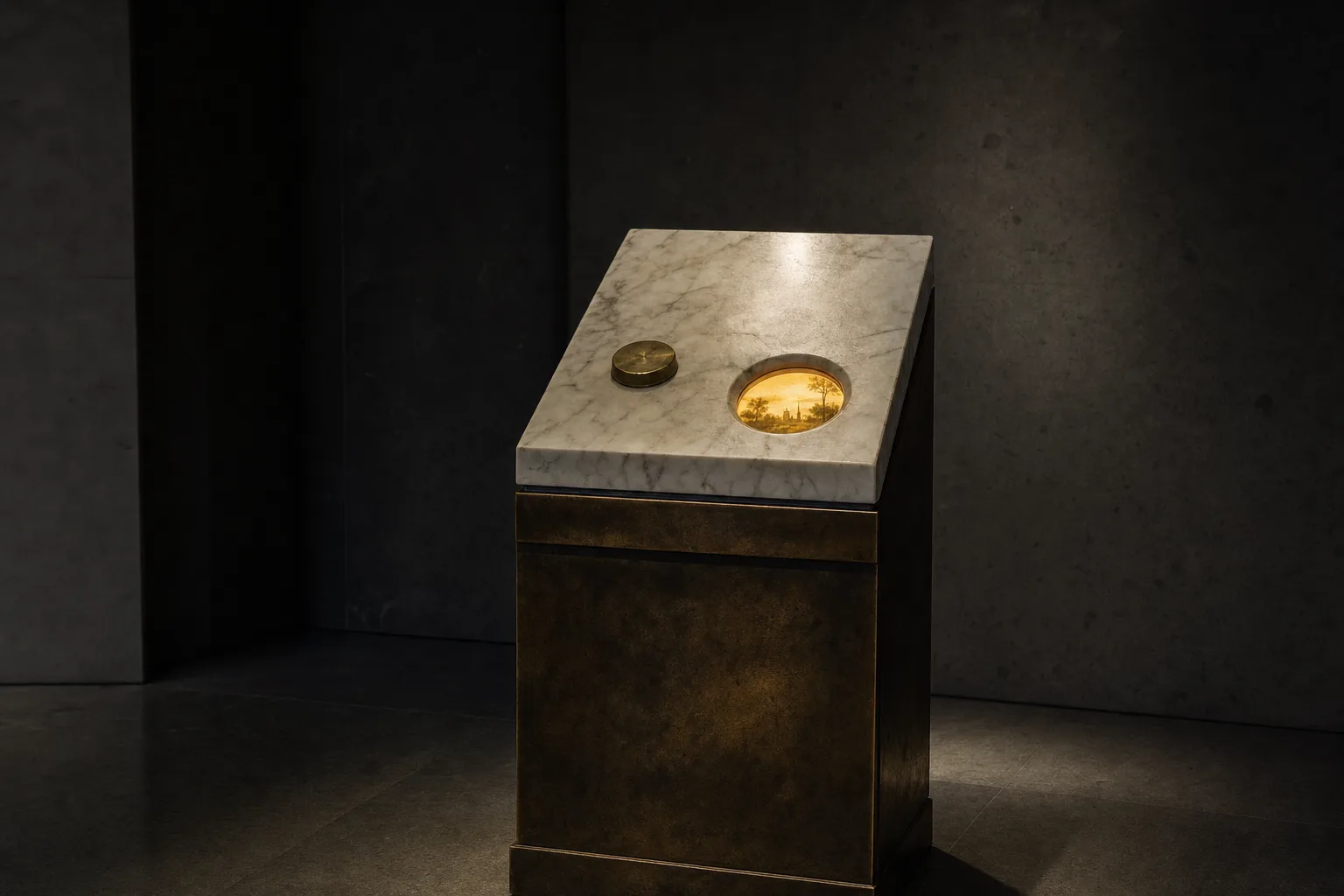
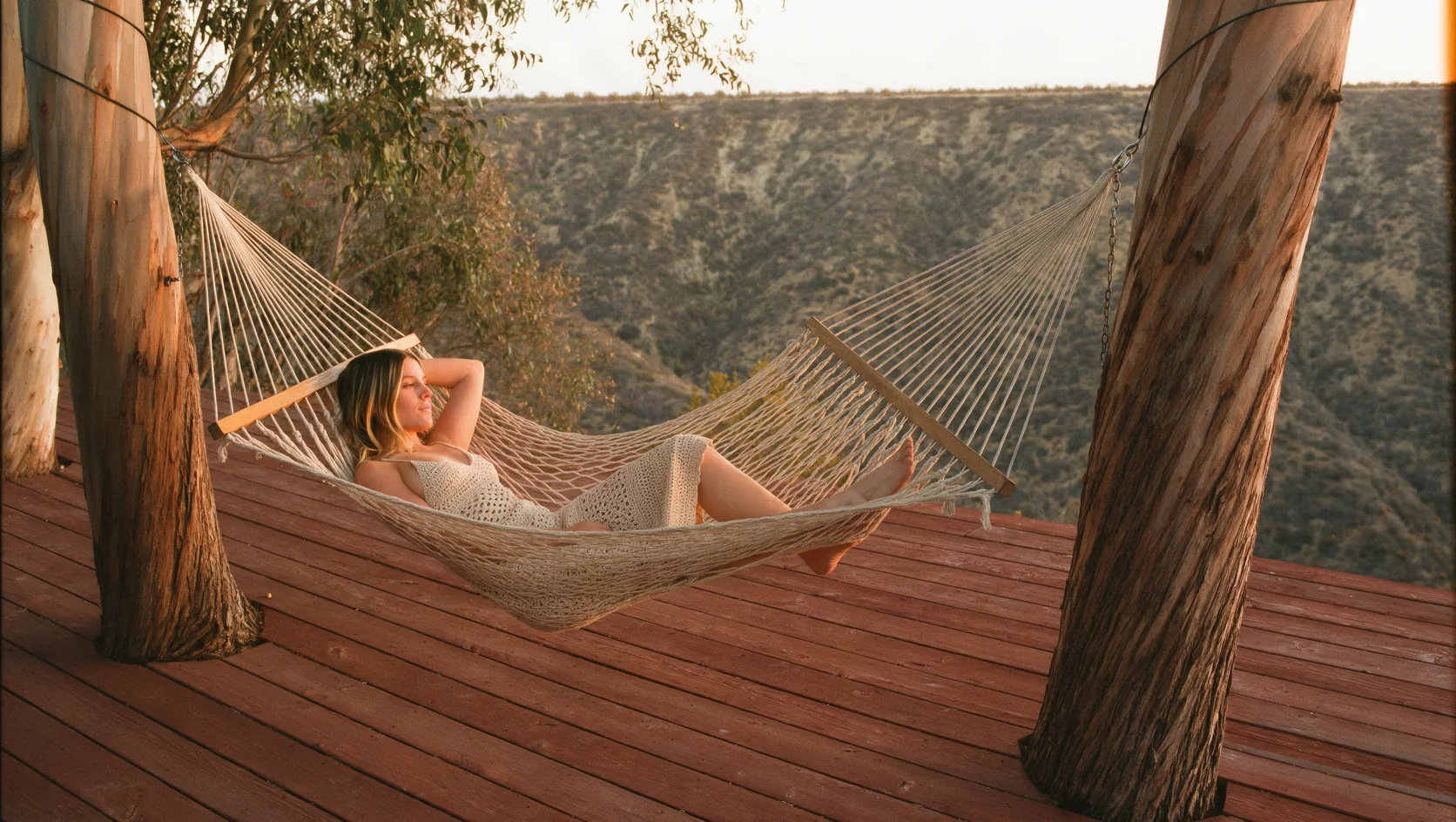
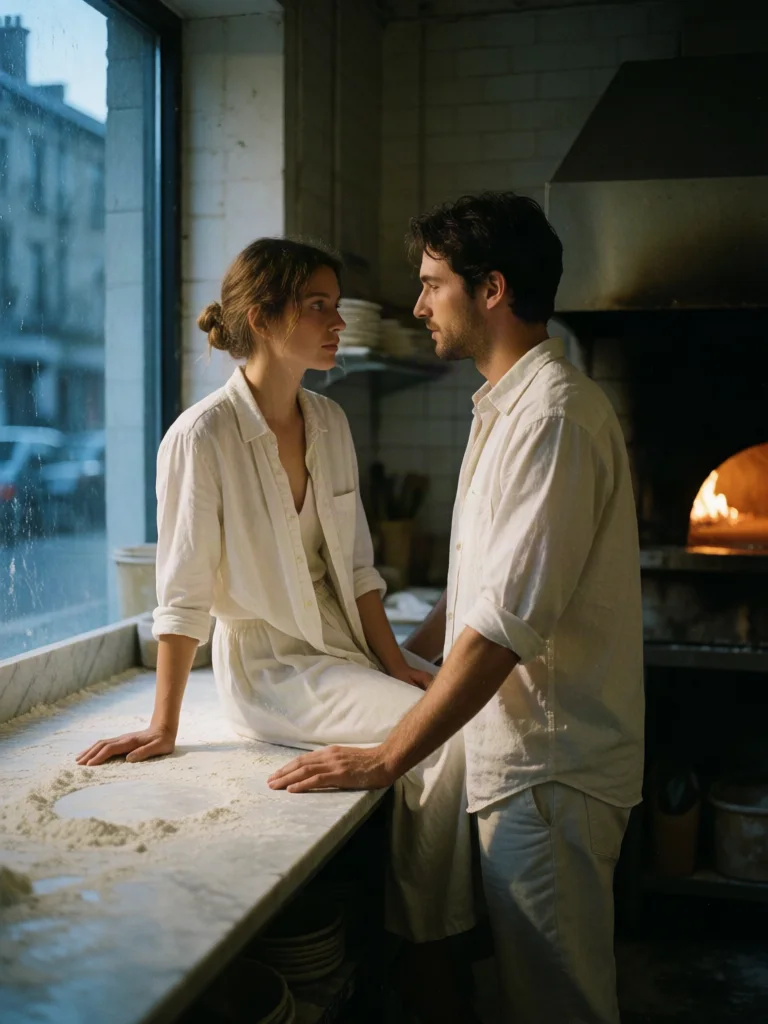
Krea 2 Medium is the Krea 2 line's everyday tier: it doesn't reach for Large's finishing-grade material detail and doesn't chase Medium Turbo's speed. It keeps the line's available-light photographic look and is priced and paced for volume.
Krea 2 Medium is the volume tier of the Krea 2 line: a single text-to-image endpoint, 5,000-character prompts, five aspect ratios and a choice of PNG or JPEG. Built for the frames you make many of.
Key features & highlights
A photographic direction for volume work
Krea 2 Medium is suited to generating multiple candidate frames while a team is still selecting a composition and visual direction. Compare candidates against a single creative brief instead of mixing unrelated ideas in one batch.
Preserve the approved brief for the next stage
Once a direction passes review, keep the wording and the selected frame together. That record is more useful to a finishing workflow than a vague request to recreate the same look later.
Use the model for a new visual, not a source edit
This mode begins with written direction. When an existing image must retain its identity or layout, choose an editing mode instead of asking text-only generation to approximate the source.
Request parameters
| Parameter | Required | Description |
|---|---|---|
prompt | Yes | Up to 5,000 characters. Lead with the subject, then the composition, the light and the material; leave the rest unsaid rather than padding it with adjectives. at least 1 characters · at most 5000 characters |
aspect_ratio | No | Square by default, with the five shapes most placements ask for, from 16:9 landscape to 9:16 portrait. |
output_format | No | png by default, or jpeg. png is lossless and the safer handoff into further editing or compositing; jpeg is a smaller file and enough for review and web placement. |
Pricing
$0.03 / image
Use cases
Start from a written brief
Use this endpoint when one brief should produce many candidate frames: 5,000-character prompts, five aspect ratios, and PNG by default so the keepers go straight to retouching. There is no image input, so the whole direction has to be in the words.
Internal preview and pitch drafts
Enough quality to carry a concept in a deck without spending a finishing tier's time on a frame that will be replaced. Move the wording that survives review to Krea 2 Large unchanged.
Editorial and portrait batches
Available-light portraiture, interiors and styling frames produced fifty at a time through a single endpoint. The png default is what makes that practical: the keepers go straight into a retouch instead of through a re-export, and nothing is thrown away by a lossy pass before anyone has chosen.
Social and feed assets
Medium offers 1:1, 4:3, 3:4, 16:9 and 9:16 — no widescreen or anamorphic strip — so choose the placement ratio first and write the prompt for it. Pick JPEG when frames go straight to a feed and PNG when they will be retouched.
Prompt guide & pro tips
Write the light, not the adjectives
Describe where the light comes from and what it falls on — a bedside lamp, a window at dusk, one bare bulb — and name the lens and the film stock. Precise light does more for this line's photographic look than words such as "stunning" or "hyper-real".
Keep the prompt with the keeper
With no seed, a good frame cannot be regenerated. Save the prompt beside the asset, and when a wording survives review, carry it to Krea 2 Large unchanged for the finishing pass.
Adapt the included example
Start with the published example using aspect_ratio: 3:4, output_format: png. Replace the subject and creative direction while keeping the input contract for this mode intact.
Available-light photograph seen through a half-open hotel room door, an adult woman sitting on the edge of a made bed wearing only an oversized cream knit sweater, bare legs crossed, absorbed in her phone, one warm bedside lamp, deep falling shadows, quiet and unposed, muted amber palette, 50mm, fine film grain.
The prompt behind the reference frame for this endpoint — it runs unchanged here, though the image shown was produced on the Turbo tier of the same line as a style reference.
Check the result before iterating
Three fields, no more: prompt, aspect_ratio and output_format. There is no seed, so nothing can be pinned and a frame worth keeping has to be stored with its prompt. This endpoint takes no image input — no image-to-image and no reference images — and exposes no creativity control. For style references use Krea 2 Medium Turbo or Krea 2 Large; for the highest detail ceiling, Krea 2 Large. Medium also has no widescreen or anamorphic ratio.
API quick start
# Generate the idempotency key once; reuse it when retrying after a lost response.
export SPICY_IDEMPOTENCY_KEY="${SPICY_IDEMPOTENCY_KEY:-$(uuidgen)}"
curl -X POST https://api.spicyapi.ai/api/v1/jobs/createTask \
  -H "Authorization: Bearer $SPICY_API_KEY" \
  -H "Content-Type: application/json" \
  -H "Idempotency-Key: $SPICY_IDEMPOTENCY_KEY" \
  -d '{
  "model": "krea/2-medium/text-to-image",
  "input": {
    "prompt": "A ceramic teapot on a linen cloth, soft window light, muted palette",
    "aspect_ratio": "1:1",
    "output_format": "png"
  }
}'

# Copy data.taskId from the response into TASK_ID, then poll the status.
TASK_ID="TASK_ID_FROM_RESPONSE"
curl "https://api.spicyapi.ai/api/v1/jobs/recordInfo?taskId=$TASK_ID" \
  -H "Authorization: Bearer $SPICY_API_KEY"
See the API reference for authentication, the complete schema, polling, and error handling.