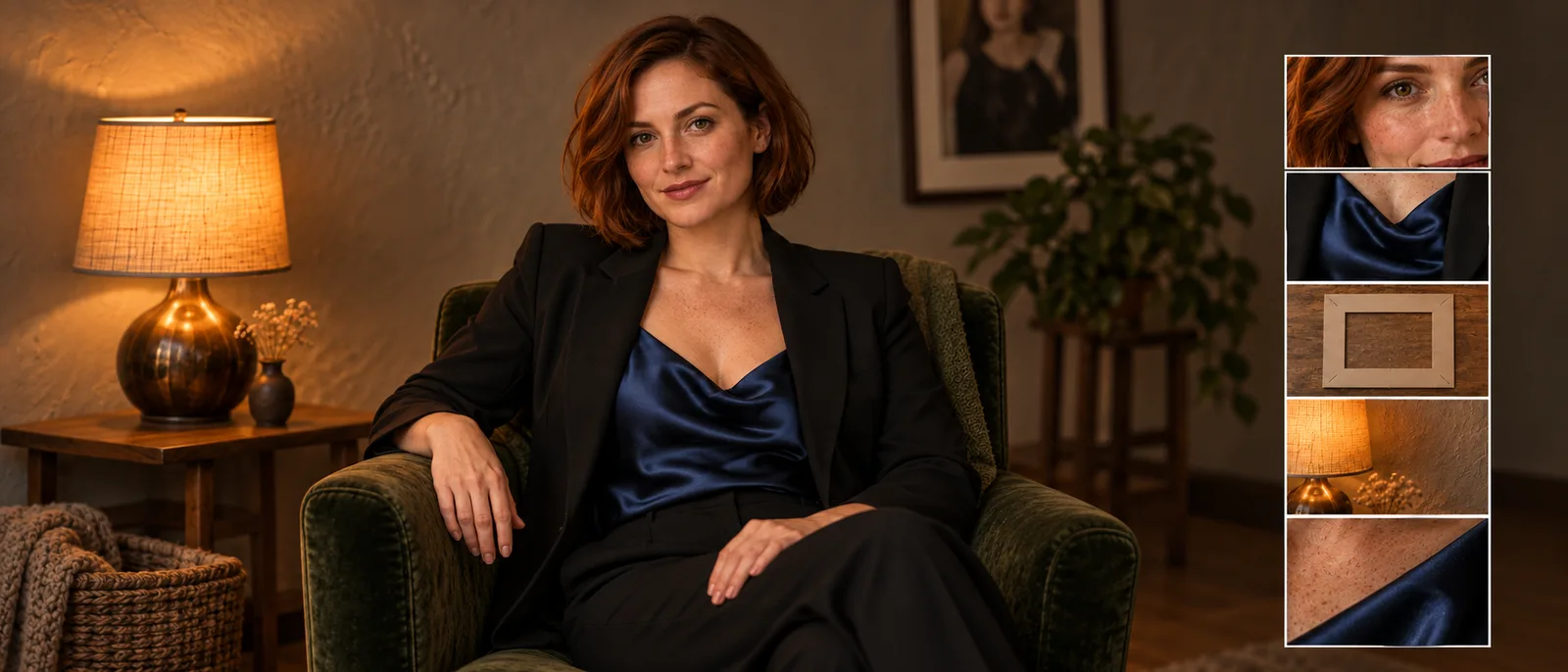
A character creator searches for an uncensored AI image prompt because the picture in their head keeps turning into something else: the wrong expression, a generic face, an outfit with the wrong fabric, or a scene that feels like a stock photograph. Another creator gets a refusal before seeing any picture. Those are different problems, and adding more adjectives will not solve both.
For image quality, make five decisions: who is in the picture, what they wear and do, what the frame shows, where the light comes from, and how the image should look. Then translate that brief into the language your chosen model understands. A clearer prompt helps communicate an adult-oriented creative idea; it does not change the receiving service's content rules.
This guide gives you a reusable structure, three clothed adult-character examples, and specific rewrites for common failures. The examples are authored starting points, not a claim that we ran a new comparison or found a universal prompt that always works.
The five decisions belong in a brief, not a magic incantation
You do not need a special sequence of words to make a creative brief useful. You need to remove the decisions you do not want the model to make for you.
| Decision | Answer before generating | Useful wording |
|---|---|---|
| Identity | Who must the viewer recognize? | A fictional adult man aged 36, short black curls, close-trimmed beard |
| Wardrobe and action | What gives the scene its character? | Open olive overshirt over a cream tank top, seated, hands resting apart |
| Framing | What must remain visible? | Waist-up, eye-level, complete head and both hands inside the frame |
| Environment and light | What makes the mood physically plausible? | Warm table lamp on the left, quiet dark-green wall behind him |
| Finish | What visual treatment fits the project? | Candid editorial photograph, natural skin variation, restrained contrast |
These are our editorial planning categories, not a documented five-stage mechanism inside an image model. They are useful because each missing answer creates a recognizable production problem. Without framing, the hands you care about may be cropped. Without a light source, “intimate mood” leaves the entire lighting setup unspecified.
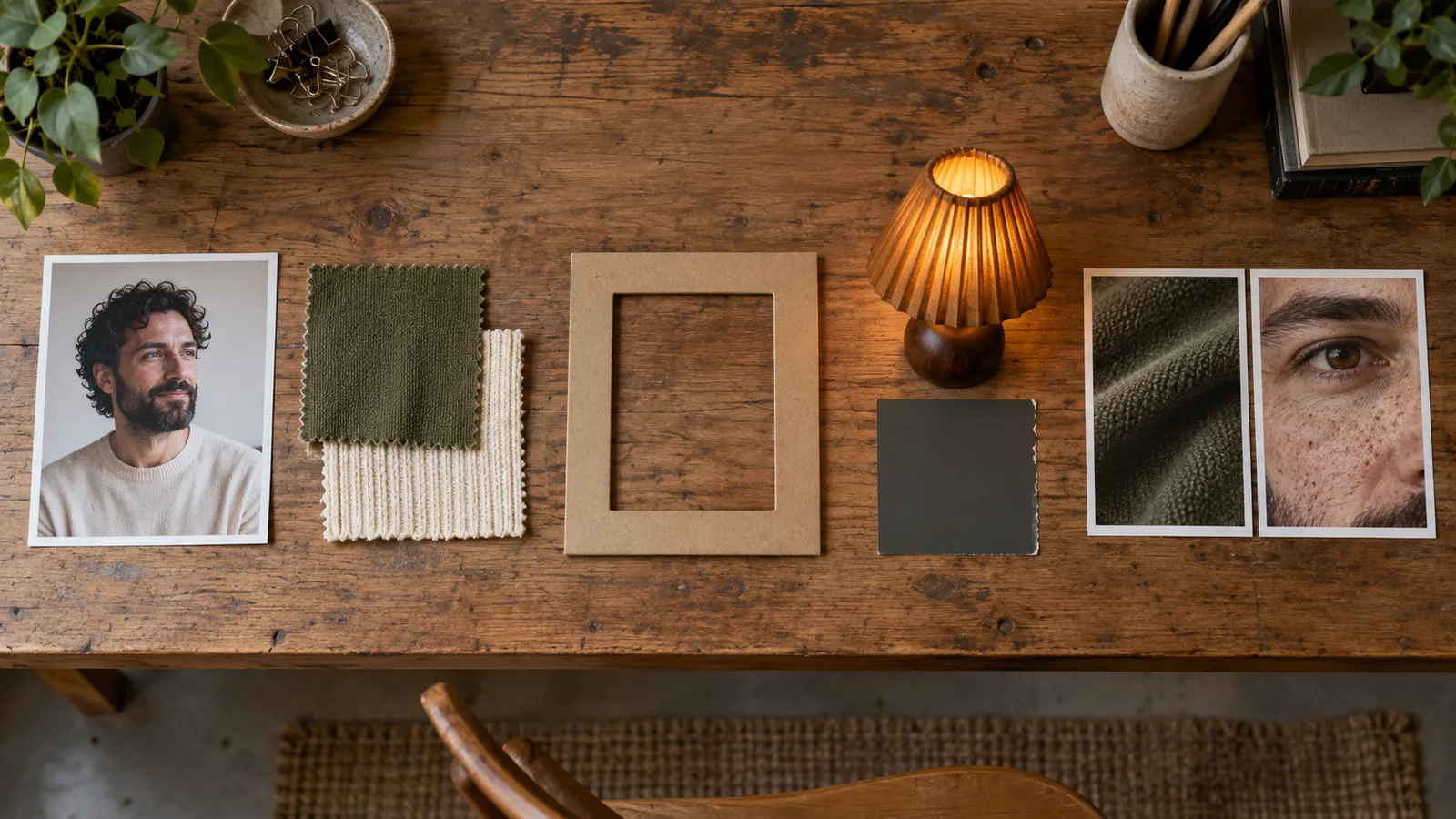
Illustration: subject, wardrobe, framing, lighting and finish are separate choices you can make before generating.
1. Give the character a small, useful identity
“An attractive adult” gives very little direction. Choose an adult age, two or three visible features, and an expression. For example: “A fictional woman aged 34 with a chin-length auburn bob, freckles across her cheeks and a relaxed half-smile.” That is enough to begin choosing a character without cataloguing every feature of their face.
For NSFW character projects, establish adulthood clearly in both your concept and your selection of results. An age in text is an instruction, not proof that the output will look appropriately adult. If the result reads too young, discard it rather than treating a number in the prompt as sufficient.
If you already have an approved character, stop inventing longer descriptions to recover their exact face. Use an editing or reference-capable task and supply the approved image. A repeated description can guide the appearance; it does not function as a saved identity. The character reference workflow explains that separate task.
2. Describe the appeal through clothing, posture and expression
An adult-oriented portrait does not need a pile of intensity labels. A loosened collar, a confident gaze, a velvet jacket or a relaxed seated pose can communicate the mood more clearly than “seductive, alluring, gorgeous, perfect.” Describe the choices that a photographer or illustrator could actually arrange.
Attach fabric and color to a garment: “an opaque midnight-blue satin camisole beneath a black blazer.” A floating instruction such as “blue, glossy, luxurious” can leave you with a blue room or reflective skin instead of the intended outfit.
Keep the pose physically simple while finding the look. “Right hand rests on the chair arm; left hand holds one glass at waist height” is more informative than “elegant hands.” Asking for crossed arms, a held glass, a hand in the hair and an over-the-shoulder turn at once gives the model several competing arrangements.
3. Choose the crop before adding small details
A close portrait cannot also show the shoes. A full-length scene gives the face fewer pixels than a tight portrait. Decide whether this asset is a profile picture, a waist-up character card, a full outfit image or a wide scene before describing intricate details.
For a character card, start with “waist-up, eye-level, complete head and both hands visible.” For a wardrobe image, use “full-length standing portrait, head and shoes inside the frame, space above and below.” Set the actual aspect ratio in the interface as well. Writing “vertical” in prose is not a substitute for the output setting.
Camera terms are appearance cues, not proof that a physical camera or its optical measurements were used. “85mm portrait perspective” can communicate a desired look; it does not guarantee calibrated geometry. If you cannot explain why a camera brand changes the brief, leave it out.
4. Give the mood a place and a light source
“Late-night atmosphere” could mean a dark club, a bright apartment or a rainy street. Pick one. For a quiet after-hours portrait, a warm table lamp beside the chair supplies a reason for the warm highlights and a direction for the shadows.
Start with one main source. “Soft window light from the viewer's left” is easier to diagnose than a mix of hard flash, candlelight, neon rim light and golden-hour sun. Add a second source only when you want a specific contribution, such as a faint cool window glow behind the subject.
Describe background objects by role and position. A small brass lamp on a side table supports the portrait. An inventory of mirrors, candles, curtains, bottles and flowers can turn it into a cluttered room photograph. Keep the elements that tell the story; remove the rest.
5. Pick one finish and two visible texture cues
Choose photographic, anime, painted or another clear treatment first. A photographic request with watercolor washes and sharp cel shading is a mixed-media brief; if that is not intentional, simplify it.
For a photographed adult character, “natural expression lines, visible fabric weave, restrained highlights” identifies details worth inspecting. “8K masterpiece, flawless, ultra-realistic” says little about what to fix when the output looks plastic. Asking for an 8K look also does not change the actual delivered dimensions.
This does not mean quality tags are useless everywhere. NovelAI's tagging documentation describes model-specific quality and aesthetic tags, with version-dependent behavior. Follow your model's conventions rather than turning one model's recipe into a universal rule.
Copy a complete prompt, then change one part
Here is a photographic brief for an adult character card:
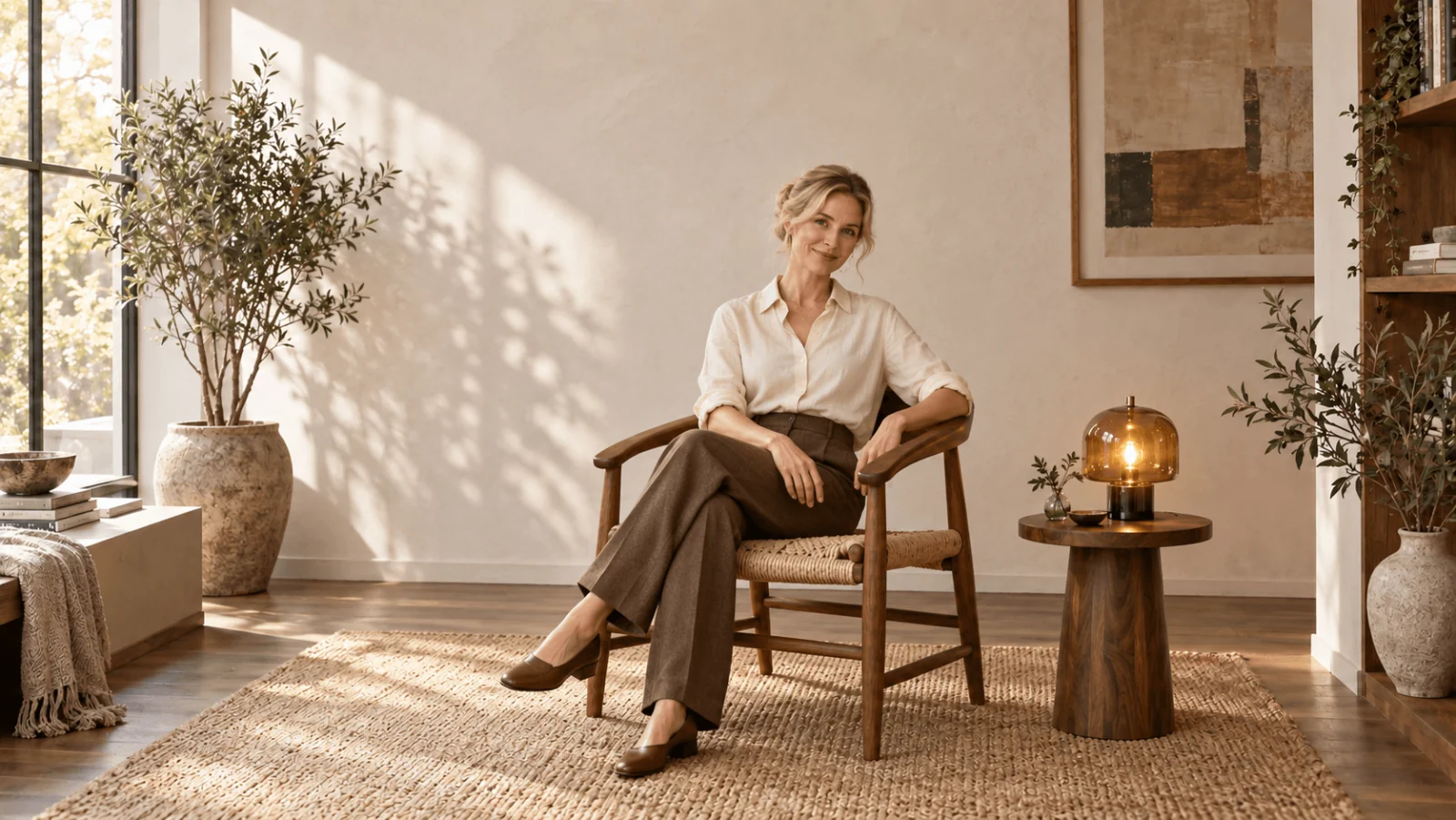
A fictional adult woman aged 34 with a chin-length auburn bob, freckles and a relaxed half-smile sits in a dark-green velvet chair. She wears an opaque midnight-blue satin camisole beneath a black blazer and dark tailored trousers. Her right hand rests on the chair arm; her left hand rests separately on her lap. Waist-up editorial photograph at eye level, complete head and both hands visible. A warm table lamp to the viewer's left lights her face against a quiet plaster wall. Natural skin variation, soft fabric highlights and restrained contrast.
The appeal comes from the styling and expression, while the hands, crop and lamp make the scene easier to assess. To make a cooler version, replace the lighting sentence with “Soft overcast window light from the viewer's right, with gentle cool shadows.” Do not also change the hair, jacket, chair and pose if you are trying to decide which light looks better.
For a male character, change the subject and wardrobe instead of recycling a female portrait with one substituted noun:
A fictional adult man aged 36 with short black curls, a close-trimmed beard and a calm direct gaze sits on a wooden chair. He wears an open olive overshirt over a cream tank top and dark trousers. His forearms rest separately on his thighs. Three-quarter, waist-up portrait with his complete head and both hands visible. Soft amber light from a shaded lamp on the left, simple charcoal wall behind him. Candid editorial photography, natural facial texture, matte cotton and gentle shadows.
For an adult anime character card, the brief can stay similar while the treatment changes:
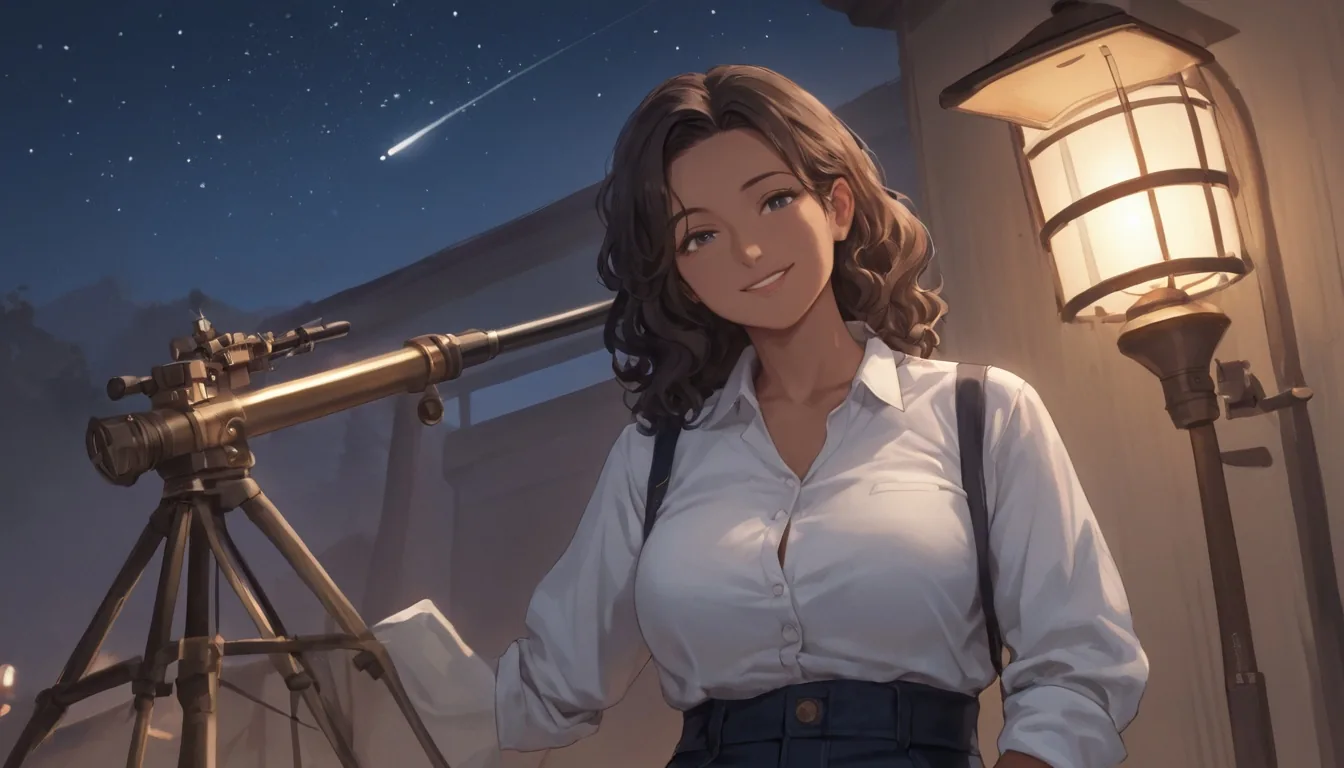
Anime illustration of a fictional adult woman aged 32 with a mature face, a short silver bob and a small confident smile. She wears a burgundy jacket over an opaque black top, seated beside a rainy apartment window. One hand rests on the chair arm and the other on her lap. Waist-up, complete head and both hands visible. Warm lamp light on her face, cool rain reflections behind her, clean cel shading and restrained background detail.
These prompts describe public-safe scenes suitable for character previews and promotional assets in an adult-oriented project. They do not demonstrate a model's handling of stronger NSFW categories. Keep that distinction when deciding whether a tool fits the rest of your project.
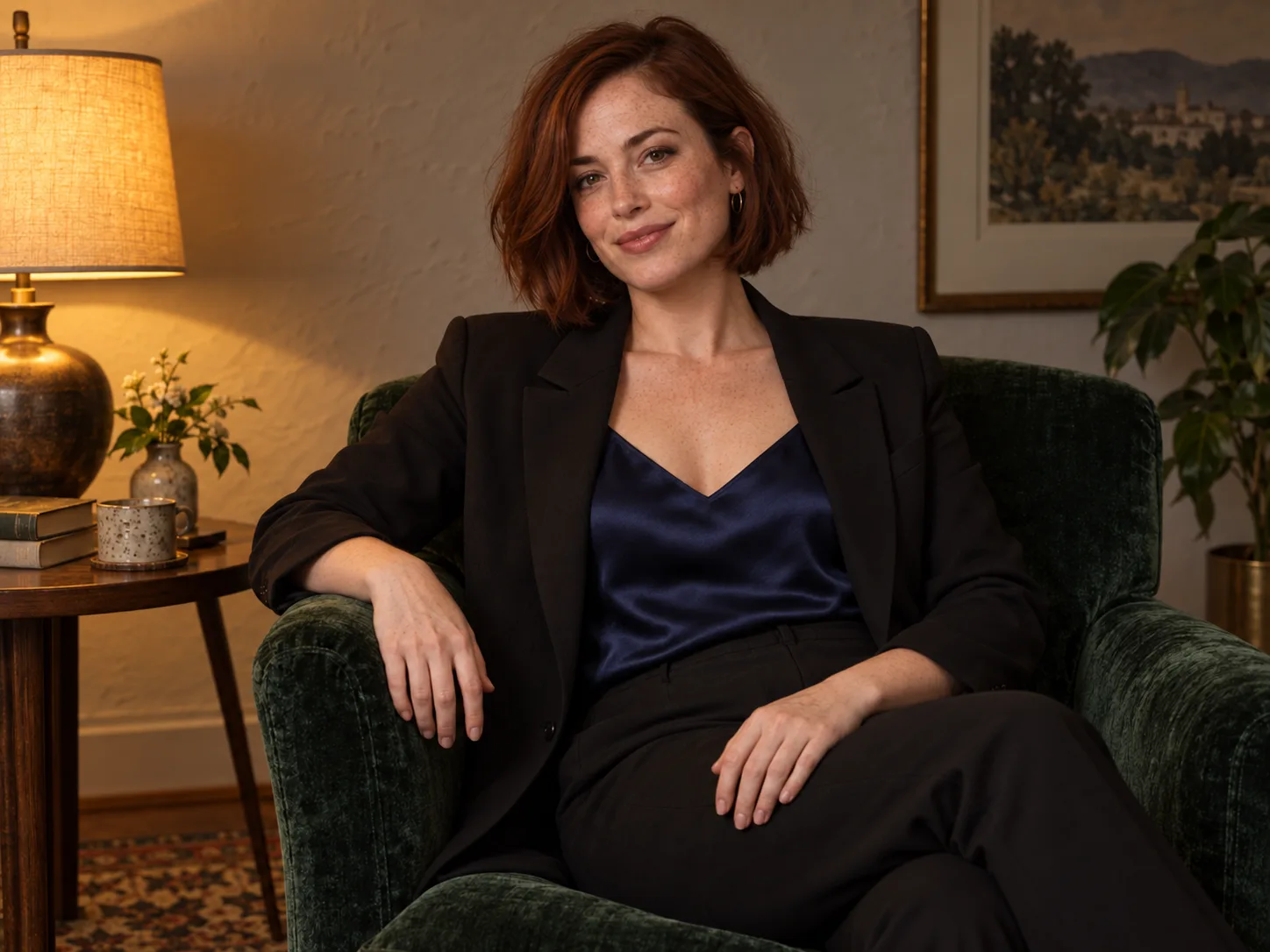
Illustration: the worked brief specifies which garment catches the light, where each hand rests and what the crop includes.
Adapt the wording to the model you are actually using
For a natural-language model, keep the relationships intact: the person wears the jacket, the lamp lights the face, and the window sits behind the chair. Black Forest Labs' FLUX.2 Pro and Max prompting guide recommends concrete subject, action, style and context. That supports using clear sentences on those models; it does not establish one ideal prompt length or syntax for every image generator.
For tag-oriented anime models, translate the brief into documented tags and preserve the required model-specific opening. Do not paste one model's score tags into another because both make anime. Our Danbooru tag guide covers that narrower workflow and its actual examples.
Negative prompts and weighting syntax also depend on the exact tool. BFL explicitly says FLUX.2 does not support negative prompts. Write the desired condition, such as “sharp facial detail” or “an empty background,” instead of assuming an exclusion list will work. Brackets, weights and a BREAK separator copied from another interface are not portable controls.
On SpicyAPI, you can try the photographic brief in Seedream 5.0 Pro text to image. Select 4:5 for the character card, choose 1k for an initial draft, and leave the other settings at their defaults. This task exposes prompt, aspect ratio, resolution, output format and a thinking switch. It does not expose seed, CFG, sampling steps or a separate negative-prompt field, so there is no “CFG 7” setting to add to this recipe.
The Seedream prompt guide handles its reference edits and costs in detail. Use this article to construct the brief; use that model-specific guide when you need its exact workflow.
Fix the visible failure, not the whole prompt
| What you see | First change to try | Why this is more useful than more adjectives |
|---|---|---|
| Hands merge | “Right hand on chair arm; left hand on lap, visibly separated.” | Defines two distinct positions. |
| Character feels expressionless | “A small closed-mouth smile, relaxed eyebrows, gaze toward the camera.” | Makes the expression observable. |
| Satin looks metallic | “Soft broad highlights on woven satin, with gentle folds.” | Describes the material response you want. |
| Room overwhelms the portrait | Remove extra props; specify a plain wall behind the chair. | Reduces competing subjects. |
| Head or hands are cropped | Widen the requested crop and check the actual ratio setting. | Changes composition rather than skin detail. |
| Face changes between images | Use an approved reference in an appropriate editing task. | Addresses identity input rather than repeating appearance adjectives. |
These are proposed corrections, not guaranteed cures. Generate a version with one changed instruction and compare that specific feature. If you change five things and prefer the result, you have found a usable picture but learned little about which change helped.
Two-character scenes need extra care. Describe each adult separately with their own clothing and position: “The man in the olive overshirt sits on the left; the woman in the burgundy jacket stands on the right.” Then describe the shared action. A community discussion about FLUX.2 prompting includes users struggling with interactions and attributing details to the correct person. Their experiences are useful warnings, not a measured success rate for our examples.
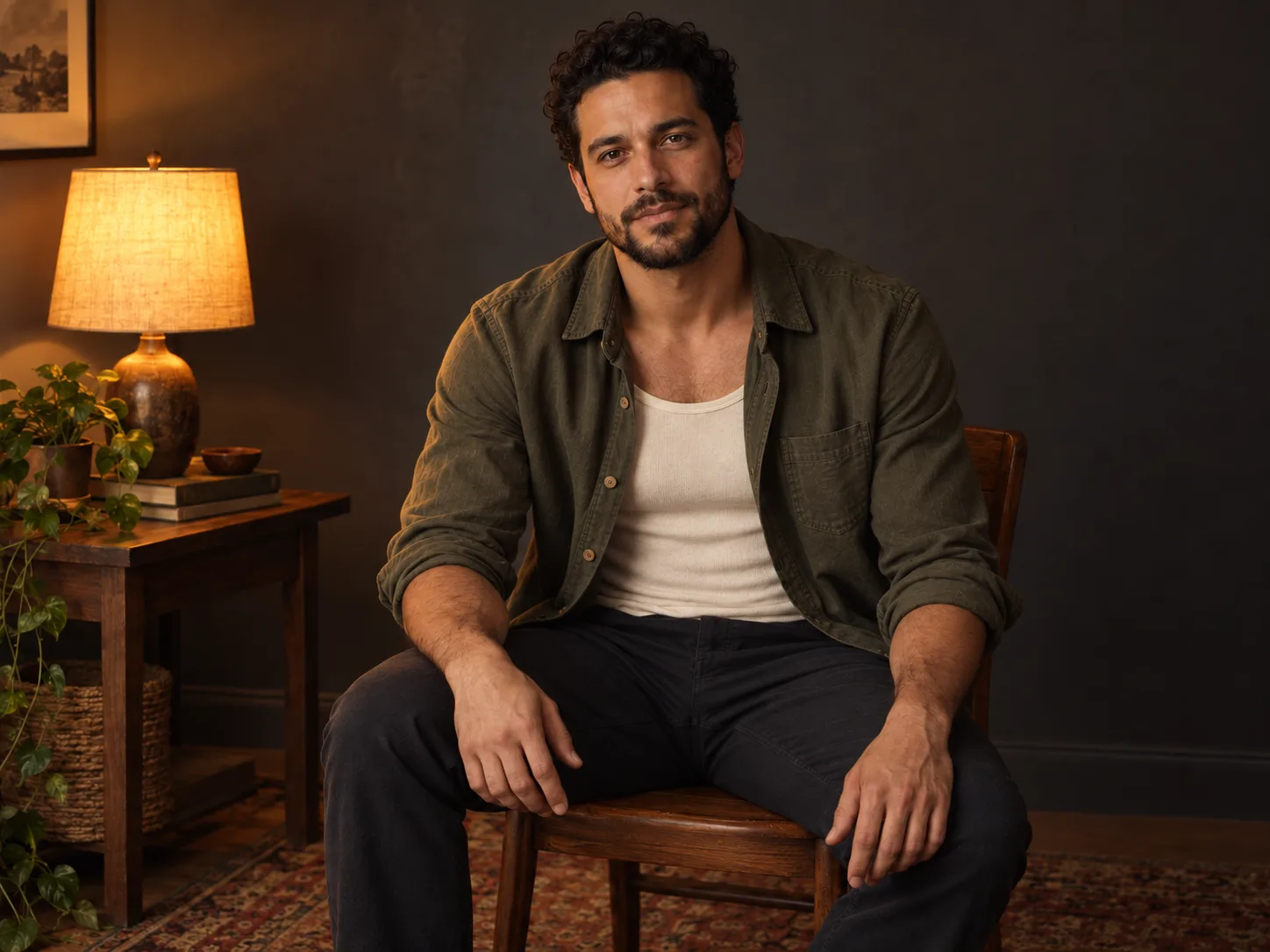
Illustration: separated hand positions and a wider crop give a more concrete instruction than a list of quality adjectives.
Use an AI prompt helper without letting it rewrite your character
A prompt helper can turn a rough idea into a more complete brief. Its useful job is filling missing visual decisions, not adding a new story or silently making the scene more intense.
Try this instruction:
Turn my adult fictional character idea into one concise image prompt. Preserve the stated age, appearance, clothing and action. Clarify framing, light direction and background. Do not introduce extra people, change the character, invent a location or add stronger content. If an essential visual choice is missing, mark it as a choice for me rather than pretending I supplied it.
Read the result before generating. If the helper changes a charcoal shirt to a glossy costume, remove that sentence. If it writes both “full-length” and “close-up,” choose the actual deliverable. Keep your approved character description unchanged across scene variations, while recognizing that text alone still does not lock identity.
A refusal needs a different response from a poor image
If the service explicitly declines a request, a better crop or a longer lighting paragraph is not a reliable answer. Check that service's permitted scope and select a model and interface that support your legitimate adult-oriented task. A subscription, an API key or an “uncensored” label does not establish that every request will be accepted.
If it accepts the request but changes the scene, first check your prompt for contradictions, available settings and any prompt-enhancement feature. A changed outfit or missing prop alone does not prove that a hidden filter caused the difference. If it returns a technical error, solve the reported input or generation problem before treating it as a content refusal.
Start with one character, one readable pose and one main light. Approve the appearance, then vary a single scene decision. The value of a prompt formula is that you know what to change next—and when another paragraph of text is no longer the right tool.