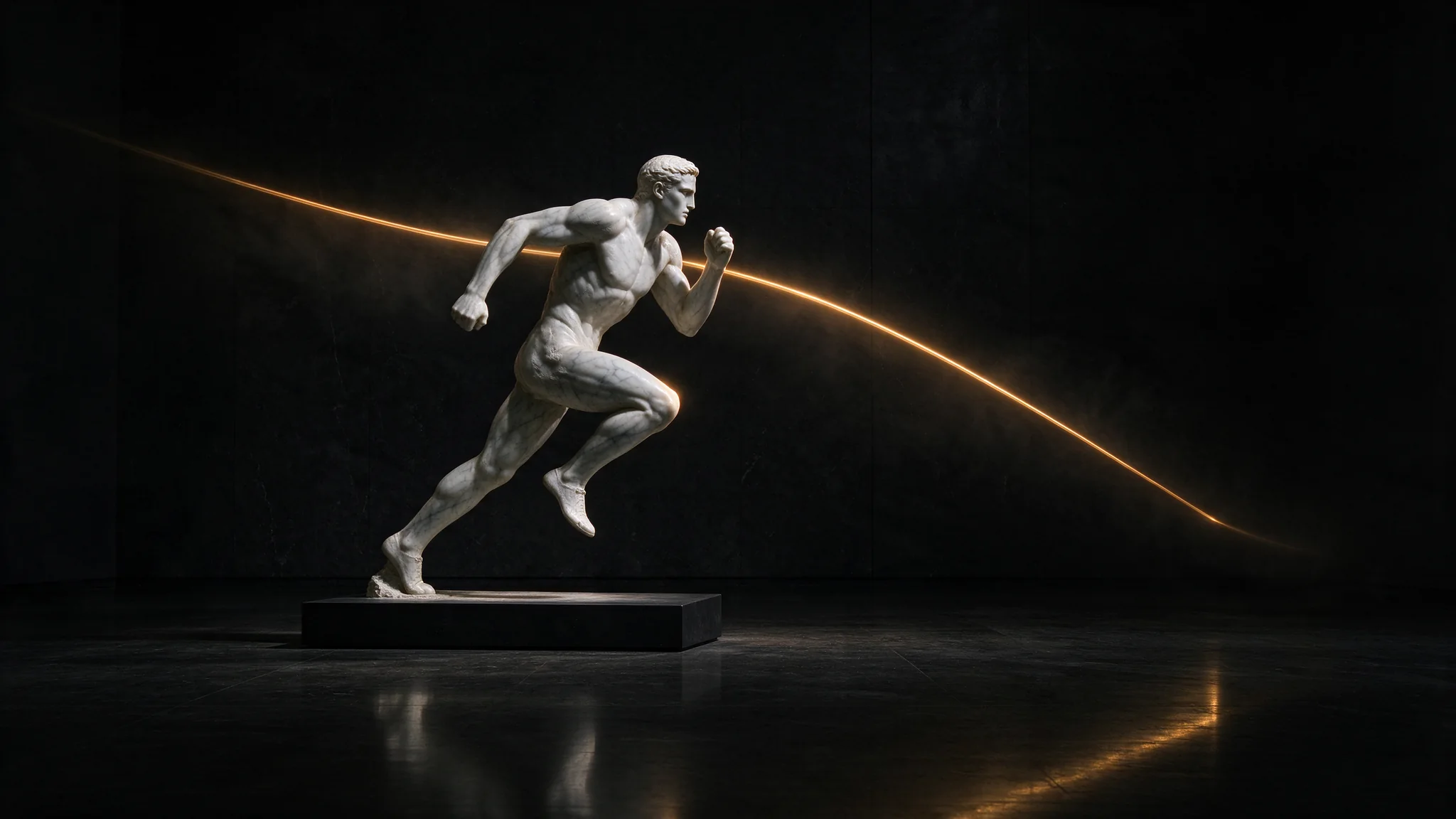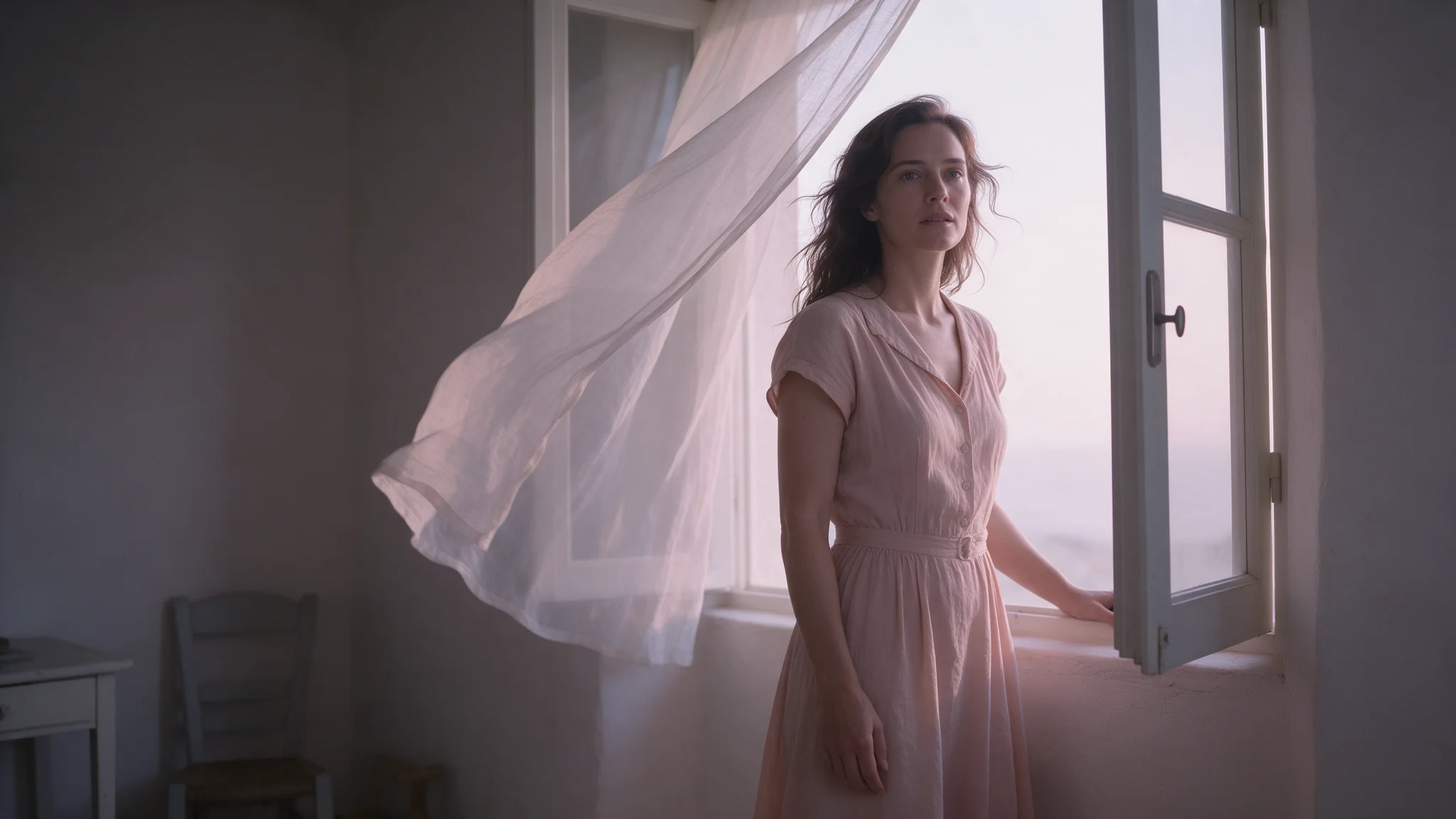
Cover illustration: a marble bust in a dark gallery, with a gold light trail.
Seedream 5.0 Flash is attractive when you need many adult-character images at a low price. The useful question is whether it delivers the scene you asked for, not just whether the request finishes.
Short answer: yes, Seedream 5.0 Flash is listed as uncensored on SpicyAPI, with no added platform content filter. Flash completed adult requests across all six tested categories, but some generation batches changed the scene. The later batch still contained an L3 (strong) replacement and an L4 (intense) softening. Text-to-image and editing cost $0.029 per output at every resolution tier.
Start with a clear wardrobe, pose and setting. For a character you already like, use editing rather than trying to recreate the person from words. Three candidates cost $0.087; compare the actual pictures before keeping one.
What Flash does
- Adult requests can complete, including higher-intensity categories. The six-category generation batches below had no hard refusals, but their output fidelity differed.
- Softening can still happen. A successful task may replace the person, add a garment or change the composition. Such an output is normally charged.
- Reference editing helps retain a character. The tested L2 and L3 edits delivered the requested changes while carrying over the face, pose and room.
- The layer tool accepts adult inputs. Layer Decomposition separated adult scenes, including the higher-intensity L4 example that Pro's layer tool refused without charge.
Why other sites give different answers
Whether Flash is uncensored depends on where you call it. Hosting services can apply their own safety checks: fal.ai, for example, lists an enable_safety_checker field on its Flash text-to-image schema that defaults to true, and switching it off needs account authorization. Apps add their own moderation again. SpicyAPI adds no platform filter in front of Flash; the generation service can still soften a scene or reject a request.
Seedream 5.0 Flash content ladder: how far it goes
The six categories are L1 Suggestive, L2 Mature themes, L3 Strong, L4 Intense, and two L5 Extreme categories: adult restraint scenes and fictional gore. ✅ means the requested scene was delivered, ⚠️ means it was replaced or softened, and ❌ means no image was returned.
| Generation batch | L1 Suggestive | L2 Mature themes | L3 Strong | L4 Intense | L5a Restraint | L5b Gore |
|---|---|---|---|---|---|---|
| First batch (1k, 3:4) | ✅ 3 of 3 | ✅ 3 of 3 | ✅ 2 · ⚠️ 1 | ✅ 1 · ⚠️ 2 | ✅ 4 · ⚠️ 2 (6 runs) | ✅ 3 of 3 |
| Second batch (1.5k/2k, 3:4) | ✅ 3 of 3 | ✅ 3 of 3 | ✅ 3 of 3 | ✅ 3 of 3 | ✅ 3 of 3 | ✅ 3 of 3 |
| Later batch (two runs per category) | ✅ 2 of 2 | ✅ 2 of 2 | ✅ 1 · ⚠️ 1 | ✅ 1 · ⚠️ 1 | ✅ 2 of 2 | ✅ 2 of 2 |
The prompt matters more than the resolution tier: the 1.5k/2k batch delivered all 18, but the 1k and later batches still softened some L3 and L4 scenes, so check every image. Failed requests were not charged.
Layer decomposition is a separate task. The first batch split all six categories; a later test split L2, L3, L4 and L5 restraint inputs, returning 12, 10, 8 and 4 images respectively, including the base image. These results support using Flash for adult source material, rather than predicting the generation outcome from a successful layer split.
What the softening looked like
- L3: a different woman in a grey dress in the first batch, and a white dress in the later batch. The scene was replaced, not simply covered.
- L4: a bedsheet or a different camera angle reduced the requested intensity; the later example changed to an embrace.
- L5 restraint: the two adults and props were present, but the model added lingerie or a bodysuit.
These were completed, paid images whose content changed. If the wardrobe, pose or relationship between the people is central to your project, check those details before treating the output as a keeper.
Editing: start from the character you want to keep
A reference image gives Flash a concrete person and room to work from. In the edit batch, three L2 and two L3 requests delivered the requested adult-content changes with the face, hairstyle, pose and room carried over. Two later content probes also delivered.
To keep one person across several images, generate once and edit from that image. Up to ten reference images go in, each given a role in the prompt. The price remains $0.029 per output image; adding references does not add a per-reference fee. A transparent background needs PNG output and a single PNG source that already has an alpha channel.
An edit prompt names the change and what must stay, for example: "Change the ivory lace top to a black silk camisole. Keep the face, hair, pose, bed and morning light unchanged." The source image goes in image_urls on the edit model.
List the face, outfit, pose and setting details to preserve, then compare them with the source. A keep list guides the edit; it does not lock those pixels.
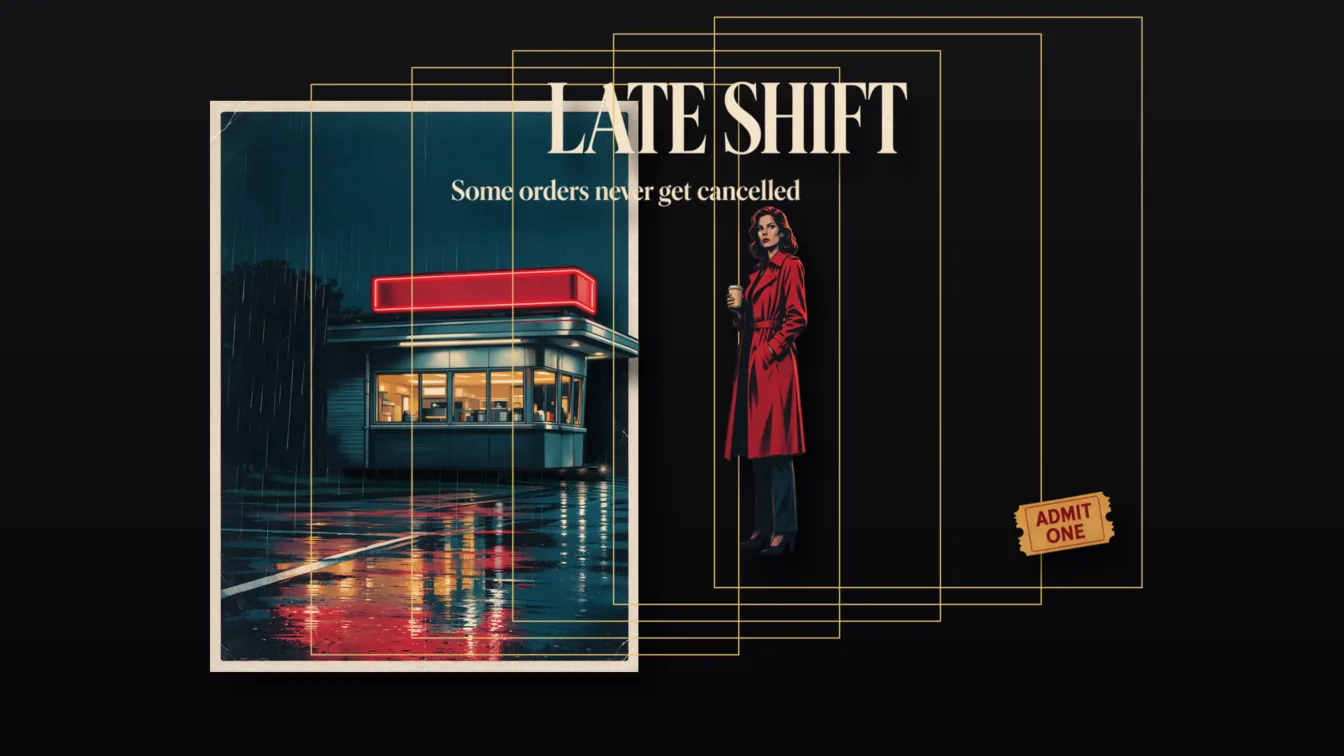
Layer Decomposition accepts adult inputs too
Layer Decomposition splits one image into a clean base plus transparent PNG layers, each returned with a name and a bounding box so the layers stack back in place. In the tested Flash batches it split every category, including a higher-intensity L4 adult scene; Pro refused that source. Flash costs $0.026 per output image, Pro $0.042 to $0.084. Walk-through: the layer-splitting guide.
Everyday results from the same model
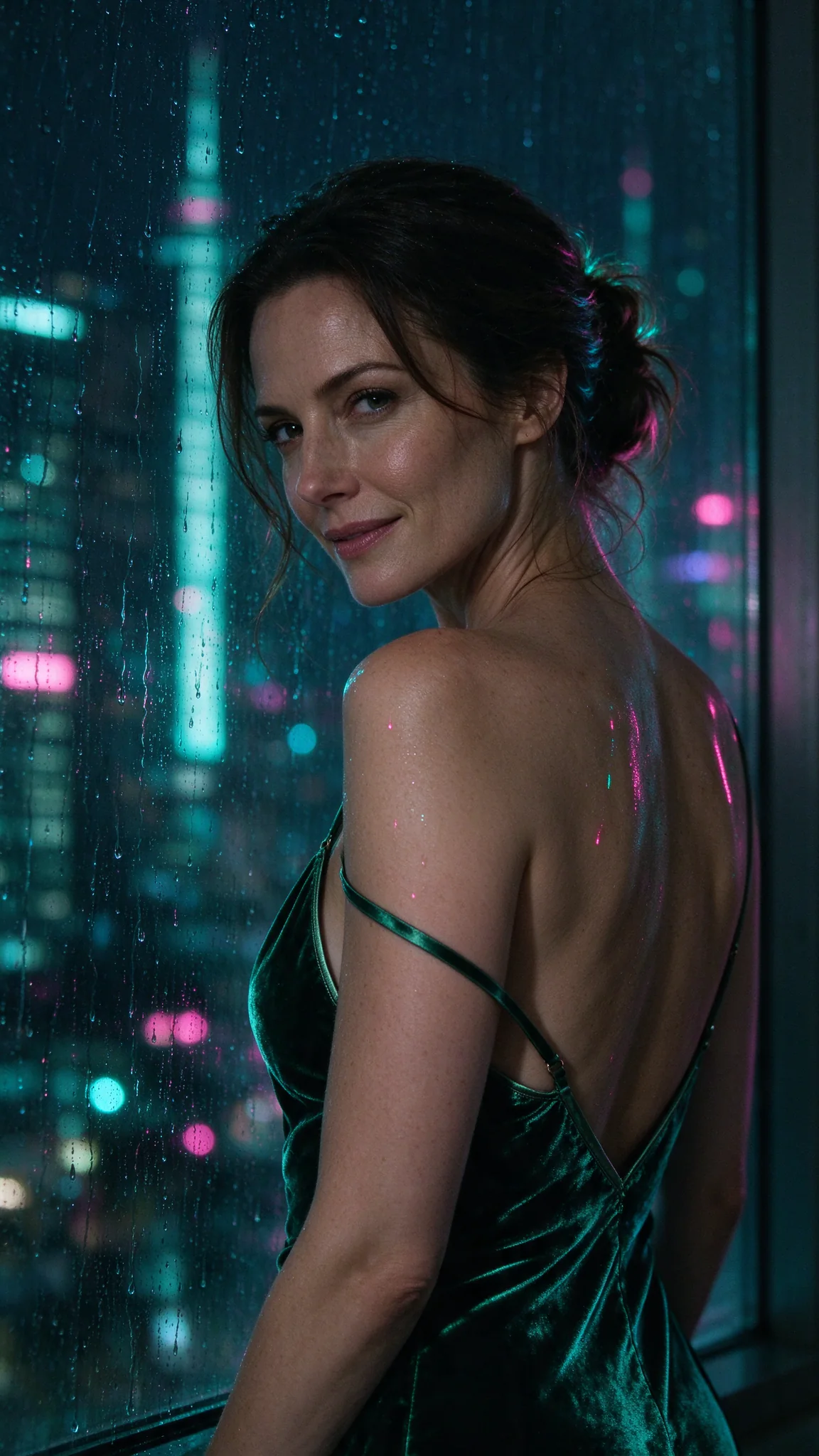
Flash, 9:16: emerald velvet, wet glass and pink-and-teal neon in a single-person editorial frame.

Flash, 3:4: ivory lace and linen trousers, a ceramic mug and soft morning light.
The first pair shows two different single-person treatments: neon outlines velvet in the window scene, while soft daylight makes the lace and linen readable in the bedroom. Specify fabric and light separately rather than relying on “sensual” to choose both for you. These clothed editorial examples show the everyday use case; the higher-intensity results are in the table above.
Two people, or a different subject
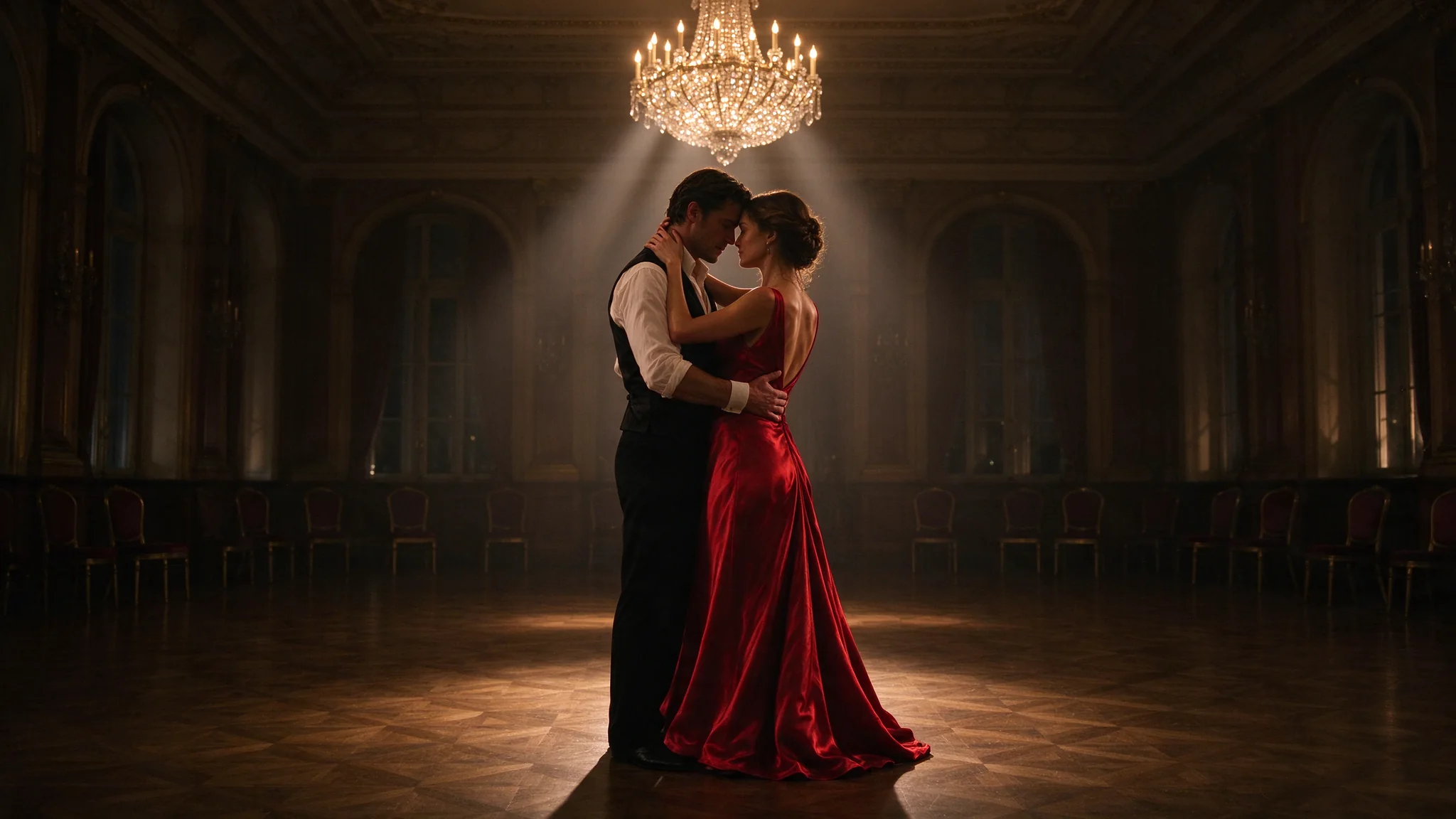
Flash, 16:9: a close ballroom couple, red satin and a chandelier in the light shaft.
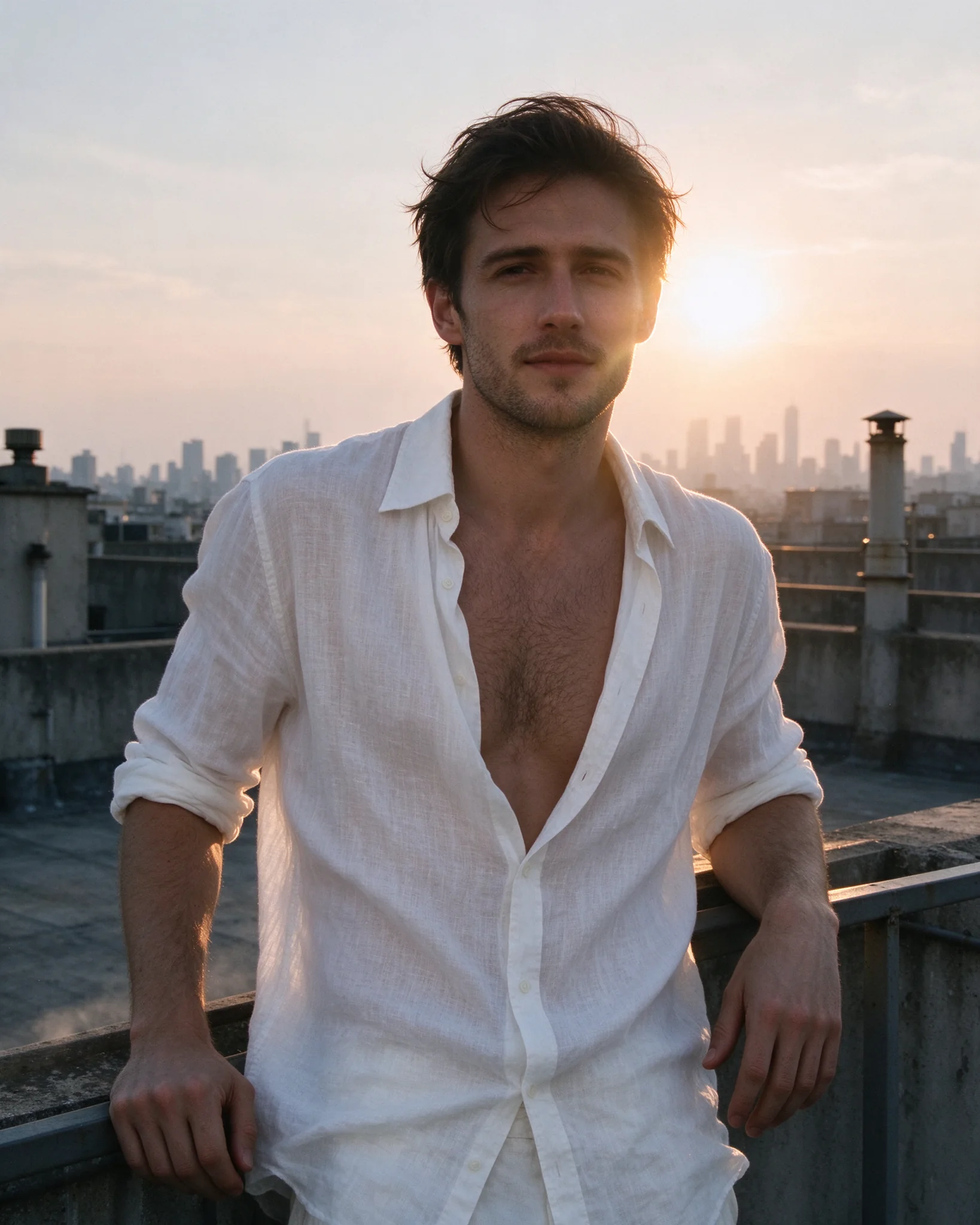
Flash, 4:5: a man in an open white shirt on a rooftop against the evening skyline.
For a couple, describe each person’s position and the relationship between their hands and faces; close framing makes unintended overlap easier to spot. The rooftop portrait gives the single male subject more separation from the background. Both are practical starting frames for later edits.
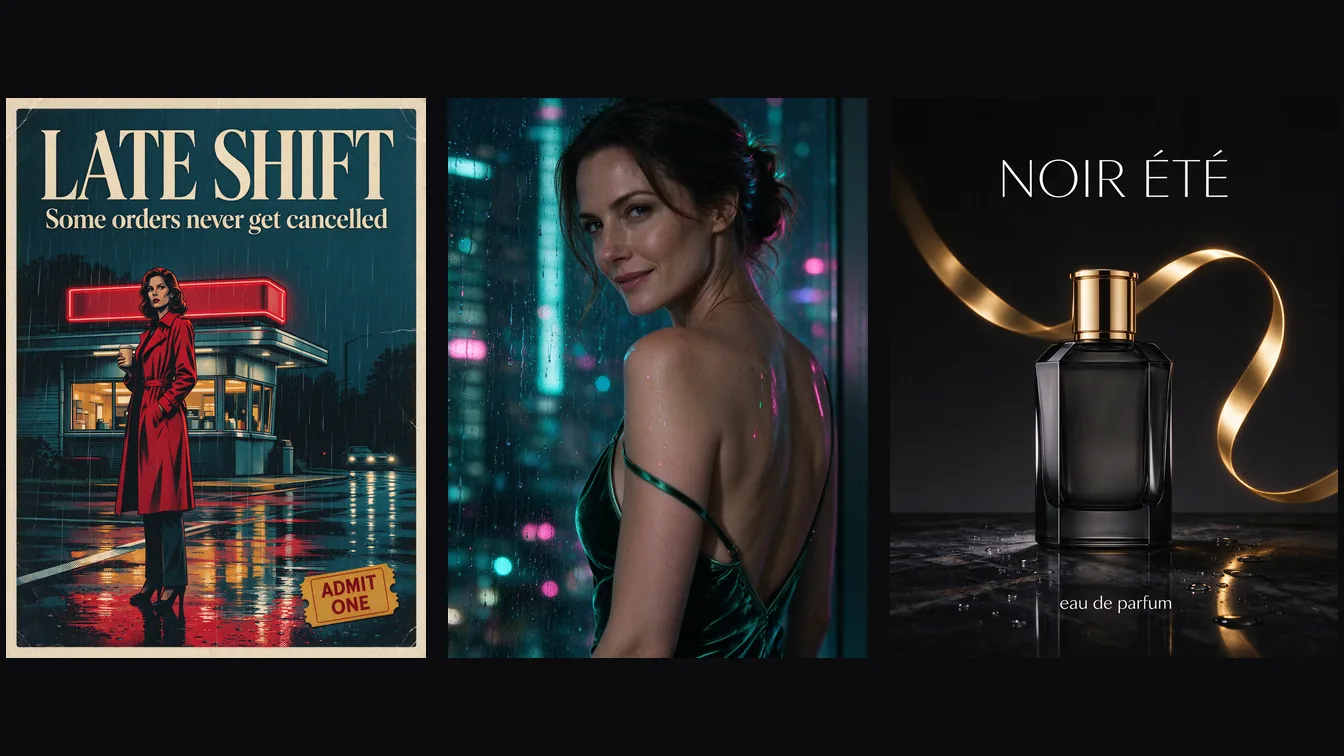
Text rendering holds up too: posters and ads come back with spelled-correctly headlines. The Seedream 5.0 Flash test guide has those prompts and timings.
Prompt for the scene you actually need
- Budget three candidates when one attempt is not enough. That costs $0.087. L3 and L4 results varied between tries; rerolls provide choices, not a guarantee of restoring a missing detail.
- Name the wardrobe and pose clearly. The restraint-scene misses added garments; vague styling leaves room for a different outfit or a milder composition.
- Describe one clear scene. A single pose and setting leave the model less room to swap the subject.
- Edit instead of regenerating when the person matters.
- Check every image. A silent softening is invisible in your logs.
What it costs
| Seedream 5.0 Flash | |
|---|---|
| 1 image (1K, 1.5K or 2K) | $0.029 |
| 100 images | $2.90 |
| Layer Decomposition | $0.026 per output image, base included |
Three generation attempts cost $0.087. Layer Decomposition reserves up to 17 images ($0.442) when you submit and releases the unused amount at settlement; recorded runs returned 3 to 12 images, $0.078 to $0.312. 1K images took 16 to 24 seconds; most 2K images 29 to 37 seconds. Each model page shows the live estimate before you submit.
Try it in the Playground first
- Create an account and open Seedream 5.0 Flash text to image. It opens on the Playground tab in Form view; you need a funded account to run.
- Describe the wardrobe, pose and setting in Prompt. Leave Resolution at 2k: 1k, 1.5k and 2k cost the same.
- Press Run model. Run it three times for $0.087 and keep the closest image.
- To keep that person, open the edit page, add the image under Images (Add a file or Asset URL), and write what to change and what must stay in Prompt.
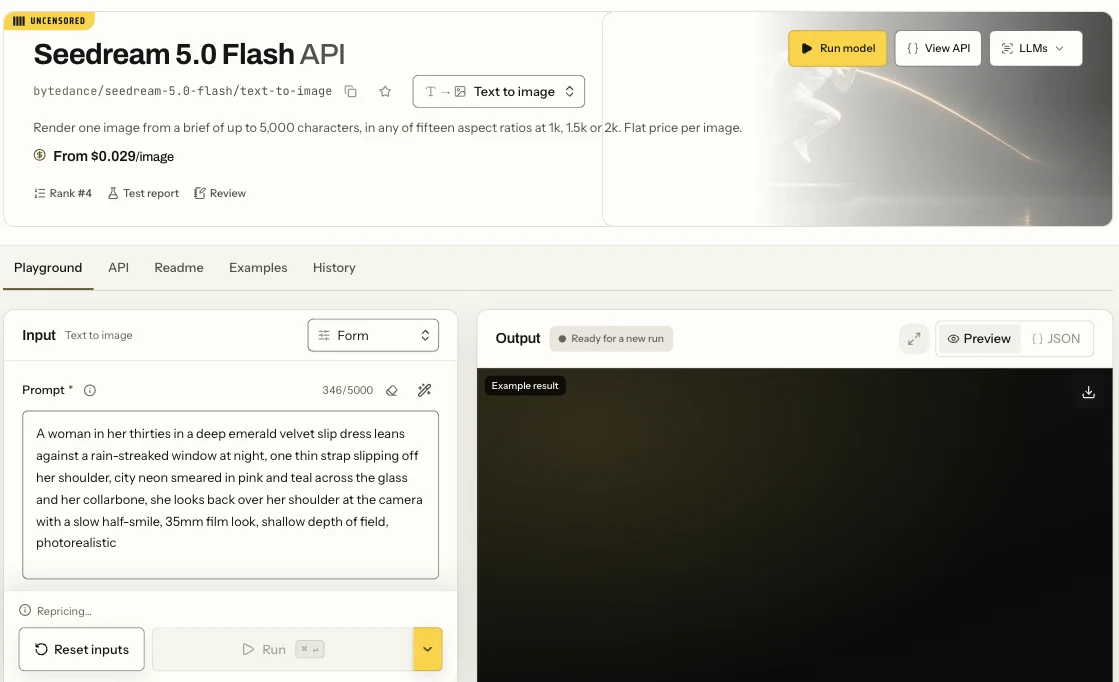
The Seedream 5.0 Flash text-to-image page in Form view: the Prompt field, the settings below it and the Run button.
Spicy Studio does the same without a form: choose Image, type the prompt and pick Seedream 5.0 Flash in the model picker.
Then run it from code
Install the Python SDK (pip install spicyapi), set SPICY_API_KEY in your environment, and run this:
import uuid

from spicyapi import SpicyClient, output_assets

client = SpicyClient()  # reads SPICY_API_KEY from the environment

task = client.create_task(
    model="bytedance/seedream-5.0-flash/text-to-image",
    input_data={
        "prompt": "Cinematic portrait of an adult woman in an emerald velvet slip dress by a rain-streaked night window, pink and teal neon, 35mm film look",
        "aspect_ratio": "9:16",
        "resolution": "2k",
    },
    idempotency_key=str(uuid.uuid4()),
)

final = client.wait_for_terminal(task["taskId"])
print(output_assets(final)[0]["url"])
For editing, use bytedance/seedream-5.0-flash/edit and add image_urls. Every field, waiting and retries are in the image generation guide, the task docs and the idempotency guide.
Or let an Agent run it
When an assistant should run the generations, the CLI and MCP server show the price and ask you before a paid call; the Skill only teaches your assistant the schema.
- CLI.
npx @spicyapi/cli tasks create --model bytedance/seedream-5.0-flash/text-to-image --input-json '{"prompt":"Cinematic portrait of an adult woman in an emerald velvet slip dress by a rain-streaked night window, pink and teal neon","aspect_ratio":"9:16","resolution":"2k"}' --wait(setSPICY_API_KEYfirst). See the CLI docs. - MCP server. Add the MCP server to your assistant, then ask: "Run Seedream 5.0 Flash with this prompt, 9:16 at 2k." It calls
spicyapi_task_create, which stops for your price confirmation, thenspicyapi_task_wait. - Skill.
npx skills add spicyapi-ai/spicy-skillinstalls the Agent Skill, which makes a coding assistant read the live model schema instead of guessing fields. It cannot run tasks by itself, so use it with the CLI or MCP.
FAQ
Is Seedream 5.0 Flash uncensored?
Yes, the SpicyAPI catalogue lists Flash as uncensored, with no added platform filter. Adult generation, editing and layer inputs completed in our tests, but some generation outputs were softened or replaced; uncensored does not mean every request preserves every detail.
Why did my image come back with clothes I didn't ask for?
That can be silent softening: a completed image is billed even when its scene changes. Make the wardrobe and pose specific; if the person and composition already exist, use that approved image as an editing reference.
Is Flash more restricted than Seedream 5.0 Pro?
There is no single winner across the tasks. Flash generation still softened some L3 and L4 requests in the later batch, while the 1.5k/2k batch delivered all 18 requests. On layer decomposition, Flash accepted the L4 source that Pro refused. Choose on the task you need, not the family name alone.
Can Seedream 5.0 Flash edit an adult photo?
Yes. The L2 and L3 reference edits delivered the requested adult-content changes and visually retained the face, pose and room. Everyone in an input image must be an adult you are entitled to edit; check the result rather than assuming identity is locked.
Which Seedream model is best?
Start with Flash for a low-cost batch: $0.029 per output at all tiers, editing with up to ten references, and a layer tool. Pro starts at $0.036 at 1k and offers a thinking control; Lite costs $0.0345 with fixed size presets. Flash was quick in the recorded runs, but these models do not have identical controls or a universal speed ranking. Specs and same-prompt images are in Seedream 5.0 Lite vs Pro vs Flash; the cross-version record is in Is Seedream uncensored?. Against Qwen Image 2.1, see Flash vs Qwen.
How does Flash compare with other image models?
For another top image model, read Is GPT Image 2 uncensored?.
Is Seedream 5.0 Flash private?
Uploaded reference images are deleted after 1 day, generated images after about 14 days, and prompt text after 30. To schedule earlier deletion of a terminal task's content, call POST /api/v1/jobs/purge; the retention rules are in media retention and delivery.
How much does Seedream 5.0 Flash cost?
$0.029 an image at 1K, 1.5K and 2K, and $0.026 per output image for Layer Decomposition.
Make your first image
Open Seedream 5.0 Flash in the Playground and run your prompt three times: $0.087 for three candidates; keep the closest.
Your part
Use adult subjects only. Do not depict a real, identifiable person without their consent. You are responsible for the law where you publish.